

.png)

Creating content for social media platforms means you're constantly looking for ways to repurpose existing videos without spending hours in complex editing software. Whether you're a content creator who wants to turn long-form YouTube videos into bite-sized clips for TikTok, Instagram Reels, or YouTube Shorts, or you simply need to save specific segments from your favorite videos, having the right YouTube video trimmer and downloader tool makes all the difference. The challenge is finding software that's both powerful enough to handle your editing needs and simple enough that you don't need a film degree to use it. In this guide, we'll walk through the ten best YouTube video trimmer and downloader tools available in 2025, covering everything from AI-powered clipping solutions to straightforward browser-based cutters that get the job done in seconds.
1. LiveLink AI YouTube Video Trimmer and Downloader

LiveLink AI stands out as the most complete solution for creators who need to trim and download YouTube videos without the hassle of complicated software. This platform goes beyond basic cutting by offering AI-powered features that help you identify the best moments in your videos automatically. What makes LiveLink particularly valuable is its direct YouTube channel integration, meaning you can connect your account once and access all your videos without hunting for URLs every time. The tool is built specifically for content creators who repurpose long-form content into short clips for different platforms, making it perfect for podcasters, educators, and social media managers who need to work fast.
Key Features:
- Direct YouTube channel connection for instant access to all your videos
- AI-powered clipping that identifies engaging moments automatically
- Built-in scheduling feature to automate posting across multiple platforms
- No watermarks on downloaded videos, maintaining professional quality
2. Kapwing YouTube Video Cutter
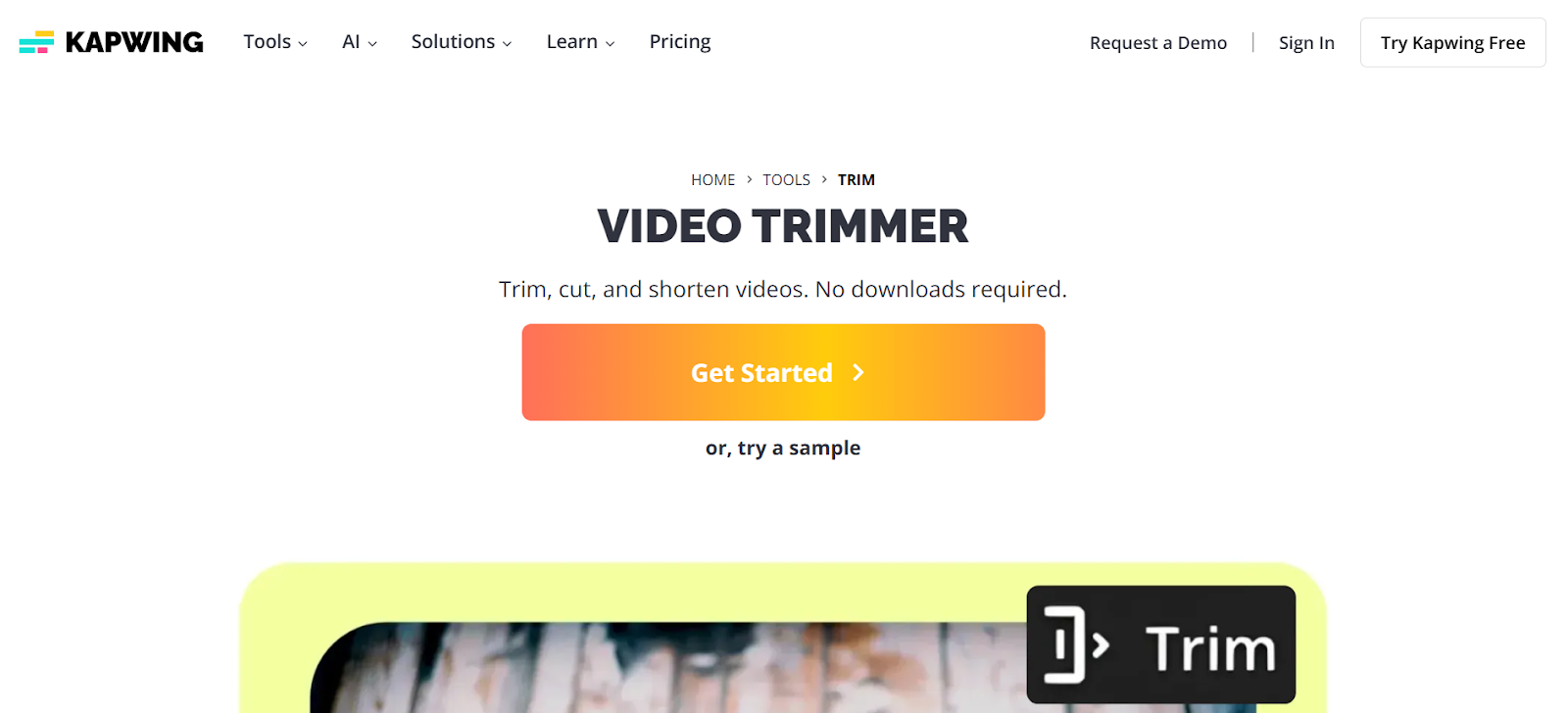
Kapwing has built a reputation as one of the most versatile online video editing platforms, and their YouTube video cutter lives up to that standard. This web-based tool lets you upload videos directly from YouTube via URL or from your device, giving you flexibility in how you work. The platform shines when you need more than just basic trimming because it includes features like subtitle generation, background removal, and the ability to add text overlays. Content creators who need to make their clips more engaging will appreciate the range of editing options available. Kapwing works entirely in your browser, so there's no software to download, and the interface is clean enough that beginners can start cutting videos within minutes.
Key Features:
- Full video editing suite beyond just trimming and downloading
- Supports multiple video formats including MP4, WebM, and MOV
- Collaborative features that let teams work on the same project
- Free tier available with Kapwing watermark, paid plans start at $16/month
3. SliceTube
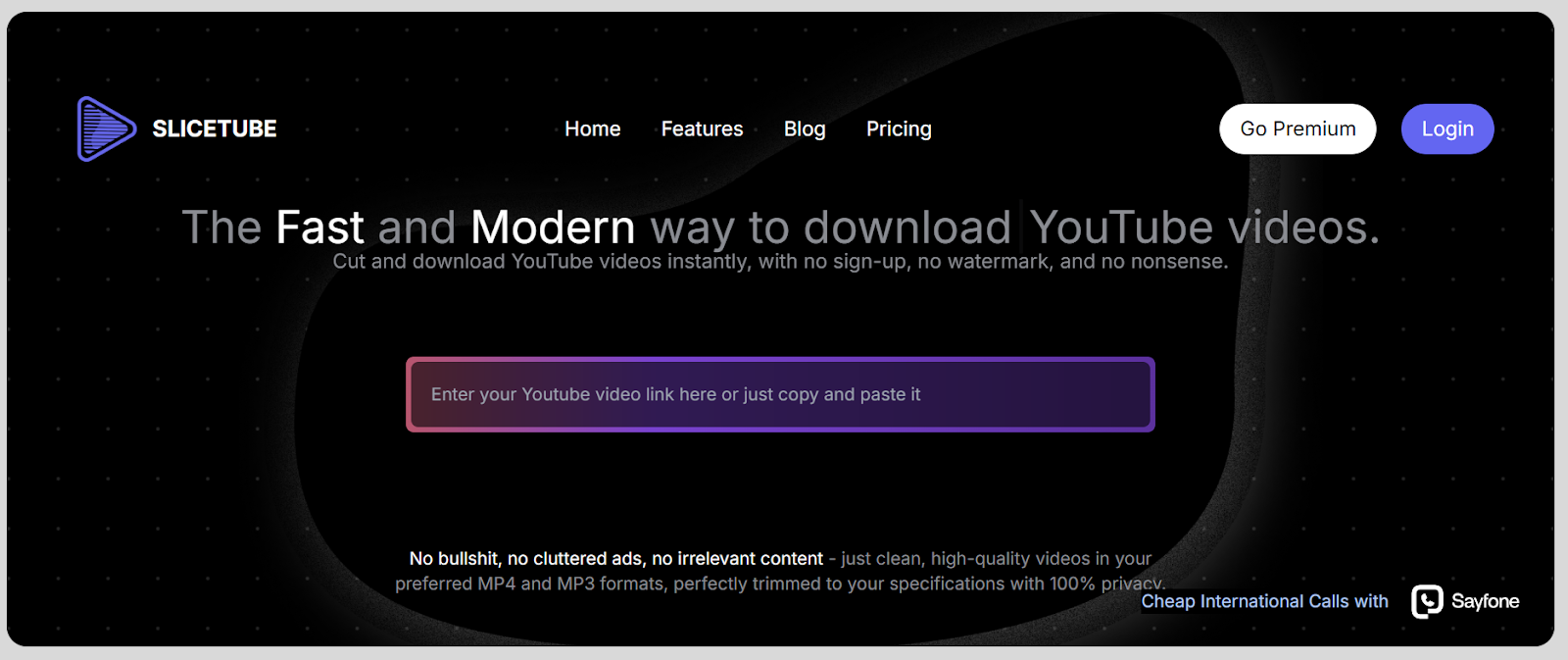
SliceTube approaches YouTube video trimming with a modern, minimalist philosophy that prioritizes speed and quality. This platform delivers on its promise of being fast and modern, allowing you to cut and download YouTube videos up to 4K resolution without any registration requirements. What sets SliceTube apart is its clean interface that's completely free from cluttered ads and irrelevant content, giving you a professional working environment. The tool supports multiple formats including MP4, MP3, and WEBM, and processes videos with dedicated CPUs for faster rendering times. For creators who value their privacy and want high-quality downloads without watermarks, SliceTube delivers exactly what's needed.
Key Features:
- Downloads videos in up to 4K resolution for premium quality
- No sign-up required and completely watermark-free downloads
- Supports MP4, MP3, and WEBM formats for versatile exports
- Clean, ad-free interface with 100% privacy protection
4. Clips Cutter
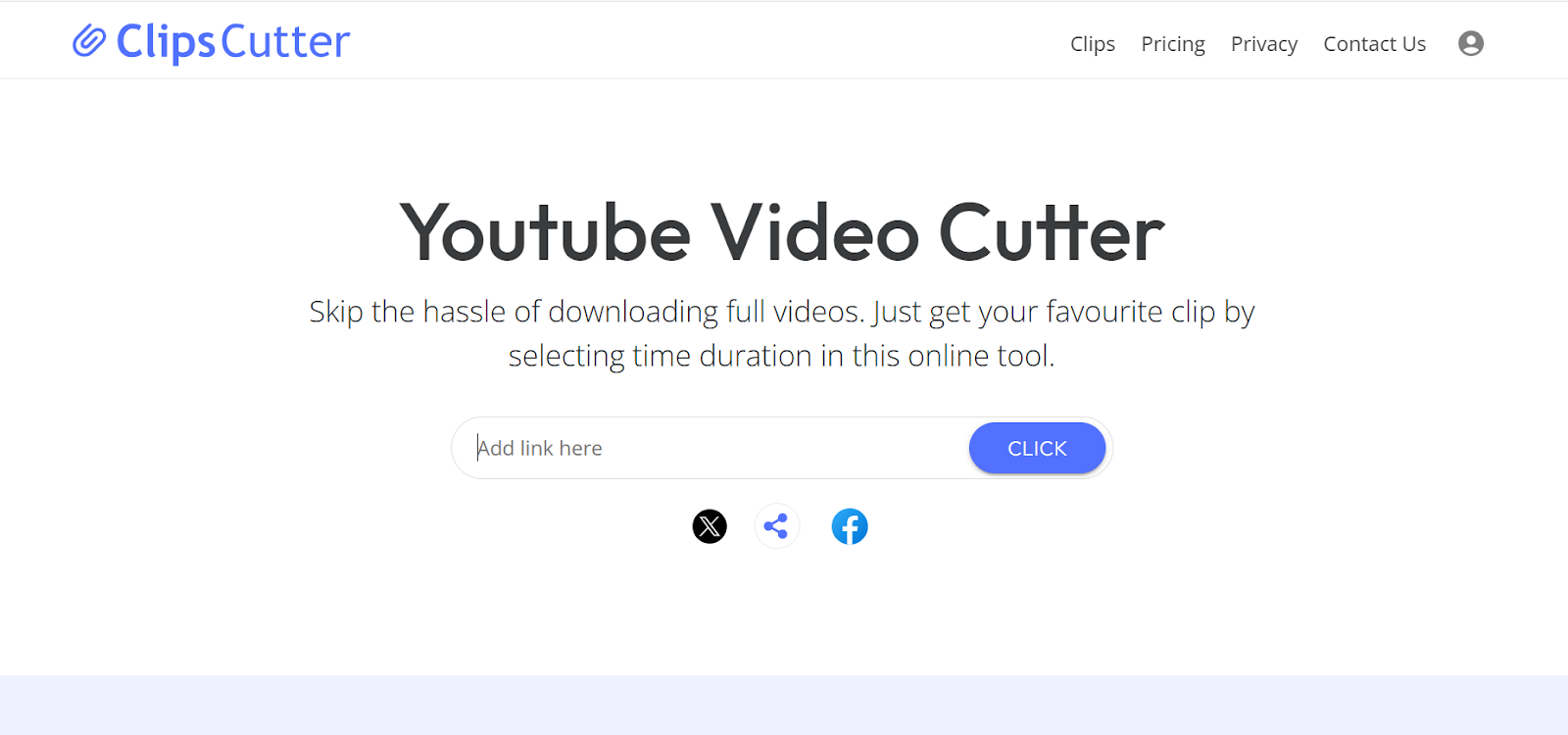
Clips Cutter specializes in helping you extract specific segments from full-length videos without the bandwidth-consuming process of downloading entire files first. This online tool focuses on simplicity and efficiency, letting you select your desired time duration and download only the clip you need. The platform's quick processing capabilities mean you can create clips in seconds, and the HD quality output ensures your content looks professional. Clips Cutter's clean interface makes it accessible for anyone, from students saving educational content to marketers creating promotional clips. The tool saves you bandwidth by only downloading the portions you actually want, making it particularly useful for users with limited internet connections.
Key Features:
- Lightning-fast processing that creates clips in seconds
- HD quality downloads in MP4, WEBM, MP3, and M4A formats
- Bandwidth-saving technology that only downloads selected clips
- Videos available for 24 hours with support for multiple clips from same source
5. Flixier YouTube Trimmer
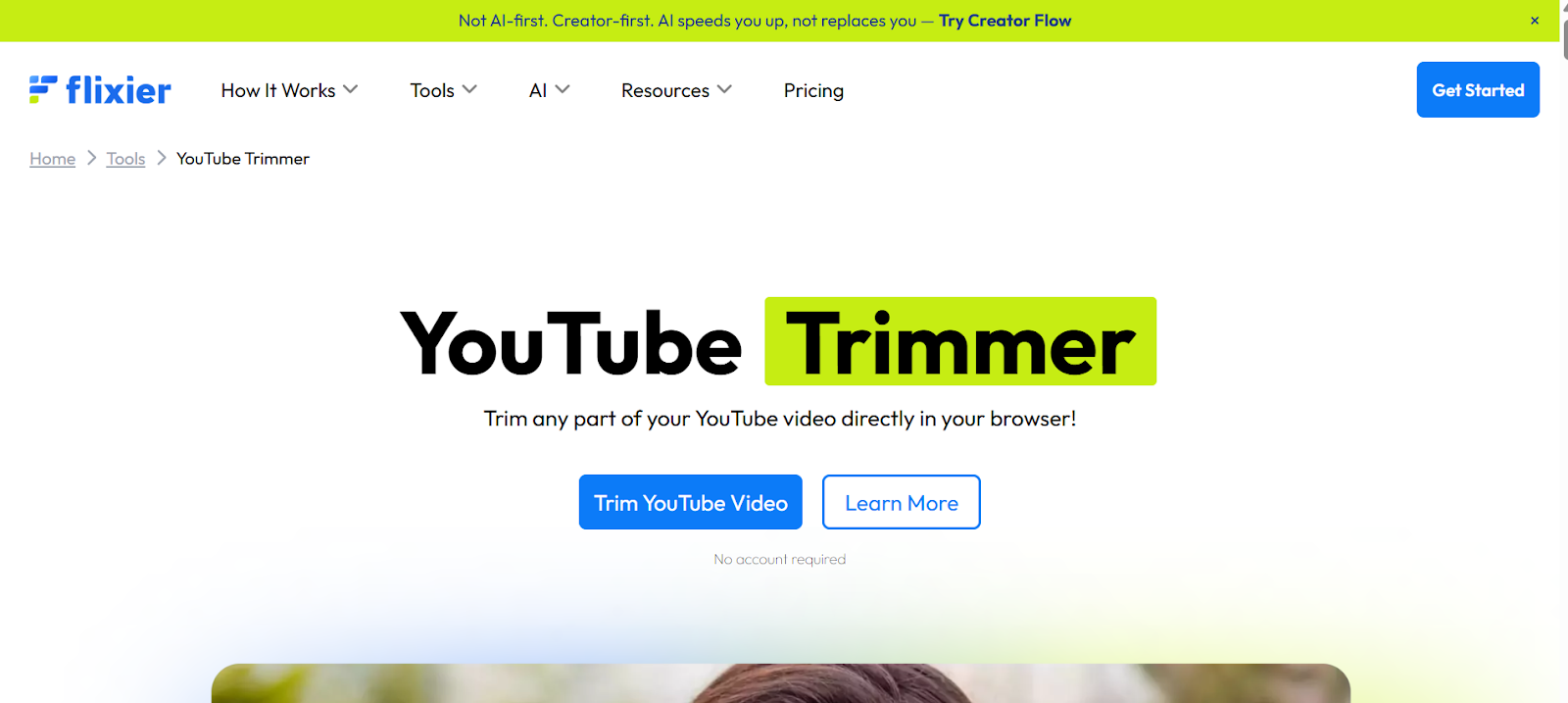
Flixier brings professional-grade video editing capabilities to your browser with their YouTube trimmer tool. This cloud-powered platform stands out because it combines trimming and downloading with a full suite of editing features that rival desktop software. You can paste YouTube links directly, trim videos with precision, and then add captions, transitions, effects, and voiceovers all in the same workspace. Flixier's cloud-rendering system means you get blazing-fast processing speeds regardless of your computer's specs. The platform is particularly valuable for creators who want to trim YouTube content and then publish it directly to multiple social media platforms without leaving the browser.
Key Features:
- Cloud-based rendering for fast processing on any device
- Complete video editing suite with captions, effects, and transitions
- Social media safe zones for perfect framing on Instagram, TikTok, and YouTube Shorts
- Direct publishing to YouTube and other platforms from the same dashboard
6. VEED IO Video Cutter
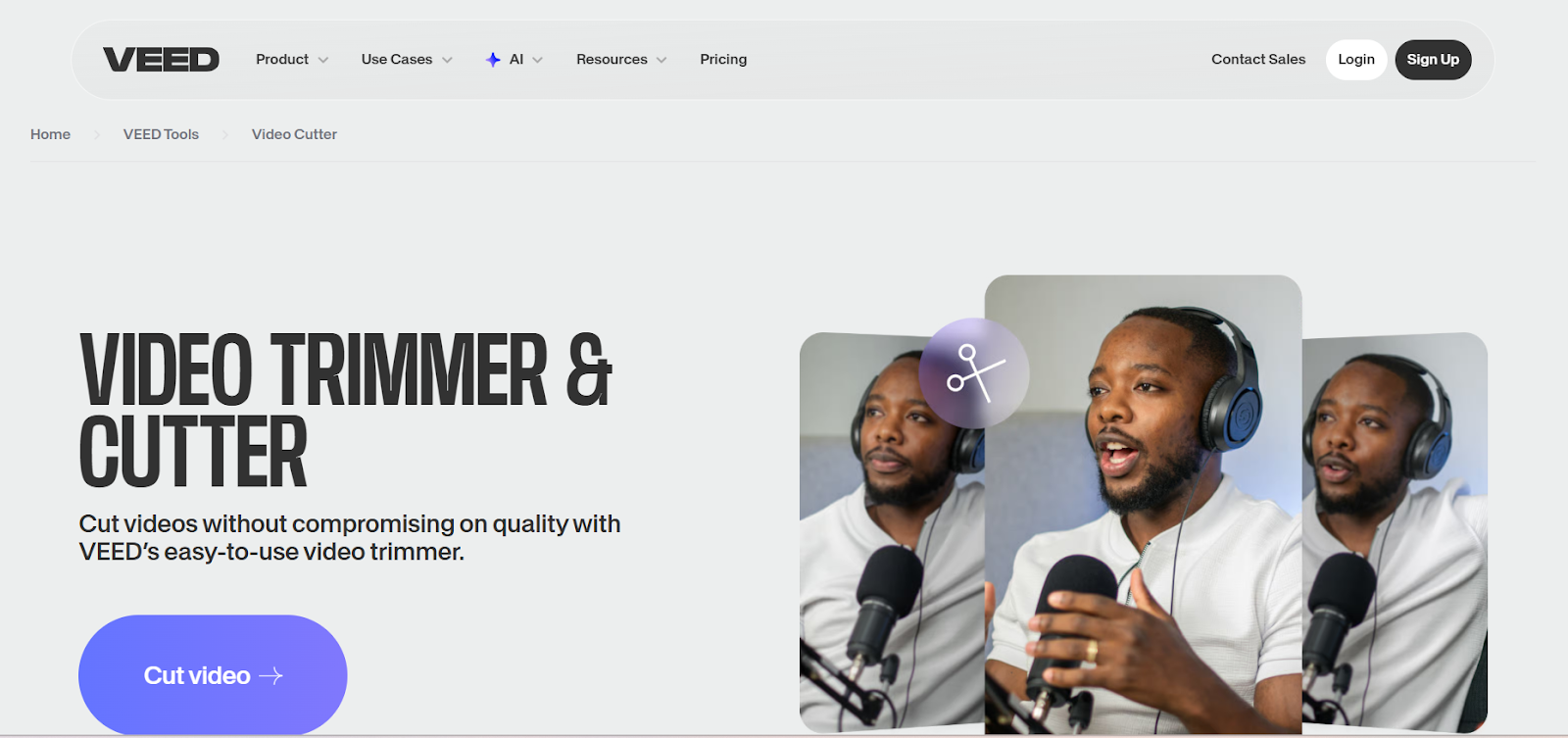
VEED IO has established itself as a powerful online video editing platform, and their video cutter tool brings that same quality to YouTube trimming. This browser-based editor features both manual cutting and AI-powered Magic Cut functionality that automatically removes silences and dead space from your videos. VEED IO goes beyond simple trimming by offering features like automatic subtitle generation, video compression, and format conversion all in one place. The platform is particularly useful for social media content creators who need to quickly edit and repurpose YouTube videos for different platforms with varying aspect ratio requirements.
Key Features:
- AI Magic Cut automatically removes silences and improves pacing
- Full HD 1080p exports with watermark-free options on paid plans
- Automatic subtitle generation supporting over 130 languages
- Pricing starts at $12/month with a free tier available
7. AI Video Cut
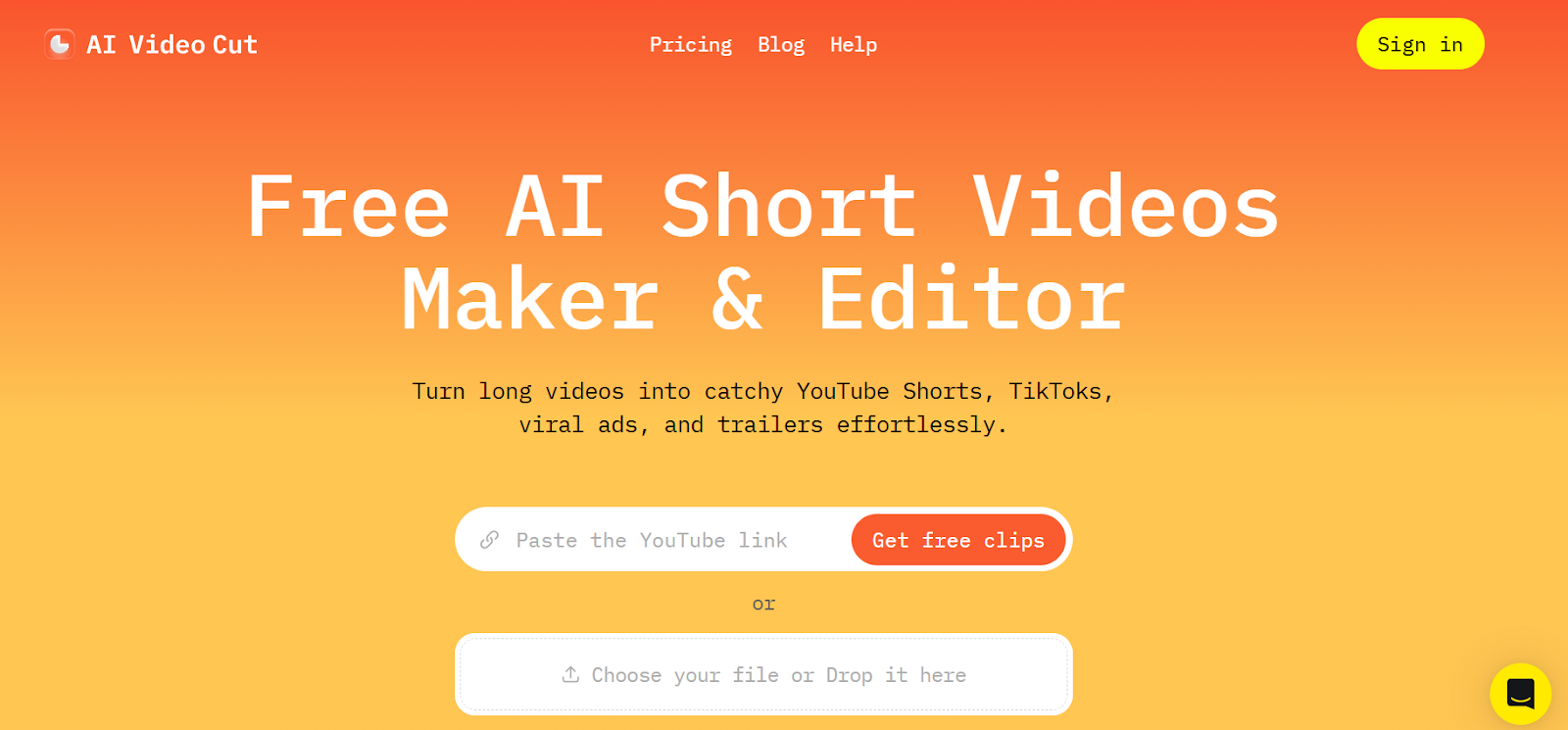
AI Video Cut takes a prompt-based approach to video clipping that feels futuristic and incredibly efficient. This tool uses artificial intelligence to understand your text prompts and automatically create clips based on what you're looking for, whether that's trailers, testimonials, product highlights, or viral content. The platform supports videos in any language and can detect speaker faces to keep them perfectly framed in the shot. AI Video Cut is particularly valuable for creators who work with interview content, podcasts, or educational videos where AI can identify the most engaging segments faster than manual editing. The tool exports in multiple aspect ratios including 9:16 for vertical content and offers various caption styles to grab viewer attention.
Key Features:
- AI-powered prompt system creates clips automatically based on text instructions
- Smart crop and face detection keeps speakers perfectly framed
- Multilingual support works with videos in any language
- Flexible export options with 9:16, 4:3, 1:1, or original aspect ratios
8. Clipchamp
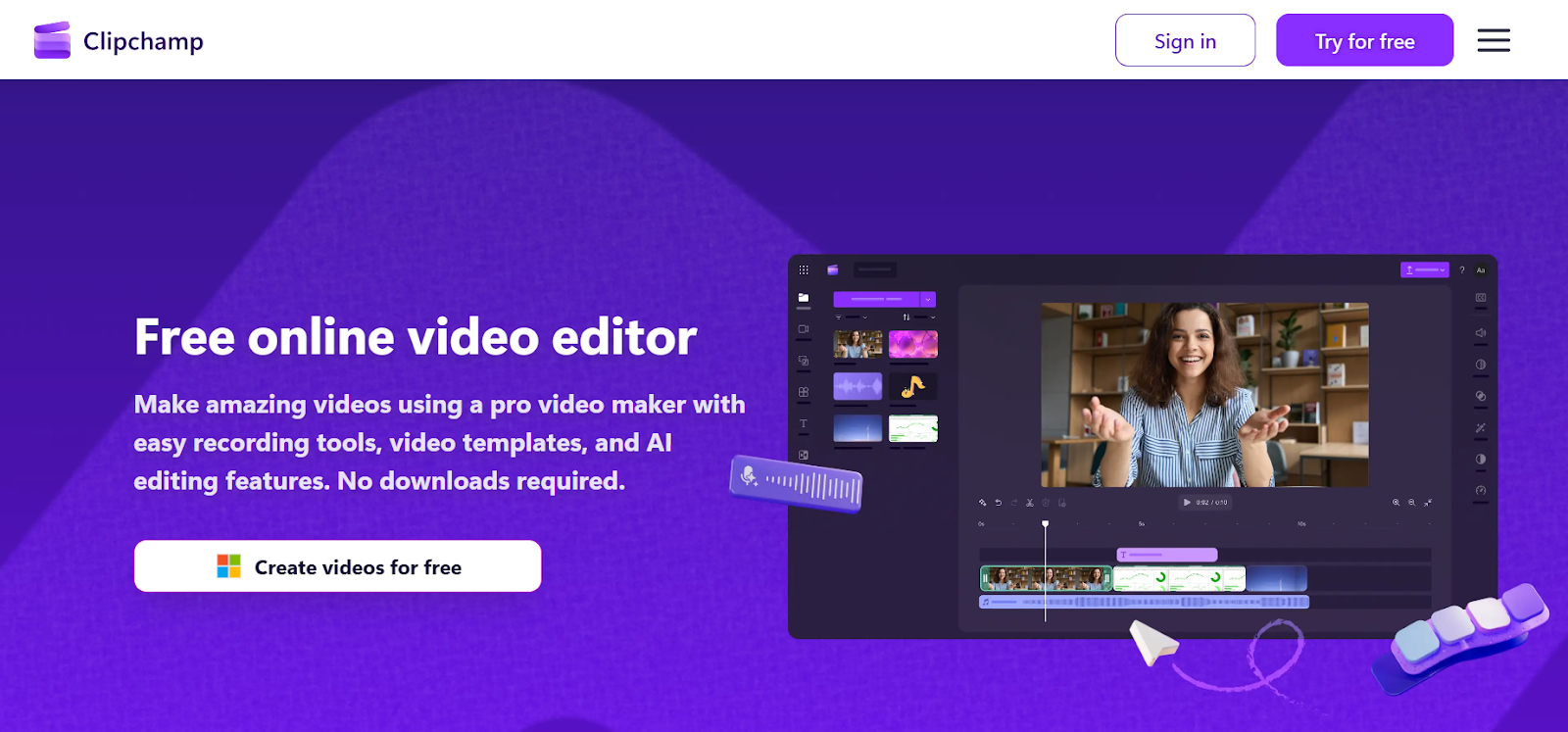
Clipchamp has become Microsoft's official video editing solution and brings professional features to YouTube video trimming through your browser. This platform processes videos locally on your device, which means faster rendering and better privacy since your content never leaves your computer during editing. Clipchamp includes AI-powered features like automatic silence removal and smart cropping that save hours of manual work. The tool is built into Windows 11 and also available free on all platforms via web browser, making it accessible regardless of your operating system. For creators who want a powerful editor that handles everything from trimming to adding royalty-free music and stock footage, Clipchamp delivers incredible value.
Key Features:
- Built into Windows 11 with free web access on all platforms
- AI-powered silence removal and automatic cropping features
- Extensive royalty-free stock library with music, videos, and images
- Exports up to 1080p on free plan with no watermarks
9. Vizard AI YouTube Clip Maker
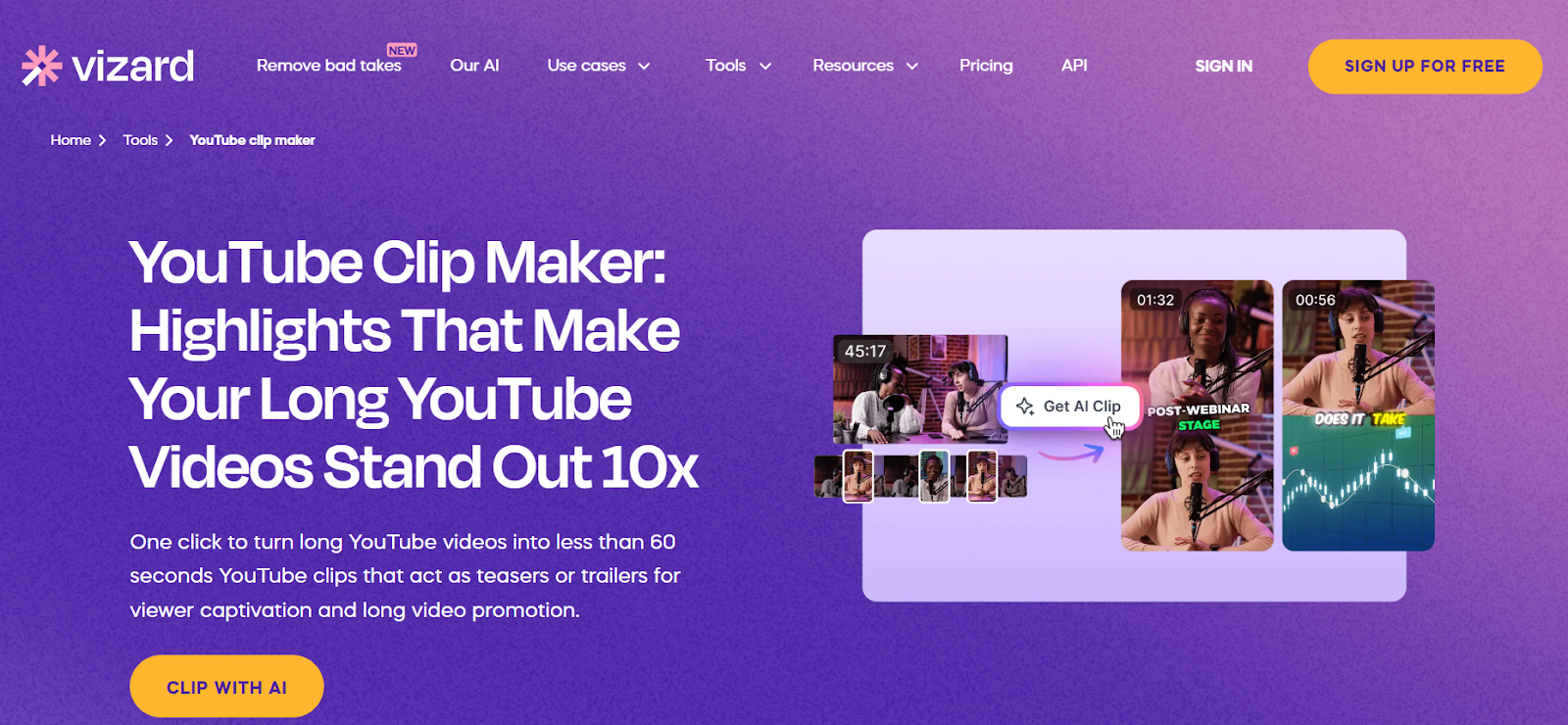
Vizard AI specializes in turning long-form videos into viral short clips using artificial intelligence to identify the most engaging moments. This platform is built specifically for content creators who need to repurpose YouTube videos, podcasts, and webinars into short-form content for social media. Vizard analyzes your video content and automatically generates multiple clips with suggested captions, transitions, and optimal timing. The tool supports exports up to 4K resolution and includes social media scheduling features so you can automate your posting workflow. With a free plan offering 60 upload minutes per month, Vizard makes it easy to test the platform before committing to a paid subscription.
Key Features:
- AI analyzes content and automatically creates viral-ready clips
- Supports exports up to 4K resolution with customizable branding
- Social media scheduling for automated posting across platforms
- Free plan includes 60 upload minutes monthly, paid plans start at $14.50/month
10. Gling AI
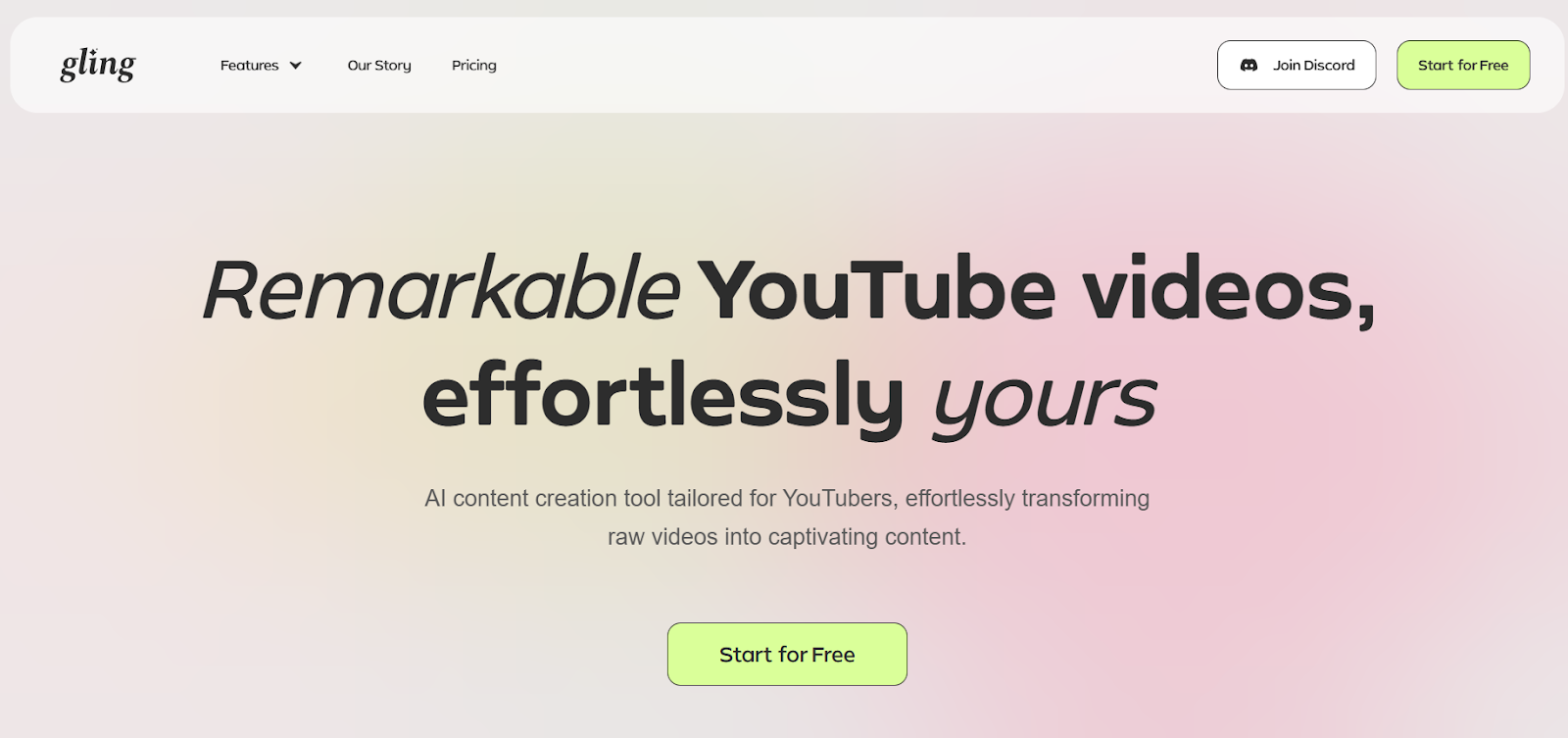
Gling AI represents a different approach to YouTube video editing by focusing on removing everything you don't want rather than just cutting what you do. This AI-powered tool automatically removes bad takes, silences, and filler words from your raw footage, leaving you with clean, polished content ready for publishing. Gling is specifically tailored for YouTube creators who record talking-head videos, tutorials, or vlogs where maintaining viewer engagement is critical. The platform generates AI-powered titles and chapters that perform well on YouTube's algorithm and seamlessly integrates with professional editors like Final Cut Pro, DaVinci Resolve, and Adobe Premiere. For creators who want to save up to 75% of their editing time, Gling delivers remarkable results.
Key Features:
- Automatically removes bad takes, silences, and filler words using AI
- Generates YouTube-friendly titles and chapters for better performance
- Integrates with Final Cut Pro, DaVinci Resolve, and Adobe Premiere
- Pricing starts at $15/month with a free tier offering 1 hour monthly
Which YouTube Video Trimmer and Downloader Should You Choose?
Picking the right YouTube video trimmer and downloader depends on what you actually need to accomplish. If you're a content creator who regularly repurposes YouTube content for social media platforms, AI-powered tools like LiveLink AI, Vizard AI, or AI Video Cut will save you hours of manual work by automatically identifying the best moments in your videos. For users who need desktop-quality editing in their browser with the fastest processing speeds, Flixier's cloud-rendering system makes it worth considering.
Those who value simplicity and speed over advanced features will find tools like SliceTube or Clips Cutter perfectly suited to their needs. And if you're creating talking-head content for YouTube and want to remove all the awkward pauses and filler words automatically, Gling AI specializes in exactly that problem.
The best approach is to identify your primary use case first. Are you creating short-form content from long videos? Do you need AI to help identify the best moments? Are you working solo or with a team? Once you know what matters most in your workflow, the right tool becomes clear.
Start Creating Better Content with LiveLink AI
Ready to transform how you work with YouTube videos? LiveLink AI's YouTube video trimmer and downloader takes the complexity out of content repurposing while giving you professional-grade results. The platform's direct YouTube integration means you can start trimming and downloading videos in seconds, and the AI-powered features help you create better content faster than manual editing ever could.
Whether you're building a clip channel, repurposing podcast episodes, or creating social media content that actually performs, LiveLink AI has the tools you need. Try the platform today and see how much faster content creation becomes when you're working with the right tools. Your audience is waiting for great content—now you can deliver it without the time-consuming editing process holding you back.
Frequently Asked Questions
Can I trim YouTube videos without downloading them first?
Yes, most modern YouTube video trimmer tools work directly with YouTube URLs, meaning you can trim videos without downloading the full file to your device first. These tools process the video on their servers, letting you select specific segments and then download only the trimmed portion. This saves storage space and speeds up your workflow significantly compared to downloading entire videos before editing them.
Are YouTube video trimmers legal to use?
Using YouTube video trimmers for personal use or to repurpose your own content is generally acceptable. However, downloading and using copyrighted content without permission from the creator violates YouTube's terms of service and potentially copyright laws. Always ensure you have the right to use any content you download, whether through ownership, proper licensing, or fair use provisions that apply to your specific situation.
What video formats work best for social media after trimming?
MP4 format with H.264 encoding works best for most social media platforms because it balances quality and file size effectively. For maximum compatibility, use 1080p resolution for standard posts and 1080x1920 (vertical format) for stories and short-form content on platforms like TikTok, Instagram Reels, and YouTube Shorts. Most trimmer tools automatically export in these formats, but it's worth checking your settings before downloading.
Do free YouTube video trimmers add watermarks to downloaded videos?
This varies by tool. Some free YouTube video trimmers like SliceTube and Clips Cutter don't add watermarks at all, while others like Kapwing include their branding on free tier exports. Tools like VEED.IO and Vizard AI require paid plans for watermark-free videos. Always check the tool's specific policies before relying on it for professional content. If watermark-free exports matter to your workflow, consider tools like LiveLink AI that offer clean downloads without branding.
Can I trim videos longer than 10 minutes with these tools?
Most YouTube video trimmer tools handle videos of any length, though processing times increase with video duration. Some web-based tools might have time limits on their free tiers. For example, Vizard AI offers 60 upload minutes monthly on free plans, while Gling AI provides 1 hour of media processing on their free tier. If you regularly work with long-form content exceeding an hour, check the tool's specifications and consider paid plans that offer higher monthly limits for your workflow needs.


