

.png)

Creating accurate and engaging subtitles can make or break a video’s accessibility and reach. Whether you’re a content creator, brand, or marketer, captions play a vital role in improving viewer comprehension and watch time. With the right subtitle generator, you can save hours of manual work while ensuring high-quality results.
In this list, we’ve gathered the top YouTube subtitle and caption generator tools that deliver speed, reliability, and multi-language support. Each tool is trusted by professionals who prioritize both precision and simplicity.
1. LiveLink AI
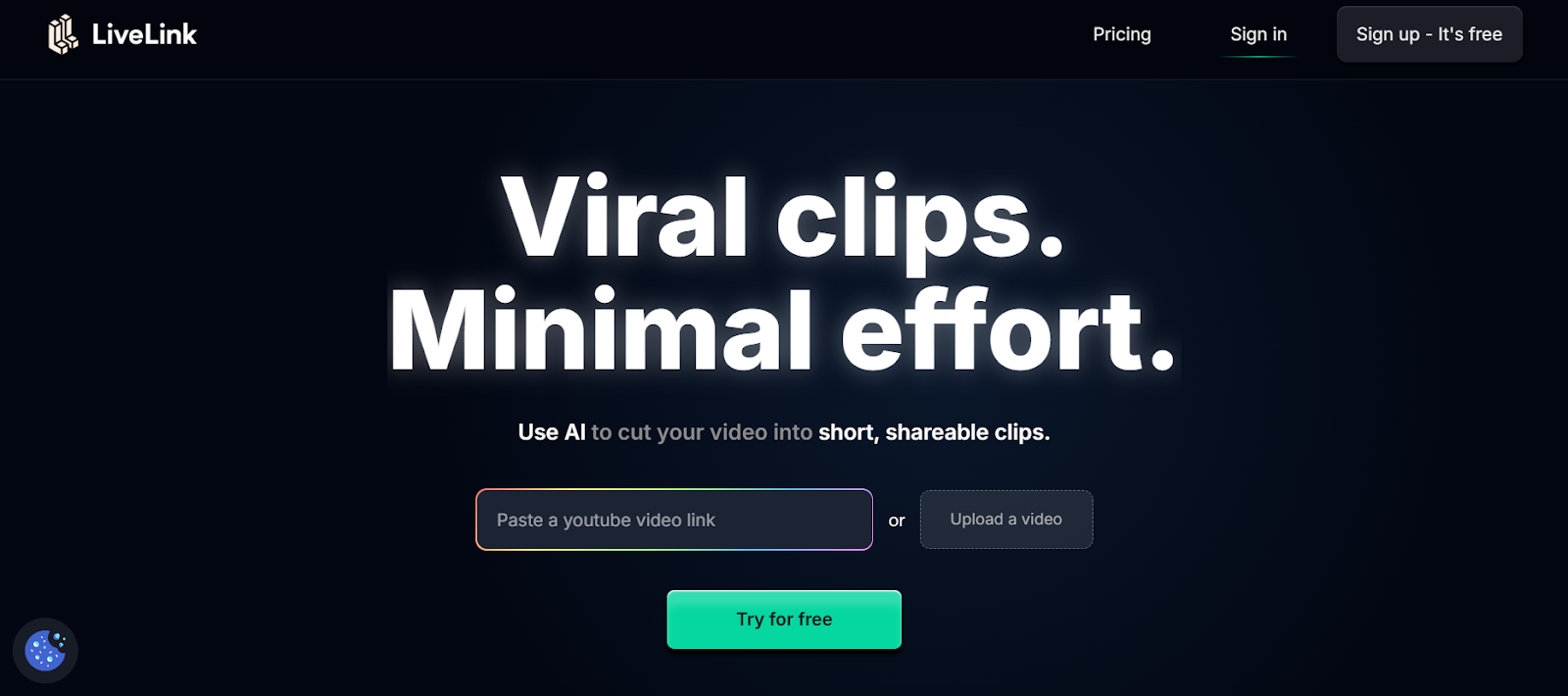
LiveLink.ai offers one of the most advanced AI-powered systems for creating subtitles and captions for YouTube videos. Its interface is designed for both beginners and professionals, providing quick and accurate speech recognition with perfect punctuation and timing. The platform also supports multiple languages, helping content reach global audiences without extra editing effort. Users can export their captions in various formats ready for instant upload.
• Generates captions in multiple languages automatically.
• Syncs perfectly with YouTube and other platforms.
• Detects speaker changes and adds context cues.
• Provides easy export formats (SRT, TXT, VTT).
2. Kapwing
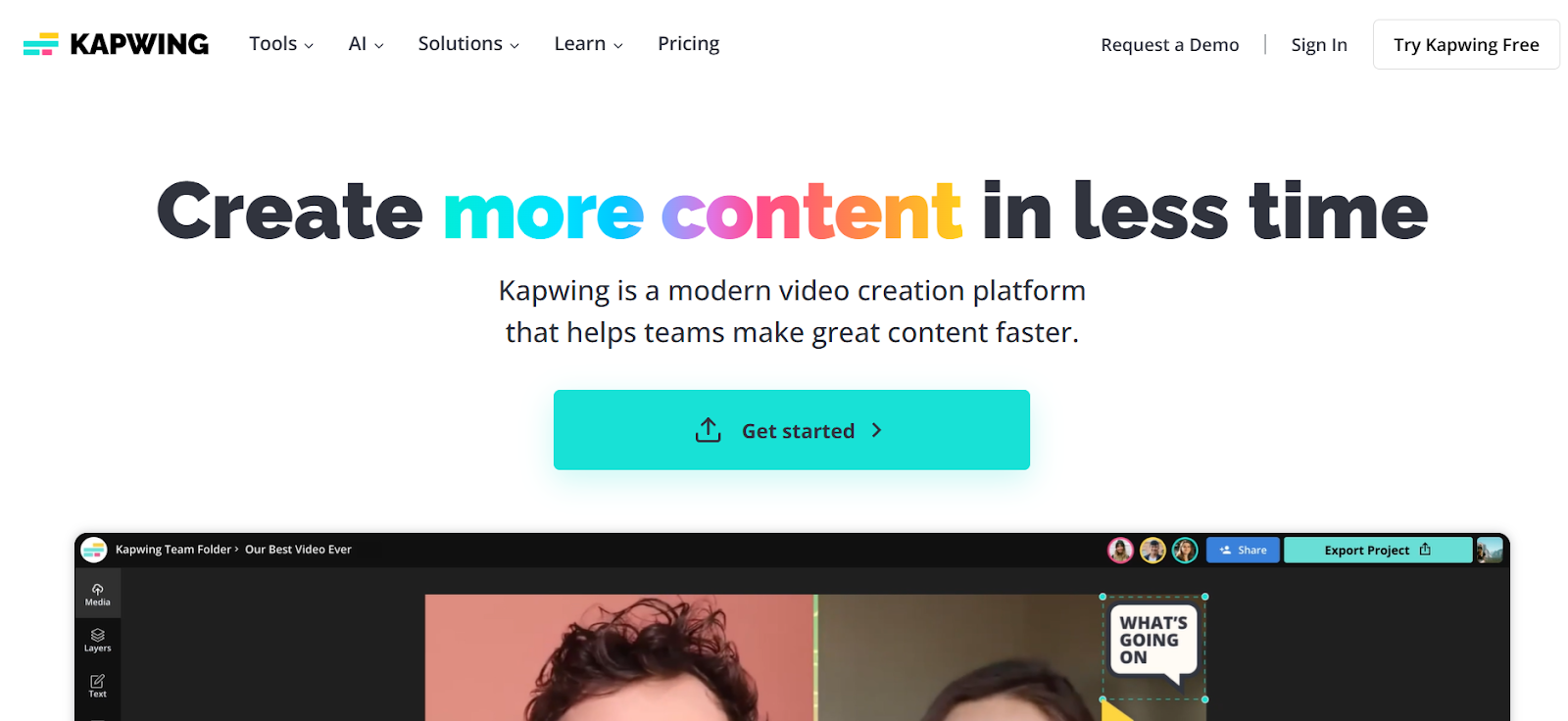
Kapwing is an all-in-one online video editor that includes automatic subtitle generation as one of its standout features. It helps creators save time by generating captions in seconds while giving full control to refine them manually if needed. Kapwing also allows you to edit subtitle font, color, and placement within the same dashboard, making it ideal for both YouTube creators and social media marketers.
• Auto-subtitles powered by advanced speech recognition.
• One-click editing of text, style, and placement.
• Supports multiple export formats and languages.
• Works entirely within your browser.
3. VEED IO
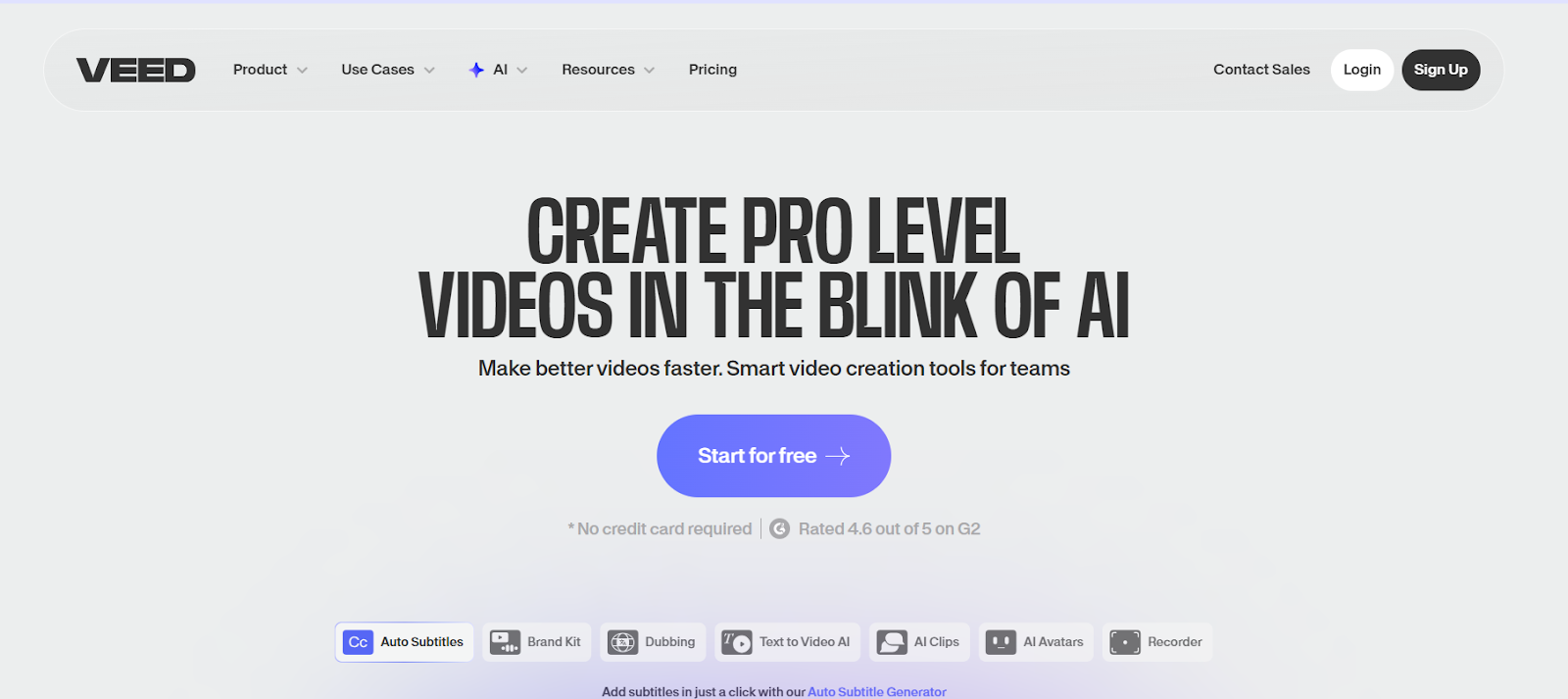
VEED io combines simplicity and power in its AI-driven subtitling tool. It automatically detects speech, creates clean captions, and even translates them into different languages. Its editing dashboard allows fine-tuning of timing and style, ensuring captions match the tone of your video. This platform suits teams and individuals alike who want fast, accurate results without relying on third-party editors.
• Auto-generates and translates captions in seconds.
• Allows detailed manual editing in an intuitive interface.
• Customizes font, color, and background styles.
• Offers collaboration features for teams.
4. SubtitleBee
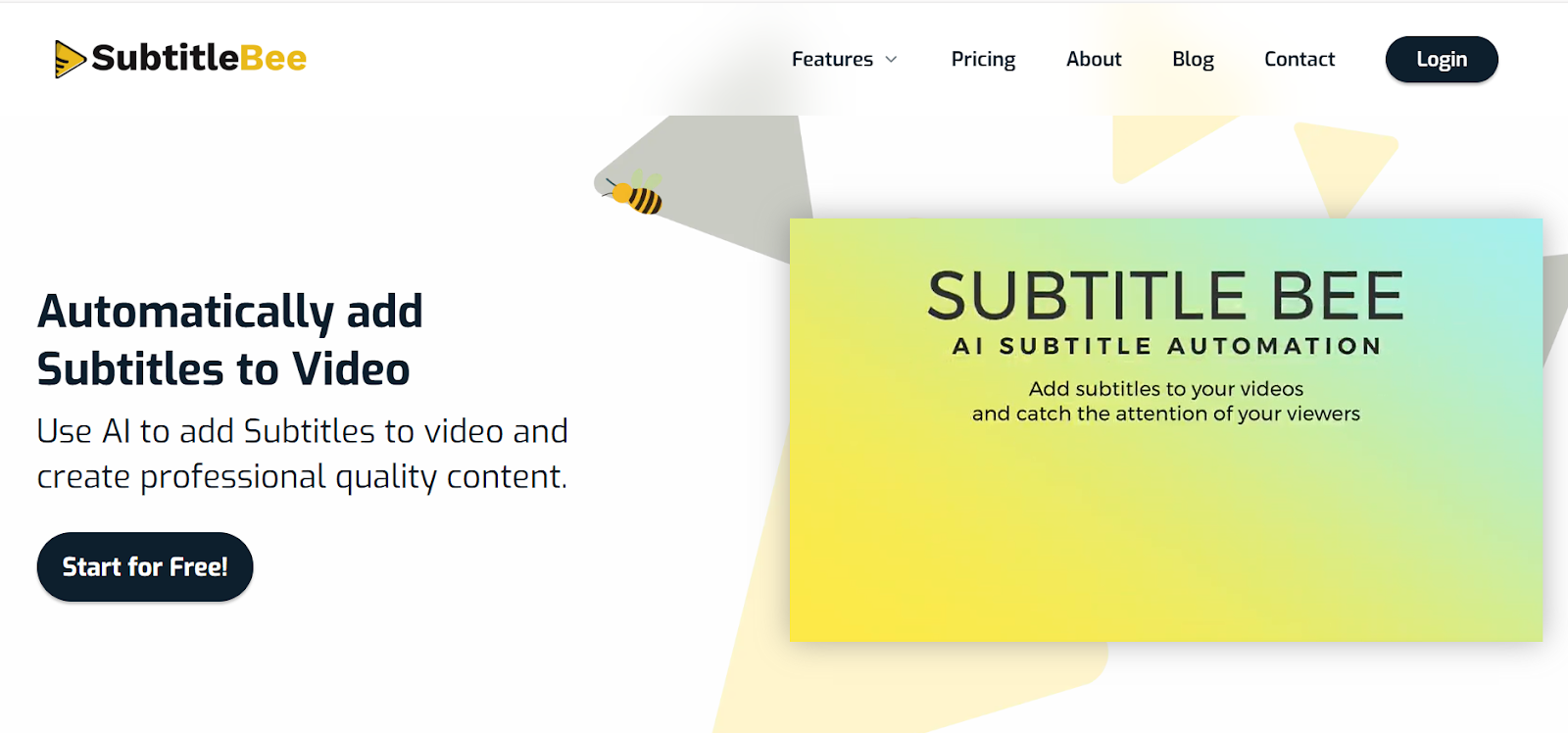
SubtitleBee focuses on creators who want their captions to look as visually appealing as they are accurate. With an emphasis on design, it helps make subtitles stand out using animations, color styling, and branding elements. The platform automatically detects languages and accents, ensuring every word is transcribed correctly. Its ease of use makes it a favorite among YouTubers and short-form video creators.
• AI-based caption recognition for 100+ languages.
• Customization with fonts, animations, and themes.
• Automatic punctuation and proper line formatting.
• Exports videos ready for YouTube, TikTok, or Instagram.
5. Happy Scribe
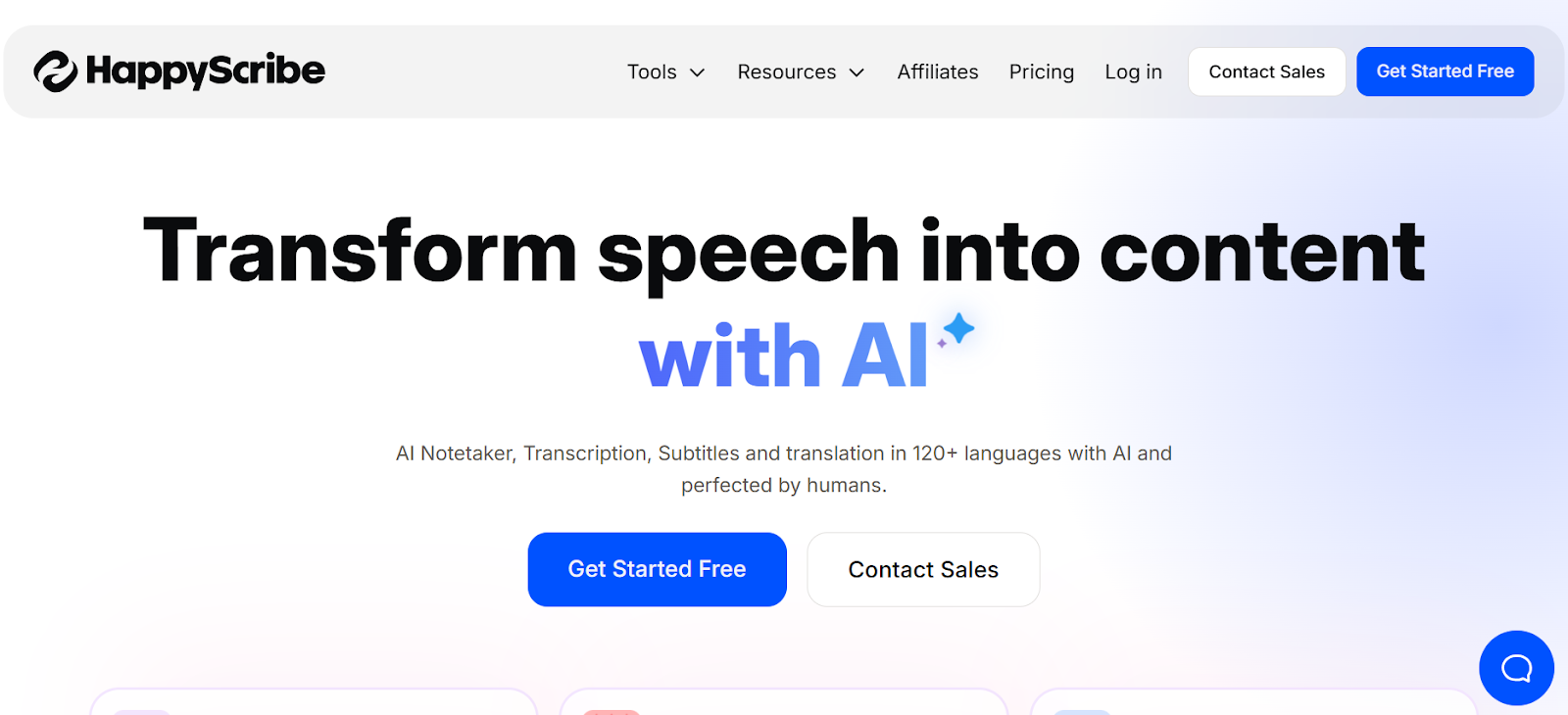
Happy Scribe blends AI automation with human review to provide highly accurate transcriptions and subtitles. It’s trusted by educational institutions, agencies, and media companies that manage high-volume video production. The platform supports collaboration, letting teams review and edit subtitles together before exporting. For YouTube creators, the direct integration feature makes uploading captions effortless.
• Combines human accuracy with AI-generated speed.
• Supports over 60 languages and dialects.
• Offers team collaboration and shared editing.
• Integrates directly with YouTube and Vimeo.
6. Descript
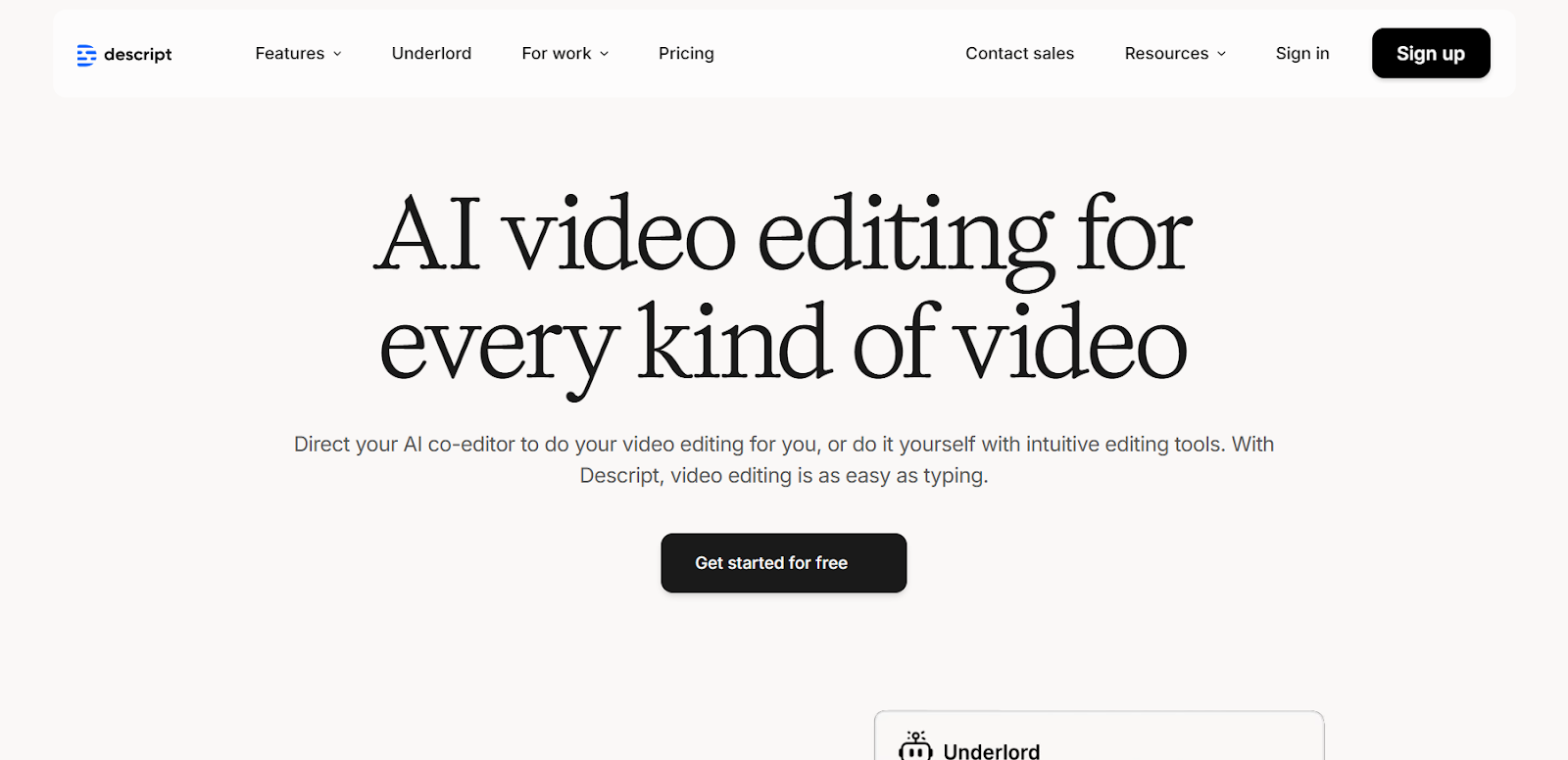
Descript goes beyond captioning by letting users edit video content directly through text. Once your audio is transcribed, you can simply edit words in the transcript, and the video adjusts automatically. This approach saves countless hours and ensures precise synchronization between voice and captions. It’s an ideal solution for podcasters, educators, and video producers looking for efficiency.
• Generates accurate, editable subtitles instantly.
• Edit videos by modifying the transcript text.
• Detects and separates multiple speakers.
• Provides export in all major subtitle formats.
7. Rev
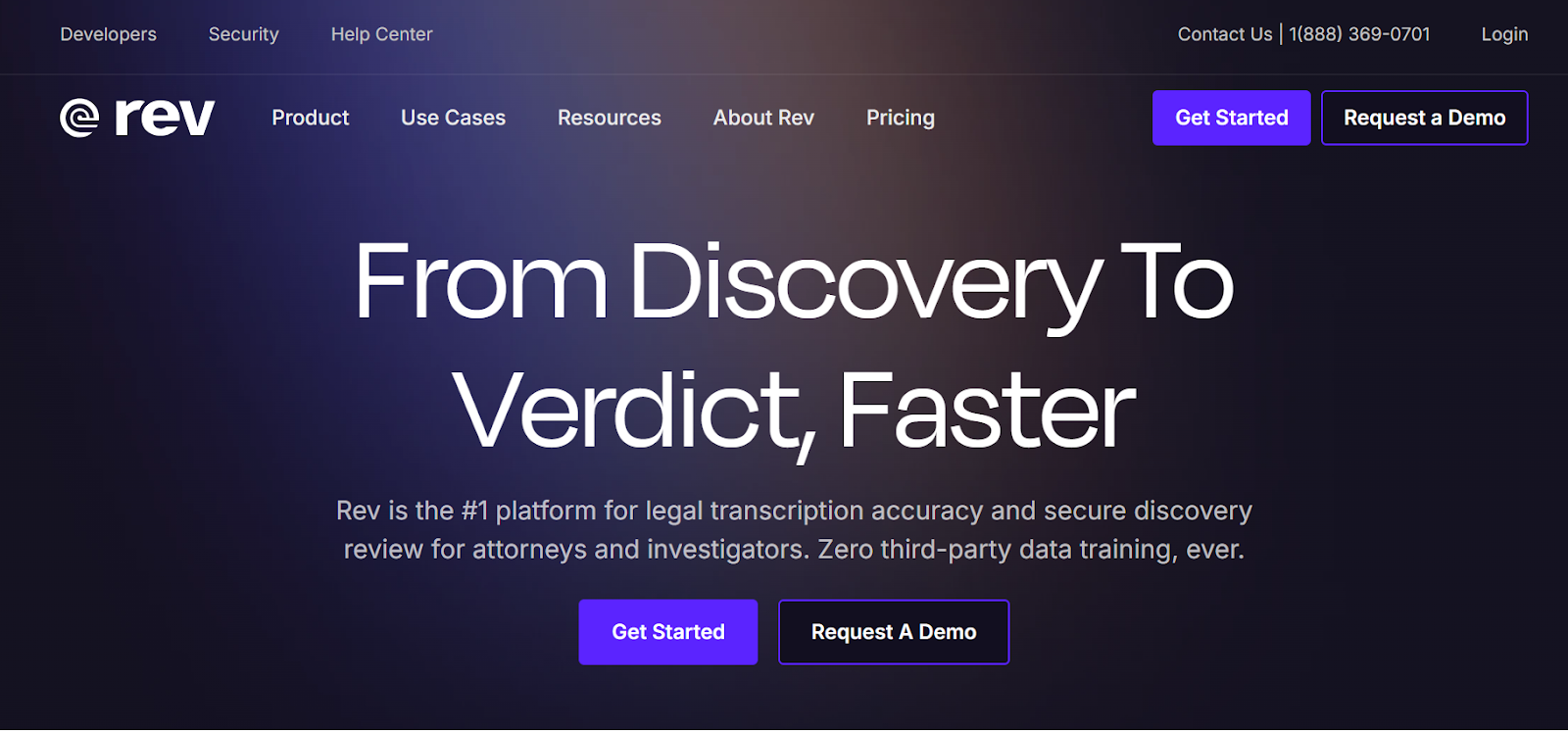
Rev has long been a leader in the transcription and captioning industry. It offers both AI-powered and human-generated options, allowing users to choose between affordability and perfection. Rev’s captions are known for their accuracy and consistency, making them suitable for professional video publishers and media companies. The integration with YouTube makes adding captions straightforward.
• Offers both automated and human-captioning services.
• Ensures high accuracy with human review.
• Integrates directly with YouTube for fast publishing.
• Includes timestamps and searchable transcripts.
8. Otter ai
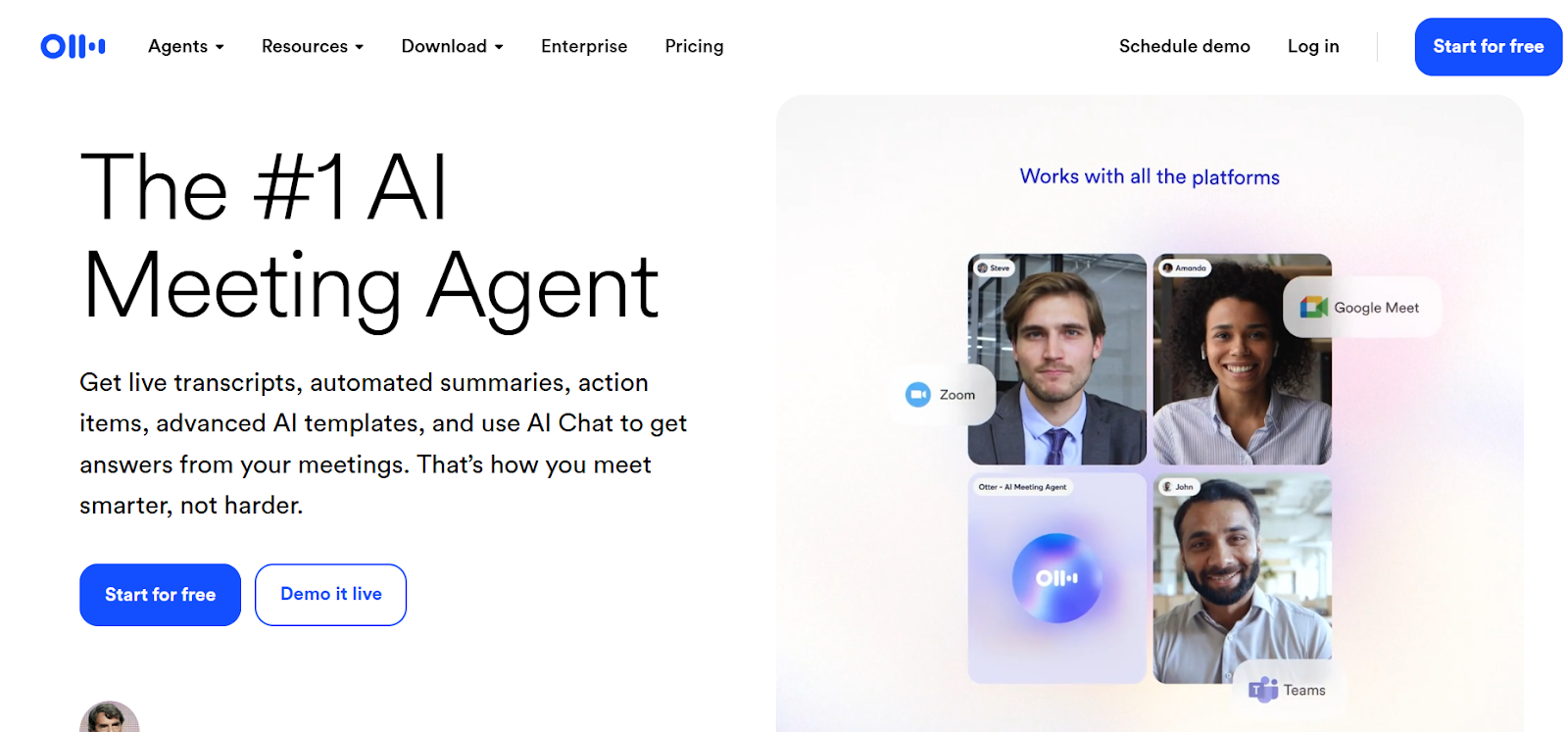
Otter ai is widely recognized for its ability to generate real-time captions during meetings, webinars, and interviews. However, its transcription accuracy also makes it an excellent choice for YouTube creators. It identifies speakers, creates summaries, and syncs with multiple platforms. The tool is particularly helpful for content creators who want to repurpose audio or video discussions efficiently.
• Generates live captions with strong accuracy.
• Identifies speakers and provides summaries.
• Syncs with Zoom, Google Meet, and Dropbox.
• Supports SRT and TXT file exports for YouTube.
9. Sonix
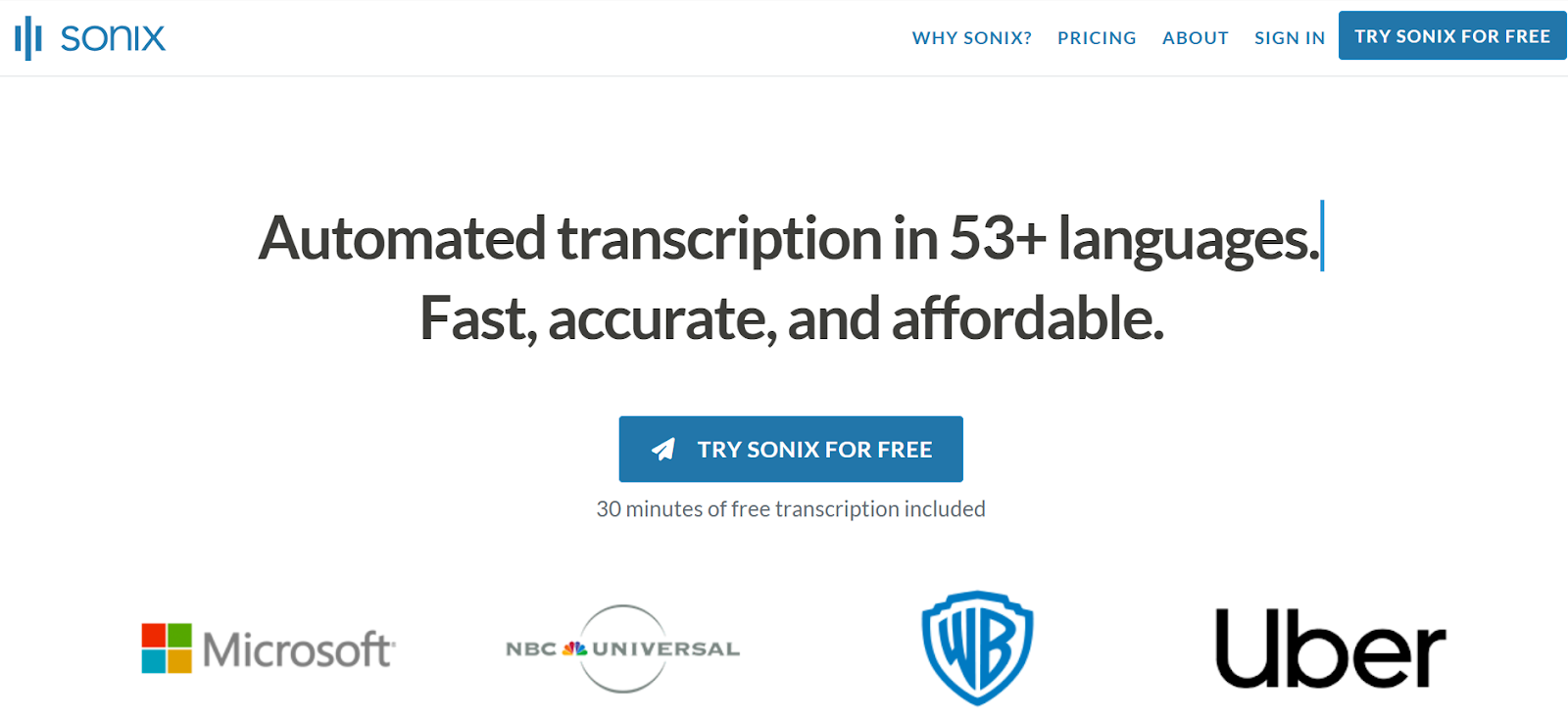
Sonix provides an end-to-end solution for transcription, captioning, and translation. It’s used by production teams, educators, and businesses worldwide for its multilingual capabilities and editing precision. The tool also allows you to adjust timestamps, format captions, and translate them to reach diverse audiences. Its integration with video editors makes workflow smooth and efficient.
• AI-driven transcription for 40+ languages.
• Customizable timestamps and caption editing.
• Built-in translation for global audiences.
• Integrates with Adobe Premiere Pro and Final Cut.
10. Zubtitle
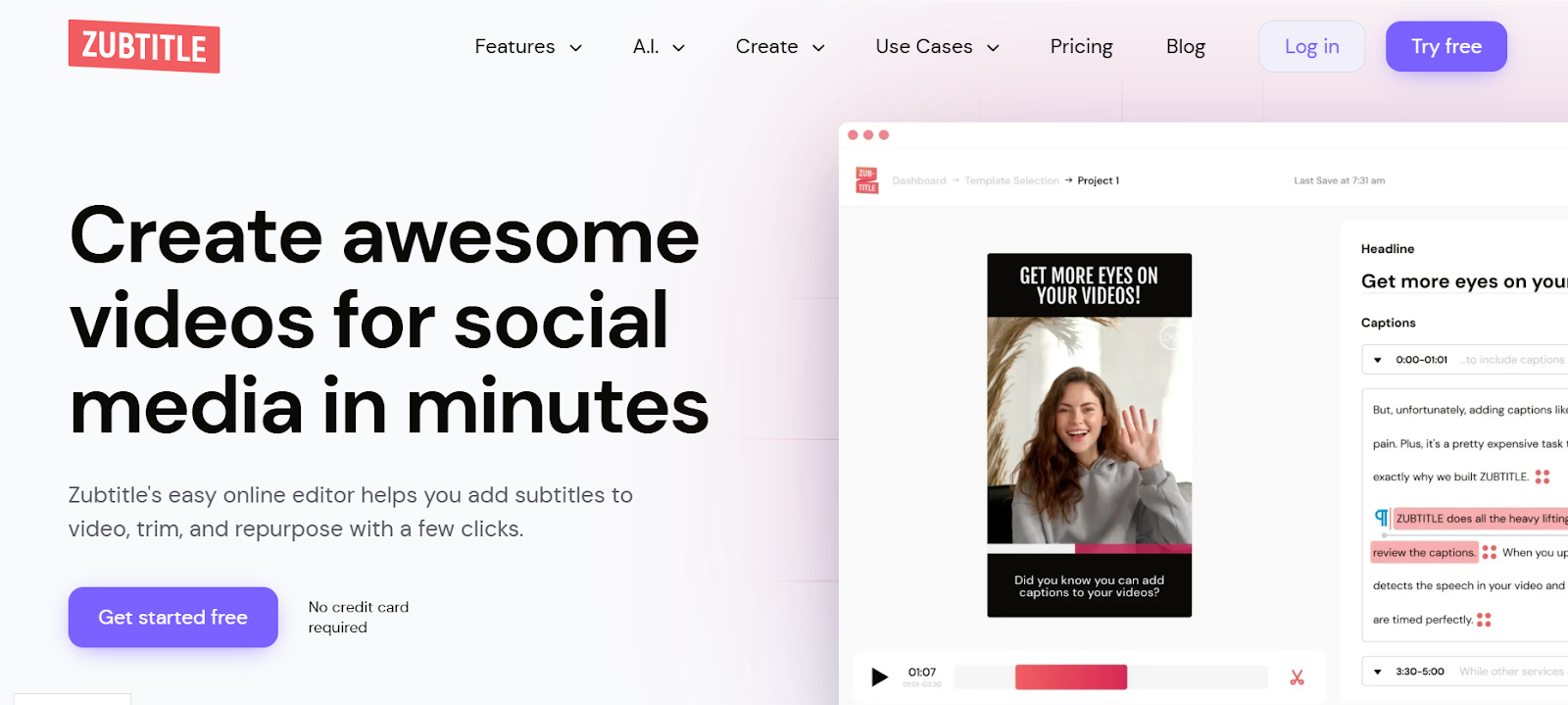
Zubtitle is perfect for content creators who want visually engaging captions with minimal effort. It automatically detects speech, adds animated text, and formats subtitles to fit short-form videos or YouTube Shorts. The tool also allows branding elements such as logos or progress bars, making videos look more professional while keeping captions accurate and easy to read.
• Auto-generates captions using AI-powered detection.
• Fully customizable text, font, and design styles.
• Adds headlines and visual progress bars.
• Best suited for YouTube Shorts and social media clips.
Final Thoughts
Choosing the right YouTube subtitle and caption generator depends on your video goals, audience, and workflow preferences. Among all, LiveLink.ai remains the top pick for creators who want a smart, accurate, and fast solution without sacrificing quality. These tools make it easy to produce accessible, professional-looking videos for global audiences.
FAQs
Q1: Why are subtitles important for YouTube videos?
A1: Subtitles make videos accessible to a wider audience, including non-native speakers and viewers with hearing challenges, while also improving search visibility.
Q2: Can I generate YouTube subtitles for free?
A2: Yes, several tools like LiveLink AI and VEED offer free versions with limited subtitle generation, suitable for small projects.
Q3: How accurate are AI-generated captions?
A3: Accuracy varies depending on the audio quality, but advanced tools like LiveLink.ai and Happy Scribe achieve near-human precision.
Q4: What subtitle formats are compatible with YouTube?
A4: YouTube supports SRT, VTT, and SBV file formats for importing subtitles and translations.
Q5: Which captioning tools are best for agencies or teams?
A5: LiveLink.ai and Happy Scribe are ideal for team workflows due to their collaborative features and language support.


