

.png)

YouTube Shorts has become one of the most effective ways to grow your audience and get discovered fast. But making Shorts that actually grab attention requires more than just a good idea. You need tools that make editing fast, captions accurate, and visuals consistent. The good news is that you can now create professional Shorts directly in your browser without downloading bulky software. Below are ten of the best online YouTube Shorts creation tools, starting with LiveLink AI, which uses AI to make short-form video editing effortless.
1. LiveLink AI
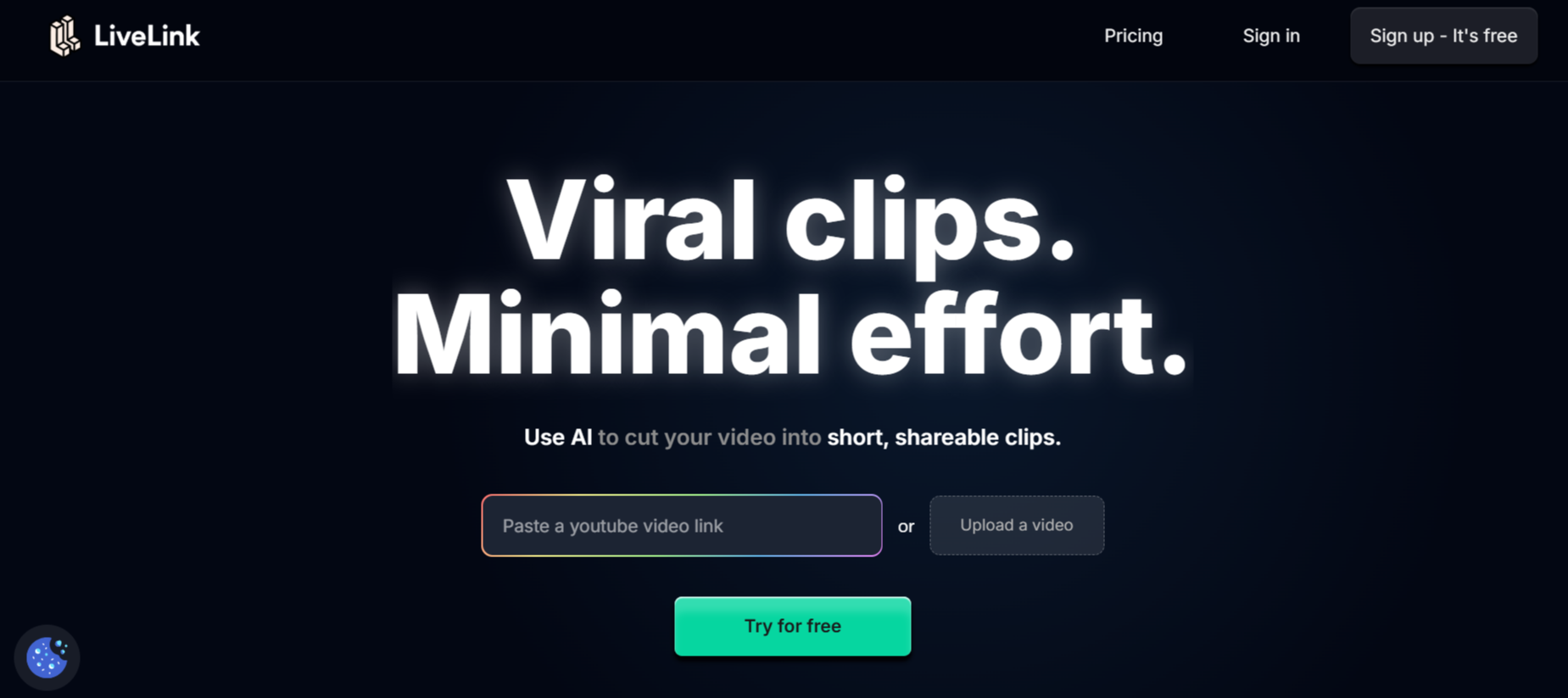
LiveLink AI is an advanced online AI editor that turns your long-form videos or podcasts into engaging YouTube Shorts automatically. Its smart algorithm identifies highlight moments and trims them into vertical 9:16 format while adding subtitles synced perfectly with your speech. What makes LiveLINK.ai stand out is how easily it applies branding, overlays, and templates to keep every video consistent with your style. It’s perfect for creators, marketers, and educators who want to post Shorts daily without spending hours editing.
- Automatically detects and clips highlight moments
- AI subtitles with customizable design and placement
- One-click export for YouTube Shorts and Reels
- Works fully online, no downloads required
2. VEED.io
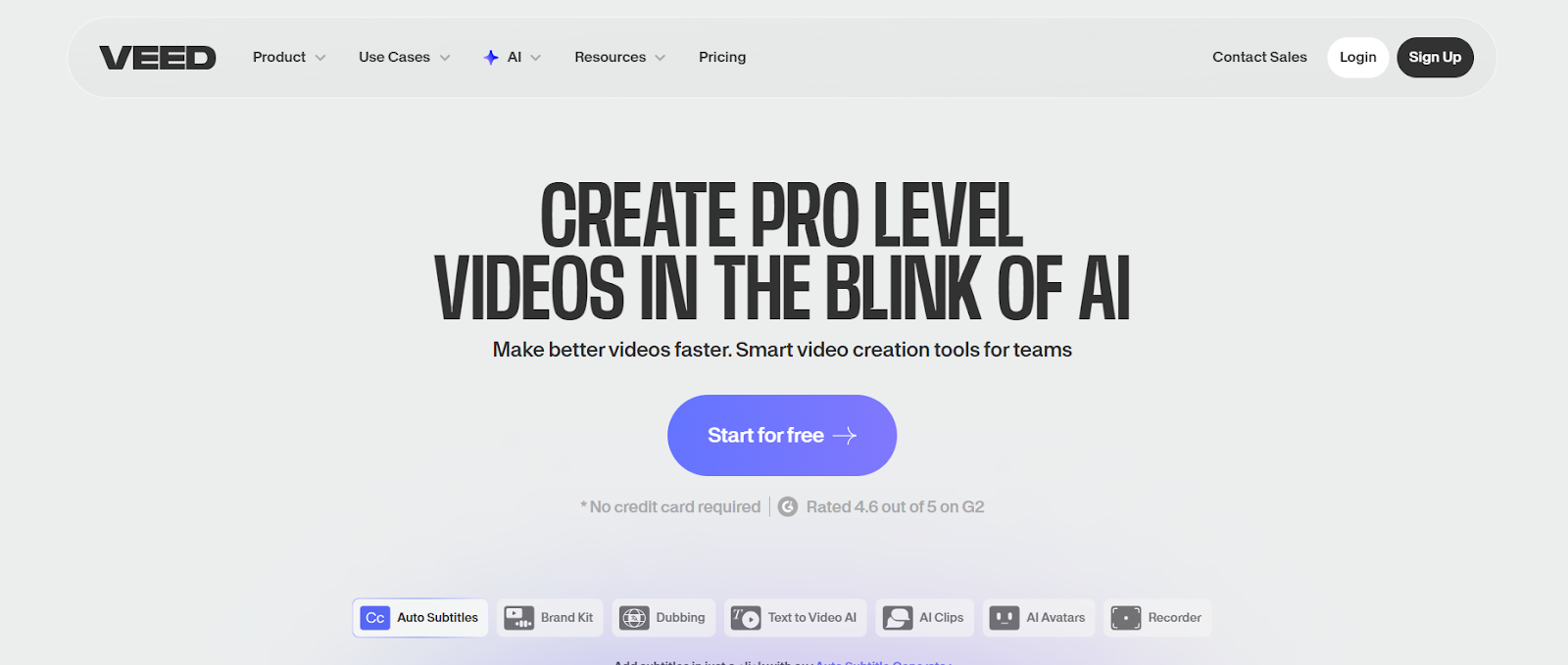
VEED.io is a popular web-based video editor that simplifies the Shorts creation process. You can trim, crop, and resize your videos to fit YouTube’s vertical format while adding captions, emojis, and transitions. Its built-in AI tools also clean up background noise and enhance voice clarity automatically. The platform is browser-based, so you can edit and export your Shorts from any device without installing software.
- Resize and crop videos for YouTube Shorts instantly
- AI-powered audio cleanup and subtitles
- Cloud storage for saving projects securely
- Ideal for creators and teams collaborating online
3. FlexClip

FlexClip is an online video editor that helps you create professional YouTube Shorts using templates and drag-and-drop controls. It includes thousands of stock clips, fonts, and transitions, making it easy to build visually appealing videos in minutes. You can add music, adjust clip speed, and apply branding without prior editing experience. The interface is simple yet powerful, perfect for creators who want to maintain quality and speed.
- 1000+ ready-to-use video templates
- Built-in stock library for music and visuals
- Fast rendering for YouTube Shorts format
- Completely browser-based editing experience
4. Kapwing
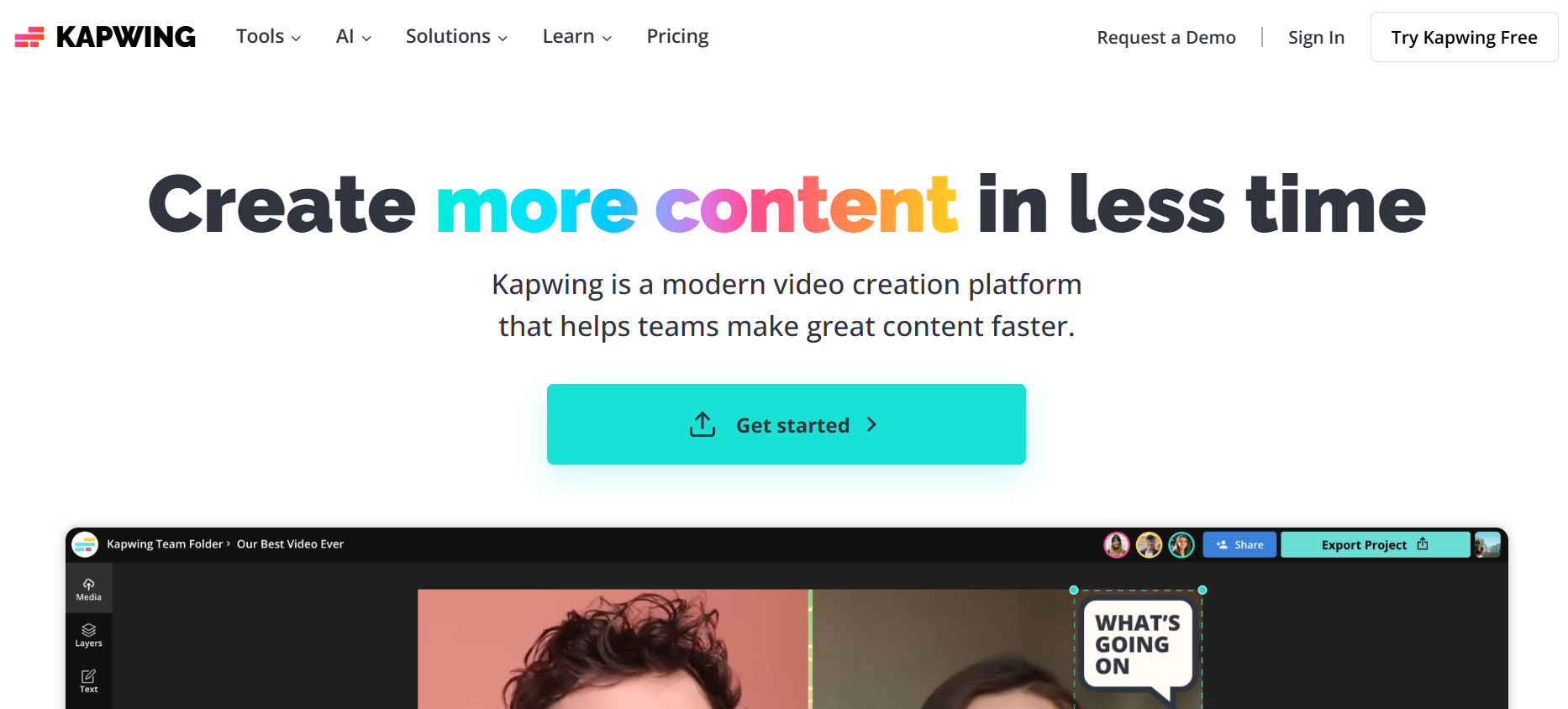
Kapwing is one of the most versatile online tools for editing and repurposing content into YouTube Shorts. It lets you automatically resize videos, generate subtitles, and even remove silence using AI. Its collaboration feature allows teams to work on the same project in real time, making it great for agencies or content teams. With pre-set templates for YouTube Shorts, you can produce short clips faster and maintain professional consistency.
- AI-powered trimming, subtitling, and resizing
- Real-time team collaboration
- YouTube Shorts templates for fast editing
- Works in any browser with no downloads
5. Clipchamp
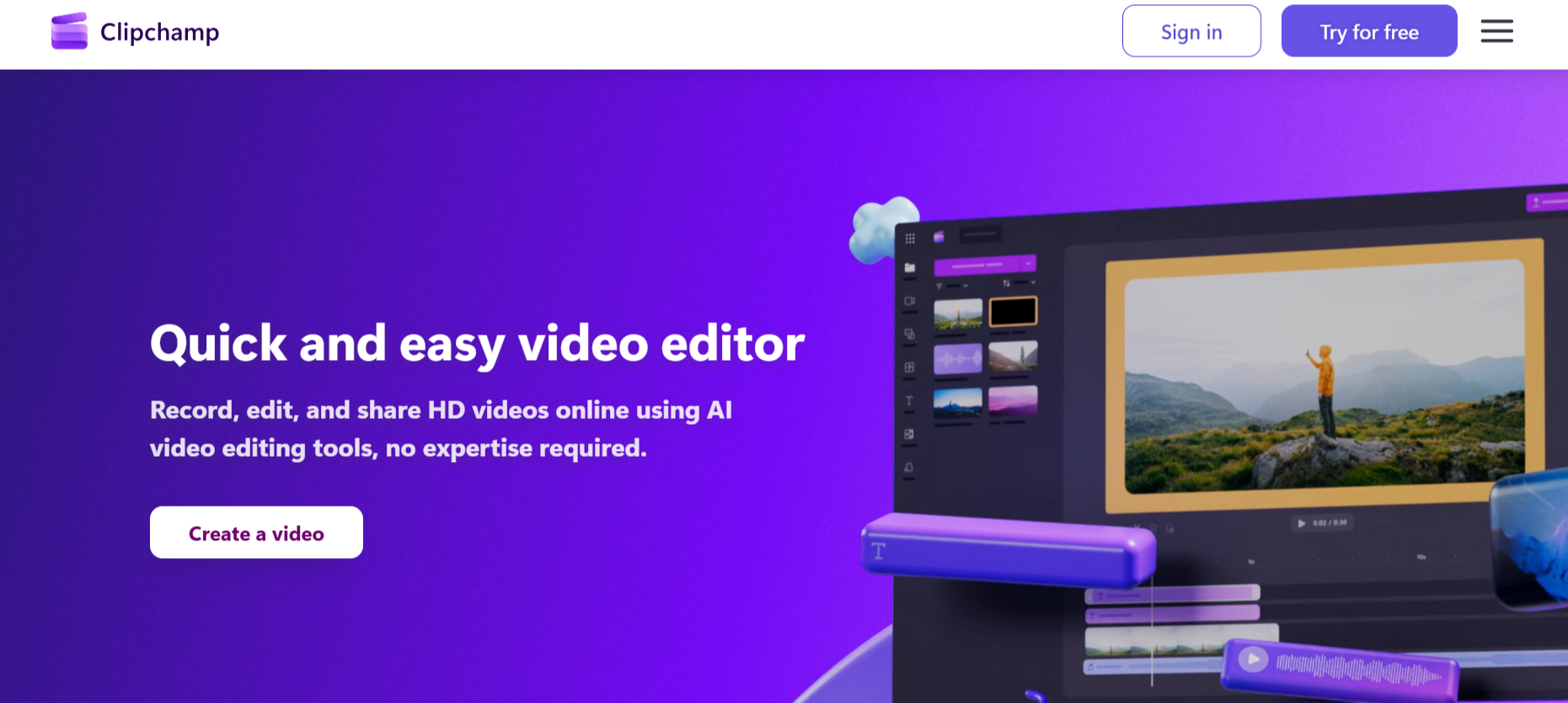
Clipchamp, a Microsoft-backed online editor, offers a complete solution for creating YouTube Shorts directly in your browser. It provides timeline editing, filters, stock visuals, and text effects that help your content pop. You can also record your screen or webcam, making it useful for educators and presenters. With direct cloud saving and fast export options, it’s a convenient tool for quick yet professional Shorts creation.
- Online timeline editor with multiple tracks
- Supports webcam and screen recording
- Built-in stock visuals and audio clips
- Optimized export presets for YouTube Shorts
6. Flixier
Flixier is a high-speed online video editor designed for creators who value collaboration and efficiency. It processes edits in the cloud, which means lightning-fast rendering without using heavy local resources. You can drag and drop your videos, trim them precisely, and use its preset templates for YouTube Shorts. Flixier’s real-time team editing feature makes it one of the most practical tools for agencies.
- Cloud rendering for instant video exports
- Real-time collaboration for teams
- Prebuilt layouts for YouTube Shorts
- Auto captions and overlays available
7. Canva Video Editor
Canva’s online video editor is ideal for creators who want visually polished YouTube Shorts without technical editing skills. Its drag-and-drop interface lets you combine clips, text, music, and transitions with ease. You can customize every video using your brand kit, ensuring visual consistency across your channel. Canva’s huge library of video templates and animations makes it especially useful for educational or branded content.
- Thousands of animated templates and layouts
- Built-in music, stickers, and effects
- Supports brand kit for logos and fonts
- Free and Pro plans available
8. Typito
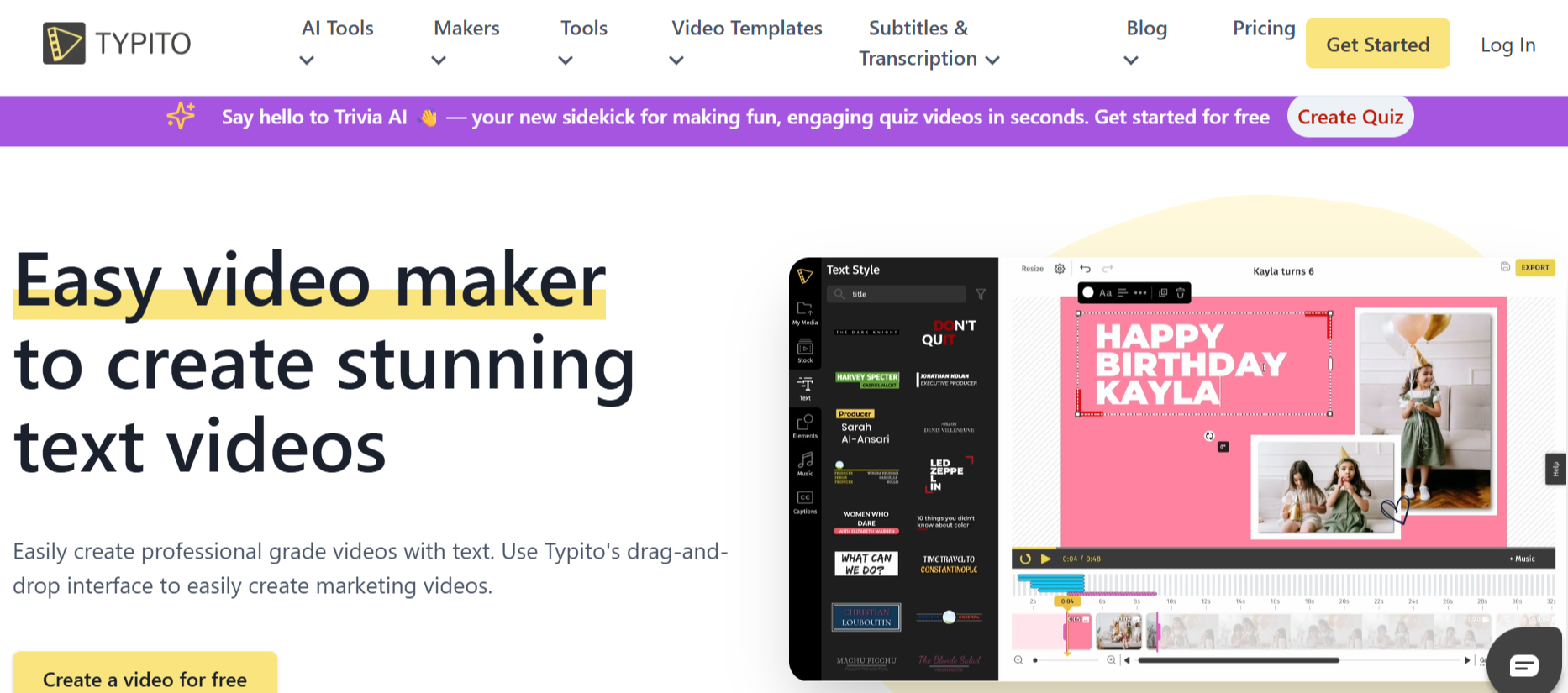
Typito is an online tool focused on motion text and branding, making it perfect for caption-rich YouTube Shorts. It lets you combine videos, subtitles, and motion graphics in a few clicks. You can also set your brand colors and typography once and reuse them across multiple videos. Typito’s editing style is simple, clean, and effective for storytellers, influencers, and small businesses.
- Create caption-heavy YouTube Shorts
- Add branded fonts and color templates
- Online storage for ongoing projects
- Affordable premium plans
9. Animoto
Animoto helps creators turn raw clips or images into structured YouTube Shorts with story-driven templates. It syncs your clips with background music automatically and offers an easy way to add text overlays and transitions. The tool is web-based, so you can start editing instantly without installation. Animoto’s simple workflow makes it perfect for marketers and educators who want consistent, fast video output.
- Drag-and-drop storyboard editor
- Auto-syncs music with clips
- HD export for vertical format
- Works entirely online
10. Pixiko
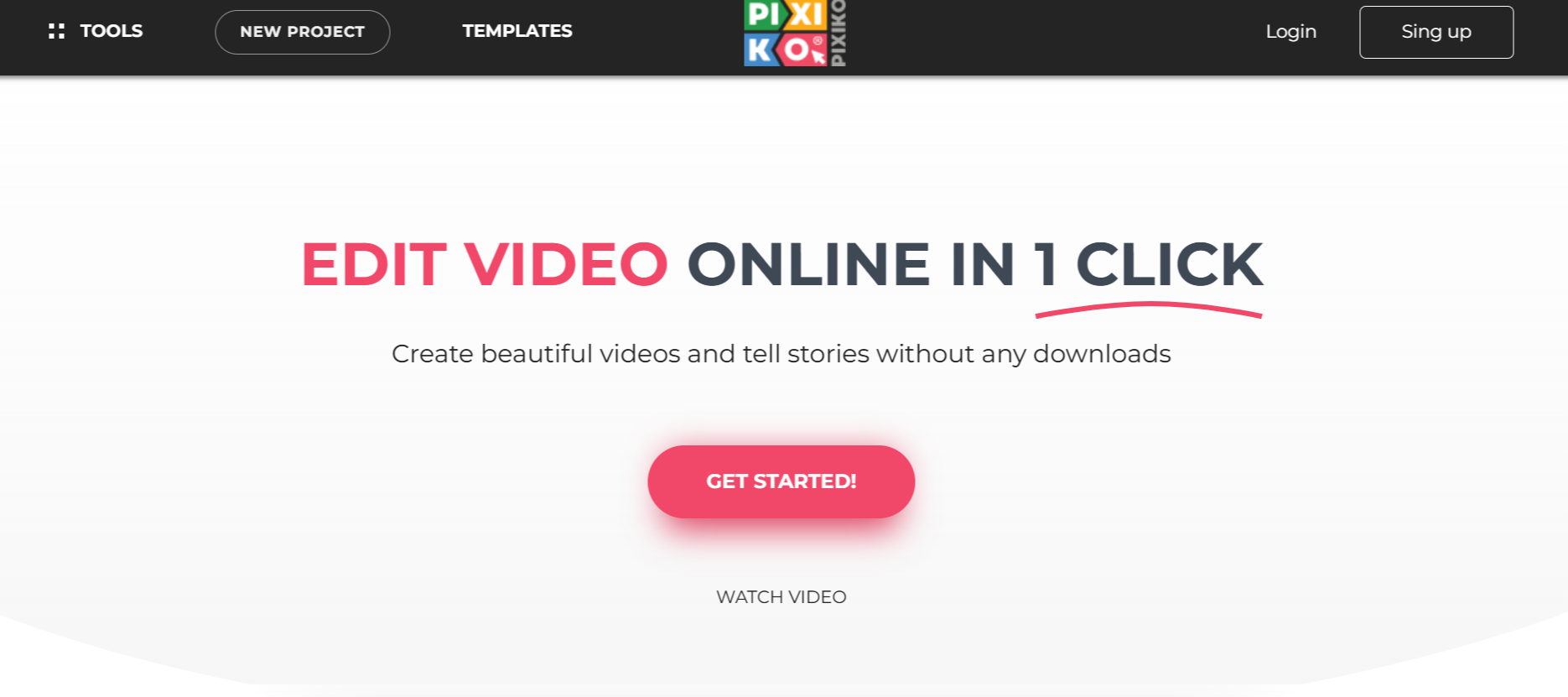
Pixiko is a lightweight online video maker ideal for creating quick YouTube Shorts. It includes basic editing tools such as trimming, cropping, transitions, and text effects. You can layer videos, add captions, and use templates built specifically for short-form content. Pixiko’s interface is minimal but efficient, making it suitable for anyone who wants to produce Shorts without complexity.
- Built-in templates for YouTube Shorts
- Add text, transitions, and music easily
- Works in all major browsers
- No software installation needed
Final Thoughts
These ten online tools make YouTube Shorts creation easier, faster, and more accessible than ever. Whether you prefer AI automation, team collaboration, or creative templates, there’s an option here for you. LiveLink AI remains the top choice for its AI-driven workflow and branding consistency, giving creators the ability to produce high-quality Shorts at scale.
FAQs
1. Which YouTube Shorts tool is best for beginners?
FlexClip and Canva are the most beginner-friendly tools thanks to their templates and drag-and-drop editing.
2. Can LiveLink AI create Shorts automatically?
Yes, LiveLink AI’s AI automatically finds highlights and converts them into vertical Shorts in minutes.
3. Are these YouTube Shorts editors completely online?
Yes, all listed tools are browser-based and require no downloads.
4. Which editor is best for team collaboration?
LiveLink AI and Kapwing both allow real-time editing and sharing among team members.
5. Can I use these tools for Reels or TikToks too?
Absolutely. All tools here support vertical 9:16 formats suitable for YouTube Shorts, TikToks, and Instagram Reels.


