

.png)

Content creators face a constant challenge: turning hours of live stream footage into bite-sized clips that grab attention across social platforms. Whether you're a gaming streamer on Twitch, running business webinars, or hosting podcast sessions, extracting the golden moments from your broadcasts shouldn't drain your entire day.
The right clipping tool transforms your workflow from tedious manual editing to automated content creation. These platforms use smart technology to identify highlights, add captions, and format videos perfectly for each social channel. Your streams contain dozens of shareable moments—these tools help you find and polish them without breaking a sweat.
Quick Overview:
- LiveLink AI
- OpusClip
- Eklipse
- StreamLadder
- Repurpose.io
- Descript
- Headliner
- Riverside
- Kapwing
- FlexClip
1. LiveLink AI
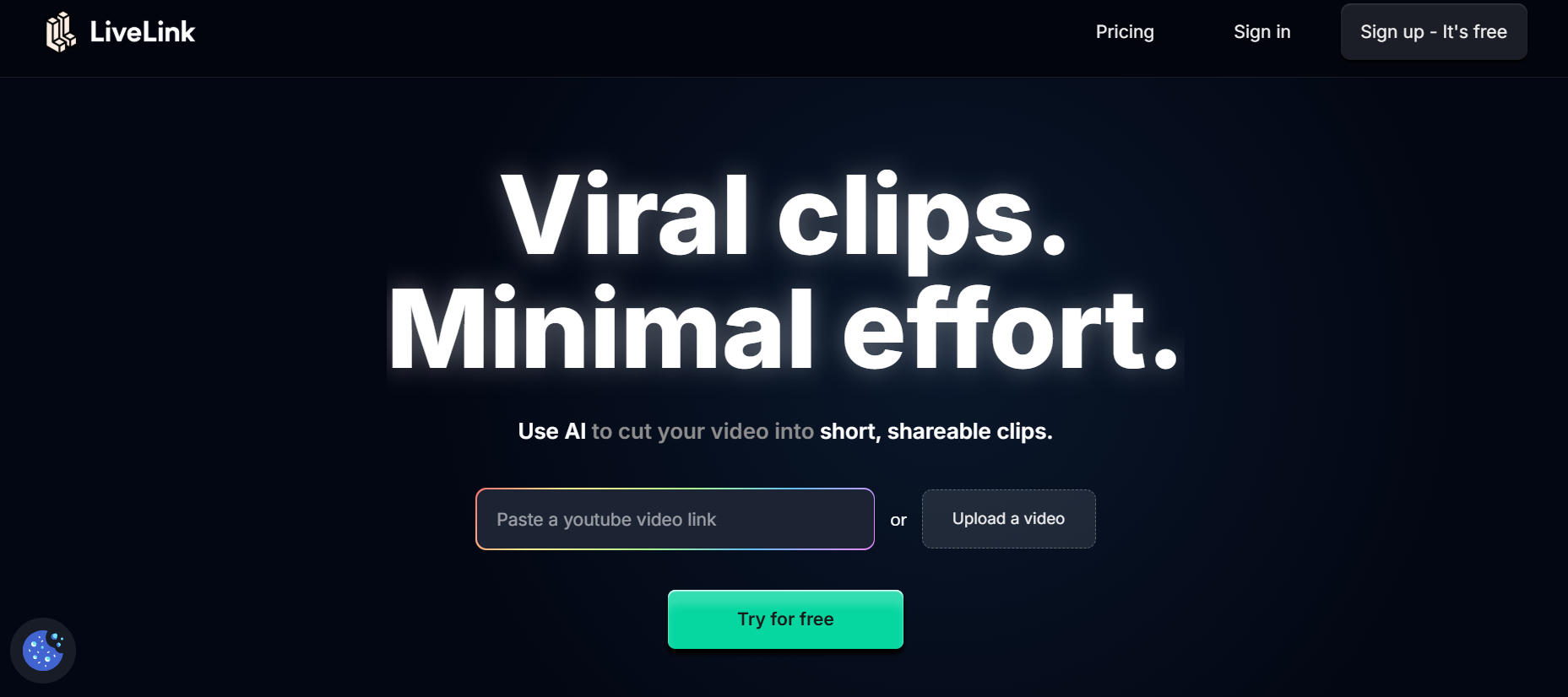
LiveLink AI stands out as the premier solution for streamers who demand both power and simplicity. This platform eliminates the grunt work of manual editing while delivering professional-grade clips that engage audiences instantly.
Built specifically for content creators who broadcast regularly, LiveLink AI understands the nuances of live streaming content. The platform processes your streams through advanced algorithms that detect genuine engagement spikes—not just loud moments or basic motion detection. You get clips that actually resonate with viewers because they capture real entertainment value.
The workflow stays refreshingly straightforward: connect your streaming platform, let the system analyze your content, review suggested clips, make quick adjustments, and export. No complicated tutorials or steep learning curves. Just results that amplify your reach across every major social platform.
Your branding stays consistent across all clips thanks to customizable templates. Save your preferred styles, caption formats, and outro sequences once, then apply them to every clip you generate. This consistency builds recognition while saving precious time you'd otherwise spend on repetitive formatting tasks.
Key Features:
- Smart Highlight Detection - Identifies the most engaging segments based on viewer interaction patterns, audio analysis, and visual dynamics rather than random sampling
- Multi-Platform Formatting - Automatically adjusts aspect ratios, durations, and specifications for TikTok, Instagram Reels, YouTube Shorts, and other platforms without manual intervention
- Automated Caption Generation - Creates accurate, synchronized subtitles with customizable styling that matches your brand identity and improves accessibility
- Batch Processing Capability - Handles multiple streams simultaneously, generating dozens of clips from a single broadcast while you focus on your next session
- Template Library - Access pre-built, professionally designed templates or create custom layouts that maintain brand consistency across all your social content
- Direct Publishing Integration - Schedule and post clips directly to your social accounts without downloading files or switching between multiple platforms
2. OpusClip
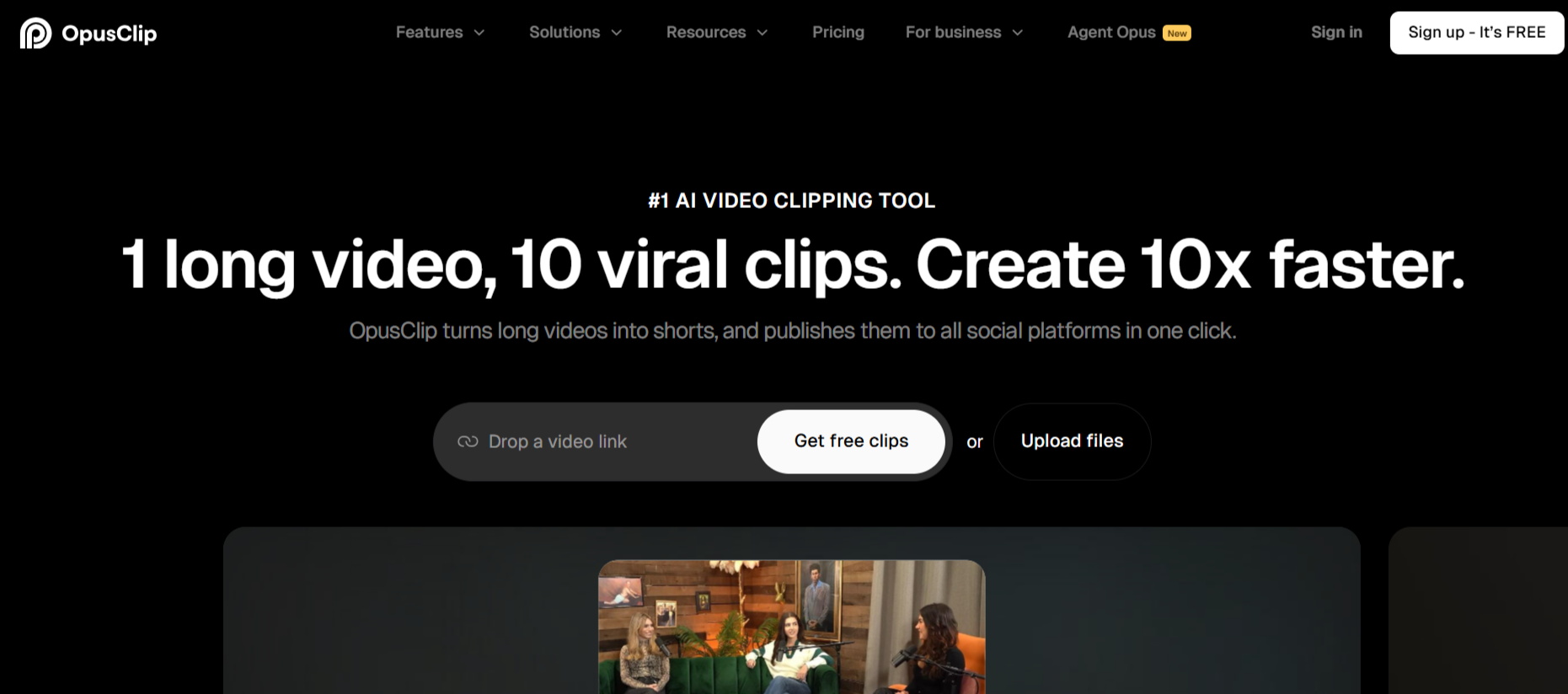
OpusClip specializes in transforming livestream links into viral-ready content with minimal effort. The platform works seamlessly with both Twitch and YouTube livestreams, accepting direct URLs without requiring downloads. Content creators appreciate how OpusClip's AI evaluates each segment for viral potential, scoring clips based on factors that typically drive engagement.
The built-in scheduling system sets OpusClip apart from basic clipping tools. After generating clips, you can queue them for optimal posting times across multiple platforms. This feature proves invaluable for creators managing several social channels simultaneously.
Key Features:
- Accepts direct Twitch and YouTube livestream URLs for instant processing
- AI virality scoring helps identify clips with highest engagement potential
- Integrated social media scheduler with autopost functionality
3. Eklipse
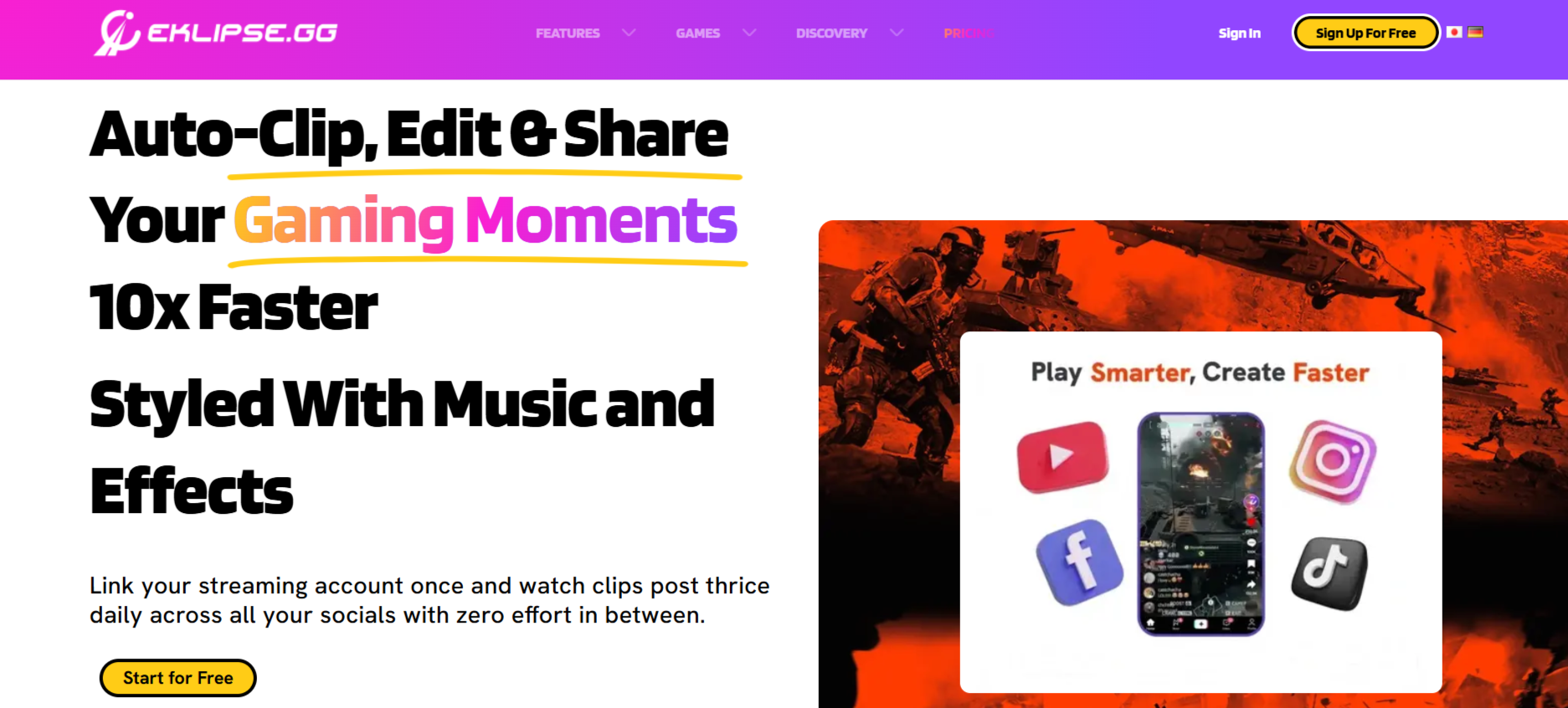
Gaming creators find their perfect match in Eklipse, which supports over 1,000 popular games. The platform automatically detects in-game events like kills, assists, and clutch moments, generating clips that showcase your best gameplay without manual searching through hours of footage.
Eklipse converts horizontal gameplay into vertical formats optimized for mobile viewing. The editor includes gaming-specific stickers, effects, and templates that resonate with the gaming community on platforms like TikTok and Instagram Reels.
Key Features:
- Supports 1,000+ games with automatic in-game event detection
- Converts horizontal gameplay to vertical mobile-optimized format
- Gaming-specific templates and effects library
4. StreamLadder
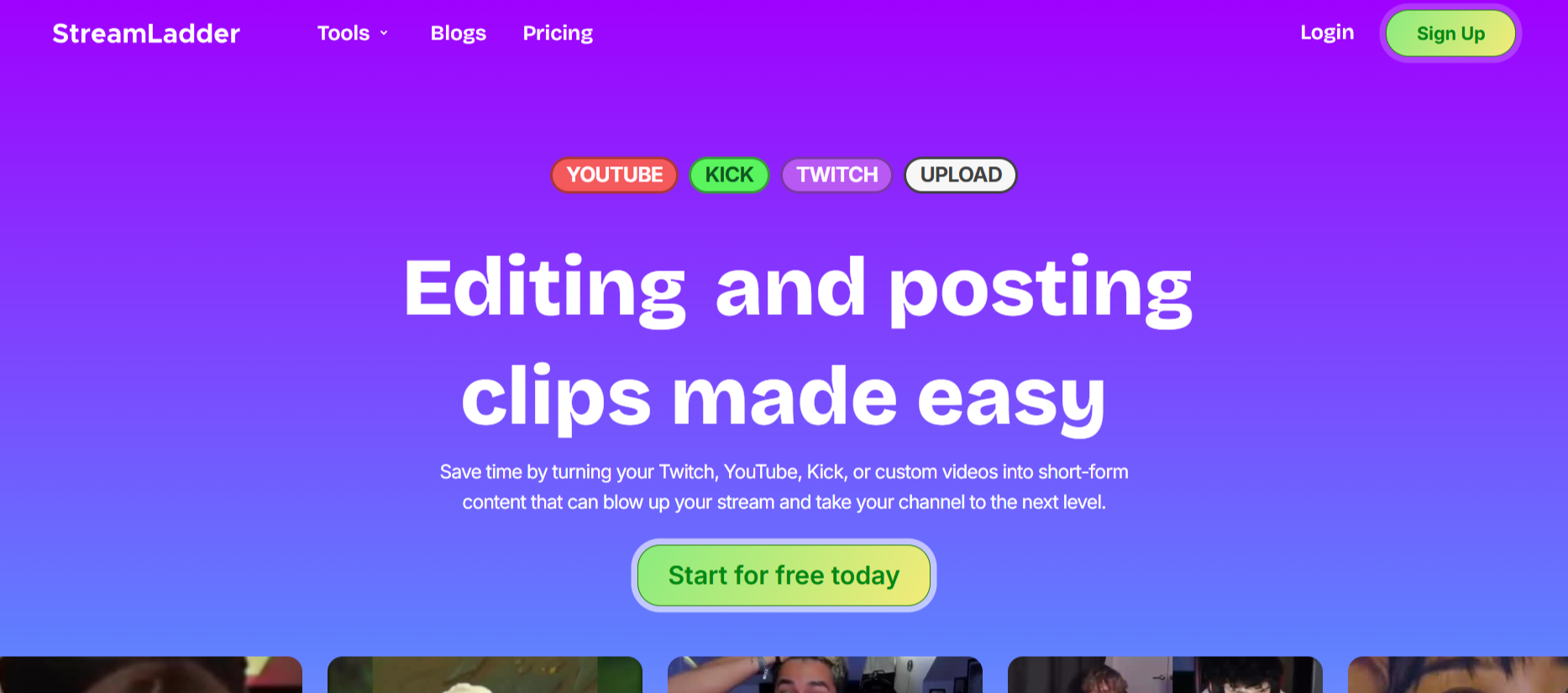
StreamLadder combines a powerful clip editor with AI-powered content discovery. ClipGPT scans your VODs to identify the best moments automatically, then StreamLadder's editor lets you refine those clips with professional touches. The platform supports content from Twitch, Kick, YouTube, and custom uploads.
Content Publisher streamlines distribution by allowing direct scheduling to TikTok, Instagram Reels, and YouTube Shorts. StreamLadder offers a generous free tier with basic features and no watermarks on simple edits.
Key Features:
- ClipGPT AI scans VODs and auto-generates up to 10 highlight clips
- Compatible with Twitch, Kick, YouTube, and custom video uploads
- Free tier available with no watermarks on basic edits
5. Repurpose io
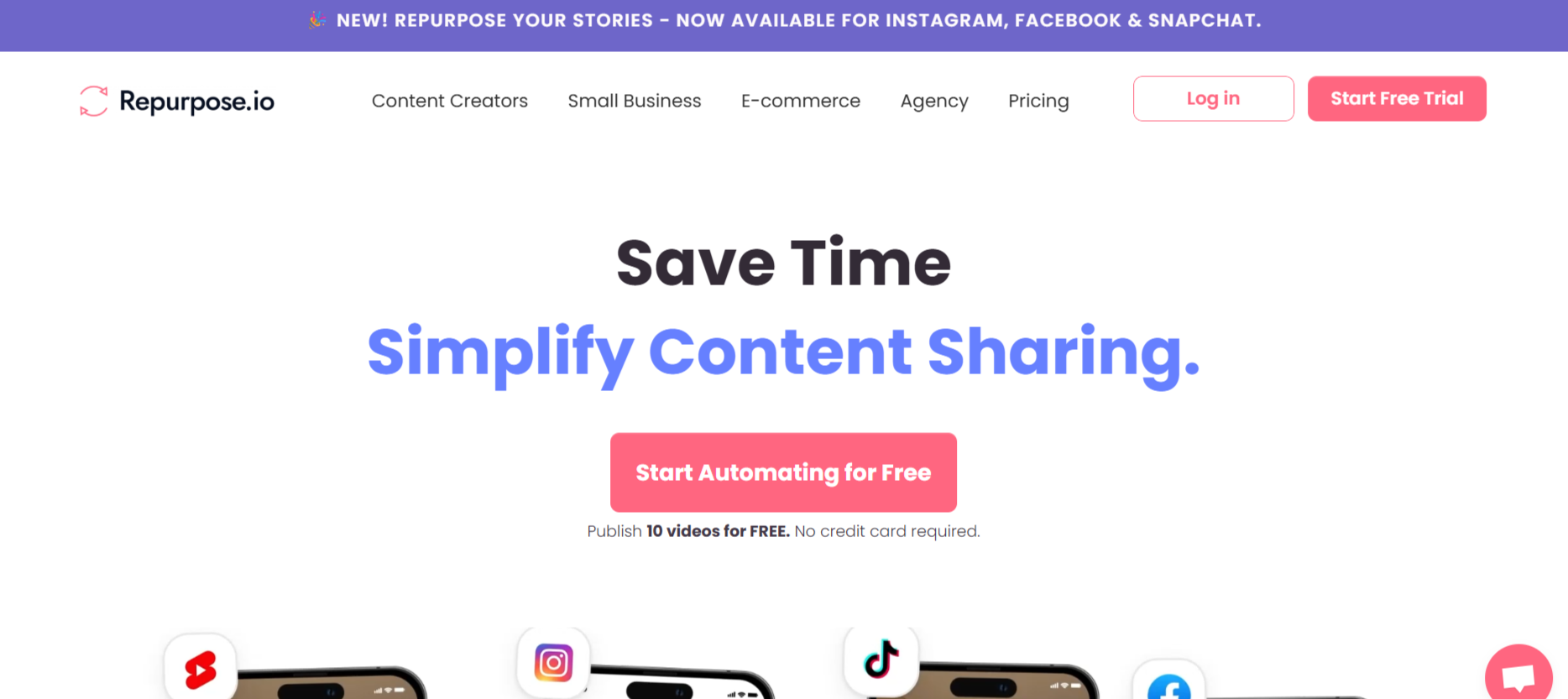
Repurpose io excels at workflow automation for creators managing multiple content distribution channels. The platform creates workflows that automatically convert livestreams into various formats—vertical clips, square videos, or audio-only versions—then distributes them to designated platforms without manual intervention.
The Auto Sync Snippets feature ensures consistency when repurposing content across different social networks. Once you create clips from a source, Repurpose.io synchronizes those edited segments to all connected workflows.
Key Features:
- Workflow automation for multi-platform content distribution
- Auto Sync Snippets maintains consistency across channels
- Supports conversion to vertical, square, and audio formats
6. Descript
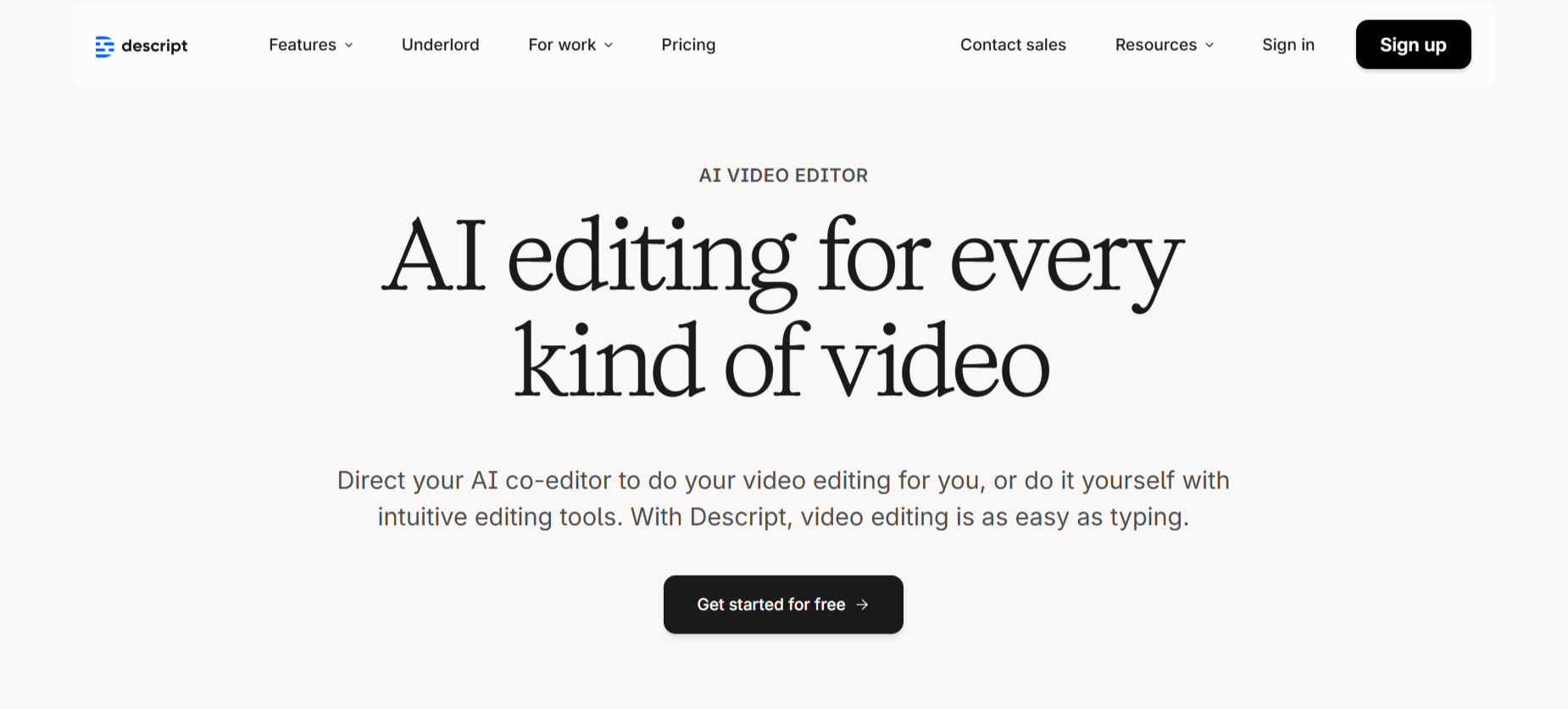
Descript revolutionizes editing with its text-based approach. After uploading your livestream, Descript generates a transcript that becomes your editing interface. Delete words from the transcript, and the corresponding video sections disappear. This method proves significantly faster than traditional
timeline scrubbing.
Studio Sound enhances audio quality with a single click, removing background noise and optimizing voice clarity. The filler word removal tool automatically detects and eliminates "um," "uh," and similar verbal pauses throughout your entire recording.
Key Features:
- Text-based editing allows video manipulation through transcript editing
- Studio Sound one-click audio enhancement and noise removal
- Automatic filler word detection and removal
7. Headliner
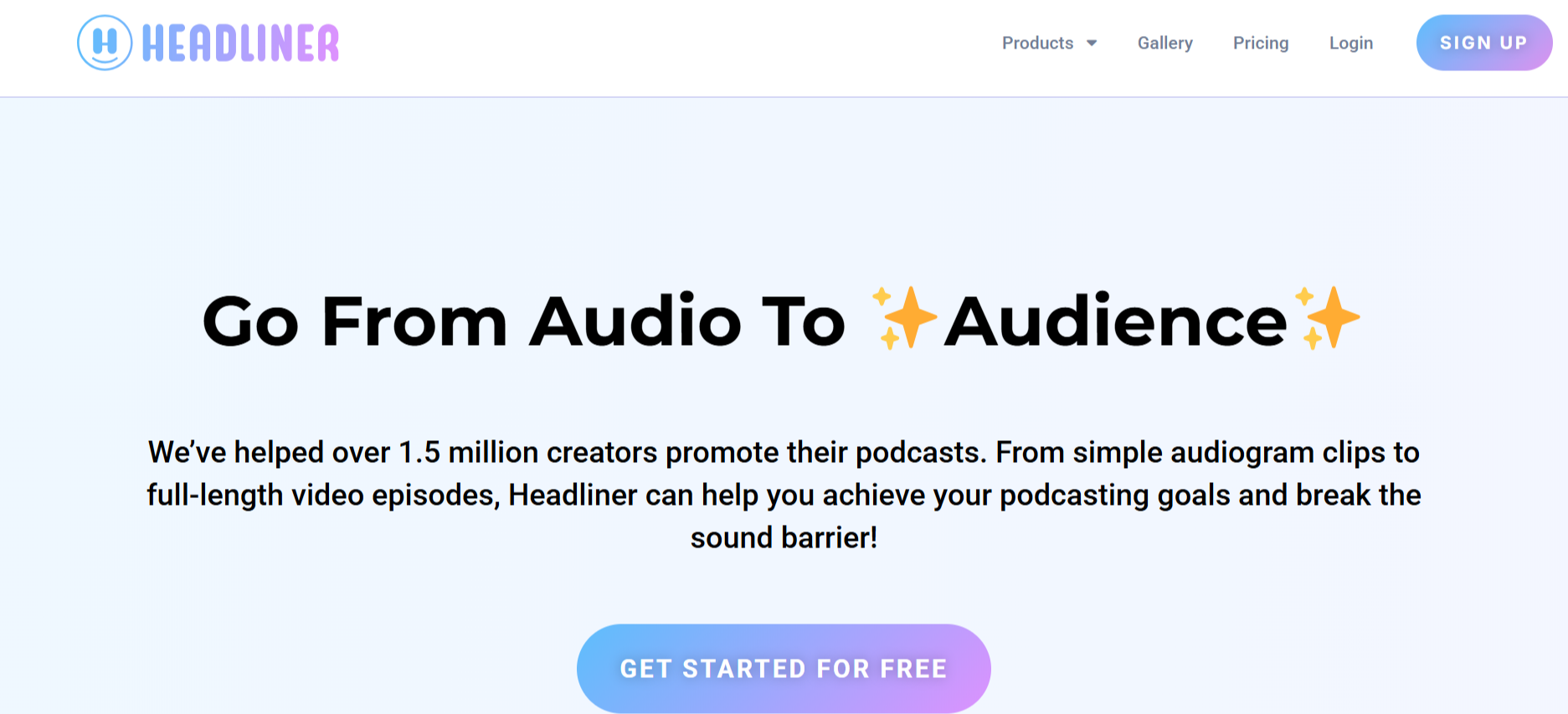
Headliner serves audio-first creators who want to expand into video content. The platform automatically converts podcast episodes and audio livestreams into engaging audiograms with waveforms, captions, and custom branding. These visual representations help audio content compete on visually-driven platforms.
AI-powered clip detection identifies up to 10 shareable moments from each episode. Headliner's automation features can create and publish these clips to your social accounts every time you release new content.
Key Features:
- Audiogram creation for audio-first content with waveform visualizations
- AI detects up to 10 shareable moments per episode automatically
- Automated publishing to social accounts upon new content release
8. Riverside
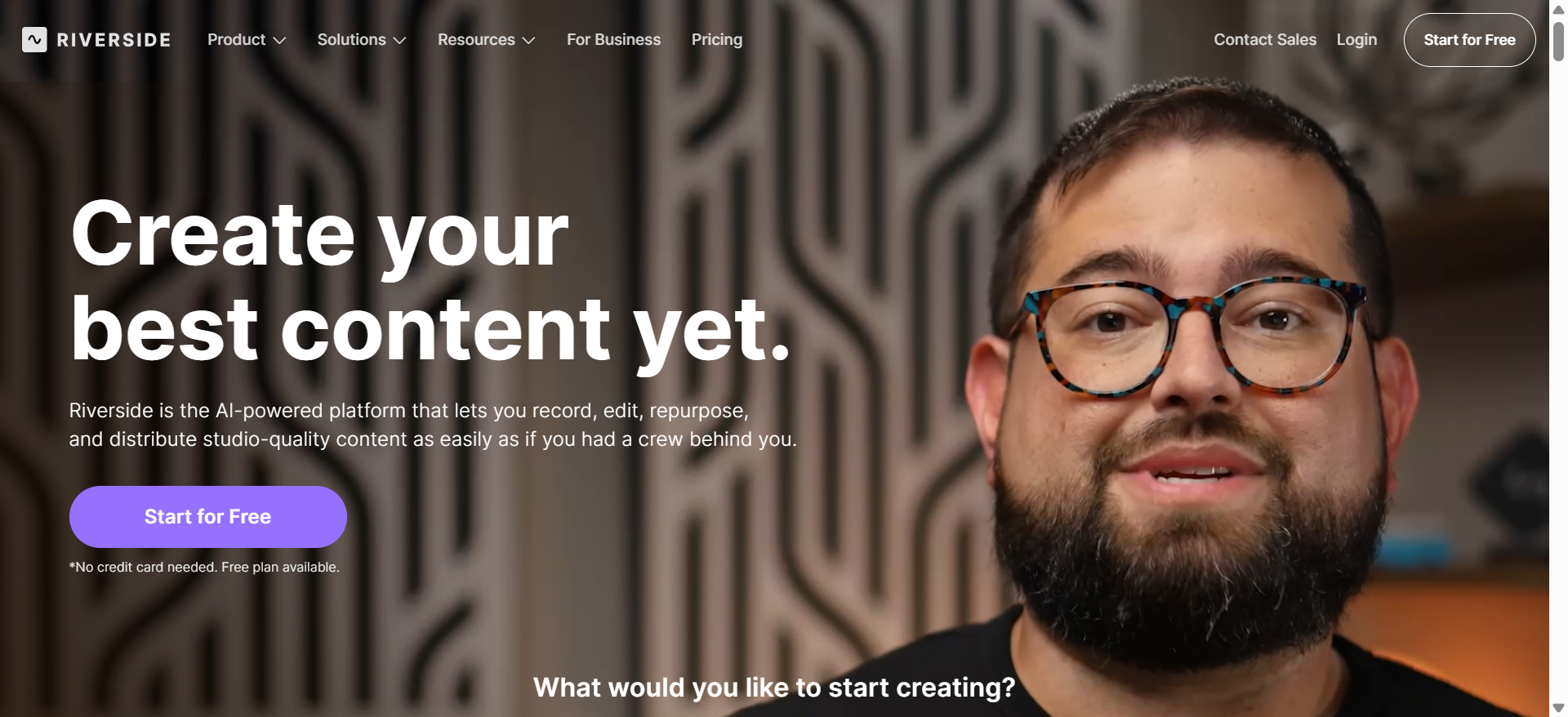
Riverside provides an end-to-end solution for creators who record and edit in the same environment. Magic Clips analyzes recordings to generate social-ready shorts automatically, while the text-based editor allows quick refinements. The platform supports recording in up to 4K resolution.
AI Speaker View intelligently switches camera focus to active speakers in multi-person recordings. This dynamic switching creates professional-looking clips without manual camera direction.
Key Features:
- Magic Clips generates social-ready shorts from recordings automatically
- Records in up to 4K resolution with separate track editing
- AI Speaker View automatically switches focus to active speakers
9. Kapwing
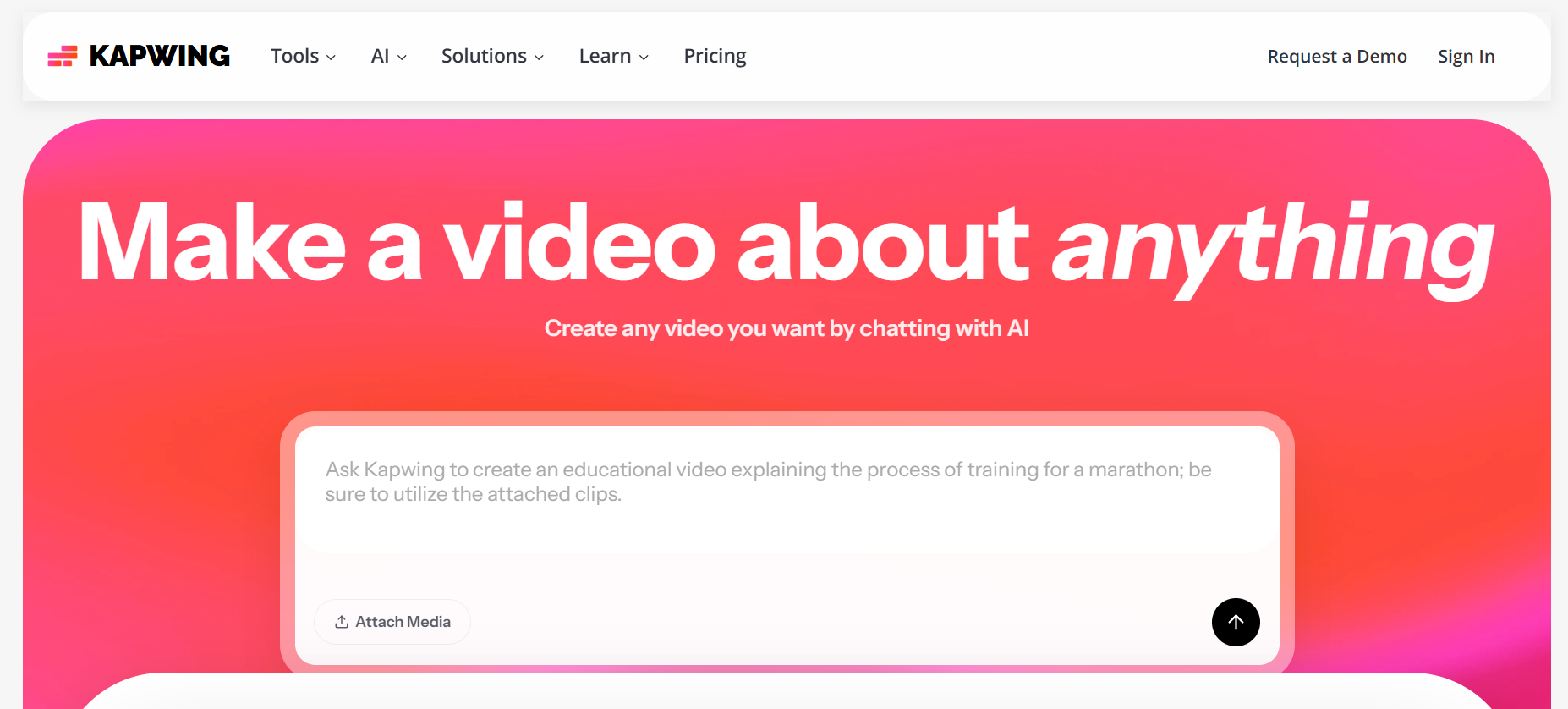
Kapwing offers a comprehensive browser-based editing suite that requires no software installation. The Repurpose Video feature accepts long-form content and suggests multiple clips optimized for different social platforms. Each suggestion includes an AI-generated transcript for easy text-based editing.
Smart Cut automatically removes silences, filler words, and awkward pauses with one click. The platform's collaborative features allow teams to review clips, leave comments, and make edits together in real-time.
Key Features:
- Browser-based platform requires no software downloads
- Smart Cut removes silences and filler words automatically
- Real-time collaboration with team commenting and editing
10. FlexClip
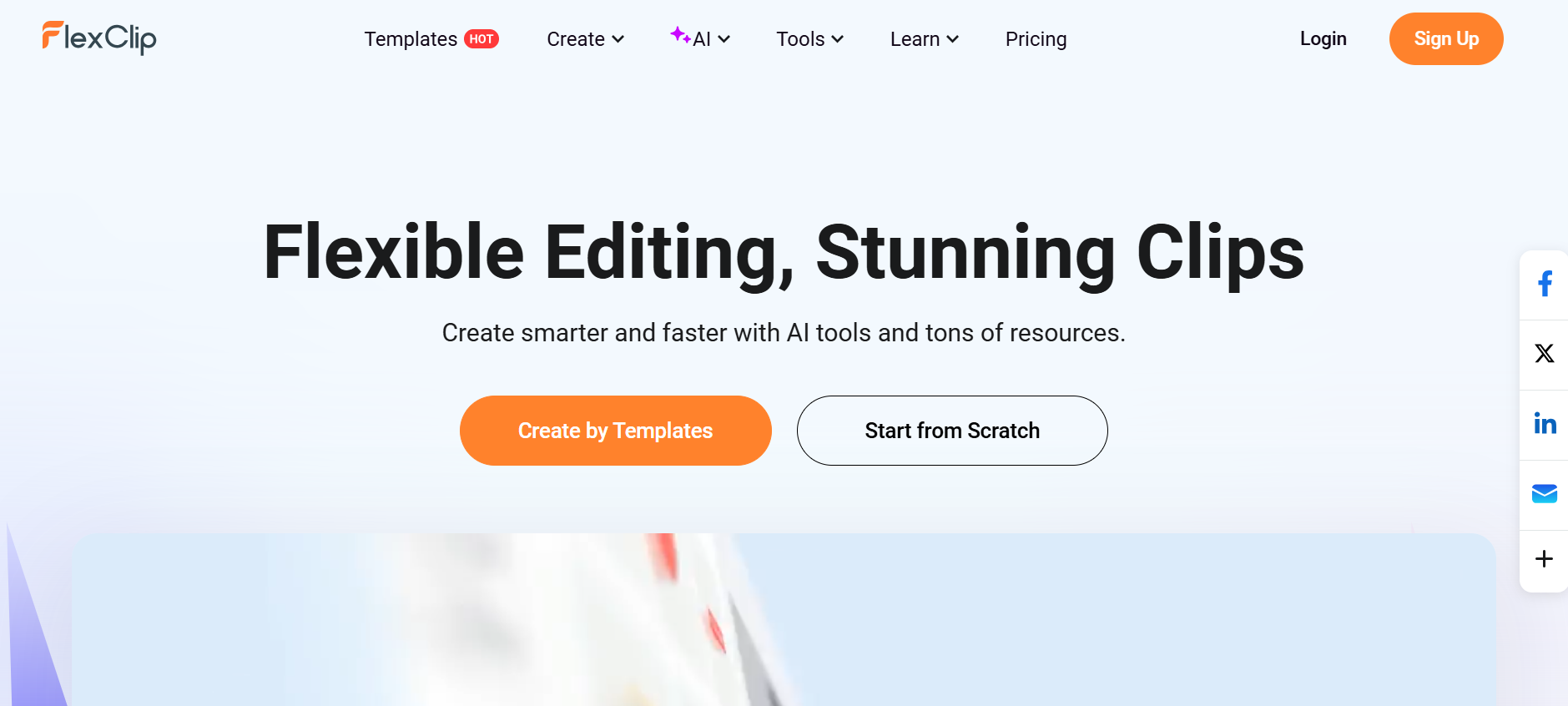
FlexClip combines AI text-based editing with traditional video editing tools. The platform's transcript editor allows you to remove unwanted sections by editing text, while the AI highlights feature extracts key moments with a single click. This dual approach gives you flexibility in how you work.
The built-in media library provides access to millions of stock videos, photos, and music tracks. These resources help enhance your clips with B-roll footage and background music without leaving the editor.
Key Features:
- Dual editing modes: text-based and traditional timeline
- AI highlights extracts key moments in one click
- Built-in media library with millions of stock assets
Conclusion
Transforming livestreams into engaging short clips no longer requires hours of manual editing or expensive software subscriptions. These ten tools prove that automation and simplicity can coexist with professional results. LiveLink AI leads the pack with its comprehensive feature set and intuitive workflow, but each platform brings unique strengths to different content creation scenarios.
Your choice depends on your specific needs—gaming content, podcast repurposing, business webinars, or general streaming. Start with a free trial of your top contenders, test them with actual content, and evaluate which platform fits your workflow naturally. The right tool will feel invisible, letting your creativity shine through polished clips that grow your audience across every social platform.
FAQs
What's the best tool for gaming livestream clips?
Eklipse dominates the gaming niche with support for over 1,000 games and automatic detection of in-game events like kills and assists. However, LiveLink AI offers broader functionality if you stream multiple content types beyond gaming.
Can these tools automatically publish clips to social media?
Several platforms including LiveLink AI, OpusClip, Repurpose.io, and Headliner offer direct social media integration with scheduling capabilities. This eliminates manual downloading and uploading, streamlining your content distribution workflow.
Do I need editing experience to use these tools?
Most modern clipping platforms prioritize accessibility. LiveLink AI, OpusClip, and StreamLadder require minimal editing knowledge—their AI handles the technical aspects while you focus on content selection and basic customization.
How accurate are automated captions and transcripts?
Current AI transcription typically achieves 95-99% accuracy depending on audio quality and speaker clarity. LiveLink AI, Descript, and Riverside lead in transcription accuracy, though manual review improves results for specialized terminology.
What's the difference between text-based and timeline editing?
Text-based editing (featured in Descript, FlexClip, and Riverside) lets you edit video by modifying transcripts—delete words and the corresponding video disappears. Timeline editing offers more granular control but requires more time. Many creators combine both approaches for optimal efficiency.


