

.png)

Your YouTube channel holds untapped potential. Every long-form video contains dozens of TikTok-ready moments waiting to reach younger audiences, drive traffic back to your main channel, and multiply your content's impact across platforms. Yet manually editing each clip drains hours you could spend creating new content.
Smart creators multiply their reach without multiplying their workload. The right repurposing tool analyzes your YouTube videos, extracts peak moments, reformats everything for vertical viewing, and handles the tedious technical details. You focus on strategy while automation handles execution.
Cross-platform distribution isn't optional anymore—it's survival. Viewers consume content differently on each platform, and TikTok's algorithm rewards fresh uploads with explosive reach. These tools bridge the gap between your YouTube library and TikTok's massive audience.
Quick Overview:
- LiveLink AI
- Vizard
- OpusClip
- SendShort
- Submagic
- Simplified
- Kapwing
- Repurpose.io
- VEED
- FlexClip
1. LiveLink AI
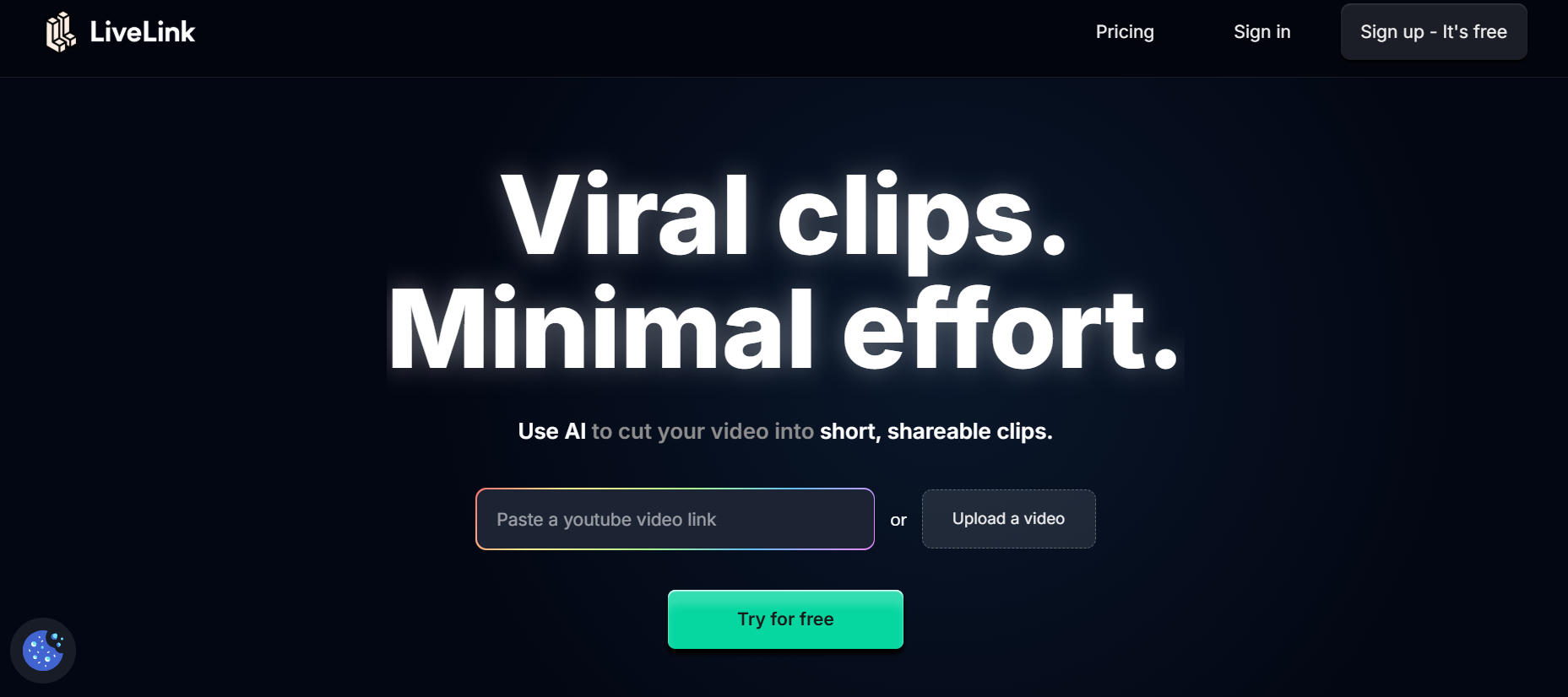
LiveLink AI dominates YouTube-to-TikTok conversion with intelligent processing that understands content at a deeper level than competitors. This platform doesn't just crop videos—it analyzes engagement patterns, identifies narrative peaks, and packages moments that naturally compel viewers to watch until the end.
The technology recognizes what makes content shareable on TikTok versus YouTube. While your long-form video explains concepts thoroughly, LiveLink AI pinpoints those quick-hit insights, surprising reveals, and quotable moments that thrive in TikTok's fast-scrolling environment. The system automatically adjusts pacing, ensures faces stay centered during vertical reformatting, and maintains energy throughout each clip.
Batch processing transforms your workflow entirely. Upload your latest YouTube video before lunch, return to find twenty polished TikTok clips ready for scheduling. Each clip maintains your brand consistency through saved templates while optimizing for TikTok's unique algorithm preferences. This isn't random chopping—it's strategic content multiplication.
Integration with both platforms eliminates the download-upload dance. Connect your YouTube channel and TikTok account once, then LiveLink AI handles transfers automatically. Your content flows seamlessly from creation to distribution without touching multiple apps or losing quality through compression cycles.
Key Features:
- Context-Aware Clipping - Analyzes video structure to identify self-contained segments that work as standalone TikTok content, not just random moments that lack context or payoff
- Vertical Format Optimization - Smart cropping keeps speakers and key visual elements centered in 9:16 format while maintaining the original composition's intent and energy
- TikTok-Specific Caption Styling - Generates captions using trending fonts, animations, and positioning strategies that match current TikTok aesthetic preferences and boost watch time
- Cross-Platform Scheduling - Queue clips for optimal TikTok posting times while simultaneously managing YouTube Shorts distribution from a single dashboard
- Engagement Prediction - Scores potential clips based on hooks, pacing, and content patterns that historically perform well on TikTok's discovery algorithm
- Audio Enhancement - Automatically balances audio levels and removes background noise specifically for mobile viewing conditions where clarity matters more than studio polish
2. Vizard
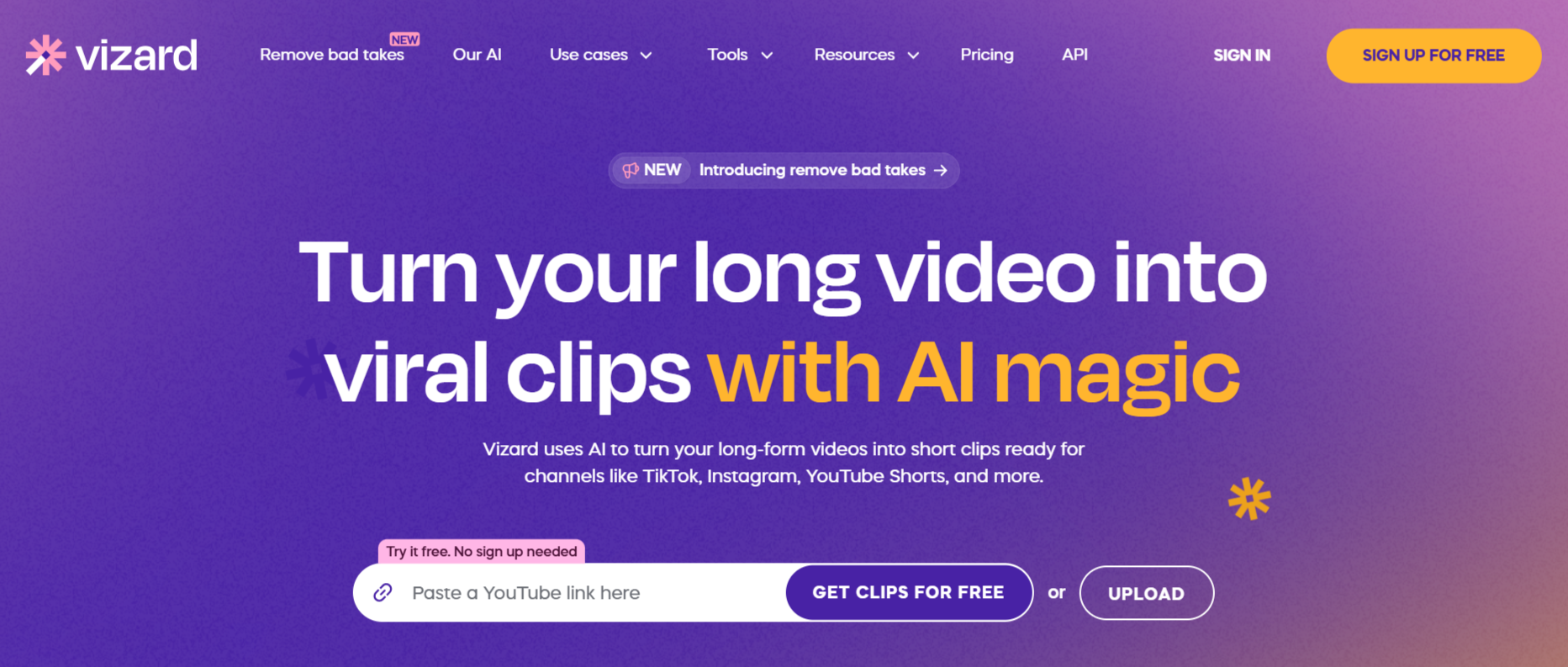
Vizard specializes in transforming educational and podcast content into TikTok gold. The platform excels at identifying teaching moments, key takeaways, and controversial statements that spark engagement. Content creators appreciate how Vizard maintains context when extracting clips, ensuring each TikTok video stands alone without requiring viewers to watch the full YouTube video.
The text-based editing interface lets you refine clips by editing transcripts. Delete unnecessary words and the corresponding video sections disappear automatically. This approach proves faster than traditional timeline scrubbing, especially when processing hour-long YouTube videos into multiple TikTok clips.
Key Features:
- AI detects up to 10 viral-potential clips per YouTube video with engagement scoring
- Text-based editing allows transcript manipulation for quick refinements
- Direct YouTube integration imports videos via URL without downloads
3. OpusClip
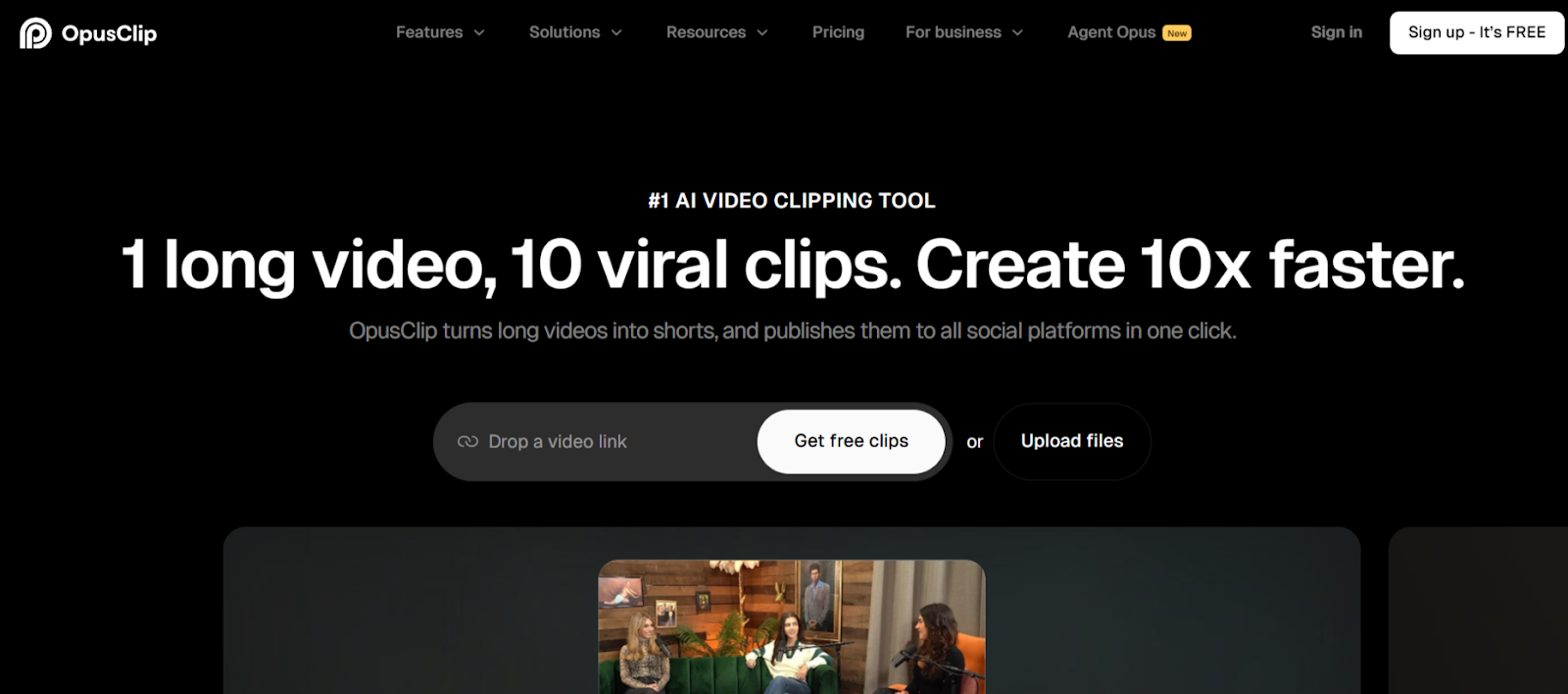
OpusClip brings virality scoring to YouTube-to-TikTok conversion. The platform rates each potential clip's viral potential before you export, helping you prioritize which moments to post first. Marketing teams value this data-driven approach when deciding how to allocate limited posting slots across TikTok's demanding daily upload schedule.
The AI B-roll feature automatically suggests and inserts contextual footage that enhances storytelling. Product demonstrations, tutorial segments, and interview clips gain professional polish without manual searching through stock libraries or previous footage.
Key Features:
- Virality scoring system predicts engagement potential for each extracted clip
- AI B-roll insertion adds contextual footage automatically during processing
- Multi-aspect ratio support outputs for TikTok, Instagram Reels, and YouTube Shorts simultaneously
4. SendShort
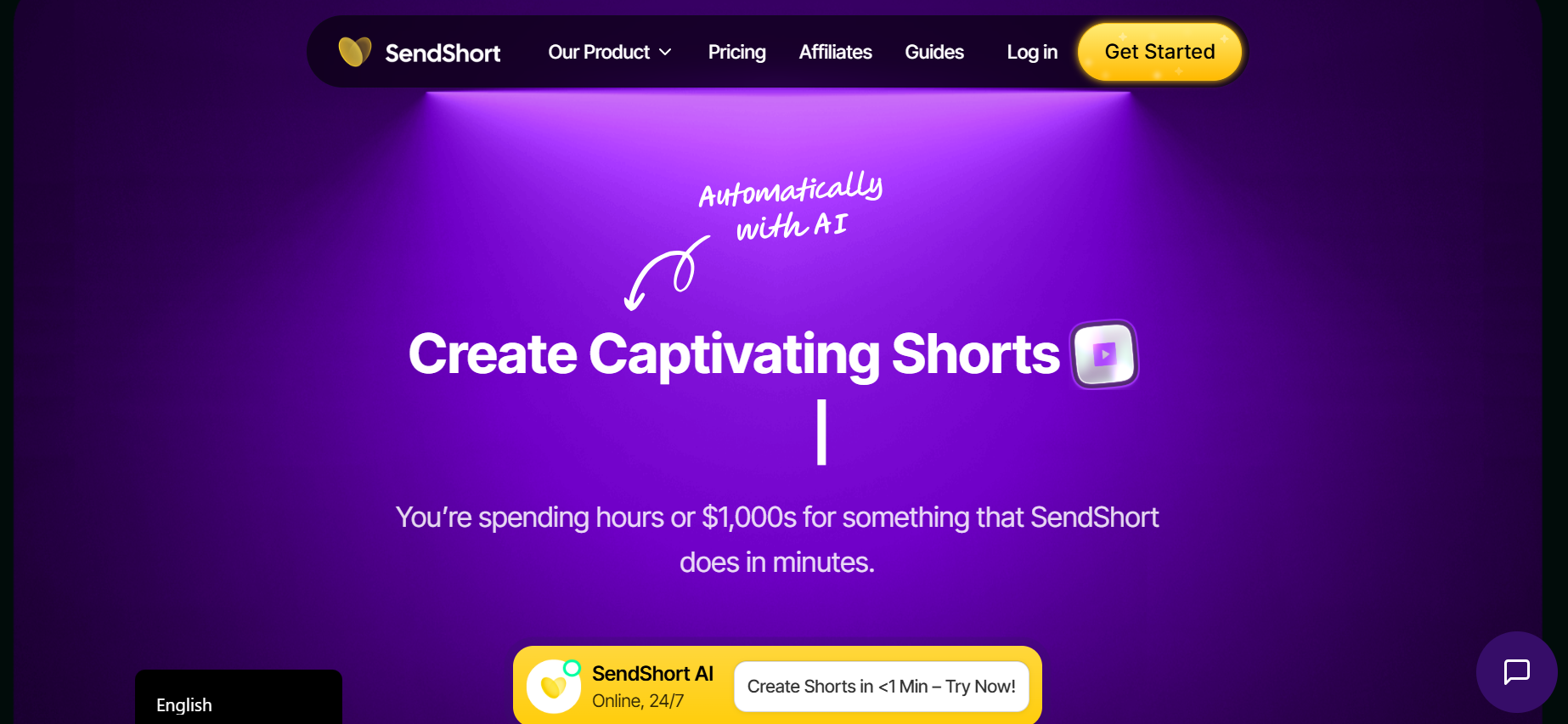
SendShort focuses on speed without sacrificing quality. The platform processes YouTube videos faster than most competitors, generating multiple TikTok-ready clips in under three minutes. Creators who post multiple times daily across platforms need this velocity to maintain consistency.
Automatic subtitle generation supports over 50 languages with translation capabilities. This feature unlocks international audiences on TikTok, where non-English content often achieves viral status when properly captioned.
Key Features:
- Ultra-fast processing generates clips in under 3 minutes
- 50+ language subtitle support with instant translation
- Batch export creates multiple versions optimized for different platforms
5. Submagic
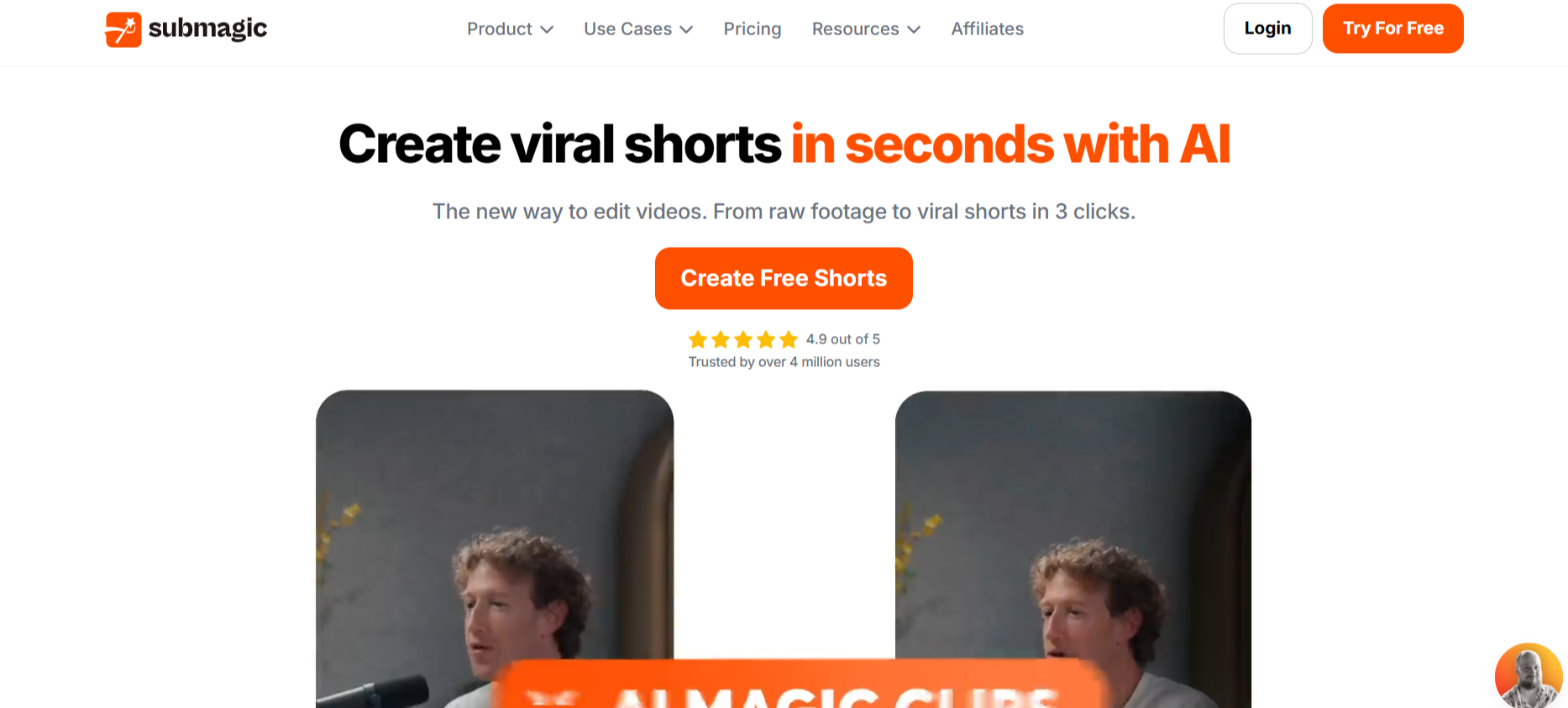
Submagic brings Hollywood-level effects to TikTok repurposing. The platform's auto-zoom feature dynamically focuses on speakers at crucial moments, creating the punchy visual rhythm TikTok audiences expect. Transition effects between clips match trending styles automatically, keeping your content current without constant manual updates.
The Magic B-roll feature reads your video transcript and suggests relevant stock footage contextually. Explain a concept and Submagic finds visual metaphors. Mention a location and appropriate establishing shots appear in your media library.
Key Features:
- Dynamic auto-zoom creates engaging focal shifts during key moments
- Magic B-roll reads transcripts and suggests contextually relevant footage
- Trending caption styles update automatically to match current TikTok aesthetics
6. Simplified
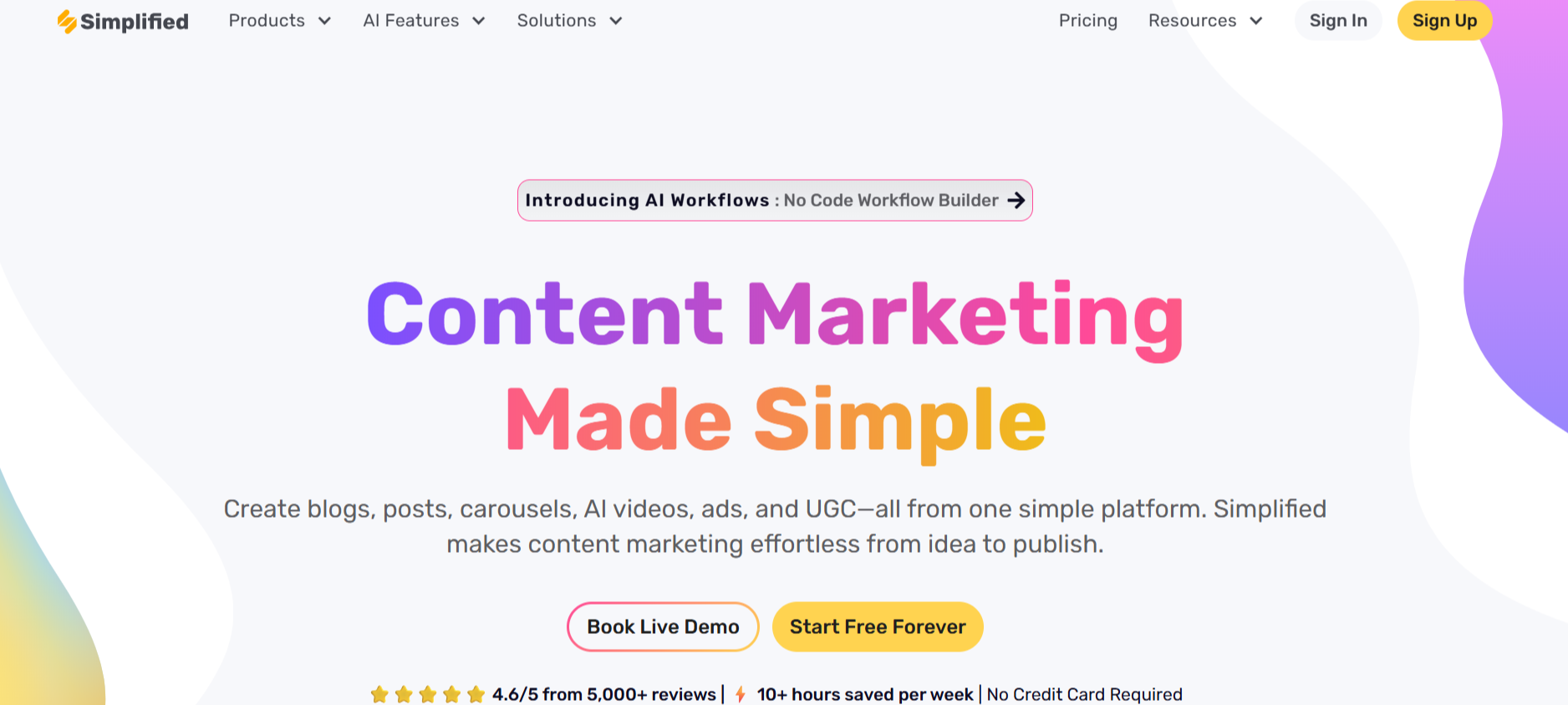
Simplified targets business users repurposing webinars, presentations, and corporate YouTube content for TikTok. The platform understands professional content structure, identifying key statistics, customer testimonials, and product demonstrations worth highlighting. Brand consistency tools ensure company guidelines apply across all exported clips.
The collaborative workspace lets marketing teams review clips, leave feedback, and approve content before publication. Version control prevents accidental posting of outdated or unapproved clips.
Key Features:
- Business-focused AI identifies key statistics and testimonials
- Team collaboration with approval workflows and version control
- Brand kit ensures consistent styling across all repurposed content
7. Kapwing
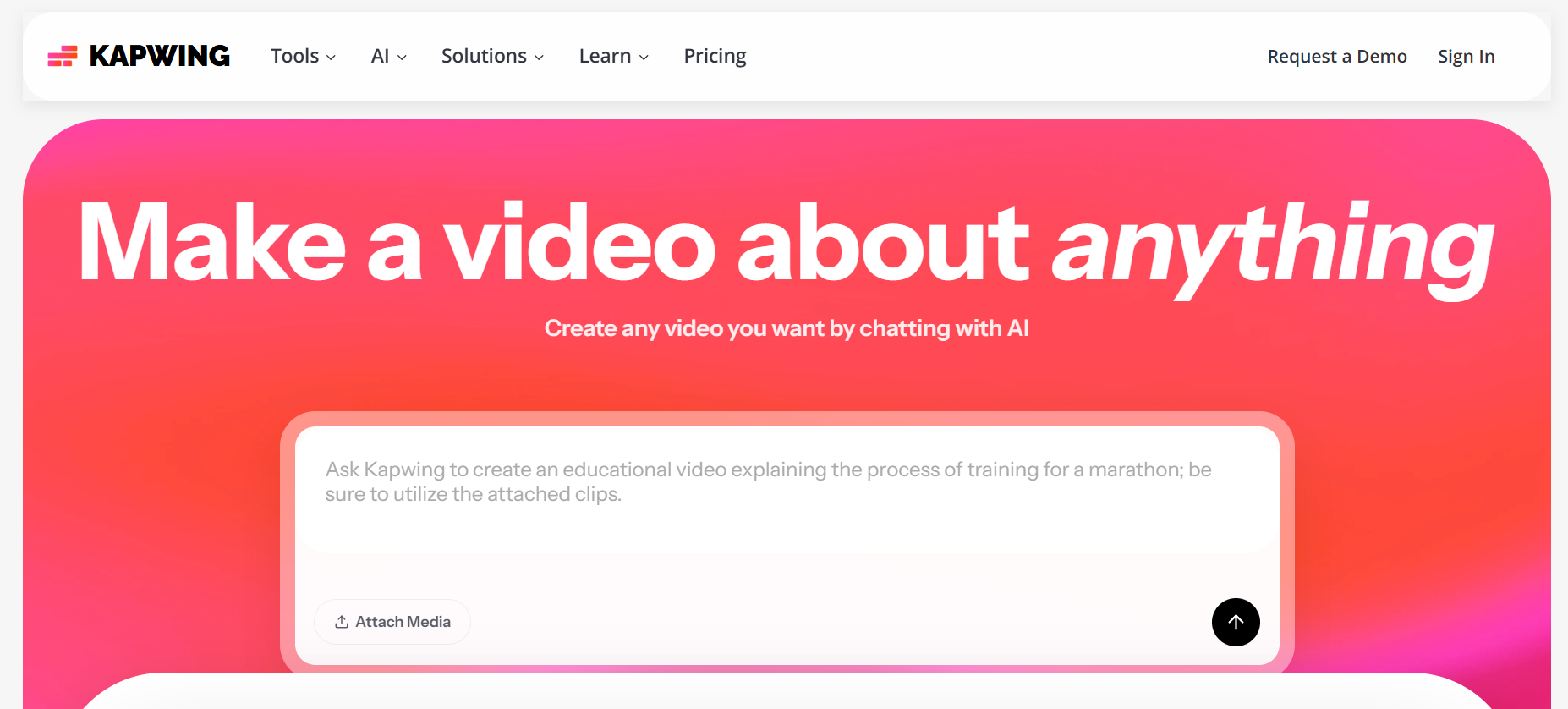
Kapwing combines AI automation with granular manual control. The platform's "Fill and Crop" intelligent reframing keeps subjects centered during vertical conversion, but you can override any decision the AI makes. This balance appeals to creators who want efficiency without surrendering creative control.
The browser-based editor requires no software installation and works identically across devices. Start editing on your desktop, make quick adjustments on your phone during commute, and finalize clips on a tablet.
Key Features:
- Browser-based platform works across all devices without installation
- Intelligent reframing with manual override options for full control
- Smart Cut removes silences and filler words automatically
8. Repurpose io

Repurpose io automates the entire distribution pipeline from YouTube to TikTok. Create workflows once, then every new YouTube upload automatically generates TikTok clips and posts them on schedule. This set-it-and-forget-it approach eliminates daily management for creators focused on production over distribution.
The platform supports multiple TikTok accounts, helping agencies manage client channels or creators maintain separate personal and business profiles. Each account can have customized workflows with different clipping preferences and posting schedules.
Key Features:
- Automated workflows trigger clip creation from new YouTube uploads
- Multi-account management handles multiple TikTok profiles simultaneously
- Auto Sync ensures consistency when distributing clips across platforms
9. VEED
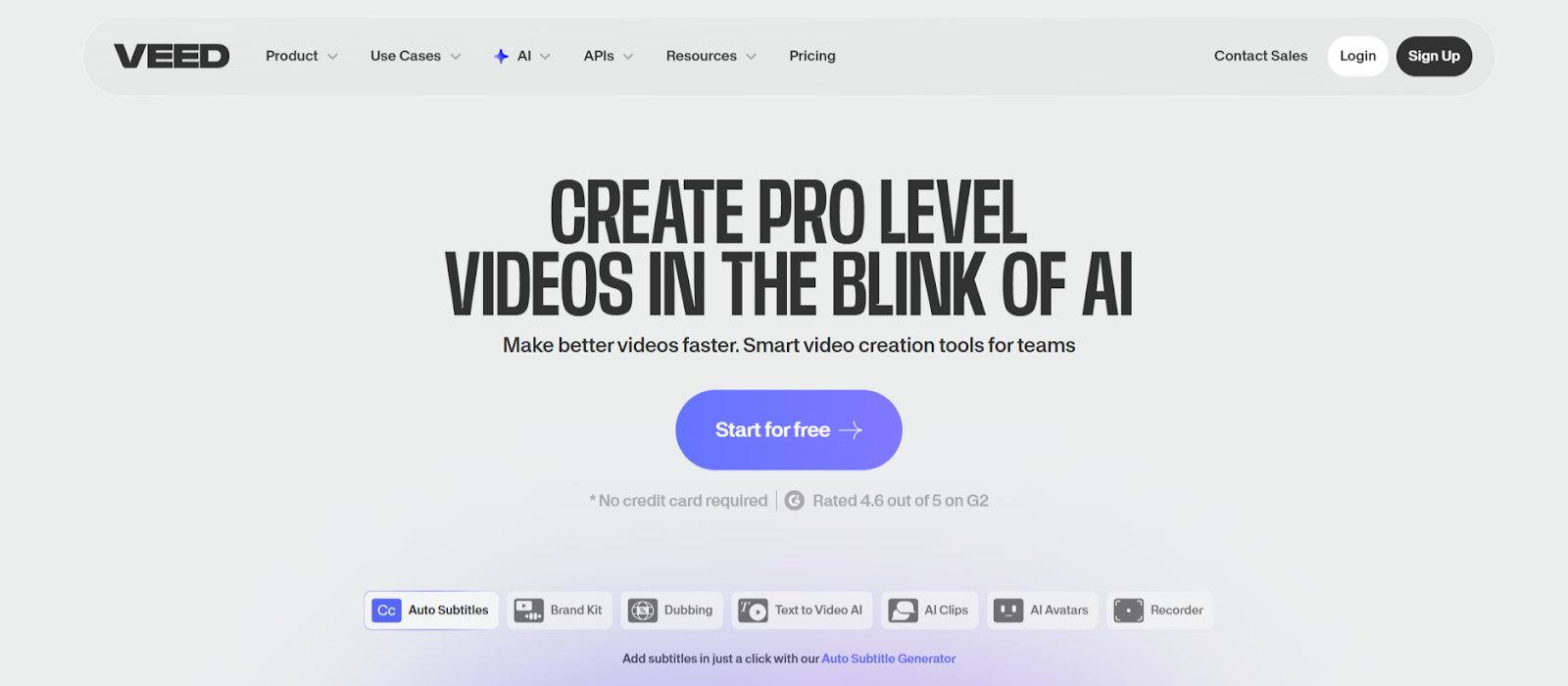
VEED offers comprehensive editing beyond basic repurposing. The platform includes green screen removal, background replacement, and advanced audio mixing. Creators who want to enhance clips beyond simple reformatting find these tools valuable for adding production value that differentiates their TikTok content.
Voice dubbing replicates the original speaker's voice in 29 languages. This feature helps YouTube creators reach TikTok's international markets without re-recording content or hiring voice actors.
Key Features:
- Voice dubbing replicates speaker's voice in 29 languages
- Green screen and background replacement for enhanced production value
- Advanced audio mixing tools optimize sound for mobile playback
10. FlexClip
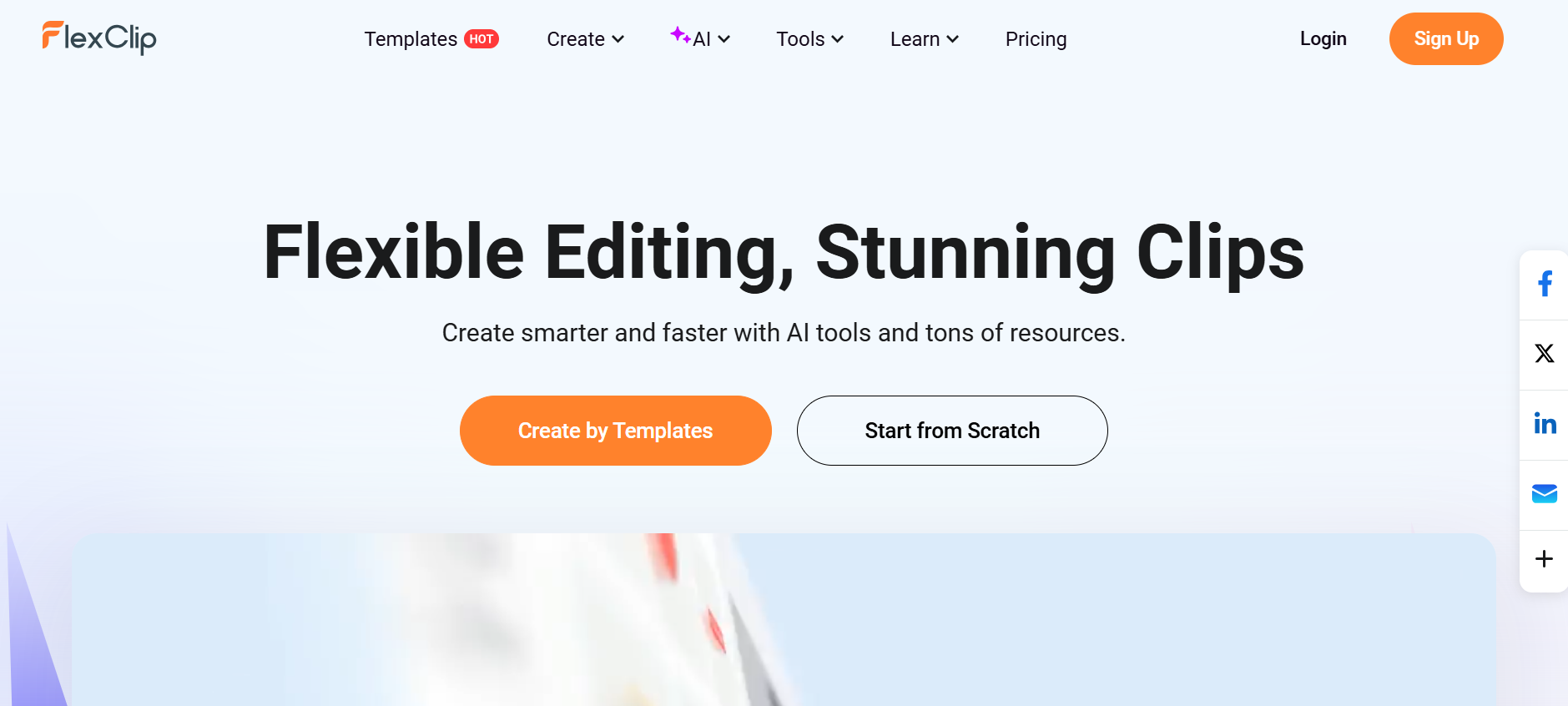
FlexClip provides dual editing modes for different workflow preferences. Use AI highlights to automatically extract clips, or employ the traditional timeline editor for frame-perfect adjustments. This flexibility accommodates both rushed daily posting and premium content that demands meticulous refinement.
The built-in media library includes millions of stock videos, photos, and music tracks licensed for commercial use. Enhance TikTok clips with B-roll footage and trending audio without leaving the editor or navigating licensing complications.
Key Features:
- Dual editing modes support both automated and manual workflows
- Commercial-licensed media library with millions of assets
- AI highlights extract key moments with single-click simplicity
Conclusion
YouTube-to-TikTok repurposing no longer requires choosing between speed and quality. These ten platforms prove automation and creativity coexist when the right technology handles technical execution. LiveLink AI leads with comprehensive features and intelligent processing, but each tool brings unique strengths to different content scenarios.
Your YouTube library represents completed work waiting for new audiences. TikTok's algorithm rewards consistent posting with exponential reach, but manual editing bottlenecks limit how quickly you can feed that algorithm. The solution isn't creating more original content—it's intelligently repurposing what already works.
Start with your best-performing YouTube videos. Run them through your chosen tool, post the clips, and track which moments resonate most with TikTok audiences. This data reveals what to emphasize in future YouTube content, creating a feedback loop that improves both platforms simultaneously.
FAQs
How long should TikTok clips be when repurposing YouTube content?
TikTok rewards 21-34 second clips with optimal algorithm performance, though the platform supports up to 10 minutes. LiveLink AI and Vizard automatically target this sweet spot when extracting moments. Longer educational content works better as multiple connected clips posted across several days.
Can I monetize repurposed YouTube content on TikTok?
Yes, if you own the original content. TikTok's Creator Fund and brand partnerships accept repurposed material. However, clips must add value beyond simple reposting—reformatting, new captions, or strategic editing qualifies. Using someone else's YouTube content without permission violates both platforms' terms.
What aspect ratio works best for TikTok clips?
TikTok prioritizes 9:16 vertical format, which fills mobile screens completely. All tools listed here handle this conversion automatically, but LiveLink AI and Kapwing offer intelligent reframing that keeps subjects centered rather than simply cropping edges.
How many TikTok clips should I create from one YouTube video?
Quality over quantity wins on TikTok. Aim for 3-7 clips per YouTube video rather than extracting every possible moment. Tools like OpusClip and LiveLink AI score clip potential, helping you identify the strongest candidates worth posting.
Do repurposed YouTube clips perform as well as native TikTok content?
When properly reformatted, yes. TikTok's algorithm doesn't penalize repurposed content—it evaluates watch time, completion rates, and engagement regardless of source. The key is adapting content for TikTok's faster pace and vertical viewing rather than simply reuploading YouTube footage unchanged.


