



Time kills content momentum. You watch competitors post three times daily while you struggle to finish one video per week. Manual editing consumes hours that could fuel new ideas, film fresh content, or engage with your growing audience. Speed determines who wins attention in feeds that refresh every second.
Quick content creation no longer requires sacrificing quality for velocity. Modern tools automate the tedious technical work, identify best moments automatically, apply trending styles instantly, and export platform ready videos while you brainstorm your next piece. Your ideas reach audiences fast enough to ride trends before they disappear.
Consistent posting builds algorithmic favor that sporadic uploads never achieve. These platforms enable daily content schedules without burnout, transforming you from occasional poster to consistent creator who owns audience attention systematically.
Quick Overview:
- LiveLink AI
- CapCut
- Canva
- InVideo
- VEED
- Adobe Express
- SendShort
- Submagic
- Animoto
- Pictory
1. LiveLink AI
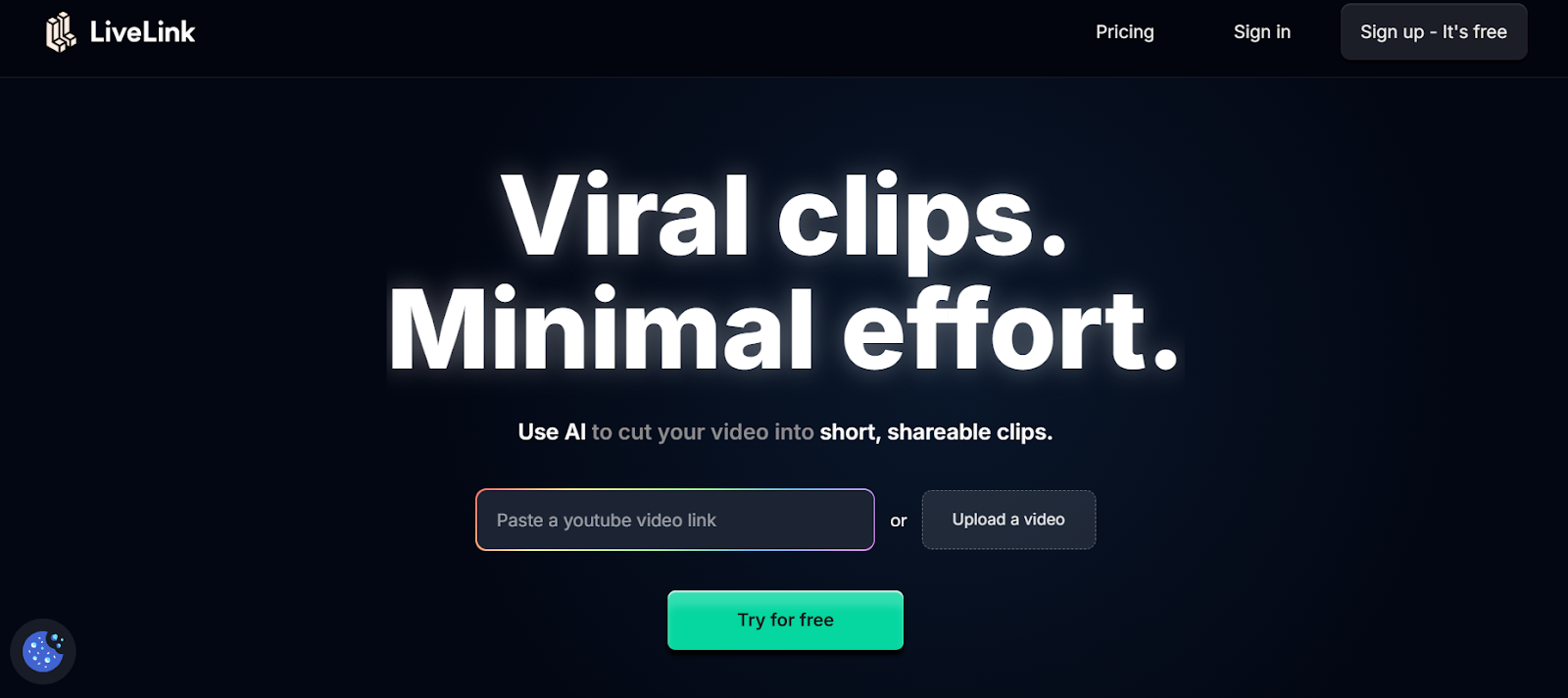
LiveLink AI revolutionizes short form creation through intelligent speed without quality compromise. This platform understands what makes content shareable before you spend hours editing, analyzing viral patterns across platforms and applying those insights automatically to your raw footage.
The technology works differently than template based tools. Where generic editors force your content into predetermined structures, LiveLink AI adapts to your unique style while incorporating trending elements that boost discoverability. Your videos maintain authentic voice while leveraging algorithm preferences that drive organic reach.
Batch creation transforms content velocity entirely. Upload a week's raw footage in the morning, specify target platforms and posting schedule, then retrieve a complete library of polished short form content ready for distribution. Each piece maintains consistent branding while varying hooks, pacing, and visual styles that prevent audience fatigue.
The system handles complexity that slows traditional workflows. Multi platform optimization generates perfect versions for TikTok, Instagram Reels, YouTube Shorts, and LinkedIn simultaneously. Trend integration applies current audio and visual styles automatically. Caption generation creates platform specific text that matches viewing patterns. Hook testing evaluates opening seconds to ensure maximum retention.
Key Features:
- Speed Focused Workflow Creates finished short form content in under two minutes per video through intelligent automation that handles technical decisions, letting you focus entirely on creative direction and messaging strategy
- Trend Intelligence System Monitors trending audio, visual styles, and content patterns across platforms in real time, automatically suggesting and applying elements that boost discoverability before trends peak
- Template Free Creation Adapts to your unique content style rather than forcing predetermined structures, maintaining authentic voice while incorporating algorithm friendly elements that drive organic reach
- Multi Platform Batch Export Generates platform optimized versions simultaneously with proper specifications for TikTok vertical format, Instagram engagement requirements, YouTube Shorts retention tactics, and LinkedIn professional styling
- Instant Caption Generation Creates platform specific captions with trending fonts, animations, and positioning strategies that match current aesthetic preferences while ensuring mobile readability in noisy environments
- Performance Prediction Scoring Evaluates content before posting using engagement data from millions of short form videos, preventing weak performers from ever reaching your audience and wasting posting opportunities
2. CapCut
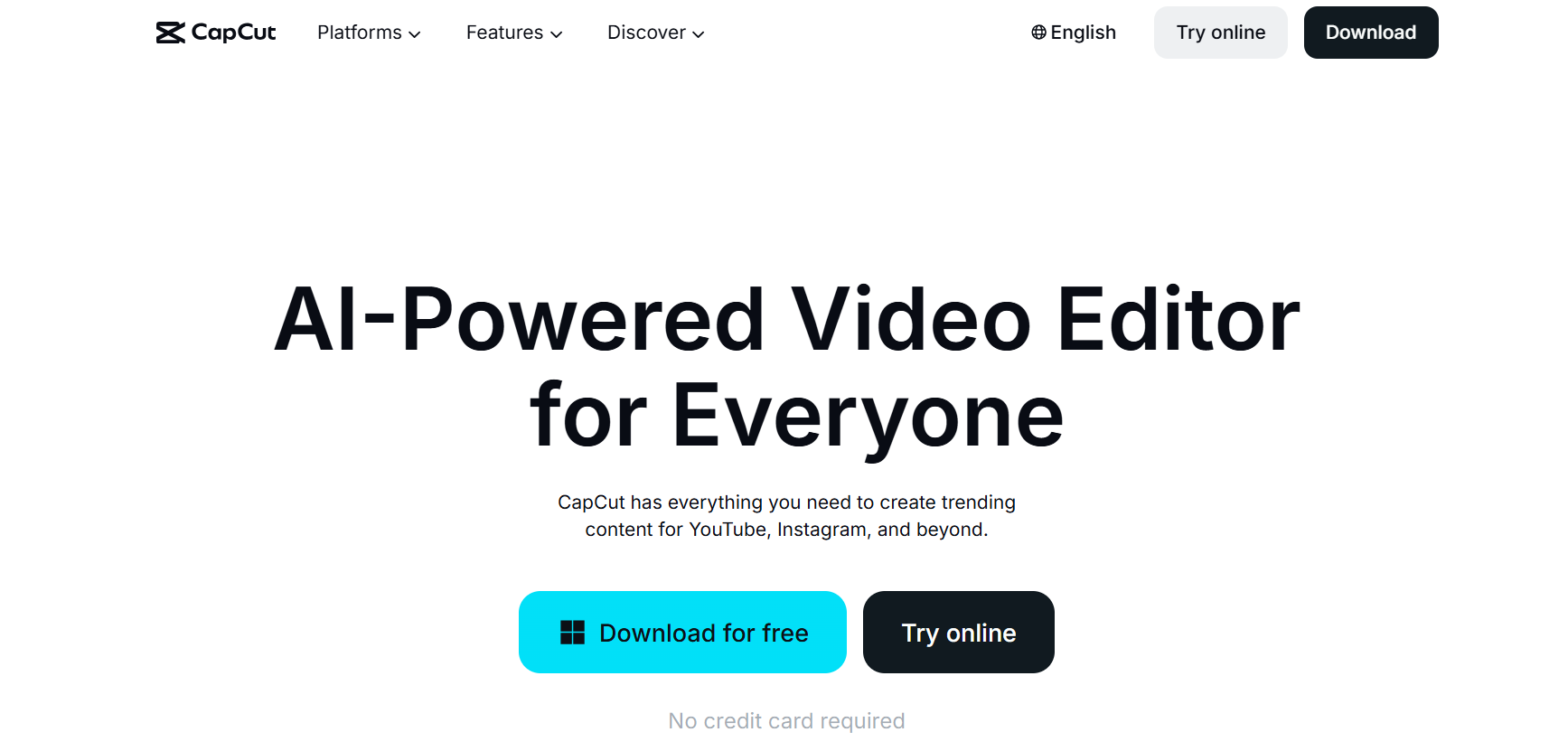
CapCut dominates mobile short form creation with features designed specifically for TikTok, Instagram Reels, and trending content. The platform updates constantly with viral transitions, effects, and templates that match current platform aesthetics, enabling you to ride trends while they drive maximum engagement.
Direct TikTok integration streamlines workflows from editing to publication. The AI writer generates entire scripts in seconds, converts them to captions automatically, and applies formatting in bulk through batch editing tools that save hours on repetitive tasks.
Key Features:
- Template library displays usage metrics showing which designs currently perform best
- AI writer produces scripts then converts them to captions with automatic formatting
- Direct TikTok integration enables posting without leaving the editing environment
3. Canva
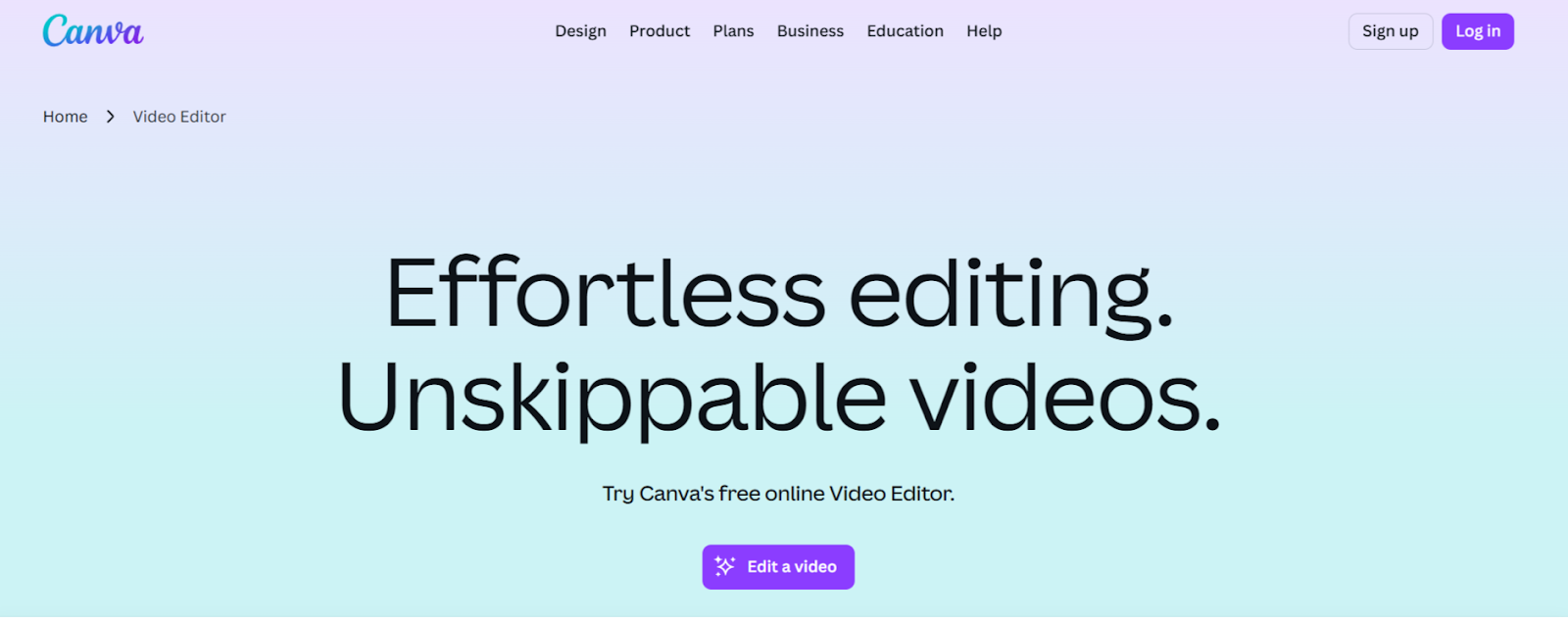
Canva simplifies short form creation through drag and drop simplicity combined with extensive template libraries. The platform handles videos, graphics, and animations through a unified interface that non designers navigate confidently, producing professional looking content without technical expertise.
The AI video editor generates short videos instantly from text prompts or existing footage. Hundreds of templates optimized for YouTube Shorts, TikTok, Instagram Reels, and Stories provide starting points that customize quickly through intuitive controls.
Key Features:
- AI video editor generates short videos from text prompts in minutes
- Drag and drop interface requires no technical video editing experience
- Extensive template library with hundreds of platform optimized designs
4. InVideo
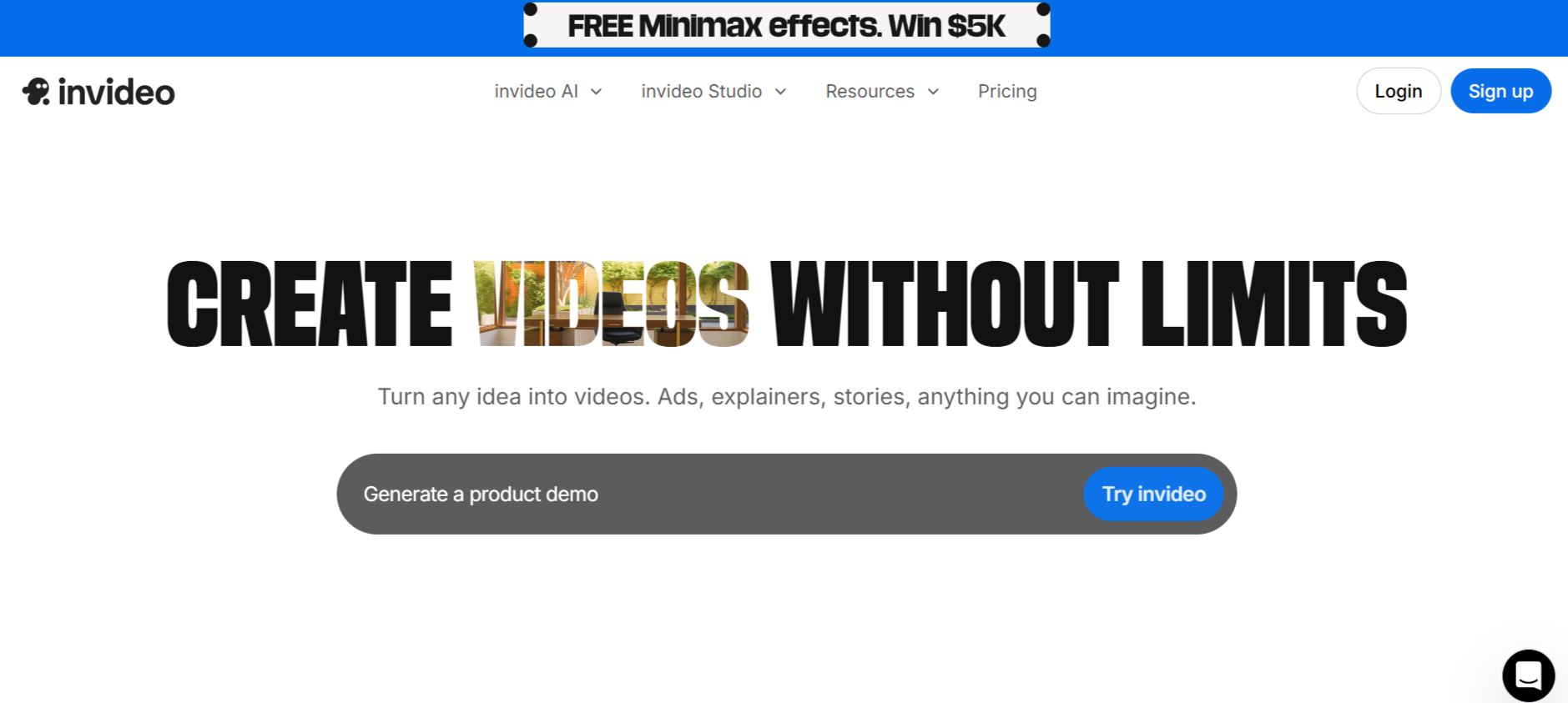
InVideo specializes in text to video generation that converts articles, scripts, or ideas into complete short form content within minutes. The platform analyzes your text, creates storyboards, selects relevant stock footage, and adds voiceovers automatically without requiring existing video assets.
The template collection includes over 5,000 professionally designed options covering every platform and content category. Marketing teams appreciate the speed of converting written content into video formats without starting production from scratch.
Key Features:
- Text to video AI converts scripts into complete videos with automated production
- 5,000 plus templates streamline creation across all content categories
- Automated voiceover generation in multiple languages with natural sounding voices
5. VEED
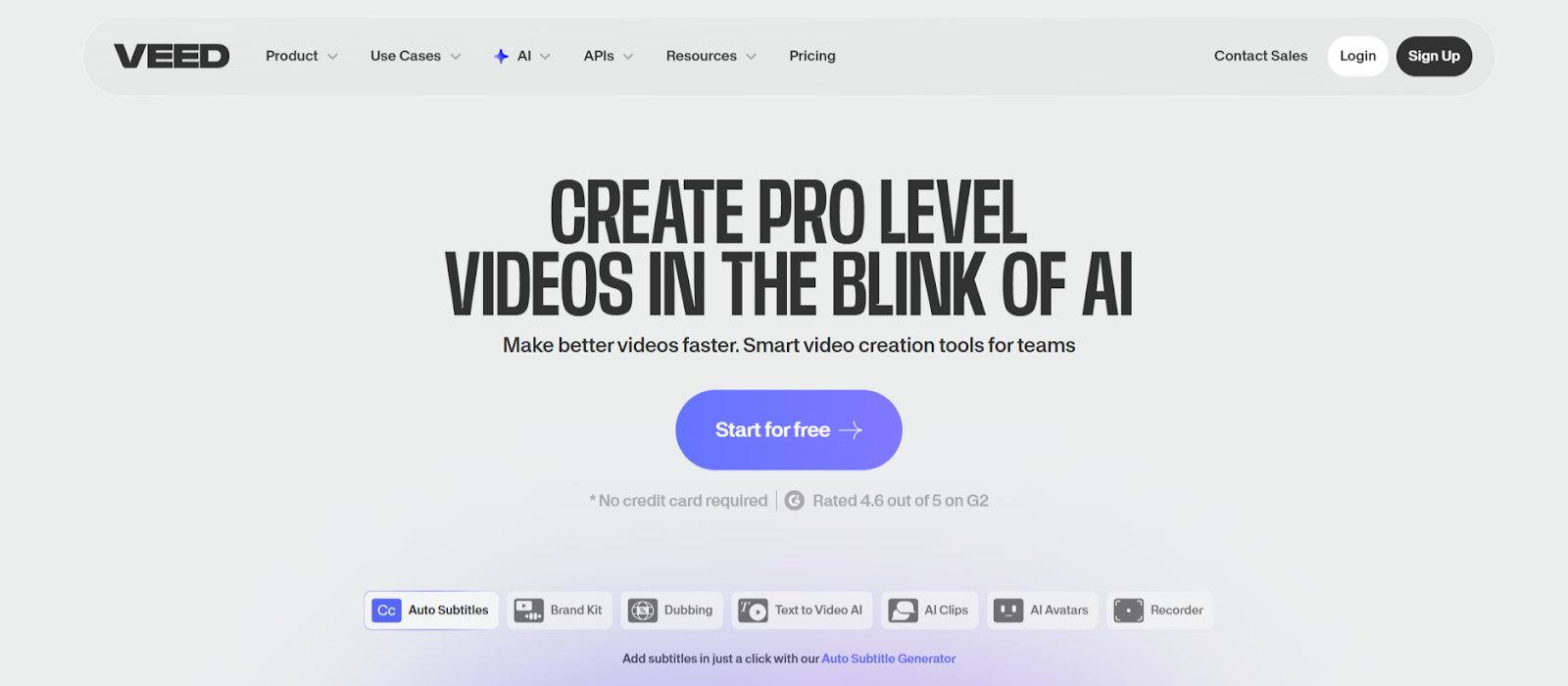
VEED combines comprehensive editing capabilities with speed focused automation for short form content. The browser based platform requires no software installation, enabling quick edits from any device without file transfers or compatibility issues that slow traditional workflows.
AI Clips analyzes recordings and generates highlights based on engagement patterns. AI Auto Edits enhances clips by adding subtitles, cleaning audio, and applying transitions automatically in seconds rather than hours of manual work.
Key Features:
- Browser based operation works across all devices without software installation
- AI Clips extracts highlights automatically from longer recordings
- AI Auto Edits adds subtitles, cleans audio, applies transitions in seconds
6. Adobe Express
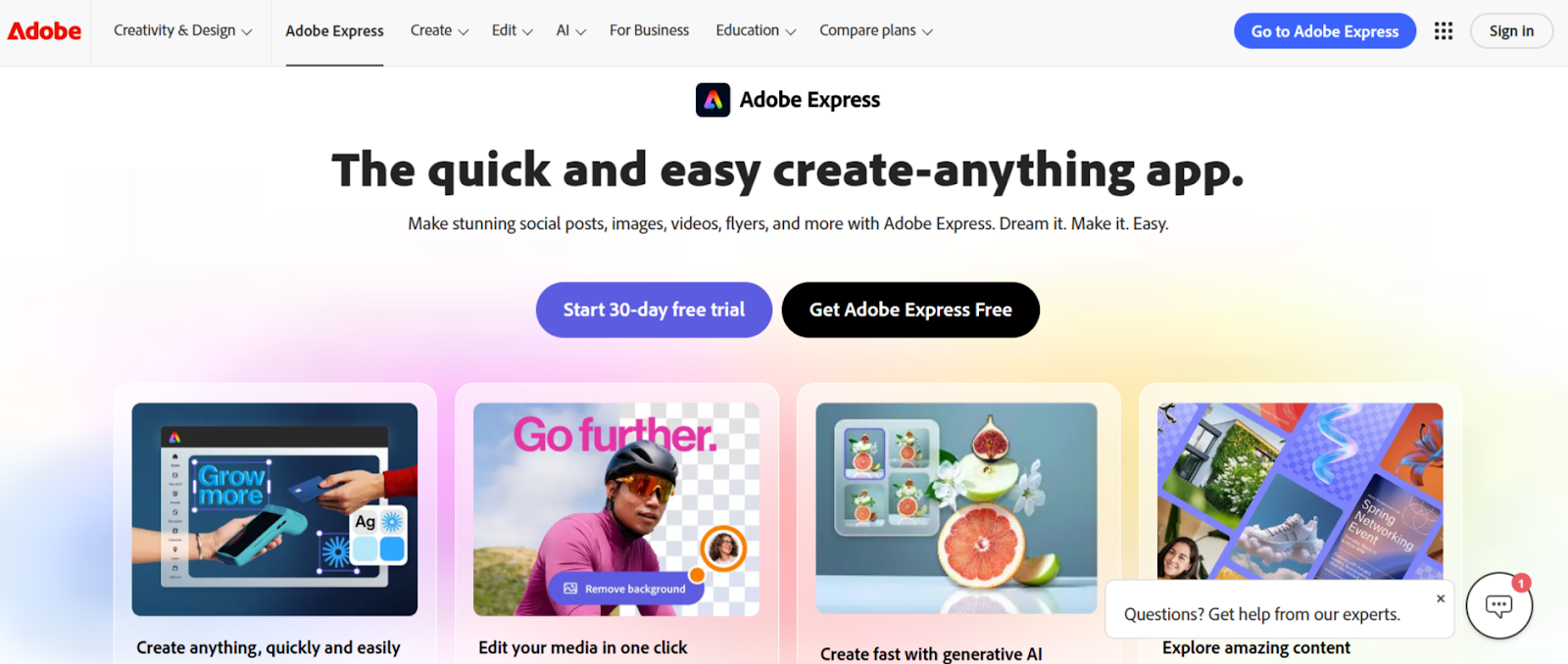
Adobe Express targets creators who need professional quality without professional complexity. The platform provides extensive asset libraries including millions of stock photos, videos, and music tracks that integrate seamlessly into projects without licensing concerns.
Quick editing tools handle common tasks like trimming, resizing, and merging videos in one click operations. The mobile and desktop apps sync projects automatically, enabling you to start editing on your computer and finish on your phone during commute.
Key Features:
- Extensive Adobe stock libraries with millions of licensed assets included
- One click tools for trimming, resizing, and merging video clips
- Cross device syncing enables editing anywhere without file management
7. SendShort
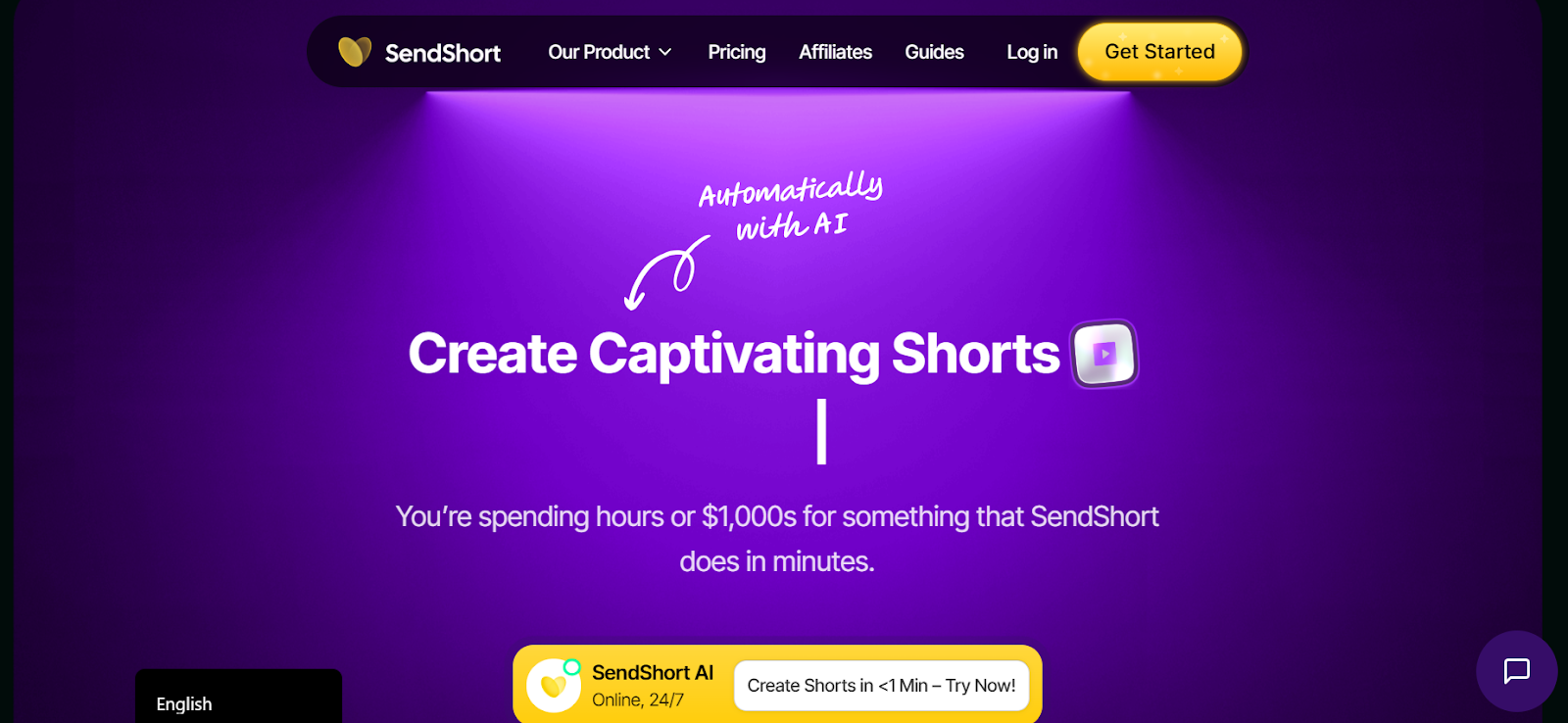
SendShort prioritizes ultra fast processing when creating short form content from existing videos. The platform generates multiple clips in under three minutes, supporting creators who need rapid turnaround for trending topics that demand immediate response.
Multilingual caption generation supports over 50 languages with instant translation. International creators produce localized short form content reaching diverse markets from single recordings without additional production costs.
Key Features:
- Ultra fast processing generates finished clips in under 3 minutes
- 50 plus language support with automatic caption translation
- Auto centering keeps speakers properly framed in vertical format
8. Submagic
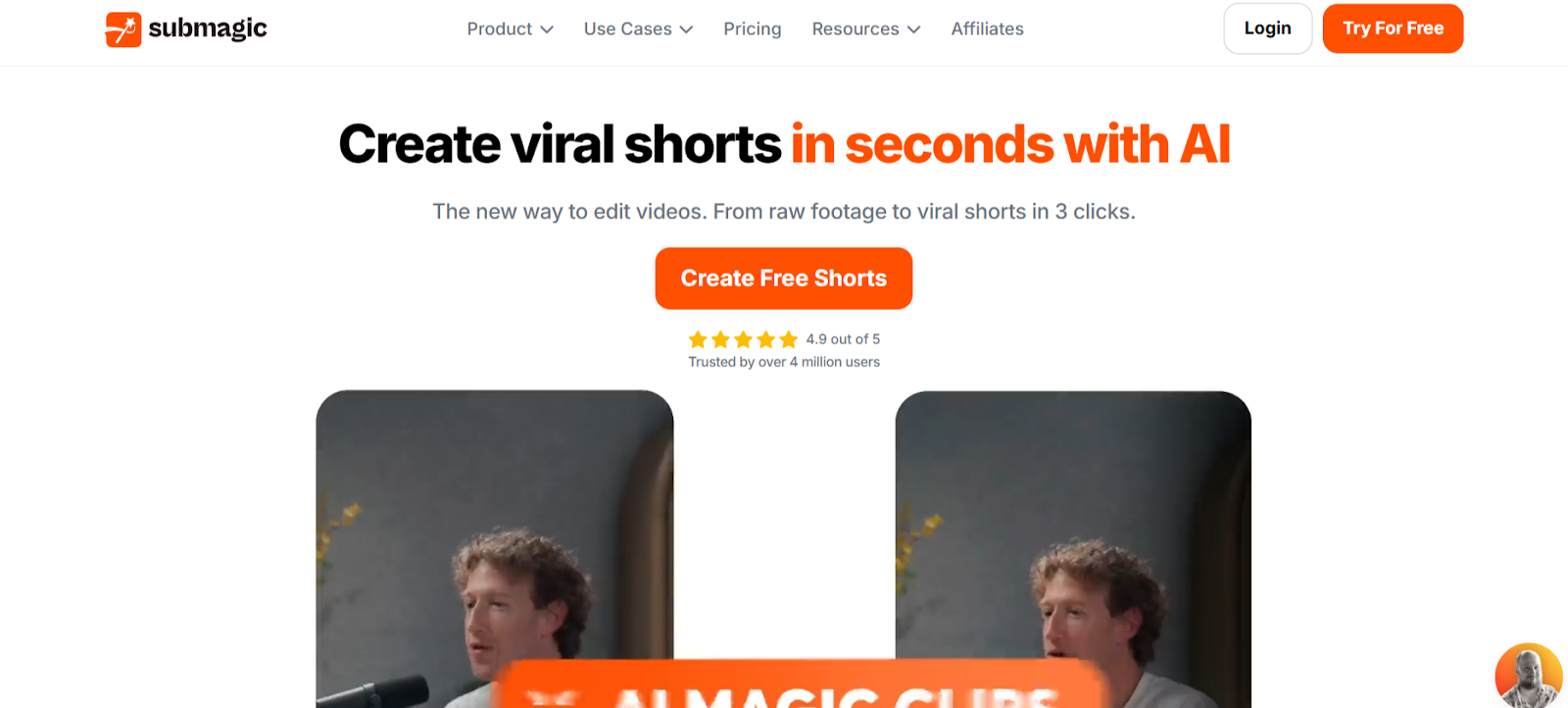
Submagic applies viral editing techniques that match current social media aesthetics automatically. Auto zoom features create dynamic focus shifts during key moments, while trending caption styles update constantly to reflect platform preferences without manual research.
Magic B roll functionality reads transcripts and suggests contextually relevant stock footage. Explain concepts and Submagic recommends visual metaphors that enhance storytelling while maintaining the fast pacing short form audiences expect.
Key Features:
- Dynamic auto zoom creates focus shifts during important statements automatically
- Trending caption styles update constantly to match current platform aesthetics
- Context aware B roll suggestions enhance explanations with relevant visuals
9. Animoto
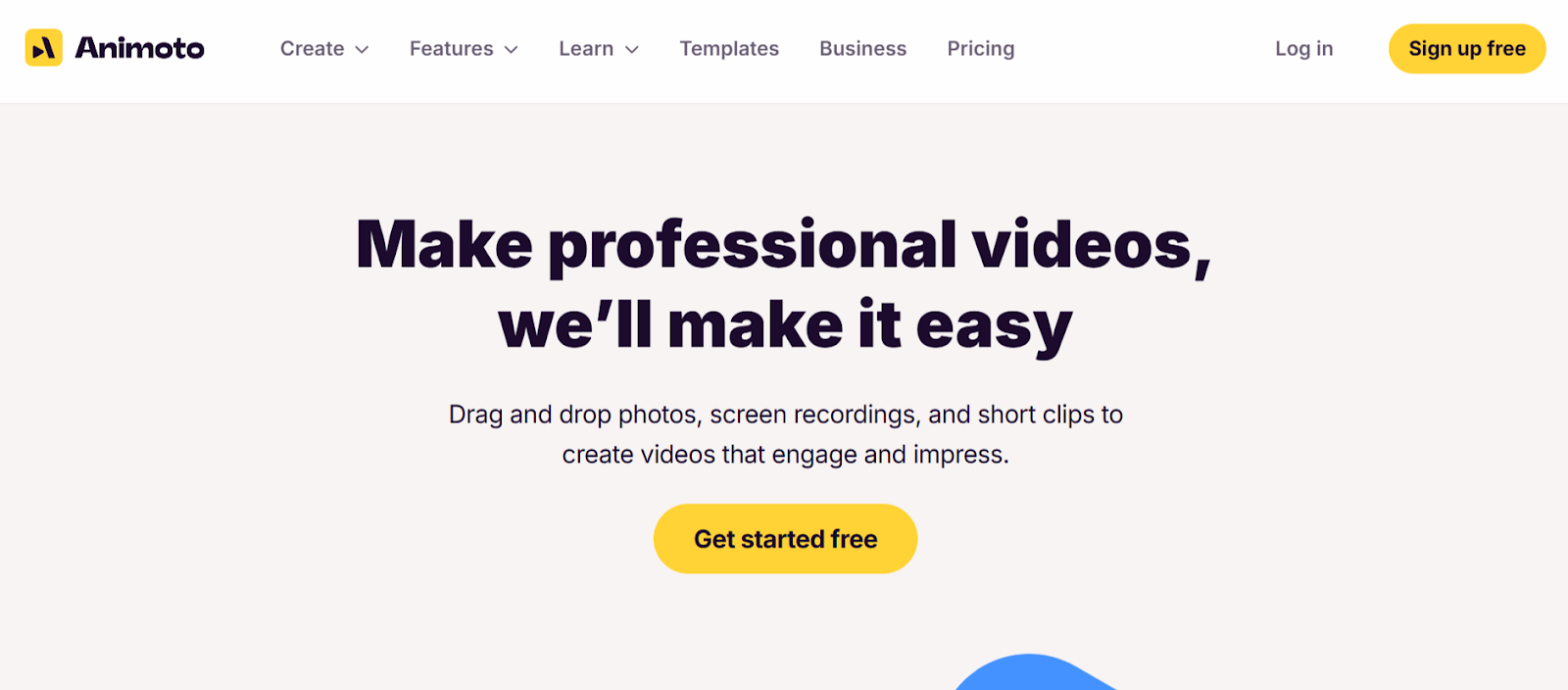
Animoto focuses on template driven speed for creators who need consistent output without extensive editing knowledge. The drag and drop interface and hundreds of professionally designed templates enable quick customization that maintains visual quality throughout production.
Cloud based collaboration enables distributed teams to work simultaneously on projects. Team members create, edit, and approve content without exporting files or switching between multiple applications that slow approval workflows.
Key Features:
- Drag and drop interface with hundreds of professional templates
- Cloud based collaboration with multi user editing capabilities
- Direct social sharing to Facebook, LinkedIn, and YouTube in one click
10. Pictory
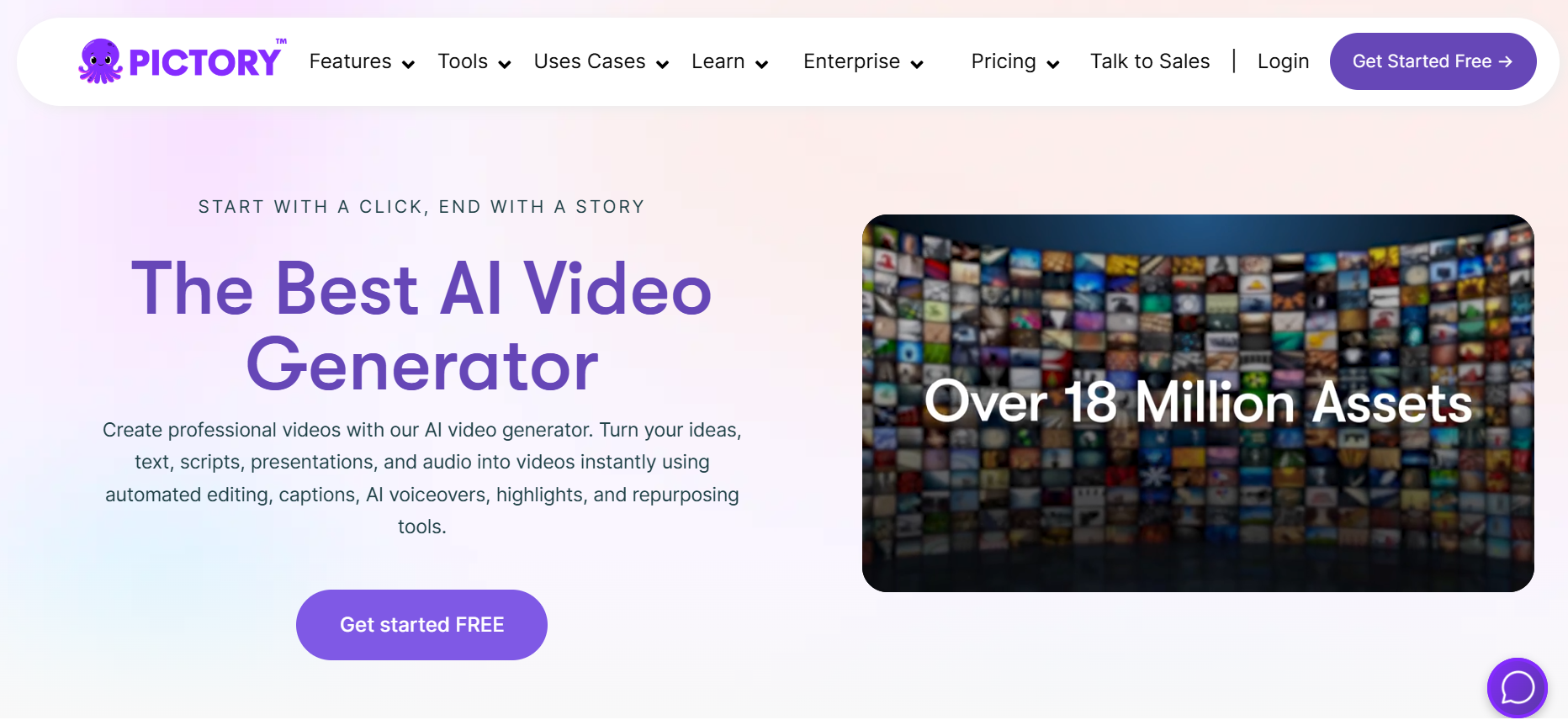
Pictory specializes in converting existing content into short form videos without requiring new filming. The platform distills longer videos, articles, or scripts into different scenes automatically, creating storyboards you enhance with visuals and elements quickly.
The Edit Videos Using Text feature lets you paste YouTube links or upload files, specify speaker count, then edit scene by scene storyboards the AI creates. This text based approach proves faster than traditional timeline editing for rapid content production.
Key Features:
- Converts articles and scripts into short form videos without filming
- Edit Videos Using Text creates storyboards from existing content automatically
- Visuals to Video arranges images into sequences with automated transitions
Conclusion
Short form content velocity determines who captures audience attention in crowded social feeds. These platforms prove that speed and quality coexist when intelligent automation handles technical execution. LiveLink AI leads with comprehensive speed optimization and trend intelligence, though each tool addresses specific creation workflows.
Your content ideas deserve immediate execution before trends fade and opportunities disappear. Manual editing bottlenecks limit posting frequency that algorithms reward with distribution, but automation eliminates those constraints entirely. Daily posting becomes sustainable rather than exhausting.
Start with your strongest content ideas. Process them through your chosen platform, post consistently across target channels, and track which approaches drive engagement. This feedback reveals what resonates with your specific audience, enabling you to refine strategy while maintaining the posting velocity that builds momentum systematically.
FAQs
How quickly can I create short form content with these tools?
LiveLink AI and SendShort generate finished content in under three minutes per video. CapCut and Canva typically require five to ten minutes depending on customization depth. InVideo and Pictory handle longer processing times of ten to fifteen minutes when converting text or articles into videos, though batch processing enables simultaneous creation of multiple pieces.
Do quick creation tools sacrifice quality for speed?
Modern tools like LiveLink AI maintain professional quality through intelligent automation rather than shortcuts. They apply proven engagement techniques automatically, generate accurate captions, and optimize audio without manual adjustments. Quality suffers only when creators skip review steps or ignore platform specific best practices.
Can I maintain consistent branding while creating content quickly?
Yes, platforms like LiveLink AI, Canva, and Animoto save brand templates including colors, fonts, logos, and intro sequences. Apply saved branding to new content with one click, maintaining visual consistency across all short form posts without recreating styling decisions repeatedly.
Which tool works best for complete beginners?
Canva and Animoto offer the gentlest learning curves with drag and drop interfaces and extensive templates. CapCut provides excellent mobile creation for smartphone users. However, LiveLink AI delivers fastest results even for beginners through intelligent automation that handles technical decisions automatically.
How many short form videos should I create weekly?
Platform algorithms reward consistency over sporadic posting. Aim for minimum three to five posts weekly across each platform you target. Tools enabling batch creation like LiveLink AI make daily posting sustainable, though posting frequency matters less than maintaining regular schedule your audience expects.


