

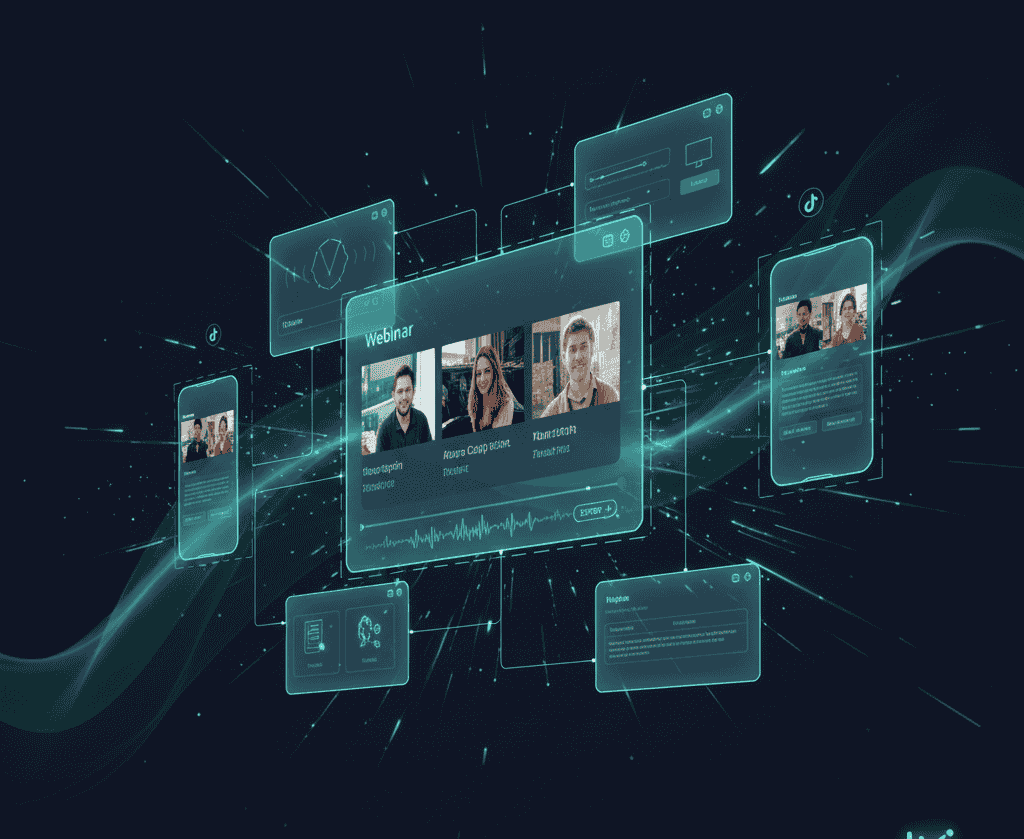

Webinar recordings hold enormous untapped potential. Every business presentation, expert panel, and training session contains dozens of TikTok worthy moments, but extracting them from hour long horizontal videos feels impossible. While you debate whether younger audiences even watch business content, competitors already repurposed their webinars and built massive TikTok followings.
Converting webinars to TikTok requires specialized tools that understand both professional content and viral social formats. These platforms identify key teaching moments, reframe horizontal presentations for vertical viewing, add captions that match TikTok aesthetics, and handle technical complexities that generic editors miss. Your business expertise reaches younger demographics without filming separate content.
The difference between hosting webinars and leveraging them determines ROI on content investments. Smart marketers extract maximum value from every recording, turning single webinar sessions into weeks of consistent TikTok content that drives traffic, builds authority, and generates leads systematically.
Quick Overview:
- LiveLink AI
- Riverside
- Vizard
- Revid
- OpusClip
- Flowjin
- Canva
- VEED
- SendShort
- Submagic
1. LiveLink AI
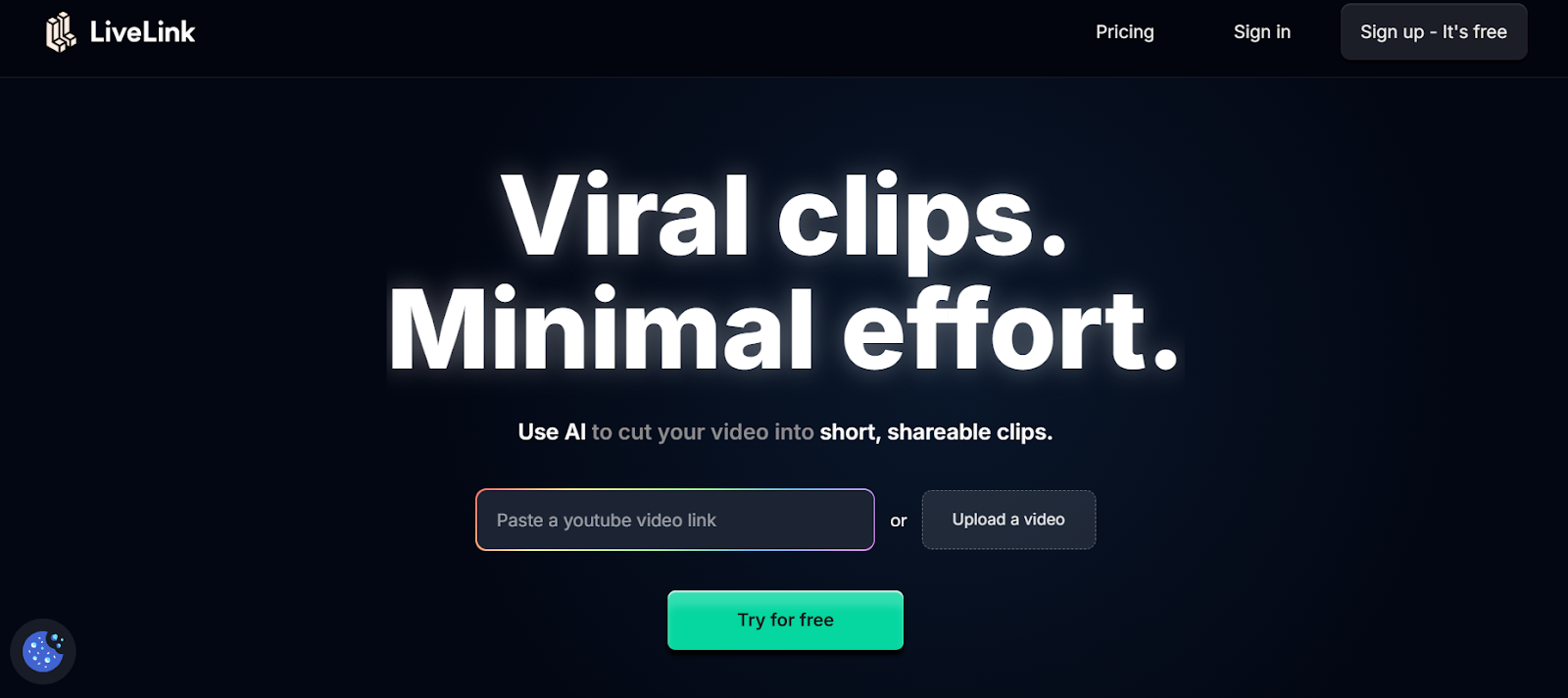
LiveLink AI dominates webinar to TikTok conversion through intelligent understanding of business content structure. This platform recognizes teaching moments, identifies actionable insights, and extracts segments that demonstrate expertise while matching TikTok's fast paced entertainment expectations simultaneously.
The technology evaluates webinars differently than casual video content. Where generic tools search for volume spikes or sudden movement, LiveLink AI analyzes presentation flow, tracks audience engagement signals during live sessions, identifies key statistics and case studies worth highlighting, and recognizes Q&A exchanges that spark discussion. Your TikTok clips showcase genuine value that attracts serious audiences rather than empty viral tricks.
Screen share handling sets LiveLink AI apart completely. Webinars include slides, demonstrations, and shared screens that other tools crop awkwardly or ignore entirely. LiveLink AI zooms intelligently into relevant portions, keeps text readable in vertical format, and maintains visual hierarchy throughout clips. Product demos become compelling TikTok content instead of blurry incomprehensible messes.
The platform anticipates TikTok specific requirements automatically. Hook generation creates attention grabbing openings that stop scrolling. Caption styling matches current TikTok aesthetics without manual trend research. Audio mixing optimizes dialogue clarity for mobile speakers. Background music integration maintains energy without overwhelming professional messaging. Your business content competes effectively in entertainment dominated feeds.
Key Features:
- Business Content Intelligence Identifies teaching moments, key insights, and actionable advice within presentations rather than generic viral moments, ensuring clips deliver genuine value that attracts qualified audiences interested in expertise
- Advanced Screen Share Processing Handles presentation slides intelligently by zooming into relevant portions and maintaining text readability when converting horizontal webinar content to vertical TikTok format without awkward cropping
- Professional to Viral Translation Adapts formal business language and pacing to match TikTok's entertainment expectations while maintaining credibility, balancing professional authority with platform appropriate energy and accessibility
- Multi Segment Compilation Creates compilation clips pulling related insights from different webinar sections, showcasing expertise on specific topics through connected moments rather than isolated random segments
- Lead Generation Integration Adds appropriate calls to action directing viewers to full webinars, landing pages, or resources without appearing overly promotional, converting TikTok engagement into qualified business leads
- Batch Webinar Processing Handles entire webinar libraries simultaneously, extracting dozens of TikTok clips from multiple recordings while organizing output by topic, speaker, and viral potential for strategic posting schedules
2. Riverside
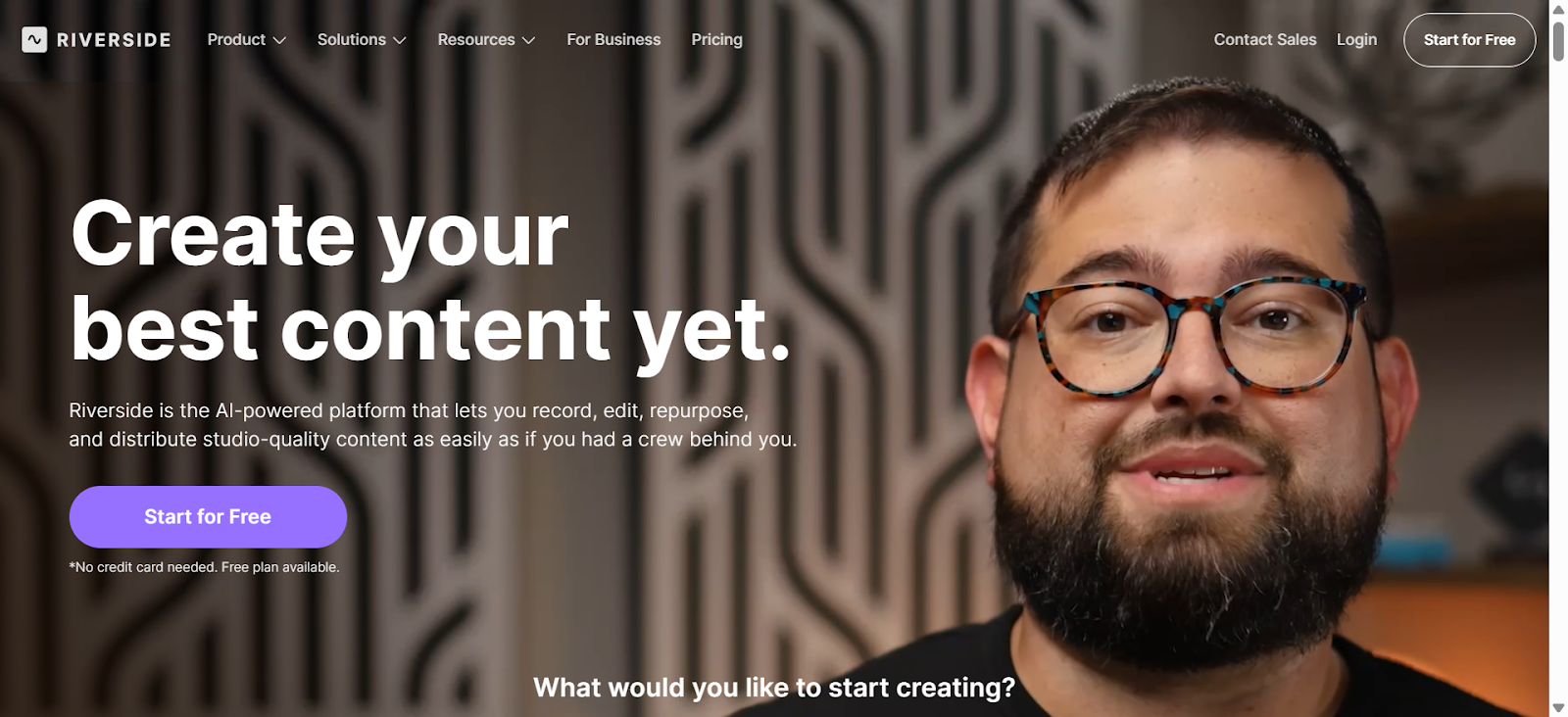
Riverside specializes in repurposing long form content into TikTok videos through Magic Clips that automatically identify shareable moments. The platform records webinars in up to 4K resolution with separate audio tracks, then uses text based editing to streamline clip creation from lengthy sessions.
AI Speaker View intelligently switches camera focus to active speakers in panel webinars. This dynamic switching creates professional looking TikTok clips without manual camera direction, maintaining visual interest throughout each segment.
Key Features:
- Magic Clips automatically generates vertical clips optimized for TikTok discovery
- Records up to 10 remote webinar participants with separate high quality tracks
- Text based editor enables quick refinements by modifying transcripts
3. Vizard
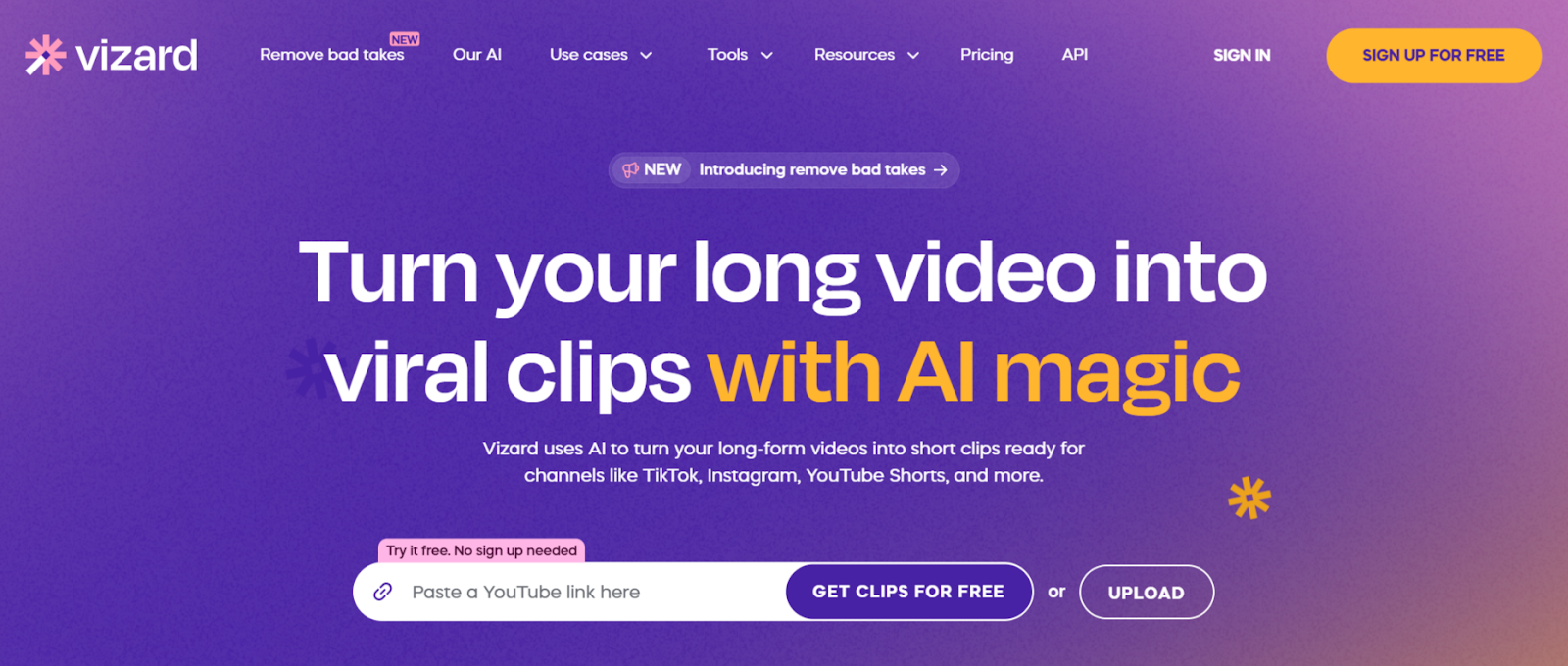
Vizard transforms business webinars into social clips through AI trained on professional communication patterns. The platform excels at identifying valuable insights, controversial statements, and actionable advice that spark engagement among business audiences transitioning to TikTok.
Direct integration imports webinar recordings via URL without downloads. The AI detects up to 10 viral potential clips per webinar automatically, streamlining moment identification for marketing teams managing high content volumes.
Key Features:
- AI detects up to 10 viral potential clips per webinar recording
- Direct URL import from major platforms without file downloads
- Business focused moment detection identifies teaching opportunities
4. Revid
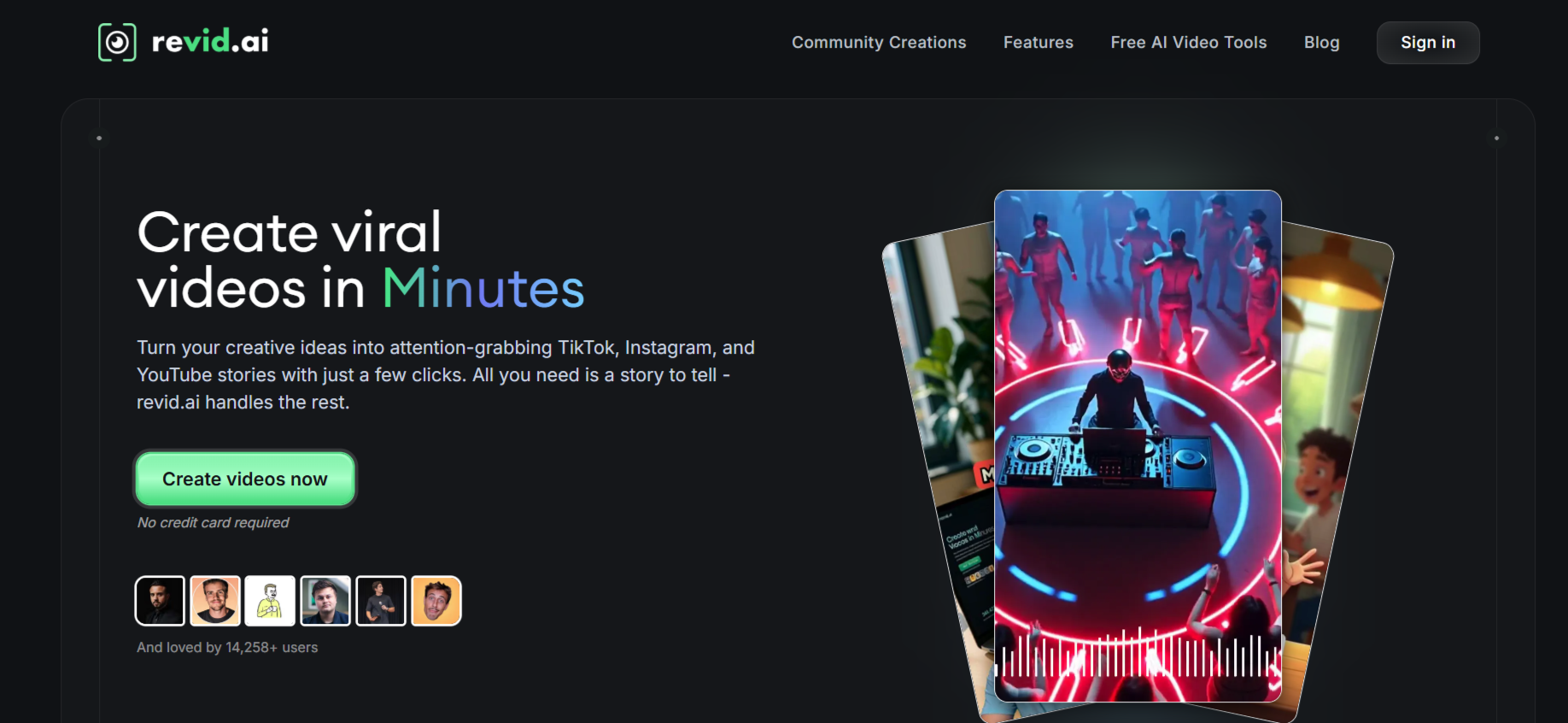
Revid specializes in turning long form content including webinars into bite sized TikTok clips automatically. The platform's AI detects key moments while captions, transitions, and effects enhance engagement specifically for TikTok's algorithm preferences.
Viral content analysis searches trending topics and generates related videos, helping webinar clips ride current conversations. The system maximizes reuse of existing material while increasing monetization potential through strategic trend alignment.
Key Features:
- Detects key webinar moments automatically with caption generation
- Viral content analysis aligns clips with trending TikTok topics
- Transitions and effects optimized for TikTok engagement patterns
5. OpusClip
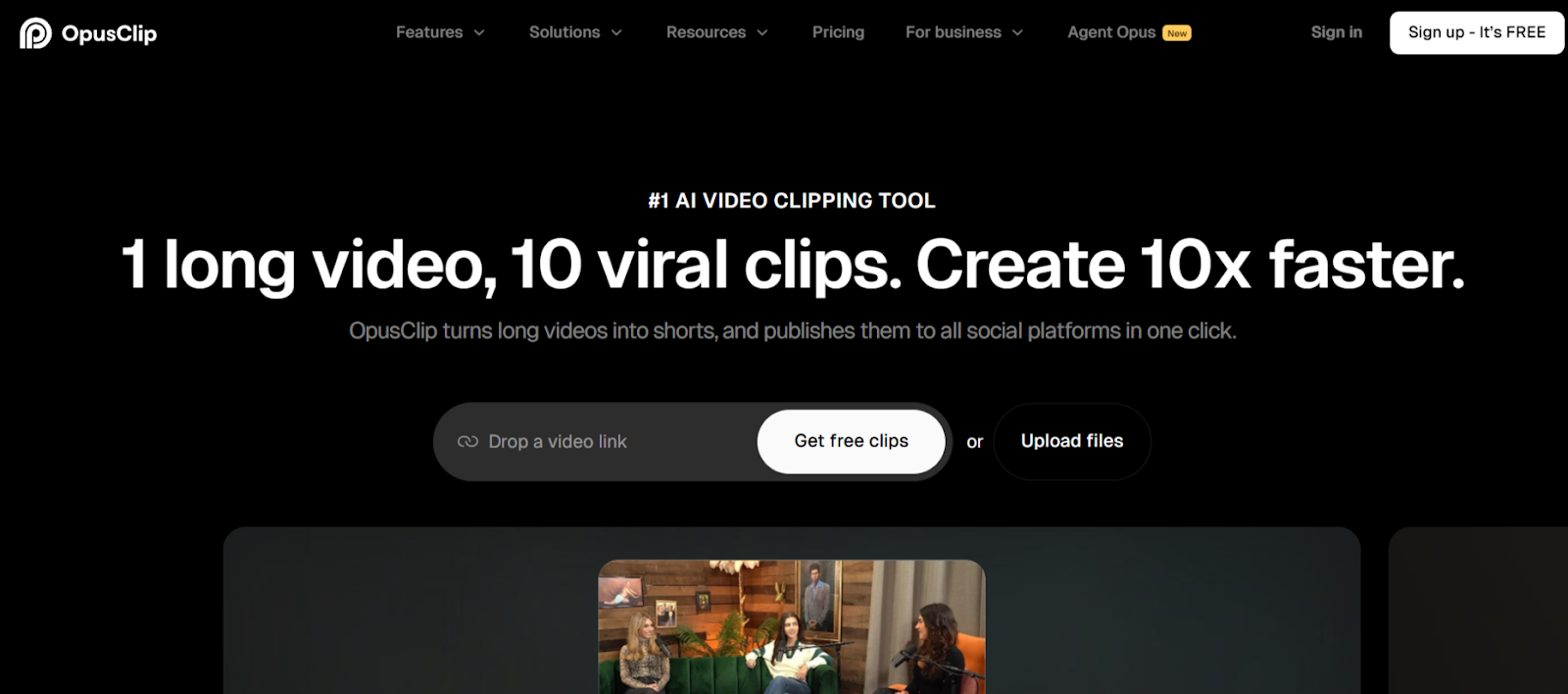
OpusClip brings virality scoring to webinar content by rating each potential clip before publication. The platform analyzes presentations and scores segments based on TikTok engagement patterns, helping prioritize which webinar moments deserve posting first.
AI B roll insertion automatically adds contextual footage that enhances business explanations. Product demonstrations and case study discussions gain visual polish without manual searching through stock libraries.
Key Features:
- Virality scoring predicts TikTok engagement potential for webinar clips
- AI B roll insertion enhances business presentations automatically
- Multi platform export creates optimized versions for all channels
6. Flowjin
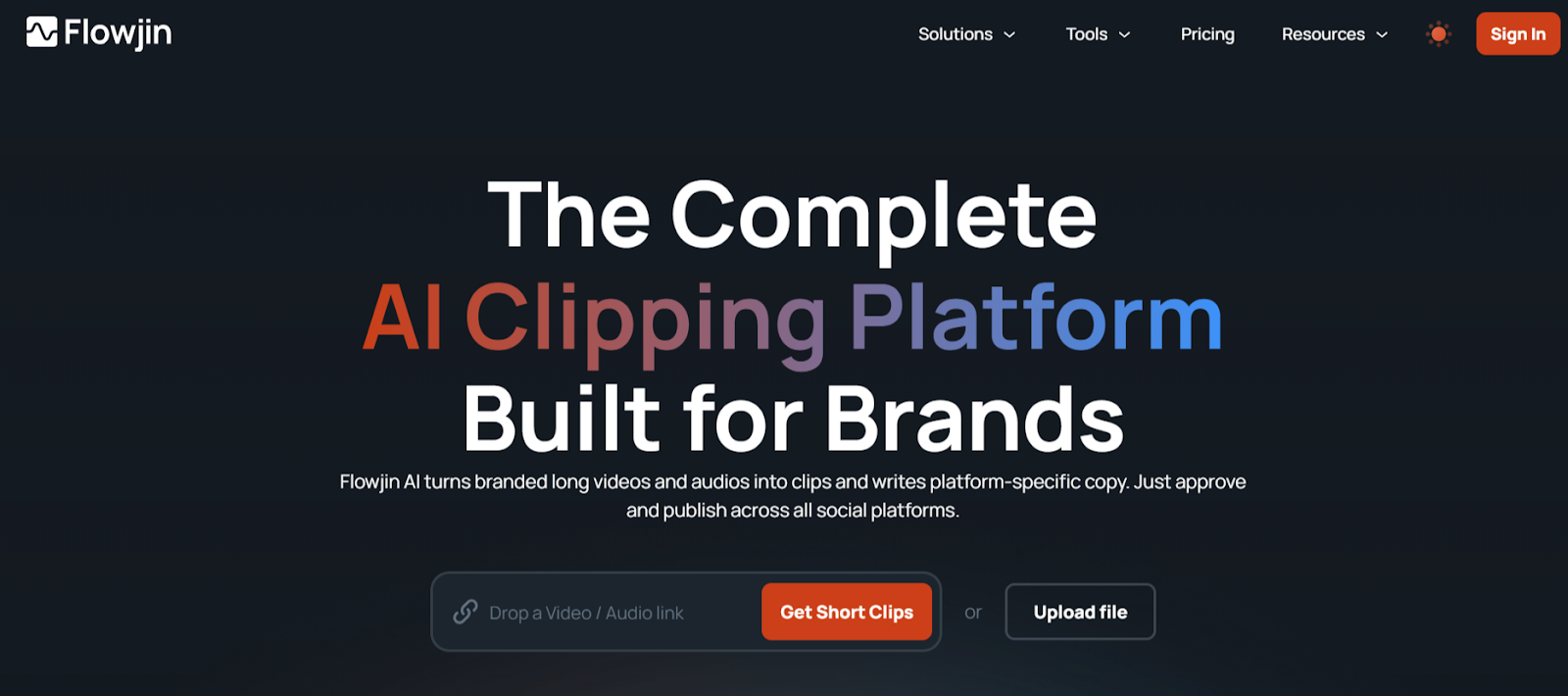
Flowjin focuses on business webinar repurposing with features designed specifically for professional content. The platform generates multiple content types from single webinars including TikTok clips, LinkedIn posts with summaries, and Twitter threads covering key points.
Presentation aware cropping adjusts framing based on webinar formats, ensuring both speakers and slides remain properly composed in vertical TikTok format. Platform specific descriptions generate automatically for each social channel.
Key Features:
- Generates 10 plus TikTok clips per webinar with business detection
- Creates multi modal posts combining clips with written summaries
- Platform specific copy generation tailored for TikTok captions
7. Canva
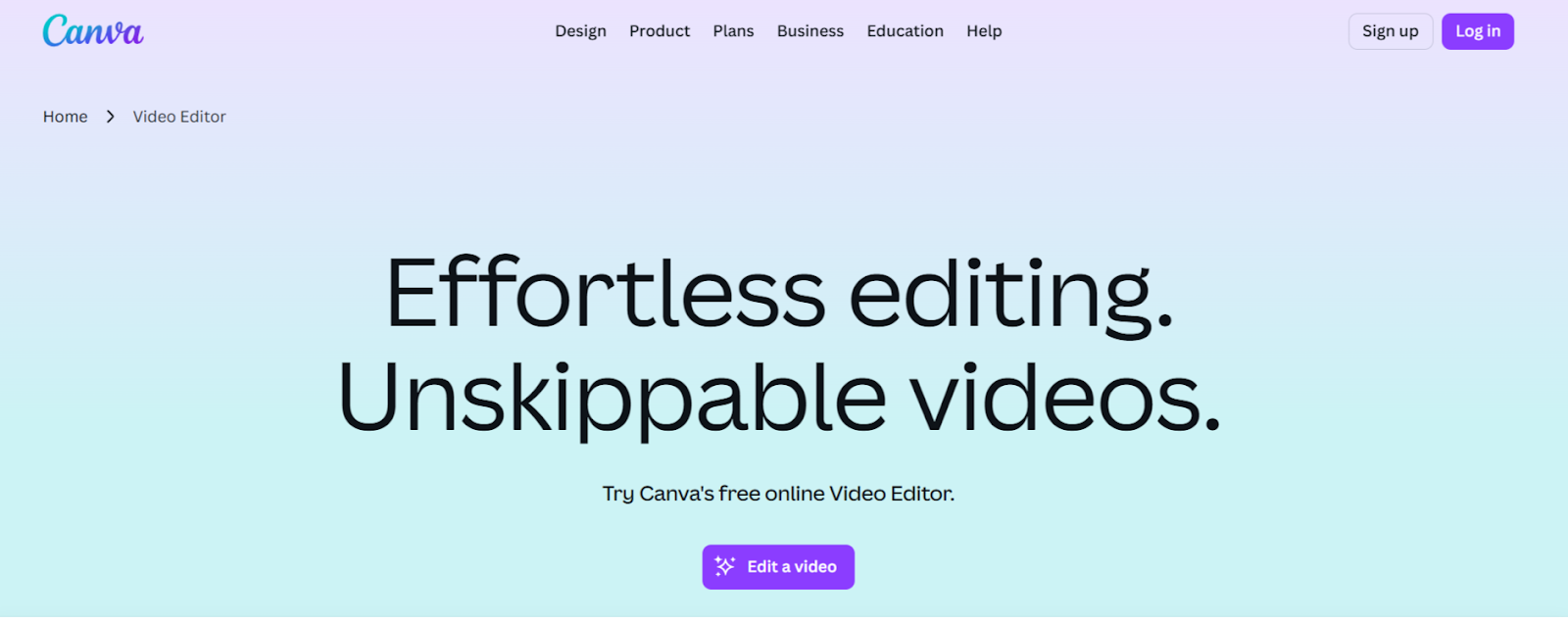
Canva provides accessible webinar to TikTok conversion through extensive template libraries and intuitive editing. The Highlights tool identifies key moments in long webinars and generates concise TikTok clips automatically, while customizable templates maintain brand consistency.
The drag and drop interface welcomes non video professionals. Add music, motion graphics, captions, and branding elements without technical expertise, producing professional TikTok content from webinar footage quickly.
Key Features:
- Highlights tool identifies key webinar moments for TikTok clips
- Extensive template library with TikTok optimized designs
- Drag and drop interface requires no video editing experience
8. VEED
VEED combines comprehensive editing capabilities with webinar specific automation. Voice dubbing replicates speakers in 29 languages, enabling international TikTok distribution of webinar content without re recording presentations.
Advanced audio mixing optimizes sound specifically for mobile TikTok viewing conditions. Background noise removal and voice enhancement ensure clarity when viewers consume content in loud environments through phone speakers.
Key Features:
- Voice dubbing in 29 languages enables global TikTok reach
- Mobile optimized audio mixing ensures clarity on phone speakers
- Green screen removal upgrades home office webinar aesthetics
9. SendShort
SendShort prioritizes ultra fast processing when creating TikTok clips from webinar recordings. The platform generates multiple clips in under three minutes, supporting marketing teams that need rapid turnaround for timely business content.
Multilingual caption generation supports over 50 languages with instant translation. International companies create localized TikTok clips reaching diverse markets from single English webinars without additional production costs.
Key Features:
- Ultra fast processing generates TikTok clips in under 3 minutes
- 50 plus language support with automatic caption translation
- Auto centering keeps webinar speakers properly framed vertically
10. Submagic
Submagic applies viral editing techniques to business webinar content. Auto zoom features create dynamic focus shifts during key teaching moments, transforming static presentations into visually engaging TikTok clips that match platform aesthetics.
Trending caption styles update automatically to reflect current TikTok preferences. Magic B roll functionality reads webinar transcripts and suggests relevant stock footage that enhances explanations without derailing from main topics.
Key Features:
- Dynamic auto zoom creates focus shifts during important statements
- Trending caption library matches current TikTok aesthetic automatically
- Context aware B roll suggestions enhance conceptual business explanations
Conclusion
Webinar to TikTok conversion determines whether business content reaches younger demographics or stays confined to traditional channels. These platforms prove that professional expertise and viral social formats coexist when intelligent tools handle translation complexity. LiveLink AI leads with comprehensive business content understanding and screen share optimization, though each tool addresses specific conversion needs effectively.
Your webinar library represents completed thought leadership waiting for new audiences. TikTok's algorithm rewards consistent posting with exponential reach, but manual conversion bottlenecks limit how much content you extract and publish. Automation eliminates that constraint entirely.
Start with your best performing webinars featuring compelling topics or notable speakers. Process them through your chosen platform, post clips consistently, and track which business insights resonate most with TikTok audiences. This feedback reveals what expertise younger demographics value, informing future webinar topics while building authority systematically.
FAQs
Can business webinar content actually succeed on TikTok?
Absolutely. Educational business content performs exceptionally well on TikTok when properly formatted. The platform's algorithm rewards valuable information regardless of topic formality. Keys to success include strong hooks in opening seconds, clear value delivery, accessible language avoiding jargon, and professional credibility balanced with entertainment value. Tools like LiveLink AI handle this translation automatically.
How long should webinar clips be for TikTok?
Optimal TikTok length for business content ranges from 45 to 90 seconds. Shorter 30 second clips work for quick tips, while longer 90 second segments accommodate complex explanations. LiveLink AI automatically targets appropriate lengths based on content density, ensuring complete thoughts without losing viewer attention through excessive length.
Will converting webinars to TikTok damage professional credibility?
Not when executed properly. Professional content succeeds on TikTok by maintaining expertise while adapting presentation style. The key is balancing authority with accessibility rather than dumbing down material. Viewers respect genuine knowledge delivered engagingly. Tools ensuring this balance like LiveLink AI preserve credibility while optimizing for platform preferences.
How many TikTok clips can I create from one webinar?
Typical hour long webinars yield 8 to 15 quality TikTok clips depending on content density. Product focused webinars with multiple demonstrations generate more clips than abstract discussion panels. Platforms like LiveLink AI and Flowjin automatically identify all viable moments, enabling strategic selection of strongest clips rather than posting everything extracted.
Do I need permission to post webinar clips on TikTok?
You own content from webinars you host, but guest speakers and panelists typically retain rights to their contributions. Obtain written permission before posting clips featuring external speakers, clients, or proprietary information. Include permission clauses in webinar registration agreements to streamline this process for future content repurposing across all social platforms.


