


Inconsistent branding kills professional credibility. You post great content across social channels, but each video looks different because manually applying logos, colors, and fonts to every clip drains hours. Your audience struggles to recognize your content in crowded feeds while competitors with consistent branding build instant recognition.
Smart creators automate brand application through template systems that remember your visual identity. These tools store your logos, color palettes, typography choices, and intro sequences, then apply them consistently to every video you create. Your content maintains professional polish across hundreds of clips without repetitive manual work.
Brand recognition drives algorithmic success and audience loyalty. Viewers who instantly identify your content are more likely to stop scrolling, engage deeply, and return for future posts. These platforms ensure every video reinforces your brand systematically.
Quick Overview:
- LiveLink AI
- Canva
- Biteable
- Animoto
- Adobe Express
- FlexClip
- VEED
- PowerDirector 365 Business
- Simplified
- Kapwing
1. LiveLink AI
LiveLink AI revolutionizes branded video creation through intelligent template systems that adapt to your content while maintaining identity consistency. This platform doesn't just overlay logos on clips, it integrates branding elements seamlessly based on video type, platform requirements, and content context.
The technology understands brand application differently than static template tools. Where generic editors force identical branding on every video regardless of content, LiveLink AI adapts placement, sizing, and timing based on what you're creating. Educational content receives professional subtle branding, promotional clips get bold prominent placement, behind the scenes footage uses lighter touches that maintain authenticity.
Template intelligence saves hours weekly while ensuring consistency. Create your brand kit once with logo variations, color schemes, typography hierarchies, intro animations, and outro sequences. LiveLink AI then analyzes each new video and applies appropriate elements automatically. Product demos get one treatment, testimonials receive another, social announcements use a third, all while maintaining cohesive visual identity.
The system handles complexity that manual branding misses. Multi platform optimization adjusts branding elements for each destination, ensuring logos remain visible on mobile screens, text stays readable over varying backgrounds, and brand colors maintain impact across different compression algorithms. Your identity stays strong regardless of where content appears.
Key Features:
- Context Aware Branding Analyzes video content and applies appropriate brand elements based on video type, adjusting logo prominence and styling to match whether creating educational content, promotional material, or casual behind the scenes footage
- Adaptive Template System Stores multiple brand variations and automatically selects optimal combinations for different scenarios, maintaining consistency while allowing flexibility that prevents repetitive cookie cutter appearance across all content
- Platform Specific Brand Optimization Adjusts brand element placement, sizing, and visibility for each social platform, ensuring logos remain clear on TikTok mobile screens, text stays readable on Instagram feeds, and colors maintain impact through YouTube compression
- Dynamic Intro Outro Library Manages multiple branded opening and closing sequences, automatically applying appropriate versions based on video length, content type, and target audience without manual selection for each clip
- Brand Compliance Monitoring Checks every video against brand guidelines before export, flagging incorrect color usage, improper logo placement, or missing required elements that could damage professional consistency
- Bulk Brand Application Applies saved brand templates to entire video libraries simultaneously, enabling retroactive branding of older content or quick updates when brand guidelines evolve without editing each video individually
2. Canva
Canva simplifies branded video creation through comprehensive Brand Kit functionality that stores all visual identity elements centrally. The platform enables teams to maintain consistency by saving brand colors, fonts, logos, and design templates that apply to new videos with one click.
The drag and drop video editor combines ease of use with professional branding capabilities. Upload your logo once, define your color palette, select brand fonts, then every new video project automatically suggests these elements during creation, preventing accidental off brand content.
Key Features:
- Brand Kit stores logos, colors, fonts, and templates for instant application
- Drag and drop editor with automatic brand element suggestions
- Team collaboration with shared brand assets and approval workflows
3. Biteable
Biteable focuses on automatic brand application that transforms generic templates into on brand content instantly. The platform's brand builder fetches your visual identity from your website URL, automatically extracting logos, colors, and styling preferences without manual input.
Hundreds of professionally designed templates become uniquely yours when Biteable applies saved branding automatically. Switch between different brand identities instantly if managing multiple clients or business divisions, maintaining perfect consistency for each.
Key Features:
- Automatic brand fetching from website URL extracts visual identity elements
- One click brand application transforms templates into branded content
- Multiple brand profiles enable quick switching between different identities
4. Animoto
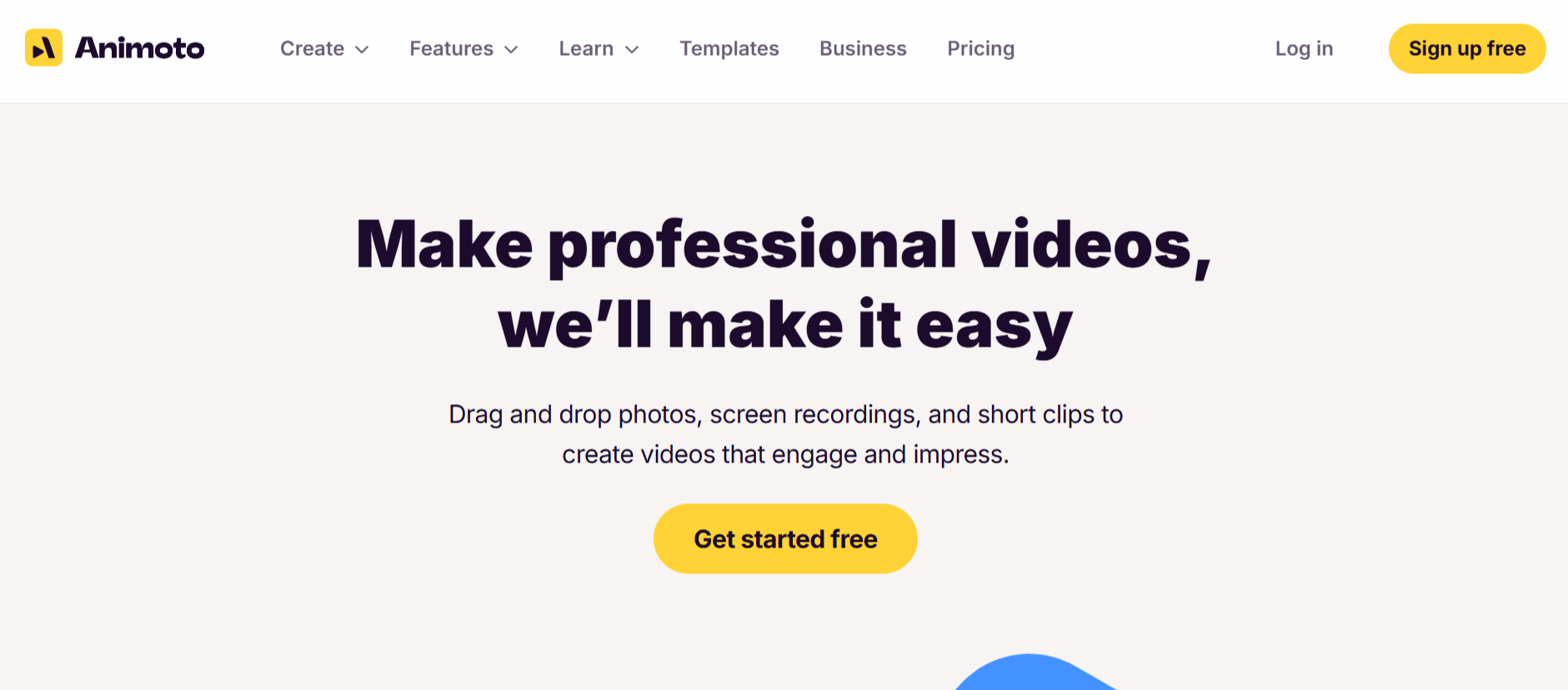
Animoto specializes in creating reusable brand templates that ensure visual consistency across all video content. The platform enables you to save custom intros, outros, color schemes, and typography choices that apply automatically to new projects.
Cloud based collaboration ensures distributed teams use consistent branding without constant style guide references. Save approved brand elements once, then every team member accesses identical styling options that prevent off brand content creation.
Key Features:
- Reusable brand templates with saved intros, outros, and styling elements
- Cloud storage enables team access to consistent branding across all projects
- Custom color and font saving ensures typography consistency automatically
5. Adobe Express
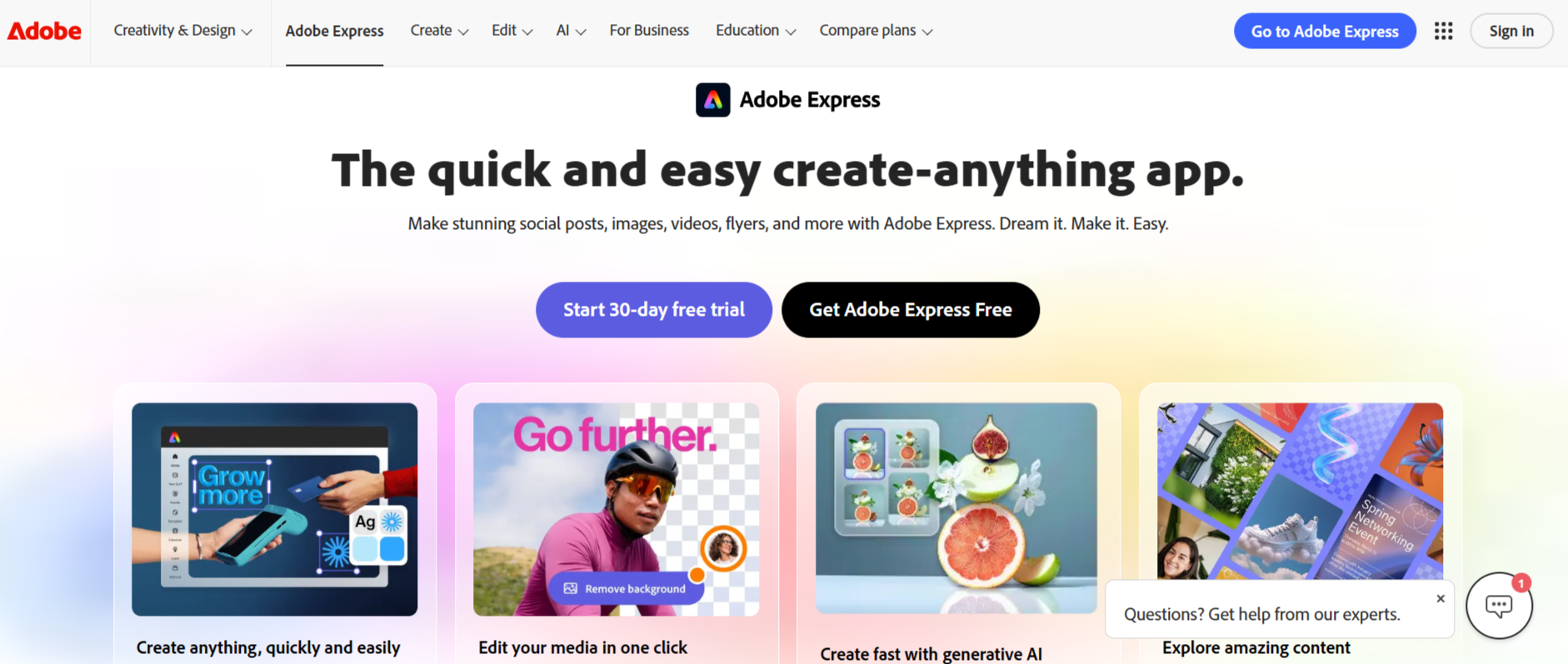
Adobe Express provides enterprise level branding capabilities designed for professional marketing teams. The platform connects to Creative Cloud Libraries, enabling seamless access to logos, color palettes, and design assets created in Photoshop or Illustrator.
Brand templates created once apply across all Adobe Express projects, ensuring visual consistency whether creating videos, social graphics, or presentations. The mobile and desktop sync maintains brand access regardless of where you're working.
Key Features:
- Creative Cloud integration enables access to professional design assets
- Brand templates apply consistently across videos, graphics, and presentations
- Cross device syncing maintains brand element access on desktop and mobile
6. FlexClip
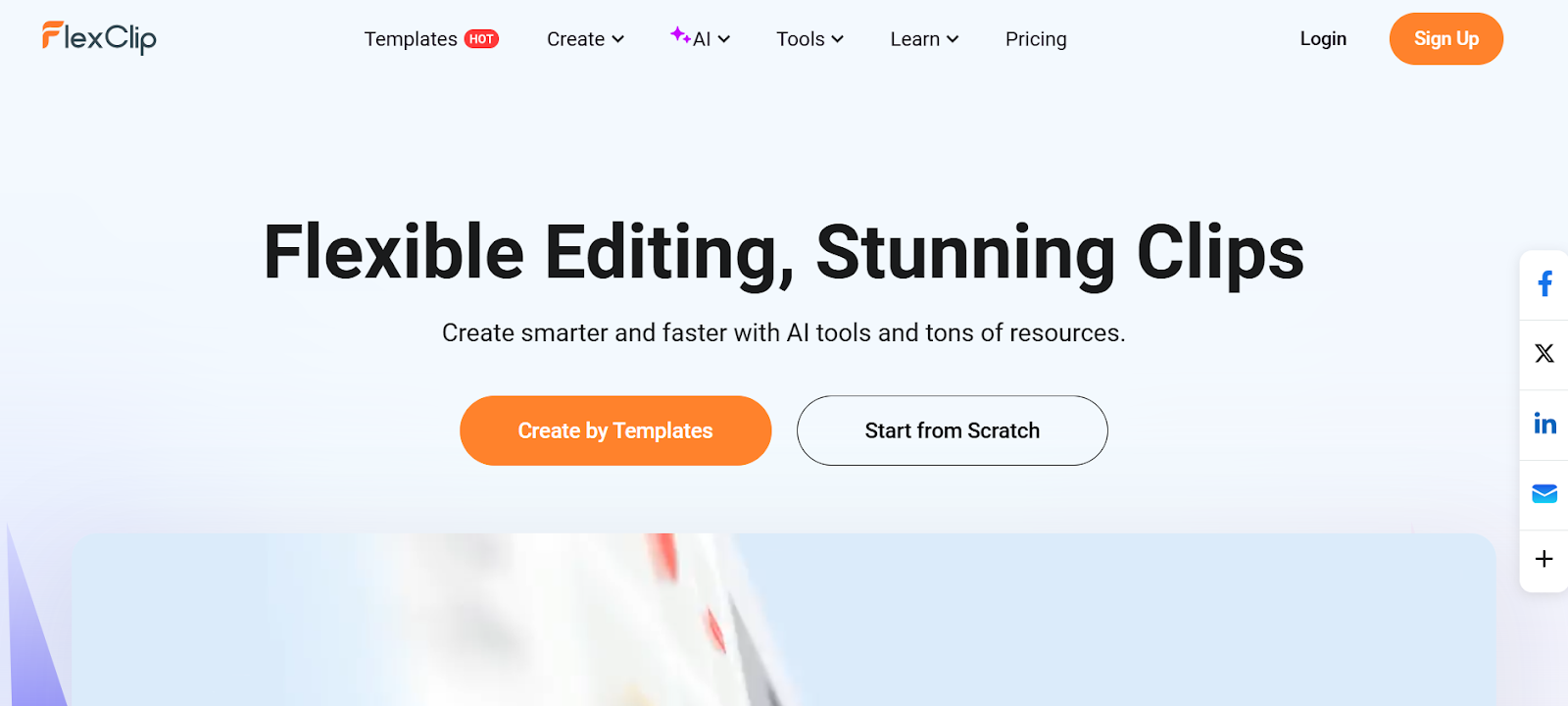
FlexClip offers extensive template customization with brand overlay capabilities. The platform provides thousands of pre designed templates that become uniquely branded through logo placement, color adjustments, and typography modifications applied through intuitive controls.
The browser based editor requires no software installation while maintaining professional branding capabilities. Drag brand elements onto templates, adjust positioning and sizing, then save configurations as custom templates for future projects.
Key Features:
- Thousands of customizable templates accept brand overlay modifications
- Browser based editor enables branding from any device without installation
- Custom template saving preserves brand configurations for future reuse
7. VEED
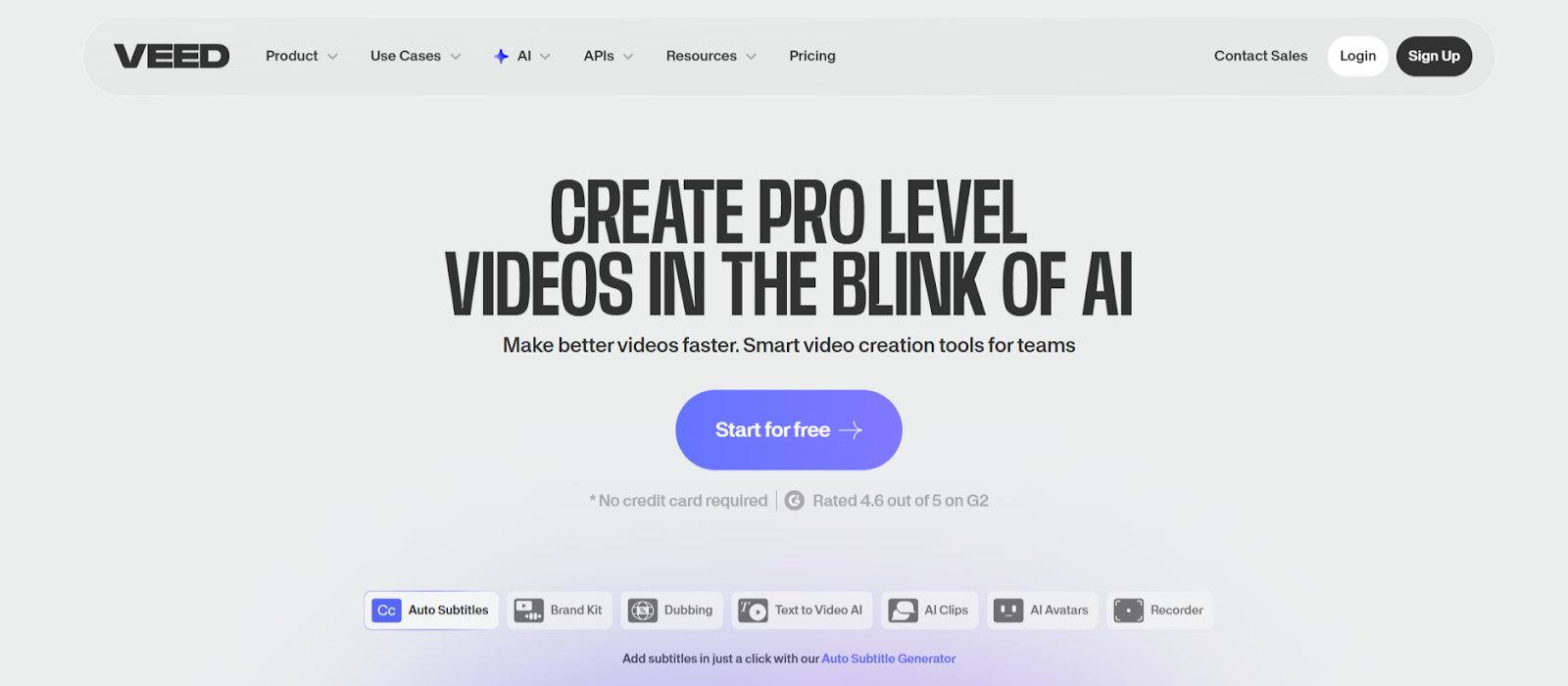
VEED combines comprehensive video editing with brand template functionality. The platform enables logo watermarking, custom color grading, and typography styling that save as presets for consistent application across all projects.
The browser based workflow supports brand element uploads including logo files, brand color hex codes, and custom font selections. Apply saved branding to any video project through simple preset selection rather than rebuilding styles repeatedly.
Key Features:
- Logo watermarking with customizable positioning and opacity controls
- Brand color presets enable one click color grading across projects
- Custom font uploads ensure typography consistency matches brand guidelines
8. PowerDirector 365 Business
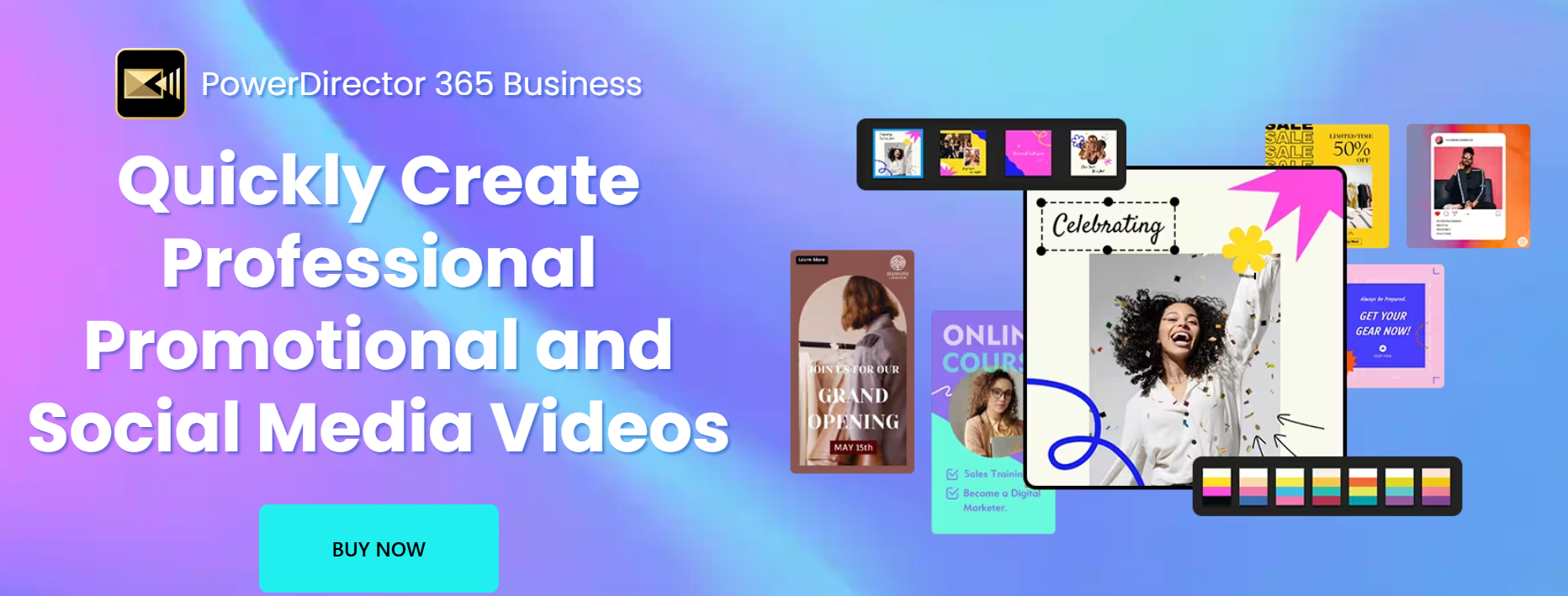
PowerDirector 365 Business targets professional marketers with enterprise branding capabilities. The platform includes extensive template libraries spanning business categories, all customizable with uploaded logos, brand colors, and custom typography.
The Ad Designer specifically handles branded video creation with preset aspect ratios for different platforms. Save brand configurations that apply automatically to new ad templates, maintaining consistency across campaign content.
Key Features:
- Business focused template library with extensive brand customization options
- Ad Designer handles platform specific branded video creation automatically
- Brand configuration saving enables consistent styling across all campaign videos
9. Simplified
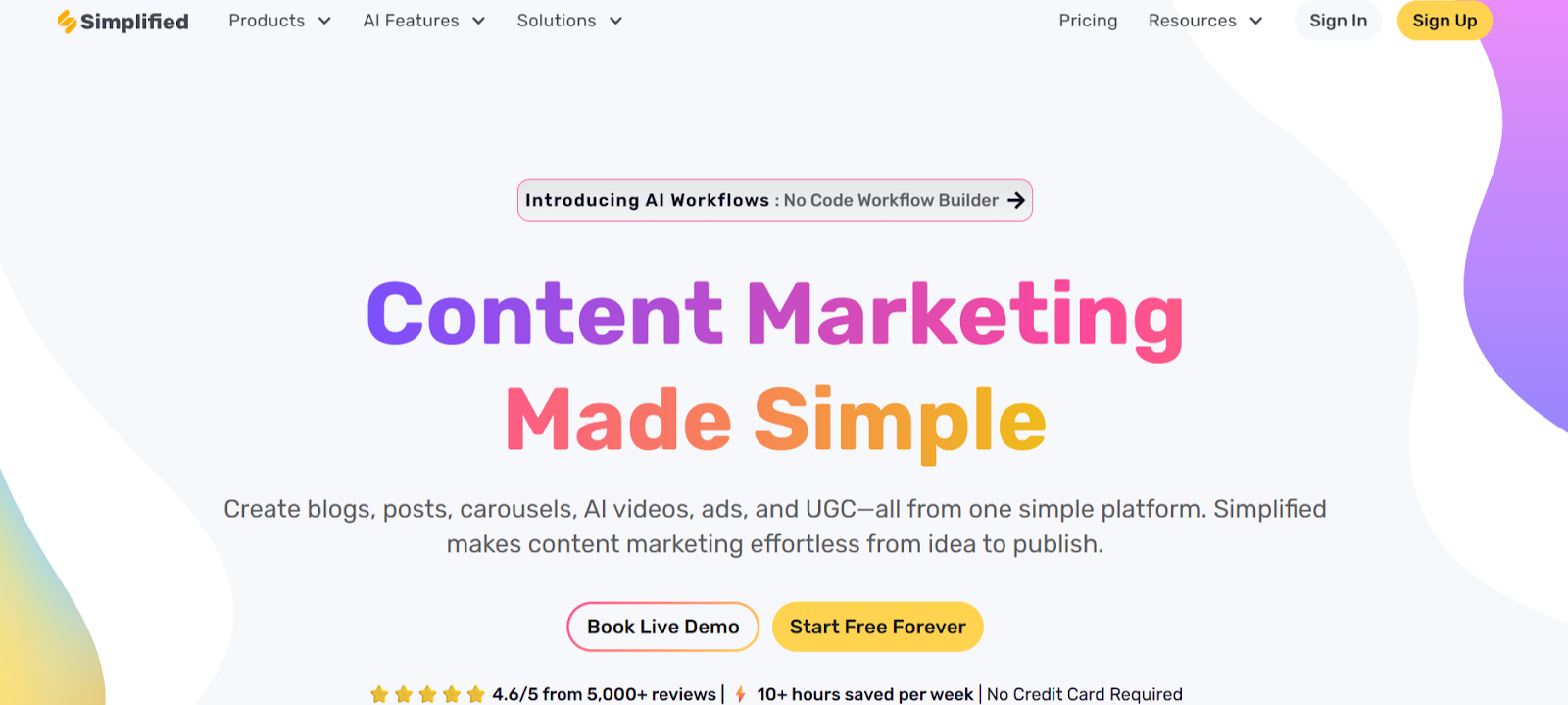
Simplified prioritizes brand consistency through comprehensive brand kit functionality designed for business users. The platform enforces brand guidelines automatically, preventing team members from accidentally using incorrect colors, fonts, or logo variations.
Multi modal content creation applies consistent branding across videos, graphics, and written content. Marketing teams appreciate unified brand management that ensures visual identity consistency regardless of content format.
Key Features:
- Brand kit enforcement prevents accidental use of incorrect brand elements
- Multi modal branding applies consistency across videos, graphics, and text
- Team collaboration with approval workflows ensures brand compliance
10. Kapwing
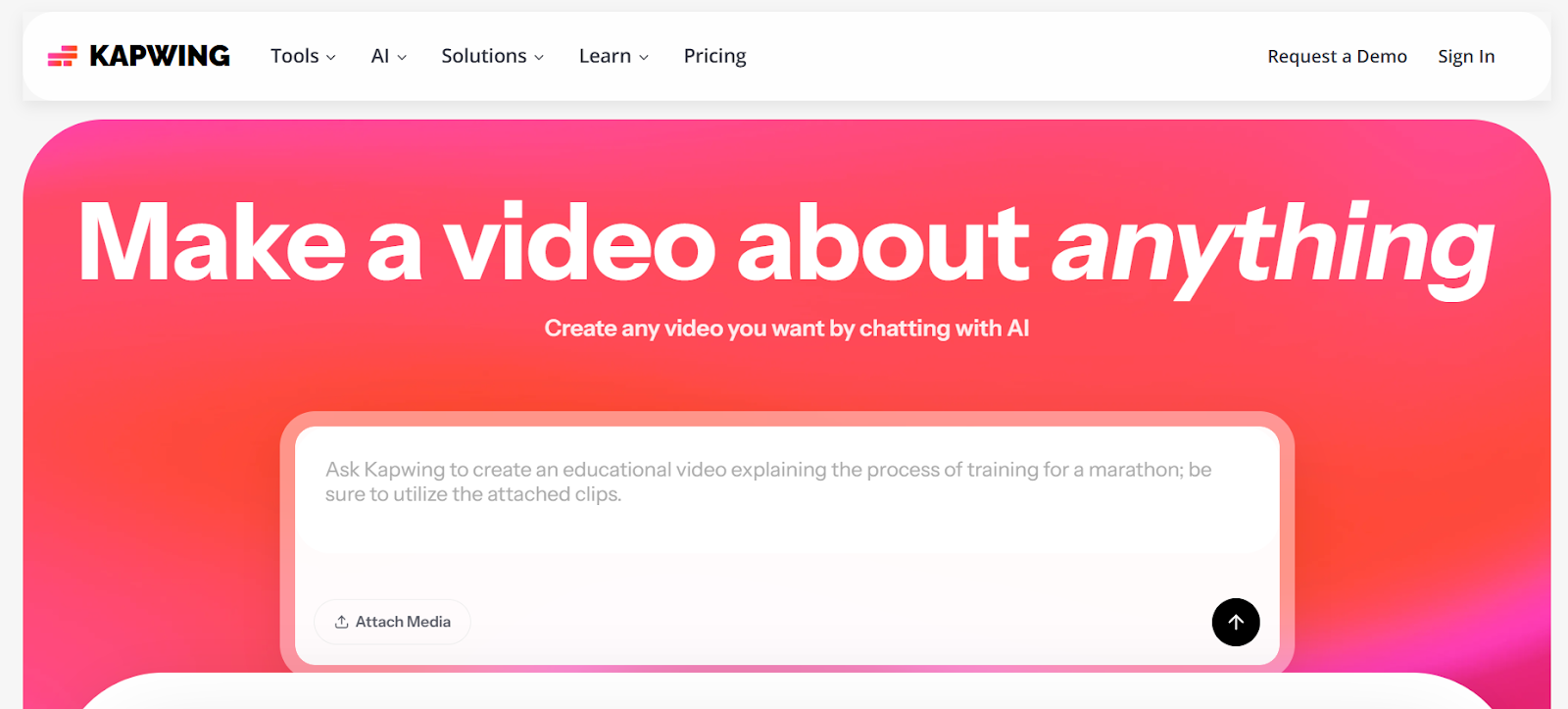
Kapwing offers flexible branding through workspace settings that store brand assets centrally. The browser based platform enables logo uploads, color palette saving, and typography selections that team members access when creating any video project.
Smart layers enable precise brand element positioning that saves as templates. Place logos, text overlays, and graphics exactly where needed, then apply those configurations to future videos through simple template selection.
Key Features:
- Workspace settings store brand assets accessible to all team members
- Smart layers enable precise positioning that saves as reusable templates
- Browser based collaboration ensures consistent brand access across devices
Conclusion
Branded video consistency determines professional perception and audience recognition. These platforms prove that automation and brand control coexist when intelligent systems remember your visual identity. LiveLink AI leads with context aware branding and adaptive templates, though each tool addresses specific workflow needs.
Your brand deserves consistent representation across every video you publish. Manual application creates bottlenecks that slow content velocity while introducing human errors that damage professional credibility. Automation eliminates both problems simultaneously.
Start by defining your brand elements completely. Compile logo files in multiple formats, document exact color codes, specify approved typography, and create intro outro sequences. Upload everything to your chosen platform once, then let automation ensure every future video maintains perfect brand consistency.
FAQs
What brand elements should I include in video templates?
Essential elements include primary and secondary logos in multiple file formats, complete color palette with hex codes, approved typography including font files, standard intro and outro sequences, lower third graphics for name identification, and social media handles formatted consistently. LiveLink AI and Canva manage all these elements through comprehensive brand kit systems.
Can I create different brand templates for different video types?
Yes, advanced platforms like LiveLink AI enable multiple brand template variations. Create formal templates for corporate content, casual versions for behind the scenes footage, promotional styling for product launches, and educational designs for tutorial content. The system automatically applies appropriate templates based on video context.
How do I ensure team members use correct branding?
Use platforms with brand enforcement like Simplified or Canva Teams that restrict color and font choices to approved options. Set up approval workflows requiring review before publication. Provide clear brand guidelines documentation alongside automated tools that prevent accidental violations through design restrictions.
What happens when my brand guidelines change?
Update brand kits in your chosen platform and changes apply automatically to new projects. Some tools like LiveLink AI enable bulk updates to existing video libraries, retroactively applying new branding without manual editing. Export and republish updated content strategically to maintain consistency across all channels.
Do branded templates limit creative flexibility?
Not when properly designed. Quality platforms like LiveLink AI offer adaptive templates that maintain brand consistency while allowing creative variation. Set core elements that never change like logo placement and color schemes, while permitting flexibility in layouts, animations, and content arrangements that prevent repetitive appearance.


