


Interview footage contains gold buried in hours of conversation. Every client interview, expert discussion, or podcast episode holds quotable moments, key insights, and compelling stories worth sharing, but manually extracting them consumes days of editing time. Your best content sits unused while competitors post consistent clips that build authority systematically.
Smart professionals automate interview repurposing through intelligent tools that understand conversation dynamics. These platforms identify key moments, extract complete thoughts, reframe footage for vertical viewing, and generate polished clips automatically. Your interview library transforms into a content engine feeding multiple social channels without additional filming.
The difference between conducting interviews and leveraging them determines ROI on your content investments. While traditional workflows limit you to posting full episodes occasionally, automation enables daily clip distribution that compounds algorithmic favorability and audience growth exponentially.
Quick Overview:
- LiveLink AI
- Riverside
- Descript
- Reap
- OpusClip
- Vizard
- VEED
- Flowjin
- Submagic
- Kapwing
1. LiveLink AI
LiveLink AI dominates interview clip generation through intelligent understanding of conversation structure and dialogue patterns. This platform recognizes narrative arcs within discussions, identifies quotable statements, and extracts segments that function independently rather than requiring full context to understand meaning.
The technology evaluates interviews differently than entertainment content. Where generic tools search for volume changes or sudden movement, LiveLink AI analyzes conversation quality, tracks guest engagement signals, identifies teaching moments and compelling stories, and recognizes value exchanges between participants. Your clips showcase expertise through carefully selected exchanges that demonstrate thought leadership.
Batch processing transforms entire interview archives into organized clip collections. Upload your last quarter's podcast episodes, client conversations, and expert discussions before lunch, return to find hundreds of categorized clips sorted by speaker, topic, viral potential, and platform suitability. Each clip maintains professional audio quality while incorporating social platform requirements that algorithms reward with distribution.
The system handles technical complexities that plague interview repurposing. Multi speaker identification ensures balanced audio when hosts and guests appear together. Speaker attribution tracks who said what for proper crediting. Question and answer pairing extracts complete exchanges rather than isolated statements. Background noise from various recording environments disappears through automatic audio enhancement.
Key Features:
- Dialogue Intelligence Analyzes conversation flow to identify complete exchanges between speakers, ensuring clips capture full thoughts with proper context rather than mid sentence fragments that confuse viewers
- Multi Speaker Audio Balance Automatically adjusts volume levels when hosts and guests speak together, preventing one voice from overpowering others regardless of original microphone quality or recording distance
- Question Answer Pairing Recognizes interview structure and extracts complete Q&A exchanges, maintaining conversational context that makes clips valuable rather than confusing standalone statements
- Speaker Attribution System Tracks individual speakers throughout recordings and applies proper name labels, essential for guest recognition and professional crediting in published clips
- Topic Extraction Across Interviews Identifies recurring themes throughout your interview library and creates compilation clips showcasing expertise on specific subjects from multiple conversations
- Platform Specific Optimization Generates versions tailored for LinkedIn professional audiences, Instagram visual engagement, TikTok discovery algorithm, and YouTube Shorts retention patterns simultaneously
2. Riverside
Riverside combines recording and editing with Magic Clips that automatically generate social ready shorts from interviews. The platform records locally in up to 4K video with uncompressed audio, ensuring quality remains pristine regardless of internet connection stability during remote interviews.
Text based editing syncs perfectly with transcripts for quick refinements. AI Speaker View intelligently switches camera focus to active speakers in multi person interviews, creating professional looking clips without manual camera direction throughout conversations.
Key Features:
- Magic Clips automatically generates vertical clips optimized for social platforms
- Records up to 10 remote participants with separate high quality tracks
- AI Speaker View switches focus to active speakers dynamically
3. Descript
Descript revolutionizes interview editing through text based manipulation where transcripts become editing interfaces. Delete words from transcripts and corresponding audio and video disappear automatically. This method proves dramatically faster than timeline scrubbing when condensing hour long interviews into tight social clips.
Studio Sound enhances audio quality with one click processing. Remove echo from various recording locations, eliminate background noise from home offices or conference rooms, and optimize voice clarity without understanding complex audio engineering principles.
Key Features:
- Text based editing allows manipulation through transcript modification
- Studio Sound one click enhancement removes echo and background noise
- Overdub voice cloning fixes mistakes by generating matching audio from text
4. Reap
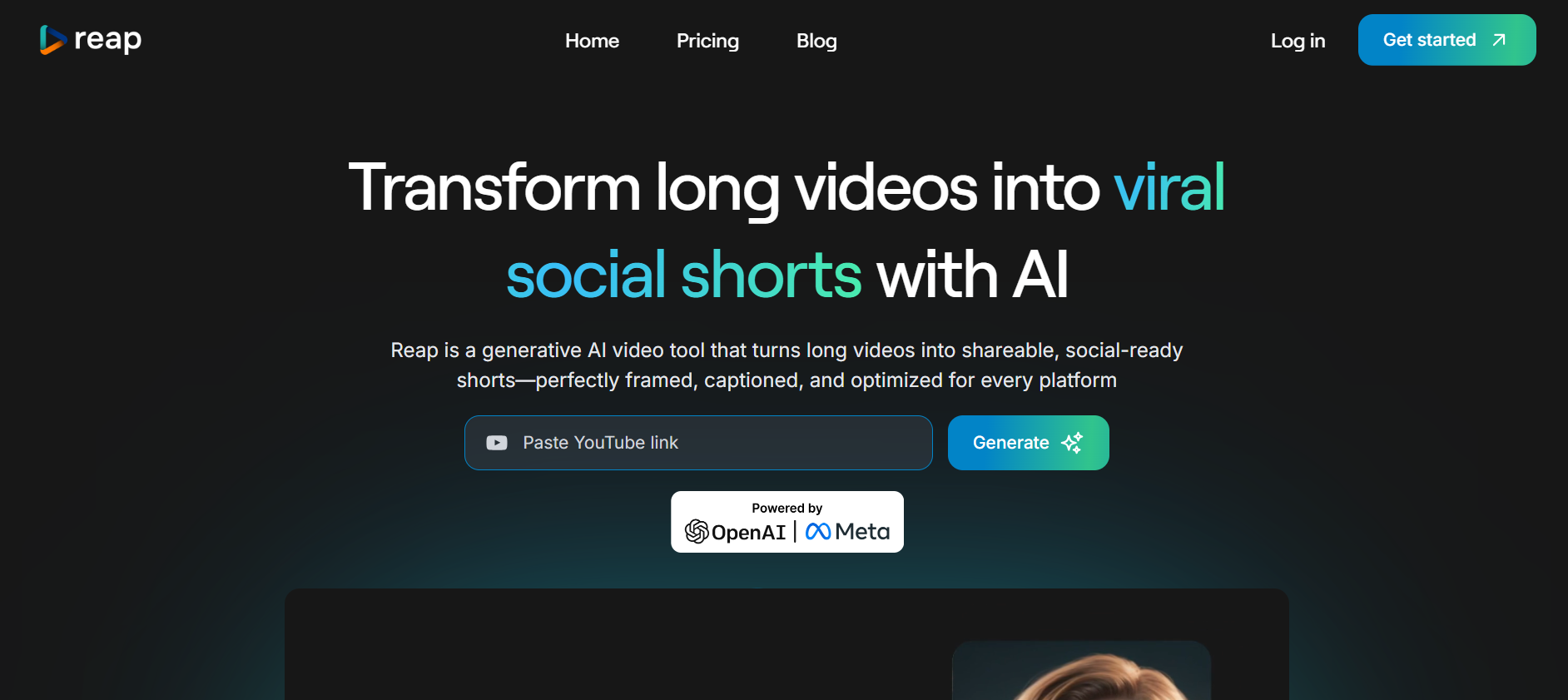
Reap specializes in dialogue rich content like interviews with AI trained on conversation patterns. The platform automatically detects compelling moments based on speech patterns, pacing, and emotional cues, then generates perfectly timed short clips complete with captions and branding.
Split view layout shows two speakers side by side, perfect for interview formats. The transcript based editor allows precise cuts and rearrangements directly from conversation text, saving hours compared to traditional timeline editing workflows.
Key Features:
- Specializes in dialogue rich interview content with conversation analysis
- Split view shows two speakers side by side for interview formats
- Transcript based editing enables text manipulation for quick refinements
5. OpusClip
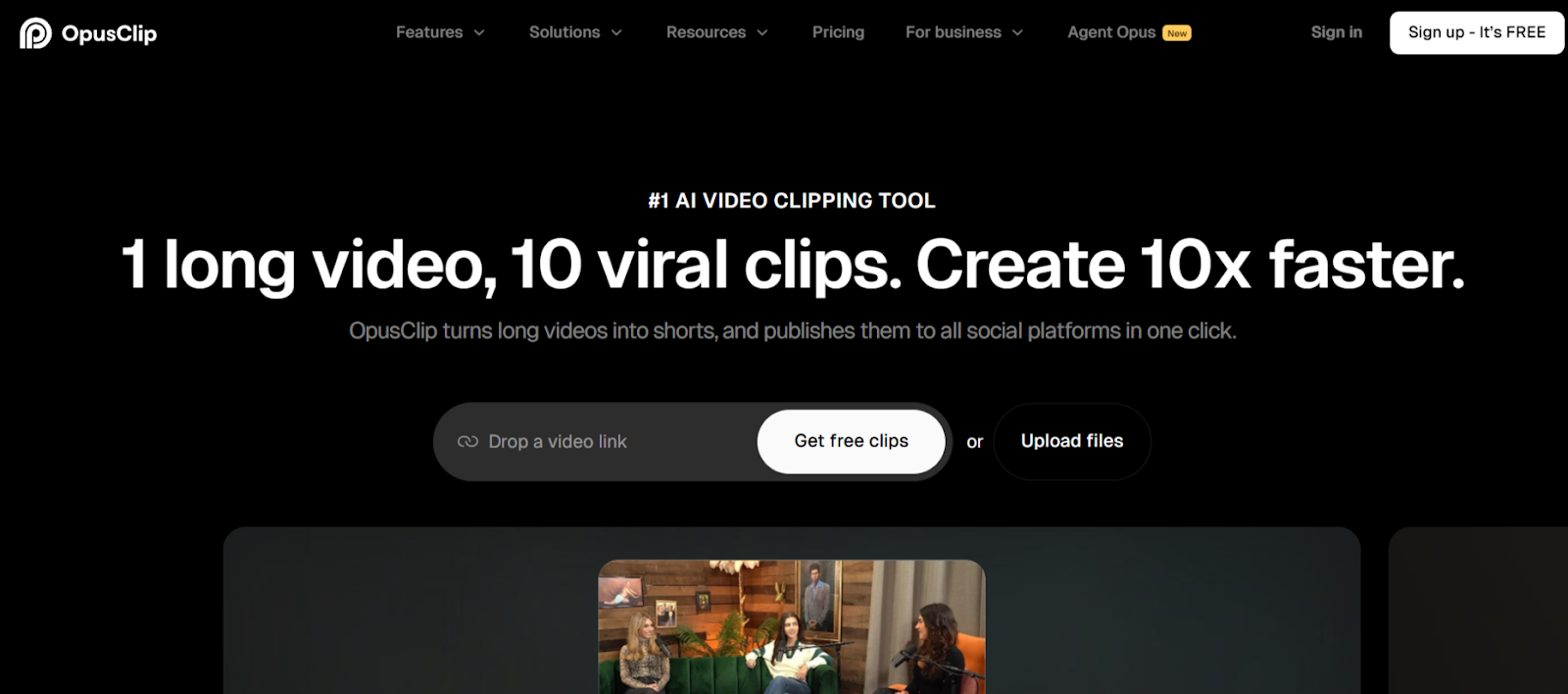
OpusClip brings virality prediction to interview content by scoring clips before publication. The platform analyzes conversations and rates each potential segment's engagement potential using historical performance data, helping you prioritize which interview moments deserve prime posting slots.
ClipAnything technology handles diverse interview styles from formal corporate discussions to casual podcast conversations. AI B roll insertion automatically adds contextual footage that enhances storytelling without manual searching through stock libraries.
Key Features:
- Virality scoring predicts engagement potential for each interview clip
- ClipAnything processes diverse interview styles and formats effectively
- AI B roll insertion adds contextual footage automatically during processing
6. Vizard
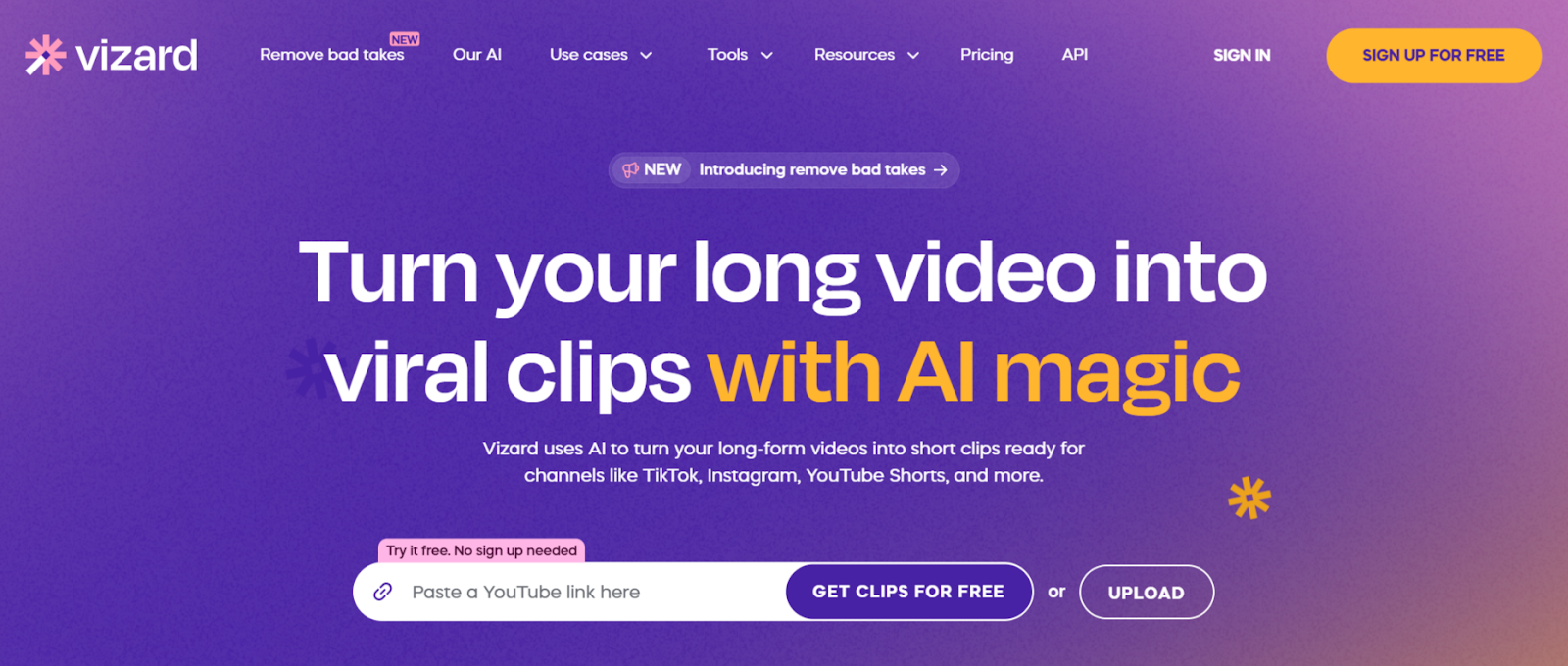
Vizard transforms business interviews and expert discussions into social clips through AI that understands professional communication. The platform excels at identifying valuable insights, controversial statements, and actionable advice that spark engagement among business audiences.
Direct integration with major platforms imports interview recordings via URL without downloads. Text based editing allows quick refinements by modifying transcripts, proving significantly faster than traditional editing when processing long interview sessions.
Key Features:
- AI detects up to 10 viral potential clips per interview automatically
- Direct platform integration imports recordings via URL without downloads
- Text based editor allows transcript manipulation for quick refinements
7. VEED
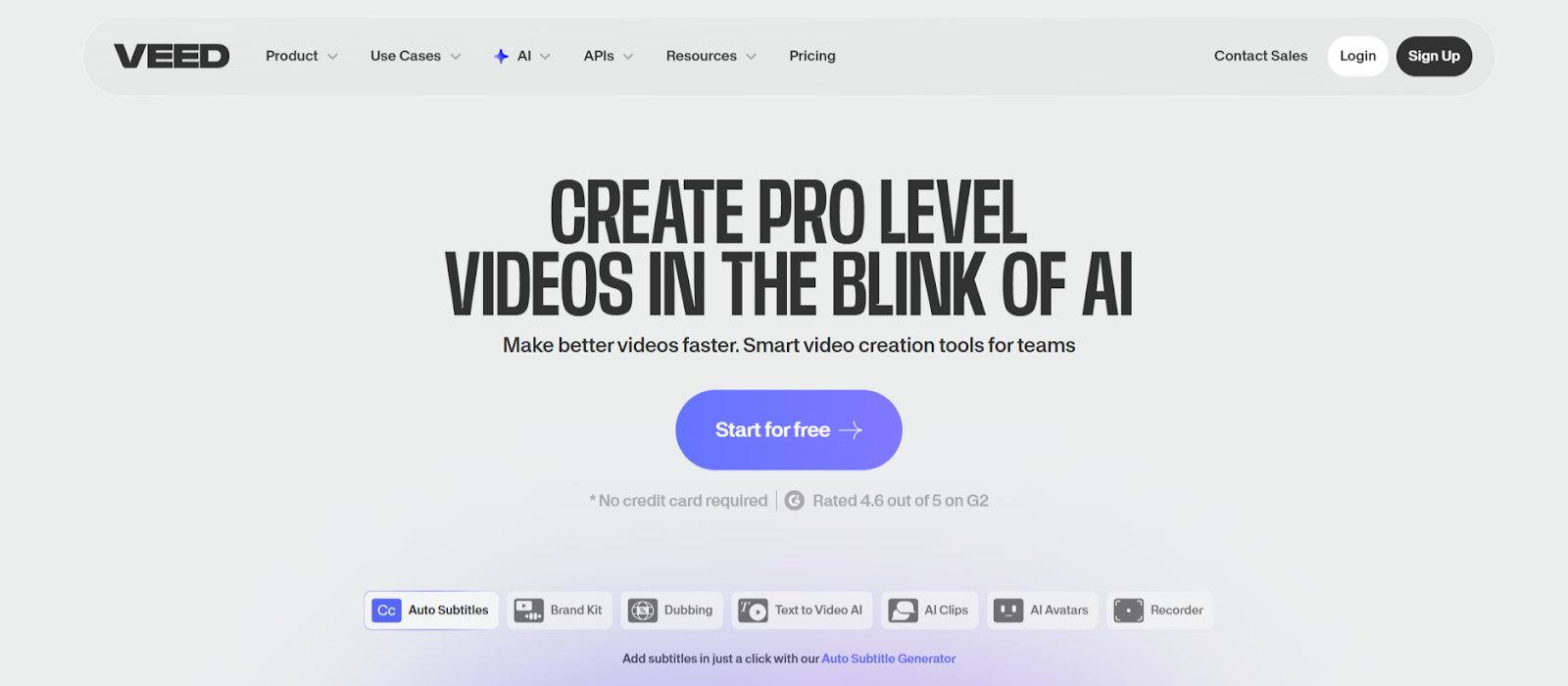
VEED combines comprehensive editing capabilities with interview specific automation. Voice dubbing replicates speakers in 29 languages, enabling international distribution of interview content without re recording conversations with guests.
Advanced audio mixing optimizes sound specifically for mobile viewing conditions where most social content gets consumed. Background noise removal and voice enhancement ensure clarity regardless of original recording quality or environment.
Key Features:
- Voice dubbing in 29 languages replicates speakers for international reach
- Green screen removal enables professional background replacement
- Mobile optimized audio mixing ensures clarity in noisy environments
8. Flowjin
Flowjin specializes in business interview repurposing with features designed specifically for professional content. The platform generates multiple content types from single interviews including short clips, LinkedIn posts with written summaries, and Twitter threads covering key points.
Presentation aware cropping adjusts framing based on interview setups, ensuring both speakers remain properly composed in vertical formats. The platform automatically generates platform specific descriptions, creating appropriate copy for each social channel.
Key Features:
- Generates 10 plus clips per interview with business focused detection
- Creates multi modal posts combining video clips with written summaries
- Platform specific copy generation tailored for LinkedIn, Instagram, Twitter
9. Submagic
Submagic applies viral style editing techniques to interview content. Auto zoom features create dynamic focus shifts during key statements, transforming static conversations into visually engaging clips that match social media aesthetic preferences.
Trending caption styles update automatically to match current platform trends. Magic B roll functionality reads interview transcripts and suggests relevant stock footage that enhances conceptual discussions without derailing from main topics.
Key Features:
- Dynamic auto zoom creates focus shifts during important statements
- Trending caption library updates automatically to match current styles
- Context aware B roll suggestions enhance conceptual explanations
10. Kapwing
Kapwing offers browser based interview editing that requires no software installation. The Fill and Crop intelligent reframing keeps speakers properly positioned during vertical conversion, maintaining visual quality throughout clips.
Smart Cut automatically removes awkward pauses, filler words, and dead air that plague interview recordings. Real time collaboration features allow distributed teams to review clips, leave timestamped feedback, and approve content before publication.
Key Features:
- Intelligent reframing with manual override options for full control
- Smart Cut removes pauses and filler words automatically
- Real time team collaboration with commenting and approval workflows
Conclusion
Interview clip automation determines whether your conversation investments generate ongoing returns or disappear after initial recordings. These platforms prove that automation and quality coexist when the right technology handles extraction and formatting. LiveLink AI leads with comprehensive dialogue intelligence and multi speaker optimization, though each tool addresses specific interview workflows.
Your interview library represents completed work waiting for new audiences. Social platforms reward consistent clip posting with algorithmic distribution, but manual editing bottlenecks limit publication frequency. Automation eliminates that constraint entirely, enabling daily schedules that build professional visibility and thought leadership systematically.
Start with your most valuable interviews featuring compelling guests or covering trending topics. Process them through your chosen platform, post the clips, and track which moments resonate most across social channels. This data reveals what questions to ask in future interviews, creating feedback loops that improve both conversation quality and content distribution simultaneously.
FAQs
How long should interview clips be for social media?
Optimal length varies by platform but most perform best between 30 and 90 seconds. LinkedIn accepts longer 60 to 90 second clips showcasing expertise, while Instagram and TikTok favor shorter 30 to 60 second segments delivering quick insights. LiveLink AI and Vizard automatically target these ranges when extracting interview moments.
Can I repurpose client interviews without permission?
No, always obtain explicit written permission before repurposing any interview containing client conversations or proprietary information. Most contracts address content rights, but verbal agreement during recording is insufficient legal protection. Create clear content usage agreements before conducting interviews you intend to repurpose.
What makes interview clips perform well on social media?
Strong hooks in opening seconds, complete thoughts rather than fragments, quotable statements worth sharing, visual variety through proper framing, accurate captions for accessibility, and genuine value delivery. Tools like LiveLink AI score these elements automatically, identifying clips most likely to drive engagement before publication.
Do automated tools handle different interview formats effectively?
Yes, advanced platforms like LiveLink AI and Riverside process diverse formats including one on one conversations, panel discussions, podcast episodes, and remote video interviews. They adapt extraction strategies based on format, though single speaker interviews with clear audio typically generate more usable clips than chaotic group discussions.
Should I edit interview clips after automation or post directly?
Always review before posting, especially initially. Automated tools achieve 85 to 95 percent accuracy, but occasional clips may lack proper context, cut mid thought, or miss important setup. After reviewing 20 to 30 clips from your chosen tool, you'll understand its patterns and can confidently automate posting for straightforward interviews while manually reviewing complex or sensitive topics.


