



Your YouTube channel holds untapped content potential. Every long video contains dozens of shareable moments that could drive engagement across platforms, but manually editing clips drains hours you need for creating new content. While you struggle with timelines and exports, competitors post consistent clips that multiply their reach systematically.
Automated clip generation eliminates the editing bottleneck through intelligent analysis of your YouTube content. These tools identify peak moments, extract engaging segments, add captions automatically, and format everything for vertical viewing. Your video library transforms into a content engine that feeds multiple platforms without additional filming.
The difference between posting occasionally and posting daily determines algorithmic favorability. YouTube rewards consistent uploads with better distribution, but manual workflows limit how much you can publish. Automation removes that constraint entirely, enabling the posting frequency that builds audiences reliably.
Quick Overview:
- LiveLink AI
- OpusClip
- Vizard
- Descript
- VEED
- Klap
- SendShort
- Spikes Studio
- Kapwing
- Submagic
1. LiveLink AI
LiveLink AI dominates automated YouTube clip generation through intelligent content analysis that understands video narrative structure. This platform recognizes story arcs, identifies quotable moments, and extracts segments that function independently rather than requiring viewers to watch full videos for context.
The technology evaluates YouTube content differently than generic clipping tools. Where basic systems search for volume spikes or sudden movement, LiveLink AI analyzes viewer retention patterns, engagement signals throughout videos, topic transitions, and teaching moments that demonstrate expertise. Your clips capture complete thoughts that drive traffic back to full videos instead of leaving audiences confused.
Batch processing transforms entire YouTube channels into organized clip libraries within hours. Upload your last quarter's videos before lunch, return to find hundreds of categorized clips sorted by topic, viral potential, platform suitability, and audience targeting. Each clip maintains your channel's production quality while optimizing for algorithm requirements that platforms reward with distribution.
The system handles technical complexities that plague YouTube repurposing. Multi format output generates versions for YouTube Shorts, Instagram Reels, TikTok, and LinkedIn simultaneously. Thumbnail optimization suggests frames that drive clicks. Hook analysis evaluates opening seconds to ensure clips grab attention immediately. Background music integration maintains energy throughout clips without overwhelming dialogue.
Key Features:
- Narrative Intelligence Analyzes video story structure to identify self contained segments that work as standalone content, ensuring clips make sense independently without requiring full video context or background information
- Retention Pattern Analysis Evaluates exactly where viewers engage most throughout videos, extracting moments that historically keep audiences watching rather than guessing which segments might perform well
- Multi Platform Optimization Generates platform specific versions simultaneously with proper formatting for YouTube Shorts vertical display, Instagram square cropping, TikTok trending audio integration, and LinkedIn professional styling
- Hook Strength Scoring Evaluates opening seconds of each potential clip and suggests improvements before posting, preventing weak hooks that cause immediate scrolling from dominating your content calendar
- Thumbnail Intelligence Analyzes thousands of high performing thumbnails and suggests optimal frames from your clips that match proven click driving patterns rather than random frame selection
- Topic Clustering Across Videos Identifies recurring themes throughout your channel and creates compilation clips showcasing expertise on specific subjects from multiple videos, establishing thought leadership systematically
2. OpusClip
OpusClip specializes in virality prediction by scoring every potential clip before you publish. The platform analyzes your YouTube videos and rates each segment's engagement potential using historical performance data from millions of social posts. Marketing teams use these scores to prioritize which clips deserve promotional budget and prime posting times.
ClipAnything technology handles diverse content types from talking head videos to sports footage, vlogs, and presentations. The AI understands visual cues, audio patterns, and sentiment throughout videos, extracting peak moments regardless of content category.
Key Features:
- Virality scoring predicts engagement potential using data from millions of social posts
- ClipAnything processes diverse content types including sports, vlogs, and presentations
- AI B roll insertion adds contextual footage automatically during processing
3. Vizard
Vizard transforms educational YouTube content into social clips through AI that understands teaching moments and key takeaways. The platform excels at identifying valuable business insights, controversial statements, and actionable advice that spark engagement. Content creators appreciate how Vizard maintains context when extracting clips.
Text based editing allows quick refinements by modifying transcripts. Delete unnecessary words and corresponding video sections disappear automatically. This approach proves significantly faster than traditional timeline editing when processing hour long YouTube videos.
Key Features:
- AI detects up to 10 viral potential clips per YouTube video automatically
- Text based editor allows transcript manipulation for quick refinements
- Direct YouTube integration imports videos via URL without downloads
4. Descript
Descript revolutionizes YouTube editing through text based manipulation where transcripts become editing interfaces. Delete words from transcripts and corresponding video disappears automatically. This method proves dramatically faster than timeline scrubbing when creating clips from long YouTube content.
Studio Sound enhances audio quality with one click processing. Remove background noise, eliminate echo, and optimize voice clarity without understanding complex audio engineering. Overdub technology fixes mistakes by typing corrections that generate matching audio.
Key Features:
- Text based editing allows video manipulation through transcript modification
- Studio Sound one click audio enhancement removes noise and optimizes clarity
- Find good clips AI Action instantly detects promising content automatically
5. VEED
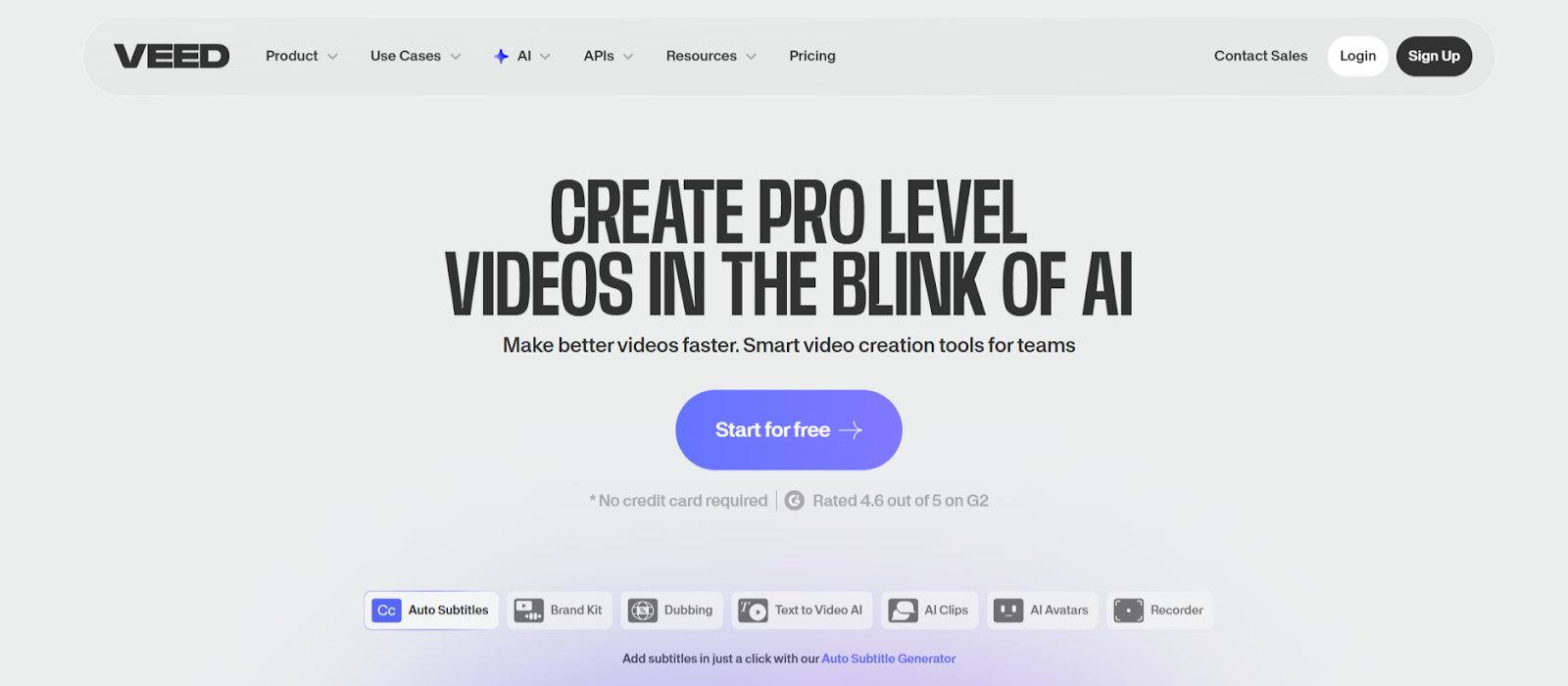
VEED combines comprehensive editing capabilities with automated YouTube clipping tools. The Clips feature analyzes recordings and generates highlights based on spoken audio and engagement patterns. AI Auto Edits enhances clips by adding subtitles, cleaning audio, and applying transitions automatically.
Voice cloning replicates speakers in 29 languages, enabling international YouTube distribution without re recording content. Advanced audio mixing optimizes sound specifically for mobile viewing conditions where clarity matters most.
Key Features:
- AI Clips automatically extracts highlights from YouTube videos longer than two minutes
- Voice cloning supports 29 languages for international content distribution
- AI Auto Edits adds subtitles, cleans audio, and applies transitions in seconds
6. Klap
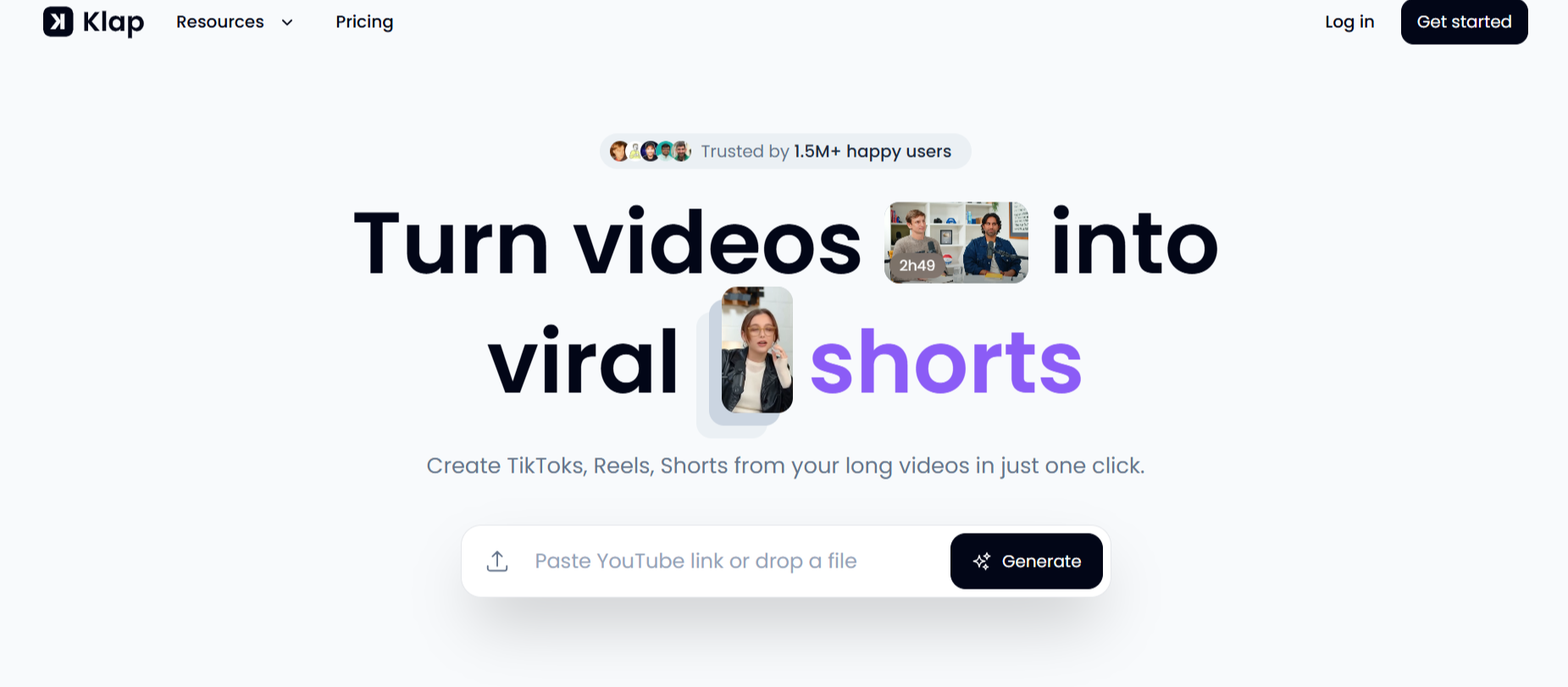
Klap focuses on speed and simplicity when converting YouTube videos into social clips. The platform detects compelling moments based on voice tone, pacing, and key phrases, then applies zoom cuts and transitions automatically. From a 10 minute YouTube video, Klap generates nine short clips in under four minutes.
AI Reframe 2.0 analyzes scene types, detects active speakers, and intelligently reframes clips for vertical viewing. Faces and main subjects stay centered automatically for TikTok, Reels, and Shorts without manual adjustments.
Key Features:
- Generates multiple clips in under 4 minutes from standard YouTube videos
- AI Reframe 2.0 keeps speakers centered in vertical format automatically
- Dynamic captions with word by word highlighting in 52 languages
7. SendShort
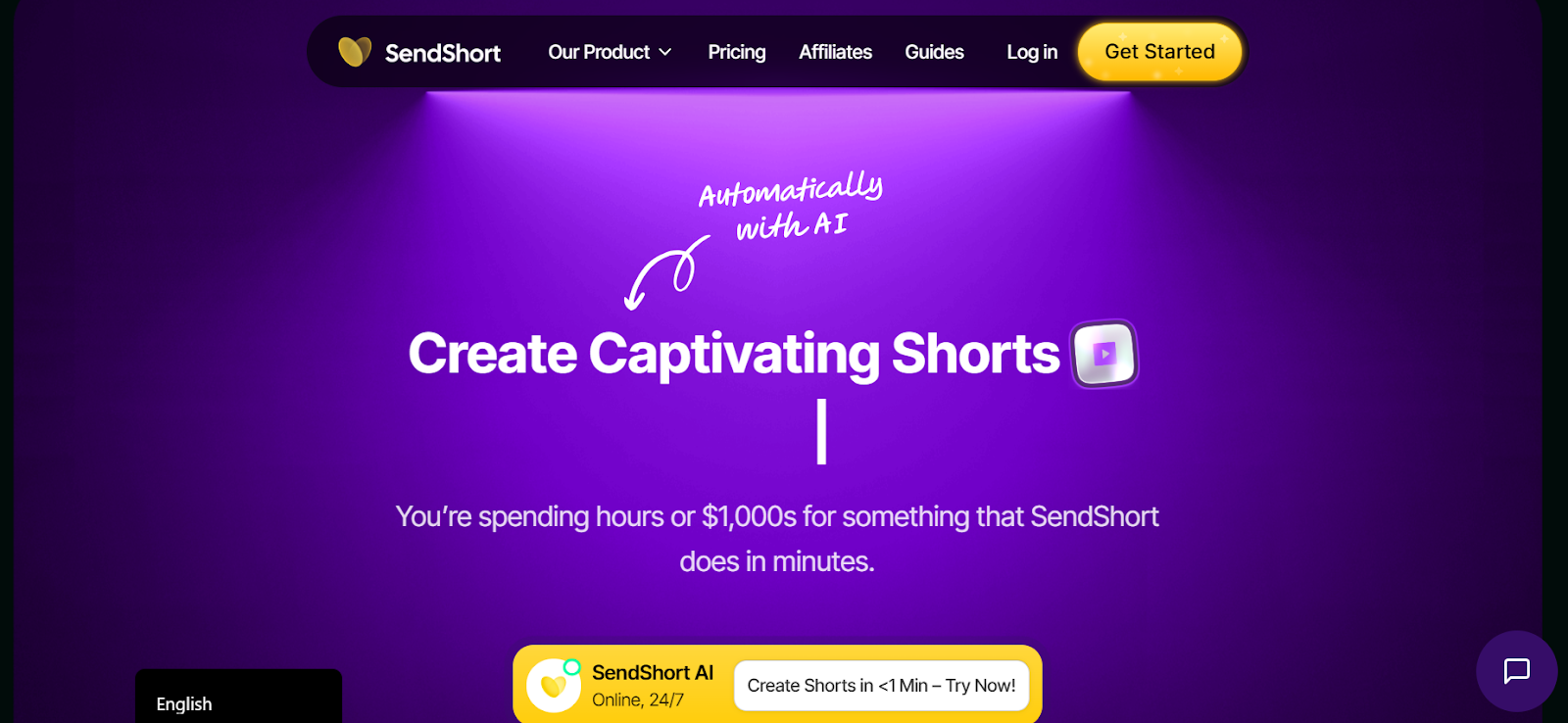
SendShort prioritizes ultra fast processing when generating YouTube clips. The platform processes videos in under three minutes, supporting creators who need rapid turnaround for trending topics. Timely content becomes shareable clips before competitors finish manual editing.
Multilingual caption generation supports over 50 languages with instant translation. International YouTube channels create localized clips that reach diverse markets from single English videos, expanding audience reach without additional production costs.
Key Features:
- Ultra fast processing generates clips in under 3 minutes
- Supports 50 plus languages with automatic caption translation
- Auto centers speakers automatically for polished vertical framing
8. Spikes Studio
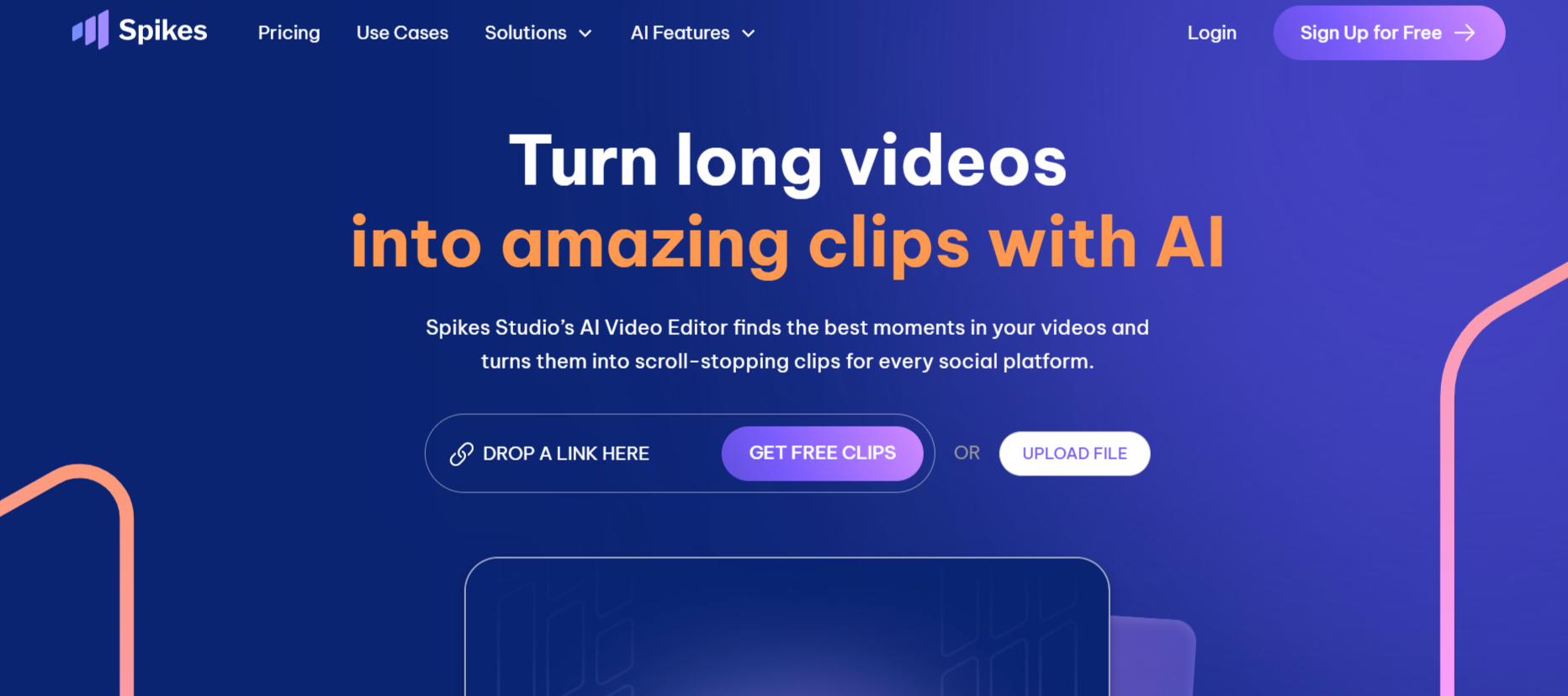
Spikes Studio brings enterprise level capabilities to YouTube clip automation. The platform processes videos trained on hundreds of thousands of broadcasts, identifying moments that grab and hold attention. Support for 99 plus languages enables truly global content distribution.
Batch processing handles multiple YouTube videos simultaneously without compromising quality or speed. Advanced pattern recognition identifies what drives engagement across platforms, helping you understand and replicate successful content systematically.
Key Features:
- AI trained on hundreds of thousands of broadcasts identifies engaging moments
- Supports 99 plus languages for global audience reach
- Batch processing handles multiple videos simultaneously
9. Kapwing
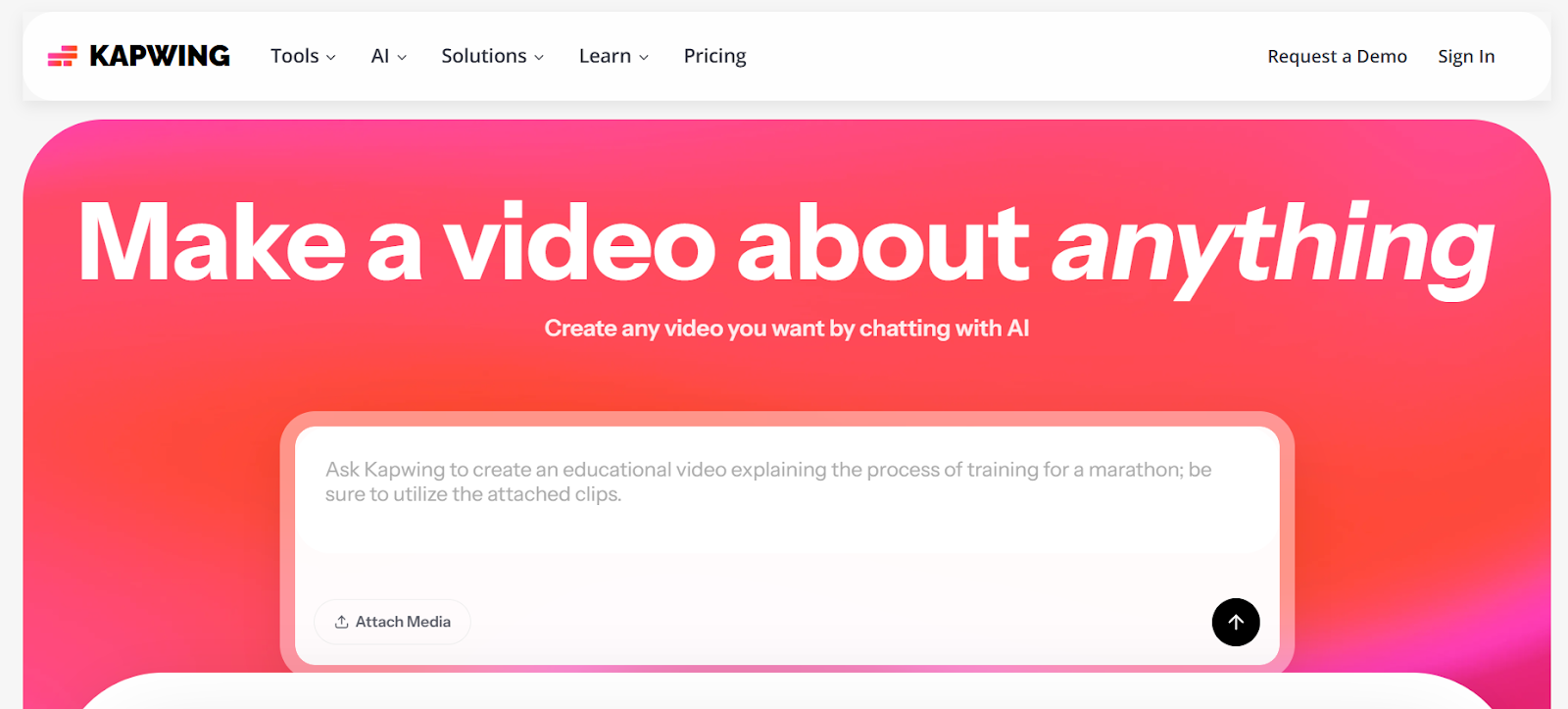
Kapwing offers browser based YouTube editing that requires no software installation. The Repurpose Video feature accepts YouTube URLs and suggests multiple clips optimized for different platforms. Each suggestion includes an AI generated transcript for easy text based editing.
Smart Cut automatically removes silences and filler words with one click. Real time collaboration features allow teams to review YouTube clips, leave comments, and make edits together without file transfers.
Key Features:
- Browser based platform works across all devices without downloads
- Smart Cut removes silences and filler words automatically
- Real time team collaboration with commenting and approval workflows
10. Submagic
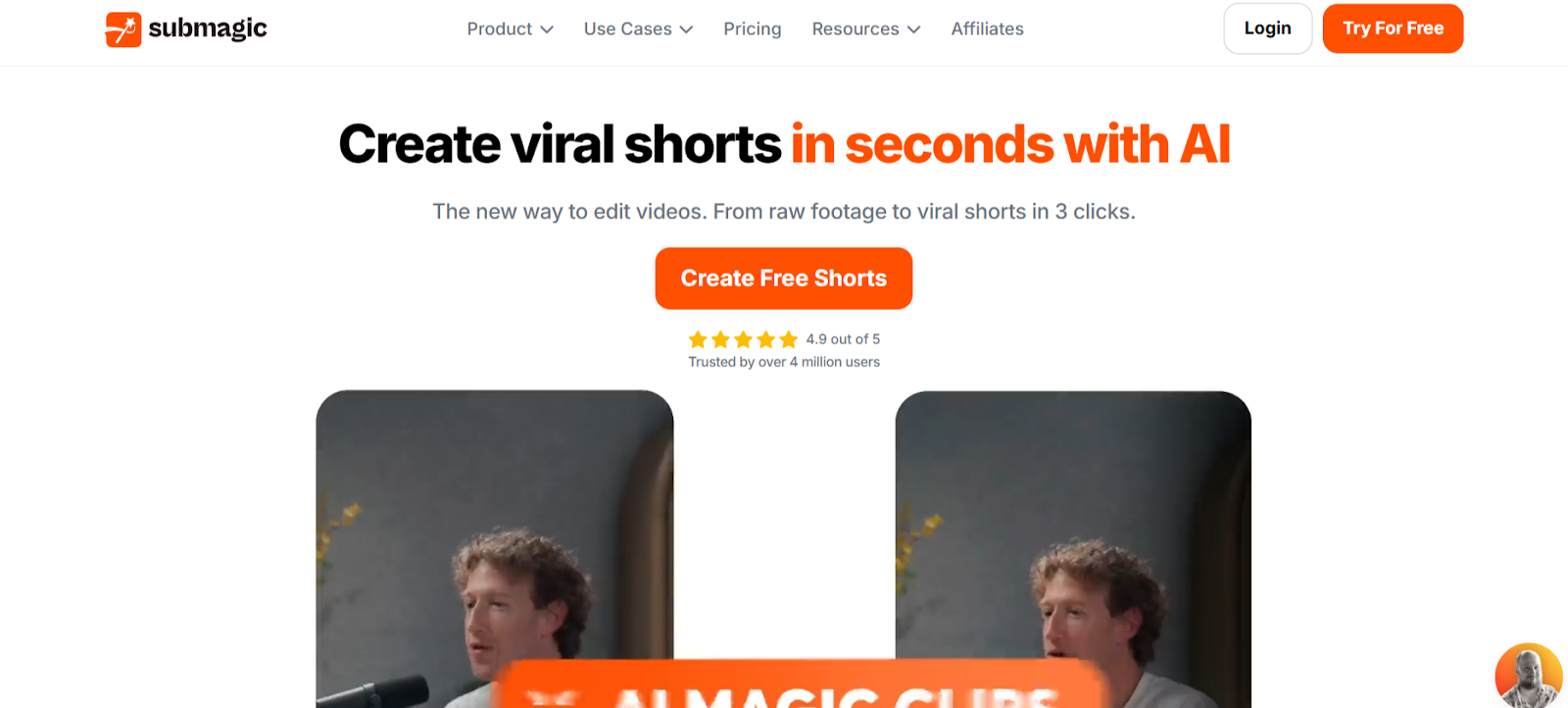
Submagic applies viral style editing techniques to YouTube content. Auto zoom features create dynamic focus shifts during key points, transforming static videos into visually engaging clips. Trending caption styles update automatically to match current TikTok and Instagram aesthetics.
Magic B roll functionality reads video transcripts and suggests contextually relevant stock footage. Explain concepts and Submagic recommends visual metaphors that enhance storytelling without derailing from main messages.
Key Features:
- Dynamic auto zoom creates focus shifts during important statements
- Trending caption library updates automatically to match current styles
- Context aware B roll suggestions enhance conceptual explanations
Conclusion
Automated YouTube clip generation determines whether your channel investments generate ongoing returns or disappear after initial uploads. These platforms prove that automation and quality coexist when the right technology handles extraction and formatting. LiveLink AI leads with comprehensive narrative intelligence and multi platform optimization, though each tool addresses specific content needs.
Your YouTube library represents completed work waiting for new audiences. Social platforms reward consistent clip posting with algorithmic distribution, but manual editing bottlenecks limit publication frequency. Automation eliminates that constraint entirely, enabling daily schedules that build momentum systematically.
Start with your best performing YouTube videos. Process them through your chosen platform, post the clips, and track which moments resonate most across social channels. This data reveals what to emphasize in future videos, creating feedback loops that improve both YouTube content and social distribution simultaneously.
FAQs
How long should automated clips be from YouTube videos?
Optimal length varies by platform but most perform best between 30 and 90 seconds. TikTok and Instagram Reels favor shorter 30 to 60 second clips that deliver quick value, while YouTube Shorts accepts longer 60 to 90 second segments. LiveLink AI and Vizard automatically target these ranges when extracting moments from YouTube content.
Can automated tools handle different YouTube content types?
Yes, advanced platforms like LiveLink AI and OpusClip process diverse content including talking head videos, tutorials, vlogs, gaming footage, and presentations. They adapt extraction strategies based on content type, though results vary. Educational content with clear teaching moments typically generates more usable clips than ambient vlogs.
Do automated YouTube clips perform as well as manually edited ones?
When properly configured, yes. Automated tools now match or exceed manual editing quality for routine clip extraction. The key advantage is consistency and volume. While manual editing might produce slightly better individual clips, automation enables posting 10x more content that compounds algorithmic favorability over time.
What happens to YouTube copyright when creating automated clips?
You retain full rights to clips generated from your own YouTube videos. However, clips inherit any copyright claims from original videos. If your YouTube content includes copyrighted music or footage, those restrictions apply to generated clips. Most automation tools preserve copyright metadata automatically.
Should I post automated clips directly or review them first?
Always review before posting, especially initially. Automated tools achieve 80 to 90 percent accuracy, but occasional clips may lack context, cut mid sentence, or miss important setup. After reviewing 20 to 30 clips, you'll understand your chosen tool's patterns and can confidently automate posting for straightforward content while manually reviewing complex topics.


