



Podcast editing consumes hours you could spend creating new content. Every episode contains dozens of shareable moments, but manually identifying them, trimming silence, removing filler words, and exporting clips drains creative energy. Your backlog of unedited episodes grows while competitors publish daily clips that build audiences systematically.
Smart podcasters multiply their reach without multiplying editing time. Automation handles the tedious technical work while you focus on storytelling and guest relationships. These tools analyze your recordings, identify key moments, clean audio automatically, and generate ready to post clips that extend your episode's lifespan across platforms.
The difference between manual and automated editing determines how much content you publish. While traditional editors spend four hours producing one episode, automated tools generate polished clips in minutes. Your audience expects consistent content, and these platforms deliver that consistency without burnout.
Quick Overview:
- LiveLink AI
- Descript
- Riverside
- Podcastle
- OpusClip
- Adobe Podcast
- VEED
- Alitu
- Cleanvoice
- SendShort
1. LiveLink AI
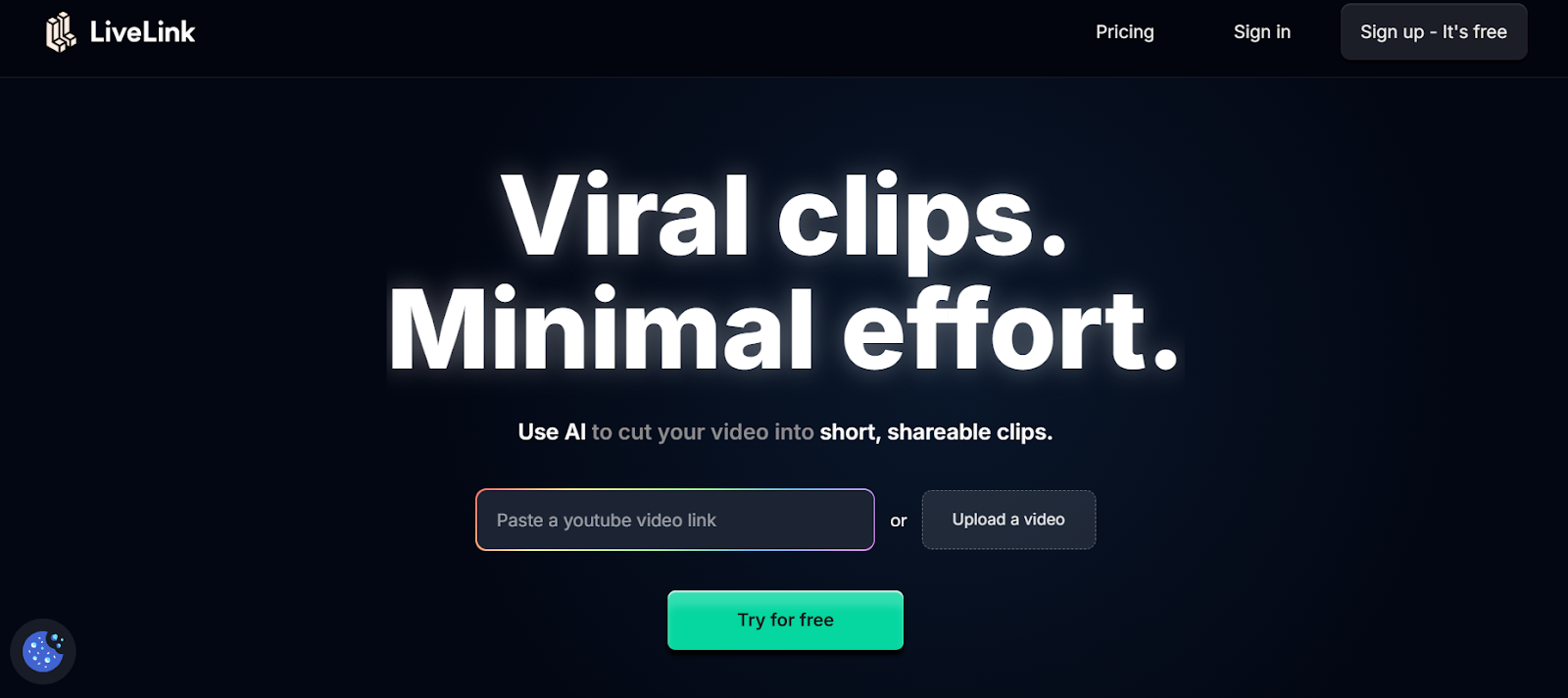
LiveLink AI dominates podcast clip automation through intelligent content analysis that understands conversation structure. This platform recognizes narrative peaks, identifies quotable moments, and extracts segments that function as standalone content rather than random samples requiring context.
The technology evaluates podcasts differently than video content. Where generic tools search for volume spikes or motion, LiveLink AI analyzes conversation flow, guest engagement patterns, topic transitions, and audience retention signals. Your clips capture complete thoughts that resonate independently, driving listeners back to full episodes instead of leaving them confused about context.
Batch processing transforms entire podcast seasons into clip libraries within hours. Upload your last quarter's episodes before lunch, return to find hundreds of categorized clips organized by topic, guest quotes, key insights, and viral potential. Each clip maintains your show's audio signature while optimizing for platform specific requirements that algorithms reward.
The system handles technical complexities that plague podcast repurposing. Multi speaker identification ensures each person's audio stays balanced when creating clips. Topic based extraction pulls related segments across episodes, enabling compilation clips that showcase expertise without manual searching through dozens of recordings. Background music and intro sequences apply consistently, maintaining brand recognition across all distributed content.
Key Features:
- Conversation Intelligence Analyzes dialogue structure to identify complete thoughts and key insights rather than arbitrary time segments, ensuring clips make sense without requiring full episode context
- Multi Speaker Audio Balancing Automatically adjusts volume levels when multiple hosts or guests appear in clips, preventing one voice from overpowering others regardless of original recording quality
- Topic Extraction Across Episodes Identifies recurring themes throughout your catalog and creates compilation clips showcasing your expertise on specific subjects from multiple conversations
- Platform Specific Optimization Generates versions tailored for YouTube Shorts vertical format, Instagram square format, LinkedIn professional styling, and TikTok trending audio requirements simultaneously
- Viral Moment Detection Scores segments based on engagement patterns that historically perform well in podcast clips, prioritizing moments with debate, surprise reveals, or actionable advice
- Automated Transcription with Speaker Labels Creates searchable transcripts that identify each speaker, enabling quick navigation to any quote or topic without listening through entire recordings
2. Descript
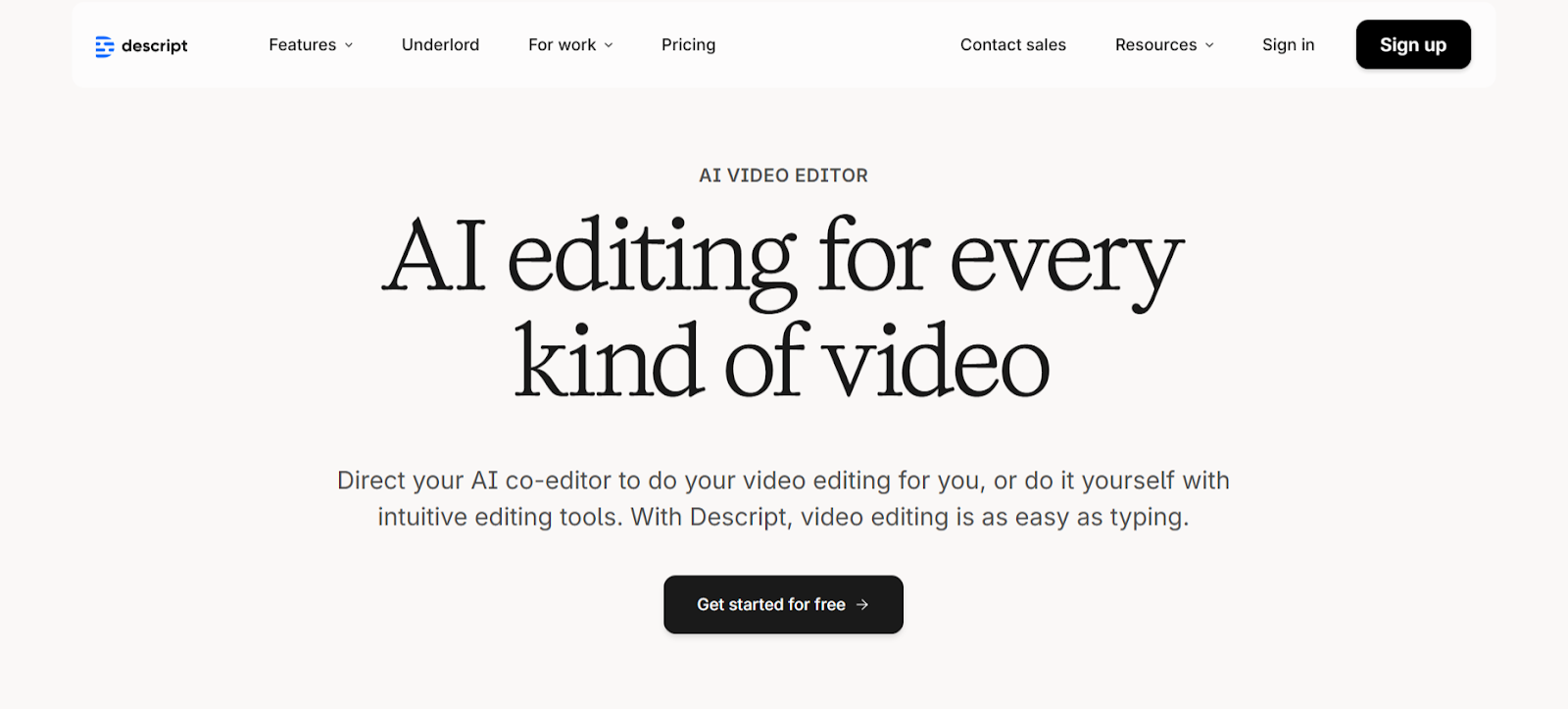
Descript revolutionizes podcast editing through text based manipulation where your transcript becomes the editing interface. Delete words from the transcript and corresponding audio disappears automatically. This approach proves significantly faster than traditional waveform editing when creating clips from hour long episodes.
Studio Sound enhances audio quality with one click processing. Remove background noise, eliminate echo, and optimize voice clarity without understanding compression ratios or equalization curves. The filler word removal tool automatically detects and removes um, uh, and similar verbal pauses throughout recordings.
Key Features:
- Text based editing allows audio manipulation through transcript modification rather than timeline scrubbing
- Studio Sound one click audio enhancement removes background noise and optimizes voice clarity
- Overdub voice cloning technology fixes mistakes by typing corrections that generate matching audio
3. Riverside
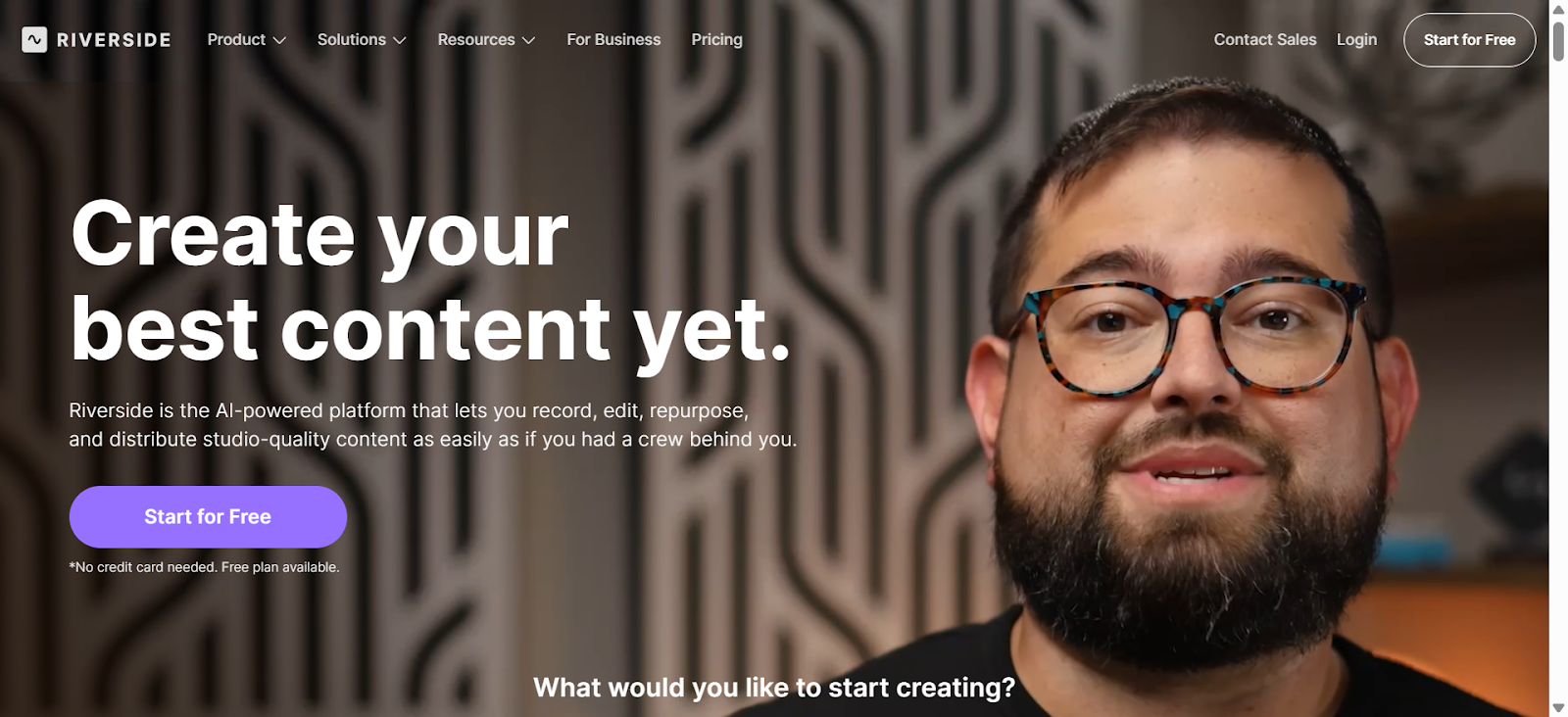
Riverside combines recording and editing with Magic Clips that automatically generate social ready shorts. The platform records locally in 4K video and uncompressed audio, ensuring quality remains pristine regardless of internet connection stability. Text based editing syncs perfectly with the transcript for quick refinements.
AI Speaker View intelligently switches camera focus to active speakers in multi person podcasts. This dynamic switching creates professional looking clips without manual camera direction, maintaining visual interest throughout each segment.
Key Features:
- Magic Clips automatically generates vertical clips optimized for social platforms
- Records up to 4K video with separate tracks for each participant locally
- Text based editor with automatic filler word and silence removal
4. Podcastle
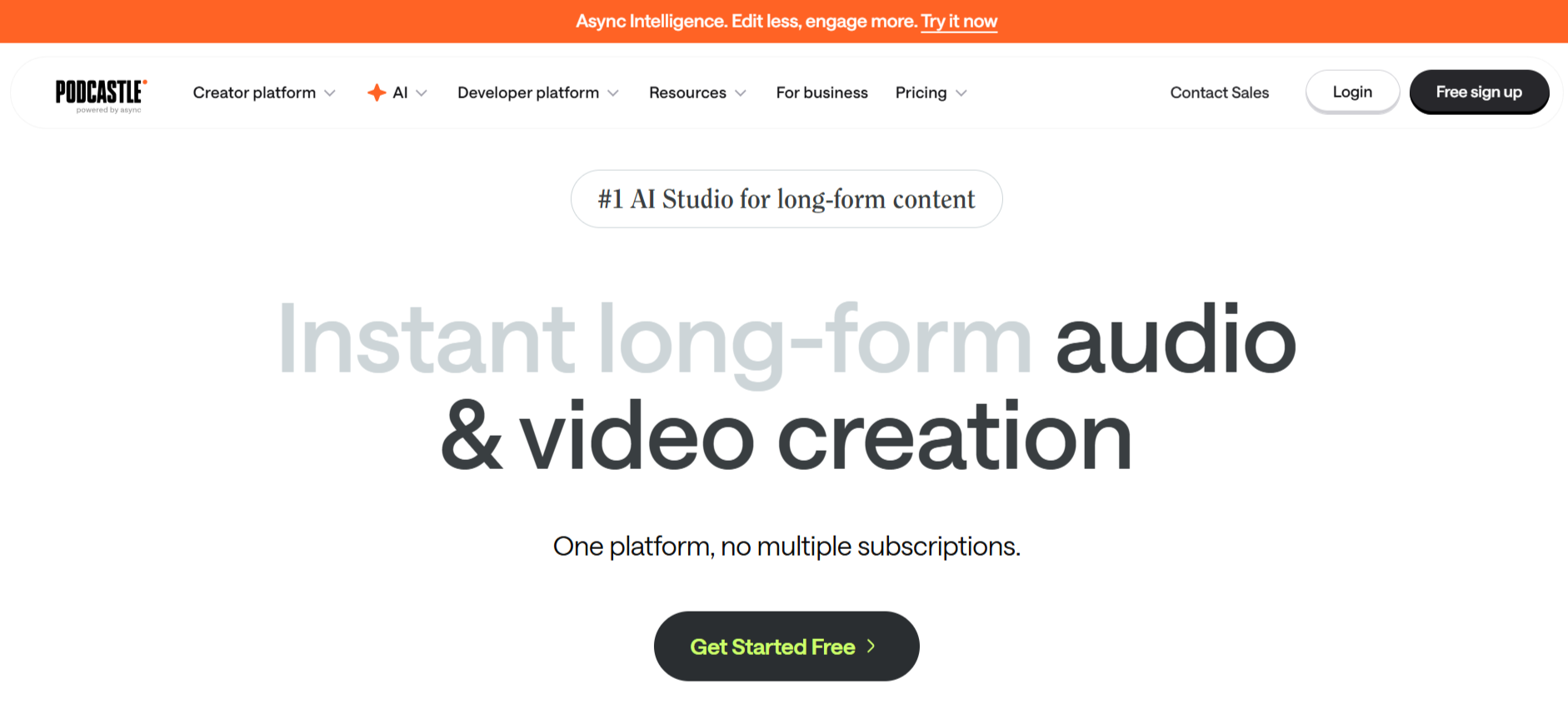
Podcastle provides browser based recording and editing with Magic Dust that enhances audio quality automatically. The platform handles remote interviews with up to 10 participants, recording each person's track separately for complete mixing control. AI powered noise removal and auto leveling ensure professional sound without manual adjustments.
The text to speech feature creates lifelike voiceovers from written scripts, perfect for intros, outros, or sponsor messages that maintain consistency across episodes. Voice cloning replicates your unique sound for quick fixes without re recording.
Key Features:
- Magic Dust AI automatically enhances audio with noise removal and level balancing
- Records up to 10 remote participants with separate high quality tracks
- Text to speech with voice cloning for consistent branded audio elements
5. OpusClip
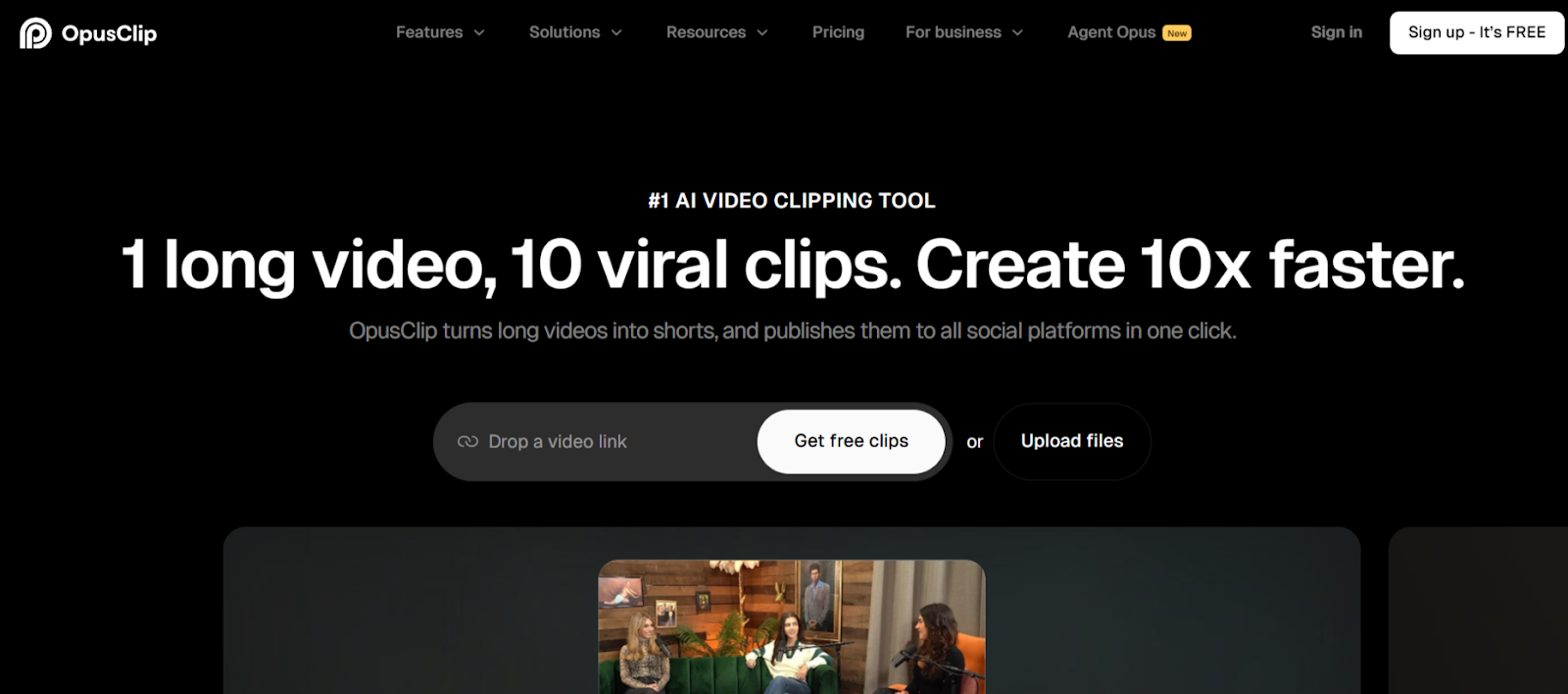
OpusClip specializes in virality prediction by scoring clips before publication. The platform rates each potential segment's engagement potential, helping you prioritize which moments deserve promotional budget and prime posting times. AI B roll insertion automatically adds contextual footage that enhances storytelling.
Multi aspect ratio support generates versions for TikTok, Instagram Reels, YouTube Shorts, and LinkedIn simultaneously. Create once, deploy everywhere with platform specific optimizations applied automatically to maximize reach across channels.
Key Features:
- Virality scoring predicts engagement potential using historical performance data
- AI B roll insertion adds contextual footage automatically during processing
- Multi platform export creates optimized versions for all major social channels
6. Adobe Podcast
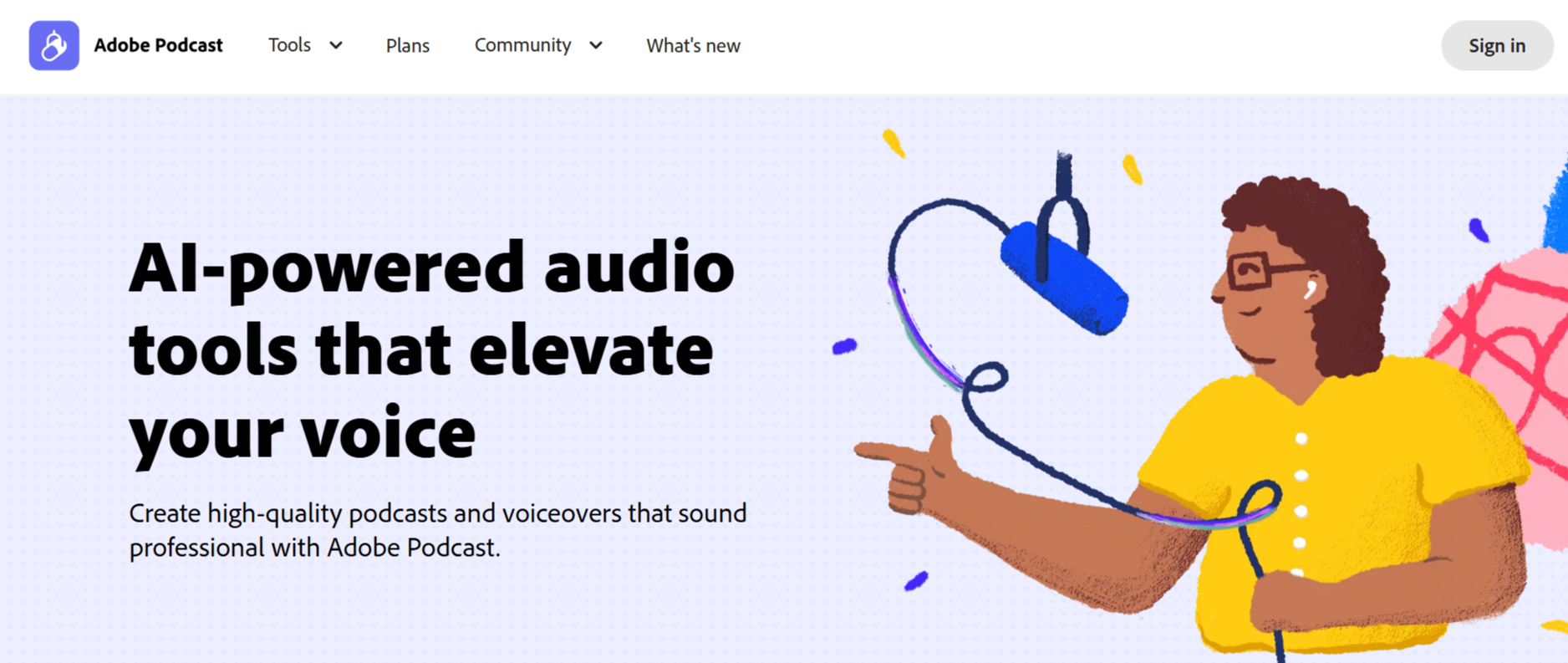
Adobe Podcast offers professional grade audio processing entirely in the browser. The Enhance Speech feature transforms recordings made in less than ideal conditions into studio quality sound. Mic Check analyzes your recording environment before sessions, providing real time feedback on setup improvements.
Text based editing integrates with Adobe Premiere Pro transcription technology for accurate manipulation. Simply edit the transcript and watch audio changes apply automatically. The platform includes podcast ready music collections with intros, outros, and transition sounds.
Key Features:
- Enhance Speech transforms amateur recordings into studio quality sound automatically
- Mic Check provides real time feedback on recording environment quality
- Browser based operation requires no software installation or downloads
7. VEED
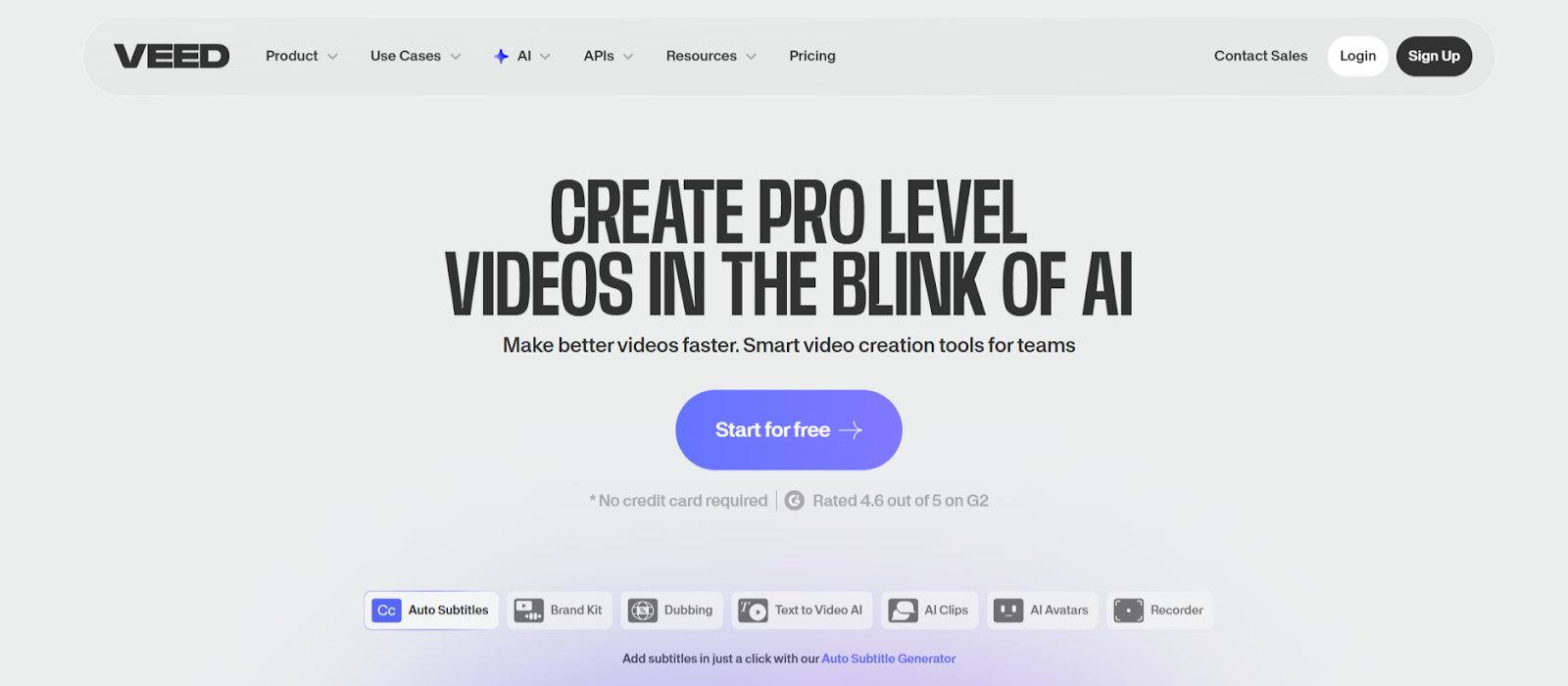
VEED combines comprehensive editing capabilities with automated podcast tools. The Clips feature analyzes recordings and generates highlights based on spoken audio and engagement patterns. AI Auto Edits enhances clips by adding subtitles, cleaning audio, and applying transitions automatically.
Voice cloning replicates speakers in 29 languages, enabling international distribution without re recording episodes. Green screen removal and background replacement upgrade production value for video podcasts recorded in home offices.
Key Features:
- AI Clips automatically extracts highlights from recordings longer than two minutes
- Voice cloning supports 29 languages for international podcast distribution
- AI Auto Edits adds subtitles, cleans audio, and applies transitions in seconds
8. Alitu
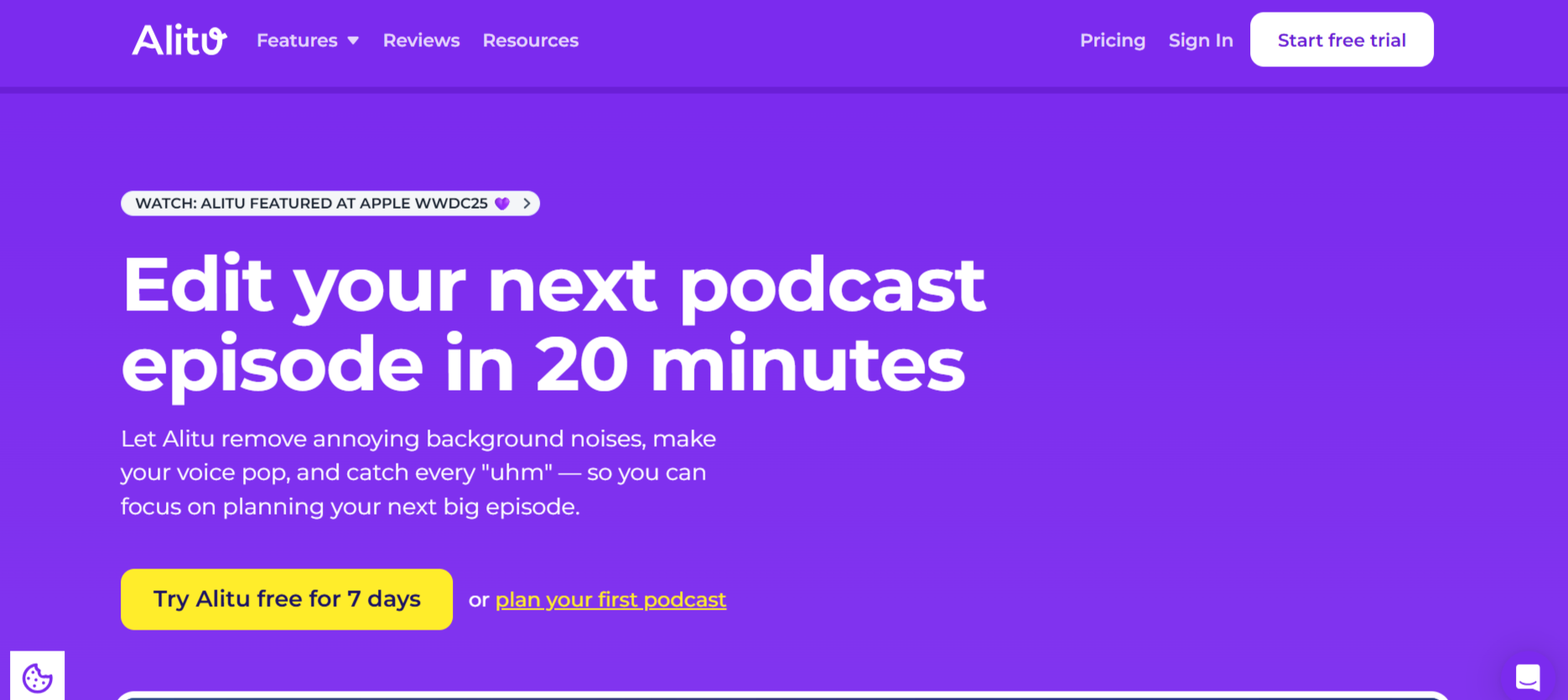
Alitu automates the entire podcast production workflow from recording through publishing. The platform processes raw recordings through AI cleanup tools that balance levels, reduce background noise, and apply professional processing automatically. Build episodes by adding music, transitions, and segments without touching traditional editing software.
Recent additions include automatic breath sound removal, filler word detection, and long pause elimination. These features alone save hours per episode, transforming rough recordings into polished productions without manual intervention.
Key Features:
- AI audio cleanup automatically balances levels and reduces background noise
- Automatic filler word and breath sound removal streamlines editing process
- Direct publishing to Apple Podcasts, Spotify, and major directories
9. Cleanvoice
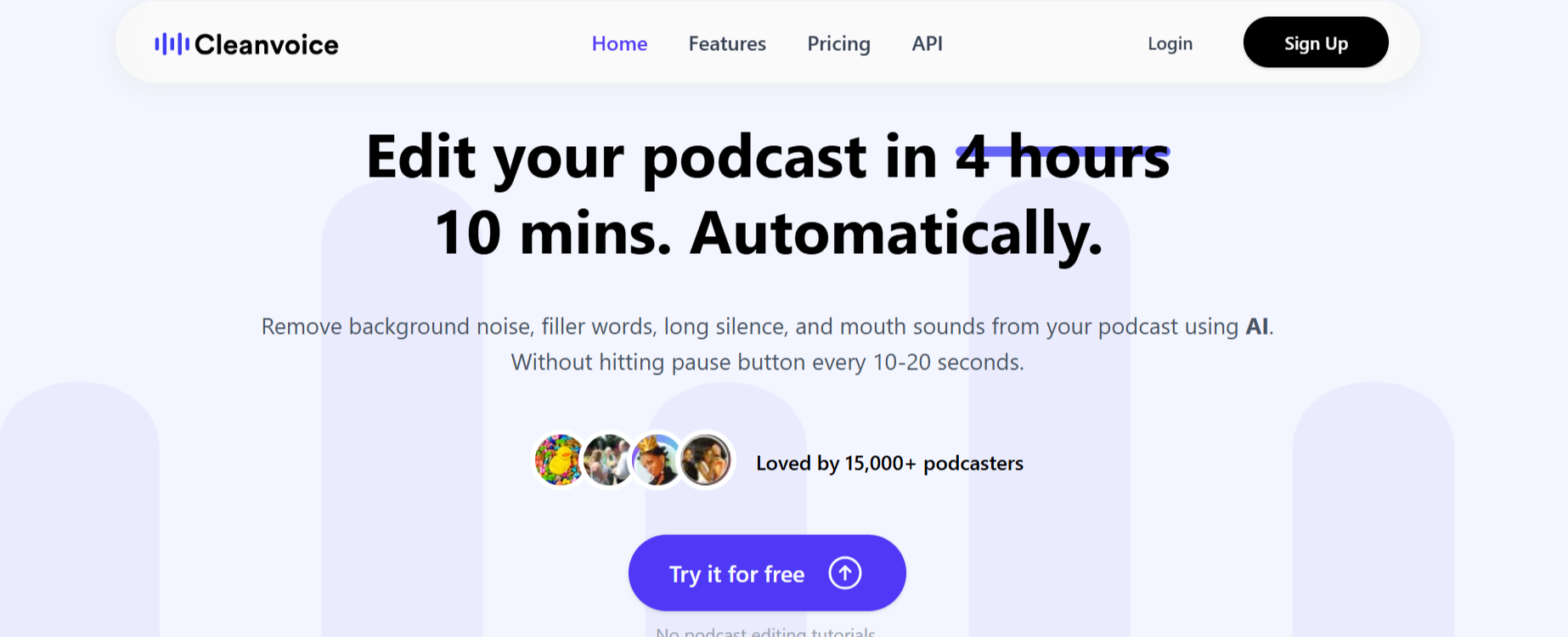
Cleanvoice focuses exclusively on audio cleanup through AI that removes filler sounds, mouth sounds, and stuttering automatically. The platform detects um, uh, lip smacks, and breathing noises that distract listeners, eliminating them without creating awkward silence gaps or unnatural pacing.
Timeline editing displays removed sections visually, allowing manual restoration if the AI removes desired content. The platform processes files quickly, handling hour long episodes in minutes while maintaining natural conversation flow throughout edits.
Key Features:
- Automatically removes filler sounds including um, uh, and mouth noises
- Detects and eliminates stuttering while maintaining natural speech patterns
- Visual timeline shows all removed sections for manual review and restoration
10. SendShort
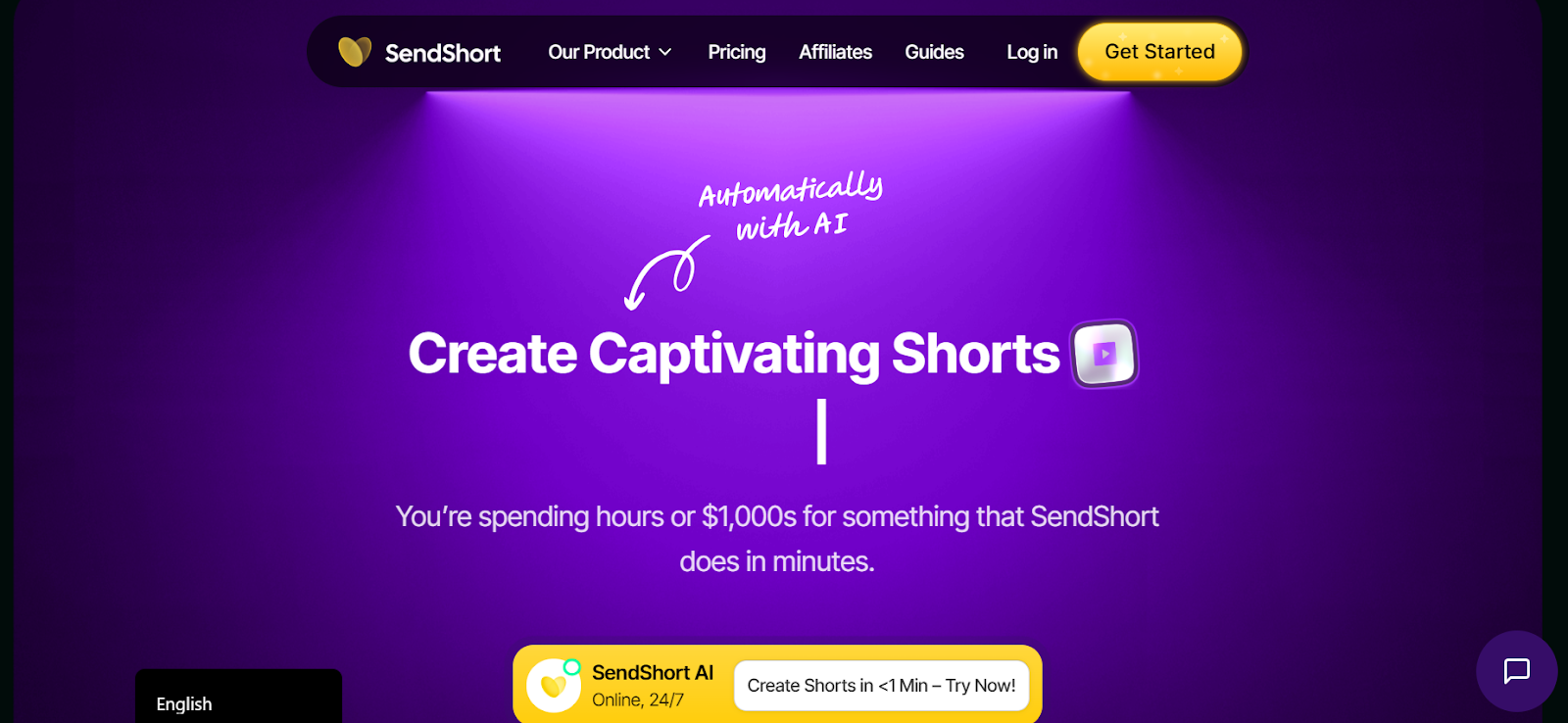
SendShort prioritizes speed when generating podcast clips. The platform processes recordings in under three minutes, supporting teams that need rapid turnaround for timely content. Product launches, news reactions, and trending topic discussions become shareable clips before competitors finish manual editing.
Multilingual caption generation supports over 50 languages with instant translation. International podcasts create localized clips that reach diverse markets from single English recordings, expanding audience reach without additional production costs.
Key Features:
- Ultra fast processing generates clips in under 3 minutes
- Supports 50 plus languages with automatic caption translation
- Batch export creates platform optimized versions simultaneously
Conclusion
Podcast clip automation determines whether your episodes generate ongoing engagement or disappear after initial release. These platforms prove that speed and quality coexist when the right technology handles repetitive tasks. LiveLink AI leads with comprehensive conversation analysis and intelligent automation, though each tool addresses specific workflow needs.
Your podcast library represents completed work waiting for new audiences. Social platforms reward consistent posting with algorithmic distribution, but manual editing bottlenecks limit publication frequency. Automation eliminates that constraint entirely, enabling daily clip schedules that build momentum systematically.
Start with your best performing episodes. Process them through your chosen platform, post the clips, and track which moments resonate most with audiences. This data reveals what to emphasize in future episodes, creating feedback loops that improve both production and distribution simultaneously.
FAQs
How long should podcast clips be for social media?
Optimal length varies by platform but most perform best between 30 and 90 seconds. Instagram and TikTok favor shorter 30 to 60 second clips, while YouTube Shorts and LinkedIn accept longer 60 to 90 second segments. LiveLink AI and Riverside automatically target these ranges when extracting moments.
Can automated tools handle multi speaker podcasts effectively?
Yes, advanced platforms like LiveLink AI, Descript, and Riverside identify individual speakers automatically and balance audio levels between them. They track who speaks when, ensuring clips featuring specific guests maintain proper attribution and consistent sound quality regardless of original recording conditions.
Do I need separate tools for video and audio podcasts?
Most modern platforms handle both formats. Riverside, Podcastle, and VEED support video and audio simultaneously, while Descript and LiveLink AI optimize content for either format. Choose tools based on your primary distribution channels, though having both capabilities future proofs your workflow.
How accurate is automated transcription for podcast editing?
Current AI transcription achieves 95 to 99 percent accuracy depending on audio quality and speaker clarity. LiveLink AI, Descript, and Adobe Podcast lead in transcription accuracy, though manual review improves results for technical terminology, proper nouns, or heavily accented speech patterns.
Will automated editing replace manual podcast editing entirely?
Automation handles repetitive technical tasks like silence removal, filler word detection, and clip generation efficiently. However, creative decisions about storytelling, pacing, and brand consistency still benefit from human judgment. The best workflow combines automation for speed with manual review for quality control on important releases.


