

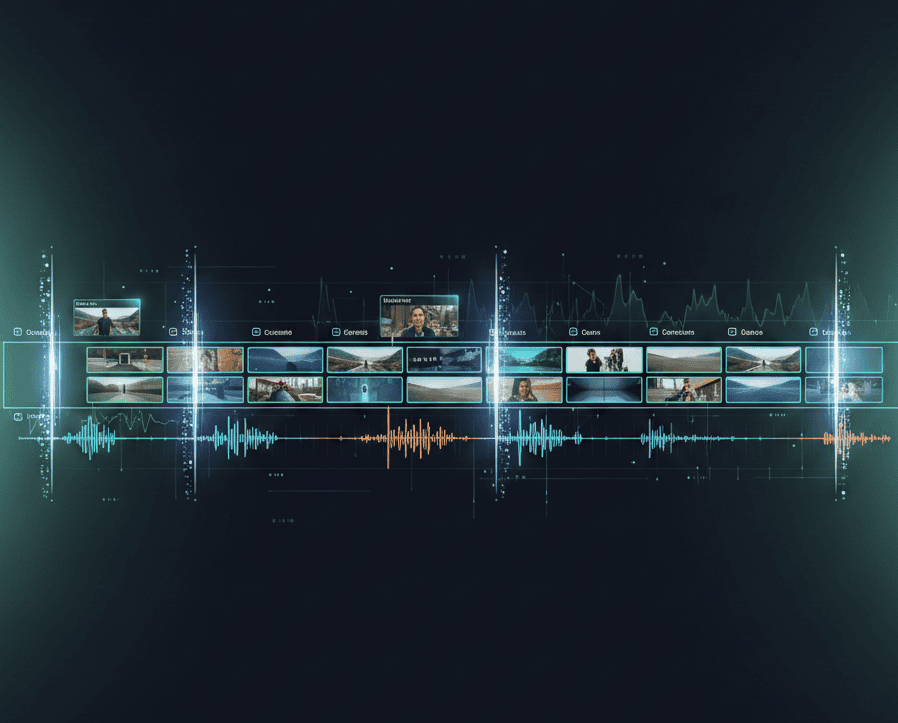

Manual scene cutting consumes days that could fuel content creation. You record hours of footage, then spend more hours scrubbing through timelines identifying where scenes begin and end, cutting out awkward pauses, removing bad takes, and trimming dead air. While you waste time on repetitive technical work, competitors already edited and published their content.
AI scene cutting eliminates tedious manual work through intelligent analysis that detects scene transitions automatically, removes unwanted sections, and assembles polished sequences without human intervention. These web based tools understand video structure, identify natural cut points, and execute precise edits faster than manual editing ever could. Your raw footage transforms into clean productions in minutes rather than hours.
The difference between manual cutting and AI automation determines productivity. Smart creators leverage technology for repetitive technical tasks, reclaiming time for creativity, strategy, and audience engagement that actually grows channels systematically.
Quick Overview:
- LiveLink AI
- Gling
- Wisecut
- Descript
- Vizard
- Kapwing
- Spikes Studio
- Canva
- InVideo
- Runway
1. LiveLink AI

LiveLink AI transforms scene cutting through intelligent understanding of video narrative structure and visual composition. This web based platform analyzes footage beyond simple silence detection, evaluating conversation flow, topic transitions, visual scene changes, and engagement patterns to identify precise cut points that maintain story coherence. The system recognizes when speakers change subjects, when visual backgrounds shift, and when energy levels fluctuate, executing cuts at natural boundaries rather than arbitrary intervals that create jarring transitions or awkward mid sentence breaks.
Platform intelligence extends beyond basic cutting where LiveLink AI optimizes scenes based on target platform requirements and audience preferences simultaneously. YouTube content receives longer scenes maintaining educational flow, TikTok gets rapid cuts matching platform pacing expectations, Instagram balances visual variety with message clarity, and LinkedIn maintains professional presentation standards. Each platform version feels natively created for its destination rather than generic content awkwardly adapted, dramatically improving engagement across all distribution channels without manually editing separate versions.
Key Features:
- Context Aware Scene Detection Analyzes narrative structure to identify natural scene boundaries based on topic transitions, speaker changes, and visual shifts rather than arbitrary time intervals that create awkward mid action cuts
- Intelligent Bad Take Removal Detects and eliminates false starts, repeated phrases, stumbles, and poor delivery attempts automatically while preserving best versions, saving hours of manual review identifying mistakes throughout footage
- Automatic Silence Trimming Removes awkward pauses, dead air, and unnecessary gaps while maintaining natural conversation rhythm and comedic timing, preventing robotic pacing that results from aggressive silence removal
- Multi Layer Analysis Evaluates audio patterns, visual composition, speaker sentiment, and engagement signals simultaneously to make sophisticated cutting decisions humans would make after careful review but executes in seconds
- Batch Scene Processing Handles entire video libraries simultaneously, applying consistent scene cutting standards across dozens of videos while learning from each to improve future recommendations automatically
- Export Ready Assembly Generates finished sequences with smooth transitions between cuts, proper audio crossfades, and platform appropriate pacing without requiring manual refinement in external editors
2. Gling

Gling specializes in YouTube creator workflows with AI that automatically removes silences, filler words, and bad takes from talking head videos. The web based platform transcribes content, analyzes text, and cuts unwanted sections without manual timeline scrubbing, dramatically reducing editing time for direct to camera content.
Integration with professional editors including Final Cut Pro, DaVinci Resolve, and Adobe Premiere enables seamless workflows. Edit rough cuts automatically in Gling, then export to preferred software for final refinements, combining AI speed with manual creative control.
Key Features:
- Automatically removes silences, filler words, coughs, and bad takes
- Transcription based editing enables quick text adjustments
- Integrates with Final Cut Pro, DaVinci Resolve, Adobe Premiere
3. Wisecut
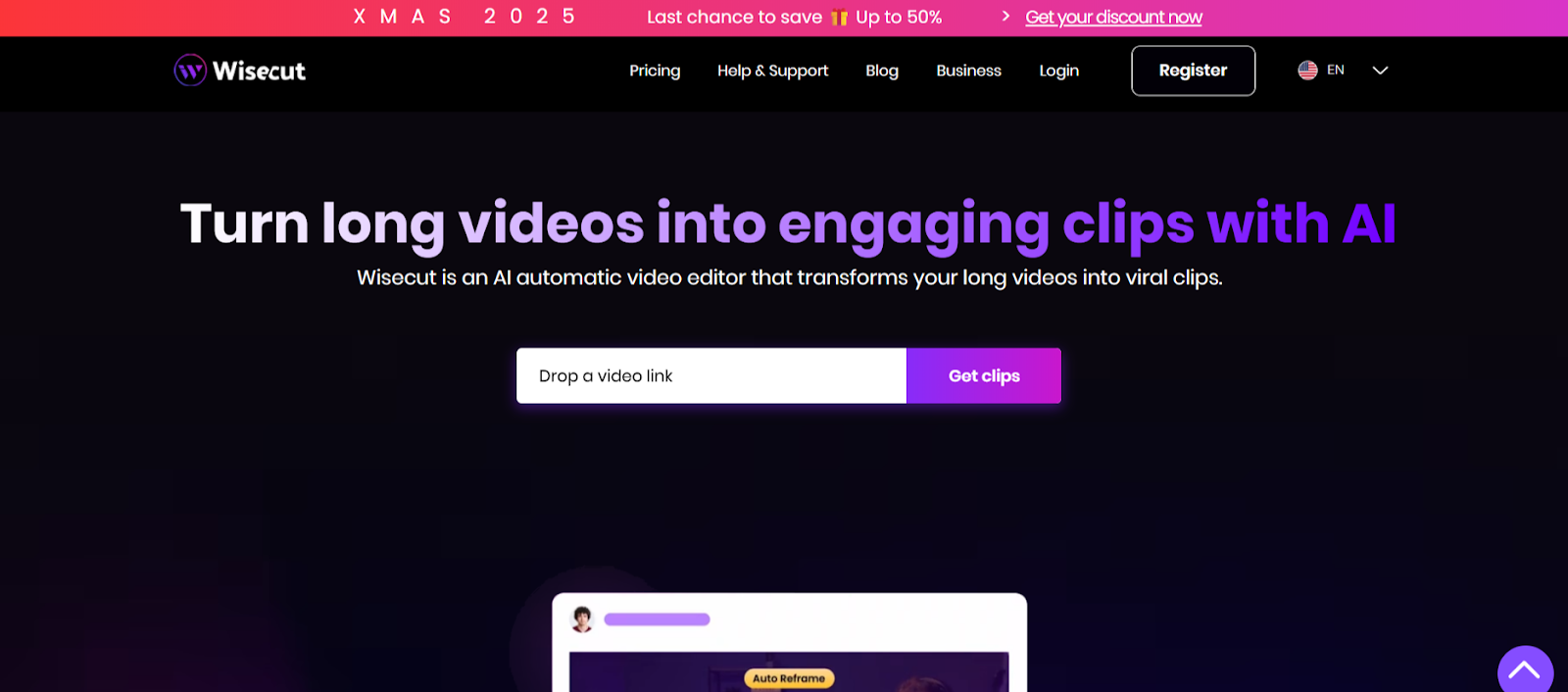
Wisecut transforms raw footage into viral clips through AI scene cutting optimized for short form content. The web based platform automatically removes silent sections, adds punch in and punch out zoom transitions, and generates storyboards based on speech patterns enabling quick text based adjustments.
Auto music selection tailors background tracks to video content with automatic audio ducking that lowers music when someone speaks and increases it during silent moments. This intelligent audio management maintains professional polish without manual mixing.
Key Features:
- Removes silent sections and streamlines content automatically
- Punch in punch out zoom highlights key moments dynamically
- Auto music selection with intelligent audio ducking
4. Descript
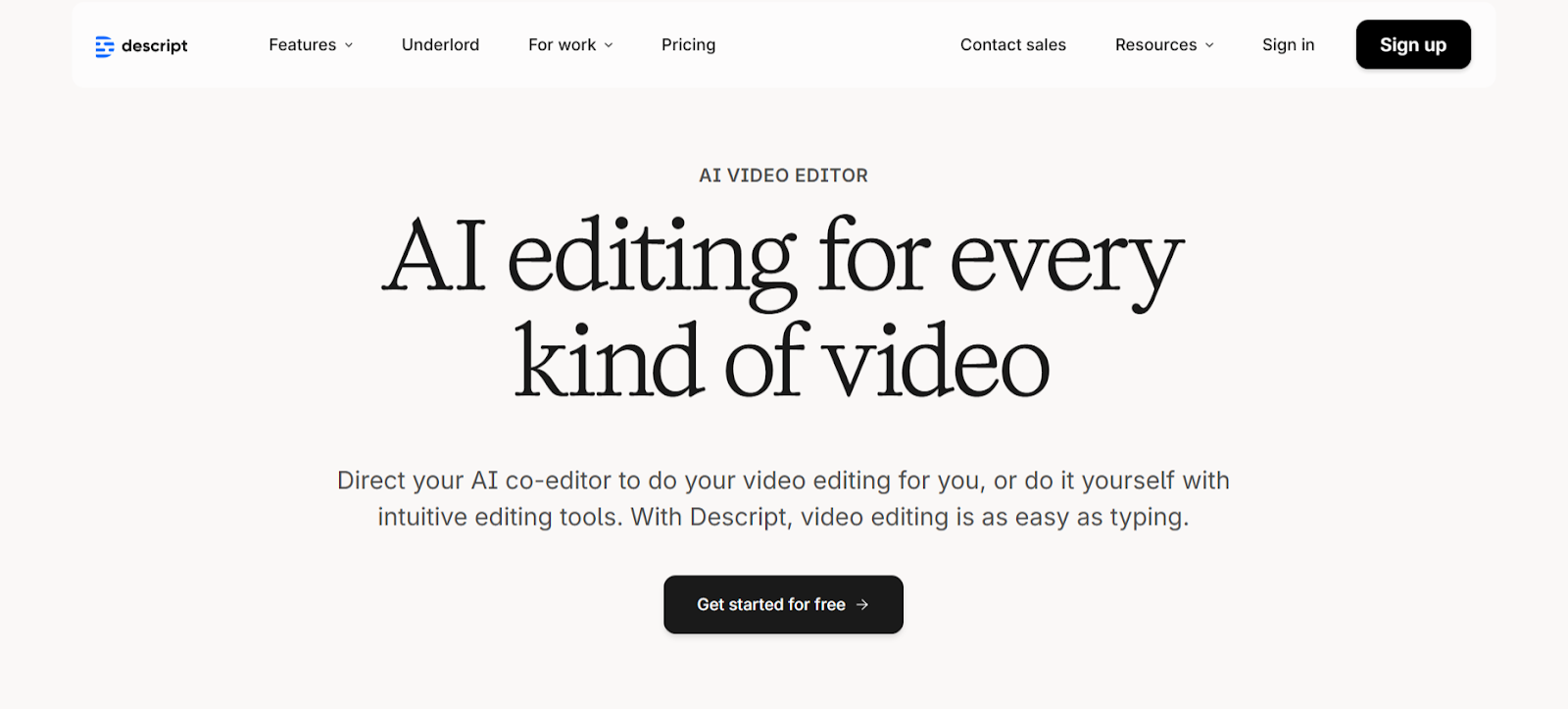
Descript revolutionizes scene cutting through text based editing where deleting words from transcripts removes corresponding video sections automatically. The web based platform handles scene detection at transcript level, enabling rapid cuts through simple text manipulation rather than timeline scrubbing.
Underlord AI toolkit includes studio sound enhancement, automatic filler word removal, and highlight generation. The platform processes audio to professional quality while identifying best moments automatically, combining multiple editing functions in unified workflow.
Key Features:
- Text based scene cutting through transcript manipulation
- Underlord AI removes filler words and enhances audio automatically
- Automatic highlight and clip generation for social distribution
5. Vizard

Vizard focuses on business content with AI scene cutting that identifies engaging moments in presentations, webinars, and professional videos. The web based platform transcribes content, cuts out speakers automatically, and processes videos through proprietary AI generating social ready clips.
The platform automatically centers key subjects in vertical format without manual resizing. Multi language support extends scene cutting capabilities globally, processing videos in 100 plus languages with consistent accuracy across linguistic variations.
Key Features:
- Identifies engaging moments in professional content automatically
- Centers key subjects in vertical format without manual adjustment
- Processes videos in 100 plus languages with accurate cutting
6. Kapwing
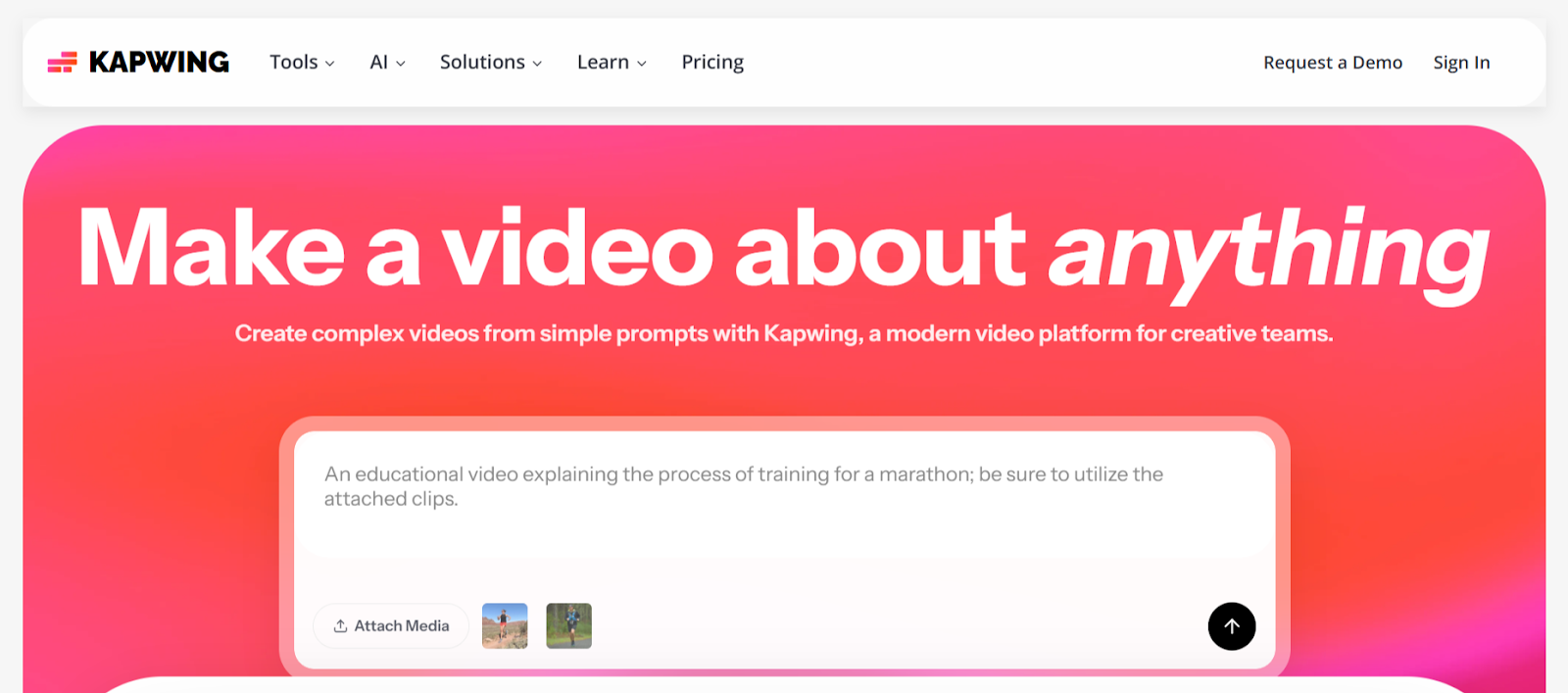
Kapwing provides accessible scene cutting through Smart Cut that removes silences and filler words automatically. The web based platform enables text based editing where deleting transcript words removes corresponding video sections, simplifying scene manipulation without timeline expertise.
AI Assistant guides editing decisions with smart recommendations. The collaborative features support distributed teams reviewing and refining scene cuts simultaneously, streamlining approval workflows without complicated file sharing.
Key Features:
- Smart Cut removes silences and filler words in one click
- Text based transcript editing simplifies scene manipulation
- AI Assistant provides smart editing recommendations
7. Spikes Studio
Spikes Studio specializes in finding standout moments with AI trained on hundreds of thousands of broadcasts. The web based platform instantly identifies segments that grab attention, smooths transitions between cuts, and adds captions effortlessly for social distribution.
Batch processing handles multiple videos simultaneously without compromising scene detection quality or speed. The platform automatically optimizes cuts for each social platform's unique requirements using real time trend data and audience insights.
Key Features:
- AI trained on hundreds of thousands of broadcasts
- Batch processing handles multiple videos simultaneously
- Platform specific optimization based on real time trends
8. Canva
Canva offers Highlights tool that identifies key moments in long videos and generates concise clips automatically. The web based platform combines AI scene detection with intuitive editing, enabling quick refinements through drag and drop simplicity without technical expertise.
Split video functionality divides content into multiple sections quickly, removing unnecessary footage or reordering sequences. The accessible interface welcomes beginners while maintaining professional scene cutting capabilities that produce polished results.
Key Features:
- Highlights tool identifies and extracts key moments automatically
- Split video divides content into sections for quick editing
- Drag and drop interface accessible for all skill levels
9. InVideo

InVideo combines scene cutting with comprehensive editing through Magic Box that executes text commands. The web based platform enables scene deletion, voiceover changes, and effect adjustments through simple typed instructions rather than complex menu navigation.
The AI understands visual cues, audio patterns, and sentiment throughout videos, cutting scenes based on content comprehension rather than just silence detection. This contextual understanding produces more natural scene transitions that maintain narrative flow.
Key Features:
- Magic Box executes scene edits through text commands
- AI understands visual and audio patterns for contextual cutting
- Simple text instructions replace complex menu navigation
10. Runway

Runway provides AI powered scene cutting through advanced creative tools accessible via web interface. The platform handles motion tracking, background removal, and scene transitions through intuitive controls rather than professional software complexity.
Real time processing eliminates long render waits between cuts, enabling quick experimentation with multiple scene arrangements. Text to video generation extends capabilities beyond cutting existing footage to creating new scenes from descriptions.
Key Features:
- Advanced scene cutting through intuitive web interface
- Real time processing enables quick experimentation
- Text to video generation creates new scenes from prompts
Conclusion
AI scene cutting determines whether creators spend time editing or creating. These web based platforms prove that technology handles repetitive cutting tasks more efficiently than manual workflows. LiveLink AI leads with comprehensive narrative understanding and platform specific optimization, though each tool addresses specific editing scenarios effectively.
Your raw footage represents potential waiting for proper editing. Manual scene cutting consumes creative energy on technical execution that generates zero additional value, but AI automation reclaims that time for activities that actually grow audiences and improve content quality systematically.
Start by processing your most time consuming footage through your chosen platform. Compare AI generated cuts against your manual approach, evaluating both time savings and quality maintenance. The tools exist, accessible through browsers without installations, waiting to transform editing workflows completely.
FAQs
How accurate is AI scene cutting compared to manual editing?
Advanced platforms like LiveLink AI and Gling achieve 85 to 95 percent accuracy matching cuts human editors would make. They excel at removing silences, filler words, and obvious bad takes while occasionally missing nuanced comedic timing or intentional pauses. Always review AI cuts before publishing, though most creators find minimal corrections needed after initial learning period.
Can AI scene cutting handle complex multi camera footage?
Yes, sophisticated tools like Descript and LiveLink AI process multi camera recordings by analyzing which camera shows active speakers and cutting between angles automatically. However, artistic multi camera work requiring specific shot selections for emotional impact still benefits from human creative decisions that AI cannot replicate consistently.
Does automated scene cutting work for all video types?
Effectiveness varies by content type. Talking head videos, interviews, tutorials, and presentations achieve best results with 90 plus percent usable cuts. Action footage, artistic films, and dialogue light content require more manual intervention. Match tool capabilities to your primary content type for optimal results.
How do I prevent AI from cutting important pauses?
Quality platforms like LiveLink AI and Wisecut distinguish between awkward dead air and intentional pauses through context analysis. They preserve dramatic pauses, comedic timing, and thoughtful silences while removing genuine mistakes. Adjust sensitivity settings if AI cuts too aggressively, finding balance between tight pacing and natural rhythm.
Will AI scene cutting replace human video editors?
AI handles repetitive technical tasks like silence removal and bad take detection excellently, but human editors remain essential for creative decisions about pacing, emotional impact, and storytelling flow. The optimal workflow combines AI for initial rough cuts with human refinement for final polish, dramatically reducing total editing time without eliminating editor value.


