

.png)

Creating viral TikTok videos takes more than a good idea. You need an editing tool that helps you cut, caption, and style your clips with speed and precision. The best part is that you don’t need to download any software anymore. With today’s powerful online editors, you can make high-quality TikToks right from your browser. This list features ten of the best online TikTok video editing tools, starting with LiveLink AI, a standout platform that simplifies short-form video creation using AI.
1. LiveLink AI

LiveLink AI is an AI-powered online video editor designed for creators who want to turn long videos into short, TikTok-ready clips in minutes. Its intelligent algorithm automatically detects key highlights, crops them to the perfect vertical format, and adds captions that sync accurately with speech. The platform also allows you to apply your brand colors, fonts, and logos across all videos for consistent visual identity. It’s an all-in-one solution for anyone looking to post engaging TikTok content without manual editing.
- Automatically detects and clips key video moments
- Adds auto captions with customizable styles
- Converts landscape videos to vertical 9:16 format
- Works completely online with no downloads required
2. FlexClip
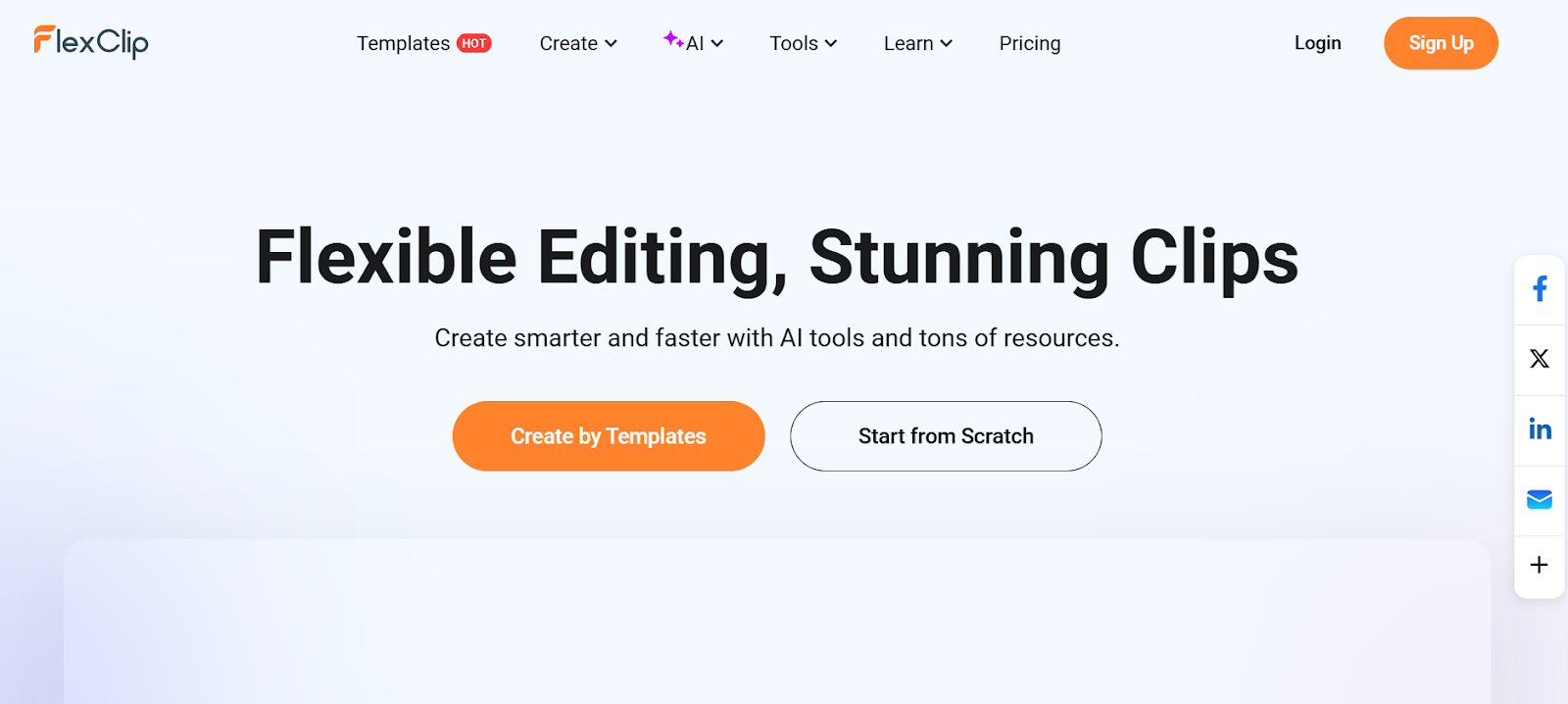
FlexClip is a web-based video editing platform that makes creating short-form videos simple and fast. It provides drag-and-drop editing, pre-made TikTok templates, and a library of stock videos, music, and motion text effects. Its timeline editor allows precise trimming and layering, making it perfect for marketers, influencers, and small business owners who want quick professional results. FlexClip’s browser-based setup means you can edit from anywhere with just an internet connection.
- 1000+ TikTok video templates
- Built-in stock media library
- Supports text animations and overlays
- Exports in HD and vertical format
3. VEED io
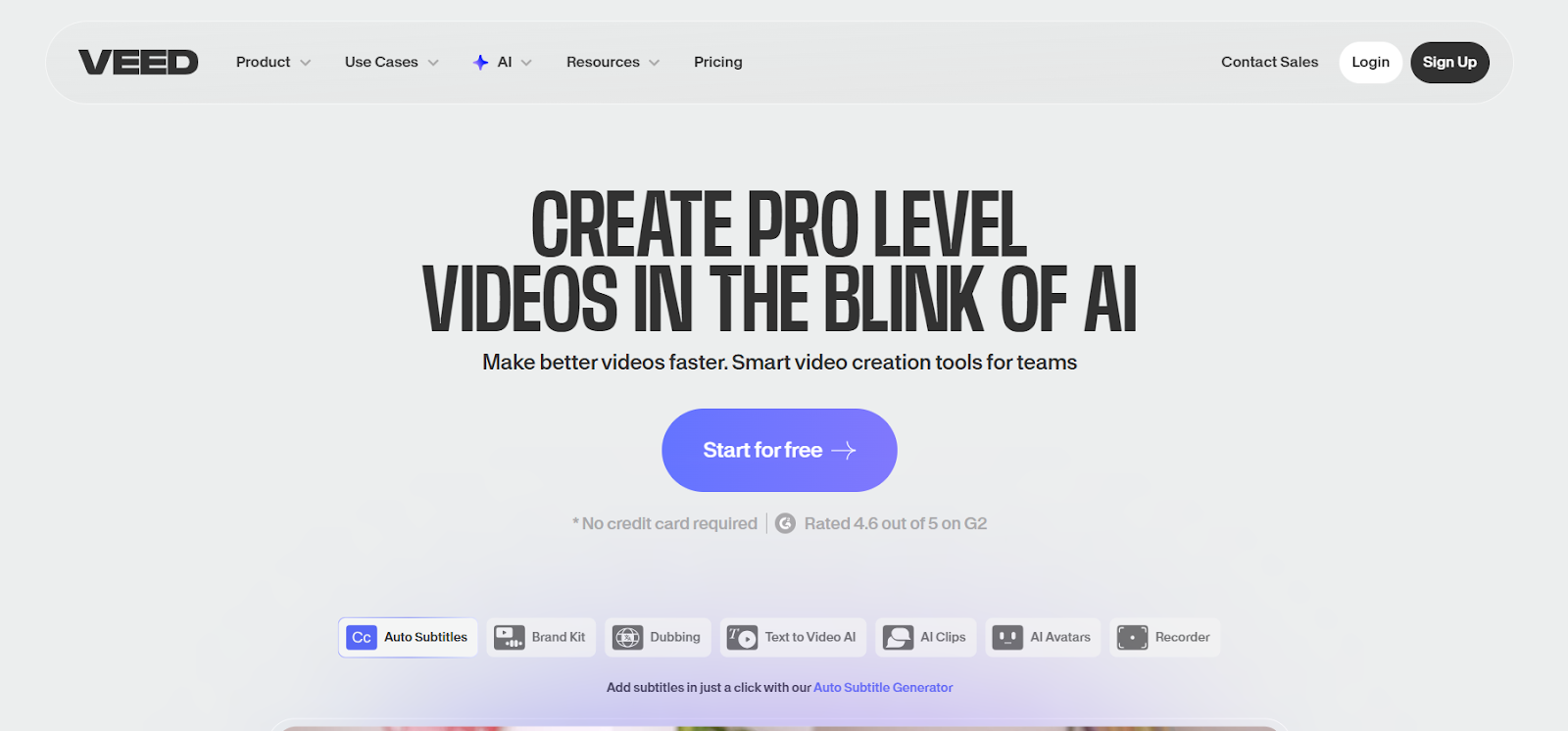
VEED io is one of the most recognized online TikTok editing tools. It offers advanced AI captioning, audio cleanup, and video effects that make your clips stand out on social media. You can trim, crop, add subtitles, and insert sound effects directly in your browser. VEED also provides brand kits, allowing teams to maintain consistent colors and fonts across all content.
- AI auto-subtitles and noise removal
- Clean, user-friendly online editor
- Custom brand kit for logos and colors
- Free version available with core features
4. Kapwing
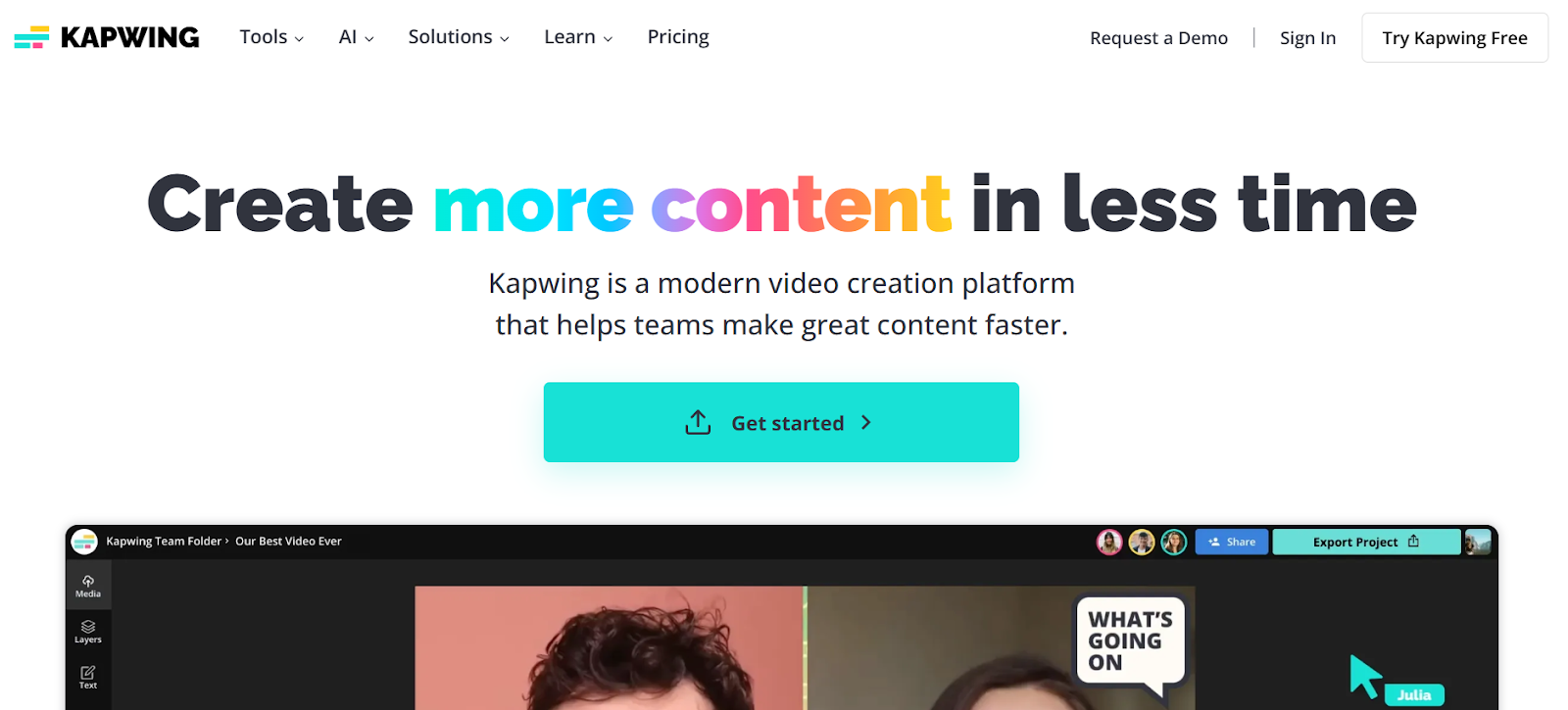
Kapwing is a powerful online TikTok editor that makes collaborative editing easy. Its AI tools help you automatically resize videos, remove backgrounds, and generate subtitles. It also includes TikTok templates for trends and challenges, making it great for creators who post regularly. Kapwing’s browser-based platform supports real-time team editing, which is perfect for agencies or social teams.
- AI-powered auto-resizing and captioning
- Real-time collaboration and sharing
- TikTok video templates and trends
- Free and premium versions available
5. Clipchamp
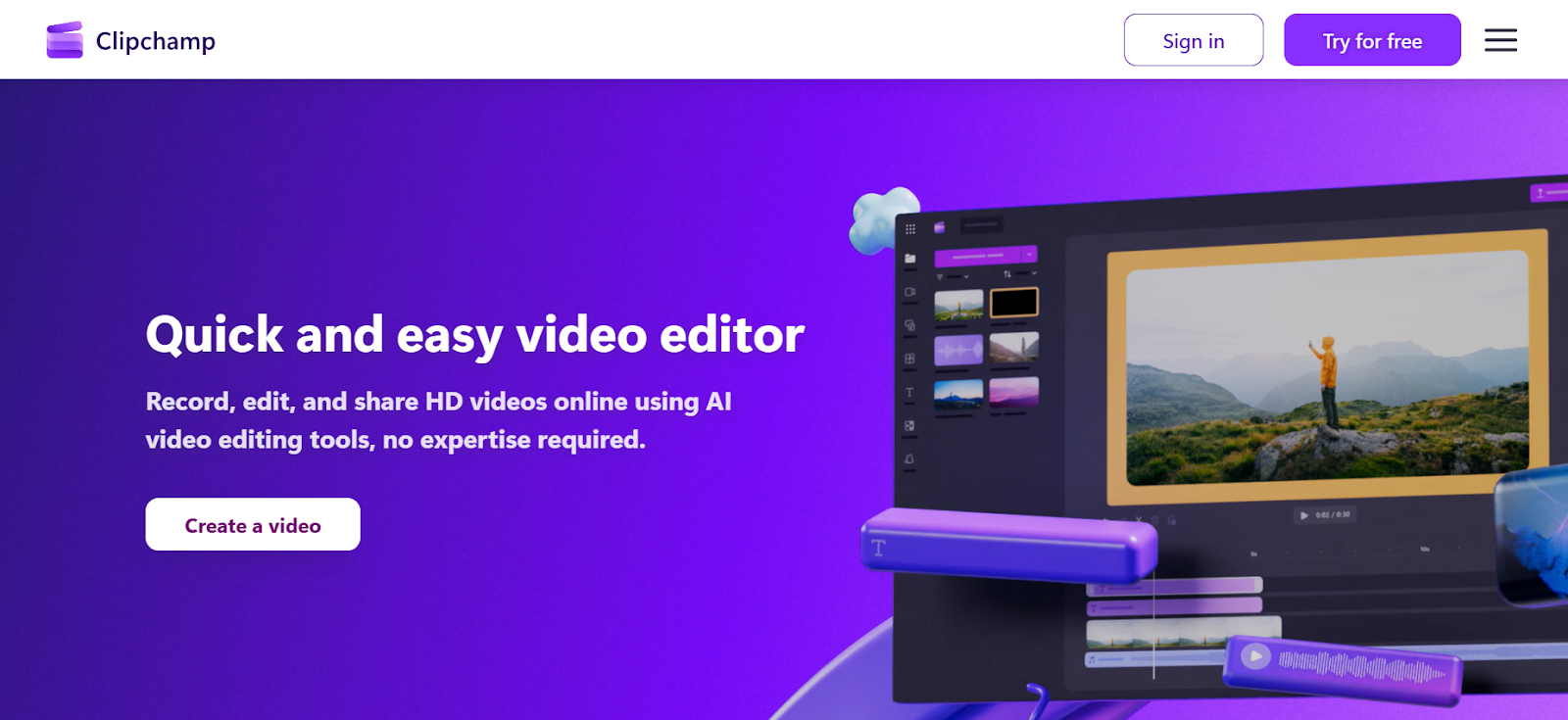
Clipchamp, now part of Microsoft, is a reliable online video editor that works directly in your browser. It’s designed for creators who want professional-looking TikTok videos without using heavy software. With drag-and-drop controls, templates, and stock footage integration, it offers both simplicity and flexibility. You can export videos in vertical format and even record directly through your webcam or screen.
- Easy timeline editing in-browser
- Stock footage and templates included
- Supports direct recording and screen capture
- Integrates with Microsoft 365
6. Typito
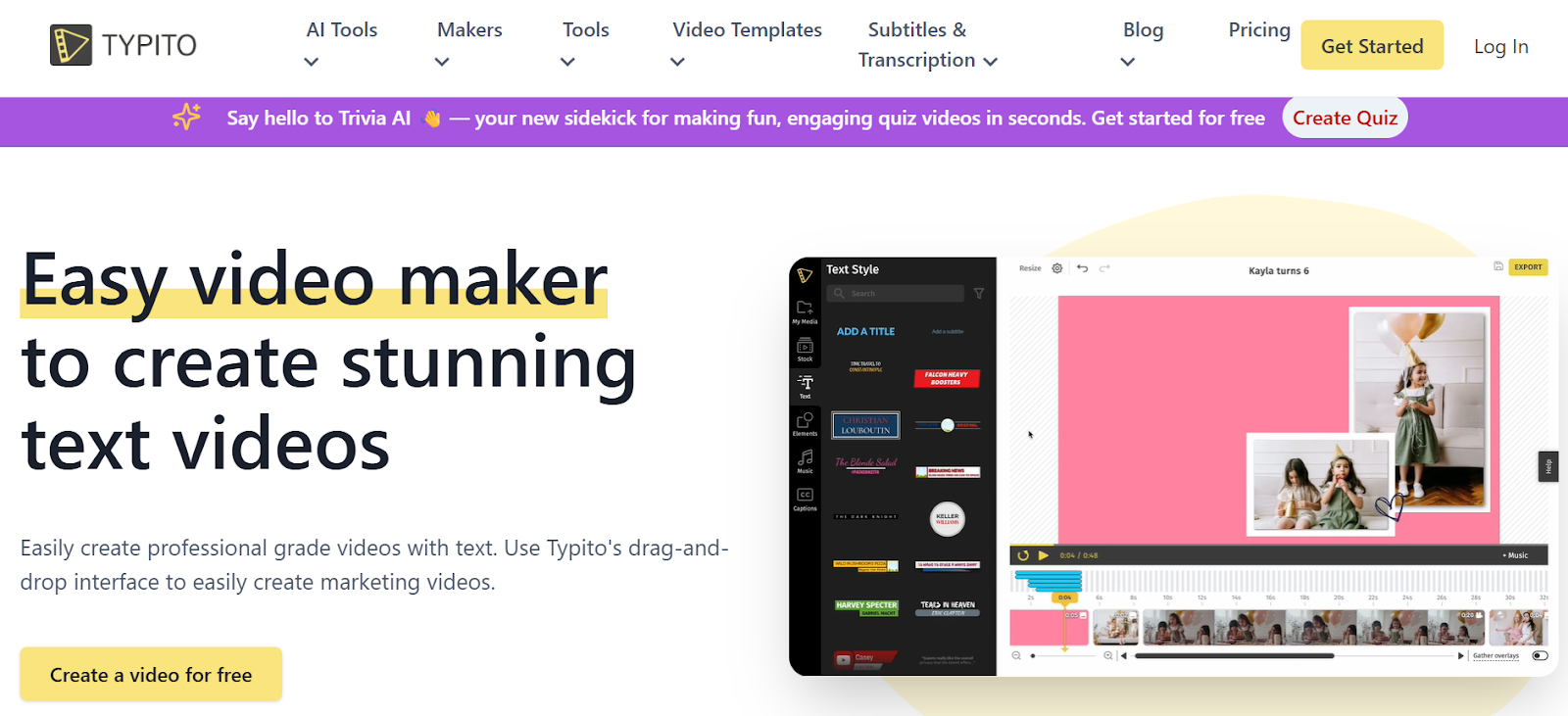
Typito focuses on making videos more engaging through stylish text and motion graphics. It’s perfect for TikTok creators who rely on captions, titles, and bold text animations to grab attention. Everything is done online, and you can customize layouts with your brand fonts and colors. Typito’s templates are designed to fit TikTok’s 9:16 frame perfectly, so you can publish videos without extra formatting.
- Create text-rich TikTok videos easily
- Drag-and-drop motion graphics editor
- Online storage and cloud export
- Free plan with watermark, premium for branding
7. Animoto
Animoto is a simple but effective online video maker that helps creators produce TikTok content using photos, clips, and soundtracks. Its drag-and-drop timeline, auto-syncing music, and storytelling templates make it ideal for beginners. You can also adjust aspect ratios, transitions, and fonts for TikTok optimization. It’s popular among marketers who want polished short videos quickly.
- Ready-made TikTok video templates
- Music and text synchronization tools
- Cloud-based editing and saving
- Ideal for promotional TikTok videos
8. Canva Video Editor
Canva’s online video editor is a powerful tool that extends beyond design. It lets you create TikTok videos with text, effects, and templates in a drag-and-drop interface. Canva’s massive library of assets and animations makes it perfect for brand storytelling or educational clips. Because it’s fully online, you can create, edit, and share TikTok videos directly from your browser.
- 10,000+ TikTok and Reels templates
- Add transitions, sound, and motion graphics
- Brand Kit support for colors and fonts
- Free and Pro versions available
9. Flixier
Flixier is an advanced online video editor built for speed. It processes edits and renders videos in the cloud, which means no lag or heavy local usage. Its TikTok export presets and collaborative features make it a favorite among social media teams. You can trim, crop, and caption with frame accuracy while previewing everything live in your browser.
- Cloud-powered video rendering
- Real-time editing collaboration
- TikTok preset for instant vertical export
- Supports custom branding and overlays
10. Pixiko
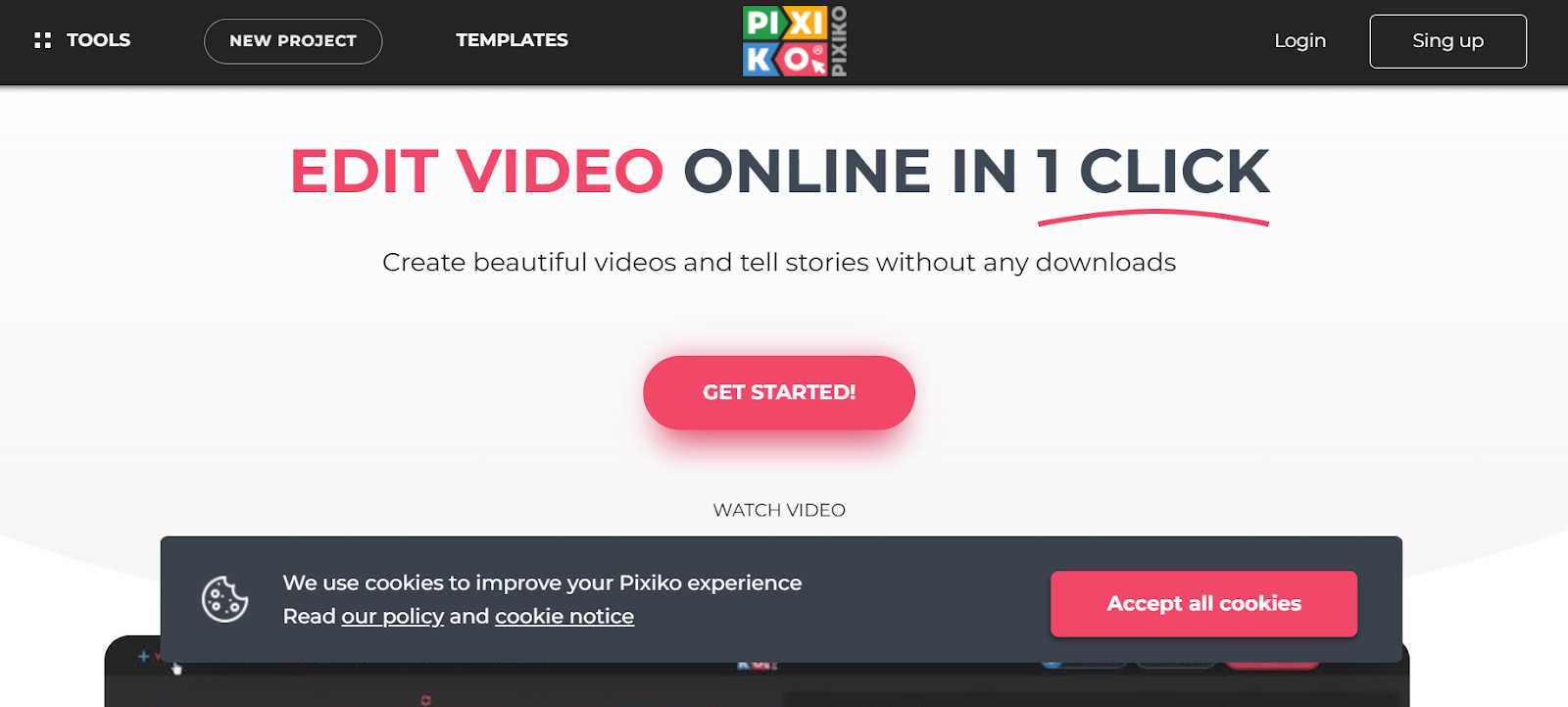
Pixiko is an underrated yet powerful online TikTok video maker. It offers all the essentials like trimming, transitions, text overlays, and effects, plus a library of templates built for social media. Pixiko runs entirely in your browser and saves projects to the cloud for easy editing anytime. It’s best for quick, lightweight TikTok projects that still look professional.
- Built-in TikTok templates and filters
- Add music, captions, and text animations
- Works directly in any browser
- No software downloads needed
All these tools make it easier than ever to create professional TikTok videos online. Whether you need AI automation, team collaboration, or creative effects, there’s a platform here for every style and skill level. LiveLINK.ai stands out as the best choice for creators who want AI-powered video editing that saves hours of manual work while maintaining professional quality.
FAQs
1. Which TikTok video editor is best for beginners?
LiveLink AI and VEED io are beginner-friendly online editors with templates that make editing simple.
2. Does LiveLINK.ai work directly with TikTok?
Yes, you can export videos from LiveLink.AI in TikTok’s vertical format and upload them instantly.
3. Are all these tools browser-based?
Yes, every tool listed here works completely online without downloads or installations.
4. Which TikTok editor is best for brand consistency?
LiveLink AI and VEED io both offer brand kits and customizable templates for consistent visuals.
5. Can I use these tools for Reels and Shorts too?
Absolutely. All tools here support 9:16 video formats that work perfectly for TikTok, Instagram Reels, and YouTube Shorts.


