

%20(1).png)

Social media video content dominates engagement metrics across every platform in 2026, with videos receiving 80% more watch time than static posts.
Whether you're creating TikTok videos, Instagram Reels, YouTube Shorts, or Facebook content, the right video editor makes the difference between professional-looking content that captures attention and amateur footage that gets scrolled past. In this guide, we're revealing the ten best social media video editor tools that creators and businesses actually rely on, focusing on solutions that combine powerful editing features with platform-specific optimization and user-friendly interfaces.
1. LiveLink AI Social Media Video Editor

LiveLink AI delivers the most efficient social media video editing experience designed specifically for creators who need platform-ready content without spending hours in complex editing software. The platform automatically analyzes your long-form videos and generates multiple short clips optimized for TikTok, Instagram Reels, and YouTube Shorts, using AI that identifies engaging moments worth sharing. LiveLink handles aspect ratio conversion, caption generation, and formatting automatically, producing content that looks professionally edited in minutes.
What makes LiveLink particularly valuable is its complete automation of repetitive social media editing tasks. The AI generates captions with customizable styling you can save as brand templates, removes awkward silences and filler words automatically, and keeps speakers perfectly centered using facial recognition technology. LiveLink connects directly to your YouTube channel for instant video library access and includes scheduling features that automate posting across platforms. For creators building sustainable social media presence, LiveLink saves hours weekly while maintaining the consistent quality and branding that audiences recognize instantly.
Key Features:
- Automatic clip generation creates platform-optimized videos from long content
- Facial recognition keeps speakers centered with professional framing
- Brand template system applies custom caption styles instantly
- Direct YouTube integration and social media scheduling included
2. CapCut Social Media Editor
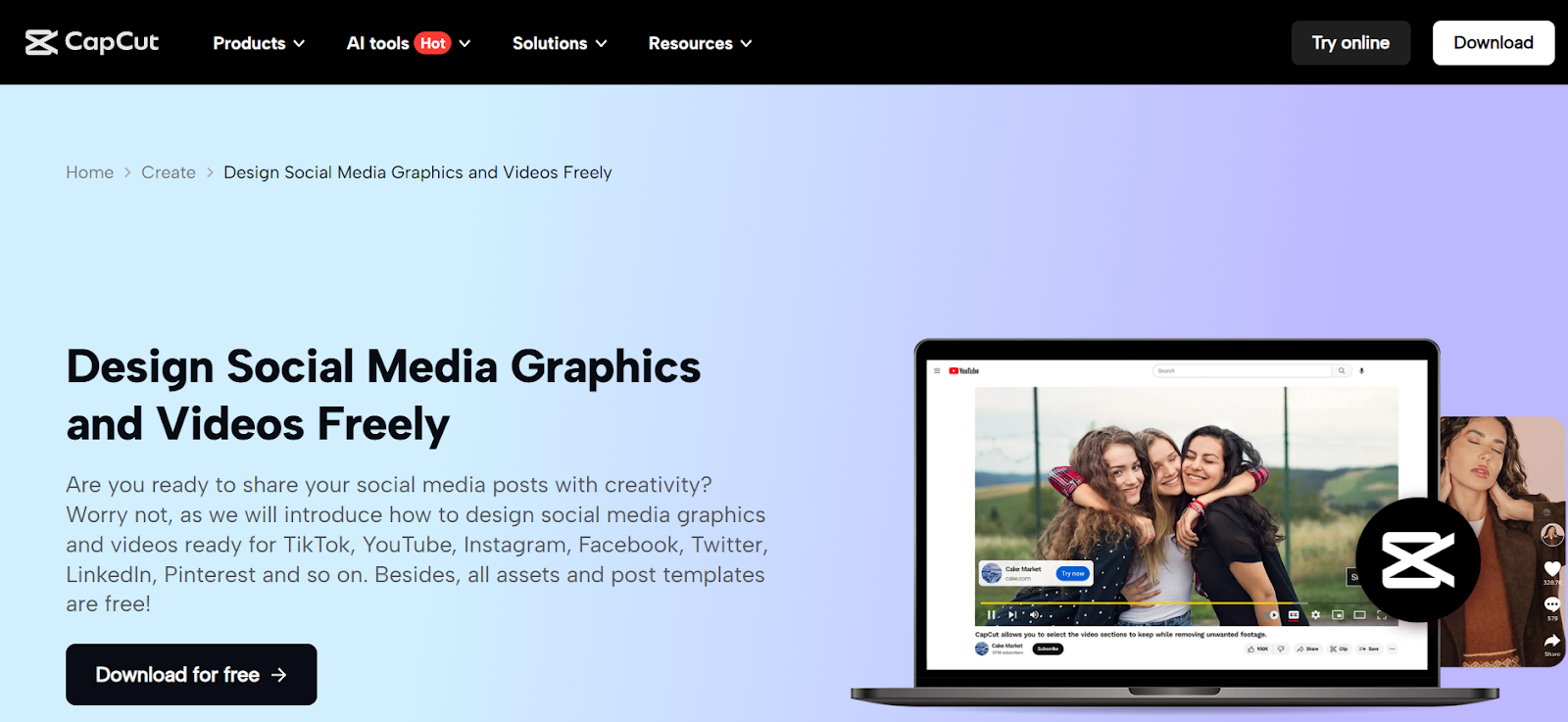
CapCut has become the most popular free video editor for social media creators, offering professional features without subscription costs or watermarks. The platform includes AI-powered auto-captioning, background removal without green screens, and face tracking that keeps subjects centered. CapCut's ShortCut feature automates editing by selecting clips and adding music, effects, and transitions automatically. The interface is beginner-friendly while offering advanced features like motion tracking, keyframe animation, and speed controls. Works on mobile and desktop with seamless TikTok integration. Completely free makes it exceptional value.
Key Features:
- Completely free with no watermarks on exports
- AI auto-captioning and background removal included
- Mobile and desktop versions with TikTok integration
- Trendy templates and effects updated regularly
3. Canva Video Editor
Canva evolved from graphic design tool into comprehensive social media video editor with drag-and-drop simplicity. The platform offers thousands of customizable video templates designed specifically for TikTok, Instagram Reels, and YouTube Shorts. Canva's Magic Switch feature instantly resizes videos for different platforms, maintaining quality across aspect ratios.
The tool includes extensive stock libraries with millions of photos, videos, and music tracks. Perfect for creators who need to maintain brand consistency across video and graphic content. Free plans available with Pro plans at $12.99 monthly.
Key Features:
- Thousands of social media video templates included
- Magic Switch resizes videos for multiple platforms instantly
- Extensive stock libraries with photos, videos, and music
- Free plan available; Pro from $12.99/month
4. InShot Video Editor
InShot delivers intuitive mobile video editing perfect for creating content on the go. The app offers comprehensive tools including clip trimming, split editing, picture-in-picture, masking, and keyframe animation. Features include speed controls with freeze frame, transitions, text overlays, and stickers. Built-in music library provides background tracks, and the interface makes complex edits simple on smartphones.
InShot works excellently for Instagram Reels and TikTok content creation. Free with ads and watermarks, with paid upgrades removing limitations. Perfect for mobile-first creators.
Key Features:
- Comprehensive mobile editing with keyframe animation
- Picture-in-picture, masking, and speed controls
- Built-in music library with text and sticker options
- Free with ads; paid upgrade removes watermarks
5. Adobe Express Video Editor
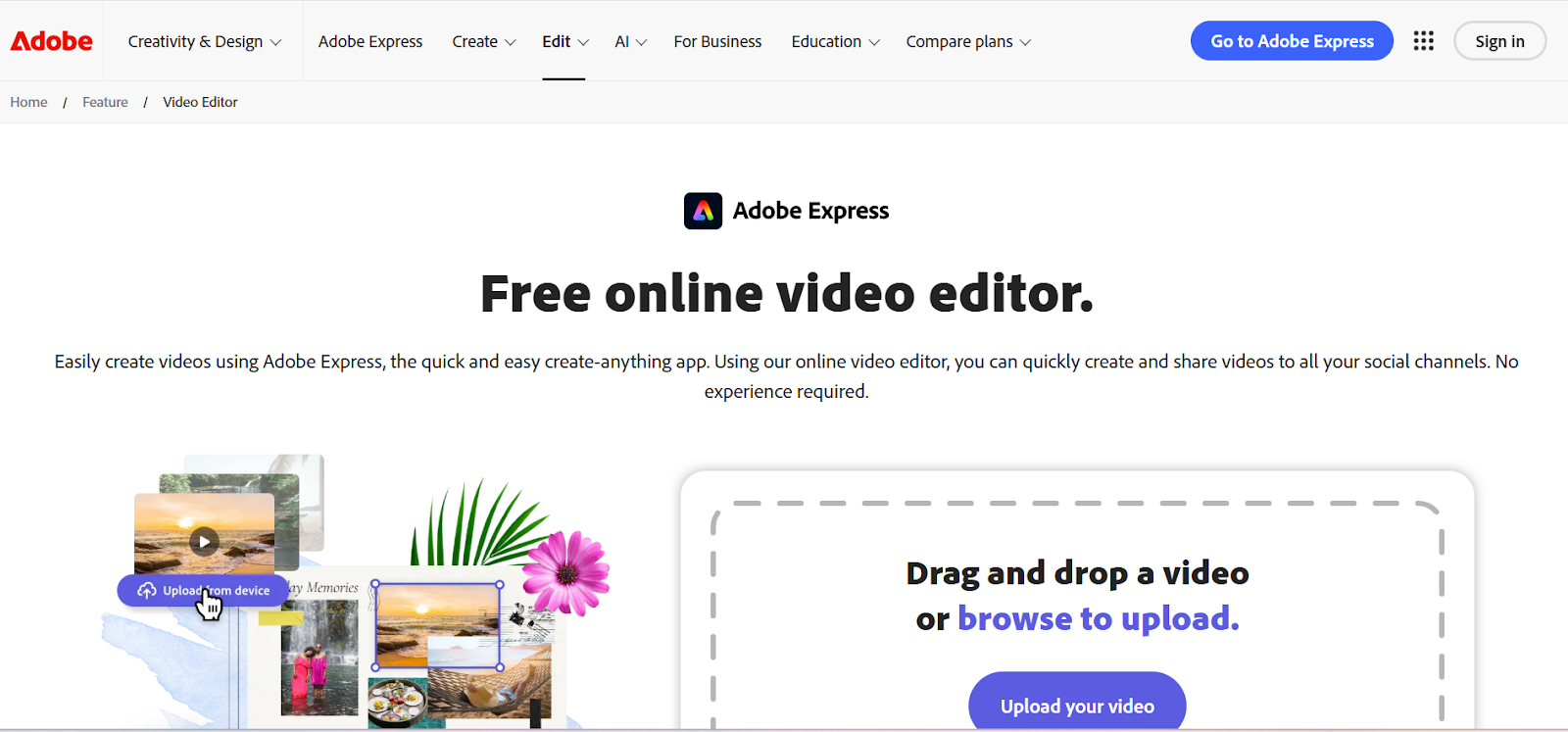
Adobe Express brings Adobe's professional video processing to simplified, web-based interface designed for social media. The platform includes smart templates optimized for different platforms with proper aspect ratios and safe zones automatically configured. Adobe Express integrates smoothly with Creative Cloud, accessing Adobe Stock assets and working seamlessly with other Adobe applications.
AI features include text-to-image generation and automatic video enhancement. Works entirely in browsers without software installation. Free tier available with Premium at $9.99 monthly adding advanced features.
Key Features:
- Smart templates for different social platforms
- Creative Cloud integration accesses Adobe Stock assets
- AI features including text-to-image generation
- Free tier available; Premium from $9.99/month
6. Kapwing Social Media Editor
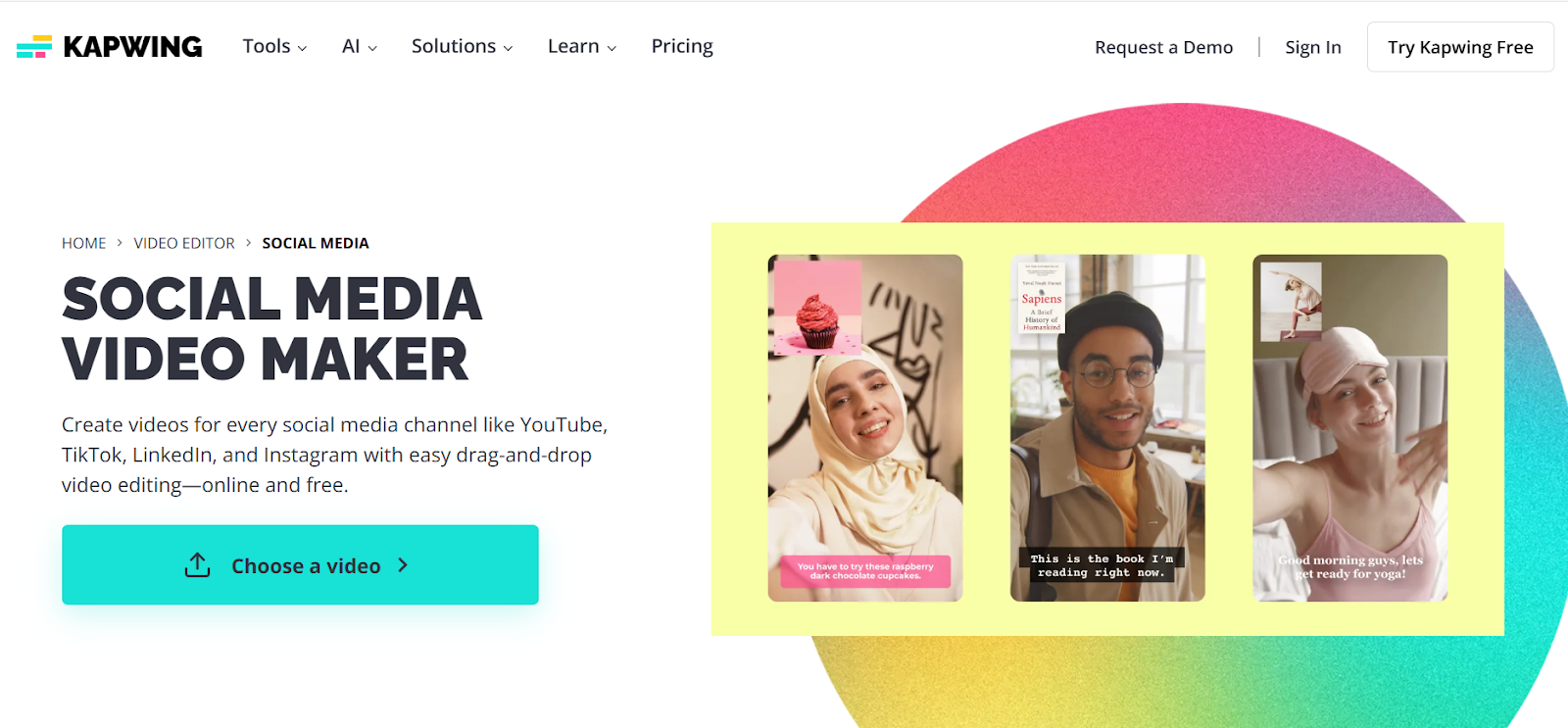
Kapwing specializes in social media video editing with features designed specifically for TikTok, Instagram, and YouTube content. The platform generates subtitles automatically with 99% claimed accuracy and provides animated caption templates optimized for vertical video. Translation capabilities support 100+ languages for reaching global audiences. Collaboration features enable team editing on shared projects. Works entirely online with fast cloud processing. Free plans include watermarks with Pro plans starting at $16 monthly.
Key Features:
- 99% accuracy auto-subtitles with animated templates
- Translation supports 100+ languages
- Team collaboration features for shared projects
- Free plan available; Pro from $16/month
7. VEED IO Social Media Editor
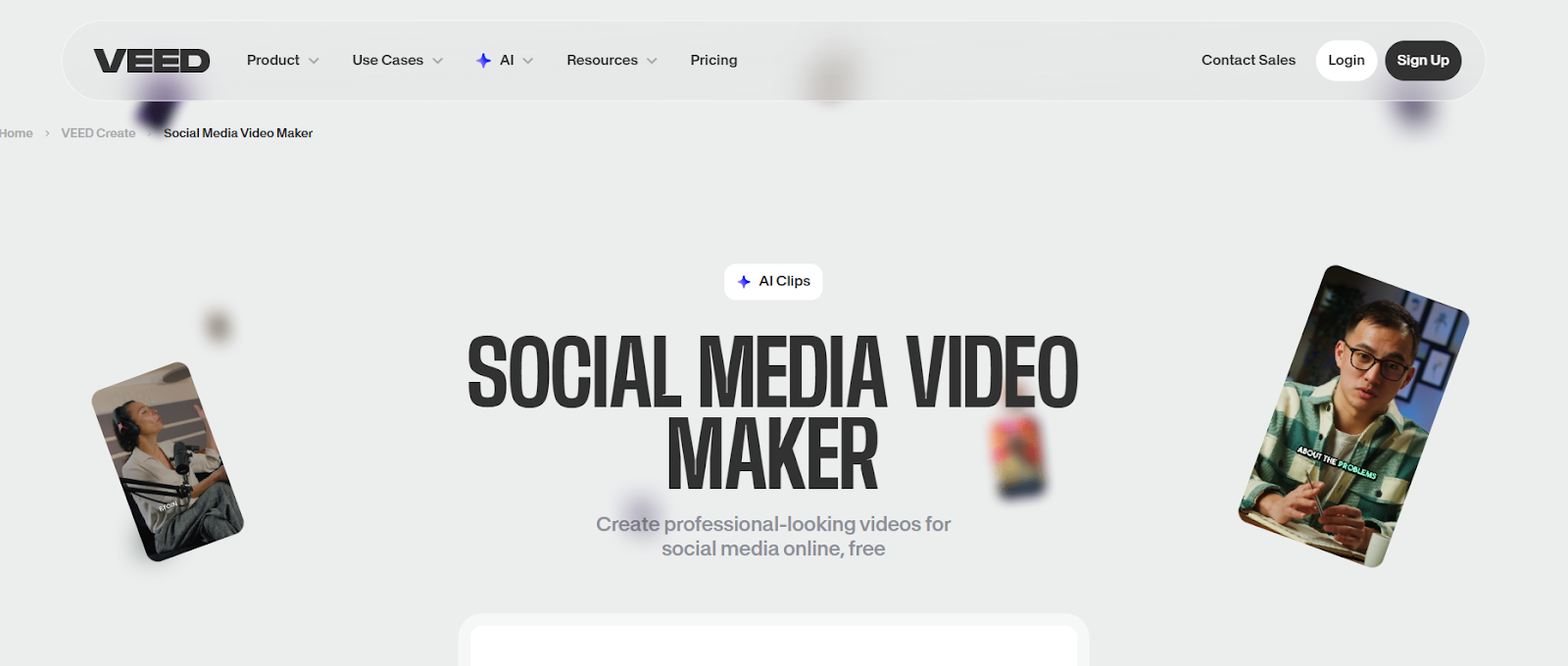
VEED IO provides comprehensive browser-based editing with extensive features beyond basic cutting. The platform's Magic Cut removes silences automatically, creating tighter content. Automatic subtitle generation supports 130+ languages with customizable styling. Features include background removal, filters, transitions, and text overlays. Works seamlessly across devices with fast cloud processing. Perfect for creators needing more control than simple auto-editors provide. Free tier includes watermarks with paid plans starting at $12 monthly.
Key Features:
- Magic Cut removes silences for better pacing
- Automatic subtitles in 130+ languages
- Comprehensive editing with filters and effects
- Free tier available; paid from $12/month
8. Filmora Social Media Editor
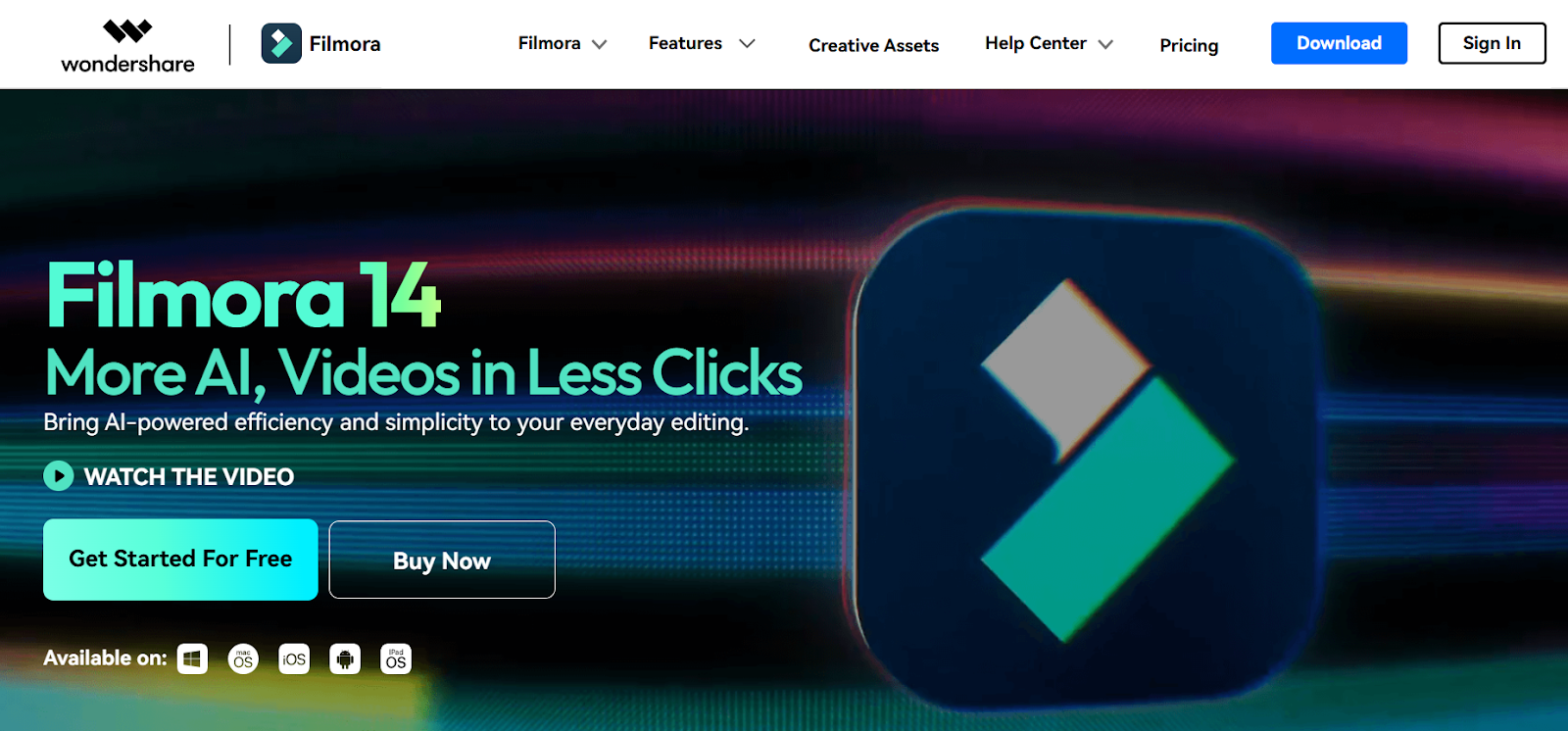
Filmora balances beginner-friendly interface with professional-grade features suitable for social media. The platform includes AI scene detection that automatically splits different segments and Quick Split mode cutting multiple tracks simultaneously. Automatic subtitle generation with customizable styling included. Extensive libraries of effects, transitions, and creative assets help polish content. Cross-platform availability on Windows, macOS, Android, and iOS. Free version includes watermarks with paid subscriptions at $49.99 annually.
Key Features:
- AI scene detection splits segments automatically
- Quick Split mode for multi-track editing
- Extensive effects and transition libraries
- Free trial; paid plans from $49.99/year
9. Animoto Video Maker
Animoto delivers template-based video creation perfect for businesses and marketers. The platform offers customizable templates for various purposes including promotional content and social media posts. AI assists with transitions, music syncing, and text placement automatically. Access to licensed music tracks and Getty Images stock on higher tiers. Drag-and-drop simplicity makes professional videos achievable without editing experience. Ideal for businesses needing consistent branded content. Plans start at $16 monthly.
Key Features:
- Customizable templates for business and marketing
- AI handles transitions and music syncing
- Access to licensed music and Getty Images stock
- Drag-and-drop simplicity; from $16/month
10. Splice Video Editor
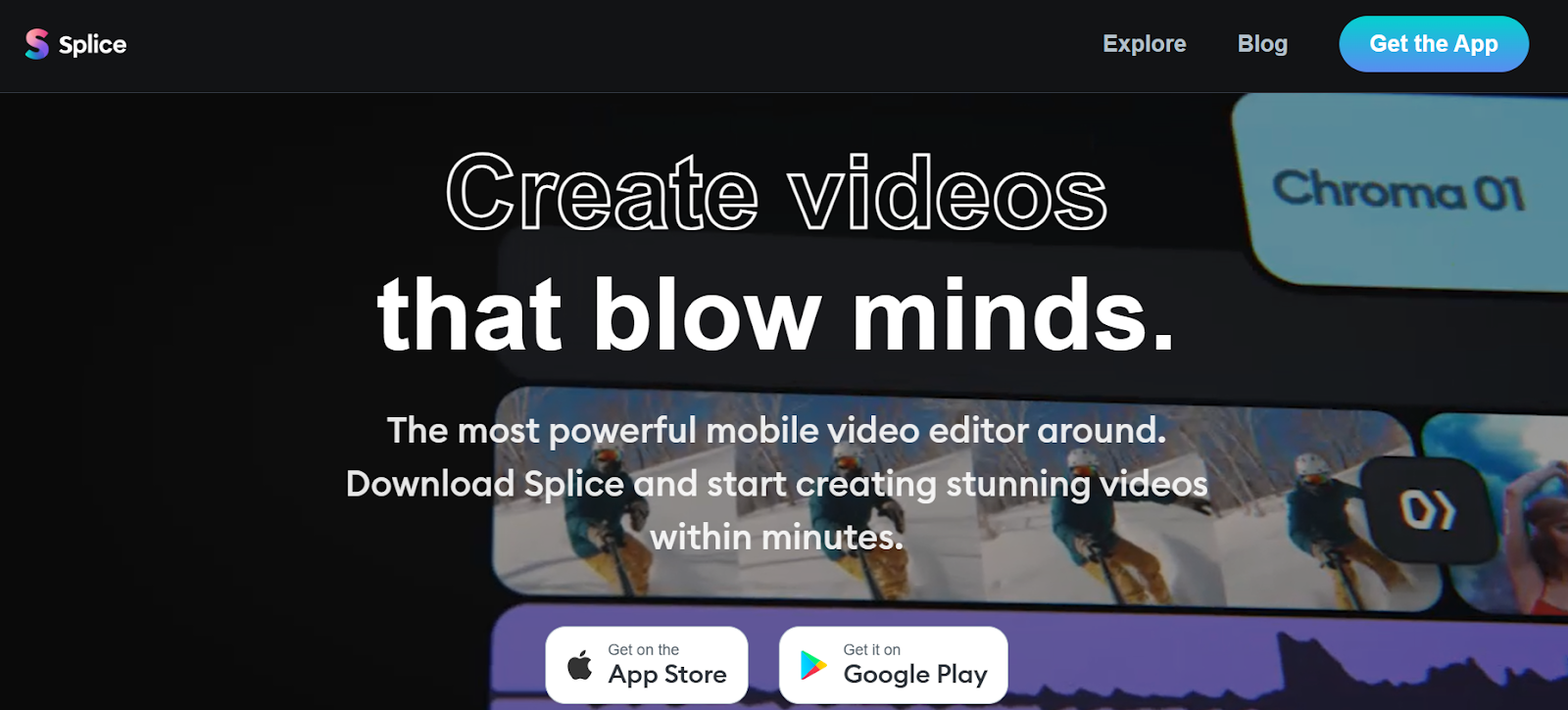
Splice, originally developed by GoPro, provides mobile video editing with professional features. The platform offers uncluttered workspace with simple yet effective editing tools. Access to high-quality free audio tracks and sound effects included. Features like speed controls, transitions, and filters help create polished social media content. Works excellently on mobile devices for editing on the go. Free version available with paid plans adding advanced features. Perfect for creators who edit primarily on smartphones.
Key Features:
- Professional mobile editing with clean interface
- Free audio tracks and sound effects library
- Speed controls, transitions, and filters included
- Free version with paid upgrades available
Choosing the Right Social Media Video Editor
Selecting the perfect editor depends on your platform focus, editing frequency, and technical skill level. If you need automated social media content creation with minimal manual editing, LiveLink AI delivers unmatched efficiency by automatically generating platform-ready clips with captions and formatting. For mobile-first creators, CapCut and InShot offer professional features on smartphones without desktop requirements. Budget-conscious users benefit from CapCut's completely free offering or Canva's generous free tier. Businesses needing branded content templates appreciate Animoto and Adobe Express's professional templates.
The most important considerations are ease of use, automation level, and platform optimization. LiveLink AI excels by automating the entire workflow from clip selection to formatting while maintaining professional quality that rivals manual editing.
Create Better Social Media Content with LiveLink AI
Stop wasting hours manually editing videos when AI can automatically generate platform-ready content in minutes. LiveLink AI provides the most efficient social media video editing experience, combining intelligent automation with professional results that look hand-edited by experienced video editors.
Whether creating TikTok content, Instagram Reels, or YouTube Shorts, LiveLink AI handles everything from clip selection and formatting to caption generation and social media distribution. Try LiveLink AI today and experience how much faster your social media presence grows when editing stops slowing you down.
Frequently Asked Questions
What makes a good social media video editor?
Good social media video editors provide platform-specific optimization, easy-to-use interfaces, and features like automatic captions and aspect ratio conversion. The best tools like LiveLink AI and CapCut handle formatting automatically while maintaining professional quality that engages audiences.
Can I edit social media videos on mobile devices?
Yes, excellent mobile editors like CapCut, InShot, and Splice provide professional features on smartphones. These apps offer comprehensive editing tools including transitions, effects, and text overlays that work smoothly on mobile devices without requiring desktop computers.
Do I need expensive software for social media video editing?
No, excellent free options like CapCut provide professional features without costs, while affordable tools like LiveLink AI and Canva start around $12-16 monthly. Expensive software like Adobe Premiere Pro offers more features but isn't necessary for quality social media content.
How long should social media videos be in 2025?
Video length depends on platform: TikTok and Instagram Reels perform best under 60 seconds, YouTube Shorts under 60 seconds, and standard YouTube videos 8-15 minutes. Most social media video editors automatically format content for platform-specific length requirements.
Can video editors add captions automatically?
Yes, most modern social media video editors include automatic caption generation. Tools like LiveLink AI, CapCut, VEED IO, and Kapwing generate captions with 95-99% accuracy, saving hours compared to manual typing while making content accessible to all viewers.


