

.png)

Podcast editing has evolved from complex audio engineering requiring expensive software into accessible online workflows that anyone can master. Whether you're recording interview-style shows, solo commentary, or narrative storytelling, the right podcast editing tool makes the difference between spending hours tweaking audio and publishing professional episodes in minutes. In this guide, we're revealing the ten best online podcast editing tools that creators actually rely on, focusing on browser-based solutions that combine powerful features with user-friendly interfaces.
1. LiveLink AI Podcast Editor

LiveLink AI delivers the most efficient podcast editing experience designed specifically for creators who need to repurpose long-form podcast content into multiple short clips for social media marketing. The platform automatically analyzes your podcast episodes and identifies the best moments worth sharing, creating dozens of upload-ready clips for TikTok, Instagram Reels, YouTube Shorts, and Facebook Stories. LiveLink handles aspect ratio conversion, caption generation, and formatting automatically, producing content that looks professionally edited in minutes.
What makes LiveLink AI particularly valuable for podcasters is its complete automation of repetitive editing tasks combined with powerful customization options. The AI removes awkward silences and filler words automatically, generates captions with customizable styling you can save as brand templates, and keeps speakers perfectly centered using facial recognition technology. LiveLink AI connects directly to your YouTube channel for instant podcast library access and includes scheduling features that automate posting across platforms. For podcasters building sustainable audiences through social media promotion, LiveLink saves hours weekly while maximizing content output from every episode recorded.
Key Features:
- Automatic clip generation creates dozens of social-ready clips from single episodes
- AI removes silences and filler words for cleaner, professional audio
- Brand template system applies custom caption styles instantly across all clips
- Direct YouTube integration and social media scheduling included
2. Riverside Podcast Editor
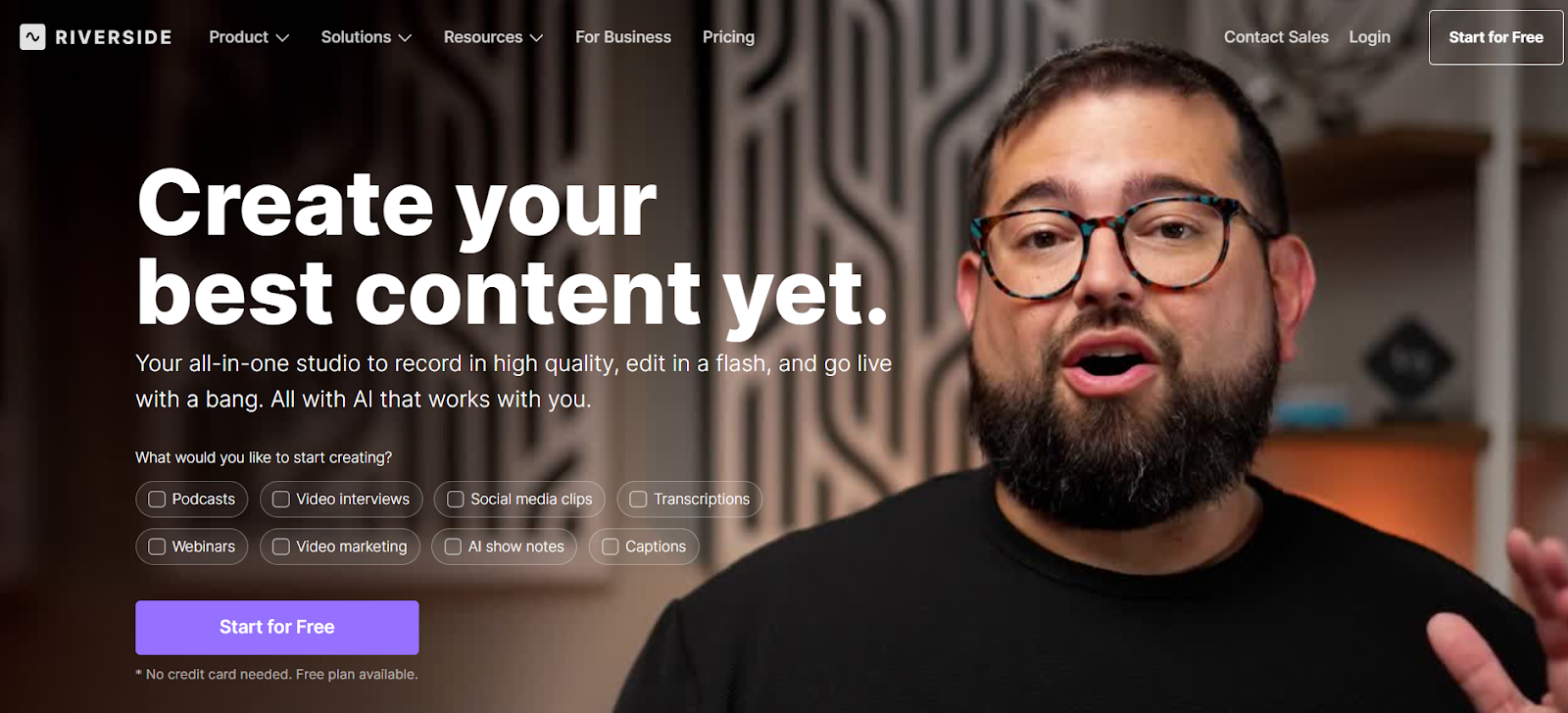
Riverside combines 4K recording capabilities with powerful AI editing tools that make post-production significantly faster. The platform's AI Producer generates ready-to-publish drafts automatically by trimming unnecessary content, removing filler words, and fixing eye contact issues. Text-based editing lets you edit videos by modifying transcripts, while Magic Clips automatically generates short social media clips from longer recordings. Riverside supports 100+ languages with 99% transcription accuracy and works entirely online without downloads. Free plans provide access to basic AI features with paid options adding unlimited capabilities.
Key Features:
- Records up to 4K video with 48kHz audio quality
- AI Producer creates ready-to-publish drafts automatically
- Text-based editing with 99% accurate transcription
- Free plan available with AI features included
3. Descript Podcast Editor
Descript revolutionizes podcast editing by treating it like document editing, letting you edit audio by simply editing transcripts. Delete a sentence from the transcript and the corresponding audio disappears automatically. Descript's AI removes filler words like "um" and "ah" automatically, creates accurate captions, and includes Overdub technology that fixes mistakes by typing corrections rather than re-recording. The platform's collaborative features make it perfect for teams. Works entirely online with integrations to professional editing software. Free plans provide one transcription hour monthly with paid plans at $12 monthly.
Key Features:
- Text-based editing makes audio editing as simple as editing documents
- Automatic filler word removal creates cleaner audio
- Overdub fixes mistakes by typing rather than re-recording
- Collaborative features for team podcast production
4. Alitu Podcast Maker
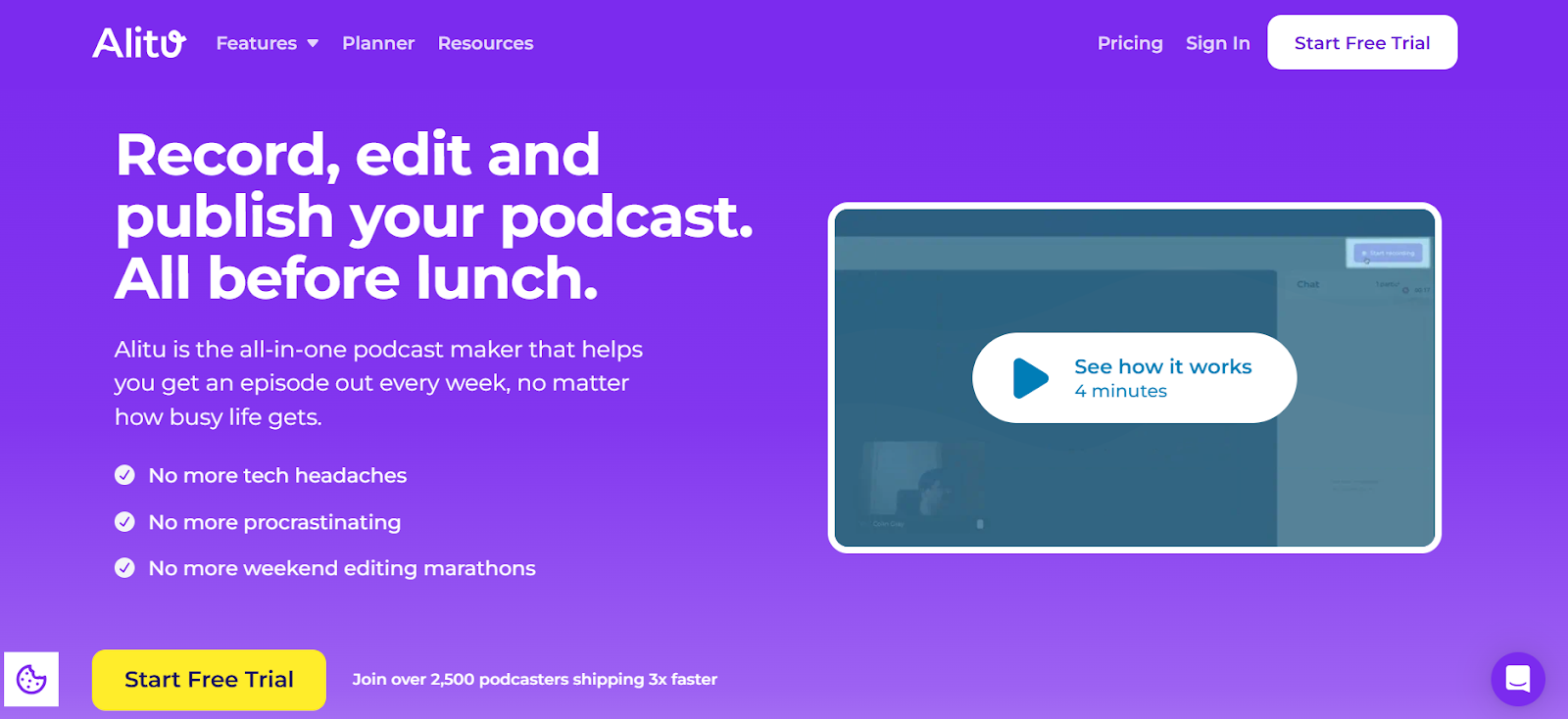
Alitu specializes in automation for podcasters who want professional results without technical complexity. The web-based platform automatically balances audio levels, removes background noise, and processes recordings with single clicks. Alitu includes intro and outro templates, automatic silence and filler word removal, and non-destructive editing that lets you restore deleted sections. Text-based editing capabilities and adjustable playback speeds for faster review make workflow efficient. Perfect for beginners or time-strapped podcasters who need quality without learning curves.
Key Features:
- Automated audio processing balances levels and removes noise
- One-click removal of silences and filler words
- Intro and outro templates reusable for every episode
- Non-destructive editing preserves original recordings
5. VEED IO Podcast Editor
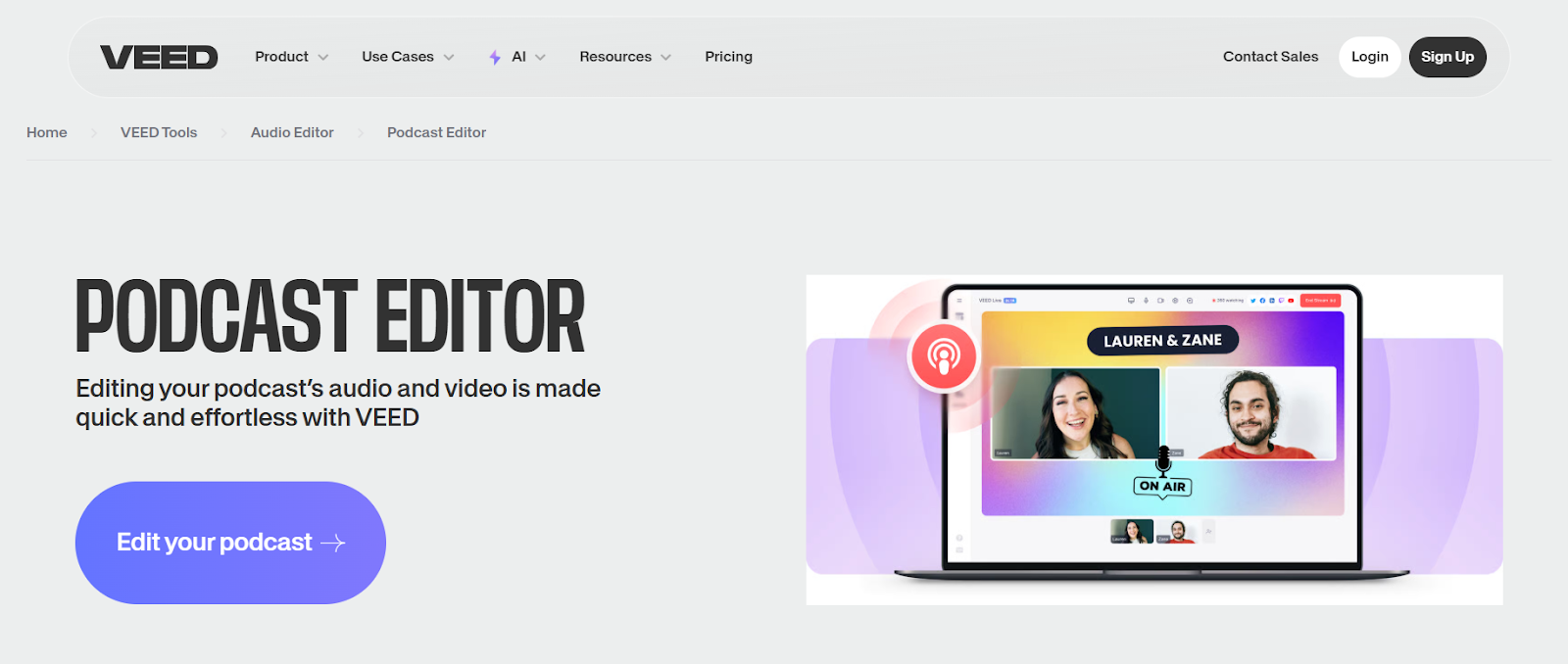
VEED IO provides comprehensive browser-based podcast editing with AI features that accelerate production. The platform's Magic Cut removes silences automatically, creating tighter content. Automatic subtitle generation supports 130+ languages with customizable styling. Features include background noise removal, audio enhancement, and video editing capabilities for video podcasts. Works seamlessly across devices with fast cloud processing. Perfect for podcasters needing more control than simple auto-editors while maintaining ease of use. Free tier includes watermarks with paid plans starting at $12 monthly.
Key Features:
- Magic Cut removes silences for better pacing automatically
- Automatic subtitles in 130+ languages with styling options
- Audio enhancement and noise removal included
- Free tier available; paid from $12/month
6. Kapwing Podcast Editor
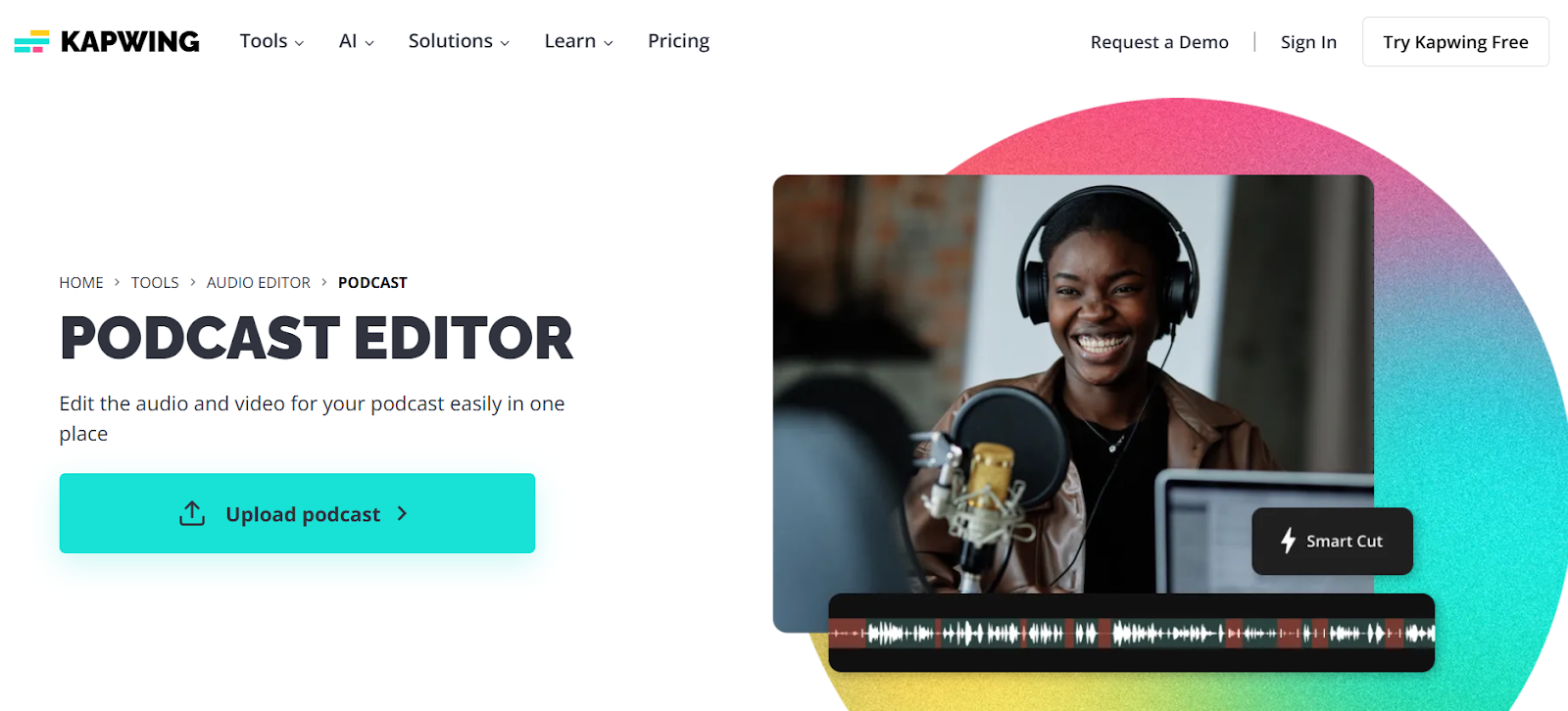
Kapwing delivers online podcast editing optimized specifically for creating social media content from episodes. The platform generates subtitles automatically with 99% claimed accuracy and provides animated caption templates designed for vertical video. Translation capabilities support 100+ languages for reaching global audiences. Collaboration features enable team editing on shared projects. Works entirely online with fast cloud processing and no software installation. Free plans include watermarks with Pro plans starting at $16 monthly removing limitations.
Key Features:
- 99% accuracy auto-subtitles with animated templates
- Translation supports 100+ languages for global reach
- Team collaboration features for shared editing
- Free plan available; Pro from $16/month
7. Adobe Podcast (formerly Adobe Enhance)
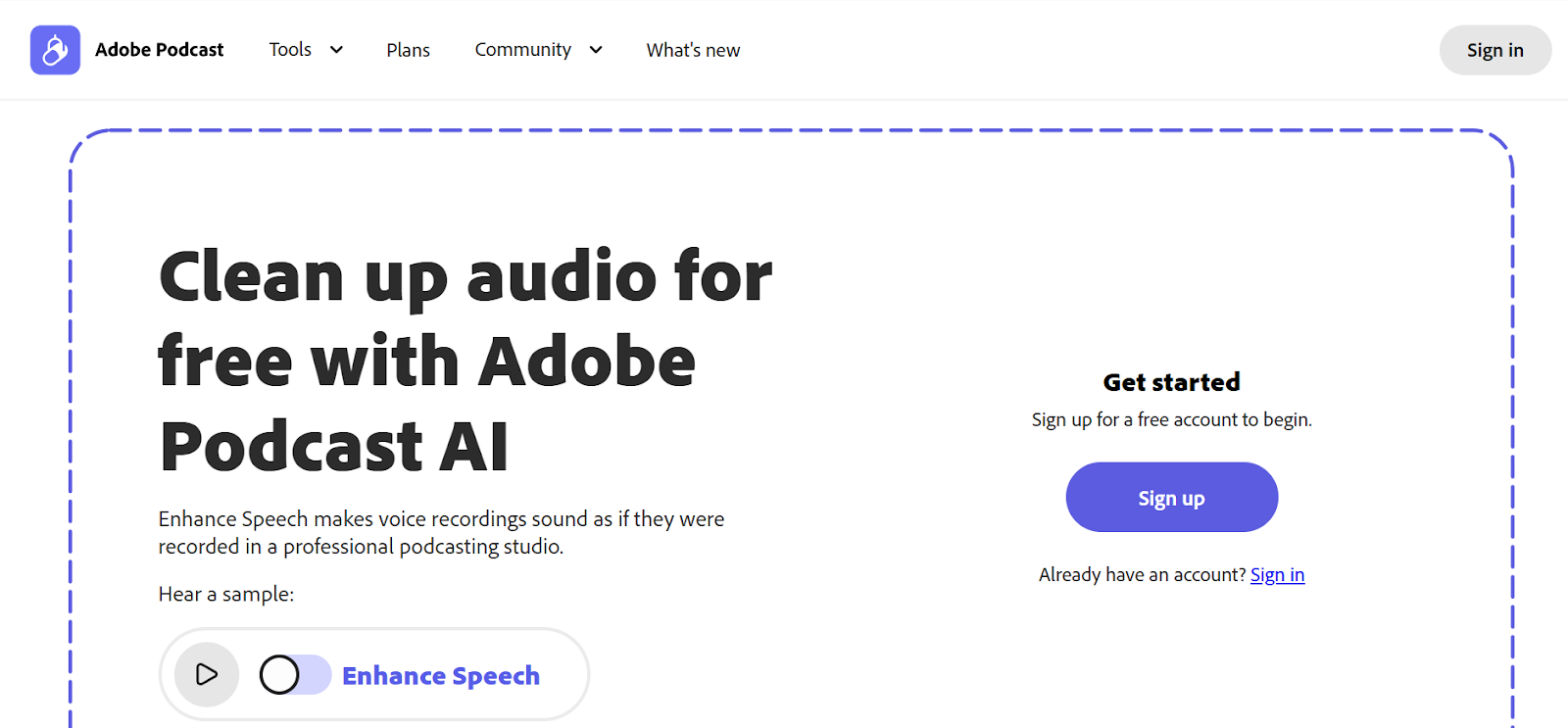
Adobe Podcast provides AI-powered audio enhancement that makes podcast recordings sound studio-quality. The browser-based tool removes background noise, echo, and reverb automatically, improving audio clarity dramatically. Adobe Podcast works entirely online without requiring Creative Cloud subscriptions, making professional audio enhancement accessible. The interface is simple: upload audio, let AI process it, and download enhanced results. Perfect for podcasters recording in less-than-ideal environments who need professional sound quality. Currently free to use.
Key Features:
- AI removes background noise, echo, and reverb automatically
- Makes home recordings sound studio-quality
- Works entirely online without software installation
- Currently free to use with Adobe account
8. Auphonic Audio Post-Production
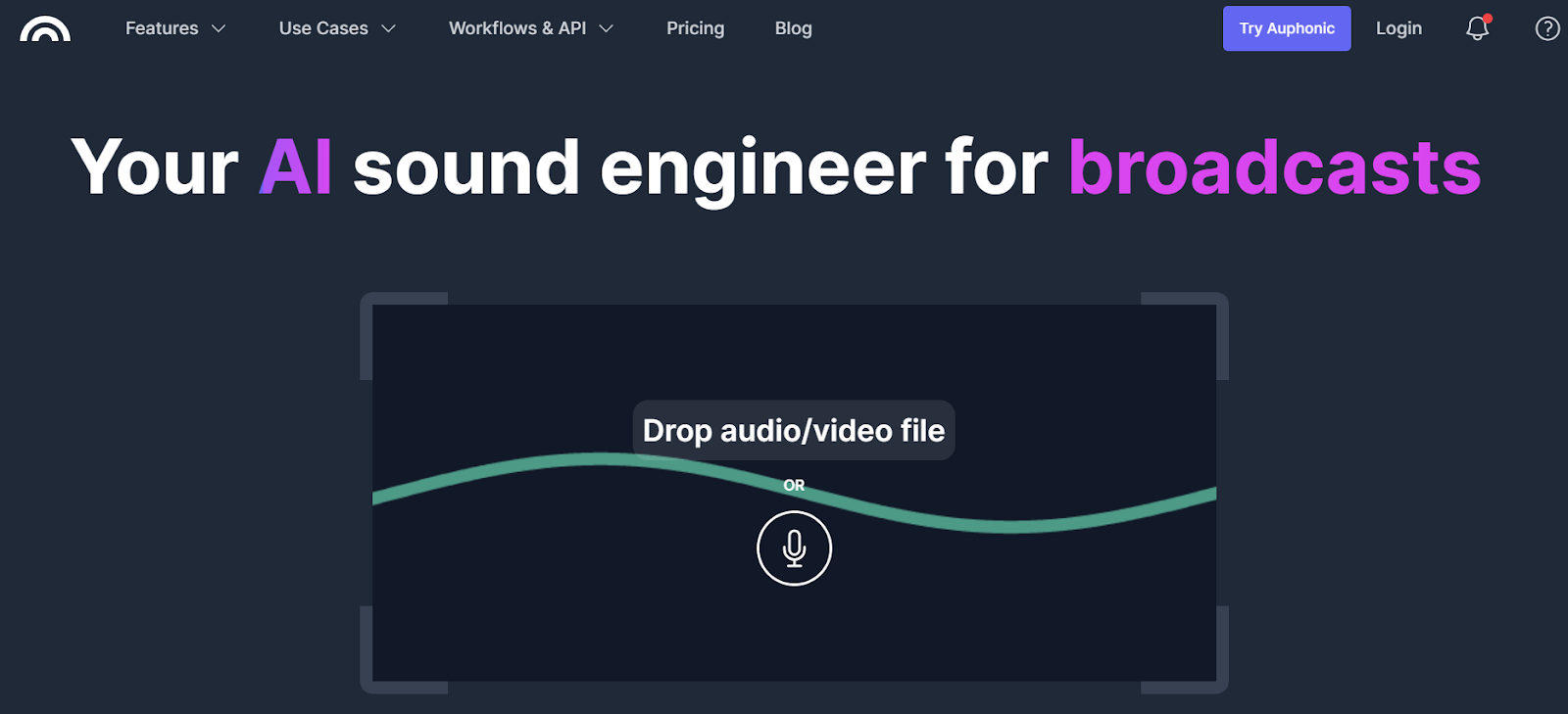
Auphonic specializes in automated audio post-production that cleans up podcast recordings with levelers, normalization, and restoration. The web-based platform fixes issues like unbalanced audio levels between speakers, background noise, and inconsistent volume. Auphonic processes files quickly and handles formats including MP3, WAV, and AAC. Perfect for podcasters who record interviews where audio quality varies between participants. Offers free tier with limited hours monthly, with paid plans providing increased capacity.
Key Features:
- Automated leveling fixes unbalanced audio between speakers
- Noise reduction and audio restoration included
- Supports major audio formats including MP3, WAV, AAC
- Free tier available with paid plans for increased capacity
9. Soundtrap Online DAW
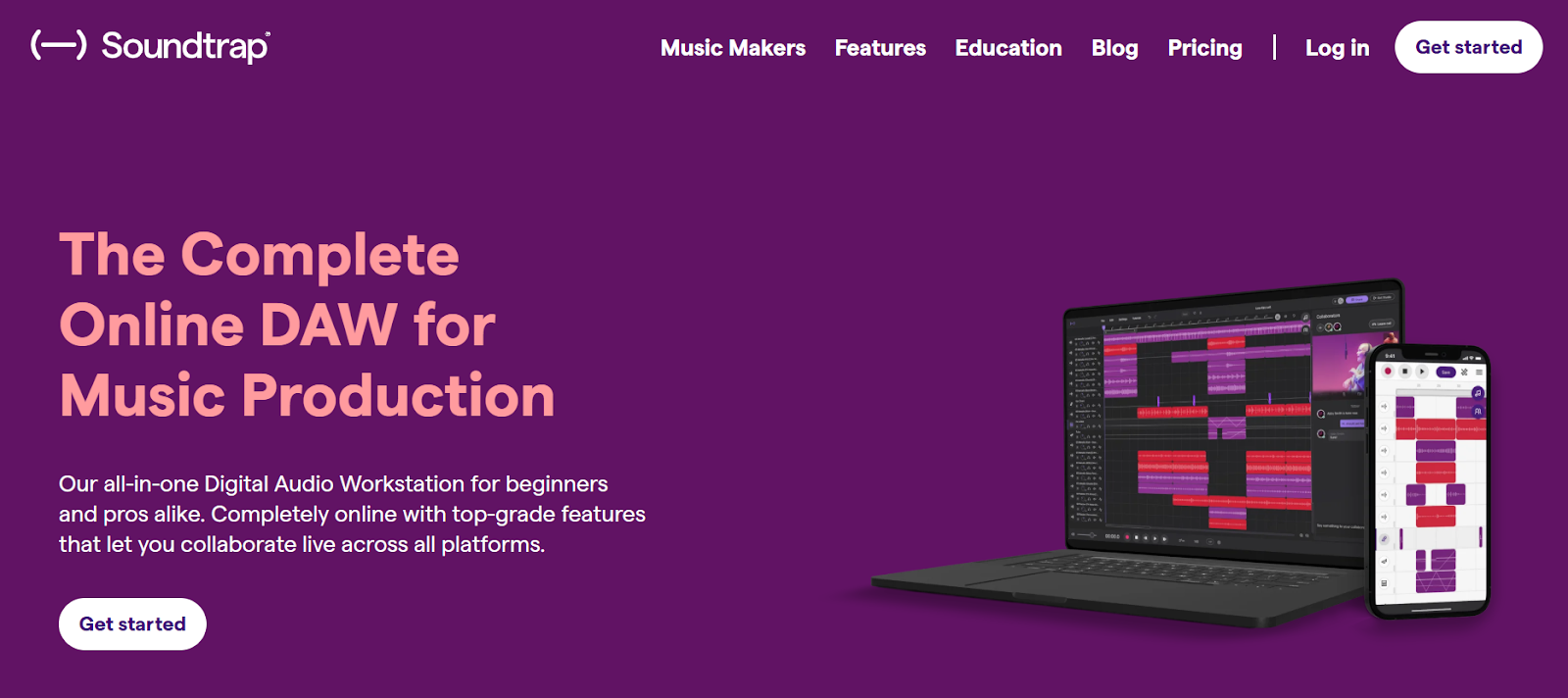
Soundtrap, owned by Spotify, provides a browser-based digital audio workstation perfect for podcast recording and editing. The platform supports multi-track recording and editing with collaboration features that let teams work together in real-time. Soundtrap includes virtual instruments, voice-processing presets, and extensive audio effects. Perfect for podcasters who want DAW capabilities without desktop software installation. Free tier available for beginners with paid subscriptions unlocking advanced features and higher track counts.
Key Features:
- Multi-track recording and editing in browser
- Real-time collaboration for team podcast production
- Virtual instruments and voice-processing presets included
- Free tier available; paid plans for advanced features
10. Podbean Podcast Editor

Podbean combines podcast hosting with built-in editing tools that let creators produce episodes entirely within the platform. The web-based editor includes basic trimming, volume adjustment, and audio enhancement features. Podbean's integrated approach means you record, edit, and publish from the same dashboard without switching between multiple tools. Perfect for podcasters who want simplified workflows with hosting and editing combined. Free tier provides basic editing with paid plans adding advanced features and increased storage.
Key Features:
- Integrated editing within podcast hosting platform
- Basic trimming, volume adjustment, and enhancement tools
- Record, edit, and publish from single dashboard
- Free tier available with paid plans for advanced features
Choosing the Right Online Podcast Editing Tool
Selecting the perfect podcast editing tool depends on your content type, technical skill level, and whether you need social media repurposing capabilities. If you're a podcaster who wants to market episodes through short social media clips, LiveLink AI delivers unmatched efficiency by automatically generating dozens of clips from single episodes. For podcasters who prefer text-based editing workflows, Descript and Riverside offer intuitive interfaces that make editing as simple as editing documents. Budget-conscious creators benefit from free options like Adobe Podcast for audio enhancement or Soundtrap for basic editing.
The most important considerations are ease of use, automation level, and output quality. LiveLink AI excels by automating the entire clip creation workflow while maintaining professional quality that engages social media audiences and drives listeners back to full episodes.
Edit Podcasts Faster with LiveLink AI
Stop wasting hours manually editing podcast clips when AI can automatically generate dozens of social-ready clips in minutes. LiveLink AI provides the most efficient podcast editing experience for creators who need to maximize content output and social media presence from every episode recorded.
Whether creating clips for TikTok, Instagram Reels, or YouTube Shorts, LiveLink AI handles everything from clip selection and formatting to caption generation and scheduling. Try LiveLink AI today and experience how much faster your podcast audience grows when editing stops slowing you down.
Frequently Asked Questions
Do I need desktop software to edit podcasts professionally?
No, modern online podcast editing tools like LiveLink AI, Riverside, and Descript provide professional features entirely through browsers. These web-based editors offer AI-powered features, multi-track editing, and high-quality audio processing without desktop software installation.
Can online podcast editors handle video podcasts?
Yes, many online editors including LiveLink AI, Riverside, VEED.IO, and Kapwing handle video podcast editing with features like automatic captioning, video trimming, and social media formatting. These tools process video as efficiently as audio-only content.
How do I create social media clips from podcast episodes?
Tools like LiveLink AI automatically analyze podcast episodes and generate multiple short clips optimized for social media platforms. The AI identifies engaging moments, formats content for vertical video, adds captions, and prepares clips for direct upload to TikTok, Instagram, and YouTube.
Are free online podcast editors good enough for beginners?
Yes, free online editors like Adobe Podcast, Soundtrap's free tier, and Riverside's basic plan provide sufficient features for beginners. These tools offer professional audio enhancement, basic editing capabilities, and user-friendly interfaces perfect for learning podcast production.
Can I edit podcasts entirely from my browser?
Yes, all tools on this list work entirely in browsers without software downloads. Online podcast editors use cloud processing to handle editing tasks, making them accessible from any device with internet connectivity including Chromebooks, tablets, and smartphones.


