

.png)

Changing a video's aspect ratio has become an essential part of modern video editing, especially when creating content for platforms like YouTube, Instagram, TikTok, or LinkedIn. Whether you're adjusting widescreen footage for mobile viewing or resizing clips for ads, aspect ratio conversion ensures your visuals fit perfectly across every platform. The good news is that you no longer need complicated desktop software—today's online AI-powered tools make the process faster and more accurate.
After researching the latest SERPs and testing leading tools, here are the Top 10 Free Video Aspect Ratio Converter Tools (2026) that deliver quality, speed, and convenience entirely online.
1. LiveLink AI
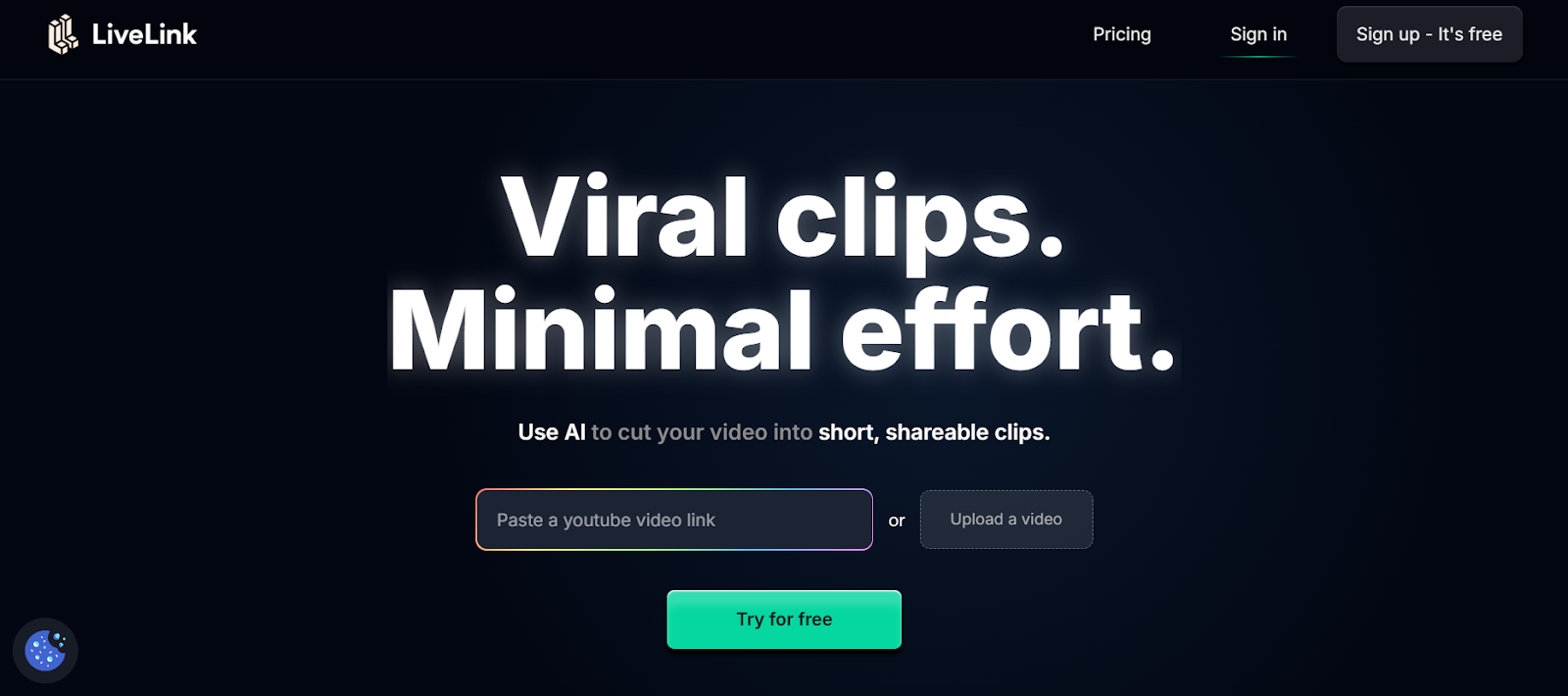
LiveLink.ai ranks as one of the most efficient AI-based video editors that includes a smart aspect ratio converter. This platform automatically detects your video's current dimensions and helps you resize it for YouTube, Instagram Reels, TikTok, or any other format. What makes it stand out is its AI-driven resizing technology that prevents cropping important subjects or cutting off text. Users can maintain original quality while fitting clips into 1:1, 9:16, 4:5, or 16:9 formats effortlessly. The interface is modern, fast, and ad-free, making it perfect for content creators and marketers looking for a one-click solution.
• AI detects the best frame area for resizing.
• Supports all major aspect ratios (1:1, 16:9, 9:16, 4:5).
• Preserves resolution and visual quality.
• Browser-based and fully free to use.
2. Kapwing
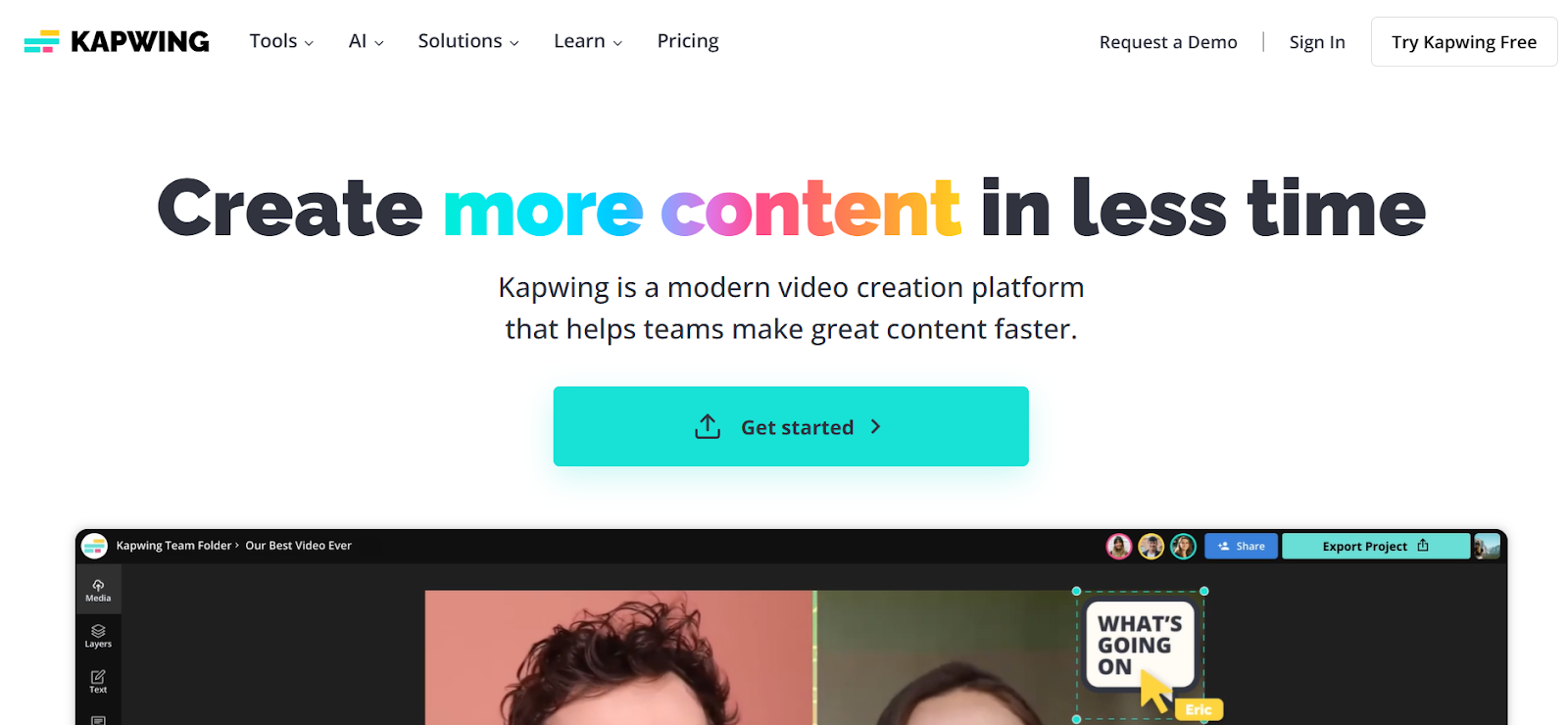
Kapwing is one of the most popular online editors for social media creators. Its video resizer allows users to instantly change aspect ratios with a single click. You can choose pre-set dimensions for various platforms such as YouTube (16:9), TikTok (9:16), or Instagram (1:1). The platform also supports custom canvas sizes and lets you adjust framing manually. Its drag-and-drop editor and cloud storage make it easy to handle multiple projects simultaneously. Whether you’re resizing short clips or long-form videos, Kapwing keeps quality consistent across exports.
• Simple interface with pre-sized templates.
• One-click aspect ratio adjustment for all major platforms.
• Cloud-based project saving for collaboration.
• Free plan includes watermark-free resizing for short clips.
3. Clideo
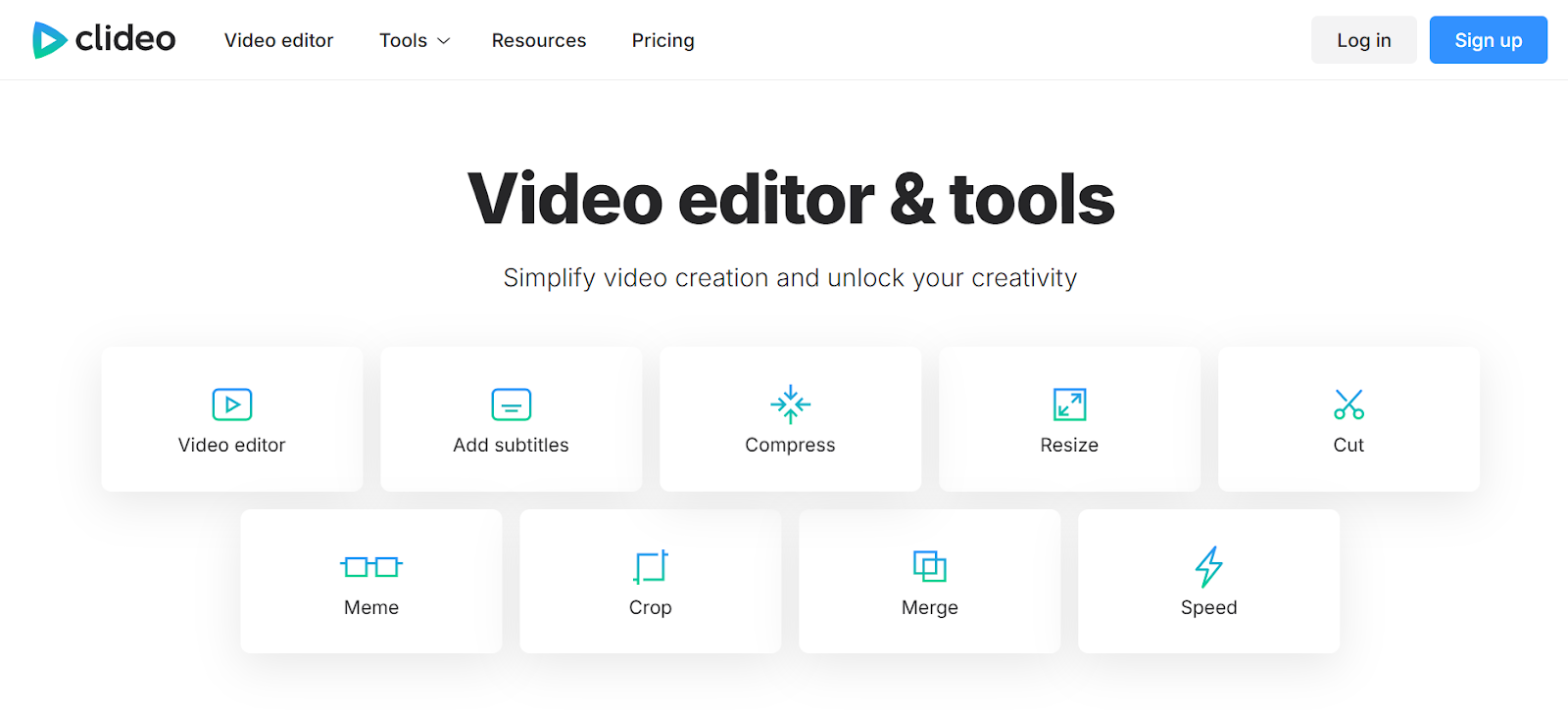
Clideo is another reliable web-based tool that offers a quick and professional video resizing experience. It allows users to upload videos and instantly choose the desired aspect ratio without losing quality. You can also reposition frames, zoom, or crop as needed to ensure your video remains centered and visually appealing. Clideo supports almost all video formats and integrates seamlessly with cloud storage services like Google Drive or Dropbox. It's an excellent option for beginners who want fast and efficient editing.
• Resize videos online without software installation.
• Offers ready-made templates for YouTube, Instagram, and TikTok.
• Supports over 25 video formats.
• Provides simple repositioning and cropping tools.
4. Veed
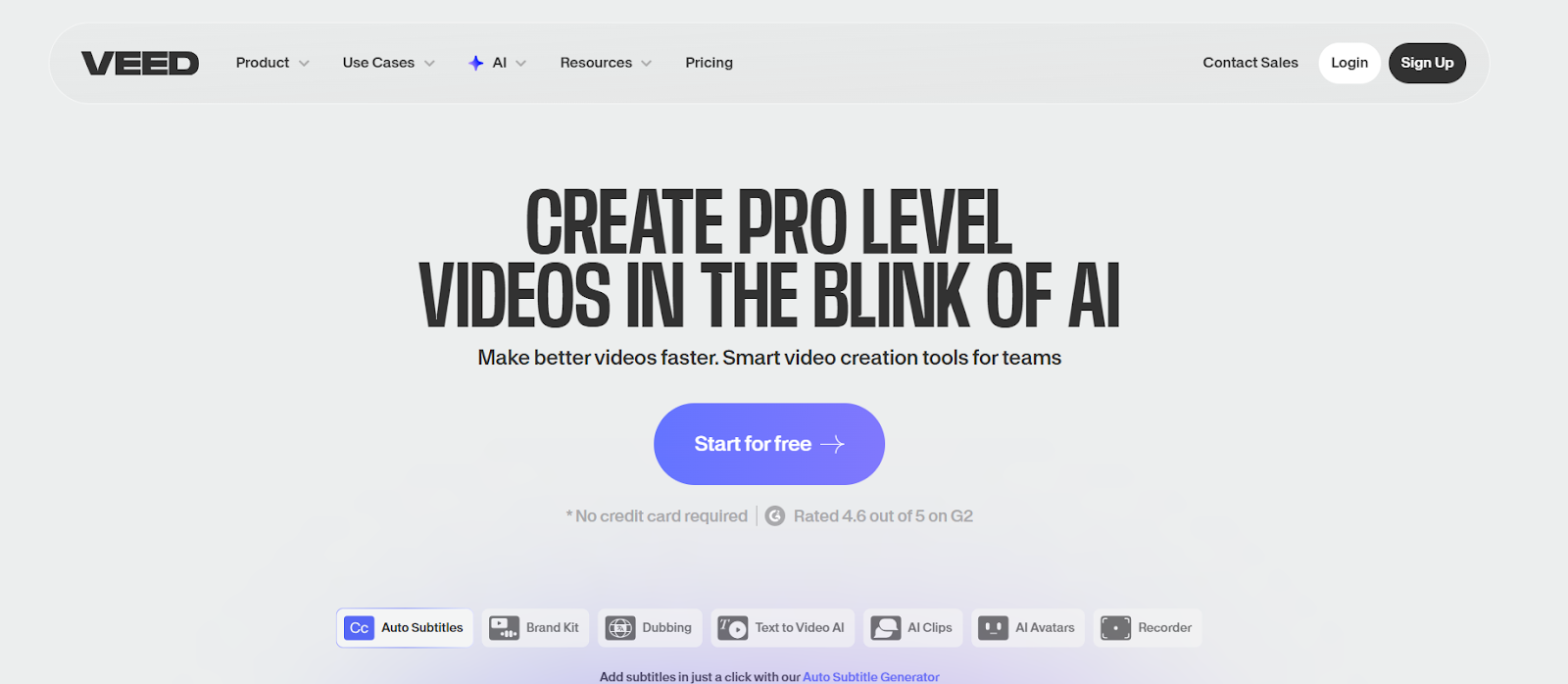
Veed is a full-featured online video editor offering a robust aspect ratio conversion function. With Veed, users can automatically resize videos to fit different platforms or manually crop to specific dimensions. It also allows the addition of text, subtitles, and overlays while converting the aspect ratio—making it a great all-in-one solution. The tool uses AI to maintain balance and positioning, ensuring the subject stays centered after resizing. Its smooth interface and fast rendering make it ideal for teams creating content across multiple platforms.
• Converts aspect ratio automatically with AI framing.
• Exports in multiple resolutions (HD, 4K, mobile).
• Includes built-in editing tools like captions and filters.
• Ideal for agencies and content teams.
5. FlexClip
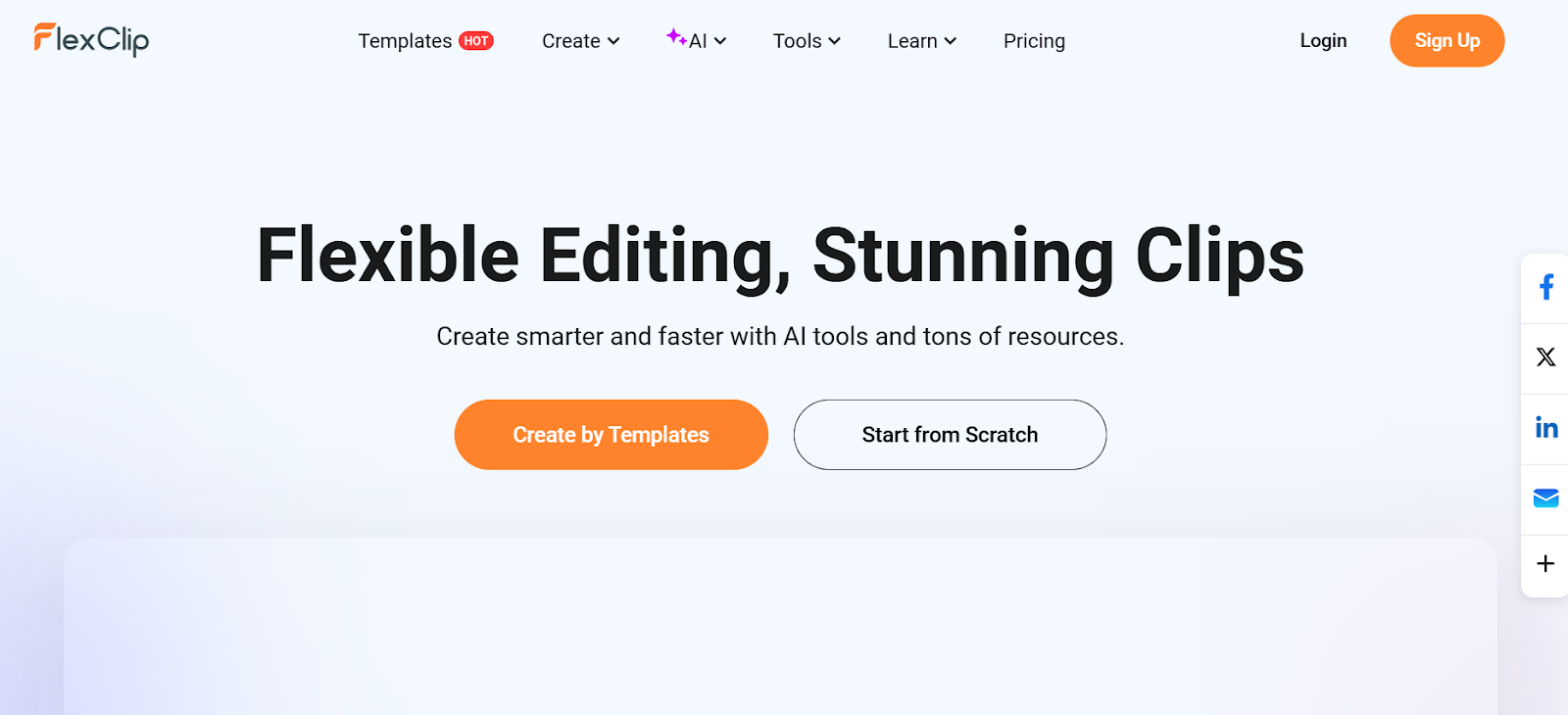
FlexClip is an intuitive online video converter and editor that includes an excellent aspect ratio resizer. It supports instant adjustments for formats like 9:16 (TikTok), 1:1 (Instagram), and 16:9 (YouTube). The smart preview function lets you see how your video will appear on different screens before exporting. FlexClip also provides basic editing tools for trimming, text overlay, and transitions. With its straightforward workflow and AI-assisted composition tools, it’s a perfect fit for creators who need to repurpose content quickly.
• Supports all popular aspect ratios for major social apps.
• Real-time preview before exporting.
• AI-powered resizing maintains subject focus.
• No download required; works directly in your browser.
6. Online Video Cutter
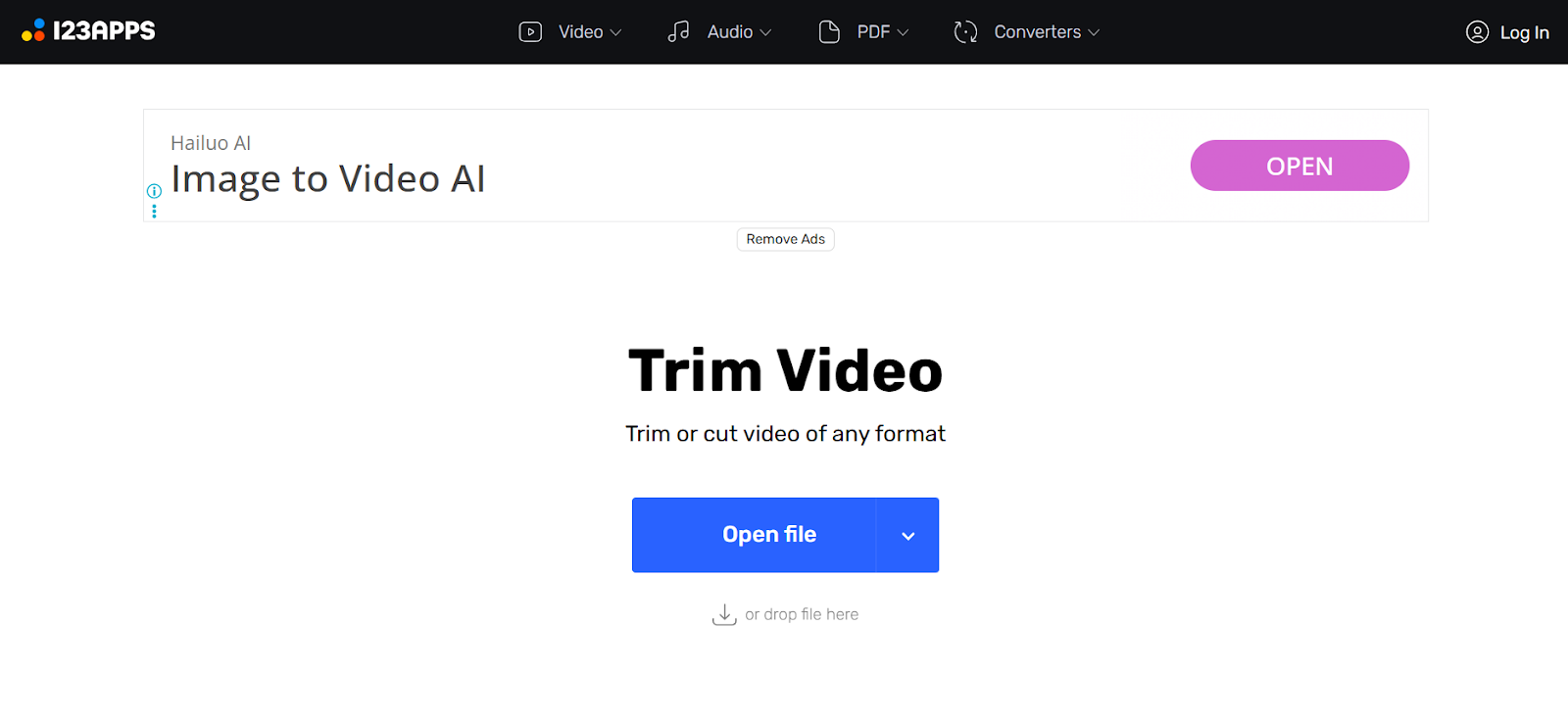
Online Video Cutter is a free browser-based tool that lets you trim, crop, and resize your videos instantly. Its aspect ratio converter is simple yet effective—you just select your desired format, and it automatically adjusts the frame size. Users can zoom in or reposition key parts of the clip to ensure balanced framing. Despite being lightweight, it delivers surprisingly high-quality exports, making it ideal for quick edits or resizing social clips on the go.
• Free and easy-to-use resizing interface.
• Allows cropping, trimming, and repositioning.
• Supports MP4, AVI, MOV, and more.
• No login or installation required.
7. Media io
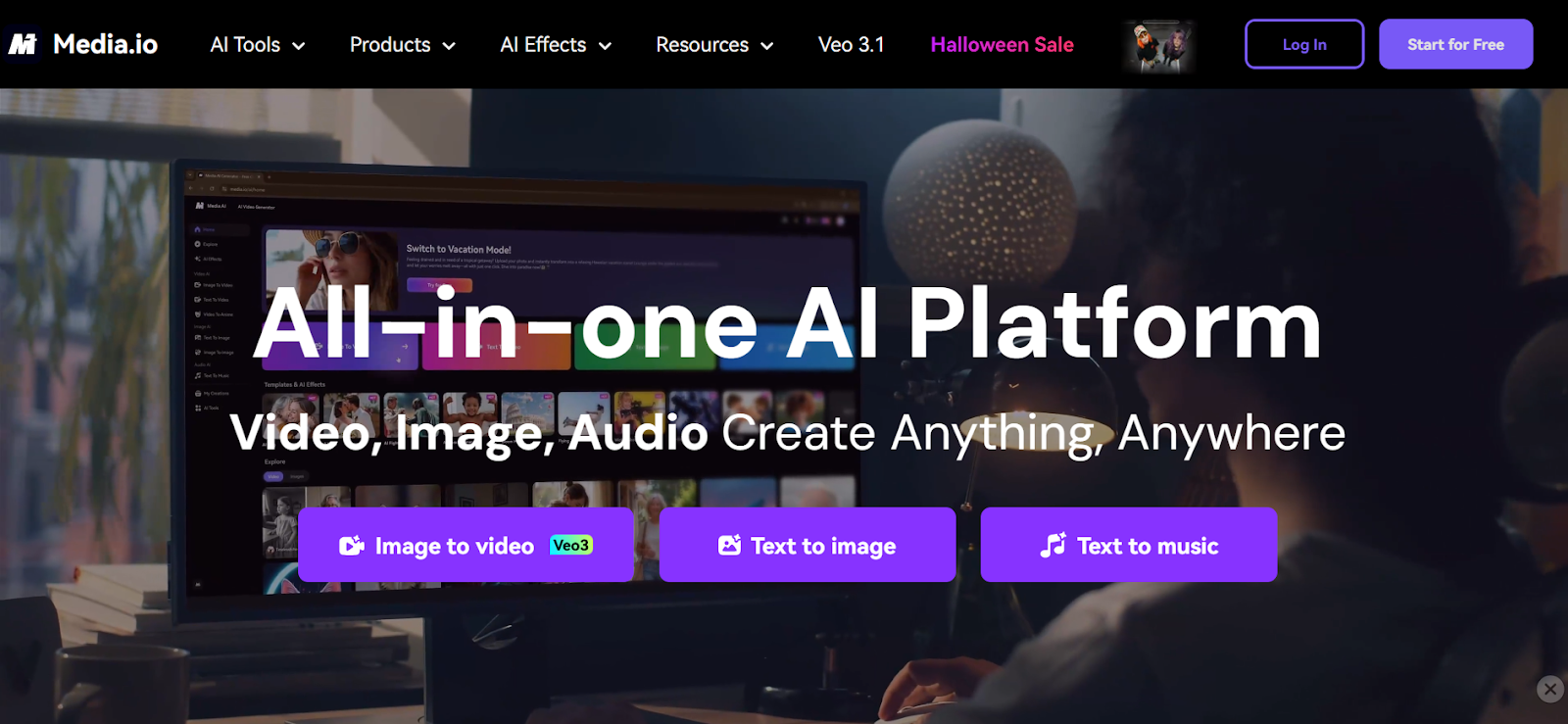
Media io (by Wondershare) offers a powerful online video resizer that allows users to adjust aspect ratios without losing visual fidelity. Its AI detects and protects the main subject, ensuring that crucial details remain visible. The platform also supports batch processing, letting users resize multiple videos at once. Combined with its clean design and fast processing speed, Media io is a perfect choice for businesses or agencies managing social campaigns.
• Batch convert videos for different aspect ratios.
• AI maintains subject visibility and framing.
• Supports HD and 4K output quality.
• Cloud-based and supports quick sharing links.
8. Flixier
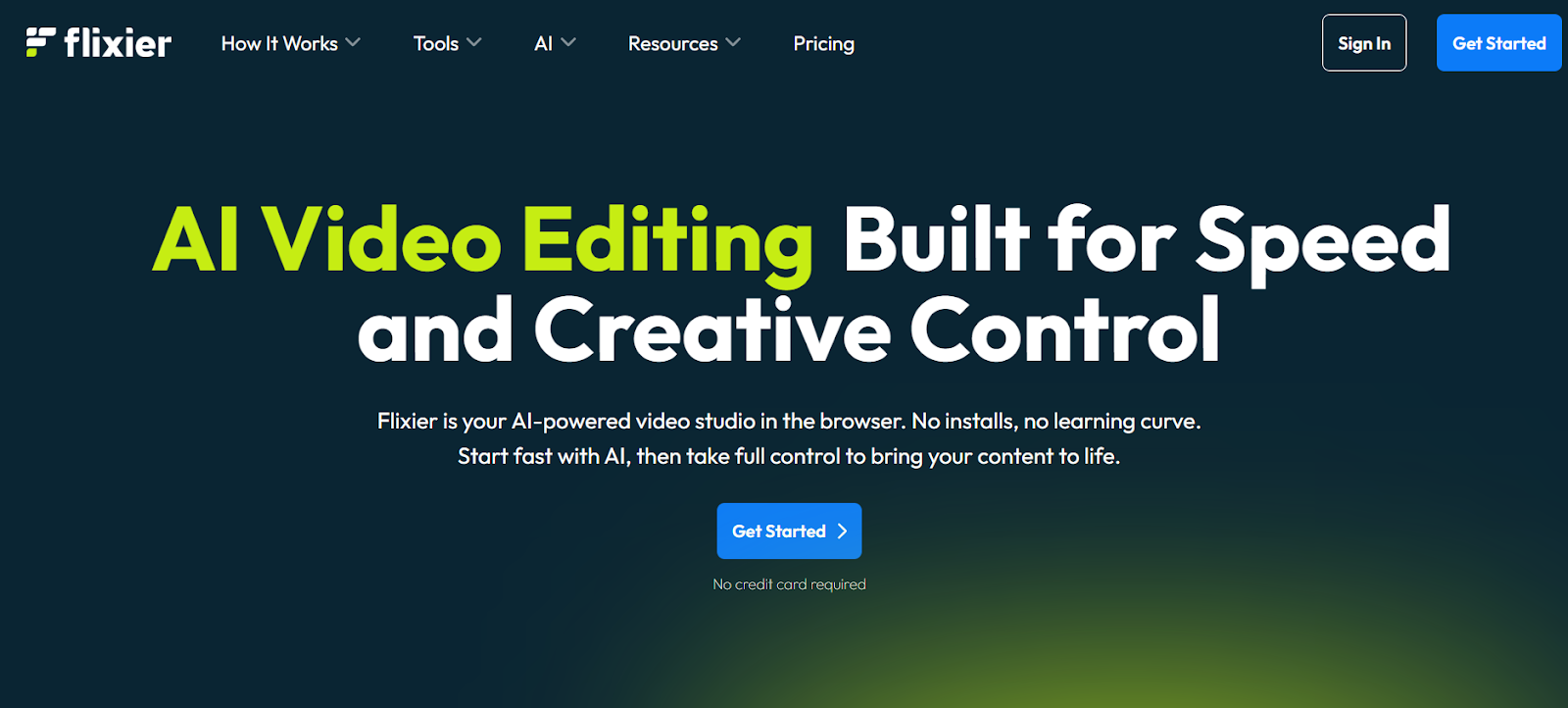
Flixier provides a lightning-fast online editing experience with real-time preview and precise aspect ratio conversion. Its cloud engine renders changes within seconds, and the intuitive timeline editor ensures full creative control. Flixier offers multiple preset ratios, including 1:1, 4:5, 9:16, and custom sizes. The platform is optimized for collaboration, allowing teams to work together remotely and publish directly to social media platforms.
• Real-time resizing and rendering.
• Collaboration-friendly online editor.
• Exports in various social media formats.
• Free plan includes core resizing tools.
9. Animaker
Animaker’s video resizer combines AI-based automation with creative flexibility. It lets users convert videos for multiple screen types, including mobile, desktop, and widescreen displays. You can choose pre-made layouts or enter custom dimensions. The built-in auto-fit tool ensures that your subject stays centered after resizing. Animaker is especially useful for social media marketers and small businesses that need to produce platform-optimized videos quickly.
• Predefined sizes for every platform.
• Smart AI keeps subjects and text aligned.
• Offers drag-and-drop resizing and animation tools.
• Supports exporting in multiple formats.
10. Typito
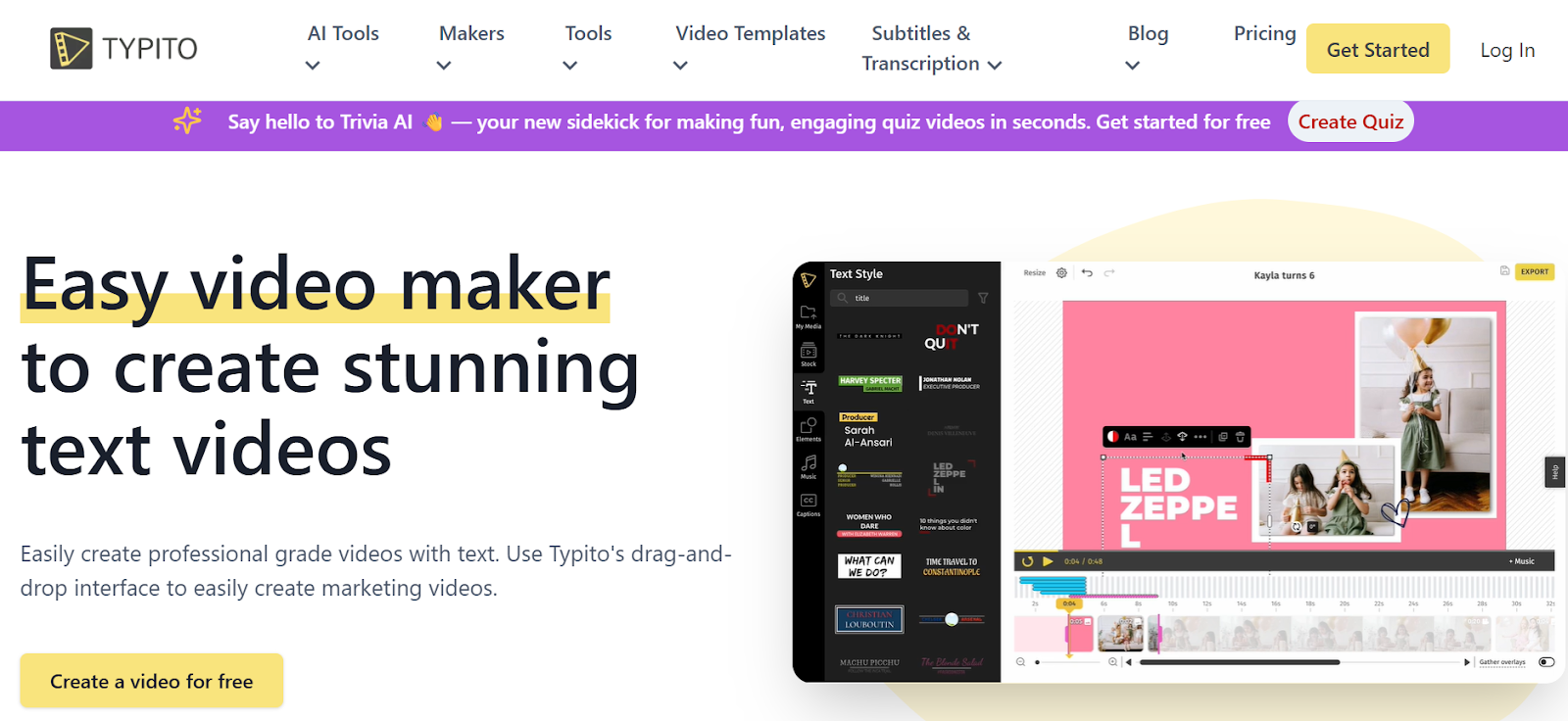
Typito completes the list with a professional online editor built for marketers and content creators. Its smart resize function automatically adapts your video for different platforms without distorting or cutting off visuals. You can convert a 16:9 YouTube video to 9:16 for TikTok in seconds while maintaining clarity. Typito also includes text overlays, motion graphics, and branding tools, making it a perfect solution for agencies managing multiple social channels.
• Converts videos instantly for different social ratios.
• Maintains visual consistency and text placement.
• Built-in templates for ad and promo videos.
• Ideal for professionals creating multi-platform content.
Final Thoughts
Resizing videos for the right aspect ratio doesn’t need to be complicated anymore. With these free online aspect ratio converter tools, you can instantly adjust your videos for any platform while keeping your visuals crisp and well-framed. Among them, LiveLink.ai stands out for its intelligent AI framing, zero ads, and HD/4K support—making it the top choice for creators and businesses who value quality and efficiency.
FAQs
Q1: What is a video aspect ratio?
A1: Aspect ratio is the width-to-height proportion of a video frame, such as 16:9 for widescreen or 9:16 for vertical videos.
Q2: Can these tools resize without cropping?
A2: Yes, AI tools like LiveLink.ai and Media io use smart detection to fit frames without cutting key visuals.
Q3: Which tool is best for social media creators?
A3: Kapwing, Veed, and FlexClip are among the most efficient options for fast, social-ready resizing.
Q4: Are these tools free?
A4: Yes, all tools listed offer free versions with essential resizing features.
Q5: Which tool offers the best overall performance?
A5: LiveLink.ai leads the pack with its AI precision, ad-free experience, and professional-grade export quality.


