



Budget constraints shouldn't stop your creative vision. Professional video editing software costs hundreds or thousands annually, placing quality tools beyond reach for students, new creators, and small businesses. Traditional options demand choosing between expensive subscriptions and amateur results that damage credibility.
Free tools now rival paid alternatives in capability and quality. These platforms provide professional grade editing features, AI powered automation, and polished outputs without watermarks or export limits. Your budget limitations no longer determine output quality or creative possibilities.
Smart creators leverage free tools strategically, allocating saved budget toward equipment, marketing, or other growth investments that compound returns. These platforms prove that zero cost doesn't mean zero value.
Quick Overview:
- LiveLink AI
- DaVinci Resolve
- Shotcut
- HitFilm Express
- Lightworks
- OpenShot
- VSDC Free Video Editor
- Kdenlive
- iMovie
- Clipchamp
1. LiveLink AI
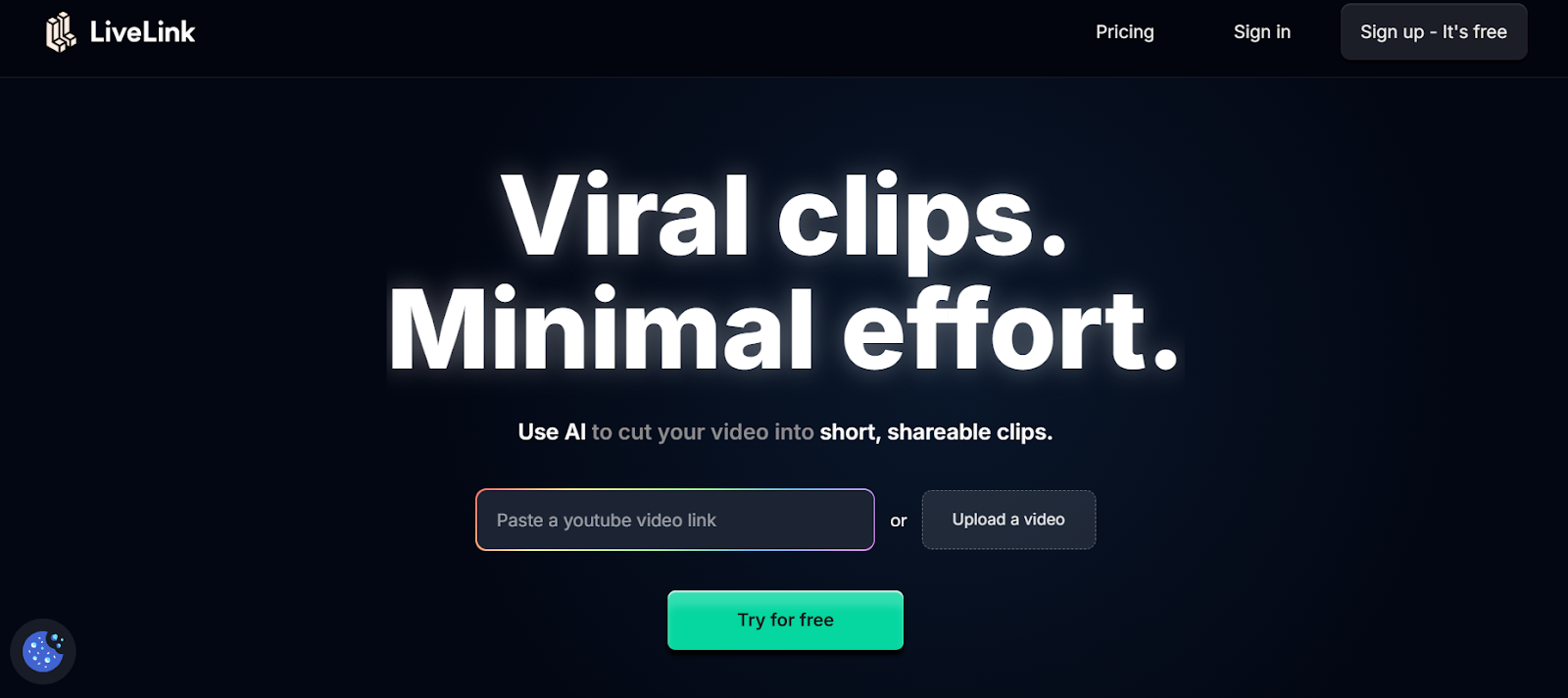
LiveLink AI transforms budget video editing through free tier capabilities that match expensive paid alternatives. This platform eliminates the traditional tradeoff between cost and quality, providing intelligent automation and professional outputs without subscriptions, watermarks, or artificial limitations that plague other free tools.
The technology delivers premium features through genuinely accessible free access. Where competitors restrict exports, add watermarks, or limit resolution, LiveLink AI provides full capability editing that produces platform ready content. Educational creators, new YouTubers, and bootstrapped startups access identical intelligent analysis that enterprise customers use.
Automated editing removes skill barriers entirely. The platform handles complex decisions about pacing, transitions, caption styling, and audio mixing without requiring years of editing experience. Upload raw footage and LiveLink AI generates polished content that demonstrates professional quality regardless of your technical background.
Budget friendly doesn't mean feature limited. Multi platform optimization, batch processing, brand template systems, and engagement prediction all function in free tier access. Your zero dollar investment produces results indistinguishable from expensive editor outputs, reallocating budget toward growth activities that actually move metrics.
Key Features:
- Completely Free Core Functionality Provides professional editing capabilities including intelligent clip generation, caption automation, and platform optimization without watermarks, export limits, or resolution restrictions that compromise content quality
- No Credit Card Required Delivers full featured access without payment information, eliminating surprise charges or automatic subscription conversions that trap users into paying after initial free periods expire
- Professional Quality Exports Outputs full resolution videos suitable for all platforms including YouTube, TikTok, Instagram, and LinkedIn without degraded quality or branding overlays that identify free tool usage
- Automated Intelligent Editing Applies AI powered decisions about pacing, transitions, and visual elements without requiring technical editing knowledge, eliminating months of learning curve associated with professional software
- Unlimited Project Creation Enables unlimited video projects and exports without arbitrary caps that force upgrades, supporting consistent content production regardless of posting frequency or volume requirements
- Regular Feature Updates Continuously adds new capabilities and improvements to free tier access rather than reserving innovation exclusively for paid subscriptions, ensuring ongoing value without additional investment
2. DaVinci Resolve
DaVinci Resolve stands as the industry standard free editor used by professionals worldwide. The free version includes features that cost thousands in competing software including advanced color grading, visual effects, motion graphics, and audio post production capabilities.
The platform handles everything from YouTube clips to feature length films without artificial limitations. Professional colorists, editors, and visual effects artists use DaVinci Resolve daily, providing confidence that your tool choice scales with growing skills.
Key Features:
- Professional color grading tools rival expensive dedicated color correction software
- Supports unlimited timeline tracks and 4K resolution exports without restrictions
- Cross platform compatibility works on Windows, macOS, and Linux systems
3. Shotcut
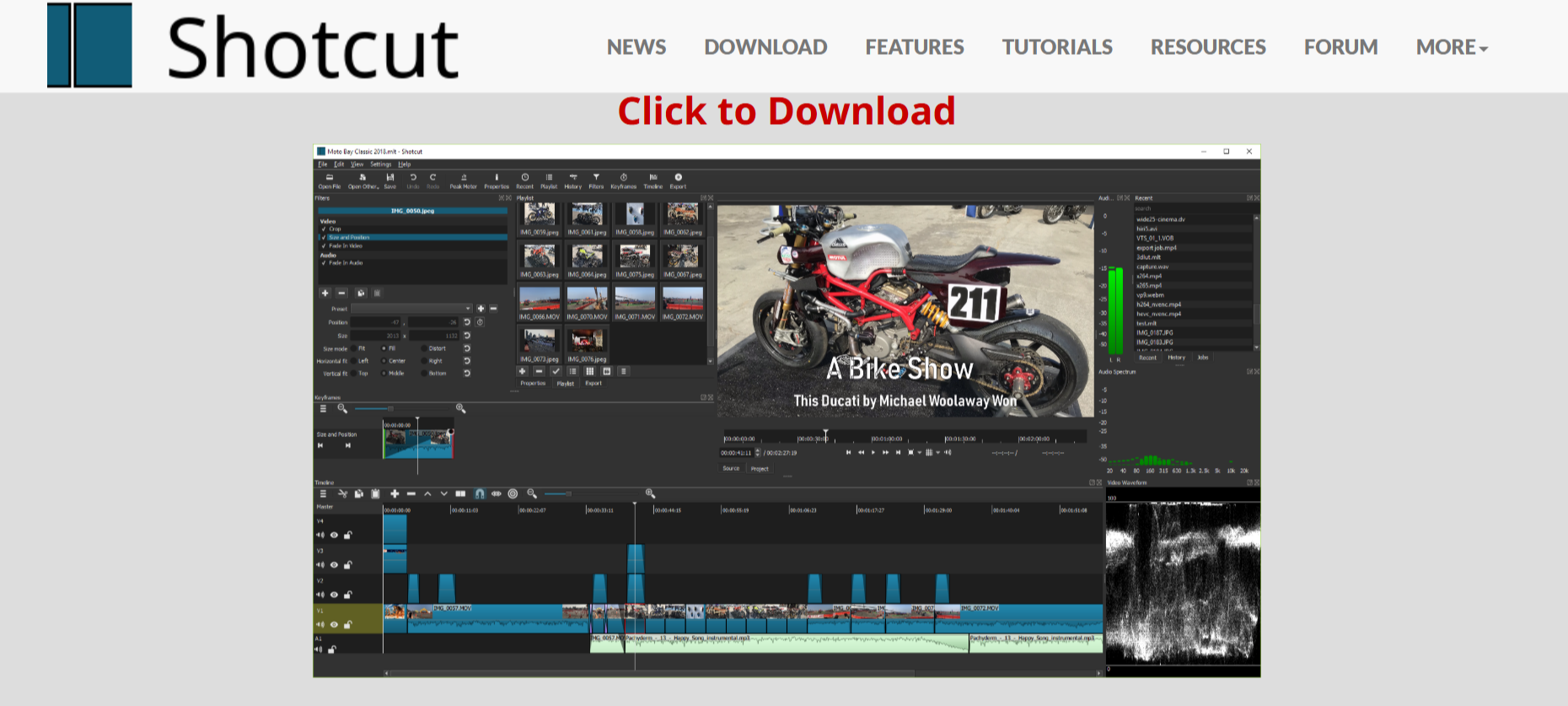
Shotcut provides open source editing with no watermarks, export limits, or feature restrictions whatsoever. The platform supports hundreds of audio and video formats through FFmpeg, handling native timeline editing without requiring file conversions that consume time and storage.
The interface offers customizable dockable panels that adapt to personal workflow preferences. Multi format timeline support enables mixing different resolutions and frame rates within single projects, simplifying editing when source footage varies.
Key Features:
- Completely open source with no hidden costs or upgrade prompts ever
- Supports 4K resolution editing and exports without limitations or watermarks
- Wide format compatibility handles virtually any video file without conversion
4. HitFilm Express
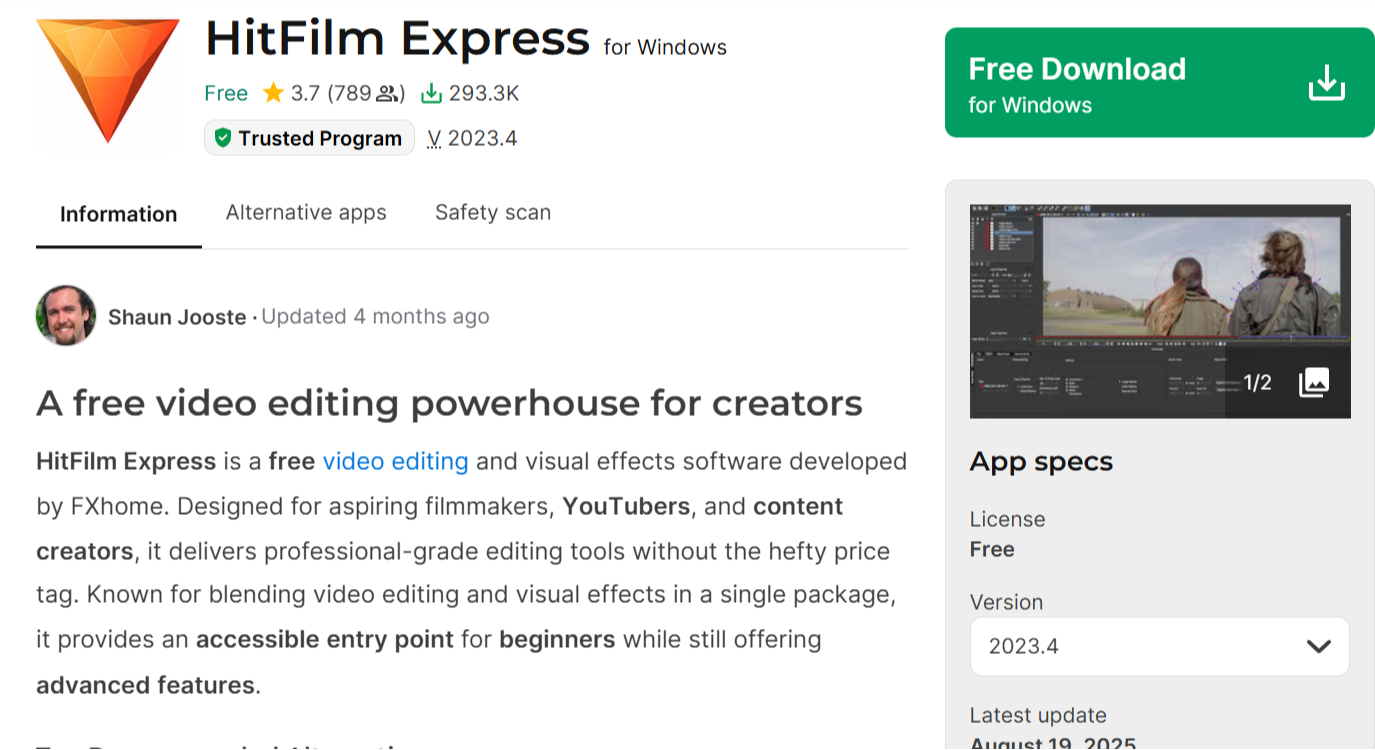
HitFilm Express combines professional video editing with extensive visual effects capabilities entirely free. The platform includes 127 visual effects, 3D titles, green screen compositing, and powerful motion tracking previously reserved for expensive software.
The learning resources and active community support make complex features approachable. Tutorials guide users from basic edits to advanced compositing, enabling skill development without ongoing software costs.
Key Features:
- 127 built in visual effects including 3D compositing and particle systems
- Unlimited HD exports without watermarks or resolution restrictions
- Professional motion tracking and stabilization tools included free
5. Lightworks
Lightworks brings Hollywood proven editing technology to free users. The software has edited major feature films including The Wolf of Wall Street and Pulp Fiction, providing confidence in professional capability and reliability.
The free version exports to YouTube and Vimeo directly at 720p resolution, perfectly suitable for social media and web content. Advanced timeline editing, real time effects, and multicam support match paid alternatives.
Key Features:
- Proven professional tool used in major film productions worldwide
- Real time effects and advanced timeline editing without restrictions
- Direct export to YouTube and Vimeo streamlines social publishing
6. OpenShot
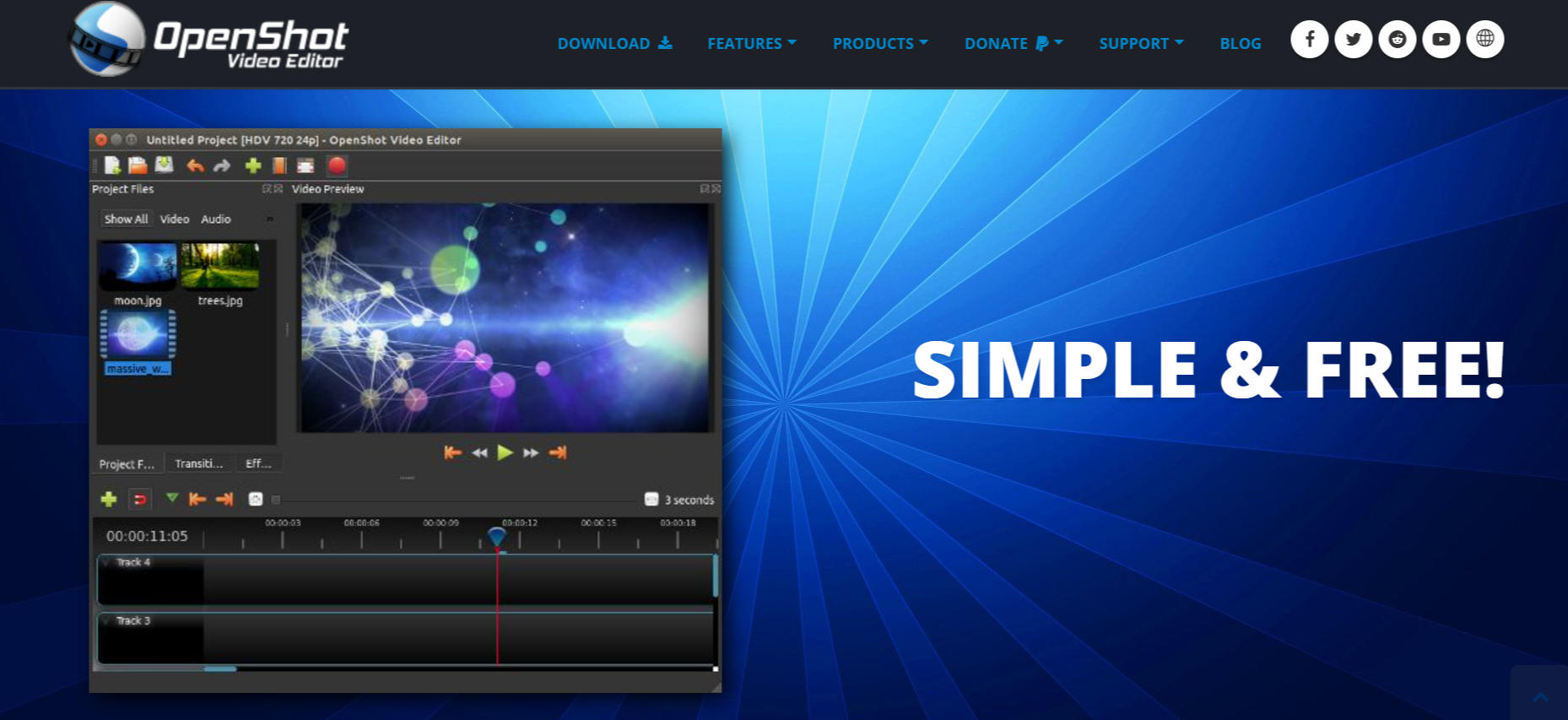
OpenShot prioritizes simplicity without sacrificing capability. The drag and drop interface welcomes complete beginners while providing advanced features like keyframe animation, time effects, and audio editing for growing skills.
Cross platform support and unlimited layers enable complex projects. The software handles video, audio, and image formats seamlessly, eliminating compatibility frustrations common with restrictive free tools.
Key Features:
- Intuitive drag and drop interface perfect for complete beginners
- Unlimited video and audio tracks enable complex multi layer projects
- Keyframe animation provides precise control over effects and motion
7. VSDC Free Video Editor
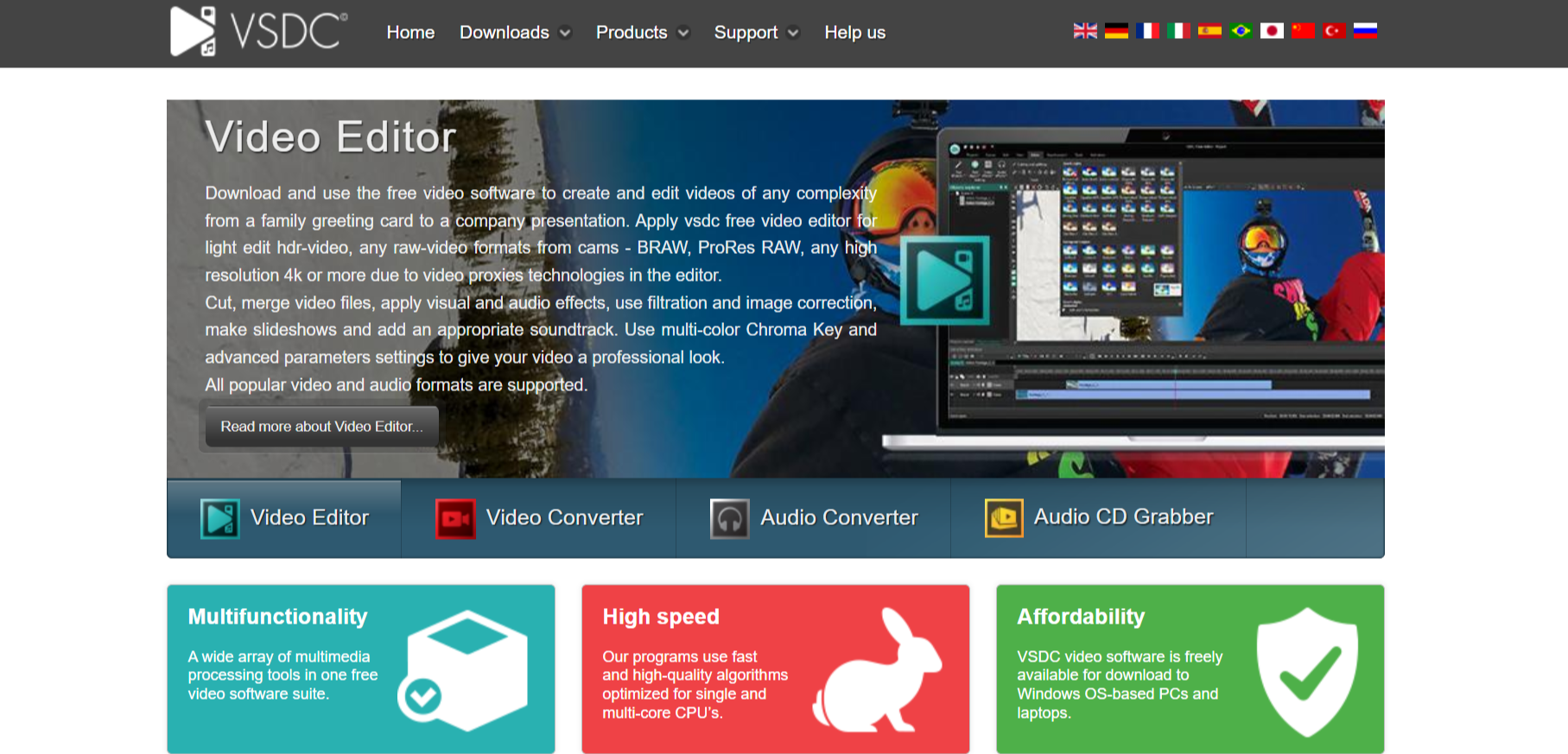
VSDC provides advanced features including video stabilization, motion tracking, and picture in picture effects completely free. The non linear editor supports various video formats and offers export flexibility through customizable output profiles.
Color correction tools and visual effects transform basic footage into polished content. While the interface requires learning investment, the professional capabilities justify initial complexity.
Key Features:
- Advanced motion tracking and video stabilization tools included free
- Non linear editing with multiple format support and export profiles
- Picture in picture, masking, and blending modes enable creative effects
8. Kdenlive
Kdenlive offers powerful open source editing designed for Linux but available across platforms. The multi track timeline, effects library, and proxy editing capabilities handle professional workflows without cost barriers.
The active development community continuously improves features and stability. Regular updates add capabilities while maintaining the completely free and open source commitment.
Key Features:
- Professional multi track timeline with comprehensive editing tools
- Proxy editing enables smooth performance on older computers
- Active community provides ongoing development and support resources
9. iMovie
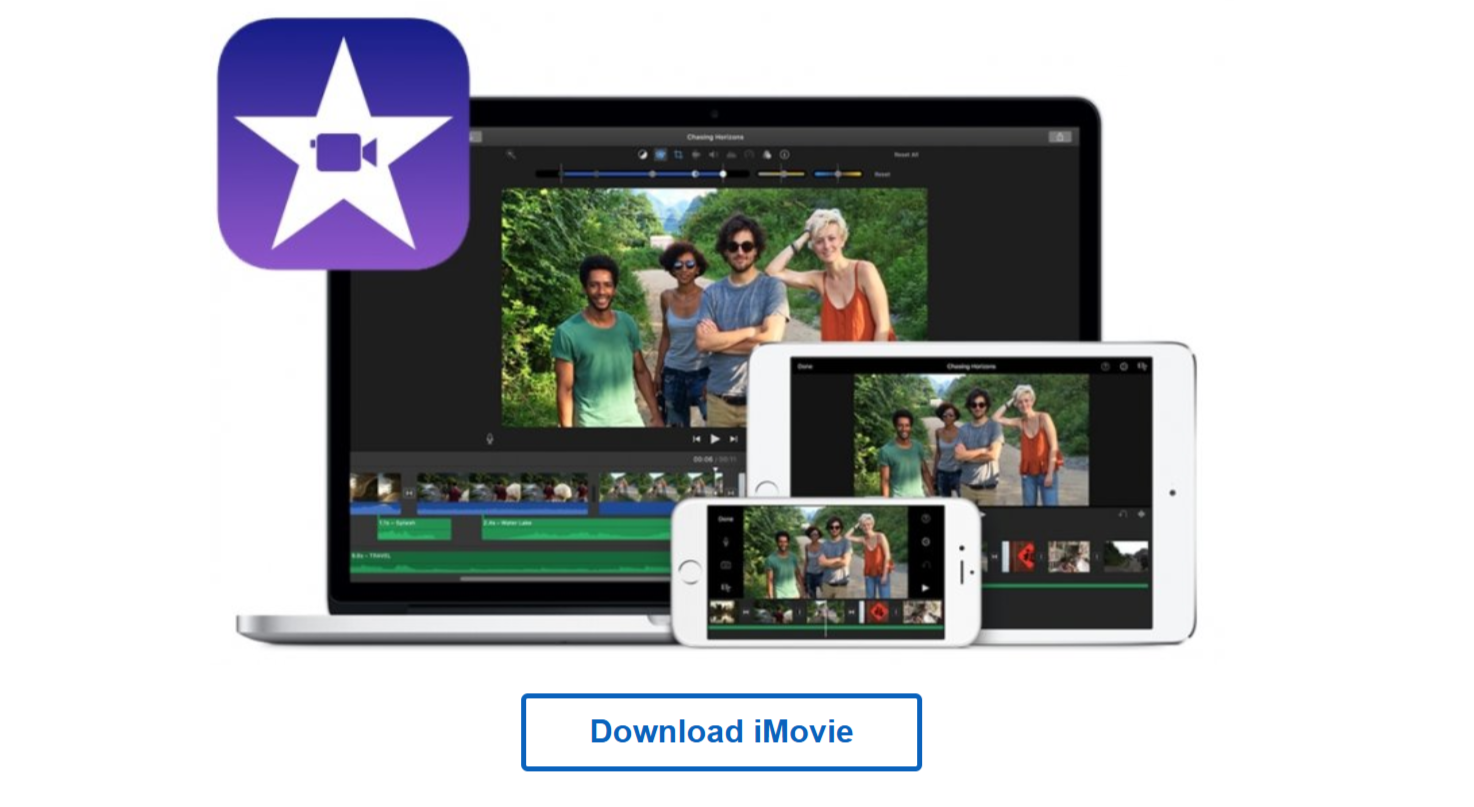
iMovie provides Apple users with surprisingly capable free editing built into macOS and iOS devices. The template based approach simplifies creation while 4K support and green screen capabilities enable professional looking outputs.
Seamless integration with other Apple services and devices streamlines workflow. The familiar interface matches other Apple applications, reducing learning curve for ecosystem users.
Key Features:
- Pre installed on Mac devices requiring zero additional investment
- 4K video support and green screen effects included standard
- Template based workflow simplifies creation for beginners
10. Clipchamp
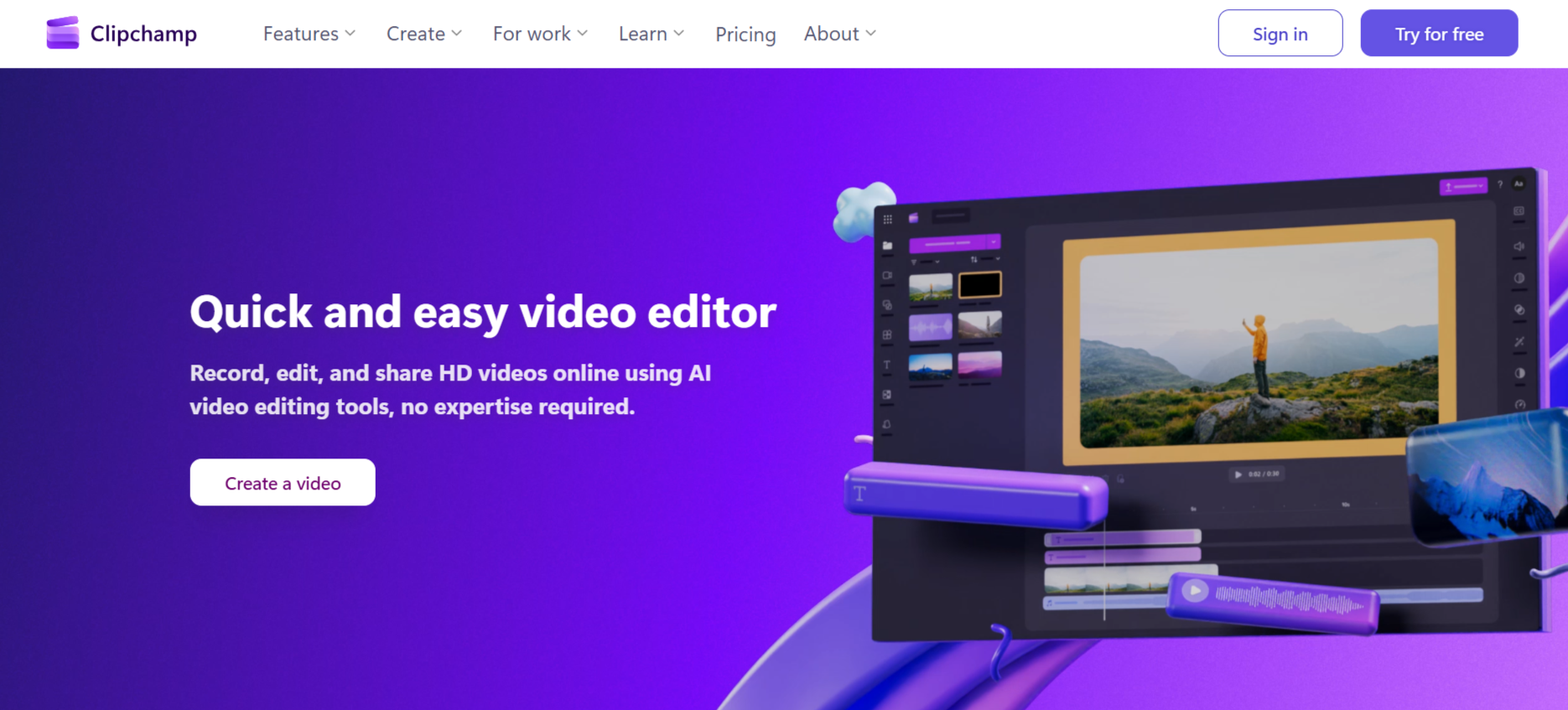
Clipchamp brings browser based editing without software installation requirements. The free tier provides 1080p exports, stock library access, and essential editing tools suitable for social media and web content.
Microsoft acquisition ensures ongoing development and Windows integration. The accessible interface and cloud based workflow appeal to users wanting simplicity over advanced features.
Key Features:
- Browser based editing works on any computer without installation
- 1080p export resolution suitable for social media platforms
- Stock library access and templates streamline content creation
Conclusion
Budget constraints no longer justify amateur video quality. These free tools prove that professional results and zero cost coexist when you choose platforms prioritizing capability over monetization. LiveLink AI leads with comprehensive automation and unrestricted free access, though each tool addresses different editing needs effectively.
Your creative vision deserves proper execution regardless of available budget. Expensive software creates artificial barriers that prevent talented creators from sharing their work, but free alternatives now eliminate those excuses entirely. Quality depends on skill and creativity, not subscription fees.
Start with platforms matching your current skill level and project requirements. Experiment with multiple options to find workflows that feel natural. Invest saved budget into equipment, marketing, or education that compounds creative capabilities over time. The tools exist, free and powerful, waiting for your ideas.
FAQs
Are free video editors actually good enough for professional work?
Absolutely. DaVinci Resolve edits Hollywood films, Lightworks handled major productions, and LiveLink AI produces broadcast quality outputs. Free tools now match or exceed paid alternatives in most editing scenarios. The limiting factor is skill and creativity, not software cost. Professional results depend on understanding composition, pacing, and storytelling rather than expensive subscriptions.
Do free tools have hidden costs or limitations?
Quality free tools like LiveLink AI, DaVinci Resolve, and Shotcut impose no watermarks, export limits, or resolution restrictions. Some platforms like Lightworks limit export formats while HitFilm restricts certain effects to paid tiers. However, core editing functionality remains completely free and capable of producing professional content without ongoing costs.
Can I use free tools for commercial projects?
Yes, most free editors including LiveLink AI, DaVinci Resolve, Shotcut, and OpenShot permit commercial use without licensing fees. Always verify specific license terms, but reputable free tools generally allow monetized content creation. The software itself costs nothing while you retain full rights to created content and any revenue generated.
Which free tool works best for complete beginners?
iMovie offers the gentlest learning curve for Apple users with template based simplicity. Clipchamp provides accessible browser based editing for any platform. However, LiveLink AI removes learning curves entirely through automation that handles technical decisions automatically, enabling beginners to produce professional content immediately without extensive tutorials.
Will free tools slow down my computer?
Performance depends on computer specifications and software optimization. DaVinci Resolve and Kdenlive demand powerful hardware for complex projects. However, Shotcut, OpenShot, and LiveLink AI run smoothly on modest computers. Use proxy editing features in demanding software to maintain performance on older machines, or choose lighter alternatives matching your hardware capabilities.


