

.png)

Podcasting has evolved into one of the most powerful storytelling mediums of our time. With millions of episodes released every week, standing out requires more than just great audio — it requires visibility across multiple platforms. That’s where podcast clip makers come in. These tools help creators repurpose long podcast episodes into short, engaging video snippets for YouTube, TikTok, LinkedIn, and Instagram. By turning audio into shareable, visually appealing clips, these tools help boost discoverability and listener engagement.
After a complete SERP analysis and hands-on testing, here are the Top 10 Free Podcast Clip Maker Tools that allow you to transform your episodes into viral clips, fully online and with AI assistance.
1. LiveLink AI
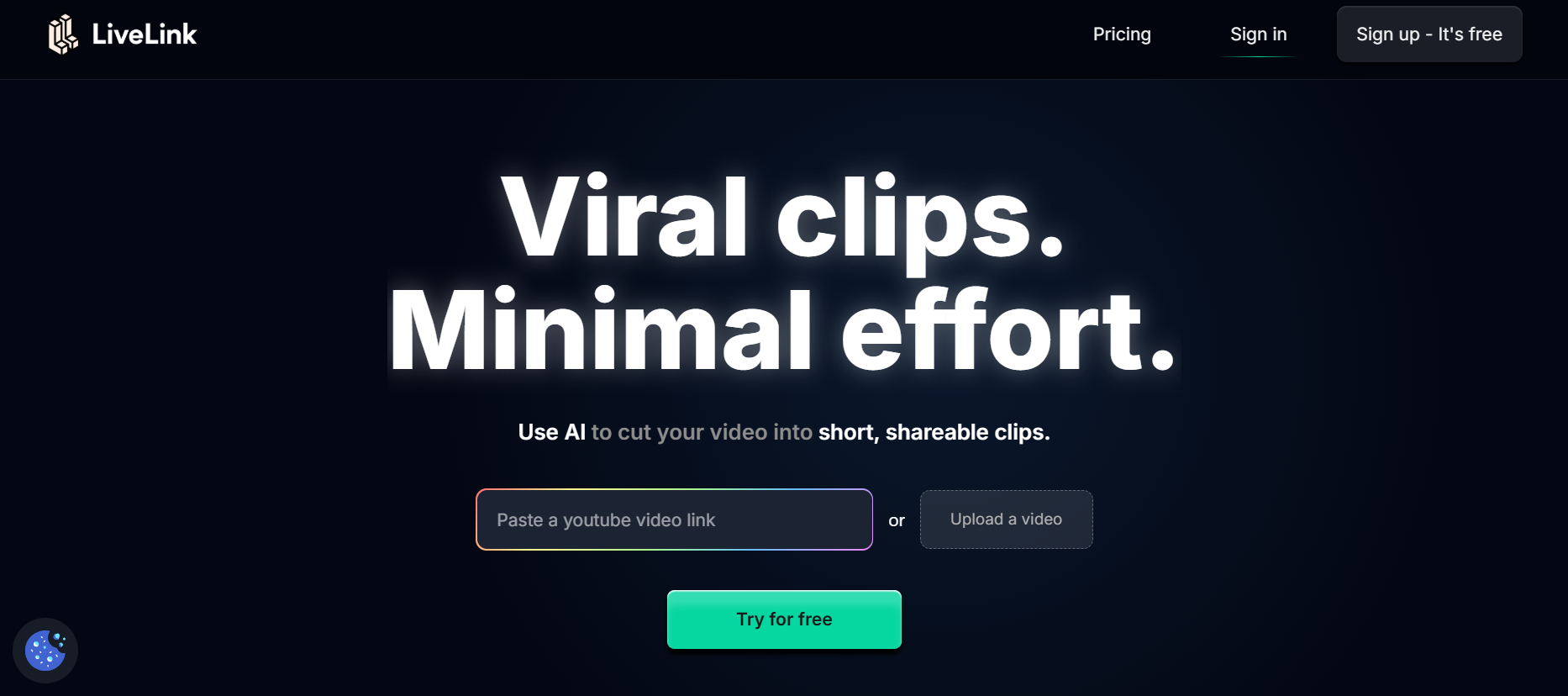
LiveLink.ai tops this list as one of the most advanced AI-powered podcast clip maker tools available online. It enables users to upload or paste podcast episode links and automatically generates ready-to-share video clips within minutes. The platform uses intelligent speech recognition to detect highlights, emotional cues, and key talking points, then converts them into social-ready clips in different formats (square, vertical, or widescreen).
With AI-driven subtitle generation, background music enhancement, and auto-branding, LiveLink.ai makes podcast repurposing fast, professional, and effortless. Whether you’re a podcaster, marketer, or media editor, LiveLink.ai ensures your best moments never go unnoticed.
• AI identifies highlights and key soundbites automatically.
• Converts podcast episodes into social-ready video clips.
• Exports in vertical, square, and widescreen formats.
• Includes subtitles, branding, and HD exports.
2. VEED
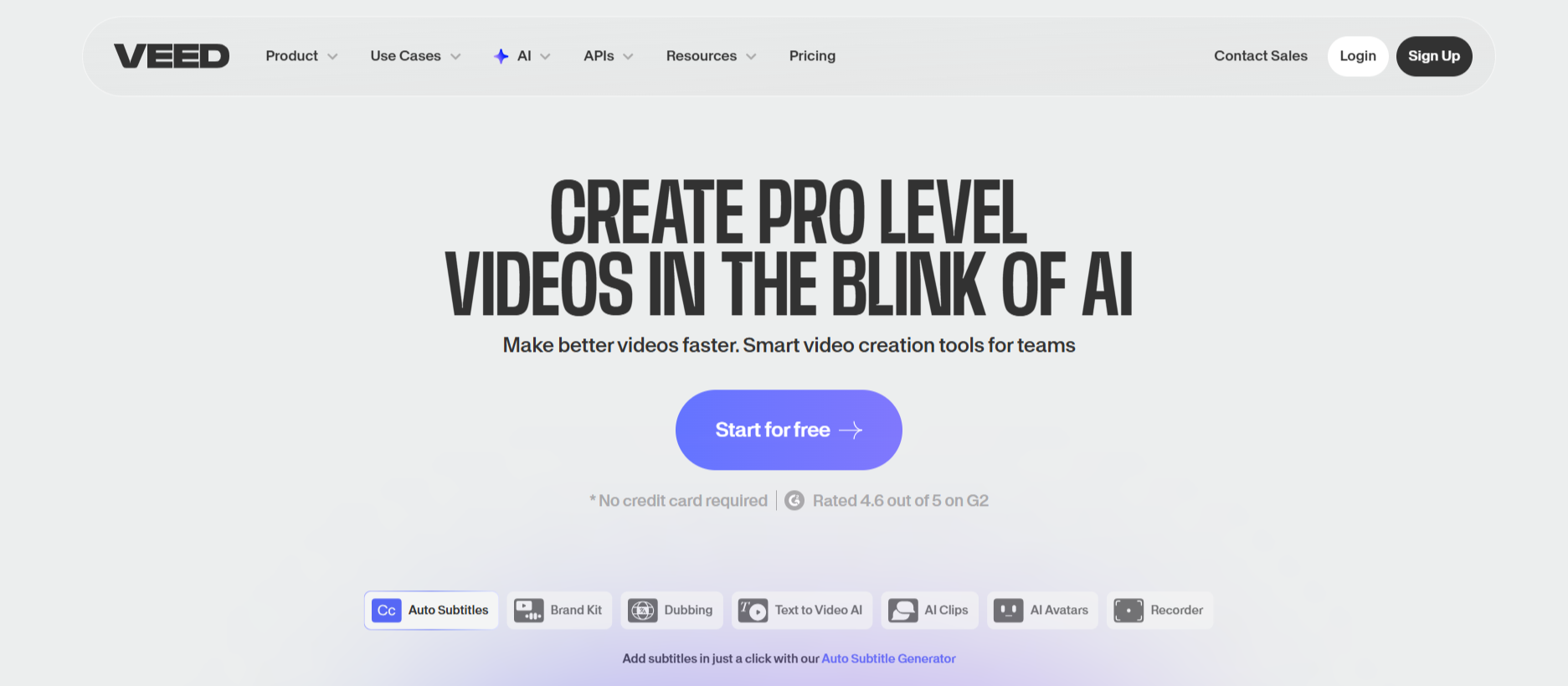
VEED offers one of the smoothest browser-based experiences for podcast clip creation. You can upload an episode or import from cloud storage, trim the best moments, and add subtitles or progress bars instantly. VEED’s AI captioning tool ensures perfect timing, while its text overlays and background templates make your clips look professional. What sets it apart is its simplicity — even non-editors can create polished, social-ready content in minutes. For podcast creators who want to post highlights on YouTube Shorts, TikTok, or Instagram Reels, VEED delivers reliability, speed, and creative control.
• Easy upload and trimming interface for all users.
• Auto-generated captions with accurate timing.
• Custom text, logos, and background templates.
• Works fully online, no downloads required.
3. Headliner
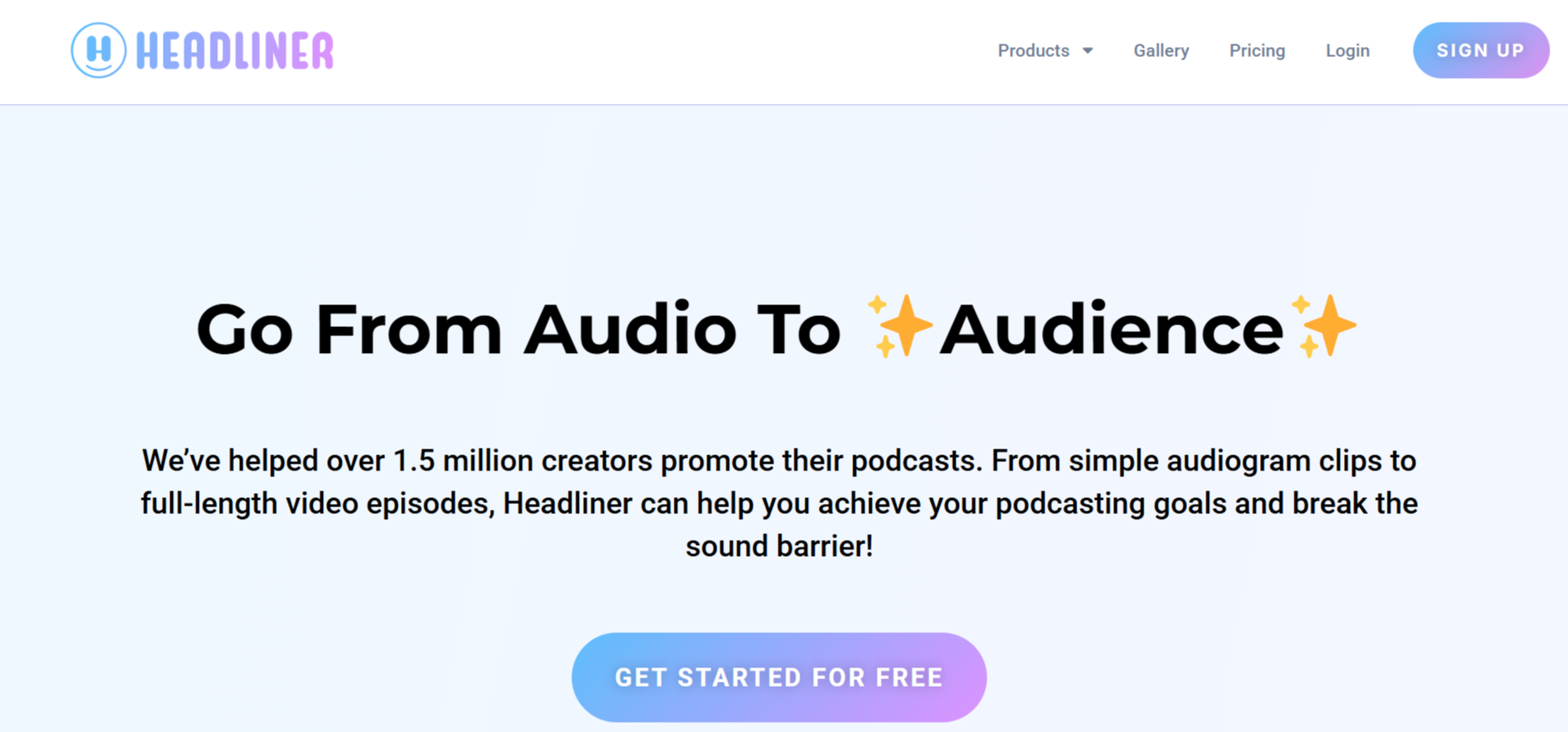
Headliner is one of the most popular tools among podcasters for turning audio into video clips. It automatically creates waveform animations and subtitles, allowing your podcast to stand out visually. You can paste an RSS feed or upload audio directly, and Headliner’s AI will generate short highlight clips optimized for social platforms. The customization options are excellent — users can add titles, brand colors, images, and progress bars. For creators who want quick, visually appealing podcast snippets, Headliner remains a reliable, professional-grade choice.
• Converts audio into dynamic, animated video clips.
• Supports RSS feed imports for automation.
• Includes subtitles, progress bars, and templates.
• Free version supports multiple clips per month.
4. Pictory AI
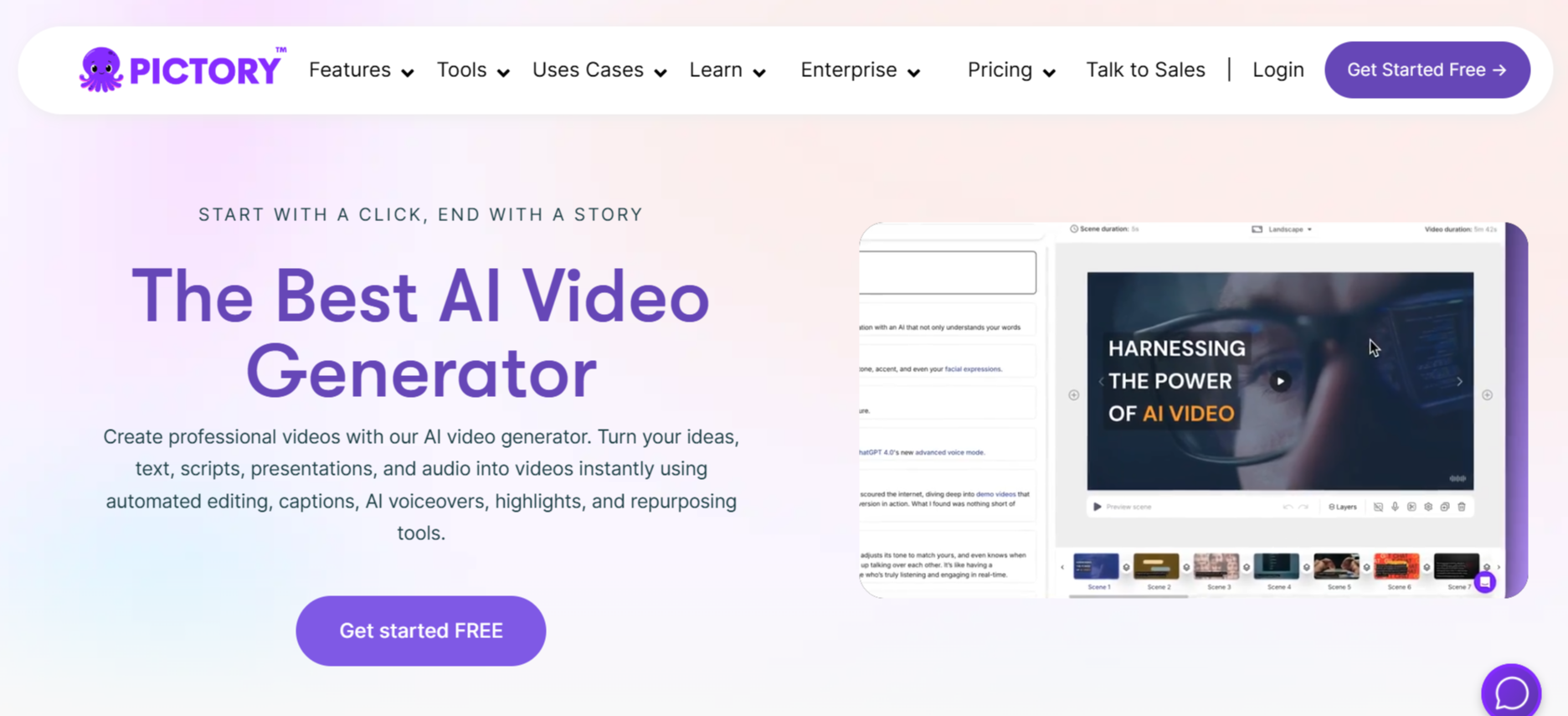
Pictory takes podcast repurposing to another level with its AI-based content summarization and video creation system. Upload a full episode or paste a link, and Pictory identifies your best segments using NLP (Natural Language Processing). It then turns them into visual clips with captions, stock footage, and background music automatically. Pictory also allows you to convert transcripts into short highlight videos — perfect for creators who want to repurpose long-form podcast content without manual editing.
• AI selects the most engaging podcast moments.
• Automatically adds visuals, captions, and soundtracks.
• Great for content repurposing and promotion.
• Cloud-based, no technical skills required.
5. OpusClip
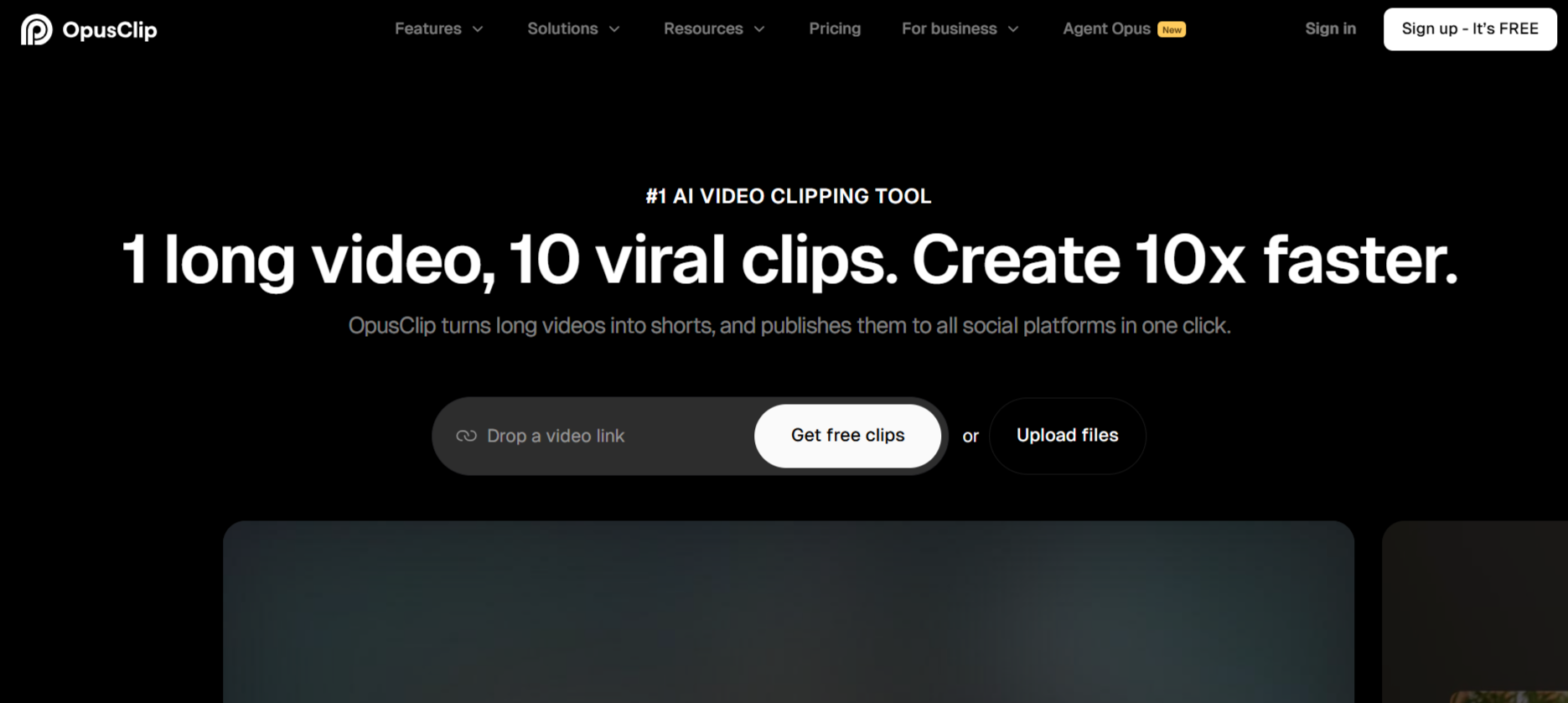
OpusClip is a viral clip generator powered by generative AI, designed specifically for long-form audio and video content. When you upload a podcast or provide a link, OpusClip analyzes speech patterns, engagement cues, and context to detect highlights. It then generates multiple clips, each optimized for social platforms. The tool automatically adjusts aspect ratios, adds captions, and recommends the best parts to post for virality. Podcasters who want fast results and data-driven clip generation will find OpusClip a powerful ally.
• AI scans podcasts for high-retention moments.
• Generates multiple ready-to-post clips.
• Automatically captions and resizes videos.
• Free plan offers generous export options.
6. Descript
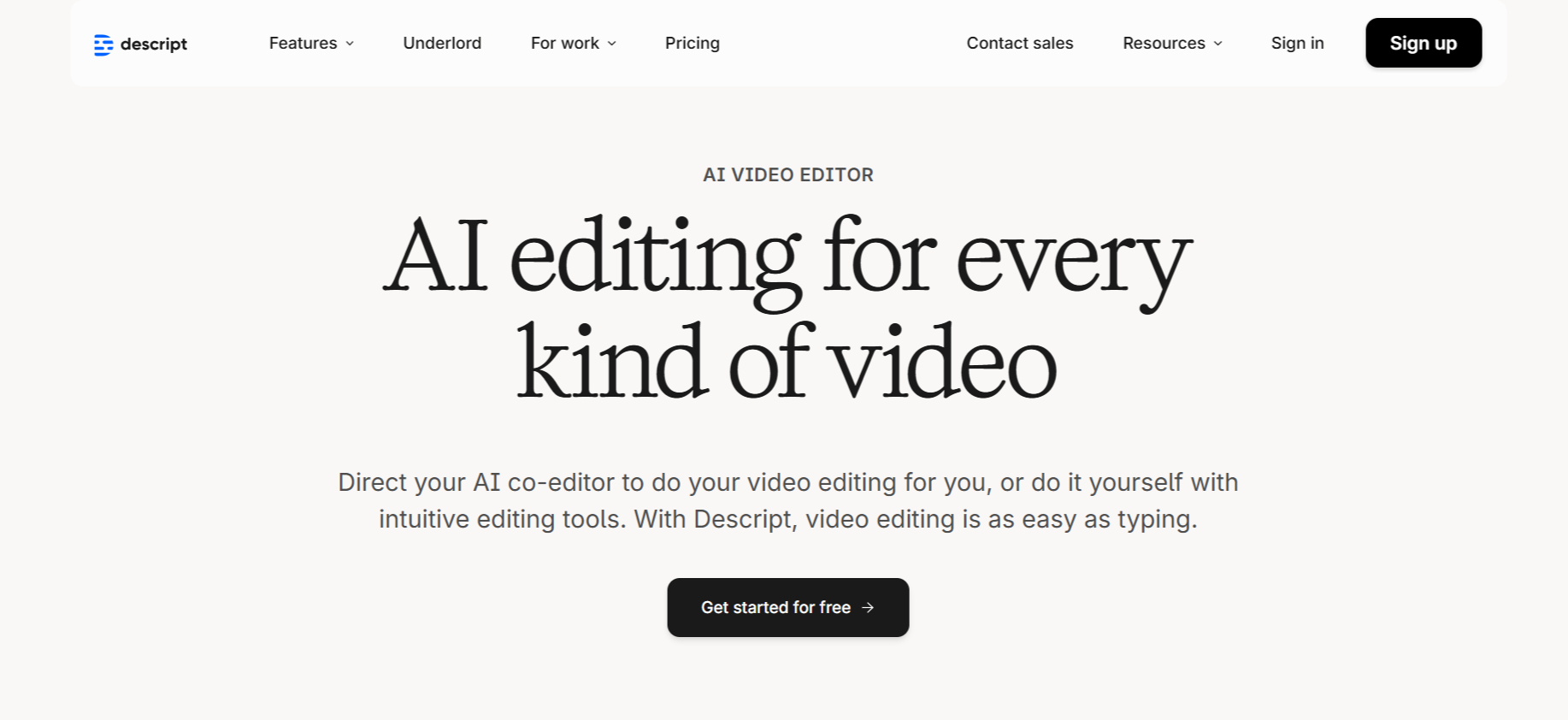
Descript isn’t just an editing tool — it’s an all-in-one transcription, editing, and clip-making platform. Users can upload podcast files or record directly, and Descript’s AI instantly transcribes the audio. You can then highlight sections of text, and those selections automatically become video or audio clips ready for export. It includes templates for social sharing, dynamic subtitles, and sound enhancements. Descript is ideal for podcast teams who want total control over both sound and visuals in one platform.
• Transcribes and edits podcasts through text.
• Convert highlights into short, shareable clips instantly.
• Offers templates for social posts and branding.
• Cloud-synced collaboration for teams.
7. Munch
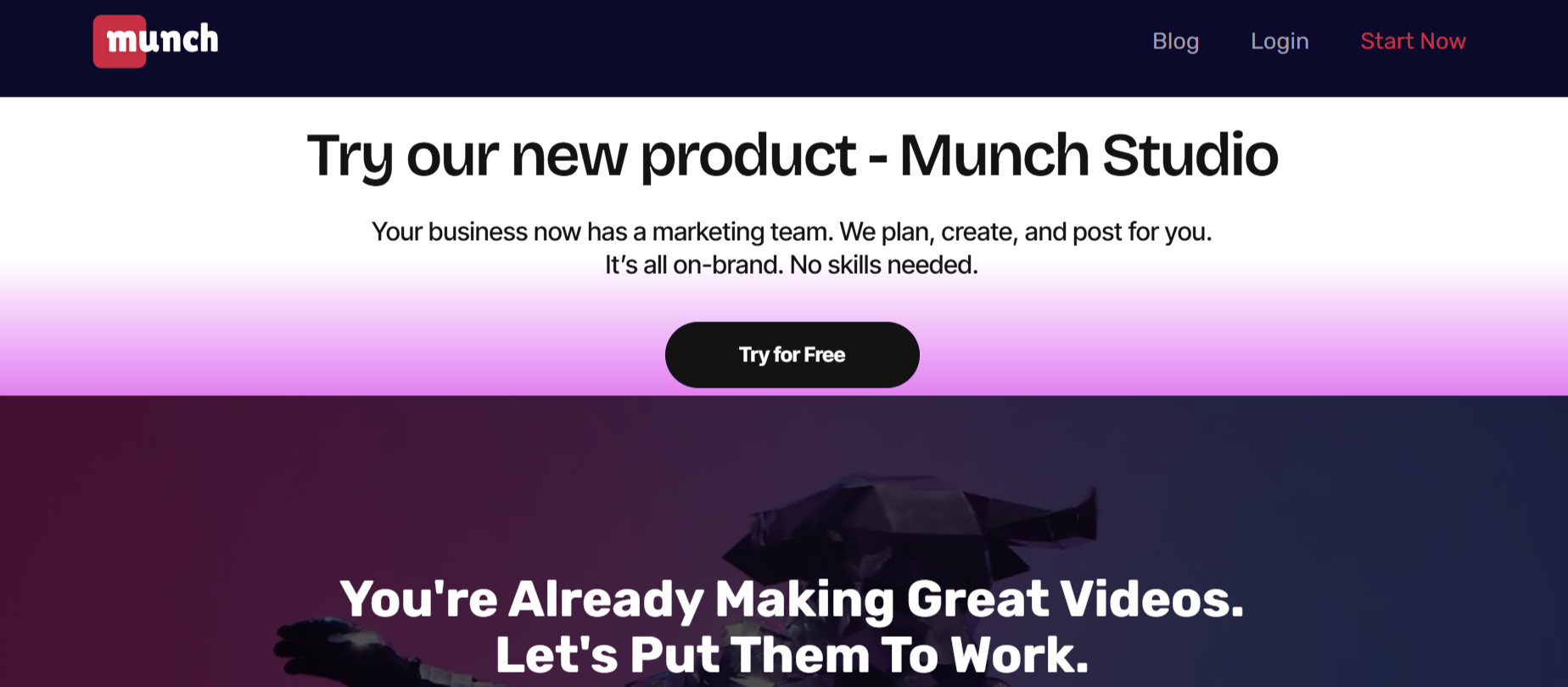
Munch is an AI-driven video repurposing platform that also supports podcasts and long-form audio. It identifies compelling parts of your episode and converts them into engaging short clips automatically. Munch integrates with YouTube, Zoom, and social platforms, helping creators publish directly without switching tools. Its AI is trained to detect emotional peaks, keywords, and trending topics, ensuring the generated clips resonate with audiences. It’s a fantastic option for marketing agencies or content teams that handle multiple podcasts.
• Extracts viral moments automatically using AI.
• Integrates directly with YouTube and social media.
• Offers auto-captioning and keyword-based tagging.
• Best for creators managing multiple shows.
8. Wavve
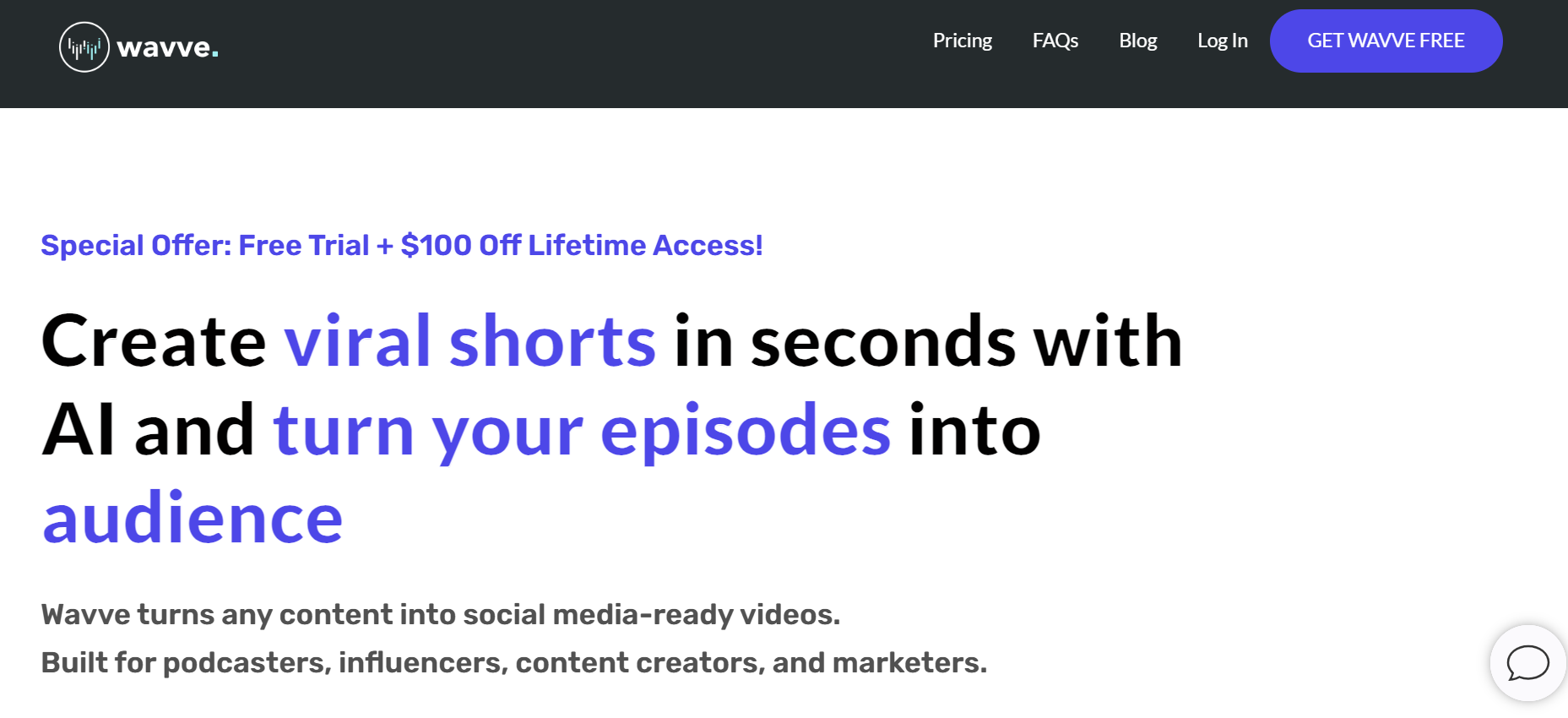
Wavve specializes in transforming podcast audio into engaging, shareable visuals. You can upload an audio segment, choose from pre-built templates, add waveform animations, and include captions or brand logos. Wavve’s editor is user-friendly and designed specifically for creators who want high-quality clips without the complexity of traditional editing software. It’s ideal for personal brands, agencies, and indie podcasters who need polished visual content on a budget.
• Simple drag-and-drop waveform video creation.
• Built-in caption generator and logo placement.
• Customizable templates for different platforms.
• Great for short podcast teasers and social content.
9. Audiogram by Auphonic
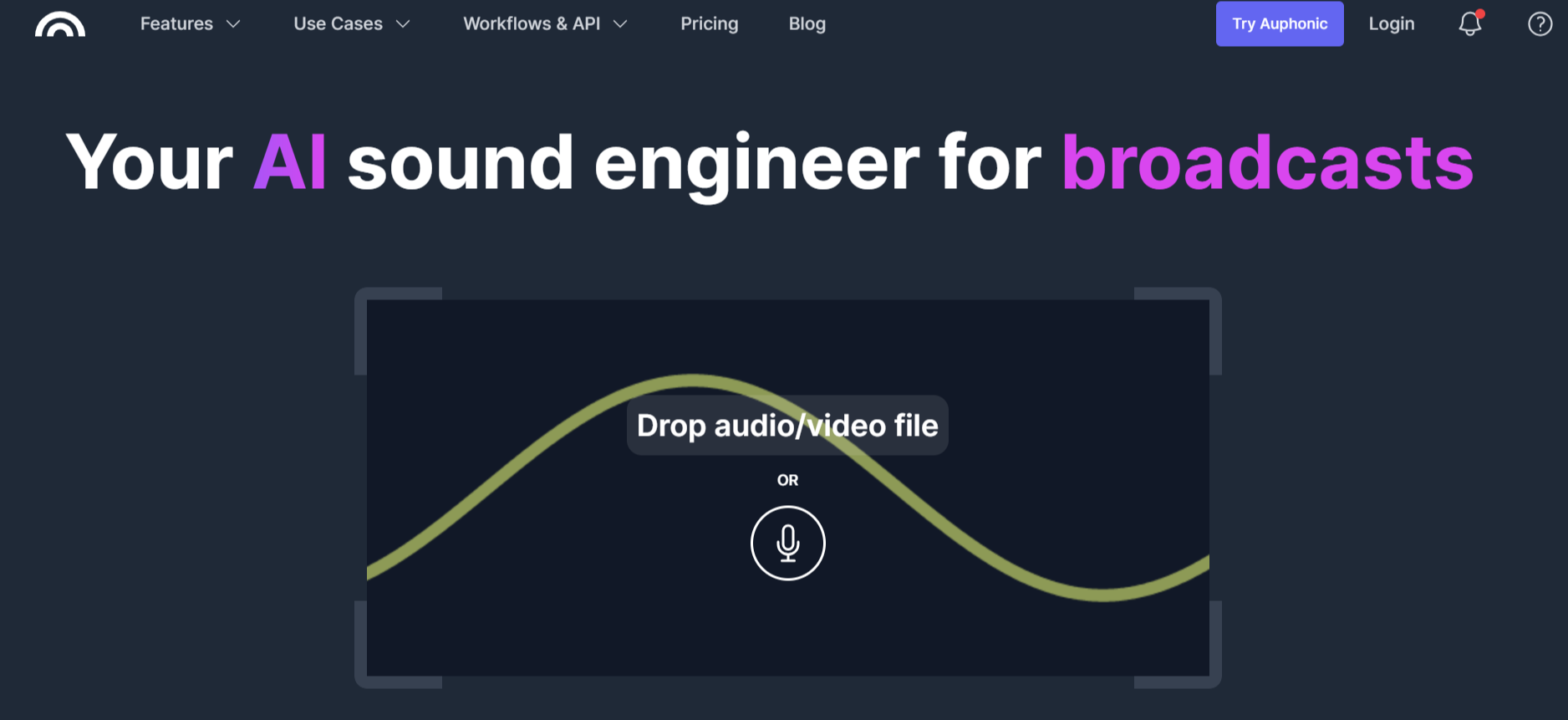
Auphonic is widely known for its audio post-production capabilities, but its Audiogram tool adds a visual layer perfect for podcast clip making. It allows you to generate short, captioned clips with waveform animation from your audio. The platform balances sound levels automatically, adds branding elements, and exports clips optimized for social sharing. It’s an excellent choice for creators who prioritize clean audio and visual quality in their promotions.
• Generates animated audiograms with captions.
• Balances and enhances audio quality automatically.
• Custom branding support with logo and color themes.
• Ideal for sound engineers and professional creators.
10. Recast Studio
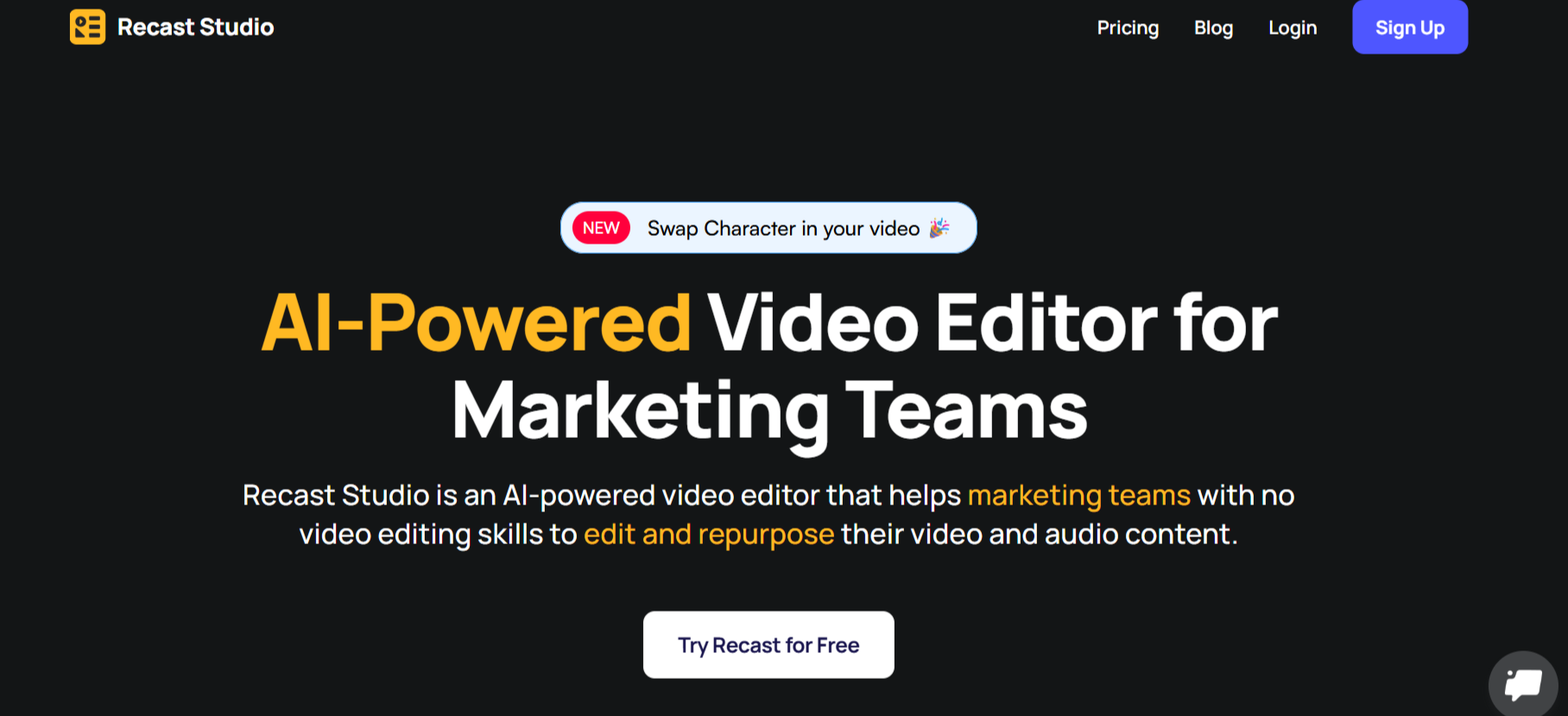
Recast Studio offers a complete online editing environment for podcast highlights. You can upload your episode, select sections visually, and export them as short clips with automatic captions and branding. Its AI-assisted timeline makes it easy to identify and isolate key moments. Recast’s template system ensures consistent style across all your clips, while its one-click social exports save time for busy creators.
• Simple timeline editing with AI-assisted detection.
• Automatic subtitles and export templates.
• Branded layout options for different social platforms.
• Fully online and free to start.
Final Thoughts
The podcast industry thrives on storytelling, but the real magic happens when those stories reach new audiences through short, engaging clips. These AI-powered tools make it easy for creators to repurpose long episodes into viral content for any platform. While each tool offers unique strengths, LiveLink.ai stands out for its combination of precision, automation, and export quality. For creators who want to save hours of editing time and maximize audience reach, LiveLink.ai remains the ultimate choice for turning podcasts into powerful visual content.
FAQs
Q1: Can I use these tools to make clips from audio-only podcasts?
A1: Yes, all tools listed support audio uploads or podcast RSS feeds to generate video clips automatically.
Q2: Are these platforms free to use?
A2: Each tool offers a free plan with essential clip creation features and limited monthly exports.
Q3: Which tool is best for AI-generated highlights?
A3: LiveLink.ai and OpusClip use AI to detect engaging, high-retention segments automatically.
Q4: Can I customize branding and captions?
A4: Yes, tools like LiveLink AI, VEED, Wavve, and Recast Studio offer full customization for logos, fonts, and subtitles.
Q5: Which tool provides the best professional results overall?
A5: LiveLink.ai delivers the most balanced mix of automation, accuracy, and export quality for professional podcast promotion.


