

.png)

Creating engaging short-form content has become non-negotiable for anyone serious about social media growth in 2026, but manually editing dozens of clips from longer videos consumes hours that most creators simply don't have. Whether you're a podcaster who needs to extract highlight moments for TikTok, a YouTuber repurposing streams into Shorts, or a marketer transforming webinars into bite-sized social posts, the right AI clip maker turns what used to be a full-day editing session into a 10-minute automated process.
The difference between basic video editors and AI clip makers is massive: traditional tools make you hunt for good moments manually and edit each clip from scratch, while intelligent AI clip makers analyze your entire video automatically, identify the most engaging segments, and generate multiple platform-ready clips complete with captions and formatting. In this detailed guide, we're breaking down the ten best free AI clip maker websites that content creators actually trust in 2026, focusing on tools that deliver genuine time savings and professional results without forcing you through complicated learning curves or expensive subscription paywalls.
1. LiveLink AI Clip Maker

LiveLink AI combines powerful content analysis with an intuitive interface that makes creating viral-ready clips remarkably simple. The platform automatically generates multiple short clips from your long-form videos, with AI that identifies engaging moments and creates content optimized for TikTok, Instagram Reels, and YouTube Shorts. LiveLink's facial recognition technology keeps speakers perfectly centered and framed throughout clips, while the automatic caption feature adds styled text overlays that you can customize and save as brand templates.
What makes LiveLink AI particularly valuable is its direct YouTube channel integration, letting you access your entire video library without downloading files or copying URLs manually. Content creators save significant time because LiveLink handles clip selection, aspect ratio optimization, and caption generation automatically, producing platform-ready content that requires minimal editing. For podcasters, educators, streamers, and businesses who need consistent short-form content, LiveLink delivers professional results through automated processes that work with just a few clicks.
Key Features:
- AI generates 20+ optimized clips automatically from single long-form videos
- Advanced facial recognition keeps speakers perfectly centered and framed
- Direct YouTube channel integration provides instant access to entire video libraries
- Automatic captions with customizable branding templates for consistent styling
2. OpusClip Pro
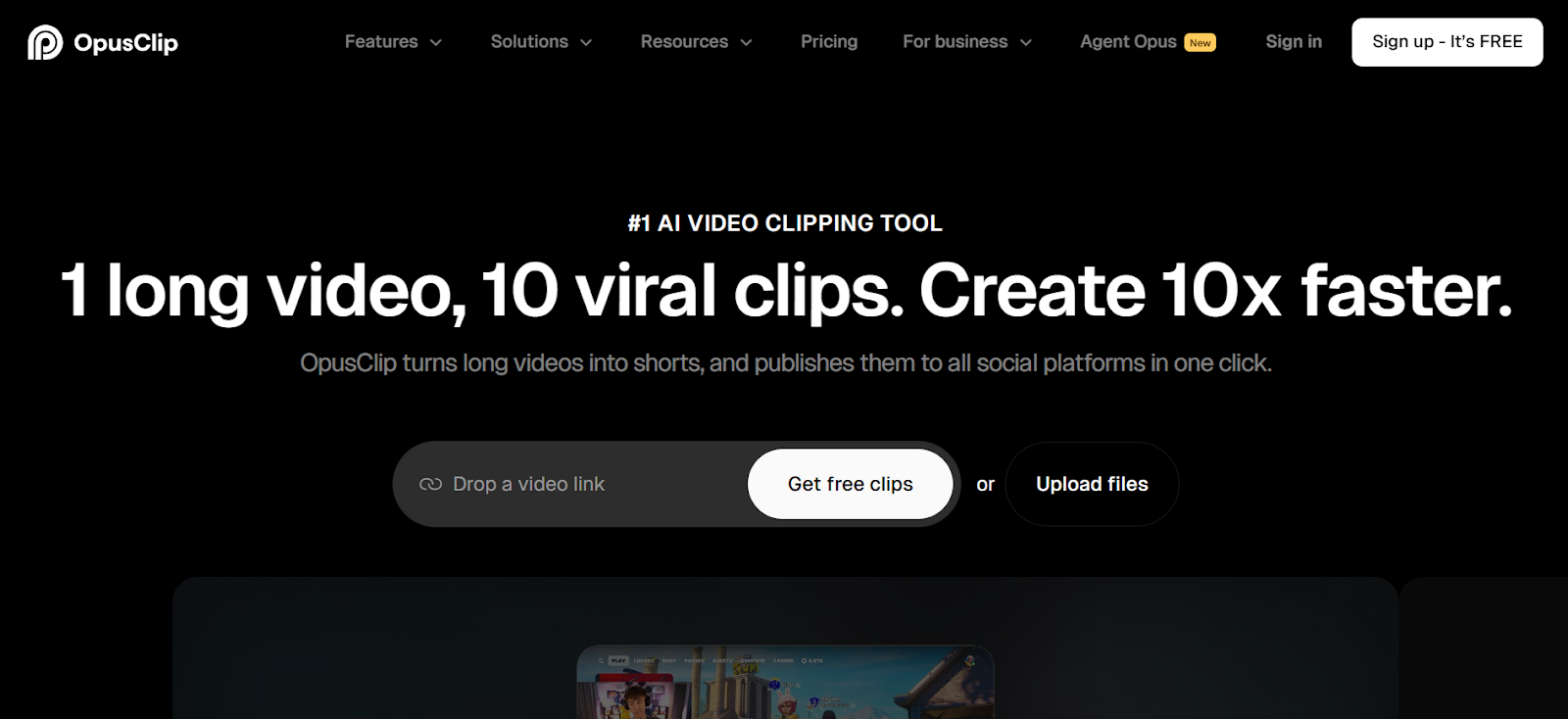
OpusClip Pro has earned its reputation among podcasters and long-form content creators with AI clipping that assigns virality scores to every generated clip. The platform analyzes your videos and creates multiple short clips automatically, each receiving a score from 1-100 predicting its viral potential based on engagement patterns from millions of videos. OpusClip handles talking-head content, interviews, and educational videos particularly well, identifying natural conversation breaks and compelling moments that translate to engaging social media clips.
The tool recently expanded beyond short-form with mid-form clip generation (3-15 minutes) and AI B-roll insertion that adds contextual footage automatically. OpusClip's social media scheduler lets you plan and automate posting directly to TikTok, Instagram, YouTube, and LinkedIn from the same dashboard. The free plan provides 60 minutes of processing monthly, making it accessible for creators testing AI clipping capabilities.
Key Features:
- Virality score (1-100) predicts engagement potential for each clip
- AI B-roll generator adds contextual footage automatically
- Social media scheduler posts directly to multiple platforms
- Free plan offers 60 minutes monthly; paid plans start at $15/month
3. Vizard AI Clip Maker
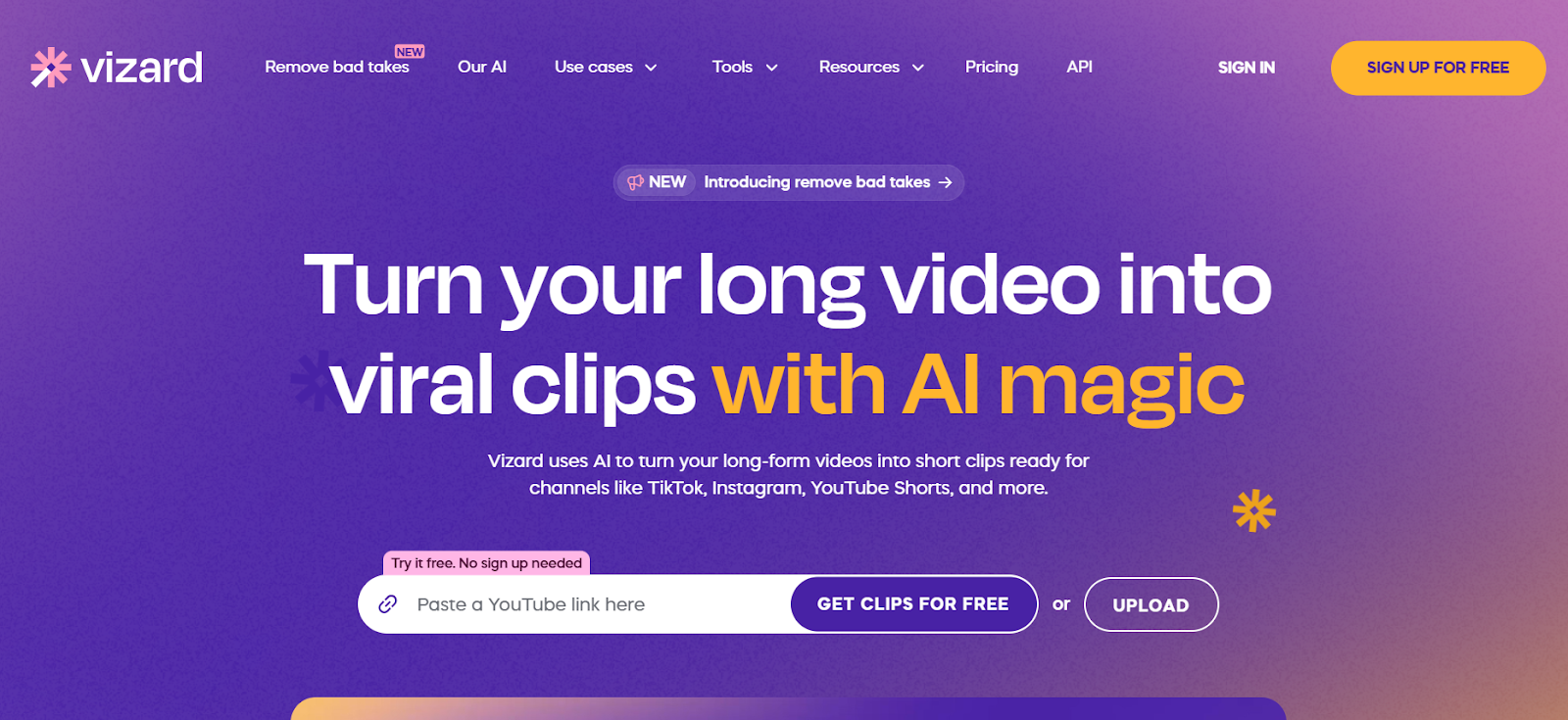
Vizard AI specializes in creating highly captivating short clips with AI that identifies the most engaging moments from your videos automatically. The platform requires no signup for basic use, letting you start generating clips immediately by uploading videos or pasting YouTube links. Vizard's AI analyzes content comprehensively, considering factors like speech patterns, visual changes, and audio dynamics to identify segments that capture attention. The tool creates clips formatted specifically for TikTok, Instagram Reels, and YouTube Shorts with appropriate aspect ratios and length requirements handled automatically.
Vizard includes automatic subtitle generation in multiple languages and provides editing controls for refining AI-generated clips before export. The platform works entirely online without software installation, processing videos quickly on cloud servers regardless of your device specifications.
Key Features:
- No signup required for immediate clip generation
- AI analyzes speech, visuals, and audio for engagement identification
- Automatic formatting for TikTok, Instagram Reels, YouTube Shorts
- Cloud-based processing works on any device
4. Munch AI Video Editor
Munch has built a following among content creators and businesses with its AI that detects trends and suggests relevant content moments for clipping. The platform uses machine learning designed to identify the most important elements in each video, analyzing trending topics and marketing insights to create clips that align with current social media trends. Munch handles automatic editing, caption generation, and aspect ratio adjustments, optimizing clips for performance across YouTube, TikTok, and Instagram.
The tool includes collaborative editing features that let teams work together on clip projects, making it valuable for agencies and content teams. Munch's keyword research functionality helps identify topics worth clipping and suggests content strategies based on trending searches. While powerful, the platform starts at $49/month, positioning it as a premium option for serious creators.
Key Features:
- AI detects trends and suggests relevant content for clipping
- Collaborative editing supports team workflows
- Keyword research identifies trending topics worth clipping
- Pro plan starts at $49/month for 200 minutes monthly
5. Quso ai Clip Maker
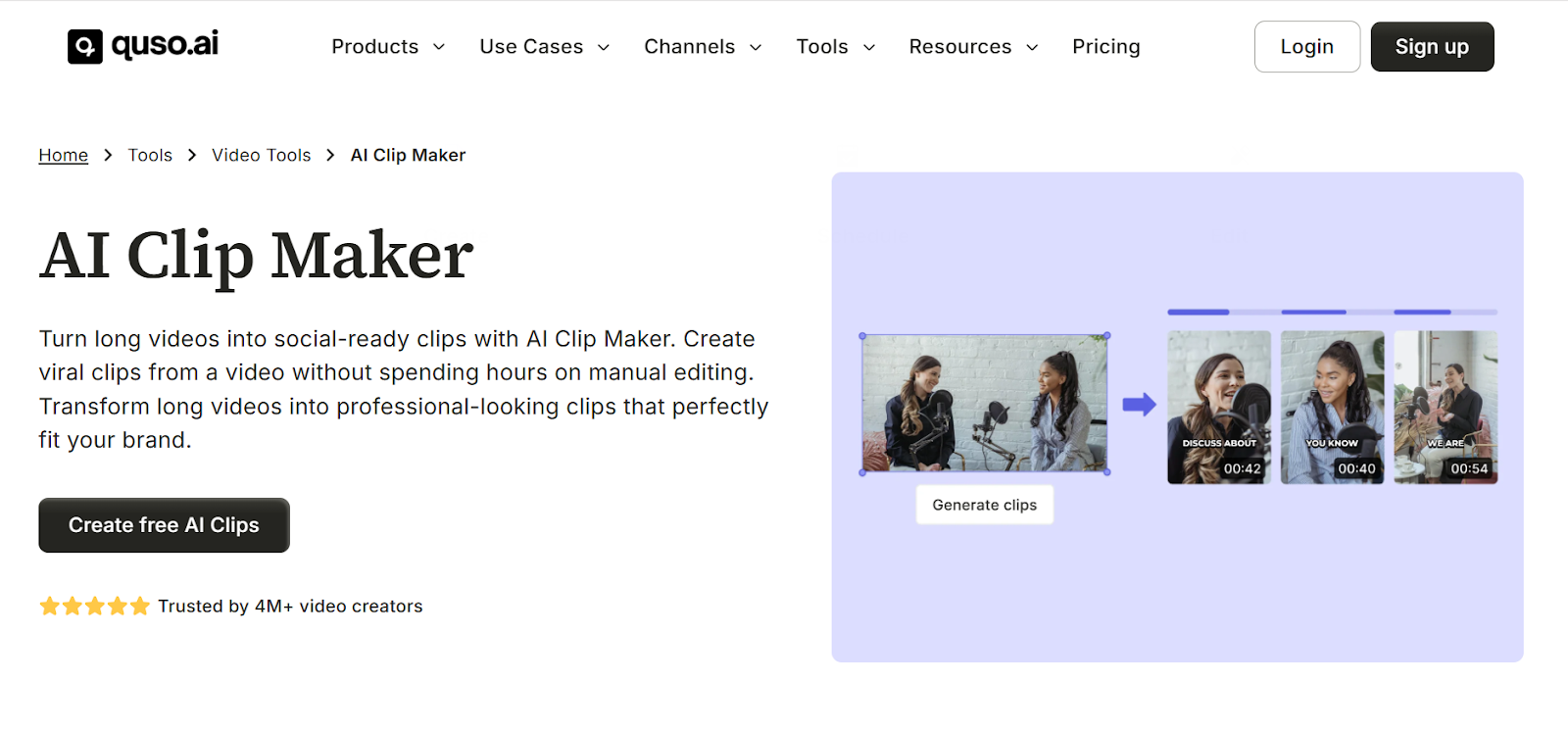
Quso ai (formerly Vidyo ai) has evolved into a complete social media AI suite that combines video clipping with scheduling, analytics, and content management in one platform. The tool automatically converts long-form content into short clips for TikTok, Instagram Reels, and YouTube Shorts by analyzing your videos and identifying the best moments worth sharing. Quso.ai offers different templates and finds engaging clips automatically, letting you create hundreds of clips from existing content without manual editing.
What makes Quso.ai particularly valuable is its all-in-one approach that replaces multiple tools like Opus Clip, Hootsuite, and Buffer at a fraction of the cost. You can import videos directly from YouTube or upload files up to 15GB, then generate clips, add auto-subtitles, create show notes, and schedule posts across multiple social platforms from the same dashboard. The platform supports English, Spanish, German, and French with more languages coming soon. Quso.ai offers a free trial with limited credits, with paid plans starting at $49/month that provide comprehensive social media management alongside AI clipping capabilities.
Key Features:
- All-in-one platform combines AI clipping with scheduling and analytics
- Integrated B-roll library with royalty-free stock media
- Supports videos up to 15GB with direct YouTube import
- Free trial available; paid plans start at $49/month
6. InVideo AI Clip Maker
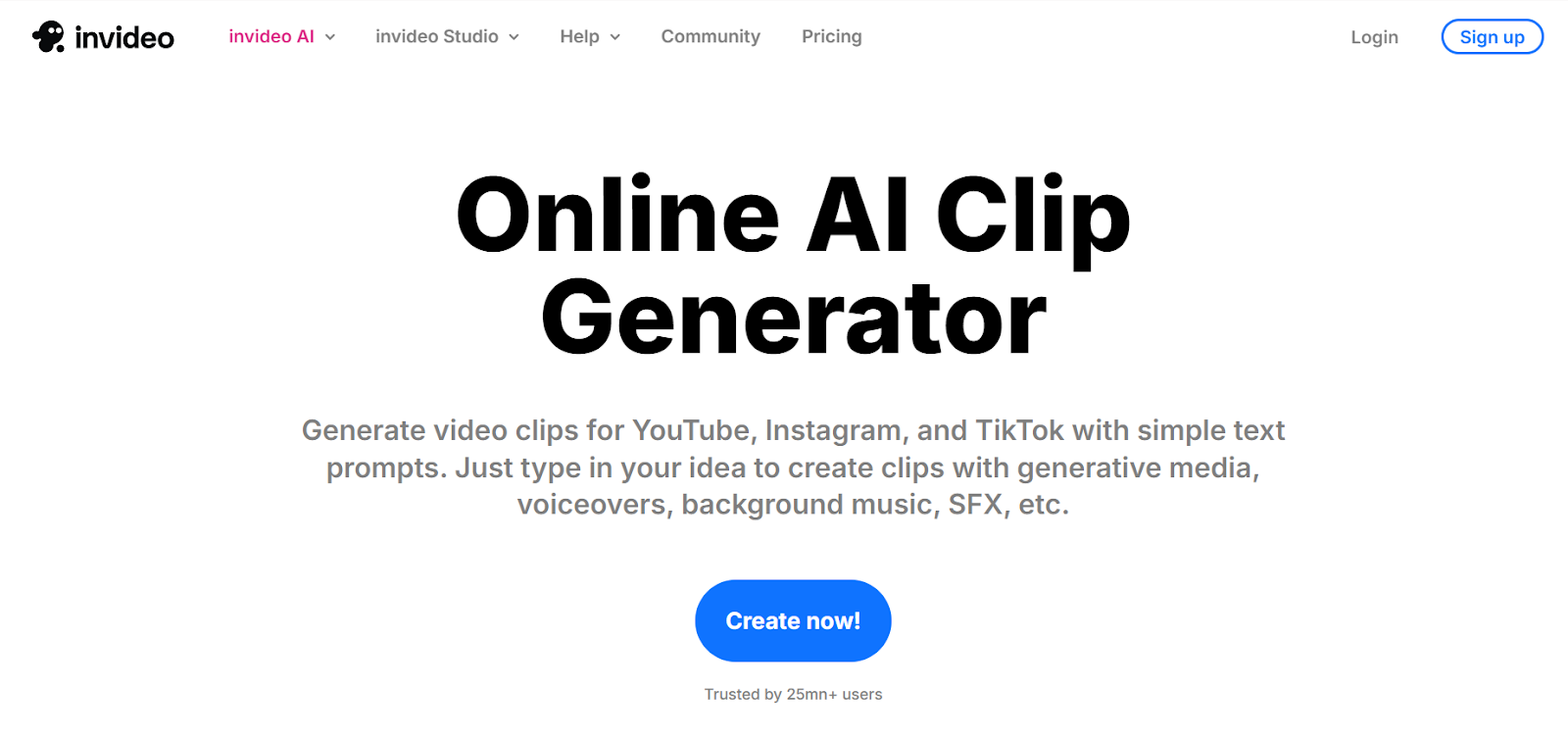
InVideo AI brings prompt-based video creation to clip making, letting you describe the type of clips you want and watching the AI generate them automatically. The platform accepts uploaded videos or direct links and processes content based on your instructions, whether you want highlight reels, tutorial segments, or promotional clips. InVideo AI's editing capabilities go beyond simple clipping, including transitions, effects, and text overlays that create polished, professional-looking content. The tool supports multiple languages and accents with high transcription accuracy, making it valuable for international content creators. InVideo AI includes a magic box feature that accepts simple commands like "change the accent," "delete scenes," or "change language," making editing as easy as chatting with an assistant.
Key Features:
- Prompt-based generation creates clips from text descriptions
- Magic box accepts simple chat commands for editing
- Multi-language support with high transcription accuracy
- Includes transitions, effects, and text overlays automatically
7. Snapy ai Clip Generator
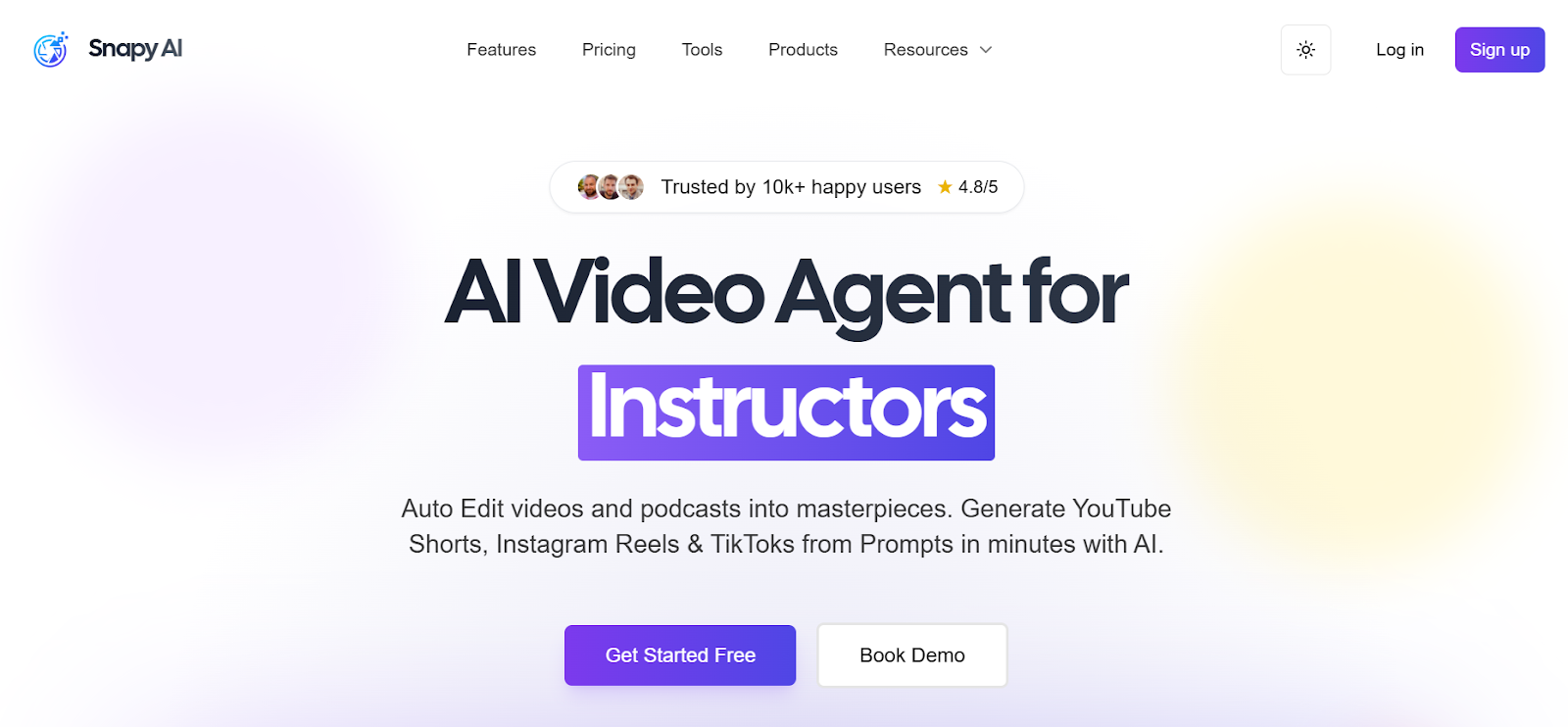
Snapy ai delivers fast, efficient clip generation with AI that processes videos quickly and identifies shareable moments automatically. The platform focuses on simplicity, offering a streamlined interface that eliminates complexity while maintaining powerful AI capabilities. Snapy.ai creates clips with automatic captions, handles aspect ratio conversion for different platforms, and provides basic editing tools for refining AI-generated content. The tool works well with various content types including vlogs, tutorials, gaming videos, and talking-head content. Snapy ai's processing speed is notably fast, typically generating multiple clips from hour-long videos in just minutes. The platform offers competitive pricing with a free tier that lets creators test functionality before committing to paid plans.
Key Features:
- Fast processing generates clips in minutes from long videos
- Streamlined interface eliminates unnecessary complexity
- Works with vlogs, tutorials, gaming content, and talking-head videos
- Competitive pricing with functional free tier
8. Virbo AI Clip Maker
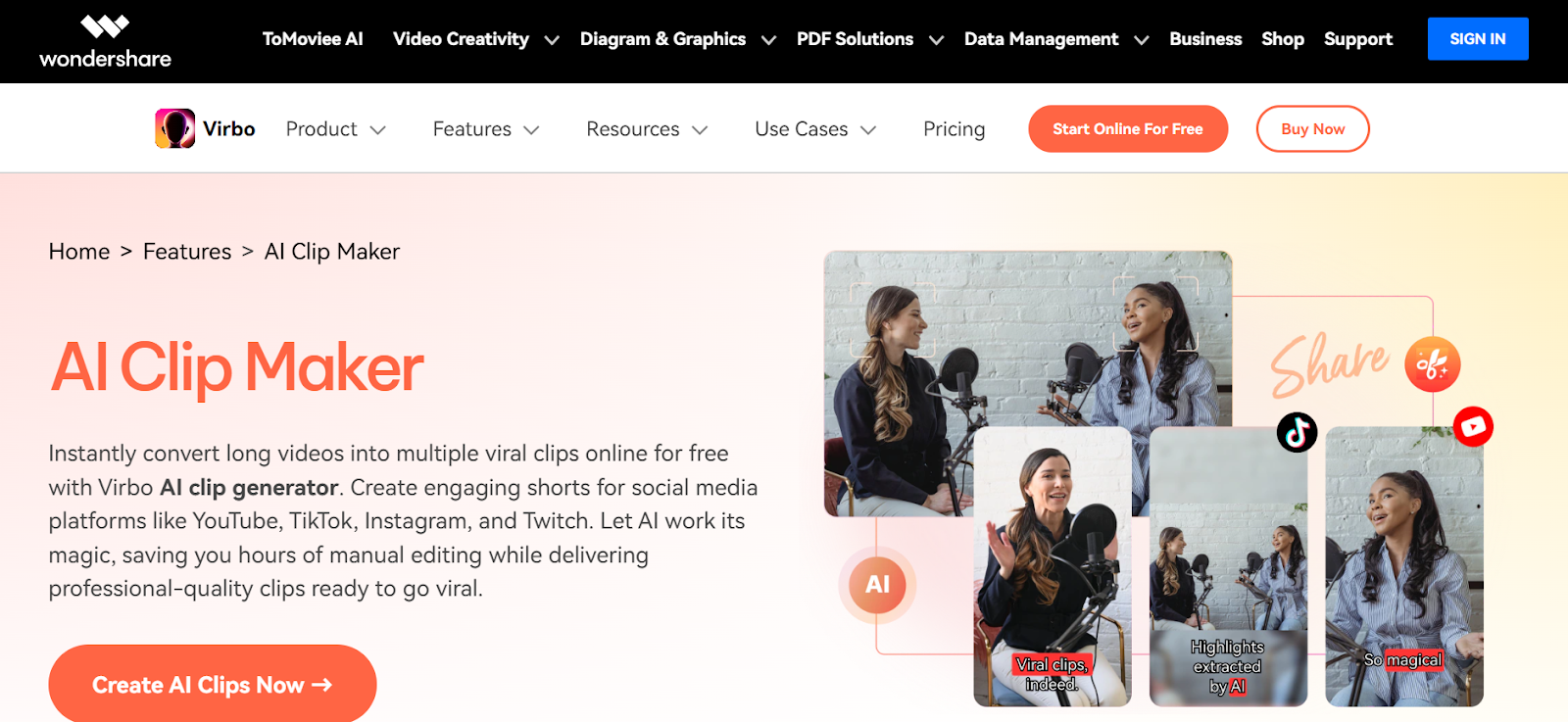
Virbo by Wondershare converts long videos into multiple viral clips with AI designed specifically for creating engaging content for YouTube, TikTok, Instagram, and Twitch. The platform's AI analyzes videos for moments likely to generate engagement, considering factors like energy levels, visual interest, and content structure. Virbo creates clips with professional-quality edits including smooth transitions and dynamic pacing that keep viewers watching. The tool includes automatic subtitle generation with customizable styling and supports batch processing for creators who need to generate clips from multiple source videos simultaneously. Virbo works entirely online, eliminating software installation requirements and making it accessible from any device with a browser.
Key Features:
- AI analyzes energy levels and visual interest for engagement
- Professional edits include smooth transitions and dynamic pacing
- Batch processing handles multiple source videos simultaneously
- Works entirely online without software installation
9. HubSpot Clip Creator
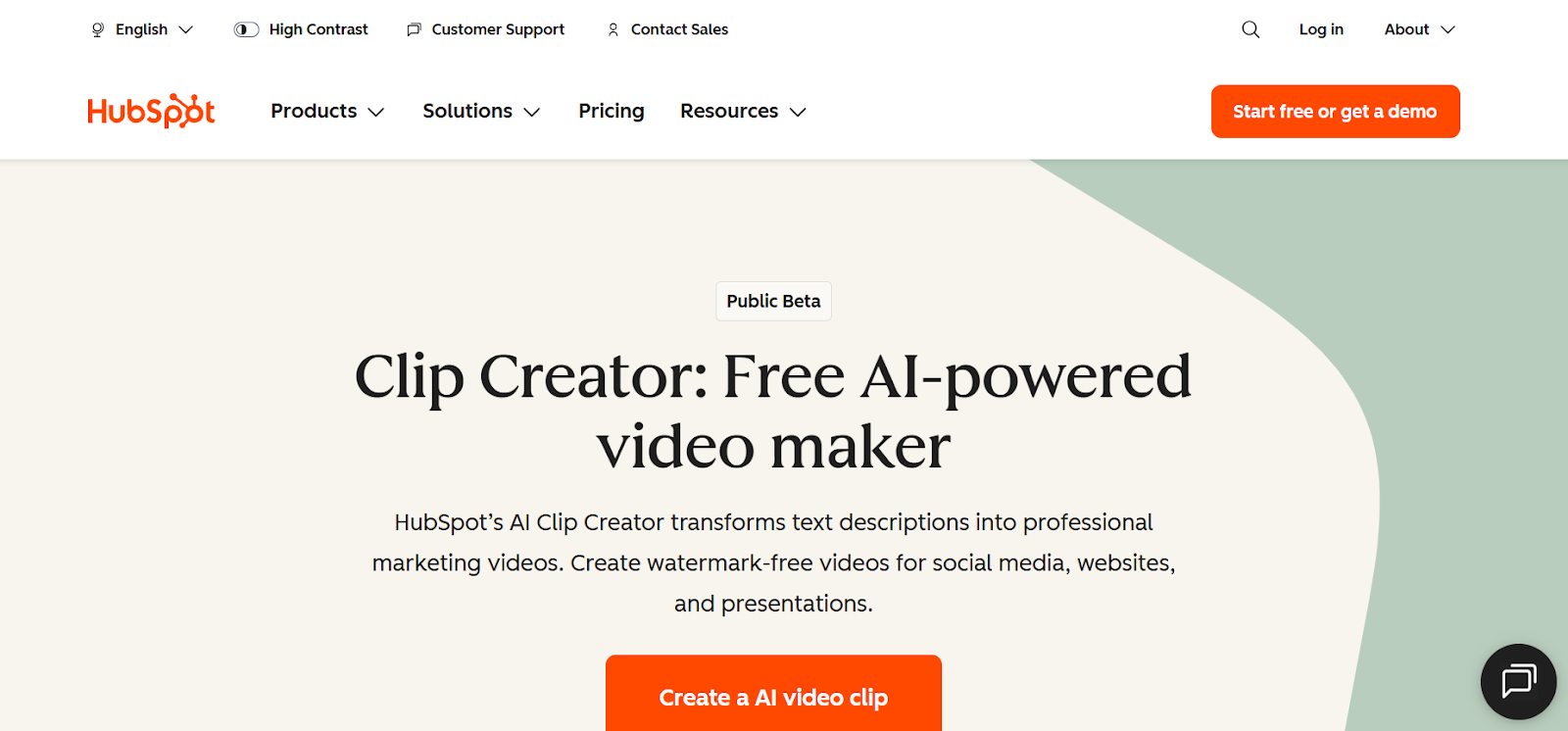
HubSpot's AI Video Clip Generator stands out as a completely free option with professional output quality and zero cost barriers. The platform accommodates different content structures for various video types, creating clips appropriate for educational content, promotional videos, or informational segments. HubSpot's clip creator integrates with their marketing platform, making it valuable for businesses and marketers who need clips for campaigns and social media strategies. The tool creates slideshow-style clips from text and images in addition to processing existing videos, expanding creative possibilities. HubSpot's AI handles formatting automatically, ensuring clips meet platform requirements for length, aspect ratio, and file specifications.
Key Features:
- Completely free with no cost barriers or hidden fees
- Integrates with HubSpot marketing platform for business use
- Creates both video clips and slideshow-style content
- Professional output quality with automatic formatting
10. FlexClip AI Video Generator
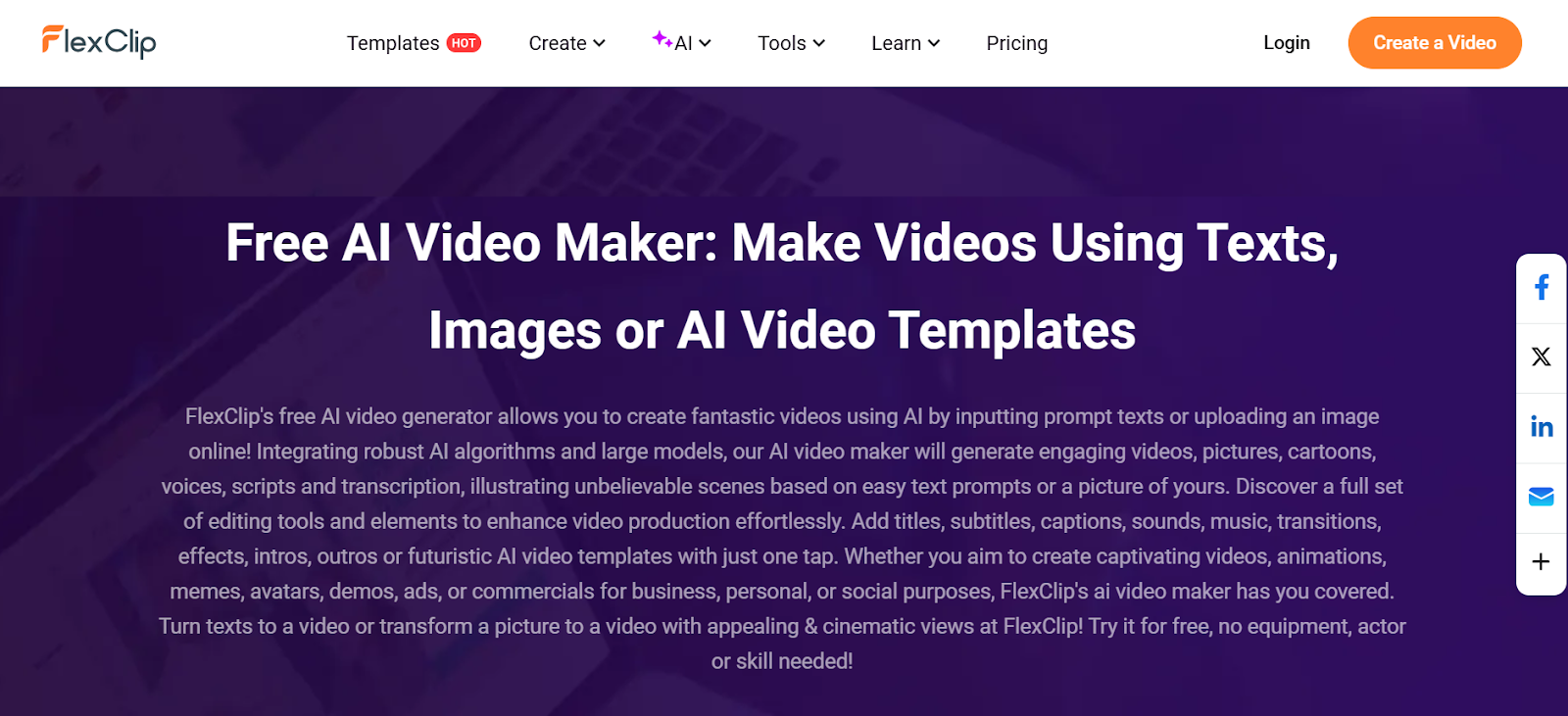
FlexClip rounds out our list with a versatile AI video generator that creates clips from text prompts, images, or existing video footage. The platform integrates robust AI algorithms that generate engaging videos with appropriate visuals, pacing, and structure based on your inputs. FlexClip handles script generation, voiceover creation, and automatic transcription alongside clip generation, making it a comprehensive solution for various content creation needs. The tool includes extensive stock libraries with videos, images, and music that AI can incorporate into clips automatically. FlexClip's interface is beginner-friendly while offering advanced controls for experienced creators who want precise editing capabilities. The free tier provides substantial functionality with paid plans adding higher resolution exports and expanded asset libraries.
Key Features:
- Creates clips from text prompts, images, or video footage
- AI-generated scripts, voiceovers, and transcriptions
- Extensive stock libraries with automatic asset integration
- Beginner-friendly interface with advanced control options
Choosing the Right AI Clip Maker for Your Content Strategy
Selecting the perfect AI clip maker depends on your content type, platform focus, and how much control you want over the final output. If you're a content creator building a sustainable business across multiple platforms and need an all-in-one solution that handles everything from clip selection to posting automation, LiveLink AI delivers unmatched value by combining intelligent clip generation with comprehensive content management features. The platform's ability to generate 20+ clips automatically while maintaining broadcast-quality framing and composition makes it essential for creators who prioritize both quantity and quality.
For creators working primarily with interview and podcast content who value data-driven clip selection, OpusClip Pro's virality scoring system provides concrete metrics that help prioritize which clips deserve editing attention and publishing priority. The platform's social media integration eliminates the manual work of downloading and re-uploading clips to various platforms.
Budget-conscious creators and businesses will appreciate HubSpot's Clip Creator, which delivers professional results without any cost, making it perfect for testing AI clip generation before investing in paid tools. The platform's integration with marketing software adds value for businesses using clips as part of larger campaigns.
Creators who prefer control over AI decisions will benefit from InVideo AI's prompt-based system, which lets you describe exactly what type of clips you want rather than accepting whatever the AI decides to generate. This approach works well for creators with specific content strategies who need clips matching precise requirements.
The most important consideration is workflow efficiency. LiveLink AI excels here by eliminating the most time-consuming aspects of clip creation, from identifying good moments to formatting for different platforms to generating captions, all through automated processes that require minimal human intervention. For creators treating content as a business rather than a hobby, this time savings translates directly into more content published, faster audience growth, and better monetization opportunities.
Create Viral Clips Automatically with LiveLink AI
Stop spending entire days manually editing clips that might perform well when AI can analyze your content and generate dozens of optimized clips in minutes. LiveLink AI delivers the most sophisticated, creator-focused clip making experience available in 2026, combining advanced AI with an interface designed specifically for content creators who value results over complexity.
Whether you're building a clip channel, maintaining presence across multiple social platforms, or repurposing long-form content into engaging shorts, LiveLink AI handles everything with the precision and quality that used to require professional video editors. The platform doesn't just make clips, it understands what makes content viral and applies that intelligence to every clip it generates.
Thousands of content creators have already transformed their workflows with LiveLink AI, cutting editing time by 75% while increasing content output and engagement rates. Try the platform today and experience how much faster your content business grows when you're working with tools that handle the tedious work automatically while you focus on creating great content and building your audience. Your next viral moment is hiding in that long video, and LiveLink AI will find it in seconds.
Frequently Asked Questions
How do AI clip makers identify which moments to clip?
AI clip makers use sophisticated algorithms that analyze multiple factors including speech patterns, visual changes, audio dynamics, engagement cues, and content structure to identify compelling moments. Tools like LiveLink AI and OpusClip examine things like speaker energy levels, topic transitions, laughter or reactions, visual interest, and natural conversation breaks to determine where clips should start and end. The AI compares your content against millions of viral videos to identify patterns associated with high engagement, essentially learning what makes content shareable and applying that knowledge to your videos.
Can AI clip makers handle videos with multiple speakers?
Yes, modern AI clip makers like LiveLink AI, OpusClip, and Vizard handle multi-speaker content effectively. These platforms use speaker detection and facial recognition to identify different participants, track who's speaking at any moment, and frame shots appropriately to keep active speakers visible. For interview content, panel discussions, and podcast recordings with multiple hosts, AI clip makers can identify the most engaging exchanges and create clips that capture complete thoughts rather than cutting speakers off mid-conversation.
Do AI-generated clips need manual editing after creation?
The need for manual editing varies by tool and content type. High-quality AI clip makers like LiveLink AI and OpusClip generate clips that are often publish-ready without edits, especially for straightforward content like tutorials or single-speaker videos. More complex content with multiple speakers, background noise, or technical subjects may benefit from minor refinements. Most platforms include editing interfaces that let you adjust clip boundaries, modify captions, or change framing if needed, but the goal of AI clip makers is minimizing manual work to save time.
What video formats and platforms do AI clip makers support?
Most AI clip makers support major video formats including MP4, MOV, AVI, and MKV for uploads, while outputs are typically optimized MP4 files formatted for specific platforms. Tools like LiveLink AI, OpusClip, and Vizard automatically adjust aspect ratios for TikTok (9:16), Instagram Reels (9:16), YouTube Shorts (9:16), and standard YouTube videos (16:9). Many platforms also accept direct links from YouTube, making it unnecessary to download and re-upload videos. The best tools handle format conversion and platform optimization automatically without requiring technical knowledge.
Are free AI clip maker tools as good as paid versions?
Free AI clip maker tools like HubSpot Clip Creator and the free tiers of LiveLink AI, OpusClip, and Vizard provide genuine value and functional clip generation, though they typically include limitations on monthly processing minutes or number of clips generated. Free versions often deliver the same AI quality and accuracy as paid tiers but with capacity restrictions. For occasional use or testing, free tools work excellently. Regular content creators producing clips weekly will likely find paid plans worthwhile for unlimited processing and additional features like batch generation, team collaboration, and priority processing.


