

.png)

Captions have evolved from accessibility features into essential elements that determine whether videos succeed or fail on social media, with captioned videos receiving 80% more watch time than those without. Whether you're a TikTok creator, YouTuber, business owner, or marketer, the right auto caption generator transforms hours of manual typing into minutes of automated transcription. In this guide, we're revealing the ten best auto caption generator tools that creators actually rely on, focusing on solutions that combine high accuracy with customization options and multi-language support.
1. LiveLink AI Auto Caption Generator

LiveLink AI delivers the most efficient auto caption experience available, combining high-accuracy transcription with extensive customization that lets you match captions to your brand perfectly. The platform automatically generates captions that sync perfectly with your video content by analyzing audio files and creating transcripts that align precisely with speech timing, eliminating awkward delays and mismatches.
What makes LiveLink particularly valuable is its integration into a complete content creation workflow. The AI generates captions automatically as part of clip creation, offering control over caption style (single line, single word, or multiple lines), position, font, sizing, colors, shadows, and backgrounds. You can save these styling choices as brand templates and apply them instantly to any clip, ensuring consistent branding across all content while saving hours of repetitive work.
Key Features:
- Perfect sync between captions and speech with no delays or mismatches
- Extensive customization controls for fonts, colors, positioning, and styling
- Brand template system saves and applies custom styles instantly
- Integrated with clip generation workflow for automatic captioning
2. VEED IO Auto Subtitle Generator
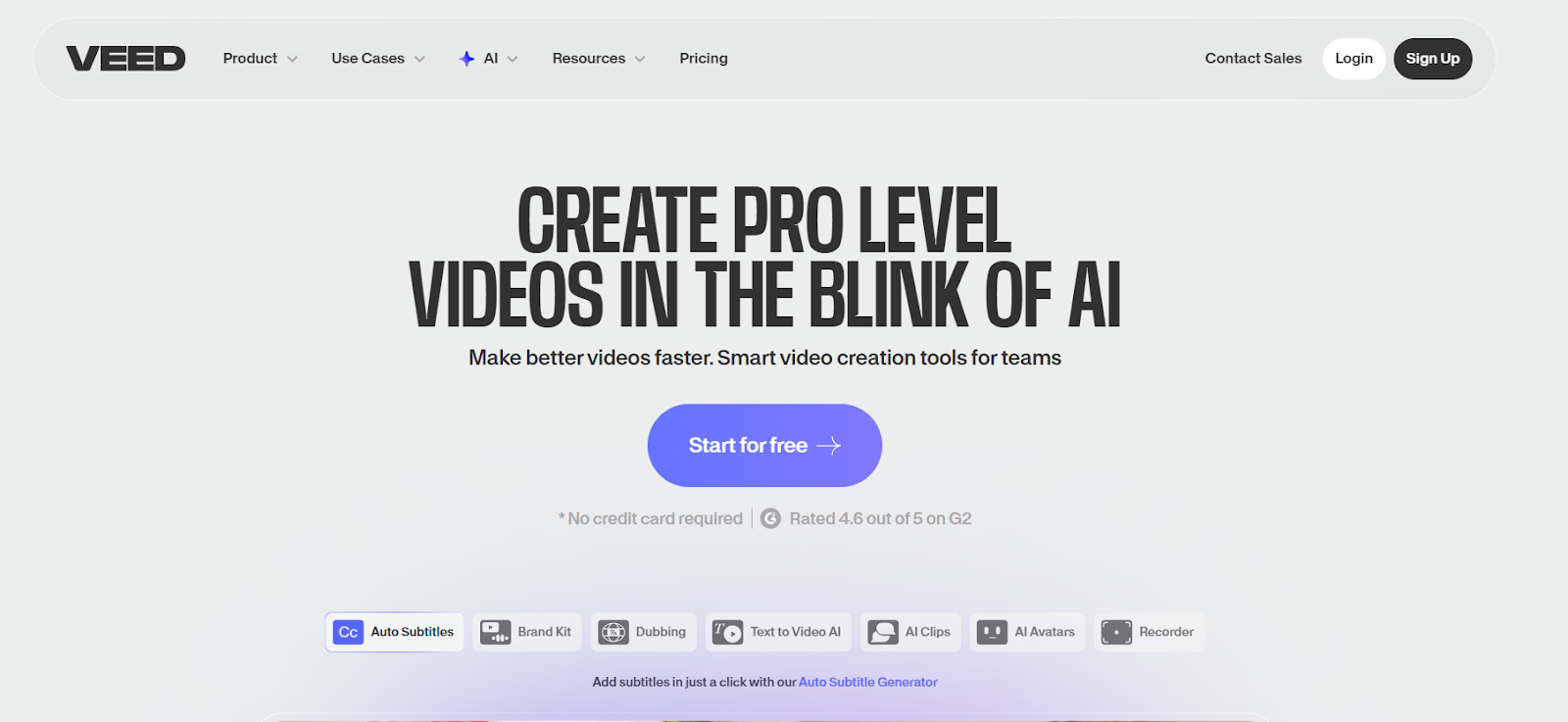
VEED IO delivers accurate auto-generated subtitles with claimed 99.9% accuracy using advanced speech recognition technology. The platform supports over 130 languages and provides extensive customization including subtitle fonts, sizes, styles, and dynamic features like box highlights and karaoke-style animations. VEED IO works entirely online without software installation and offers a beginner-friendly interface. Free plans include caption generation with watermarks, while paid plans starting at $12 monthly remove watermarks and add unlimited exports.
Key Features:
- Claims 99.9% accuracy with 130+ language support
- Dynamic subtitle animations and box highlights
- Browser-based with no installation required
- Free plan available; paid from $12/month
3. Kapwing Auto Subtitle Generator
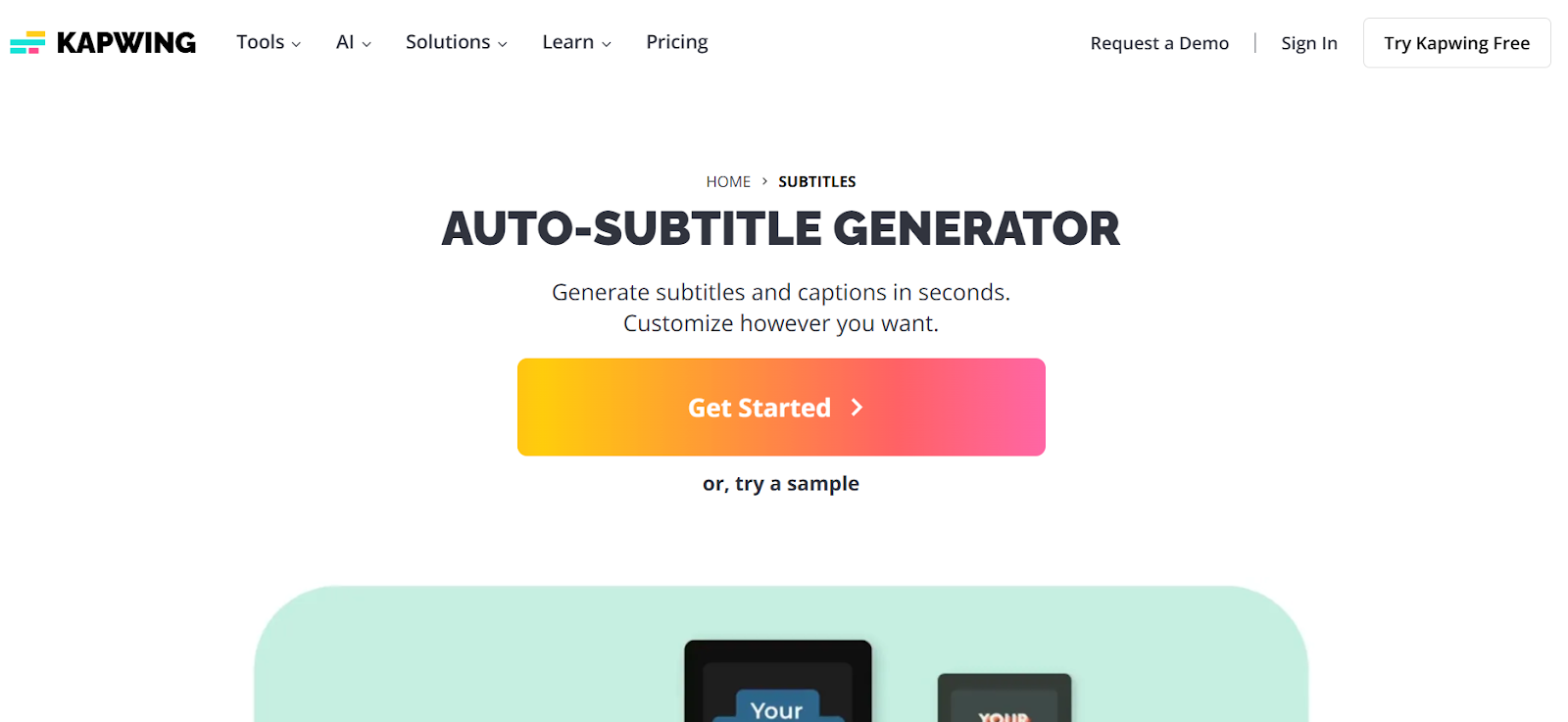
Kapwing focuses on social media with styled, animated captions optimized for vertical video. The platform generates captions with 99% claimed accuracy and provides extensive editing tools for refining text and timing. Animated subtitle templates are designed specifically for TikTok, Instagram Reels, and YouTube Shorts. Translation capabilities support over 100 languages, and collaboration features enable team projects. Free plans include watermarks with Pro plans starting at $16 monthly.
Key Features:
- Optimized for social media with animated templates
- 99% accuracy with translation in 100+ languages
- Team collaboration features included
- Free plan available; Pro from $16/month
4. Descript Auto Caption Tool
Descript integrates caption generation into text-based editing where editing captions updates the video itself. The platform transcribes videos with 95%+ accuracy and displays captions as editable text. Automatic filler word removal deletes "um" and "ah" from both captions and video. Translation supports 20+ languages with customizable caption styles. Free plans provide one transcription hour monthly, with paid plans at $12 monthly offering 144 hours yearly.
Key Features:
- Text-based editing updates video automatically
- Automatic filler word removal for cleaner content
- 95%+ transcription accuracy with minimal corrections
- Translation in 20+ languages included
5. Submagic AI Caption Generator
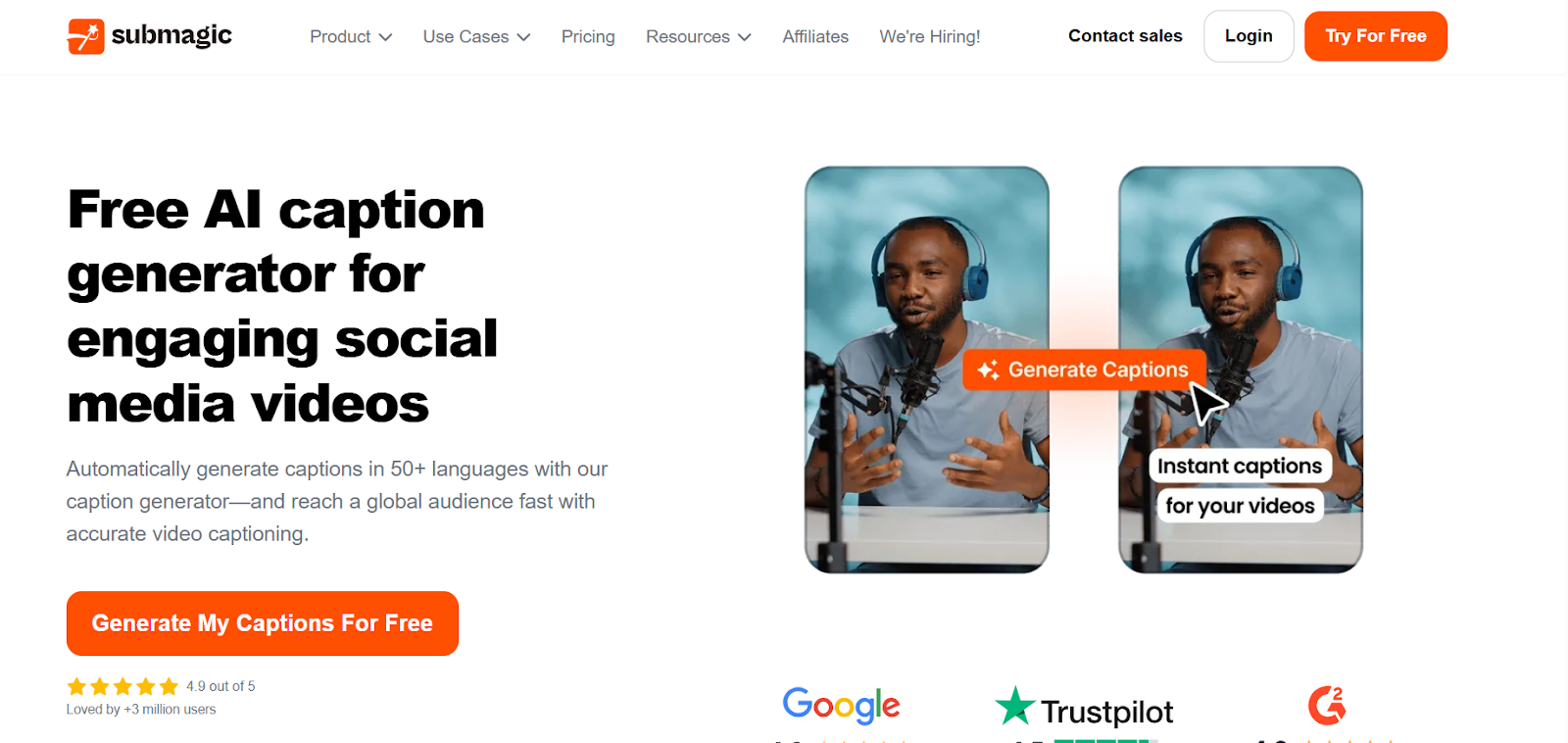
Submagic specializes in short-form content with auto captions designed for TikTok, Instagram Reels, and YouTube Shorts. Beyond captions, it adds B-roll, sound effects, zooms, and emojis. Supporting 100 languages, captions can be added in three clicks. Templates are optimized for social platforms with green screen capabilities. Processing is fast for creators publishing frequently. First three videos are free with paid plans for unlimited usage.
Key Features:
- Designed for TikTok, Reels, and Shorts
- 100 language support with three-click generation
- Includes B-roll, effects, and emojis
- First three videos free
6. CapCut Auto Caption Feature
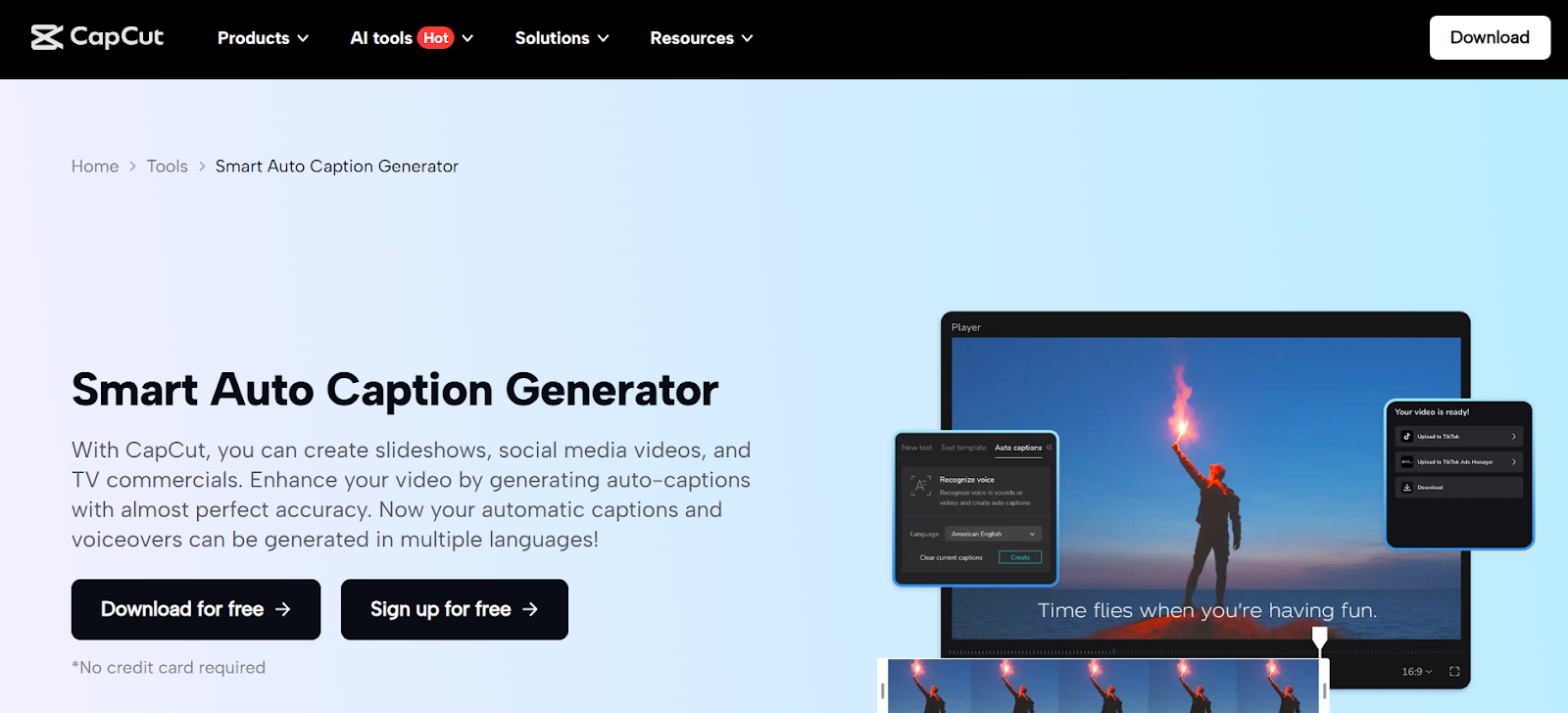
CapCut offers robust AI auto subtitle generation with high accuracy across multiple languages including song lyrics transcription. Caption customization includes font, size, color, and positioning adjustments. Trendy templates and effects help create viral-style content. Works on mobile and desktop without paid subscriptions. Completely free with no watermarks, providing exceptional value.
Key Features:
- Completely free with no watermarks
- Transcribes speech and song lyrics
- Mobile and desktop compatibility
- Trendy templates included
7. Clipchamp Auto Subtitle Generator
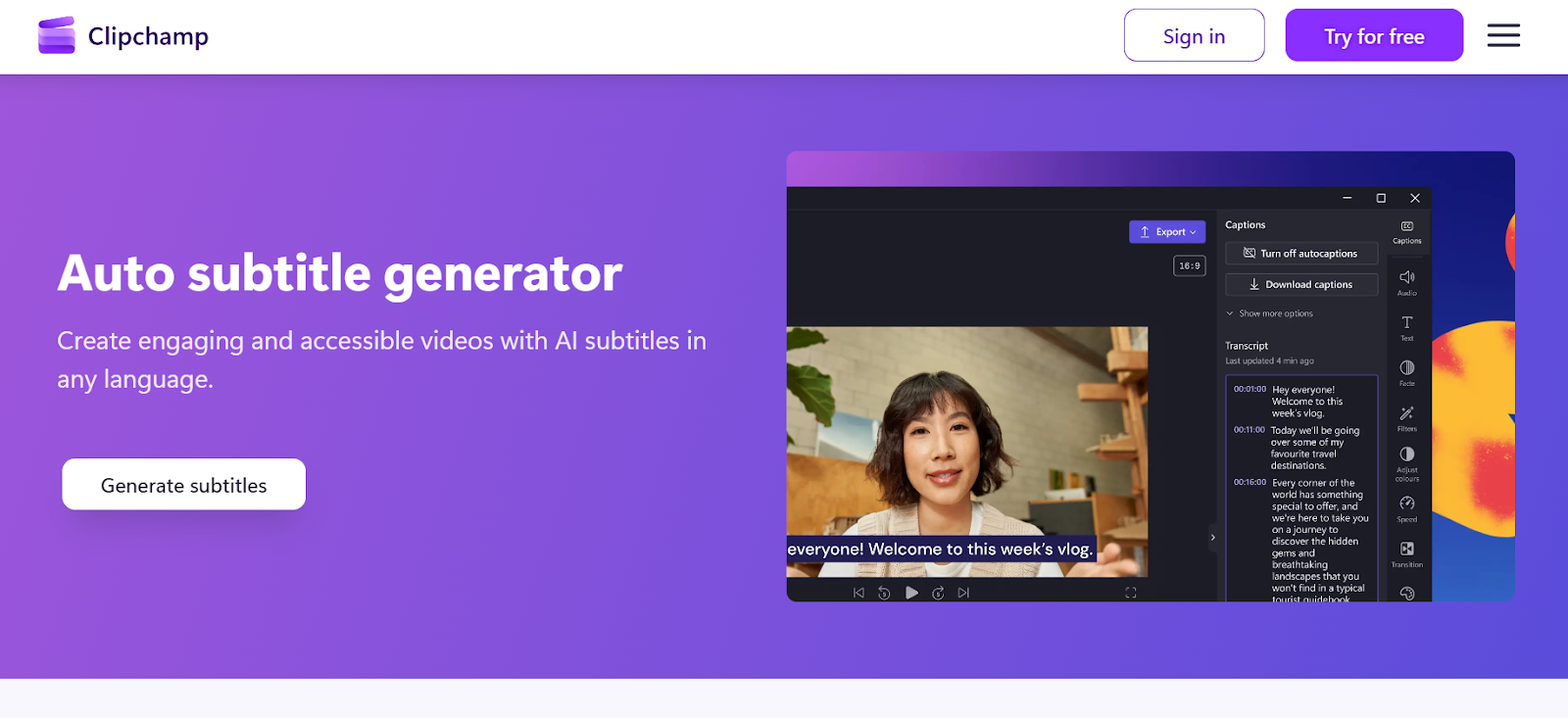
Clipchamp, integrated with Windows 11 and free on all platforms, provides unlimited auto caption generation. Advanced speech recognition creates captions in 100+ languages with high accuracy. Processing doesn't store audio files, ensuring privacy. Download subtitle transcripts as separate files. Works in browsers without installation. Auto captions are completely free with no limits.
Key Features:
- Free with unlimited caption generation
- 100+ language support
- Privacy-focused processing
- Download transcripts as separate files
8. Rev AI Caption Generator
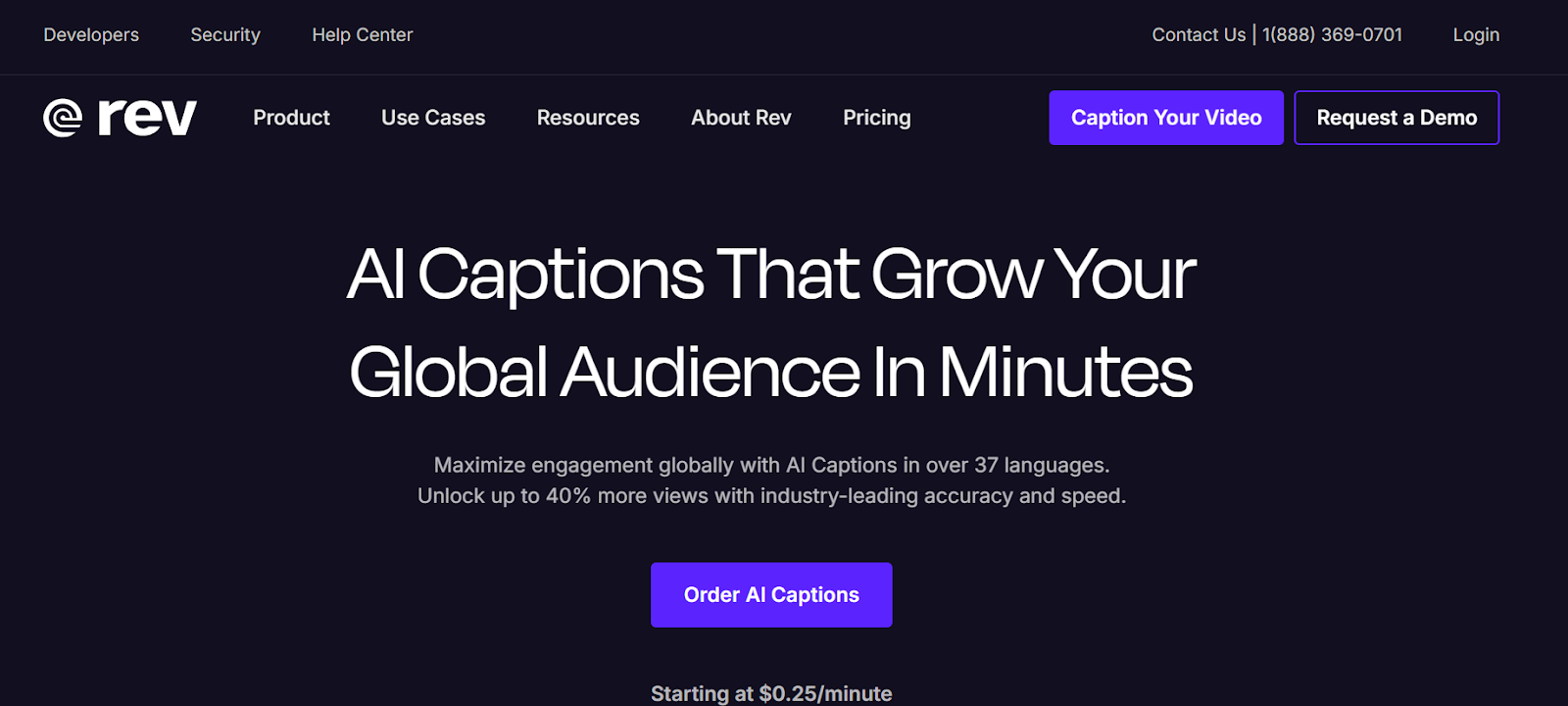
Rev combines AI captioning with human transcription services for absolute accuracy. AI delivers high-quality results while human transcription ensures 99% accuracy for critical projects requiring FCC and ADA compliance. Professional-grade captions include proper punctuation and speaker labels. Export options in SRT, VTT, and other formats. Pricing varies by turnaround time and transcription type.
Key Features:
- AI plus optional human transcription
- FCC and ADA-compliant captioning
- Professional punctuation and speaker labels
- Multiple export format options
9. Happy Scribe Auto Caption Tool
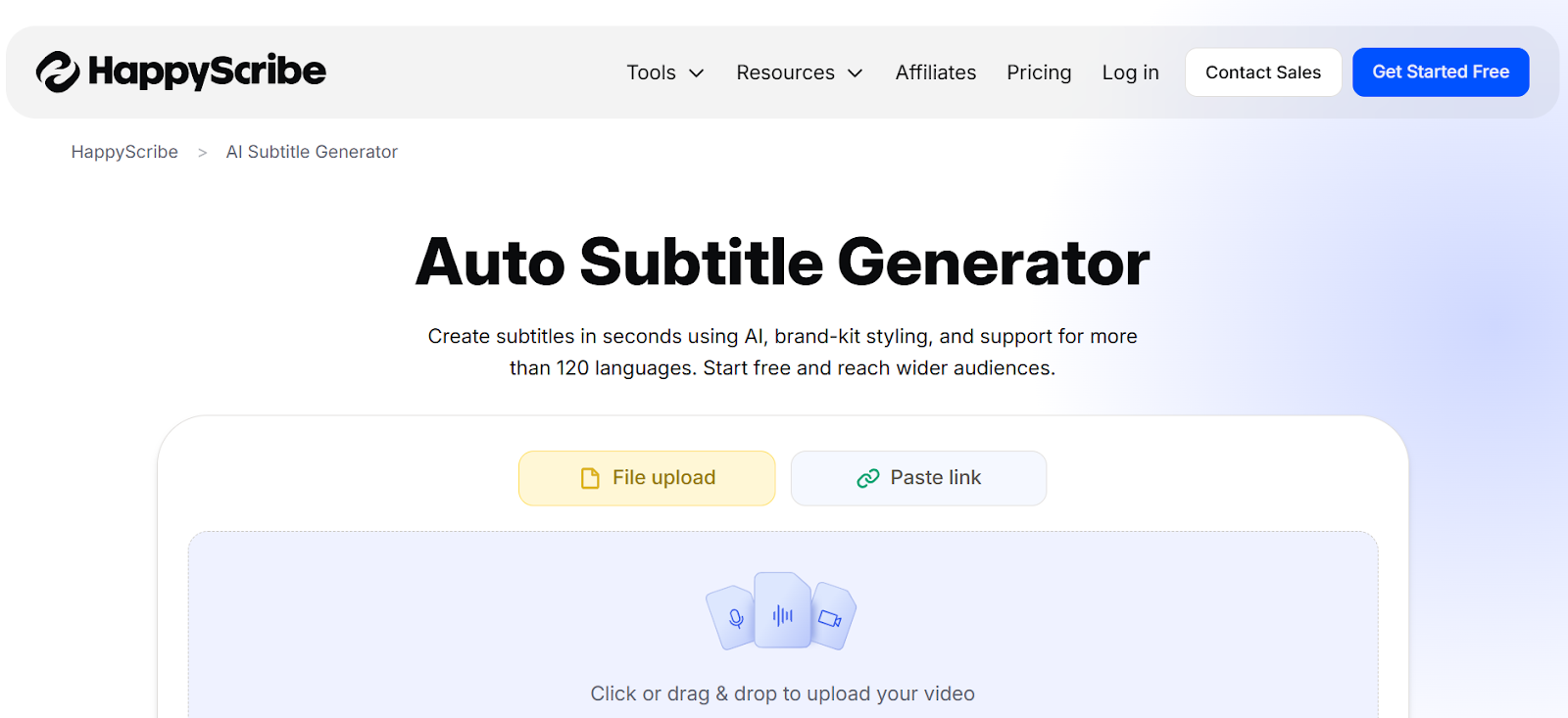
Happy Scribe supports over 120 languages and dialects with 85-99% AI accuracy. Human transcription services available for perfect precision. Interactive editor integrates audio playback controls for easy review and refinement. Handles various audio qualities including background noise. Works entirely online with exports in all major formats. Free trials with paid plans for regular users.
Key Features:
- 120+ languages and dialects supported
- 85-99% AI accuracy with human option
- Interactive editor with audio playback
- Handles poor audio quality effectively
10. Otter.ai Caption Generator
Otter.ai provides 300 free transcription minutes monthly with sophisticated speaker identification for multi-person content. Generates accurate transcriptions with proper formatting. Zoom integration enables automatic meeting transcription. Mobile and web apps with collaboration features. Paid plans around $10 monthly remove limitations.
Key Features:
- 300 free minutes monthly
- Advanced speaker identification
- Zoom integration included
- Mobile and web interface
Choosing the Right Auto Caption Generator
Selecting the perfect tool depends on your content type, platform focus, and budget. If you need captions integrated into a complete workflow with extensive customization and brand templates, LiveLink AI delivers unmatched efficiency. For social media creators, Submagic and CapCut offer platform-specific optimization. Budget-conscious creators benefit from free options like CapCut and Clipchamp. Content requiring absolute accuracy for legal compliance benefits from Rev's human transcription option.
The most important considerations are accuracy, customization, and workflow integration. LiveLink AI excels in all three by generating accurate captions automatically, providing extensive styling controls, and saving preferences as templates for instant application.
Create Professional Captions with LiveLink AI
Stop wasting hours manually typing captions or settling for generic styles. LiveLink AI provides the most efficient auto caption generation experience, combining high accuracy with customization capabilities that create signature caption styles viewers recognize instantly.
Whether creating social media content, YouTube videos, or business materials, LiveLink AI handles caption generation automatically while giving you complete control over appearance. The brand template system means you configure your style once, then apply it instantly to every video, maintaining consistency without repetitive work.
Try LiveLink AI today and experience how much better your videos look when captions are design elements rather than afterthoughts. Your perfectly captioned video is just clicks away.
Frequently Asked Questions
How accurate are AI auto caption generators in 2026?
Modern AI caption generators achieve 85-99% accuracy depending on audio quality and content complexity. Tools like LiveLink AI, VEED IO, and Kapwing consistently deliver 95%+ accuracy with clear audio. Accuracy improves with good recording practices including quality microphones and minimal background noise.
Can auto caption generators handle multiple languages?
Yes, most modern generators support multiple languages. Happy Scribe and Submagic support 100-120+ languages, while VEED IO and Clipchamp cover 100+ languages. Many platforms also provide translation capabilities converting captions automatically for global audiences.
Do I need to edit auto-generated captions before publishing?
While remarkably accurate, reviewing captions ensures perfect results. Most creators spend 5-10 minutes correcting occasional errors and adjusting punctuation. Tools like LiveLink AI and Descript make editing simple with intuitive interfaces, still dramatically faster than manual creation.
Can I customize the appearance of auto-generated captions?
Yes, all quality generators provide customization options. Basic tools adjust font, size, color, and positioning, while advanced platforms like LiveLink AI offer extensive styling including shadows, backgrounds, and animations. Template systems save custom styles for automatic application to future videos.
Are free auto caption generators as good as paid versions?
Free generators like CapCut and Clipchamp provide useful captioning with accuracy comparable to paid tools, excellent for beginners or tight budgets. Paid versions offer advantages like unlimited usage, no watermarks, faster processing, advanced customization, and team collaboration. Professional creators publishing frequently usually find paid plans worthwhile for removing limitations.


