


Video content dominates social media in 2025, but the real challenge isn't creating videos, it's turning lengthy recordings into perfectly timed clips that grab attention in seconds. Whether you're a podcaster who needs to extract highlight moments, a YouTuber repurposing long-form content into Shorts, or a marketer splitting webinar recordings into digestible social posts, the right AI video splitter saves hours of tedious manual work.
The difference between average video splitters and AI-powered ones is night and day: traditional tools make you hunt for split points manually, while smart AI tools analyze your content, identify engaging moments, and handle the heavy lifting automatically. In this comprehensive guide, we're breaking down the ten best AI video splitter tools that content creators actually rely on in 2025, covering everything from fully automated clipping solutions to precision frame-by-frame editors that give you total control.
1. LiveLink AI

LiveLink AI stands out as the most intelligent and creator-focused video splitter on the market, combining powerful AI automation with an interface so intuitive that you'll create your first split video in under two minutes. What sets LiveLink apart from every other tool is its ability to analyze your content and automatically identify low-value moments like awkward silences, long pauses, and filler content, then remove them without you lifting a finger. This isn't just a splitter; it's your personal video editor that understands pacing and engagement the way professional editors do.
The platform works seamlessly with all major video formats including MP4 and MOV, and connects directly to your YouTube channel so you can access your entire video library without hunting for files. Content creators who work with LiveLink report cutting their editing time by 75% while producing more polished, engaging content that performs better on every platform.
The frame-by-frame repositioning feature gives you precision control when you need it, while the AI handles the repetitive work that burns through hours of your day. For creators building clip channels, repurposing podcast episodes, or maintaining consistent social media presence across TikTok, Reels, and YouTube Shorts, LiveLink delivers professional results without the professional price tag or learning curve.
Key Features:
- AI-powered detection automatically removes silences, pauses, and low-engagement moments
- Direct YouTube channel integration provides instant access to your entire video library
- Frame-by-frame video repositioning for precise control over every split
- Works with all popular formats (MP4, MOV) and exports clips ready for any social platform
2. OpusClip Pro
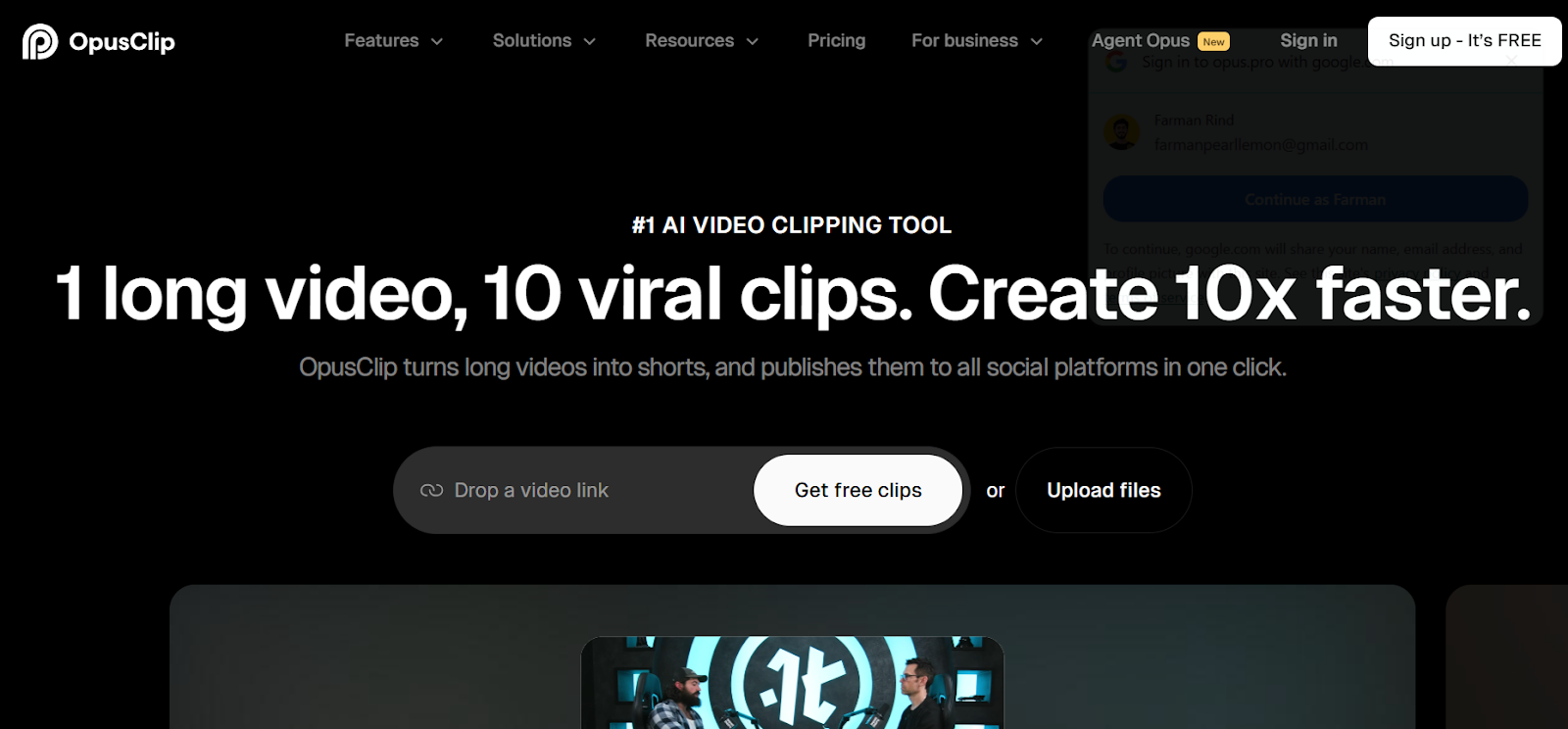
OpusClip Pro has built a strong reputation among podcasters and interview-style content creators with its AI clipping system that assigns virality scores to every clip it generates. This tool goes beyond simple splitting by analyzing your long-form videos and automatically creating multiple short clips complete with captions, transitions, and social-ready formatting.
The virality scoring system, while not perfectly accurate, gives you a data-driven starting point for deciding which clips deserve your attention first. OpusClip particularly shines when working with talking-head content, interviews, and educational videos where the AI can identify natural conversation breaks and compelling moments. The platform recently added AI B-roll generation and mid-form clip capabilities (3-15 minutes) that expand beyond the typical short-form focus. However, users consistently report that clips require manual refinement, and the XML export feature has reliability issues that frustrate professionals using external editing software.
Key Features:
- AI virality score (1-100) predicts which clips have the best engagement potential
- Supports over 20 languages with accurate transcription exceeding 97% accuracy
- Social media scheduler publishes directly to TikTok, Instagram, YouTube, and LinkedIn
- Free plan offers 60 minutes monthly; paid plans start at $15/month for 150 minutes
3. Descript
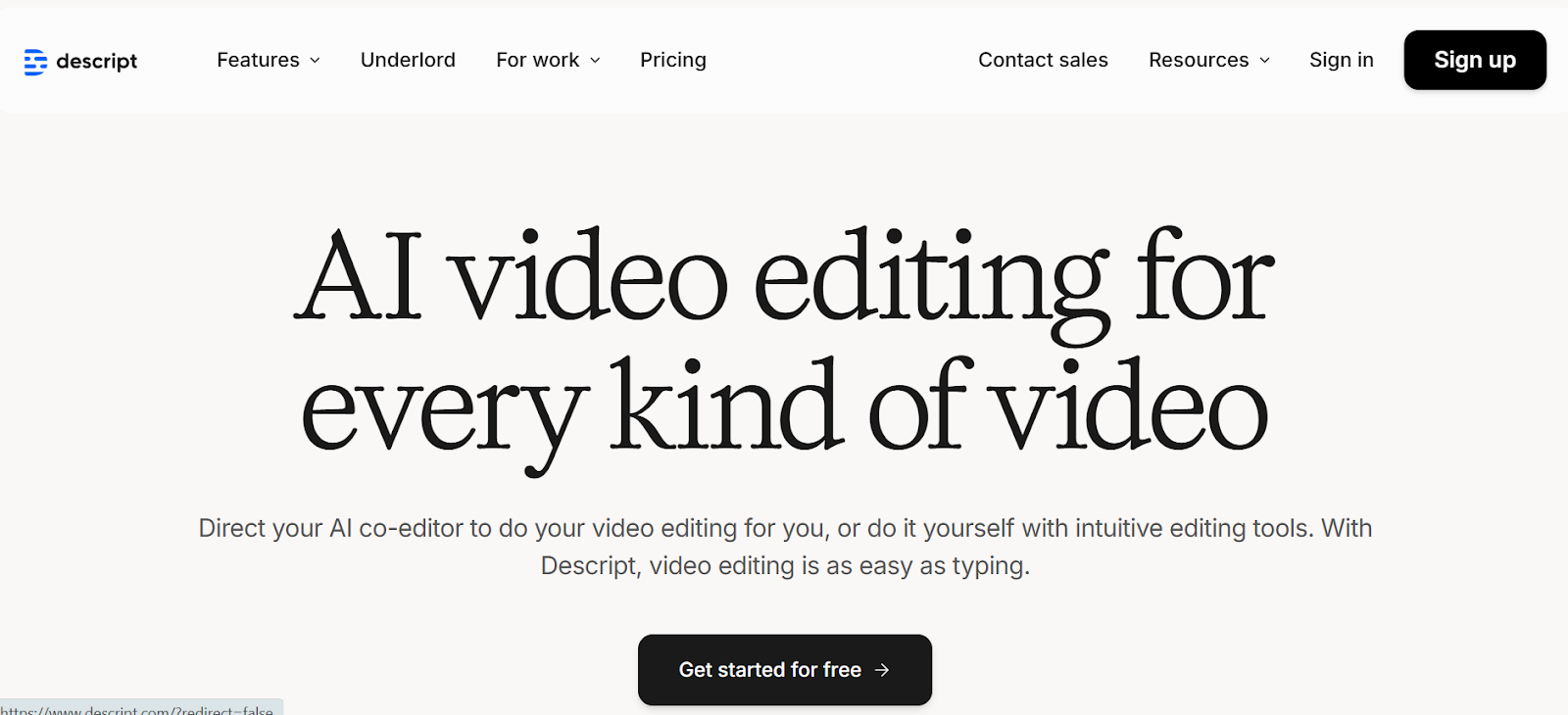
Descript revolutionized video editing by introducing text-based editing that makes splitting videos as simple as editing a document. You literally delete words from the transcript and the corresponding video segments disappear automatically, making it incredibly fast to remove filler words, bad takes, and awkward pauses. The platform's AI assistant called Underlord scans your videos to identify the most engaging moments and suggests splits that make sense for social media. What makes Descript particularly valuable is its all-in-one nature: you can record, edit, collaborate with teams, and publish all from the same platform. The tool handles everything from pre-production planning to final publishing, eliminating the need to juggle multiple applications. Descript works exceptionally well for podcasters, educators, and anyone creating tutorial or commentary content where spoken word drives the video.
Key Features:
- Text-based editing lets you split videos by simply editing the transcript
- AI assistant (Underlord) automatically identifies and clips viral-worthy moments
- Seamless integration with Final Cut Pro, DaVinci Resolve, and Adobe Premiere
- Free plan available; paid plans start at $12/month with unlimited transcription
4. Filmora
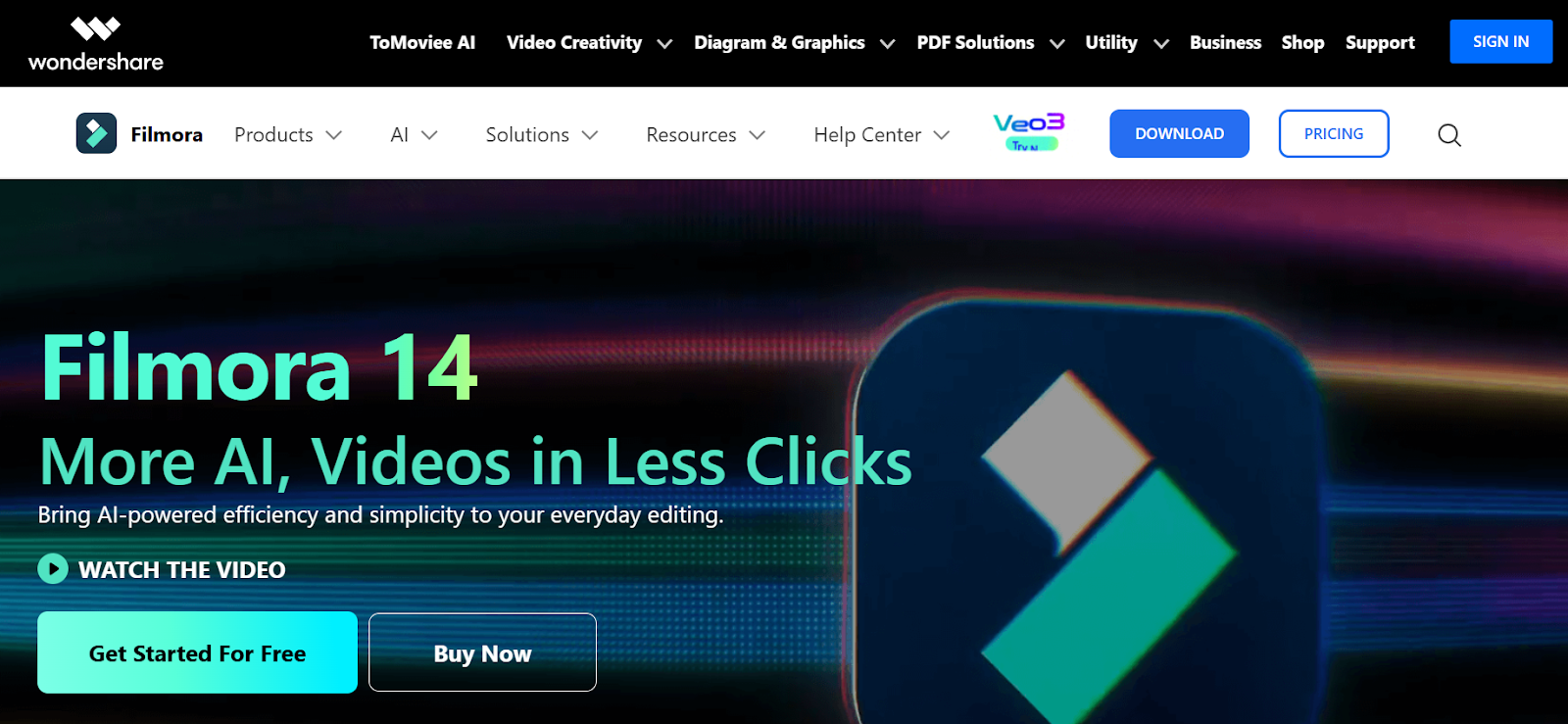
Filmora delivers professional-grade video splitting capabilities wrapped in a beginner-friendly interface that doesn't require previous editing experience. The software's Quick Split mode is a game-changer for editors working with multi-track projects, allowing you to cut multiple clips across different tracks simultaneously with perfect synchronization. Filmora's Scene Detection feature uses AI to analyze your footage and automatically identify scene changes, splitting your video at natural transition points without manual intervention. This saves tremendous time when working with long recordings that contain multiple distinct segments. The platform supports all major video formats and includes a vast library of effects, transitions, and creative assets that let you polish your split videos immediately. While Filmora offers a free version, it adds a watermark to exports, pushing most serious creators toward the $49.99 annual subscription.
Key Features:
- Quick Split mode cuts multiple tracks simultaneously for perfect sync
- AI Scene Detection automatically identifies and splits at natural scene changes
- Cross-platform availability on Windows, macOS, Android, and iOS
- Rated 4.5/5 on Software Advice with 691+ user reviews
5. Riverside AI Video Editor
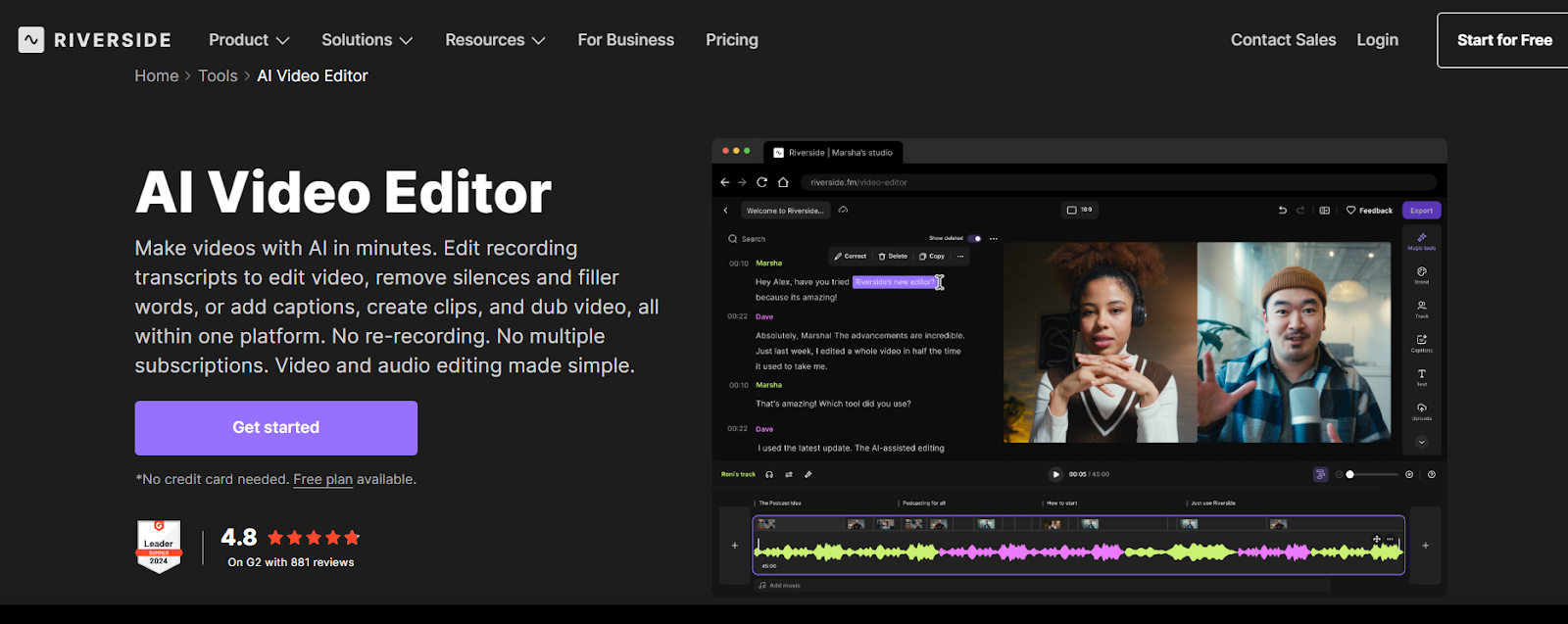
Riverside has earned its reputation as a complete content creation studio that records in 4K and edits with powerful AI tools all in one platform. The AI Producer feature is the star here, automatically trimming fluff, removing filler words like "um" and "ah," and even fixing eye contact in your videos without manual intervention. What makes Riverside particularly valuable for video splitting is its text-based editing approach where you simply delete words from the AI-generated transcript and watch the corresponding video segments disappear automatically. The platform's Magic Clips feature analyzes your long-form content and automatically generates social media-ready short clips pre-formatted for Instagram Reels, TikTok, and YouTube Shorts. Riverside supports over 100 languages with 99% transcription accuracy, making it perfect for international creators. The color-coded timeline with separate track editing gives you professional-level control when you need it, while the AI handles repetitive tasks that eat up hours of editing time.
Key Features:
- AI Producer creates ready-to-publish drafts in minutes with automatic trimming
- Text-based editing lets you split videos by simply deleting transcript words
- Magic Clips automatically generates social media shorts from long videos
- Records up to 4K video with 48kHz audio quality in the same platform
6. Submagic
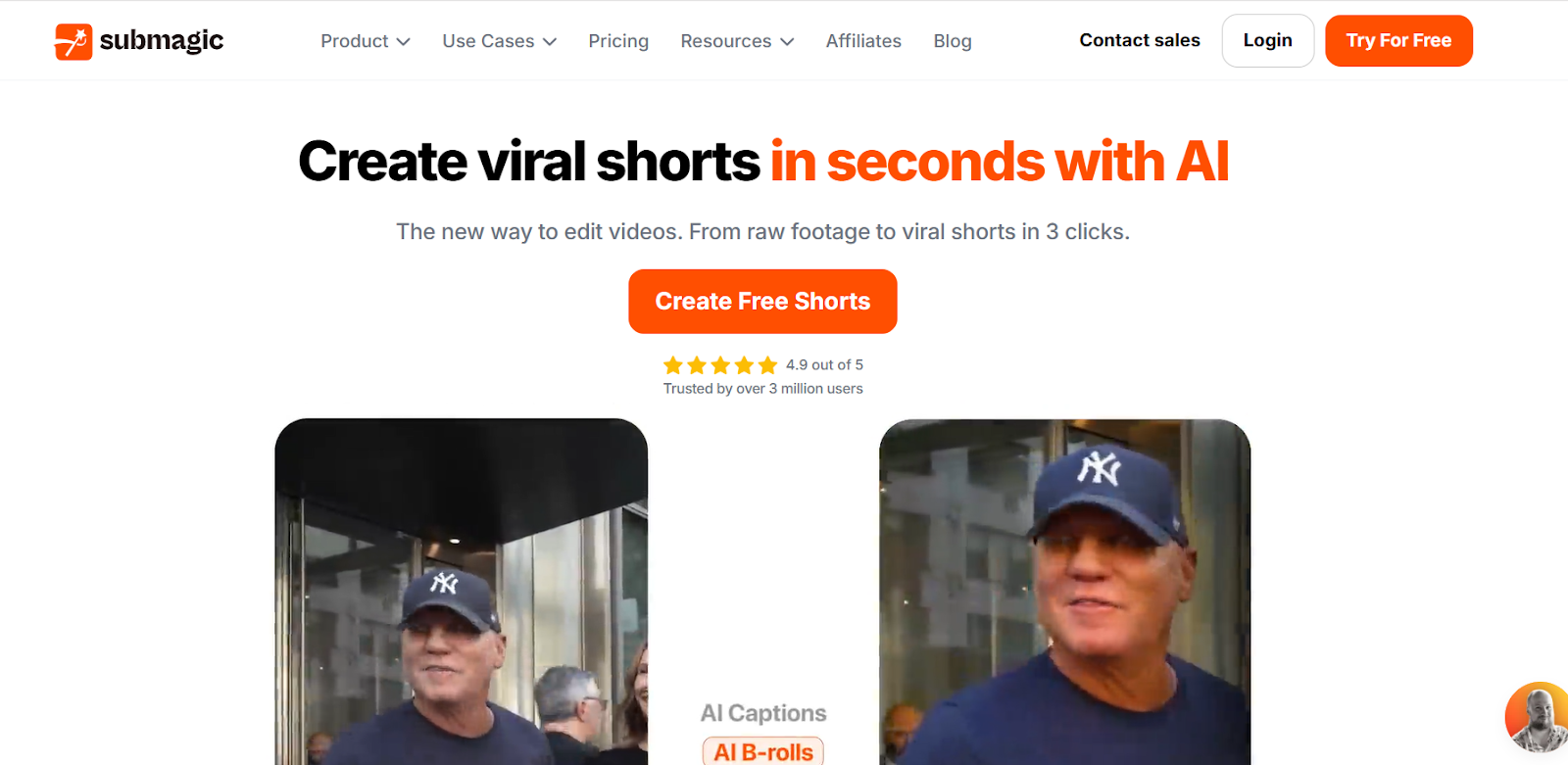
Submagic specializes in creating viral short-form content with AI-powered features that handle everything from splitting to captioning in seconds. This platform is built specifically for creators who need to edit videos 10x faster than traditional methods, with automated tools that remove bad takes and silences automatically. Submagic's text-based trimming feature lets you cut unwanted sections by editing the transcript, similar to Descript and Riverside but with a focus on short-form viral content. The tool adds dynamic captions and emojis in 48 languages, ensuring your content stays engaging even when viewers watch with sound off. What sets Submagic apart is its integration with Storyblocks, giving you access to premium B-roll footage that makes your split clips look professionally produced. The platform generates AI hook titles that perform well on social algorithms, helping your split content gain traction faster.
Key Features:
- AI automatically removes bad takes and silences for cleaner content
- Dynamic captions with emojis in 48 languages for global reach
- Premium B-roll access from Storyblocks integrated directly into editor
- Free plan offers 3 videos monthly; paid plans start at $20/month for 20 videos
7. VEED IO Video Splitter
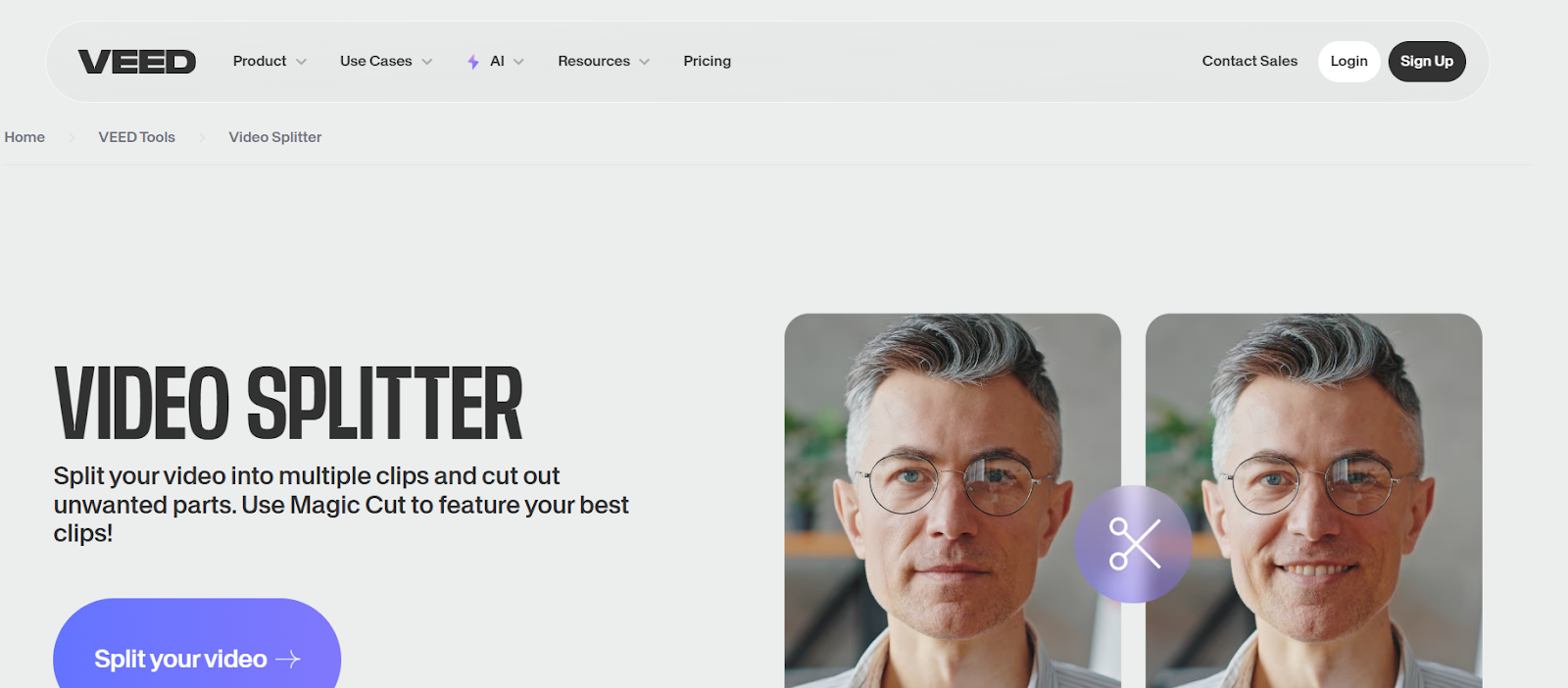
VEED IO has positioned itself as a comprehensive online video editor with splitting capabilities that go well beyond basic cutting. The platform's Magic Cut feature uses AI to automatically remove silences and dead space from your videos, creating tighter, more engaging content without manual timeline scrubbing. VEED IO doesn't just split videos into separate files; it lets you cut unwanted sections, rearrange clips, and build complete edited sequences all in your browser. The tool includes automatic subtitle generation in over 130 languages, making it valuable for creators targeting international audiences. VEED IO's clean interface and fast processing make it a solid choice for social media managers and content teams who need to split and edit videos quickly without software installation. The free tier is functional but limited, with most professionals upgrading to paid plans starting at $12/month for watermark-free exports.
Key Features:
- AI Magic Cut automatically removes silences and improves pacing
- Automatic subtitle generation supporting 130+ languages
- Full HD 1080p exports with no watermarks on paid plans
- Rated 4.6/5 on G2 with 929+ verified user reviews
8. Kapwing Video Splitter
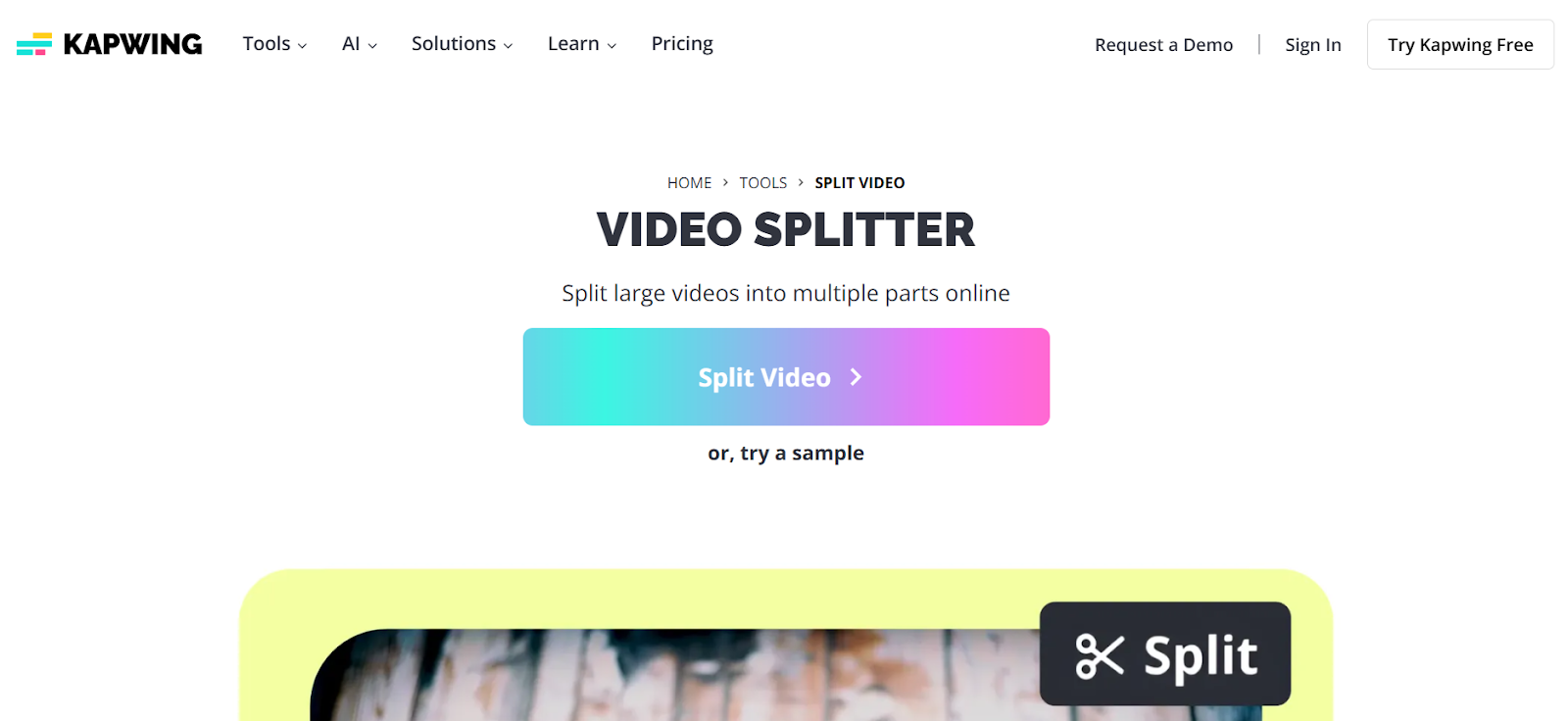
Kapwing offers a dedicated video splitter that's completely separate from their full editing suite, making it fast and focused for creators who just need to split videos without extra complexity. This free online tool processes videos directly in your browser without requiring account creation or software installation. Kapwing's splitter handles multiple video formats and lets you make precise cuts using timestamp inputs or visual timeline scrubbing. While it doesn't offer the advanced AI features of competitors, it excels at its core purpose: quickly splitting videos into multiple segments that you can download individually. The tool is particularly popular with students and casual creators who need occasional splitting functionality without committing to subscriptions or learning complex software. For more advanced needs, Kapwing's full editor integrates seamlessly if you decide to add effects, captions, or other enhancements.
Key Features:
- Completely free with no account required for basic splitting
- Supports all major video formats including MP4, MOV, and AVI
- Simple timestamp input for precise splits without timeline scrubbing
- Rated 4.4/5 on Capterra with 203+ user reviews
9. Flixier Video Splitter
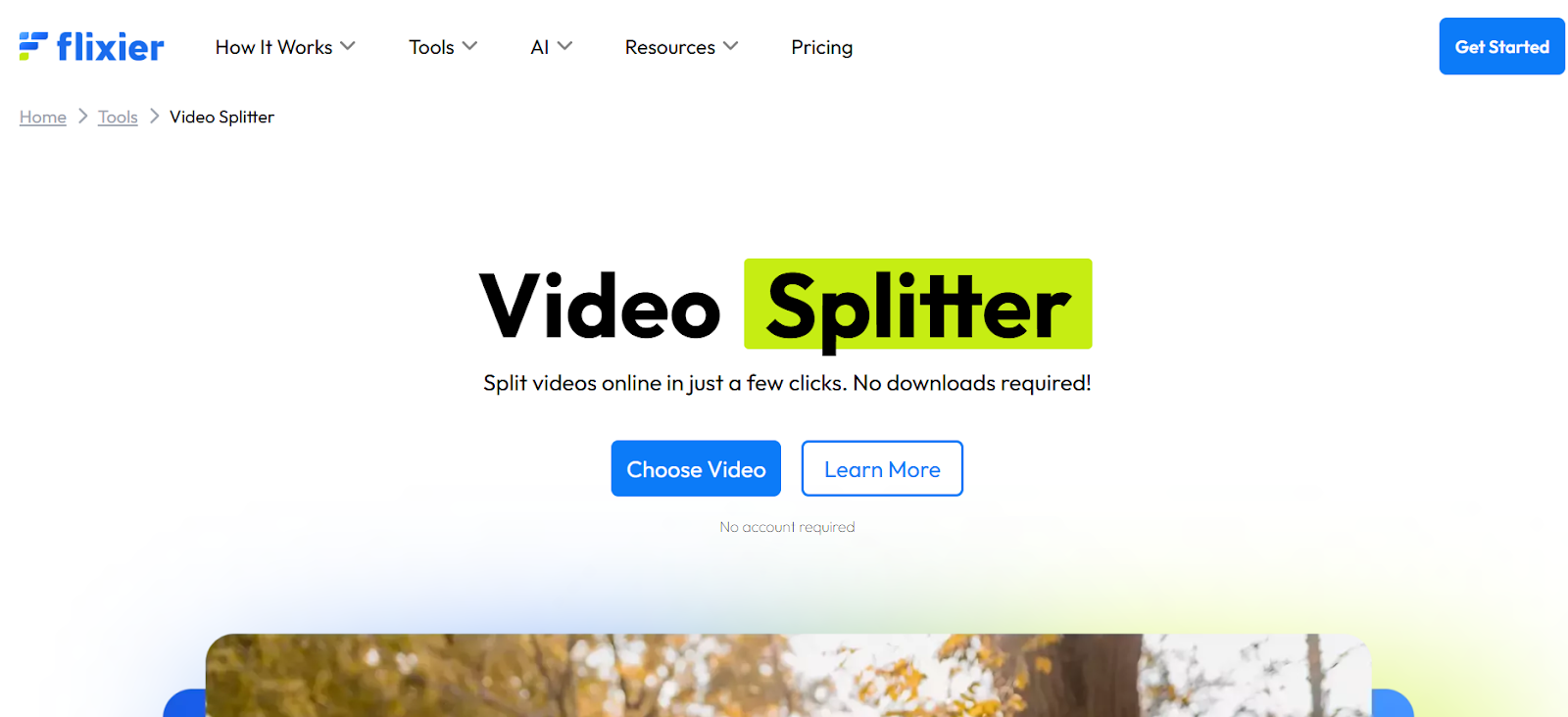
Flixier combines lightning-fast cloud rendering with an accessible video splitting interface that works on any device with a browser. What makes Flixier stand out is its processing speed: the platform uses cloud servers to render your splits in minutes rather than the hours required by desktop software on slower computers. You can upload videos, split them into multiple sections, rearrange clips, and add basic edits like transitions and text overlays all in the same workflow. Flixier's multi-track timeline gives you more control than simple splitter tools, letting you work with multiple video and audio layers simultaneously. The platform is particularly useful for creators working from tablets or Chromebooks where traditional editing software won't run. Flixier offers a generous free tier for testing, with paid plans providing faster processing and longer export times.
Key Features:
- Cloud-based rendering delivers splits 3x faster than local processing
- Multi-track timeline supports complex editing with multiple layers
- Works on any device including tablets, Chromebooks, and smartphones
- Rated 4.8/5 on Capterra with consistent positive user feedback
10. Clideo Video Splitter
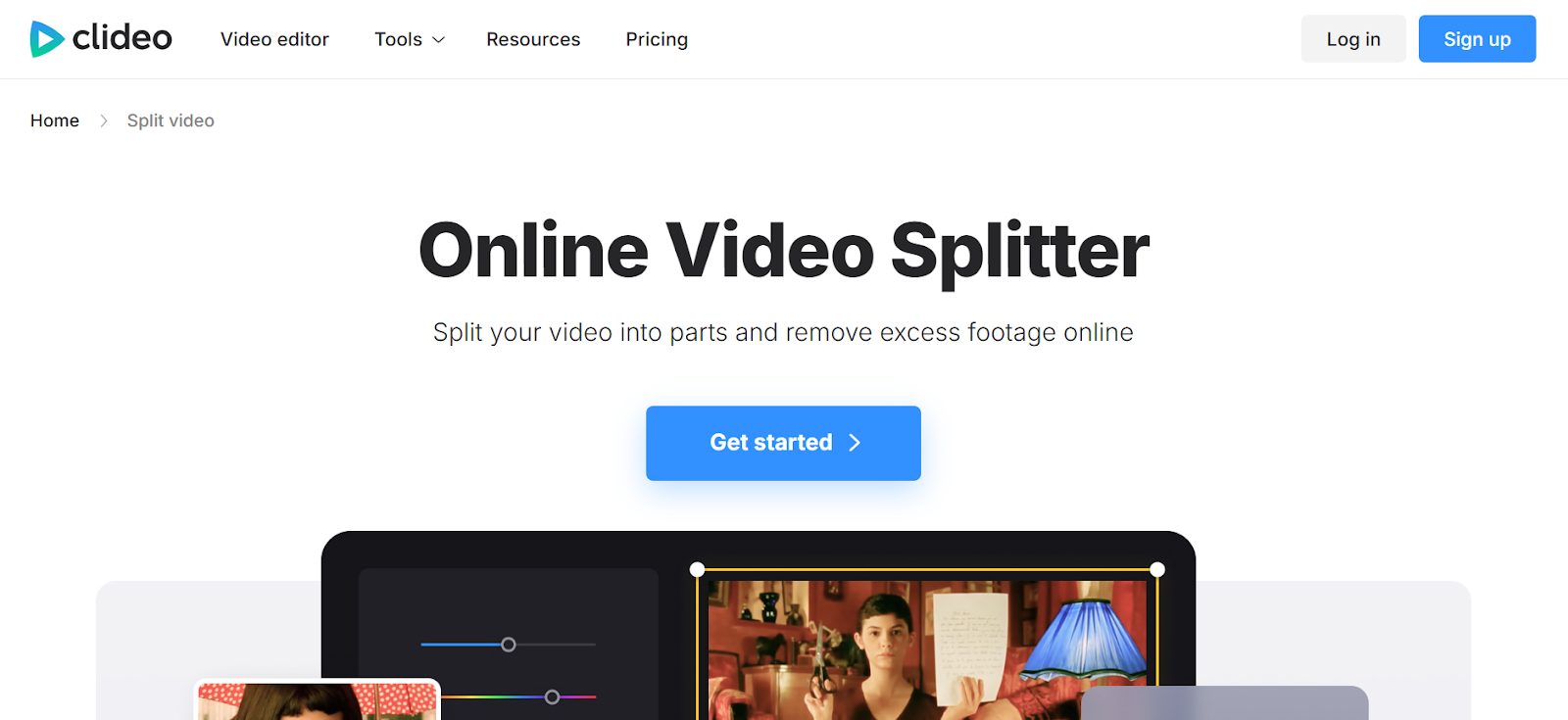
Clideo has built a straightforward, no-nonsense video splitter that prioritizes simplicity over features. This online tool lets you upload videos up to 500MB on the free tier, split them into as many segments as needed, and download the results in your chosen format. Clideo automatically handles format conversion during the splitting process, so you can upload an MOV file and download MP4 segments without extra steps. The interface is refreshingly simple: upload your video, set split points using sliders or timestamp inputs, and download your clips. That's it. No account creation, no complex timelines, no overwhelming features. The trade-off for this simplicity is limited advanced functionality and watermarks on free exports. For $9/month, you can remove watermarks and access faster processing, making it a budget-friendly option for creators with basic splitting needs.
Key Features:
- Supports videos up to 500MB on free tier with unlimited splits
- Automatic format conversion during splitting process
- Simple interface requires no video editing experience
- Rated 4.8/5 on Trustpilot with 6,000+ verified reviews
Choosing the Right AI Video Splitter for Your Workflow
Selecting the perfect AI video splitter depends entirely on how you create content and what results you need to achieve. If you're a content creator who regularly produces videos for multiple platforms and values automation that actually saves time, LiveLink AI and Descript lead the pack with intelligent features that understand context and pacing. These tools don't just split videos randomly; they analyze your content and make decisions that improve engagement.
For creators working with interview content, podcasts, or webinars where identifying highlight moments matters more than precision editing, OpusClip Pro's virality scoring gives you a data-driven approach to clip selection. If you're already invested in Adobe or Canva ecosystems, their respective splitters integrate smoothly with workflows you're already using.
Budget-conscious creators and occasional users will find that free tools like Clideo, Kapwing, and the free tiers of Canva handle basic splitting perfectly well. The key is matching tool complexity to your actual needs: don't pay for enterprise features if you're just trimming personal vlogs, but don't settle for basic splitters if you're building a content business.
The smartest approach is identifying your primary pain point first. Are you wasting hours removing silent sections? LiveLink AI or VEED.IO solve that automatically. Need frame-perfect precision? Filmora or Adobe Express deliver professional accuracy. Working with international content? OpusClip or VEED.IO handle multiple languages effortlessly. Once you know what's slowing down your workflow, the right tool becomes obvious.
Create Better Content Faster with LiveLink AI
Stop wasting hours manually scrubbing through timelines hunting for the perfect split points. LiveLink AI's intelligent video splitter does the heavy lifting while you focus on creating content that connects with your audience. The platform's AI understands what makes videos engaging and automatically removes the dead weight that kills viewer retention.
Whether you're building a YouTube channel, maintaining multiple social media accounts, or repurposing long-form content into viral clips, LiveLink AI gives you the tools professional editors use without requiring professional skills. Connect your YouTube channel once and access your entire video library instantly. Let the AI identify engaging moments while you fine-tune with frame-by-frame precision when needed.
Thousands of content creators have already cut their editing time by 75% with LiveLink AI. Try the platform today and experience how much faster video creation becomes when you're working with tools designed specifically for modern content creators. Your audience is waiting for your next great video. Stop letting editing hold you back.
Frequently Asked Questions
What's the difference between a video splitter and a video editor?
A video splitter focuses specifically on dividing videos into multiple segments or removing unwanted sections, while a video editor offers comprehensive editing features like effects, transitions, color grading, and audio mixing. Modern AI video splitters like LiveLink and OpusClip blur this line by including smart editing features that automatically improve your content. For most content creators, AI splitters provide enough functionality to create social-ready clips without needing full editing suites like Premiere Pro or Final Cut.
Can AI video splitters really save time compared to manual editing?
Yes, dramatically. AI video splitters analyze content in seconds to identify silences, pauses, and low-engagement moments that would take hours to find manually. Tools like LiveLink AI and VEED.IO automatically remove these sections, cutting editing time by 60-80% according to user reports. The AI handles repetitive tasks like finding split points and removing filler content, letting you focus on creative decisions rather than technical execution.
Do I need expensive software to split videos professionally?
Not anymore. Browser-based AI splitters like Flixier, Canva, and Kapwing deliver professional results without software installation or expensive subscriptions. Free plans handle basic needs perfectly well, while paid options typically cost $10-30 monthly, far less than traditional editing software. Desktop tools like Filmora offer more features but still cost significantly less than Premiere Pro or Final Cut, making professional video splitting accessible to creators at every budget level.
Which video formats work best with AI splitters?
MP4 remains the gold standard for compatibility across all AI video splitters and social media platforms. Most tools also support MOV, AVI, and WebM formats. For best results, use H.264 encoding for video and AAC for audio, as this combination offers the best balance between quality and file size. If you're recording specifically for splitting and social distribution, shoot in 1080p MP4 format to ensure maximum compatibility with all platforms and splitters.
Can AI video splitters handle long videos over an hour?
Most AI video splitters handle videos of any length, though processing times increase with duration. Free tiers often impose time limits: OpusClip offers 60 minutes monthly on free plans, while tools like LiveLink and Filmora handle longer content on paid subscriptions. For regular work with hour-plus videos like webinars, podcasts, or live streams, choose tools specifically designed for long-form content like Descript or invest in paid plans that offer higher monthly processing limits and faster cloud rendering.


