


Creating professional videos shouldn't require film school degrees or expensive production crews. You need content published now, not after weeks learning complex software or coordinating shoots. Traditional video production demands skills most creators simply don't possess, turning simple ideas into abandoned projects.
AI video makers eliminate technical barriers through intelligent automation that handles everything complex. These platforms generate complete videos from text prompts, automate editing decisions, apply professional styling automatically, and export platform ready content in minutes. Your ideas reach audiences without learning curves or production delays.
Minimal effort doesn't mean minimal quality. Modern AI understands composition, pacing, visual hierarchy, and engagement patterns better than manual editors working under deadline pressure. These tools democratize professional video creation completely.
Quick Overview:
- LiveLink AI
- InVideo
- Synthesia
- Lumen5
- Pictory
- Runway
- FlexClip
- Designs.ai
- Steve.AI
- DeepBrain AI
1. LiveLink AI
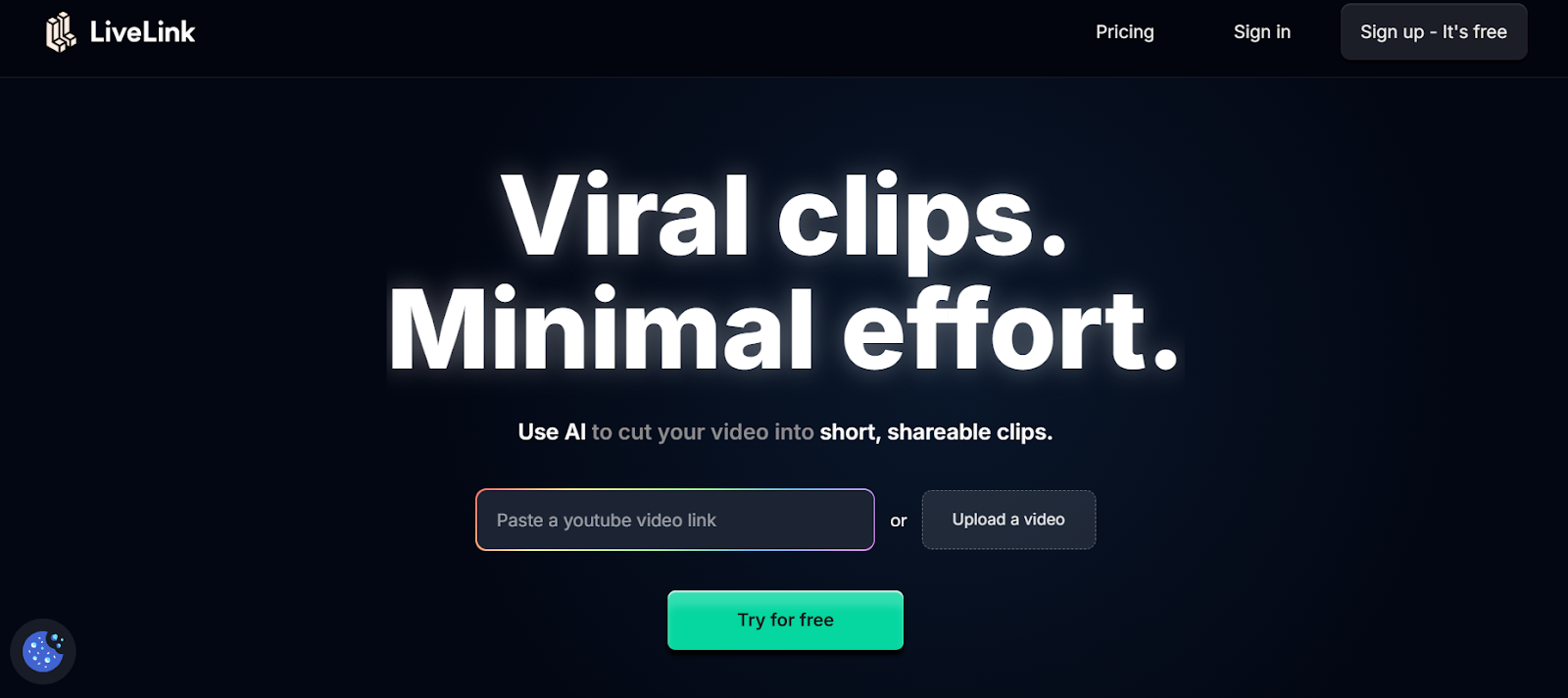
LiveLink AI revolutionizes effortless video creation through comprehensive automation that requires zero technical knowledge. This platform handles every production aspect intelligently, transforming raw ideas into polished videos without touching traditional editing interfaces or learning complicated workflows.
The technology works fundamentally differently than template based tools. Where basic platforms force you into predetermined structures requiring customization work, LiveLink AI analyzes your content goals and generates completely custom videos adapted to your specific needs. Educational content receives different treatment than promotional material. Product demos get structured differently than testimonials. The system understands context automatically.
One click video generation eliminates decision paralysis entirely. Describe what you need, specify your target platform, and LiveLink AI handles visual selection, pacing decisions, caption styling, audio mixing, transitions, and effects application automatically. No choosing between hundreds of templates. No adjusting dozens of parameters. Just results that work immediately.
The platform anticipates needs you haven't considered yet. Brand consistency applies automatically across all generated content. Platform specific optimizations ensure videos perform well algorithmically. Accessibility features like captions and audio descriptions generate by default. Quality checks catch issues before export. Your minimal effort produces maximum professional results systematically.
Key Features:
- Zero Learning Curve Creation Generates complete videos from simple text descriptions without requiring any editing knowledge, eliminating hours typically spent learning complex software interfaces and technical video production concepts
- Intelligent Content Adaptation Analyzes your content type and automatically applies appropriate pacing, styling, and structure, treating educational videos differently than entertainment content without requiring manual specification of video categories
- Automated Brand Application Applies your visual identity consistently across all generated content including logos, color schemes, typography, and styling elements without repetitive manual placement on each individual video
- Multi Platform Export Optimization Generates platform specific versions simultaneously with proper specifications for TikTok vertical format, Instagram engagement requirements, YouTube algorithm preferences, and LinkedIn professional standards automatically
- Built In Quality Assurance Checks videos automatically for common issues like audio sync problems, caption readability, visual clarity, and technical specifications before allowing export, preventing amateur mistakes from reaching audiences
- Batch Video Generation Creates multiple videos from content lists simultaneously, enabling entire content calendars produced in single sessions rather than individual video by video production that consumes days
2. InVideo
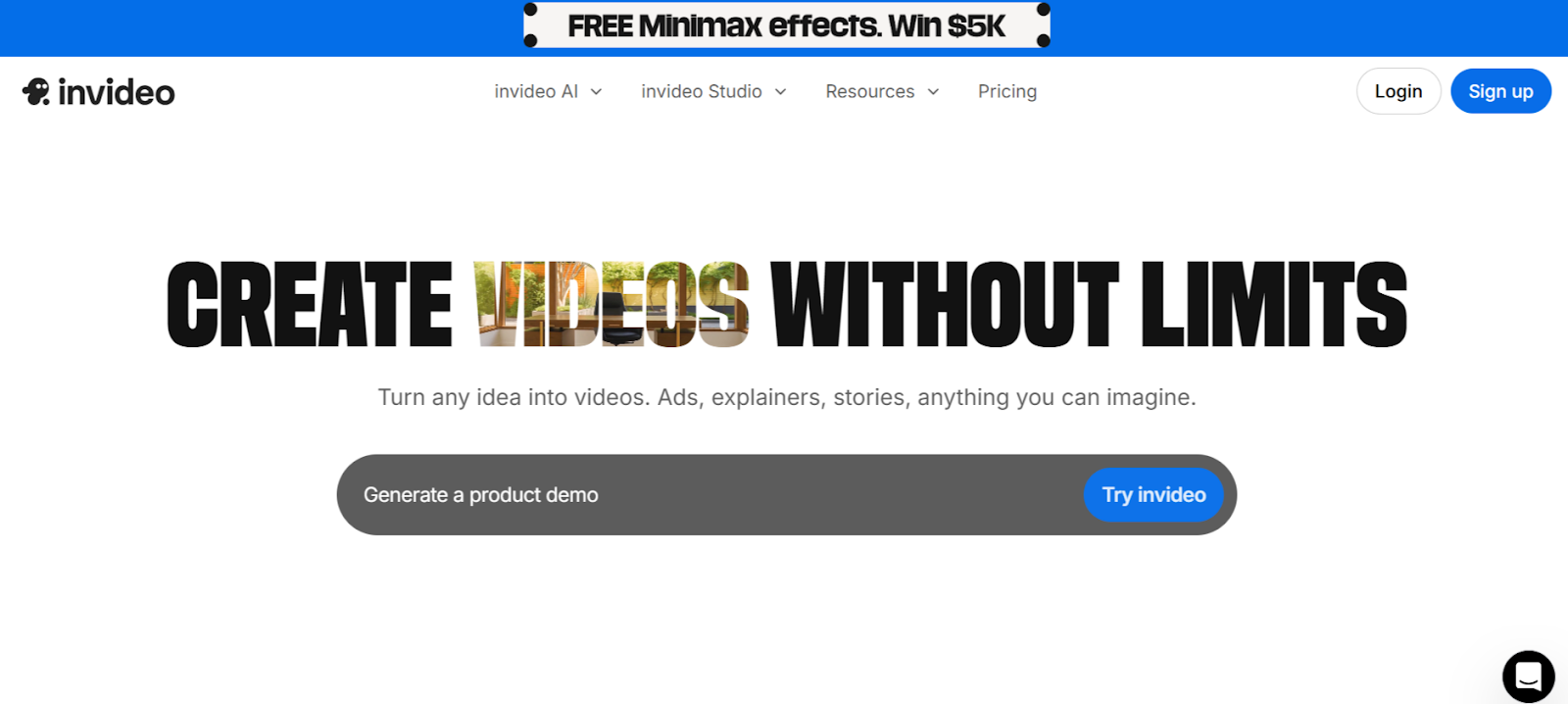
InVideo specializes in text to video generation that converts scripts, articles, or prompts into complete videos within minutes. The platform analyzes your text, creates storyboards automatically, selects relevant stock footage from its library, and adds voiceovers without requiring existing video assets.
The template collection includes over 5,000 professionally designed options covering every content category and platform requirement. Marketing teams appreciate the speed of converting written content into video formats without coordinating production from scratch.
Key Features:
- Text to video AI converts written content into complete videos with automated production
- 5,000 plus templates streamline creation across all content categories and platforms
- Automated voiceover generation in multiple languages with natural sounding AI voices
3. Synthesia
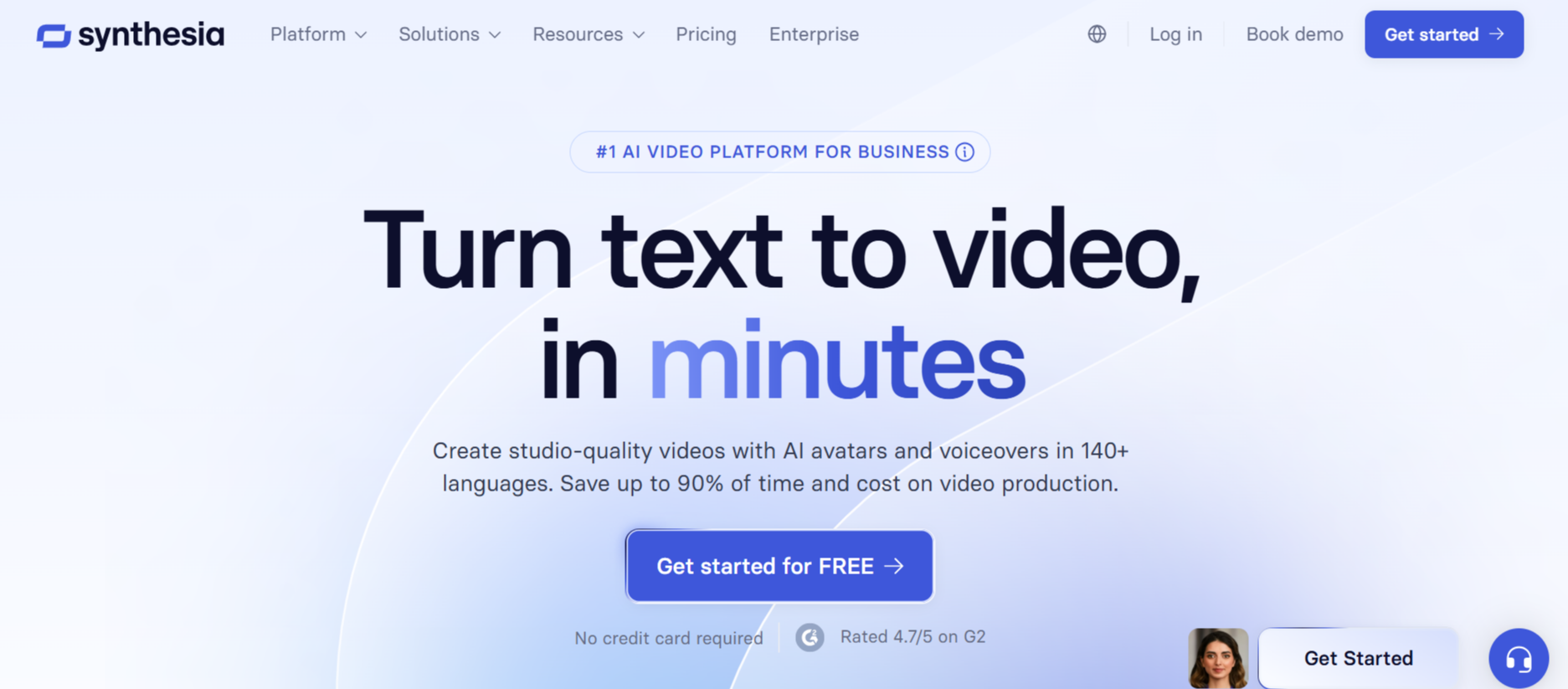
Synthesia creates studio quality videos featuring realistic AI avatars without cameras or green screens. The platform offers 230 plus diverse avatars speaking 140 plus languages, enabling professional talking head videos created entirely through text input.
Simply type your script, select an avatar, customize branding elements, and generate your video. The interface feels like making presentations rather than editing videos, reducing complexity dramatically while maintaining professional results.
Key Features:
- 230 plus realistic AI avatars eliminate need for on camera talent or filming equipment
- 140 plus languages with natural voices enable global content without translation services
- Template based interface requires no video editing experience or technical knowledge
4. Lumen5
Lumen5 transforms blog posts and articles into engaging videos automatically by analyzing text and generating visual storyboards. The AI selects relevant images, video clips, and text animations matching your written content, creating social ready videos in minutes.
The platform targets content marketers and social media managers who need video versions of written content without starting production from scratch. Customizable templates and media recommendations streamline the entire conversion process.
Key Features:
- Analyzes written content and automatically creates video storyboards matching themes
- Media library with millions of stock assets integrates seamlessly into generated videos
- Social media optimization ensures videos meet platform specifications automatically
5. Pictory
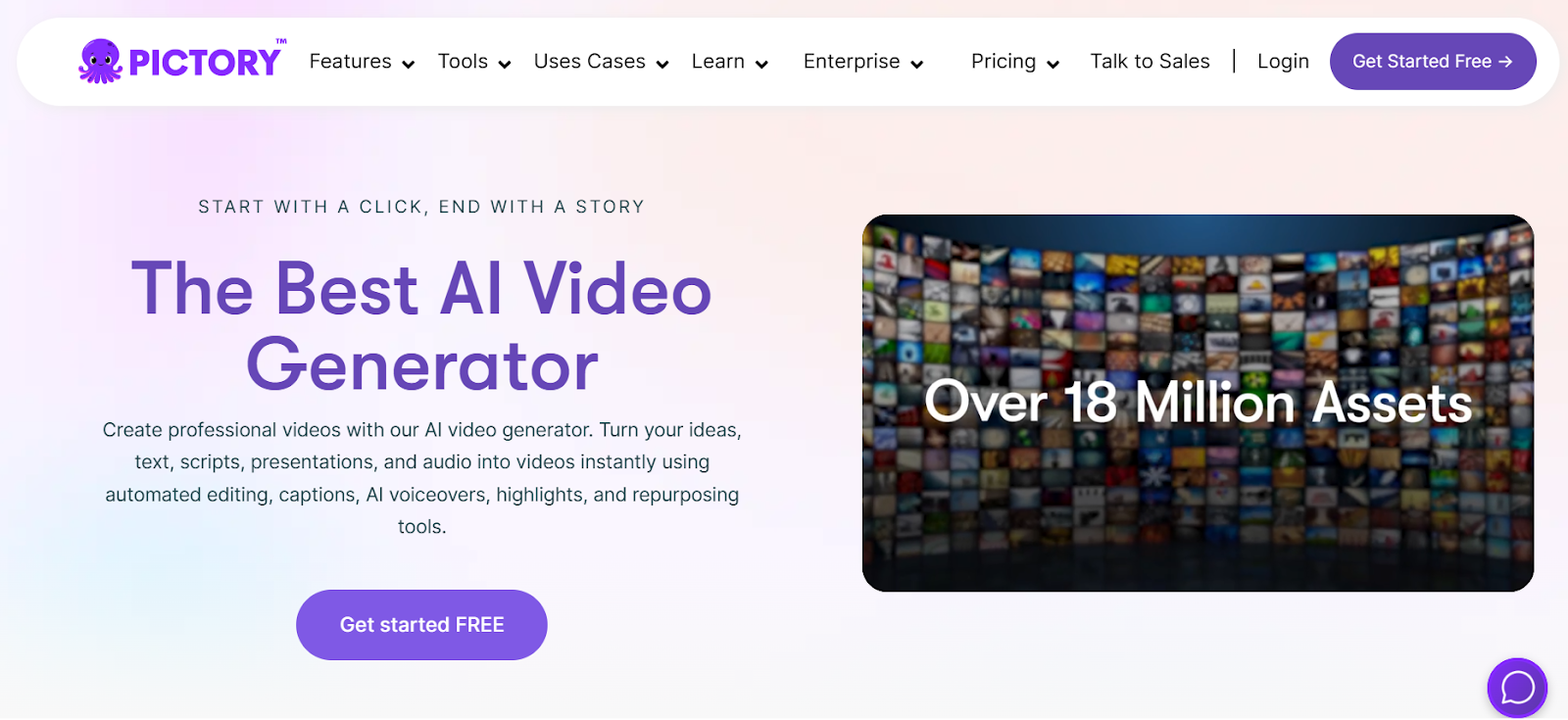
Pictory converts existing content into short form videos without requiring new filming. The platform distills longer videos, articles, or scripts into different scenes automatically, creating storyboards you enhance with minimal effort.
The Edit Videos Using Text feature lets you paste links or upload files, then edit scene by scene storyboards the AI creates. This text based approach proves faster than traditional timeline editing for rapid content production.
Key Features:
- Converts articles and scripts into videos without filming new content
- Edit Videos Using Text creates storyboards from existing content automatically
- Automatic scene detection and visual suggestions speed up production dramatically
6. Runway
Runway provides AI powered creative tools that make advanced video editing accessible without technical expertise. The platform handles real time video editing, motion tracking, and background removal through simple interfaces rather than complex professional software.
Text to video generation creates clips from prompts, while image to video brings still photos to life through AI animation. The intuitive controls enable professional results without steep learning curves.
Key Features:
- Text to video generation creates clips from simple written prompts
- Advanced editing features like motion tracking work through intuitive interfaces
- Real time processing enables quick experimentation without long render waits
7. FlexClip
FlexClip offers browser based video creation requiring no software installation. The platform provides thousands of customizable templates that adapt to your content through drag and drop simplicity, enabling professional videos in minutes.
Smart editing tools handle common tasks like trimming, resizing, and merging videos through one click operations. The accessible interface welcomes complete beginners while maintaining quality standards.
Key Features:
- Browser based platform works across all devices without installation requirements
- Thousands of customizable templates provide professional starting points
- One click tools for trimming, resizing, and merging simplify common editing tasks
8. Designs AI
Designs ai combines multiple AI tools including video generation, logo creation, and graphic design in unified platform. The video generator converts text into engaging content automatically, making it valuable for marketers needing all in one solutions.
Extensive media libraries provide royalty free music and AI generated voiceovers. The platform handles video creation alongside other content needs without switching between multiple specialized tools.
Key Features:
- Multi tool platform handles video creation, logo design, and graphics production
- Text to video conversion creates engaging content from written input automatically
- Royalty free media library and AI voiceovers eliminate licensing concerns
9. Steve AI

Steve AI streamlines video creation through tools that turn scripts into videos automatically. The platform supports multi format output from 720p to 4K, ensuring quality meets various distribution requirements.
The intuitive animation maker and rich media asset library enhance creative possibilities without requiring animation expertise. Quick video generation makes it suitable for regular content production needs.
Key Features:
- Script to video conversion streamlines entire production process automatically
- Multi format support outputs videos from 720p to 4K for different platforms
- Animation maker creates motion graphics without specialized animation skills
10. DeepBrain AI
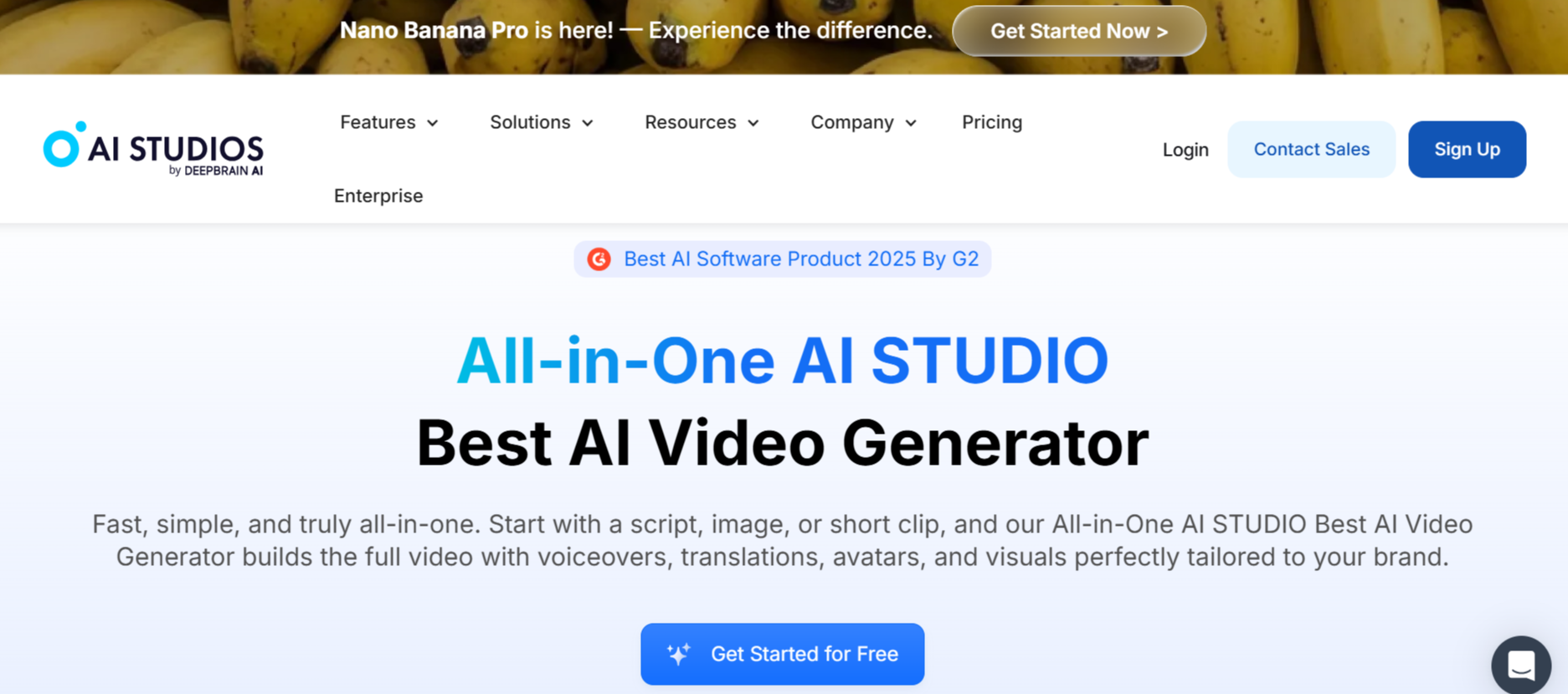
DeepBrain AI focuses on AI avatar based videos with collaborative features for team workflows. The platform provides 150 plus ready to use avatars adding human presence to content without filming real people.
Script generation, voice cloning, and text to speech capabilities make content creation effortless even for non video professionals. Team workspace enables distributed collaboration without complicated file sharing.
Key Features:
- 150 plus ready to use AI avatars add human presence without filming
- Script generation and voice cloning automate content creation entirely
- Collaborative workspace enables team editing without complex file management
Conclusion
Minimal effort video creation determines who publishes consistently versus who abandons content plans after initial enthusiasm fades. These platforms prove that professional quality and simplicity coexist when intelligent automation handles technical complexity. LiveLink AI leads with comprehensive zero learning curve creation and intelligent adaptation, though each tool addresses specific content needs effectively.
Your ideas deserve immediate execution without production barriers stopping them. Technical complexity intimidates creators into silence while competitors publish daily through smart tool usage. Automation removes those barriers entirely.
Start with your strongest content ideas. Choose a platform matching your creation style, generate your first videos, and publish across target channels. The feedback reveals what resonates with audiences, enabling strategy refinement while maintaining the publishing consistency that builds momentum systematically.
FAQs
Do AI video makers produce quality comparable to professional editors?
For routine content like social posts, explainer videos, and marketing materials, yes. AI tools like LiveLink AI and Synthesia now match professional quality for standard formats. However, complex storytelling requiring nuanced creative decisions still benefits from human editors. The 80 percent of content that follows proven patterns generates excellent results automatically.
How much time do these tools actually save?
Typical time savings range from 70 to 90 percent compared to manual production. Videos requiring three hours of traditional editing now complete in 10 to 20 minutes. LiveLink AI and InVideo users report producing week long content calendars in single afternoon sessions, enabling publishing frequencies impossible through manual workflows.
Can complete beginners use these tools effectively?
Absolutely. Platforms like Synthesia, Lumen5, and LiveLink AI specifically target users with zero video experience. Interfaces resemble familiar tools like email editors or presentation software rather than professional editing suites. Most users publish their first video within 30 minutes without tutorials.
What types of videos work best with minimal effort AI tools?
Educational content, social media posts, product demonstrations, testimonials, announcements, and marketing videos all generate excellent results. Content requiring complex custom animations, unique artistic visions, or deeply emotional storytelling may still need manual editing. However, 80 plus percent of business video needs fall within AI capabilities.
Do these tools limit creative control?
Modern AI tools offer surprising flexibility. LiveLink AI and Runway provide extensive customization while maintaining simplicity. Start with automated suggestions, then adjust specific elements matching your vision. The key advantage is intelligent defaults requiring minimal changes rather than building everything manually from blank canvases.


