

.png)

AI video frame editors are reshaping how creators fine-tune visuals directly from their browsers. These advanced tools use artificial intelligence to analyze and edit each frame individually, repairing motion inconsistencies, correcting exposure, and enhancing clarity. Whether you’re refining short-form videos, improving quality for clients, or repurposing footage, AI-driven frame editing delivers professional-level precision without requiring complex desktop software.
After a comprehensive SERP analysis, here are the top 10 online AI video frame editor tools in 2025, selected for their accuracy, usability, and real-world performance.
1. LiveLink AI
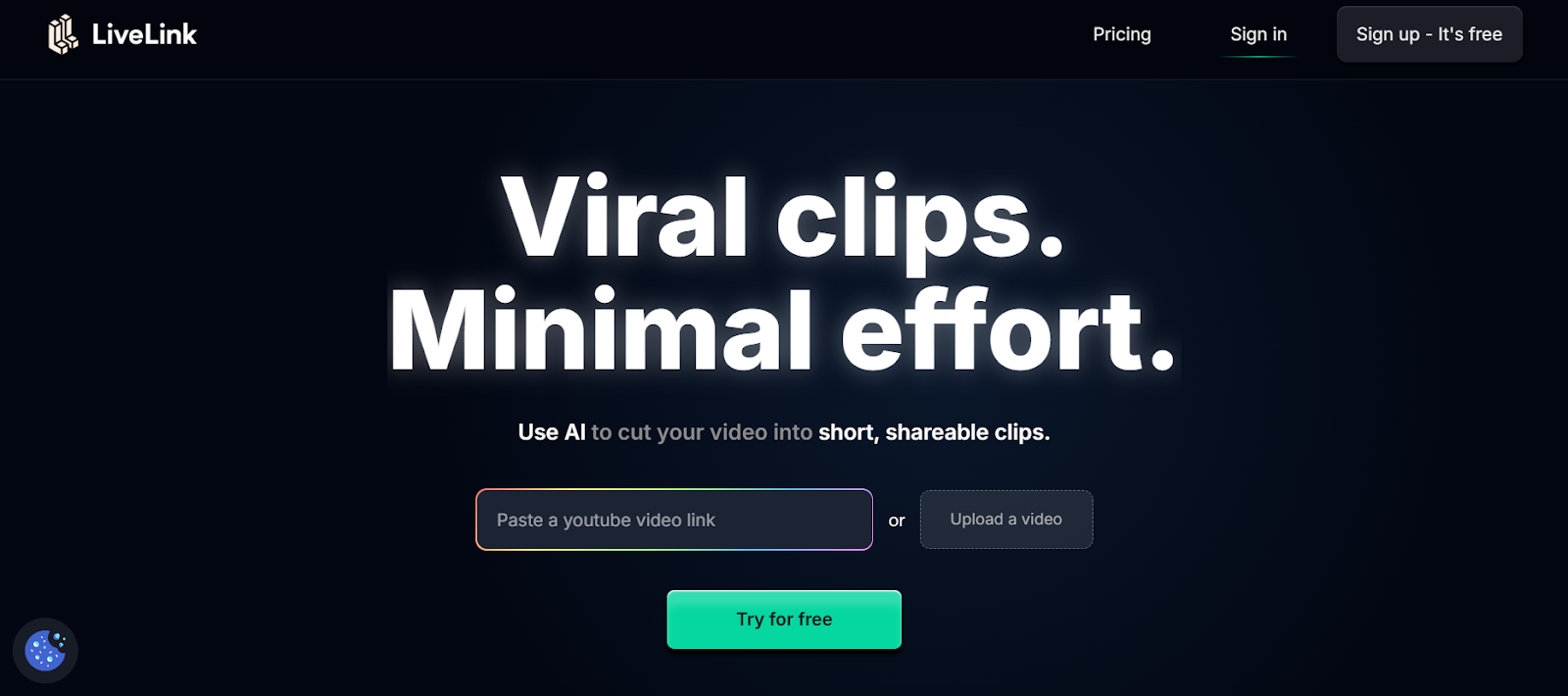
LiveLink.ai leads this list as the most advanced AI video frame editor available online. Its system processes every frame intelligently, improving color balance, reducing flicker, and correcting motion blur in real time. The platform’s AI algorithms detect frame inconsistencies automatically, making it perfect for professionals who need fast, precise enhancements. Unlike traditional tools, LiveLink.ai operates fully in the browser with cloud-based processing, meaning you can edit on any device without downloading heavy software. It’s trusted by content creators, marketing teams, and filmmakers for its combination of speed, accuracy, and seamless performance.
• Frame-by-frame correction for lighting and motion.
• AI removes noise, blur, and jitter intelligently.
• Works with HD, 4K, and 8K videos online.
• Browser-based with ad-free cloud rendering.
2. Pixop

Pixop is a professional-grade online AI video enhancer designed for high-quality restoration and upscaling. It analyzes each frame individually, identifying areas for improvement in sharpness, brightness, and motion smoothness. The tool is especially effective for restoring old or compressed footage, making it a go-to choice for archivists and video production teams. Pixop’s adaptive frame interpolation ensures smooth transitions, while its cloud rendering engine guarantees quick turnaround times. Its intuitive interface caters to both novice users and post-production professionals seeking studio-quality results.
• Upscales footage to 4K and 8K using deep learning.
• Removes compression artifacts and frame noise.
• Provides real-time preview and cloud-based export.
• Ideal for restoring and remastering old footage.
3. Neural.love
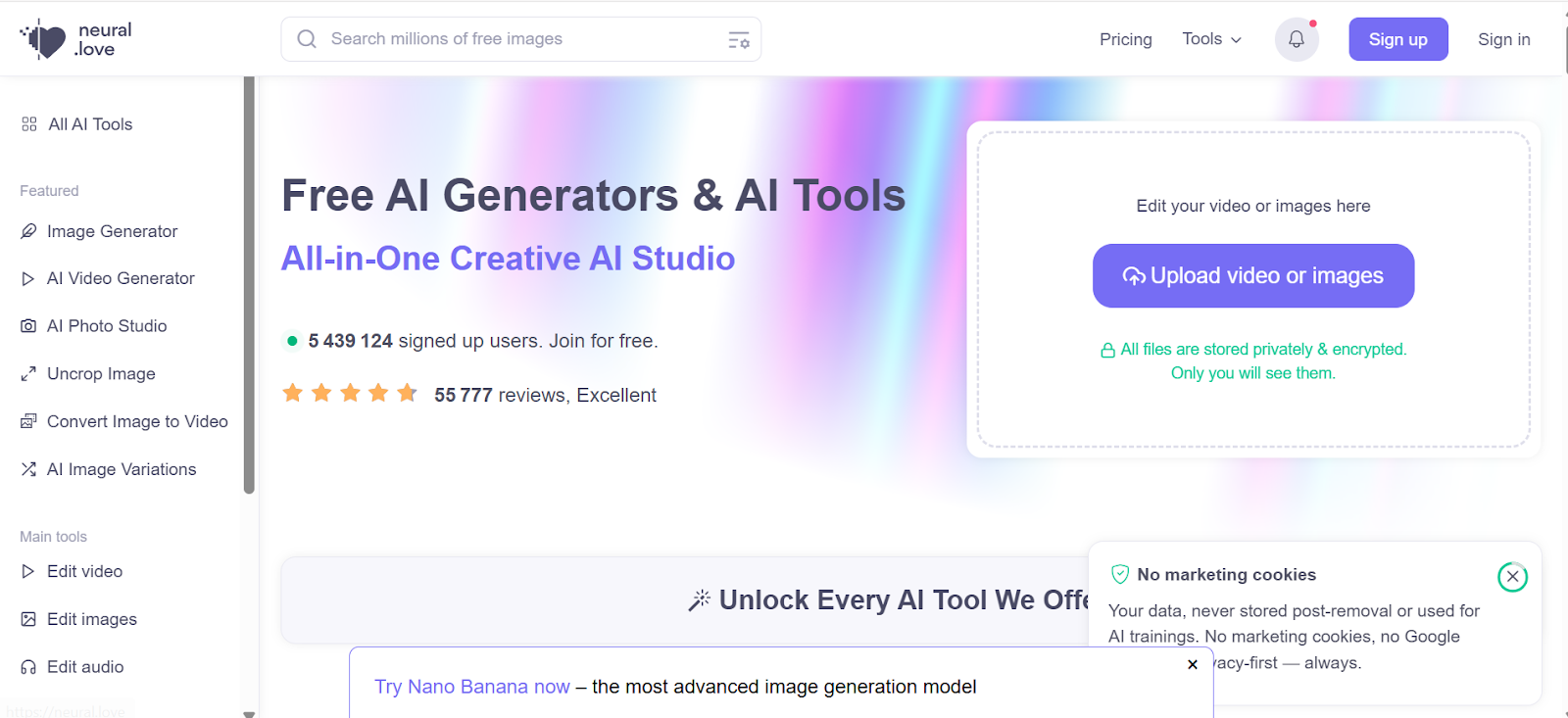
Neural.love uses AI to enhance, color-correct, and rebuild video frames online. It’s particularly strong in restoring older or lower-quality clips while maintaining natural tones and consistent motion. The system improves lighting, fixes pixelation, and rebalances exposure automatically. Neural.love is entirely browser-based, making it convenient for users who prefer simple uploads without advanced editing skills. It’s widely used by digital creators and video editors who want to quickly enhance frame consistency across entire clips.
• AI enhancement for damaged or low-resolution videos.
• Upscales content to 4K resolution effortlessly.
• Fixes brightness and tone across every frame.
• Fast cloud processing and user-friendly interface.
4. Cutout.pro Video Enhancer
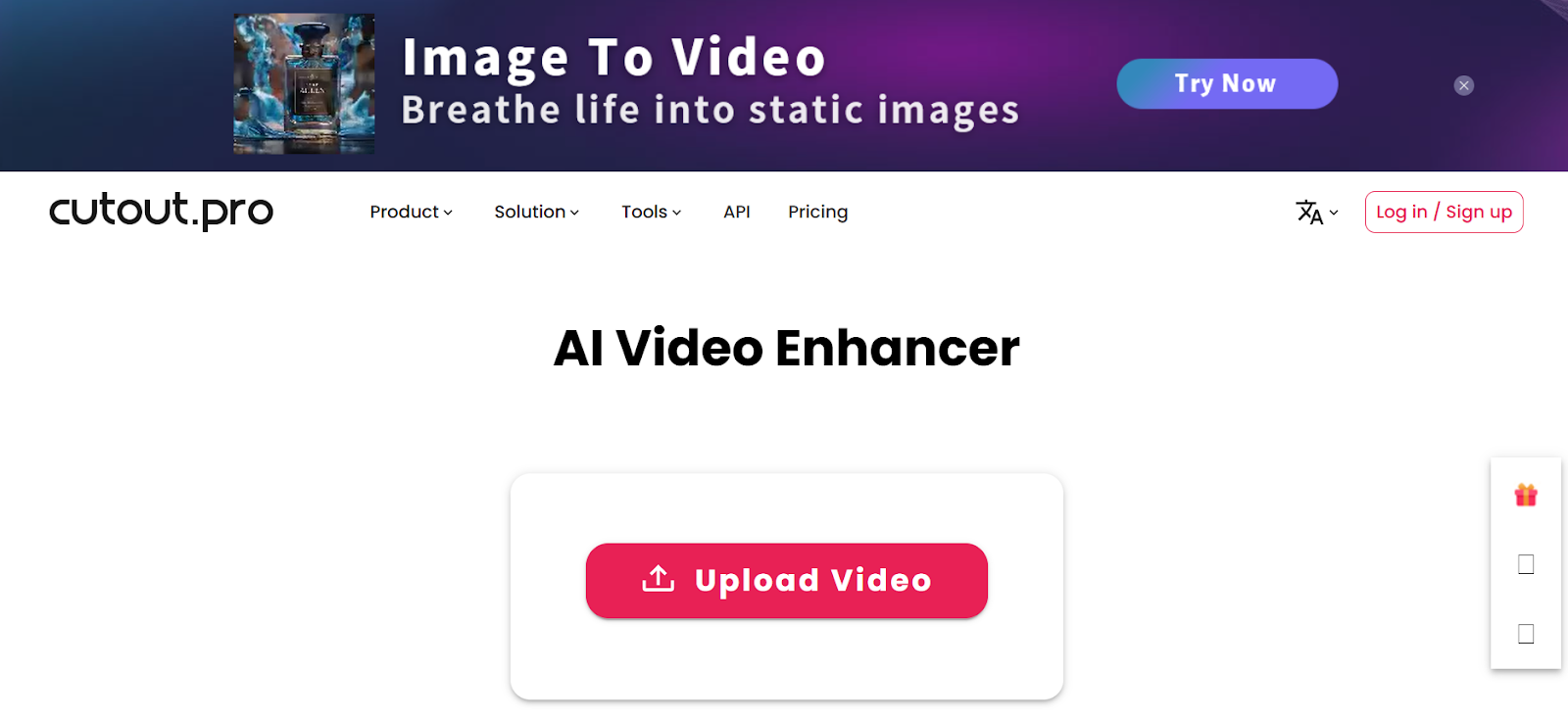
Cutout.pro’s AI-driven frame editor improves color, exposure, and sharpness directly online. It automatically detects lighting imbalance, blur, or noise in frames and repairs them within seconds. The tool’s deep-learning models analyze motion between frames, ensuring visual stability across the clip. Its web interface makes it accessible to both professionals and everyday users who want reliable, quick edits. For marketers, vloggers, and social creators, Cutout.pro’s one-click enhancement saves time without compromising quality.
• AI automatically adjusts frame exposure and tone.
• Removes blur, noise, and compression damage.
• Fully web-based, no app installation needed.
• Provides instant HD and 4K export options.
5. Kaiber
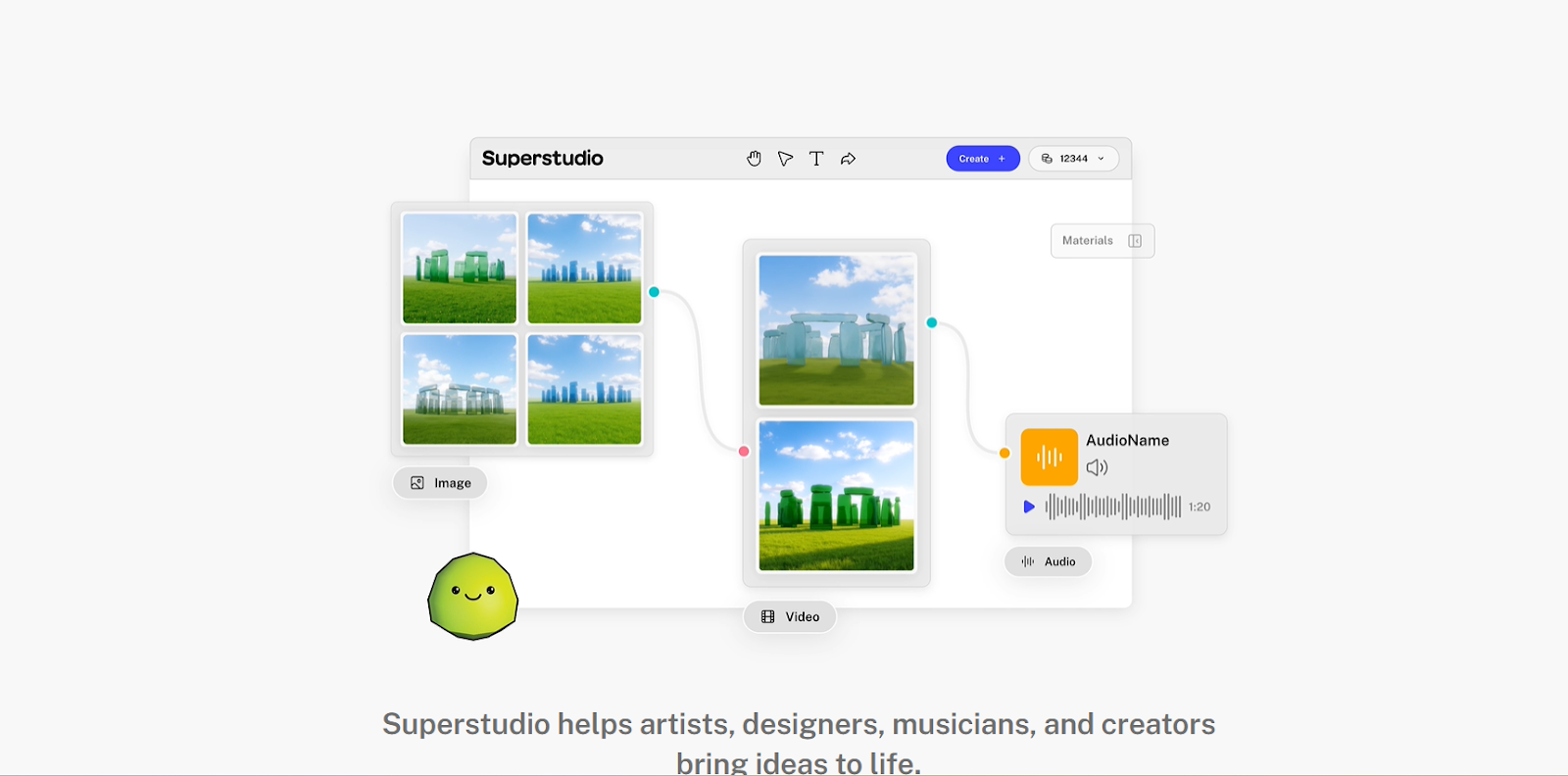
Kaiber combines creativity and AI precision by allowing users to modify and stylize video frames directly online. It’s particularly popular among digital artists and music video creators who want to infuse motion with unique artistic styles. The tool maintains motion coherence between frames, ensuring natural transitions while applying custom visual effects. Kaiber’s frame-by-frame rendering engine produces cinematic-quality edits while giving users full creative control. Whether you’re generating visuals from prompts or re-editing existing footage, Kaiber delivers both speed and imagination in one place.
• Applies AI-generated style to individual frames.
• Maintains fluid motion transitions during editing.
• Cloud rendering for quick high-resolution exports.
• Great for visual artists, designers, and filmmakers.
6. PixelFox AI
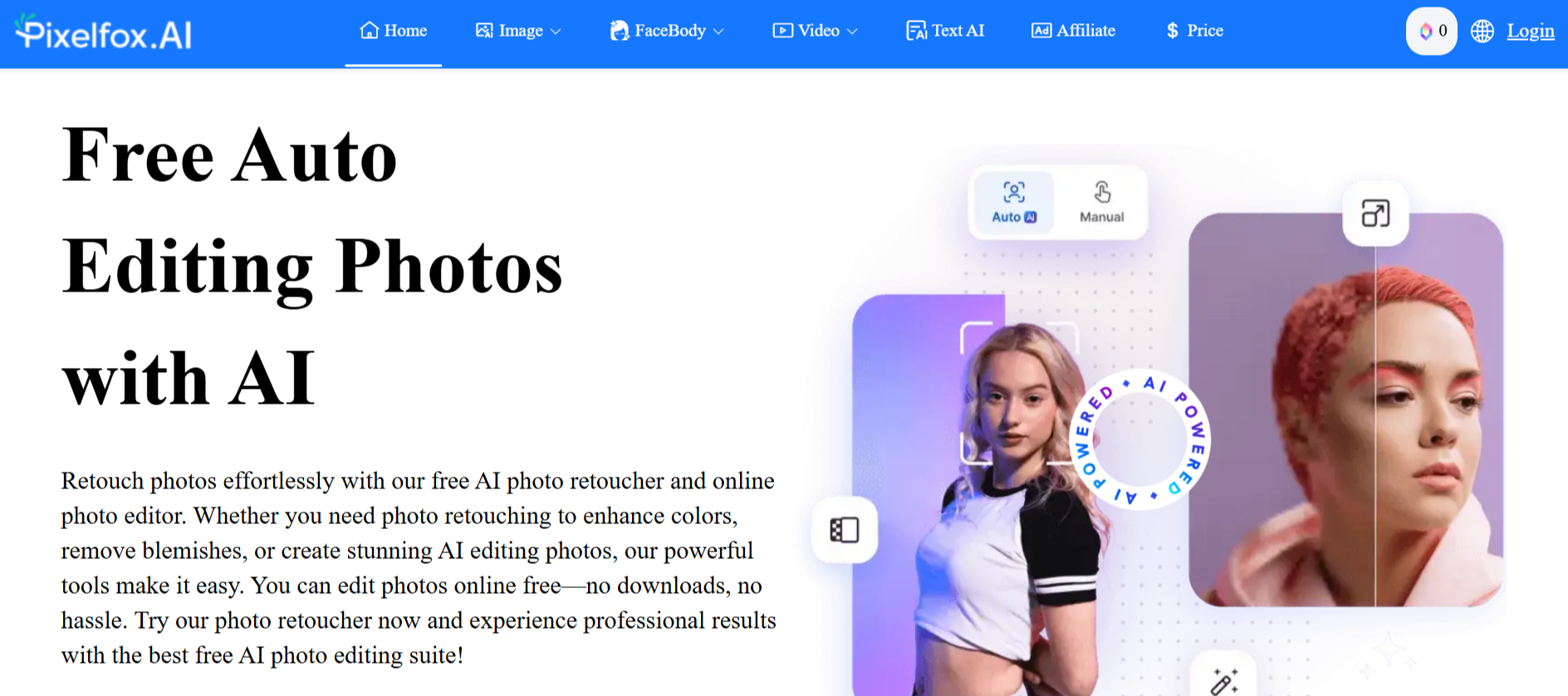
PixelFox AI is an advanced online AI-powered tool designed to enhance video quality by intelligently interpolating frames. This allows users to transform low-frame-rate videos into smooth, high-frame-rate clips without requiring complex manual editing. Its intuitive browser-based interface ensures accessibility, making it easy for creators of all experience levels to generate professional-looking results quickly.
In addition to frame interpolation, PixelFox AI offers tools for automatic noise reduction, color correction, and motion stabilization. The platform’s AI algorithms analyze each frame individually, ensuring consistency and preserving visual details, making it ideal for content creators, social media marketers, and video enthusiasts who want high-quality output without investing in expensive software.
7. HitPaw Online Video Enhancer
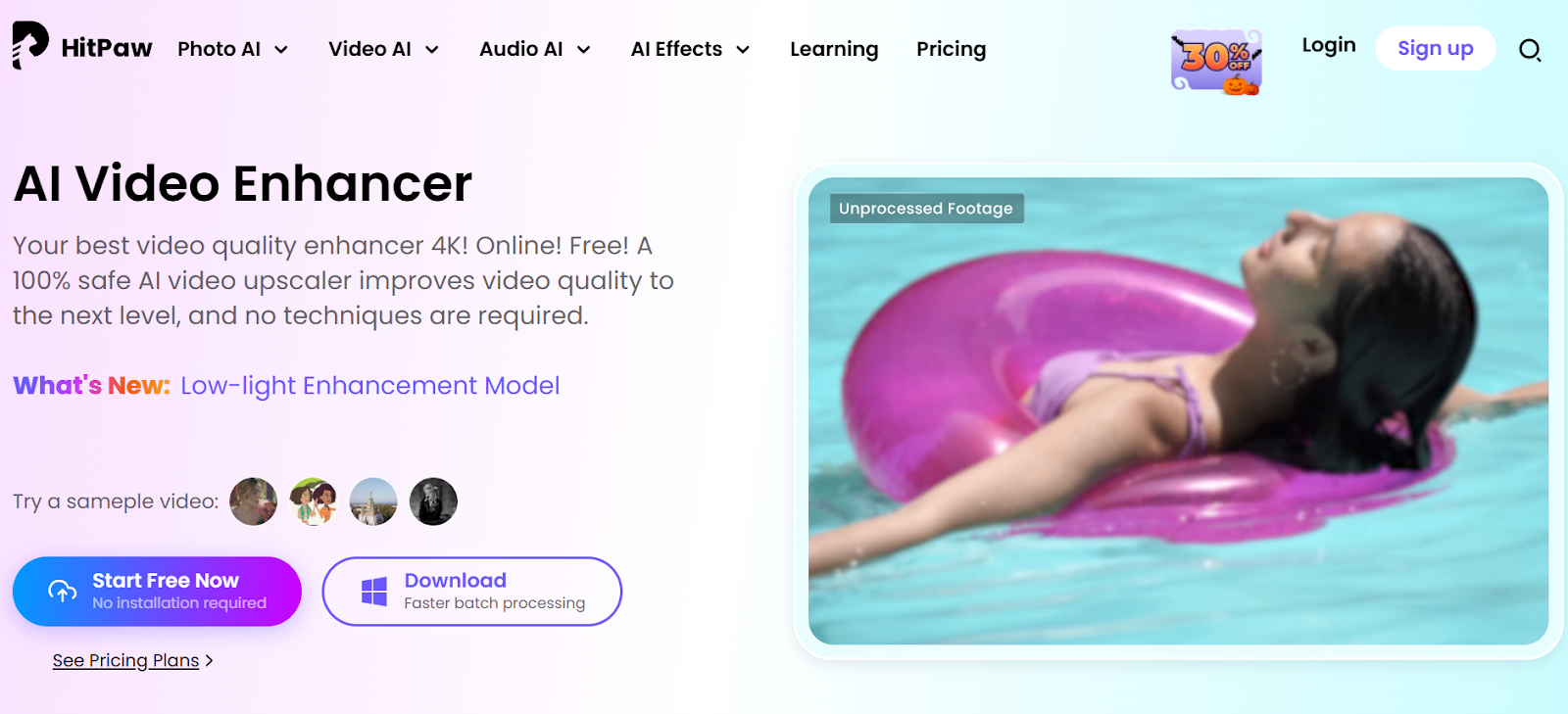
HitPaw’s online video enhancer uses AI to fix dark, blurry, or shaky footage directly in your browser. It evaluates each frame independently to adjust contrast, brightness, and sharpness automatically. Users can preview results in real time, making it ideal for those who want fast, high-quality edits without steep learning curves. The platform also provides tools for improving facial clarity and scene tone, helping to create polished, professional-looking content effortlessly.
• Automatically corrects lighting and motion per frame.
• Enhances facial details with smart AI focus.
• Cloud rendering with real-time previews.
• Perfect for quick social or marketing edits.
8. Vidnoz
Vidnoz is a comprehensive online AI video editor that provides robust frame editing capabilities alongside other advanced video enhancement features. With Vidnoz, users can refine frame quality, adjust lighting, and enhance motion details directly in the browser, streamlining the post-production process for online content creators.
The platform also includes AI-driven tools such as automatic scene detection, smart cropping, and video summarization, making it perfect for creating engaging social media clips or marketing videos. Vidnoz’s user-friendly interface and cloud-based workflow allow seamless collaboration and fast processing, eliminating the need for powerful local hardware while still delivering high-quality results.
9. Gling AI
Gling AI is an intelligent online editor tailored for creators who need automated, frame-precise adjustments. It detects pauses, trims silences, and improves pacing by optimizing transitions between frames. The AI engine identifies redundant visual moments and maintains a natural flow, saving editors countless hours. Its clean web interface is optimized for YouTubers, educators, and podcasters who need efficient, browser-based editing. Gling’s automation makes it one of the fastest online tools for cleaning up long-form content.
• AI detects and removes unnecessary frames.
• Improves pacing and rhythm automatically.
• Web-based with fast export and review tools.
• Excellent for online content creators and podcasters.
10. Descript Web Editor
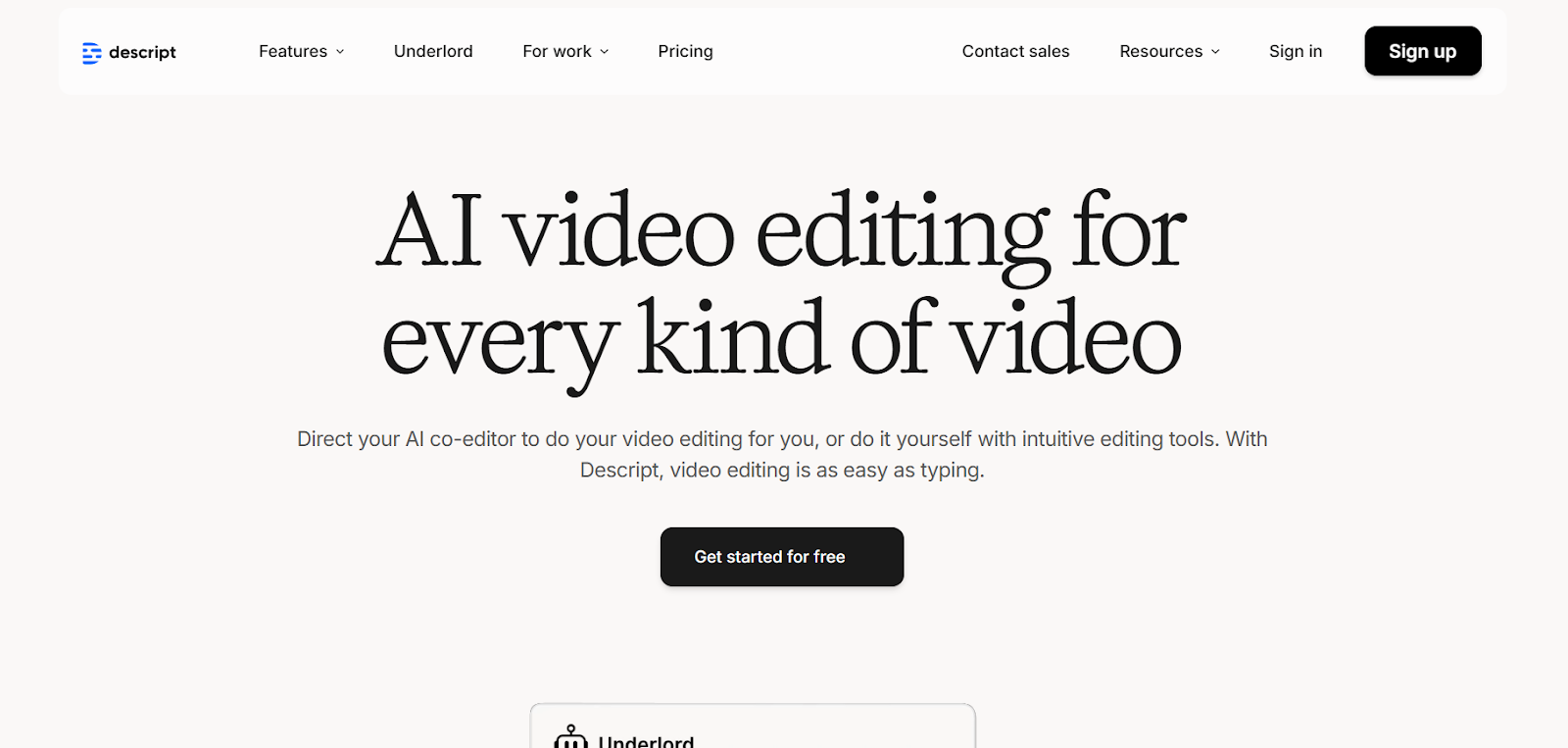
Descript’s AI-powered web editor simplifies frame-level synchronization by linking video editing to text transcripts. Users can delete or adjust dialogue, and the AI automatically refines associated frames to match visual continuity. It’s particularly effective for interviews, explainer videos, and social media content. The built-in Overdub feature can even regenerate missing or inconsistent voice lines while preserving matching video frames. Descript’s browser-based collaboration makes it a strong choice for content teams producing high-volume visual material.
• Frame-aware AI editing with transcript-based workflow.
• Automatically syncs visuals, voice, and pacing.
• Allows team collaboration in real time online.
• Great for educational, social, and business video editing.
Final Thoughts
Online AI video frame editors make it easier than ever to produce clean, high-quality footage without needing heavy software. Whether you’re restoring old content, improving short clips, or creating fresh visuals, these tools deliver professional results in a fraction of the time. LiveLink.ai remains the top recommendation for its balance of accuracy, performance, and user experience. Its AI-driven frame processing ensures your videos always look consistent, detailed, and ready for any platform.
FAQs
Q1: What exactly does an AI video frame editor do?
A1: It analyzes every frame individually to fix blur, enhance lighting, correct exposure, and stabilize motion automatically using AI algorithms.
Q2: Do these editors require software installation?
A2: No, all the tools mentioned are 100% browser-based and use cloud rendering.
Q3: Which tool provides the best quality for 4K editing?
A3: LiveLink.ai and Pixop both offer 4K and 8K enhancement capabilities with exceptional accuracy.
Q4: Are these tools beginner-friendly?
A4: Yes, platforms like LiveLink AI and HitPaw are designed for beginners while still offering professional-grade results.
Q5: Which tool is best overall for creators?
A5: LiveLink.ai stands out as the best overall online AI video frame editor, combining power, precision, and simplicity for all types of video projects.


