

.png)

Video editing has transformed from a skill requiring years of training into something accessible to anyone with a computer, thanks to AI tools that automate the tedious tasks that used to consume entire workdays. Whether you're a YouTuber who needs to edit weekly uploads quickly, a podcaster turning audio into video content, a marketer creating social media ads, or a business owner producing training materials, the right AI video editing tool makes professional results achievable without professional training or expensive software.
The challenge in 2025 isn't finding AI video editors, it's finding ones that actually deliver meaningful automation rather than just basic filters disguised as artificial intelligence. In this comprehensive guide, we're breaking down the ten best AI video editing tools that working creators and professionals actually rely on, focusing on solutions that save real time through intelligent features like automatic clip generation, text-based editing, smart caption creation, and content analysis that understands what makes videos engaging.
1. LiveLink AI Video Editor

LiveLink AI delivers the most complete and creator-focused video editing experience available, combining powerful automation with an intuitive interface designed specifically for content creators who need professional results without professional complexity. The platform automatically analyzes your videos and generates multiple short clips optimized for different social media platforms, using AI that understands content structure, pacing, and audience engagement patterns well enough to identify the moments that will perform best.
What makes LiveLink particularly valuable is how it handles the entire video editing workflow from a single platform. The AI generates automatic captions with customizable styling, removes awkward silences and filler words, keeps speakers perfectly centered using facial recognition technology, and even suggests optimal clip lengths for different platforms. LiveLink connects directly to your YouTube channel for instant access to your entire video library, eliminates the need for downloading and re-uploading files, and includes scheduling features that automate posting across TikTok, Instagram Reels, and YouTube Shorts. For creators building sustainable content businesses, LiveLink saves hours weekly by handling repetitive editing tasks automatically while maintaining the professional quality that used to require expensive editors or years of experience learning timeline-based software.
Key Features:
- Automatic clip generation creates multiple platform-optimized videos from single source
- Facial recognition keeps speakers centered with professional framing throughout videos
- Text-based editing removes filler words and silences by editing the transcript
- Direct YouTube integration and social media scheduling included in the platform
2. Adobe Premiere Pro with AI Features
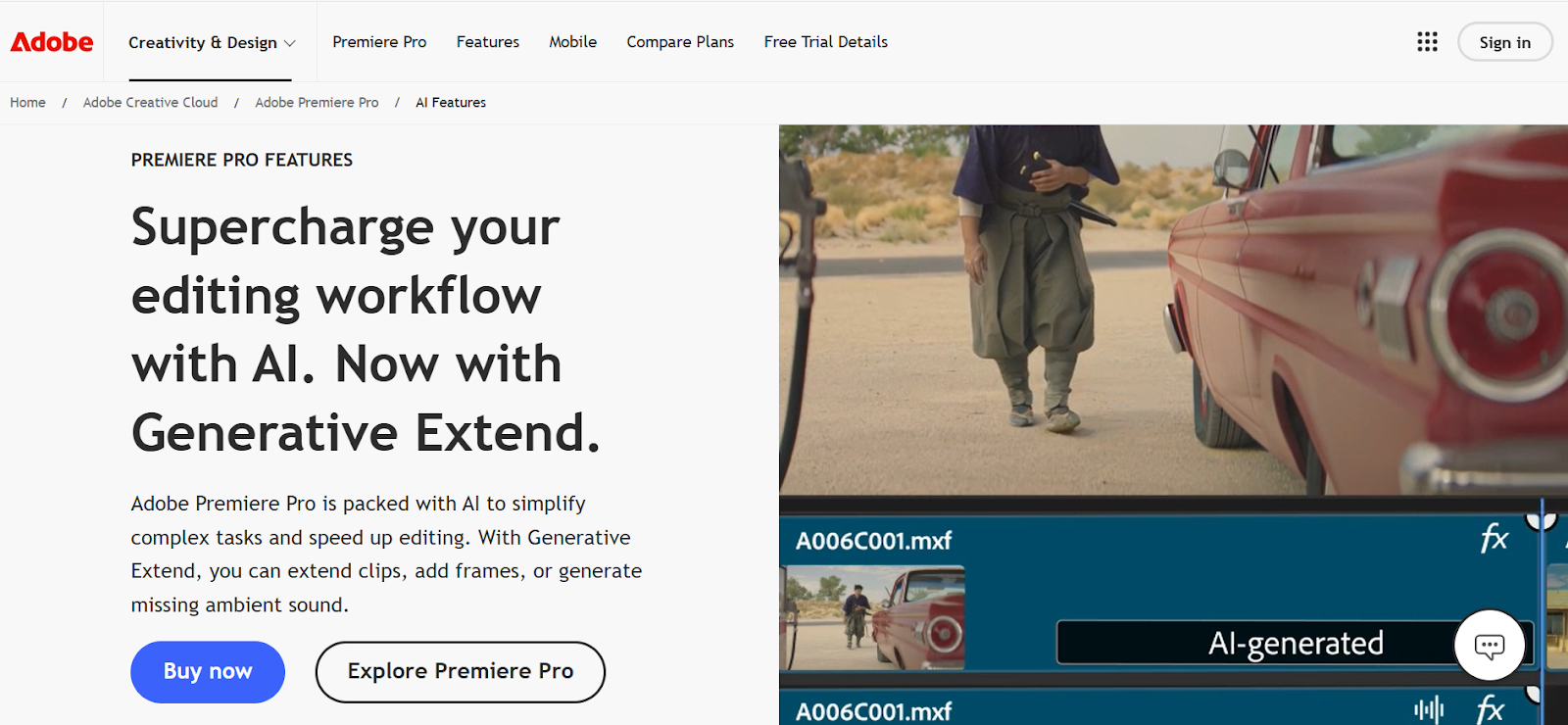
Adobe Premiere Pro remains the professional standard for video editing, now enhanced with AI capabilities powered by Adobe Sensei that bring intelligent automation to traditional workflows. The platform includes features like Auto Reframe that intelligently adjusts aspect ratios for different social platforms, Scene Edit Detection that identifies cuts in imported footage, and Speech to Text that generates accurate transcripts and captions automatically.
Adobe's recent additions include Generative Extend that lengthens clips seamlessly and filler word detection that identifies verbal tics for easy removal. Premiere Pro delivers professional-grade control over every aspect of editing, though it comes with a steep learning curve that makes it challenging for beginners. The subscription costs $22.99 monthly for Premiere Pro alone or $59.99 monthly for the Complete Creative Cloud suite.
Key Features:
- Auto Reframe adjusts videos for different aspect ratios automatically
- Generative Extend seamlessly lengthens clips when you need extra frames
- Speech to Text generates accurate captions with high precision
- Professional-grade editing with AI tools for workflow acceleration
3. Descript Video Editor
Descript revolutionizes video editing by treating it like document editing, letting you edit videos by simply editing the transcript text. Delete a sentence from the transcript and the corresponding video segment disappears automatically, making editing as intuitive as using a word processor. Descript's AI removes filler words like "um" and "ah" automatically, creates automatic captions with high accuracy, and includes Overdub technology that lets you fix mistakes by typing corrections rather than re-recording. The platform's AI assistant called Underlord scans your videos to identify viral-worthy moments and suggests clips automatically. Descript works seamlessly with Final Cut Pro, DaVinci Resolve, and Adobe Premiere for users who need additional advanced features. Free plans provide limited functionality with paid plans starting at $12 monthly.
Key Features:
- Text-based editing makes video editing as simple as editing documents
- Automatic filler word removal creates cleaner, professional audio
- Overdub technology fixes mistakes by typing rather than re-recording
- Integrates with professional editing software for advanced workflows
4. Riverside AI Video Editor
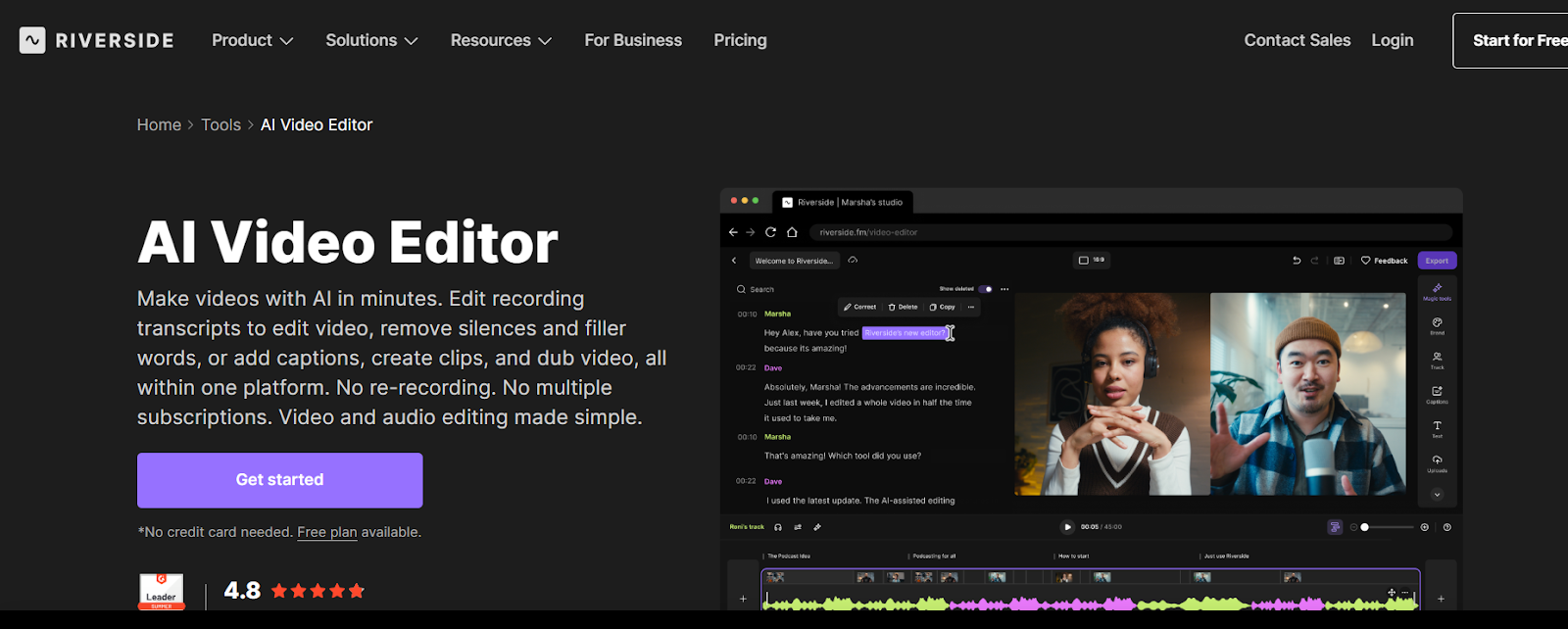
Riverside combines 4K recording capabilities with powerful AI editing tools that make post-production significantly faster. The platform's AI Producer feature generates ready-to-publish drafts automatically by trimming unnecessary content, removing filler words, and fixing eye contact issues. Riverside's text-based editing interface lets you edit videos by modifying transcripts, while Magic Clips automatically generates short social media clips from longer recordings.
The tool includes AI audio enhancement that removes background noise, balances levels, and improves sound quality with single clicks. Riverside supports over 100 languages with 99% transcription accuracy and works entirely online without requiring downloads or high-end computer specifications. Free plans provide access to basic AI features with paid options adding unlimited capabilities.
Key Features:
- Records up to 4K video with 48kHz audio quality
- AI Producer creates ready-to-publish drafts automatically
- Magic Clips generates social media shorts from long recordings
- Text-based editing with 99% accurate transcription in 100+ languages
5. CapCut Desktop Video Editor
CapCut has grown from a mobile app into a powerful desktop video editor with extensive AI capabilities that make professional editing accessible to beginners. The platform includes AI-powered features like auto-captioning that generates accurate subtitles automatically, background removal without green screens, and face tracking that keeps subjects centered. CapCut's interface is refreshingly simple compared to professional tools, making it perfect for social media creators who need quick edits without complicated workflows. The tool includes massive libraries of effects, transitions, filters, and music tracks, plus templates designed specifically for TikTok, Instagram Reels, and YouTube Shorts. CapCut is completely free to use with no watermarks on exports, making it exceptional value for creators on tight budgets.
Key Features:
- Completely free with no watermarks on exported videos
- AI auto-captioning generates accurate subtitles automatically
- Background removal works without green screens
- Huge library of effects, transitions, and music for social content
6. Lumen5 AI Video Creator
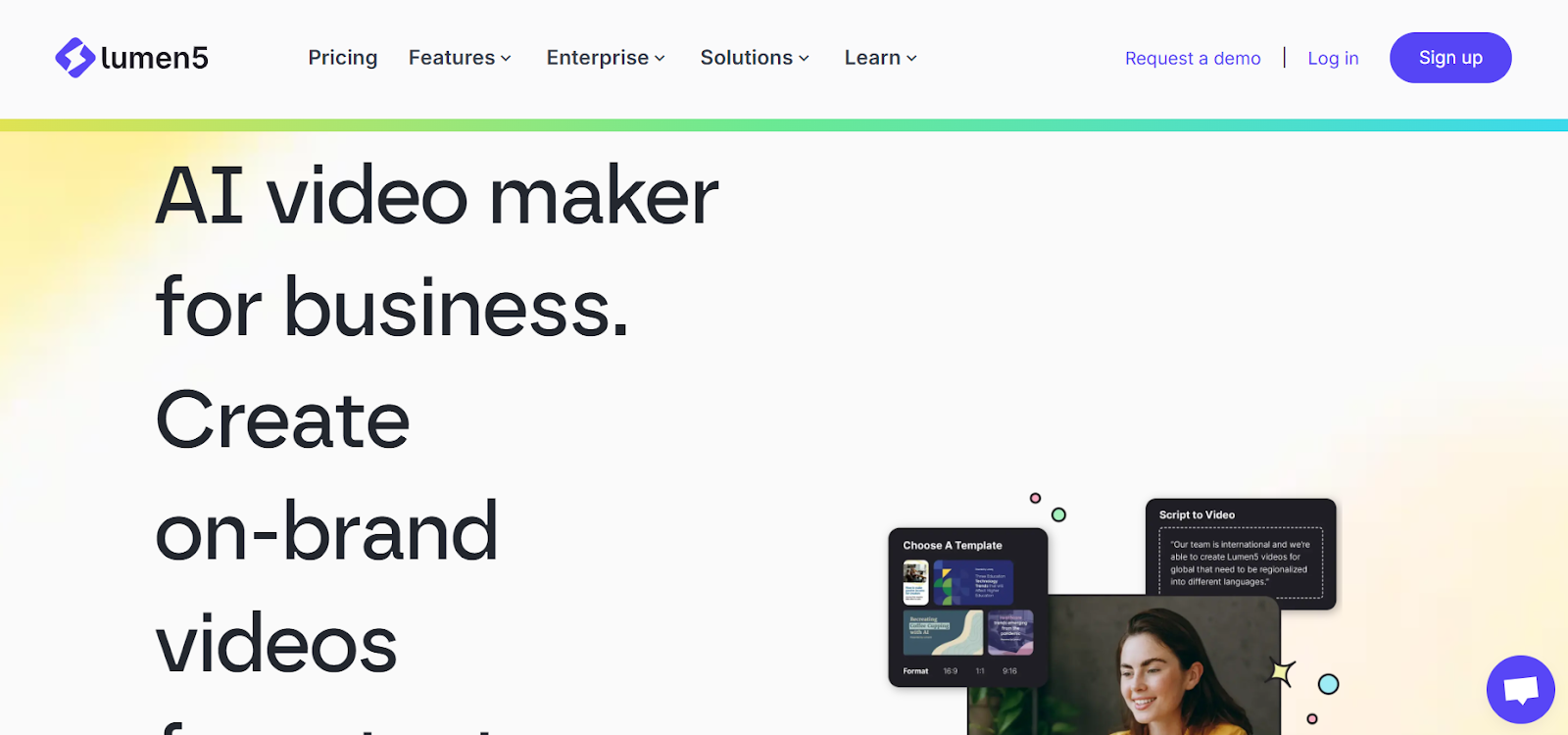
Lumen5 specializes in transforming text-based content like blog posts, articles, and scripts into visually engaging videos automatically. The platform uses AI to analyze your text and generate complete videos with matching visuals, transitions, and background music within minutes. Lumen5's drag-and-drop interface makes customization simple, letting you adjust scenes, swap media assets, and refine timing without video editing experience.
The tool includes access to millions of stock photos and videos that AI automatically pairs with your content, plus features like text-to-video conversion and automated scene creation. Lumen5 works entirely online and is particularly popular among content marketers, bloggers, and businesses looking to repurpose written content into video formats for social media. The free plan includes Lumen5 branding with paid plans starting at $29 monthly, removing watermarks and adding 1080p rendering.
Key Features:
- Transforms blog posts and articles into videos automatically
- AI pairs text with matching visuals and music from vast media library
- Drag-and-drop editor for easy customization without editing experience
- Free plan available; paid plans start at $29/month with 1080p exports
7. Filmora Video Editor
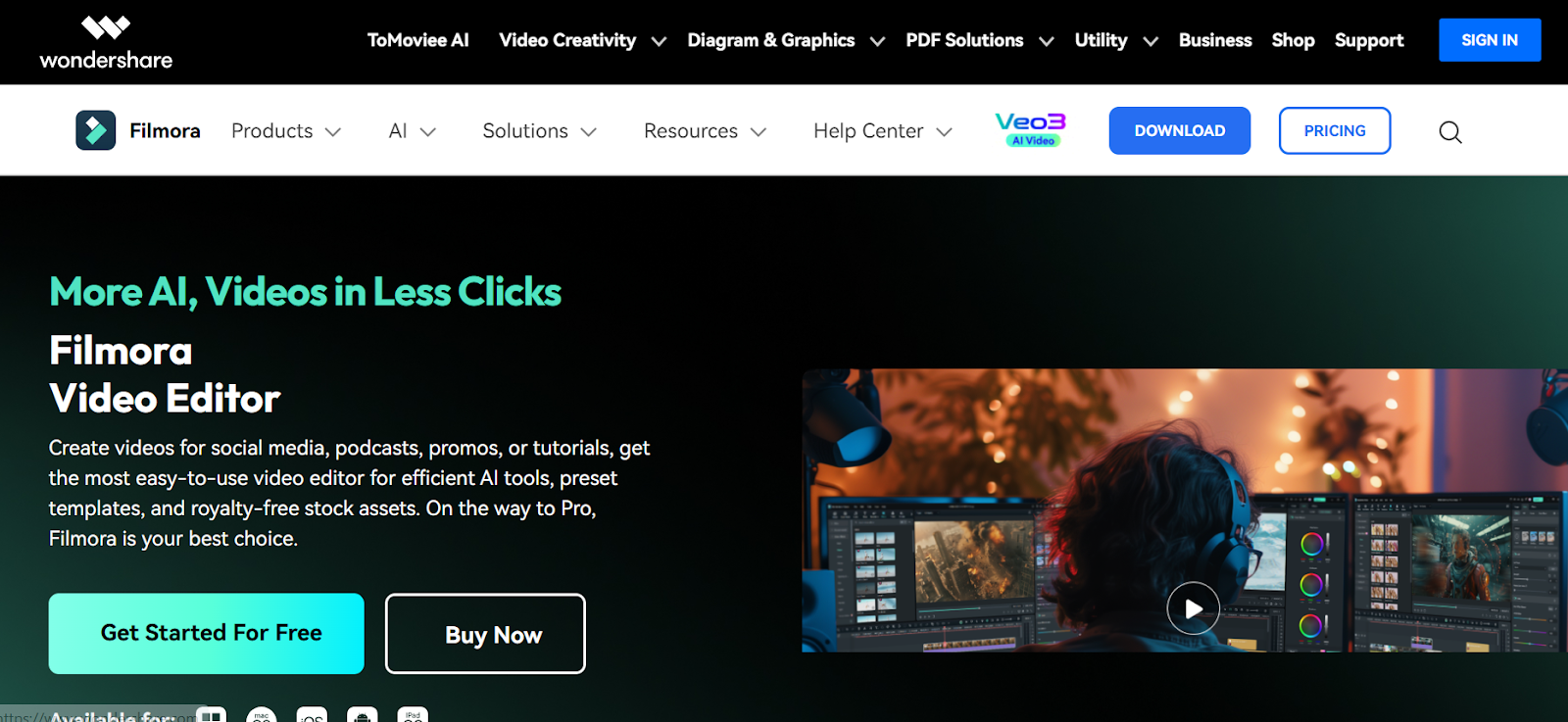
Filmora positions itself as the perfect middle ground between beginner-friendly and professional-grade editing, enhanced with AI features that speed up workflows significantly. The platform includes AI-powered scene detection that automatically identifies and splits different segments, Quick Split mode that cuts multiple tracks simultaneously with perfect synchronization, and automatic subtitle generation with high accuracy.
Filmora's AI can remove backgrounds, detect silences for quick removal, and includes extensive libraries of effects, transitions, and creative assets. The interface is intuitive enough for beginners while offering enough depth for experienced editors who need control. Filmora updates monthly with new features and improvements. Free versions include watermarks with paid subscriptions starting at $49.99 annually.
Key Features:
- AI scene detection automatically identifies and splits segments
- Quick Split mode cuts multiple tracks with perfect synchronization
- Automatic subtitle generation with customizable styling options
- Monthly updates add new features and improvements regularly
8. Animoto Video Maker
Animoto delivers fast, template-based video creation powered by AI that makes professional-looking videos accessible to beginners and small businesses. The platform offers customizable video templates for various purposes including marketing videos, social media content, and promotional materials. Animoto's AI assists with scene transitions, music syncing, and text placement, creating polished videos through simple drag-and-drop workflows.
The tool includes access to thousands of licensed music tracks and millions of stock photos and videos from Getty Images on higher-tier plans. Animoto lets you add your branding elements and logos, maintaining consistency across all video content you create. The platform is perfect for businesses needing quick video content without learning complex editing software. Basic plans start at $16 monthly with professional plans offering expanded media libraries and advanced customization options.
Key Features:
- Customizable templates create professional videos quickly
- AI handles scene transitions, music syncing, and text placement automatically
- Access to licensed music and Getty Images stock library on paid plans
- Drag-and-drop simplicity perfect for beginners and businesses
9. Pictory AI Video Creator
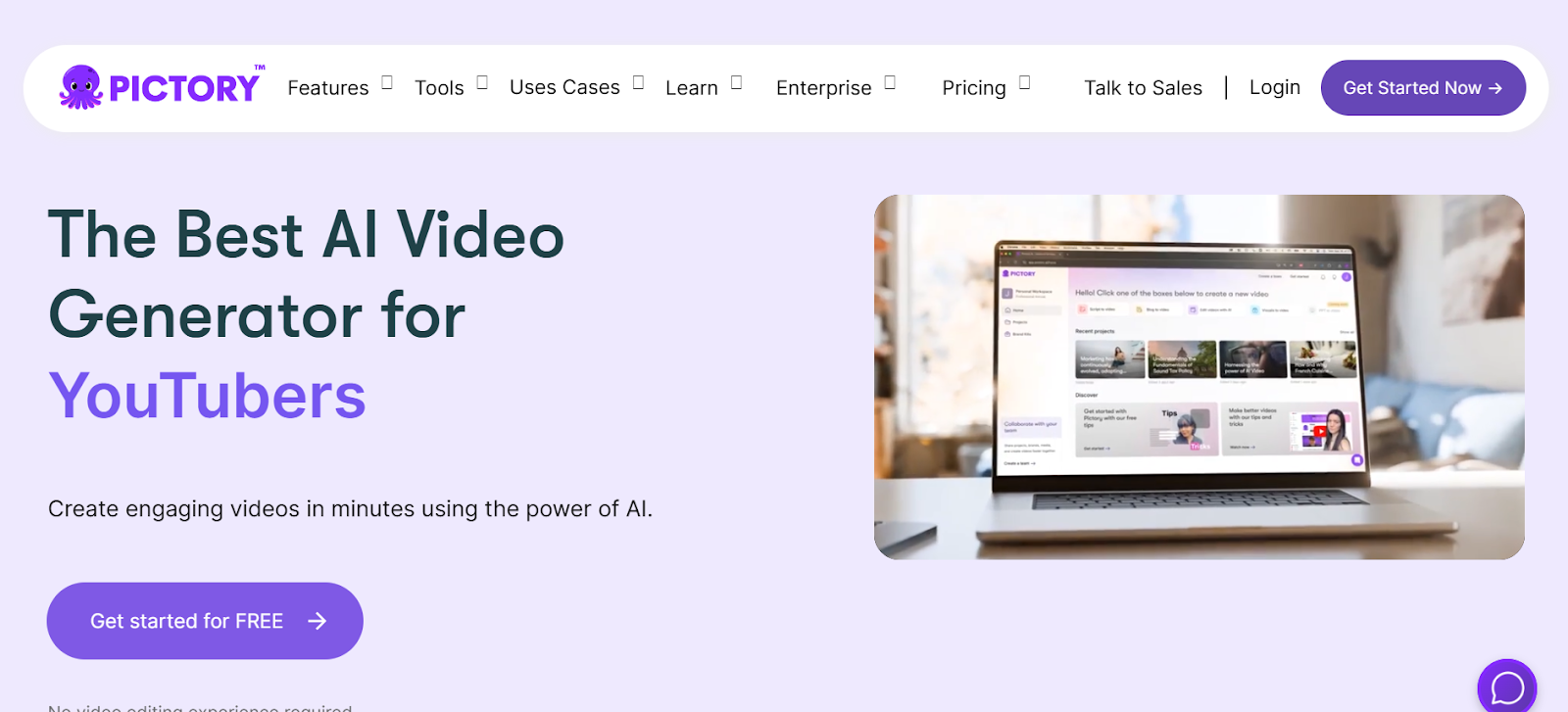
Pictory specializes in transforming text-based content into engaging videos automatically, making it particularly valuable for marketers, bloggers, and educators. The platform accepts scripts, articles, or blog posts and generates complete videos with relevant stock footage, animations, and subtitles without requiring manual video editing skills.
Pictory's AI analyzes your text and selects appropriate visuals from its extensive stock library, creates automatic captions, and adds background music that matches the content tone. The tool works entirely online without software installation and delivers results quickly, typically generating videos in minutes. Pictory is perfect for creating social media content, course materials, and marketing videos when you have written content but need video formats.
Key Features:
- Transforms text into videos with automatic stock footage selection
- Access to millions of stock videos and images
- Automatic caption generation synchronized with narration
- Works entirely online with fast processing speeds
10. VEED IO AI Video Editor
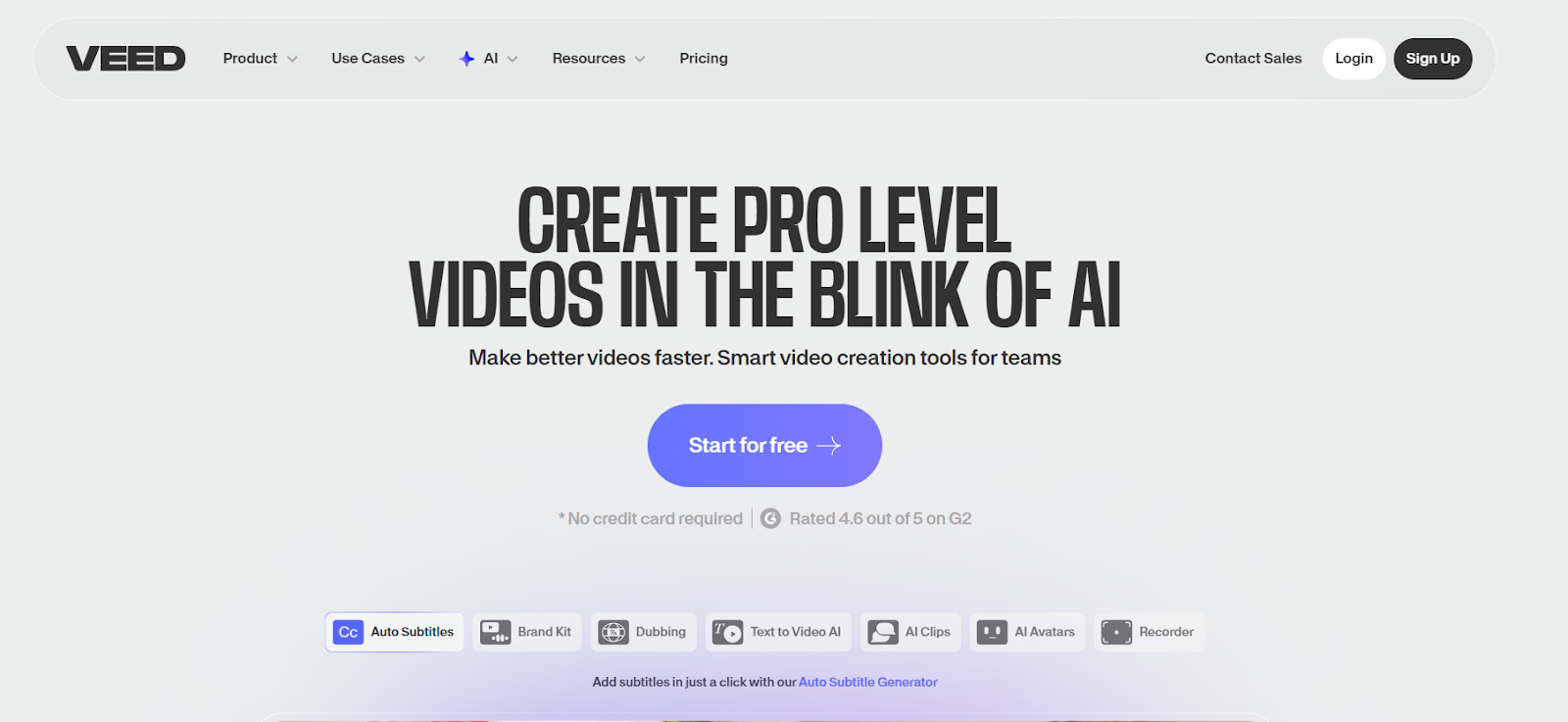
VEED IO delivers comprehensive video editing through a browser-based platform packed with AI features that make professional editing accessible without software installation. The platform's Magic Cut feature automatically removes silences and dead space, creating tighter, more engaging content. VEED IO generates accurate subtitles in over 130 languages, includes background removal, and provides extensive editing capabilities beyond basic cutting including effects, filters, transitions, and overlays.
The tool works seamlessly across devices from desktop computers to tablets and processes videos quickly on cloud servers. VEED IO offers a free tier with watermarks on exports, with paid plans starting at $12 monthly removing watermarks and adding advanced features.
Key Features:
- Magic Cut automatically removes silences for tighter pacing
- Automatic subtitles support 130+ languages with high accuracy
- Background removal works without green screens
- Cloud processing works efficiently on any device
Choosing the Right AI Video Editing Tool for Your Needs
Selecting the perfect AI video editing tool depends entirely on your content type, skill level, and what specific tasks consume most of your editing time. If you're a content creator who needs end-to-end automation from clip generation to social media posting without touching traditional timeline editing, LiveLink AI delivers unmatched efficiency by handling the entire workflow automatically. The platform's combination of intelligent clip selection, automatic formatting, and built-in distribution makes it essential for creators treating content as a business rather than a hobby.
For professionals working on high-stakes projects where precise control matters more than speed, Adobe Premiere Pro and DaVinci Resolve provide industry-standard capabilities enhanced with AI features that accelerate workflows without sacrificing control. These tools require time investment to master but reward that effort with capabilities no simplified editor can match.
Budget-conscious creators and beginners will find exceptional value in CapCut's completely free offering that includes professional features without watermarks or subscription fees. The tool's simplicity makes it perfect for learning video editing fundamentals while still producing social media content that looks professionally edited.
Content creators who work primarily with talking-head videos, podcasts, or interview content will appreciate Descript's text-based editing approach that makes removing mistakes, filler words, and unwanted sections as simple as deleting sentences from documents. This workflow feels natural for people comfortable with text editing but intimidated by traditional timeline interfaces.
The most important consideration is workflow efficiency versus creative control. LiveLink AI maximizes efficiency by automating decisions about what makes good content, while tools like Premiere Pro and DaVinci Resolve maximize control by letting you make every decision manually with AI assistance. Most creators benefit from starting with high-automation tools like LiveLink or CapCut, then graduating to more complex software only if specific needs demand additional capabilities.
Edit Videos Faster with LiveLink AI
Stop wasting entire days manually editing videos when AI can handle the repetitive work automatically while you focus on creating great content. LiveLink AI provides the most efficient and creator-focused video editing experience available in 2026, combining intelligent automation with professional results that look hand-edited by experienced video editors.
Whether you're editing podcasts, YouTube videos, social media content, or business presentations, LiveLink AI handles everything from clip selection and formatting to caption generation and social media distribution through automated processes that require minimal human intervention. The platform doesn't just save time, it multiplies your content output by making it possible to maintain presence across multiple platforms without hiring editors or spending your entire week editing videos.
Thousands of content creators have already transformed their workflows with LiveLink AI, cutting editing time dramatically while increasing content quality and consistency. Try the platform today and experience how much faster your content business grows when you're working with tools that handle tedious editing automatically while you focus on what actually matters: creating great content and building your audience. Your next perfectly edited video is just a few clicks away.
Frequently Asked Questions
What's the difference between AI video editing and traditional video editing?
Traditional video editing requires manually performing every task from cutting clips to adding effects to generating captions, while AI video editing automates repetitive tasks like removing silences, identifying good moments, generating subtitles, and formatting videos for different platforms. AI editors analyze your content and make intelligent decisions that used to require human judgment, saving hours of manual work. However, AI works best as an assistant rather than replacement, handling tedious tasks while you focus on creative decisions and storytelling that still require human intuition.
Do I need expensive equipment to use AI video editing tools?
No, most AI video editing tools in 2025 are cloud-based and work on modest computer specifications. Platforms like LiveLink AI, VEED.IO, Riverside, and Pictory process videos on powerful cloud servers, meaning your device just needs a reliable internet connection and modern web browser. Even desktop applications like CapCut run efficiently on average computers. You don't need high-end workstations or expensive graphics cards unless you're working with tools like Adobe Premiere Pro or DaVinci Resolve on extremely high-resolution footage like 4K or 8K.
Can AI video editors replace human video editors completely?
AI video editors excel at automating repetitive tasks and making quick decisions about technical aspects like removing silences, generating captions, and formatting videos, but they can't replace human creativity, storytelling instincts, or understanding of nuanced emotional beats that make great videos memorable. The best approach treats AI as a capable assistant that handles tedious work, freeing human editors to focus on creative decisions, pacing, emotional impact, and storytelling elements that still require human judgment and artistic vision.
How much do AI video editing tools cost?
AI video editing tool costs vary dramatically based on features and target users. Completely free options like CapCut provide professional features without subscriptions, while affordable tools like LiveLink AI, Descript, and VEED.IO start around $12-15 monthly. Professional tools like Adobe Premiere Pro cost $22.99 monthly for single apps or $59.99 for complete suites, while DaVinci Resolve Studio requires a $295 one-time purchase. Most platforms offer free trials or limited free tiers, letting you test capabilities before committing financially to paid subscriptions.
Which AI video editing tool is best for beginners?
CapCut and LiveLink AI are the most beginner-friendly options, both offering intuitive interfaces that make professional editing accessible without previous experience. CapCut is completely free and perfect for learning basic editing concepts, while LiveLink AI automates more decisions to deliver professional results with minimal input. Both avoid the overwhelming complexity of professional tools while still producing content that looks expertly edited. For beginners specifically focused on social media content, these tools provide everything needed without requiring deep technical knowledge or timeline editing experience.


