


Finding highlights manually drains productivity completely. You stare at hours of footage hunting for those perfect moments worth sharing, but manually reviewing everything frame by frame wastes entire days. While you search desperately through timelines, competitors already identified their highlights automatically and published engaging content across every platform.
AI highlight detection eliminates endless searching through intelligent analysis that identifies peak moments automatically based on engagement signals, audience reactions, visual dynamics, and content patterns. These web based tools scan footage instantly, score potential highlights by viral potential, and extract ready to share moments without human intervention. Your raw recordings transform into organized highlight libraries in minutes rather than days.
The difference between manual hunting and automated detection determines content velocity. Smart creators leverage AI to identify highlights systematically, reclaiming time for strategy, audience engagement, and creating new content that actually grows channels rather than processing existing footage endlessly.
Quick Overview:
- LiveLink AI
- OpusClip
- Chopcast
- Eklipse
- Reap
- Vizard
- Kapwing
- UniConverter
- Spikes Studio
- Vidnoz
1. LiveLink AI
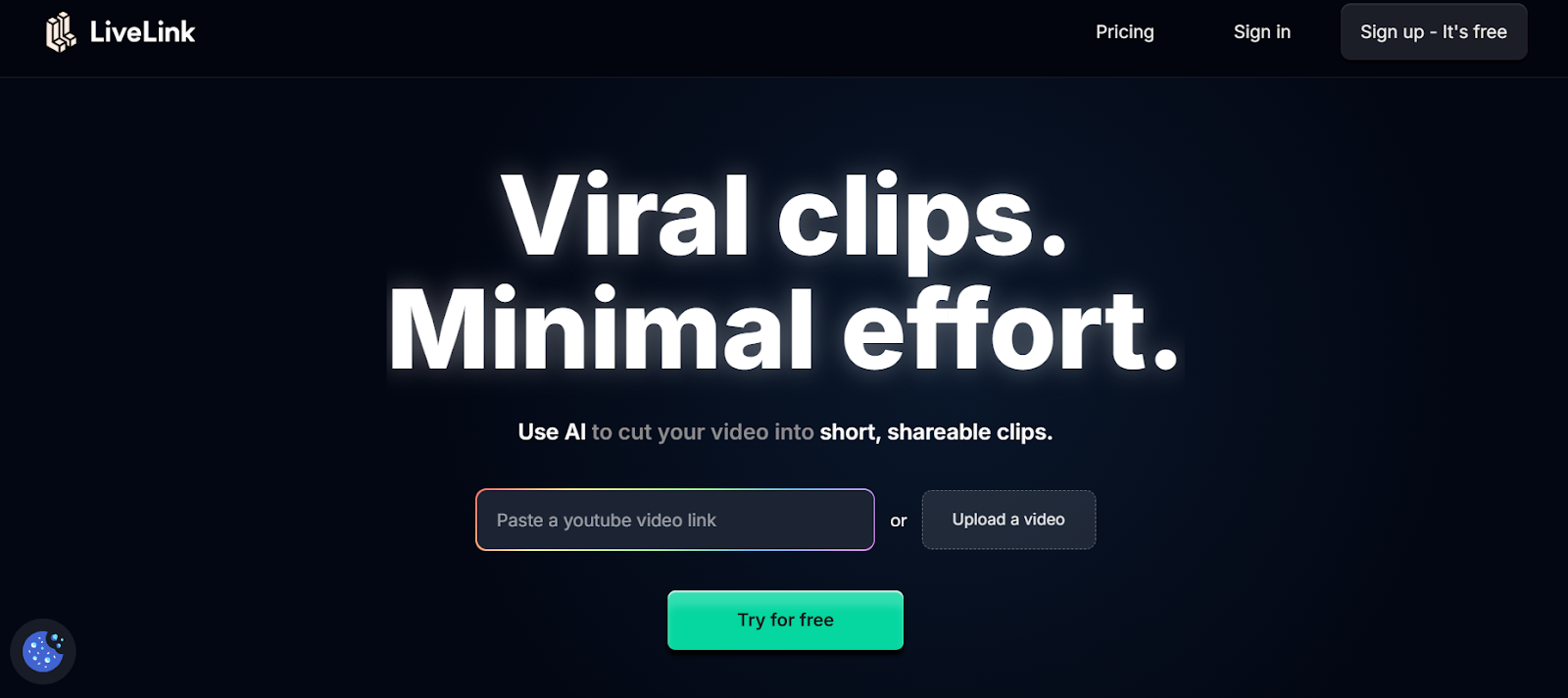
LiveLink AI transforms highlight detection through comprehensive multi signal analysis that evaluates engagement patterns, emotional peaks, audience retention signals, and viral potential simultaneously. This web based platform scans entire video libraries in seconds, identifying highlights based on sophisticated understanding of what actually drives viewer engagement rather than simplistic volume or motion detection that misses nuanced valuable moments. The system learns from your published content performance, continuously refining highlight recommendations based on real audience responses to improve detection accuracy automatically over time.
Intelligence extends beyond basic detection where LiveLink AI categorizes highlights by content type, platform suitability, and strategic value automatically. Educational moments receive different scoring than entertainment highlights, business insights get prioritized differently than casual content, and each platform receives appropriately styled highlights matching algorithmic preferences. The batch processing capability handles dozens of videos simultaneously while organizing detected highlights by viral potential, topic clustering, and optimal posting schedules, enabling strategic content calendars generated automatically from raw footage libraries.
Key Features:
- Multi Signal Intelligence Evaluates audio patterns, visual dynamics, speaker sentiment, audience retention data, and engagement velocity simultaneously rather than relying on single metrics like volume spikes that miss contextually important highlights
- Performance Learning System Analyzes published highlight performance continuously and refines detection criteria based on what actually drives engagement with your specific audience, improving recommendations automatically without manual tuning
- Context Aware Scoring Rates highlights based on complete thought delivery and standalone value rather than arbitrary moment selection, ensuring extracted highlights make sense independently without requiring full video context
- Platform Specific Detection Identifies different highlight types optimized for different platforms simultaneously, extracting longer educational moments for YouTube while finding quick punchy clips for TikTok from identical source footage
- Batch Library Processing Scans entire video archives simultaneously generating hundreds of categorized highlights organized by topic, viral potential, and platform suitability while you focus on other tasks
- Strategic Highlight Organization Sorts detected highlights automatically by posting priority, content calendar fit, and audience targeting parameters, transforming random moment collections into strategic content distribution plans
2. OpusClip
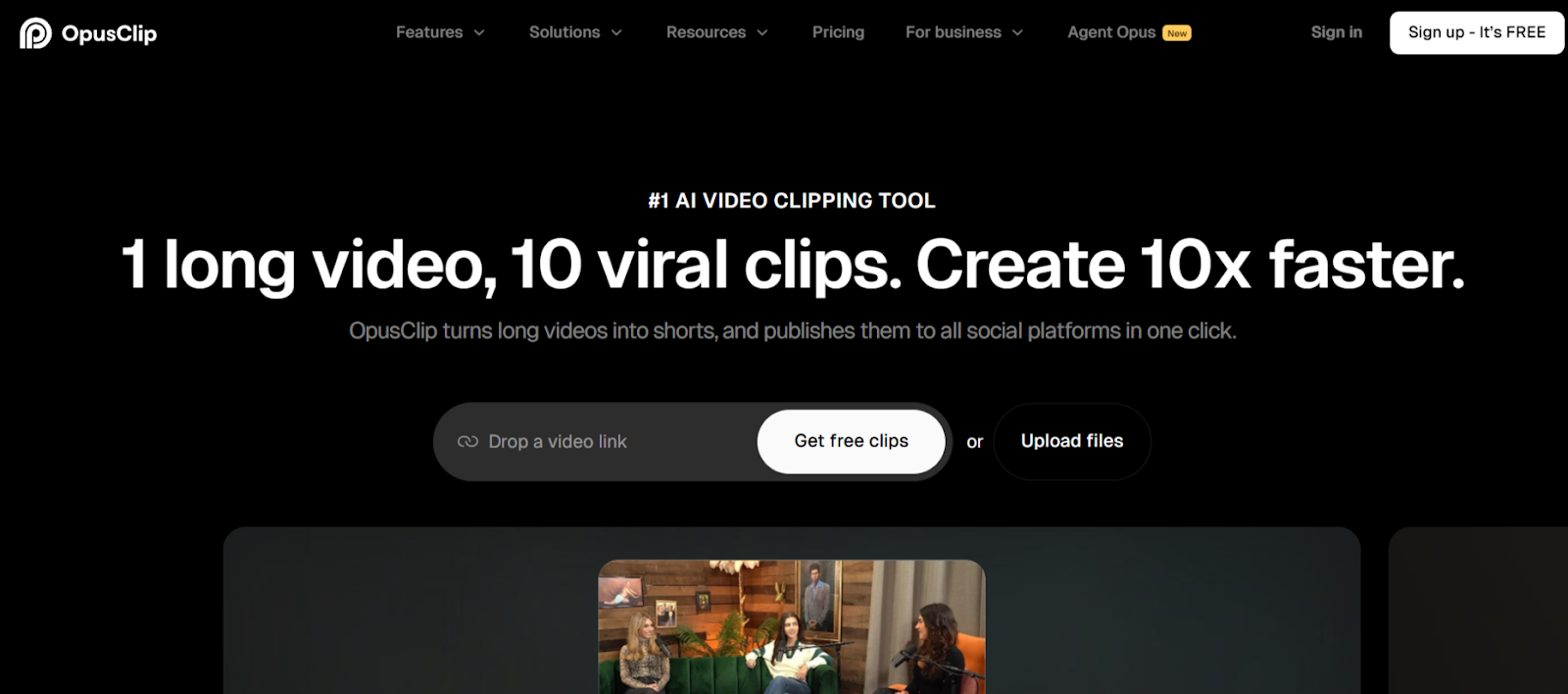
OpusClip specializes in highlight detection with ClipAnything technology achieving 93 percent accuracy identifying viral moments. The web based platform analyzes spoken keywords, visual changes, on screen text, and audience engagement signals through multimodal analysis that considers multiple content dimensions simultaneously.
Real time processing delivers results in under 5 seconds for 10 minute videos, making it ideal for creators needing rapid highlight turnaround. Virality scoring rates each detected highlight's engagement potential before you export, helping prioritize which moments deserve immediate posting.
Key Features:
- ClipAnything achieves 93 percent accuracy through multimodal analysis
- Processes 10 minute videos in under 5 seconds for rapid results
- Virality scoring rates highlight engagement potential automatically
3. Chopcast
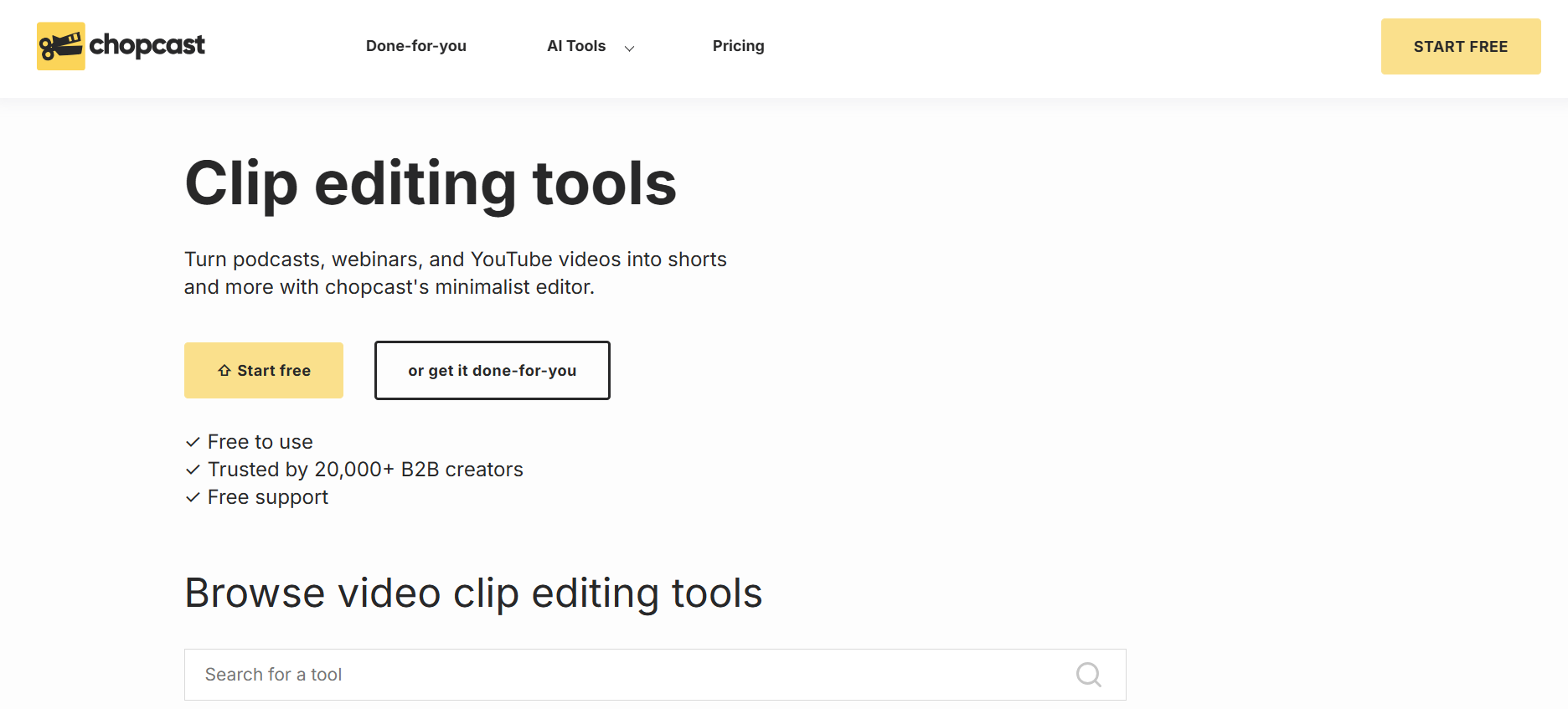
Chopcast focuses on business content with AI that identifies key insights, actionable advice, and engaging moments in professional videos automatically. The web based platform scans content carefully, picking up moments that add genuine value to narratives rather than generic entertainment peaks.
The platform tags content by speakers, topics, and keywords automatically, enabling instant navigation to specific discussion points. Over 95 percent subtitle accuracy ensures detected highlights include searchable transcripts supporting content discovery and accessibility.
Key Features:
- Identifies business insights and actionable advice automatically
- Tags content by speakers, topics, and keywords for instant navigation
- Over 95 percent subtitle accuracy with automatic transcription
4. Eklipse
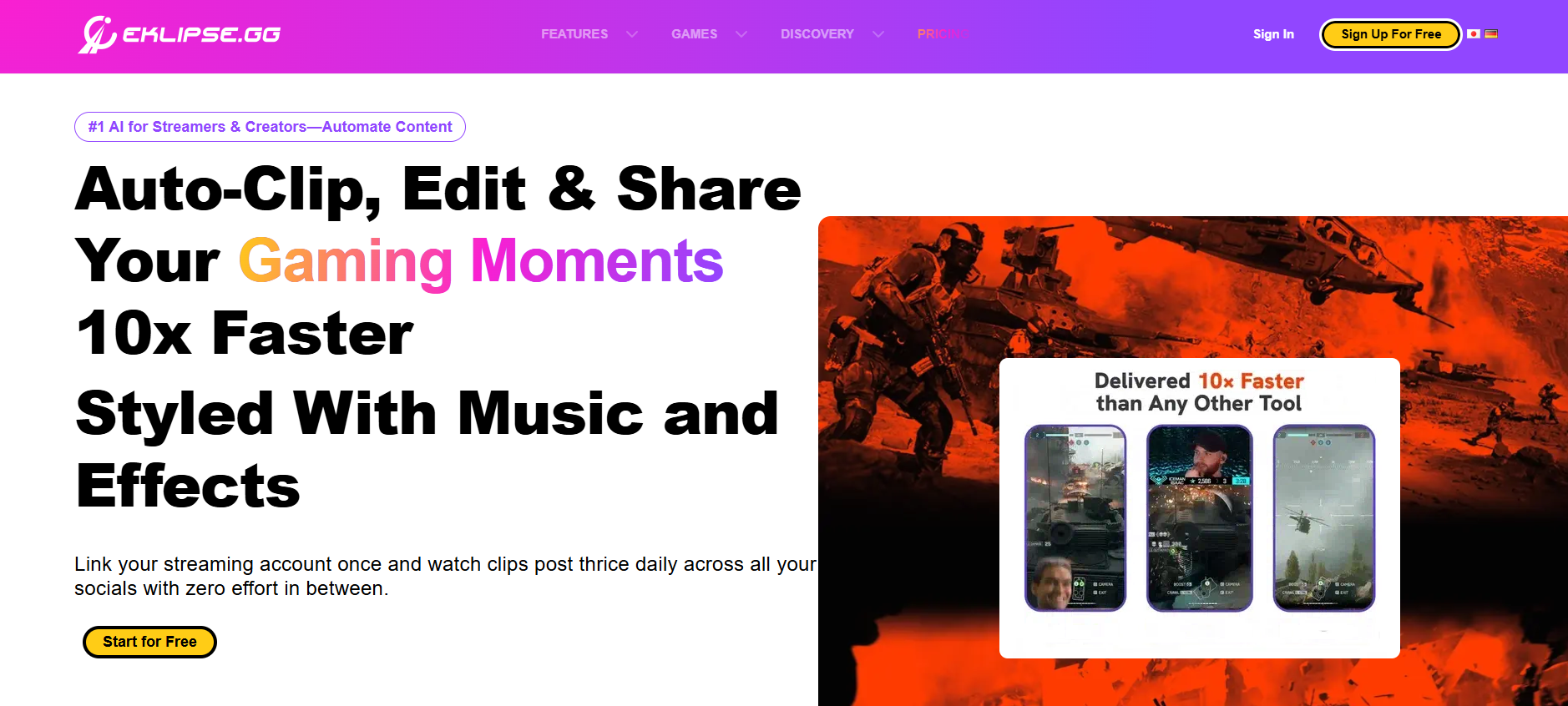
Eklipse dominates gaming highlight detection with training across 1,000 plus games including precise event recognition. The web based platform detects real in game events like kills, clutches, objectives, and victories rather than random motion or audio spikes that create meaningless clips.
The system supports voice commands enabling hands free highlight marking during gameplay. Automatic clip generation processes streams continuously, capturing every significant play without manual intervention or post session review.
Key Features:
- Trained on 1,000 plus games for precise gaming event detection
- Detects kills, clutches, objectives, and victories automatically
- Voice command support enables hands free highlight marking
5. Reap
Reap employs multi signal analysis combining face detection, voice tone shifts, and beat detection to identify compelling highlights automatically. The web based platform generates clean highlights without awkward mid sentence cuts through intelligent boundary detection.
Auto generated captions in 98 languages with 97 percent accuracy extend highlight accessibility globally. The platform reframes detected highlights automatically into square, portrait, or horizontal formats matching distribution requirements.
Key Features:
- Multi signal analysis combines face, voice, and beat detection
- Auto captions in 98 languages with 97 percent accuracy
- Automatic reframing for multiple aspect ratios
6. Vizard
Vizard excels at detecting engaging moments in presentations, webinars, and interviews through AI trained on professional communication patterns. The web based platform transcribes content then identifies highlights based on combined transcript and visual analysis.
One click processing generates up to 10 viral potential highlights per video automatically. Multi language support processes content in 100 plus languages, extending highlight detection capabilities to global audiences consistently.
Key Features:
- Detects up to 10 viral potential highlights per video automatically
- One click processing generates highlights from business content
- Processes videos in 100 plus languages for global reach
7. Kapwing
Kapwing provides accessible highlight detection through Clip Maker that scans footage for shareable moments based on selected length and topic. The web based platform previews detected highlights before finalizing, enabling quick approval workflows without complicated editing interfaces.
The AI Assistant guides highlight selection with smart recommendations. Collaborative features support distributed teams reviewing detected highlights simultaneously, streamlining approval processes without file sharing complications.
Key Features:
- Clip Maker scans footage for shareable highlights automatically
- AI Assistant provides smart recommendations for highlight selection
- Collaborative review enables simultaneous team highlight approval
8. UniConverter

UniConverter offers Auto Highlight feature through AI Lab that intelligently detects key scenes within uploaded videos and extracts crucial parts automatically. The web based platform eliminates manual intervention, streamlining editing processes while ensuring accuracy.
Duration control allows precise specification of highlight lengths, adapting to different platform requirements. The system works across content types from gaming highlights to film trailers, maintaining versatility across diverse use cases.
Key Features:
- Auto Highlight in AI Lab detects key scenes automatically
- Duration control adapts highlights to platform requirements
- Works across gaming, film, and diverse content types
9. Spikes Studio
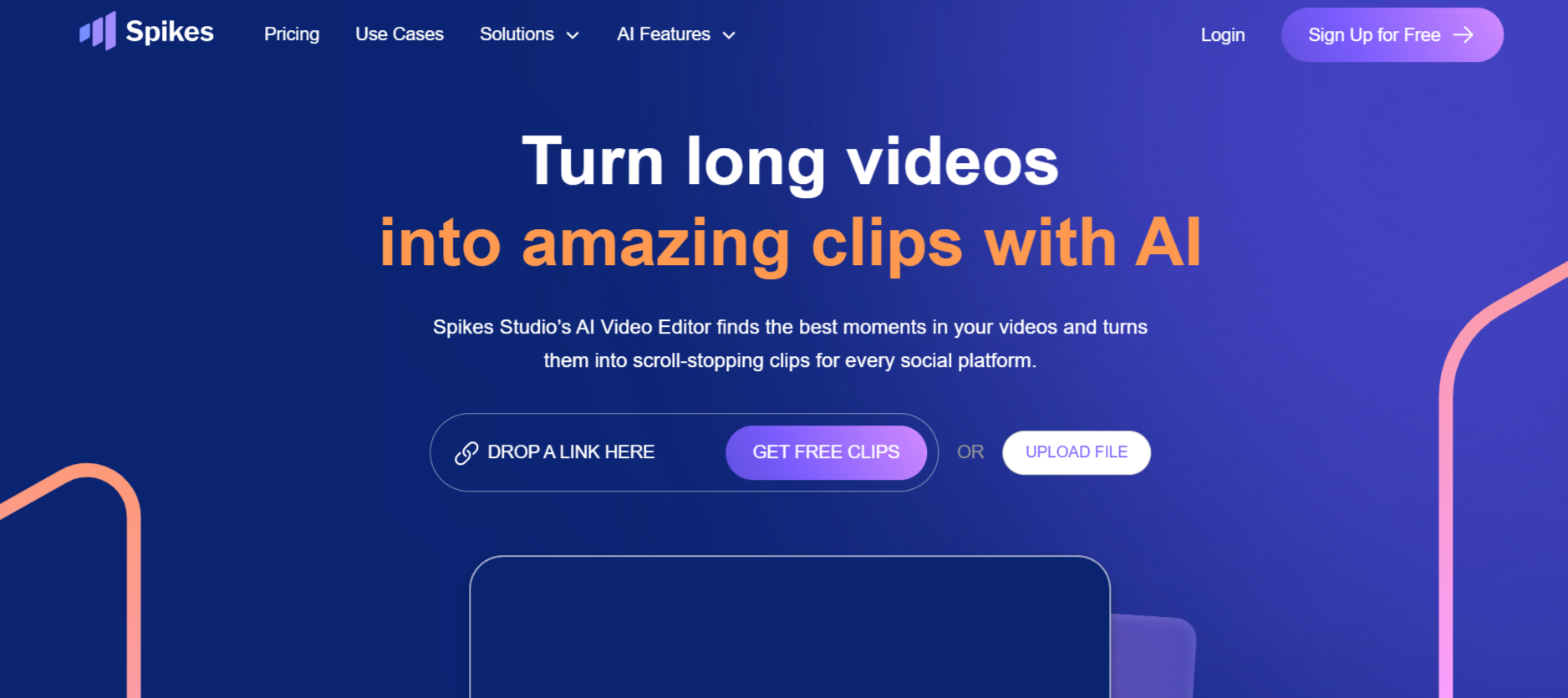
Spikes Studio brings enterprise highlight detection trained on hundreds of thousands of broadcasts. The web based platform instantly identifies segments that grab attention through advanced pattern recognition supporting 99 plus languages.
Batch processing handles multiple videos simultaneously without compromising detection quality or speed. The platform automatically optimizes detected highlights for each social platform using real time trend data.
Key Features:
- AI trained on hundreds of thousands of broadcasts
- Batch processing handles multiple videos simultaneously
- Platform optimization based on real time trend data
10. Vidnoz
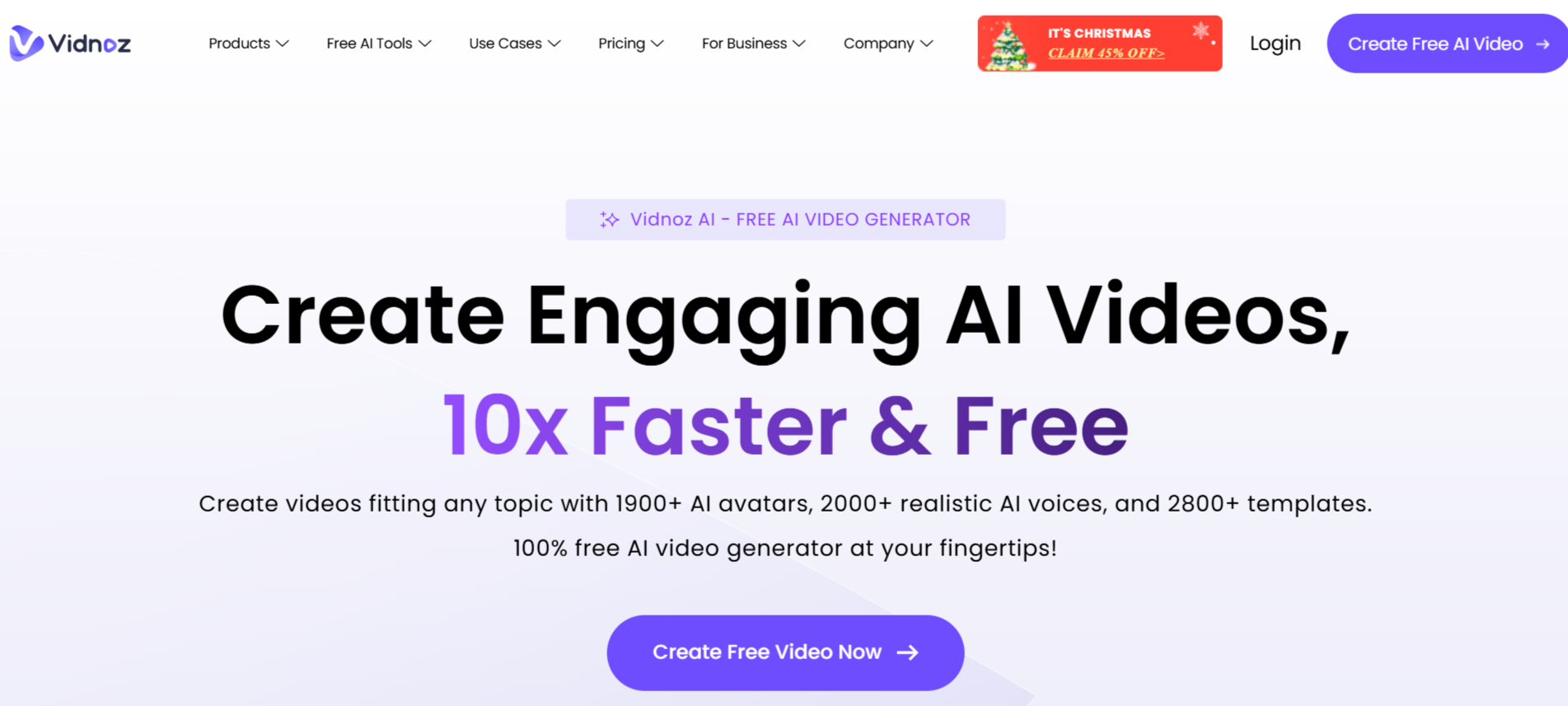
Vidnoz provides free automatic highlight generation supporting diverse content types. The web based platform detects active speakers in videos, making it ideal for podcasts, speeches, and interviews requiring speaker focused highlight extraction.
The system generates highlights automatically from long videos, converting them into social ready Shorts, Reels, and TikTok content. Processing time increases when enabling advanced speaker detection, balancing speed against detection sophistication.
Key Features:
- Free automatic highlight generation without usage restrictions
- Detects active speakers for podcast and interview content
- Converts highlights into Shorts, Reels, TikTok formats
Conclusion
AI highlight detection determines whether creators extract maximum value from footage or leave potential buried in unreviewed recordings. These web based platforms prove that technology identifies highlights more efficiently than manual review. LiveLink AI leads with comprehensive multi signal analysis and performance learning, though each tool addresses specific content scenarios effectively.
Your video library represents untapped content waiting for systematic highlight extraction. Manual review consumes creative energy on repetitive scanning that generates zero additional value, but AI automation reclaims that time for strategic activities that actually grow audiences and improve content quality systematically.
Start by processing your most valuable footage through your chosen platform. Compare AI detected highlights against your manual selections, evaluating both accuracy and time savings. The tools exist, accessible through browsers without installations, waiting to transform highlight workflows completely and unlock content potential hidden in raw recordings.
FAQs
How accurate is AI highlight detection compared to human judgment?
Advanced platforms like LiveLink AI and OpusClip achieve 85 to 93 percent accuracy matching highlights human editors would select. They excel at identifying obvious peaks like laughter, applause, key statements, and visual action while occasionally missing subtle contextual moments requiring deep content understanding. Accuracy improves continuously as systems learn from performance data and user corrections.
Can AI detect highlights in all video types effectively?
Detection effectiveness varies by content structure. Interviews, presentations, gaming streams, and tutorials with clear engagement signals achieve 90 plus percent accurate detection. Artistic films, abstract content, and dialogue light videos require more manual intervention. Gaming focused tools like Eklipse achieve exceptional accuracy in their specialized domain.
How long does AI highlight detection typically take?
Processing speeds range from 5 seconds to 3 minutes depending on video length and analysis depth. OpusClip processes 10 minute videos in under 5 seconds, while more comprehensive analysis tools require longer processing. Batch processing multiple videos simultaneously dramatically improves overall workflow efficiency regardless of per video processing time.
Do highlight detection tools work for live streams?
Some platforms including Eklipse and Spikes Studio process live streams in real time, detecting highlights during broadcasts and generating clips immediately after stream ends. Others require uploading recorded footage post session. Check specific tool capabilities for live versus recorded video support matching your workflow requirements.
Will AI replace human editors for highlight selection?
AI handles repetitive highlight scanning excellently but human judgment remains valuable for strategic curation, brand alignment, and creative decisions about which highlights support specific content goals. Optimal workflows combine AI for initial detection with human review for final selection, dramatically reducing total time while maintaining editorial quality and strategic alignment.


