



Slow snipping kills content momentum. You need specific clips extracted from longer videos immediately, but manually scrubbing through timelines hunting for exact moments wastes hours. While you fight with playhead controls and imprecise cuts, competitors already snipped their content and published across platforms.
AI powered fast snipping eliminates tedious manual work through instant detection that identifies desired moments automatically, executes precise cuts in seconds, and exports ready to share clips without frame by frame hunting. These tools understand what you need extracted, locate those segments instantly, and deliver polished clips faster than traditional editing ever could.
The difference between slow manual snipping and AI speed determines publishing frequency. Smart creators leverage automation for repetitive extraction tasks, transforming hour long workflows into minute long processes that enable consistent content creation systematically.
Quick Overview:
- LiveLink AI
- OpusClip
- Vizard
- Wisecut
- Canva
- Reap
- Submagic
- Kapwing
- VEED
- Gling
1. LiveLink AI
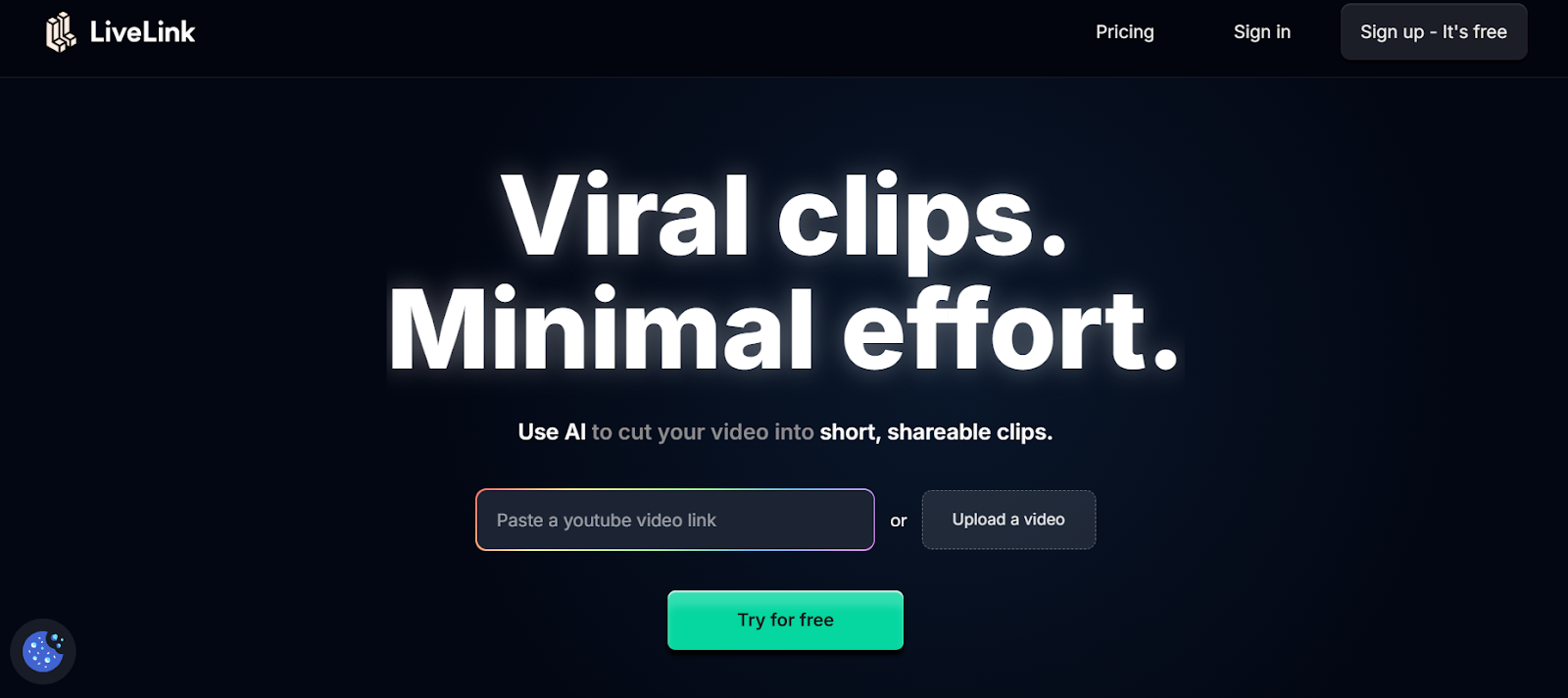
LiveLink AI revolutionizes fast video snipping through intelligent moment recognition that locates desired clips instantly without manual searching. This web based platform analyzes entire videos in seconds, identifying all potential snippable moments based on content type, engagement patterns, and platform requirements simultaneously. The system executes precise cuts at exact boundaries without awkward mid action breaks, delivering broadcast quality snippets ready for immediate distribution across any social channel without additional refinement.
Speed separates LiveLink AI from basic snipping tools where batch processing handles dozens of videos simultaneously while you focus on other tasks. Upload your content library before lunch, specify snipping preferences once, then retrieve hundreds of precisely cut snippets organized by topic, viral potential, and platform suitability. Each snippet maintains professional quality through intelligent encoding that prevents degradation, includes properly synchronized audio, and arrives formatted perfectly for target platforms without secondary processing passes that consume additional time.
Key Features:
- Instant Moment Detection Scans entire videos in seconds identifying all snippable moments based on content analysis, eliminating manual timeline scrubbing that wastes hours hunting for specific segments worth extracting
- Precision Cut Technology Executes frame accurate cuts at exact boundaries using intelligent analysis of scene transitions, audio patterns, and visual composition rather than approximations that create jarring snippet starts or ends
- Batch Snipping Capability Processes dozens of videos simultaneously generating hundreds of snippets while you work on other tasks, dramatically multiplying output compared to sequential manual snipping workflows
- Smart Length Optimization Automatically adjusts snippet duration based on content density and platform requirements, ensuring TikTok gets 30 second versions while YouTube receives 60 second snippets without manual specification
- Quality Preservation System Maintains source video quality throughout snipping process through intelligent encoding that prevents cumulative degradation common when processing files multiple times through generic tools
- Organized Output Management Names and sorts generated snippets systematically based on source content, topic, duration, and platform suitability, eliminating manual file organization after bulk snipping completes
2. OpusClip
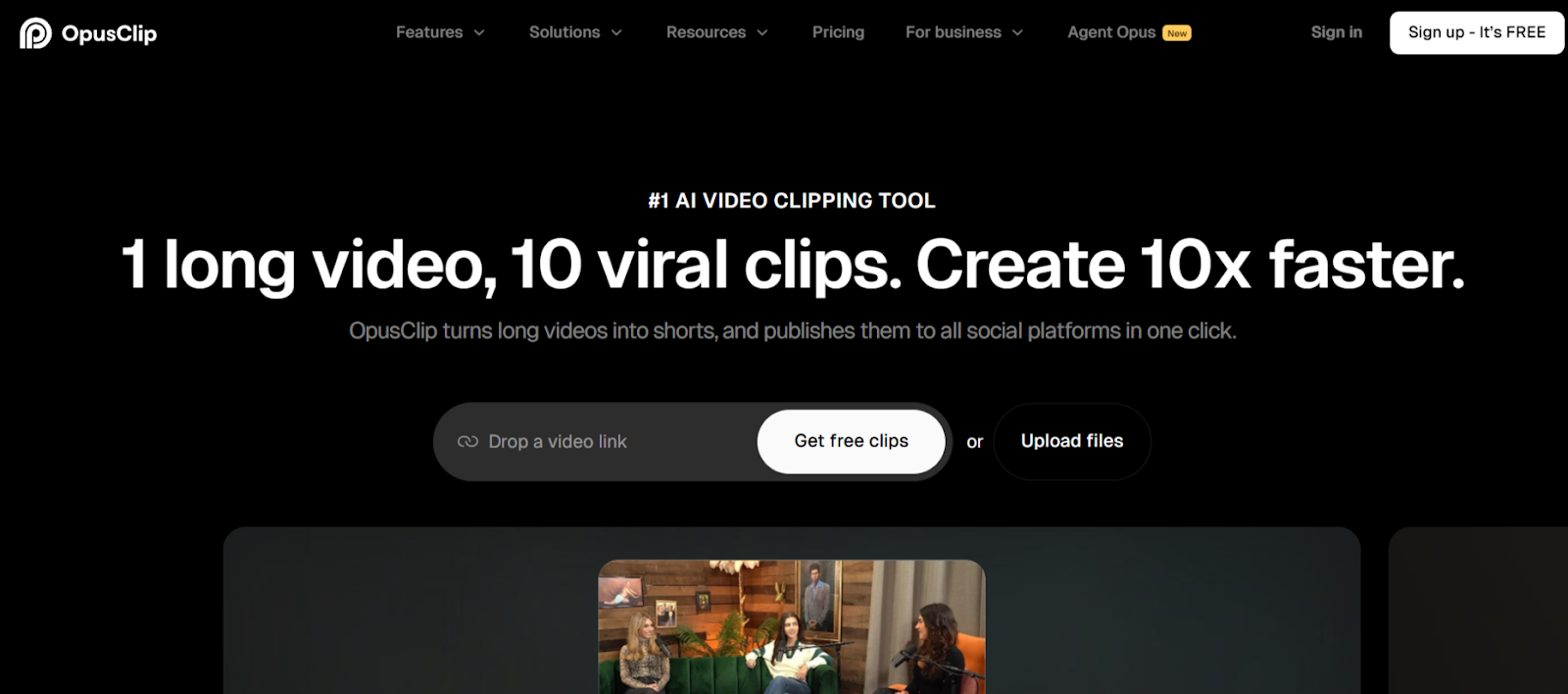
OpusClip specializes in fast AI powered snipping that transforms long videos into viral ready clips in minutes. The web based platform analyzes content and generates multiple snippets automatically rated by virality potential, helping prioritize which clips deserve immediate posting versus archiving for later use.
ClipAnything technology handles diverse content types from talking head videos to gameplay footage, adapting snipping strategies based on visual and audio patterns. The platform processes uploads quickly, delivering snippets complete with captions and formatting optimized for social distribution.
Key Features:
- Generates multiple viral ready snippets with engagement scoring
- ClipAnything handles diverse content types with adaptive snipping
- Fast processing delivers formatted snippets in minutes
3. Vizard
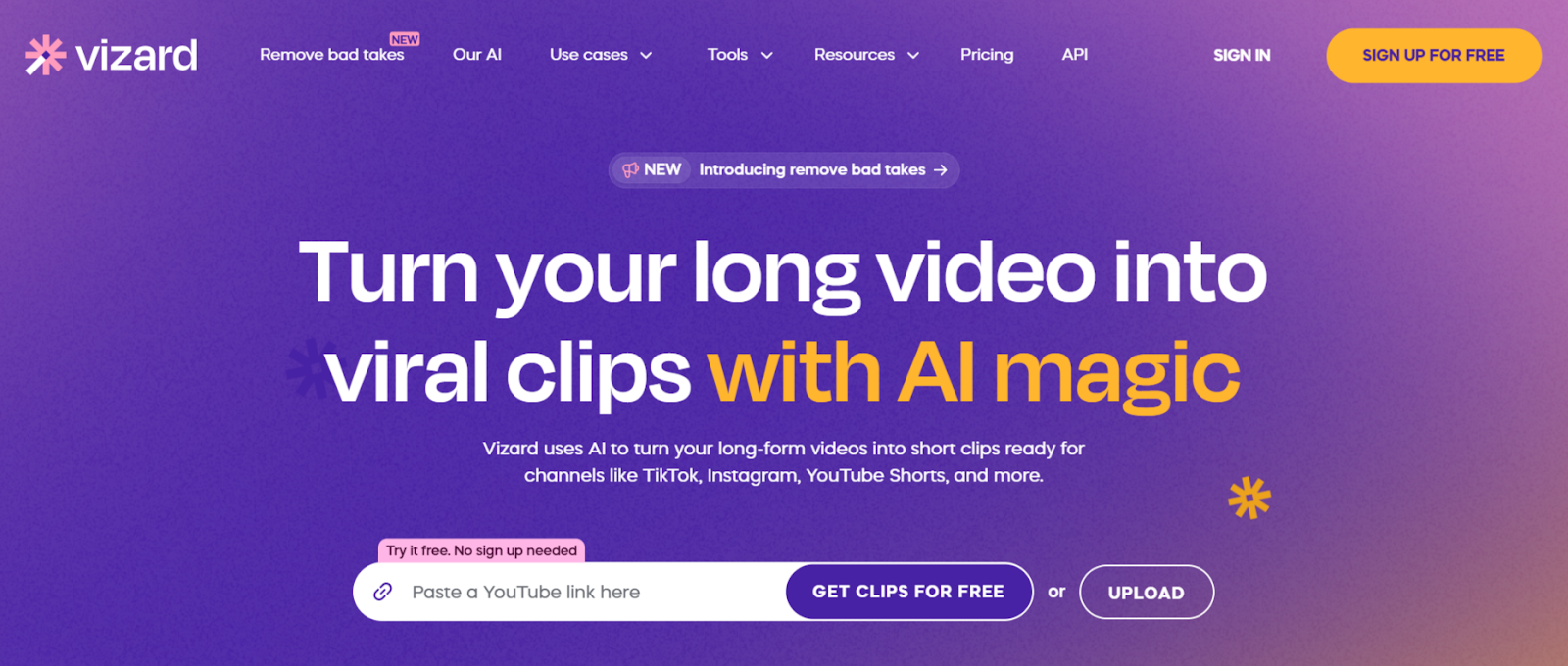
Vizard focuses on business content snipping with AI that identifies key insights, actionable advice, and engaging moments in professional videos automatically. The web based platform transcribes content then cuts snippets based on transcript analysis combined with visual detection.
The one click snippet generation creates multiple clips simultaneously, centering key subjects in vertical format without manual resizing. Multi language support extends fast snipping capabilities globally, processing content in 100 plus languages consistently.
Key Features:
- One click generates multiple snippets from business content automatically
- Centers key subjects in vertical format without manual adjustment
- Processes videos in 100 plus languages for global snipping
4. Wisecut
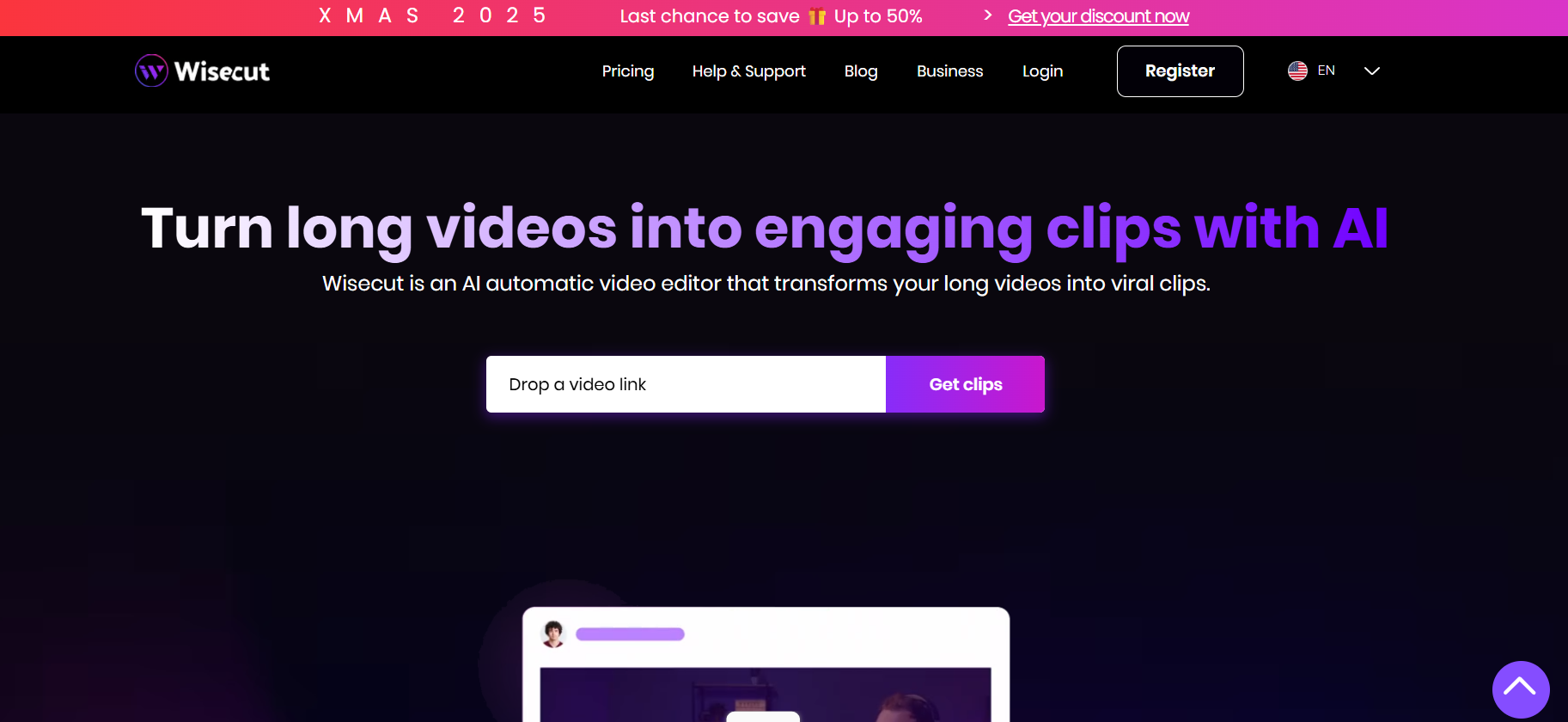
Wisecut transforms raw footage into polished snippets through AI that removes silent sections automatically and adds dynamic transitions. The web based platform analyzes speech patterns to create storyboards, enabling quick text based snippet refinement without timeline manipulation.
Auto music selection tailors background tracks to snippet content with intelligent audio ducking. The platform delivers social ready snippets complete with punch in zoom effects that highlight key moments automatically.
Key Features:
- Removes silent sections and streamlines snippets automatically
- Punch in zoom highlights key moments in generated snippets dynamically
- Auto music selection with intelligent audio ducking for polished output
5. Canva
Canva provides accessible fast snipping through Highlights tool that identifies key moments in long videos and generates concise snippets automatically. The web based platform combines AI detection with intuitive editing, enabling quick refinements through drag and drop simplicity.
Split video functionality divides content into multiple snippets quickly, removing unnecessary sections with visual timeline controls. The browser based access works across devices without software installation requirements.
Key Features:
- Highlights tool identifies and extracts key snippets automatically
- Split video divides content into snippets through visual controls
- Browser based access works across all devices instantly
6. Reap
Reap uses multi signal analysis combining face detection, voice tone shifts, and beat detection to identify compelling snippable moments automatically. The web based platform generates clean snippets without awkward mid sentence cuts through intelligent boundary detection.
Auto generated captions in 98 languages extend snippet accessibility globally with 97 percent accuracy. The platform reframes snippets automatically into square, portrait, or horizontal formats matching target platform requirements.
Key Features:
- Multi signal analysis identifies compelling snippable moments automatically
- Auto captions in 98 languages with high accuracy
- Automatic reframing for square, portrait, or horizontal formats
7. Submagic
Submagic applies viral editing techniques to fast snipping with auto zoom features that create dynamic snippets matching social media aesthetics. The web based platform generates 20 plus snippets from long content complete with captions, hooks, and background music automatically.
Industry leading transcription accuracy supports 50 plus languages while AI driven trimming removes silences and filler words. The platform delivers scroll stopping snippets optimized for social engagement in minutes.
Key Features:
- Generates 20 plus snippets with captions and music automatically
- 99 percent transcription accuracy in 50 plus languages
- AI trimming removes silences and filler words from snippets
8. Kapwing
Kapwing offers browser based fast snipping through Smart Cut that removes silences automatically while generating snippets. The web based platform enables text based snippet editing where deleting transcript words removes corresponding video sections instantly.
Collaborative features support distributed teams reviewing and refining snippets simultaneously without file transfers. The accessible interface welcomes beginners while maintaining professional snipping capabilities producing polished results.
Key Features:
- Smart Cut removes silences while generating snippets automatically
- Text based editing simplifies snippet refinement through transcripts
- Collaborative features enable simultaneous team snippet review
9. VEED
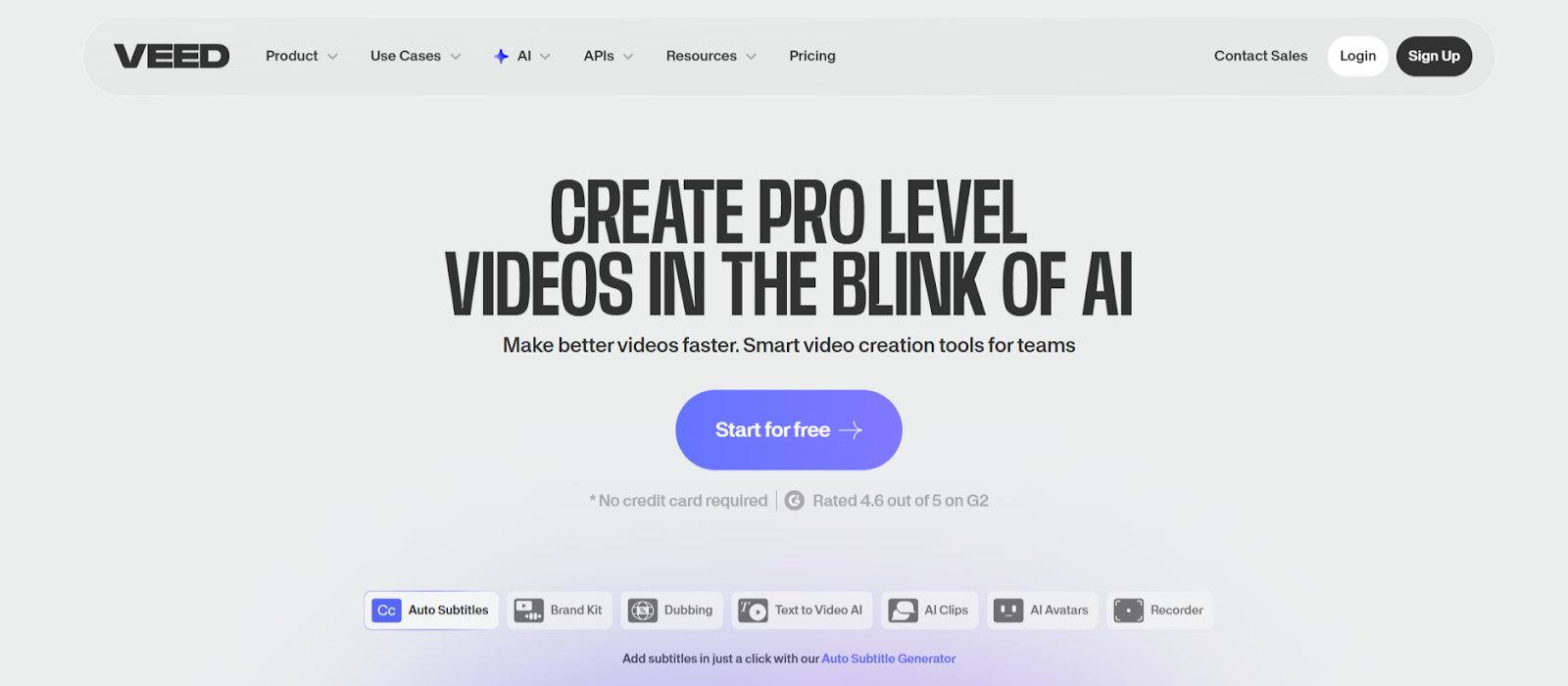
VEED combines comprehensive web based editing with AI Clips that analyzes recordings and generates highlight snippets automatically. The browser platform requires no software installation, enabling fast snipping from any device without compatibility concerns.
AI Auto Edits enhances snippets by adding subtitles, cleaning audio, and applying transitions in seconds. The platform handles snippet creation through intuitive controls accessible to users without extensive editing experience.
Key Features:
- AI Clips extracts highlight snippets automatically from recordings
- AI Auto Edits adds subtitles and enhancements in seconds
- Browser based operation enables snipping from any device
10. Gling
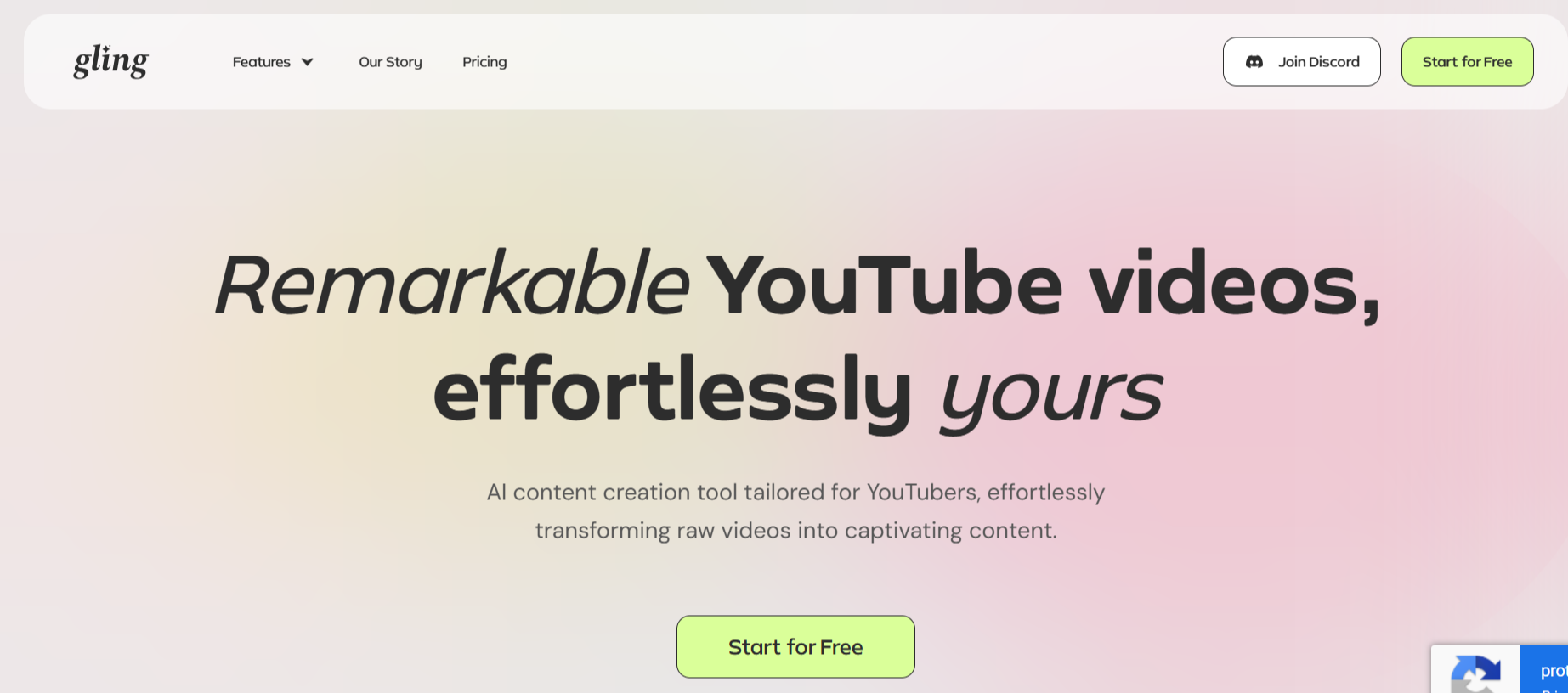
Gling specializes in YouTube creator workflows with AI that automatically generates snippets while removing silences, filler words, and bad takes from talking head videos. The web based platform transcribes content then cuts unwanted sections without manual timeline work.
Integration with professional editors enables seamless workflows where rough snippets created in Gling export to Final Cut Pro, DaVinci Resolve, or Adobe Premiere for final refinements. This combines AI speed with manual creative control.
Key Features:
- Automatically removes silences, filler words, and bad takes while snipping
- Transcription based snipping enables quick text adjustments
- Integrates with Final Cut Pro, DaVinci Resolve, Adobe Premiere
Conclusion
Fast video snipping determines whether creators publish consistently or struggle with manual extraction bottlenecks. These AI powered platforms prove that automation handles snippet generation exponentially faster than manual workflows. LiveLink AI leads with instant detection and batch processing, though each tool addresses specific snipping scenarios effectively.
Your video library represents raw material waiting for strategic snippet extraction. Manual snipping consumes creative energy on technical execution, but AI automation reclaims that time for activities generating actual value like strategy, distribution, and audience engagement that grows channels systematically.
Start by identifying your most time consuming snipping needs. Process sample videos through your chosen platform, comparing AI speed and quality against manual approaches. The efficiency gains prove immediately obvious, transforming workflows that previously consumed afternoons into processes completing in minutes without quality sacrifice.
FAQs
How fast can AI tools actually snip videos compared to manual editing?
AI snipping typically achieves 10x to 20x speed improvements over manual extraction. What requires 30 minutes manually often completes in under 3 minutes using tools like LiveLink AI or OpusClip. The exact multiplier depends on snippet quantity and source video length, but dramatic time savings prove universal across all AI snipping platforms.
Do fast AI snippets maintain quality or show artifacts?
Quality tools like LiveLink AI, Vizard, and Wisecut maintain source video quality through smart encoding that prevents degradation. They execute precise cuts at frame boundaries without introducing artifacts or sync issues. However, extremely compressed source videos may reveal existing quality limitations when snipped regardless of tool quality.
Can AI identify specific moments I want snipped without manual tagging?
Yes, advanced platforms understand content types and extract relevant moments automatically. Describe what you need through natural language or selection criteria, and tools like OpusClip and Reap locate matching segments. However, highly specific unusual snippet requirements may still need manual identification before AI handles the actual cutting process.
Which tool works fastest for urgent snippet needs?
LiveLink AI and Submagic deliver fastest results, often processing videos and generating dozens of snippets in under 3 minutes. Wisecut and VEED also achieve rapid turnarounds suitable for urgent needs. Browser based tools generally process faster than desktop applications requiring uploads, downloads, and local rendering.
Will automated snipping work for all video types?
Effectiveness varies by content structure. Talking head videos, interviews, tutorials, and presentations achieve best results with 90 plus percent usable snippets. Action footage, artistic films, and highly edited source content require more manual intervention. Match tool capabilities to your primary content type for optimal snipping efficiency and quality.


