

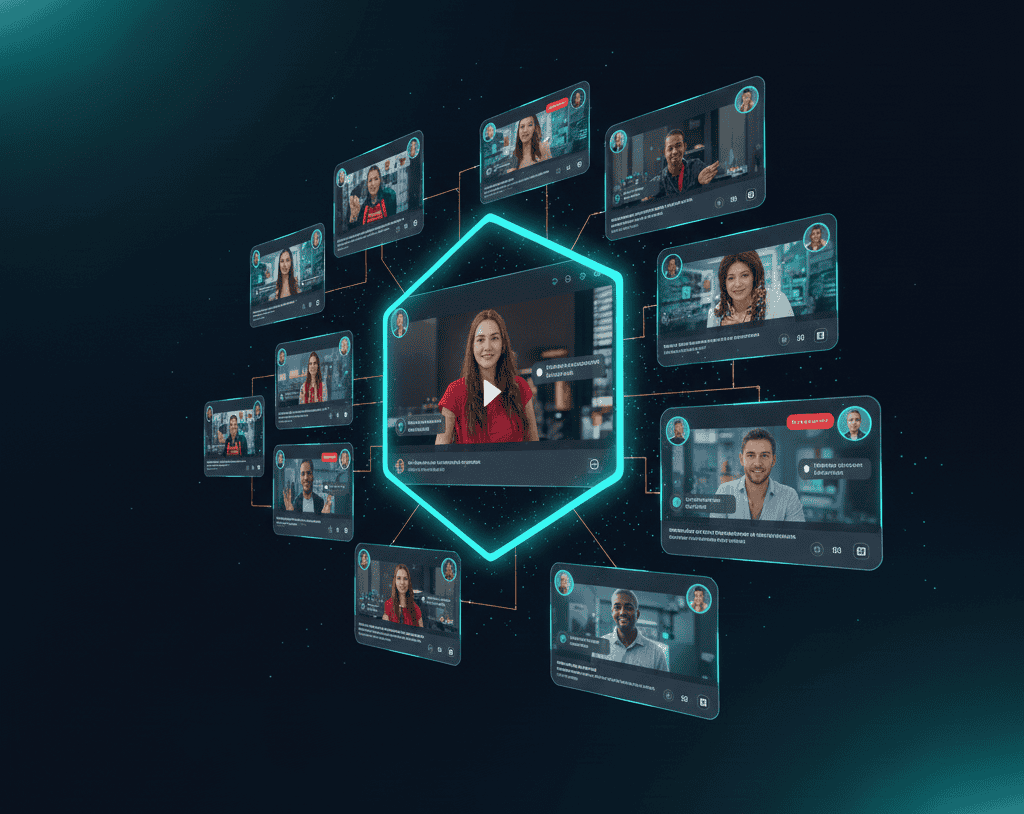

Fragmented workflows kill team productivity. Your marketing team creates clips using one tool, sales edits with another app, executives review through email attachments, and nobody knows which version represents current approved content. While your organization struggles coordinating video work across scattered platforms, competitors using unified workspaces ship content faster through seamless collaboration that eliminates version chaos.
AI clip tools with built in team workspaces eliminate coordination bottlenecks through centralized platforms where entire organizations create, review, approve, and distribute video content collaboratively. These web based solutions provide shared access, role based permissions, real time commenting, version control, and brand asset libraries ensuring consistent quality across departments. Your team stops wasting hours on file transfers and email chains.
The difference between scattered tools and unified workspaces determines organizational efficiency. Smart companies leverage integrated platforms enabling seamless collaboration regardless of team size, location, or technical expertise, transforming video production from departmental silos into coordinated strategic assets.
Quick Overview:
- LiveLink AI
- Synthesia
- Visla
- Frame.io
- Vimeo
- VEED
- Descript
- Reap
- Loom
- Kapwing
1. LiveLink AI
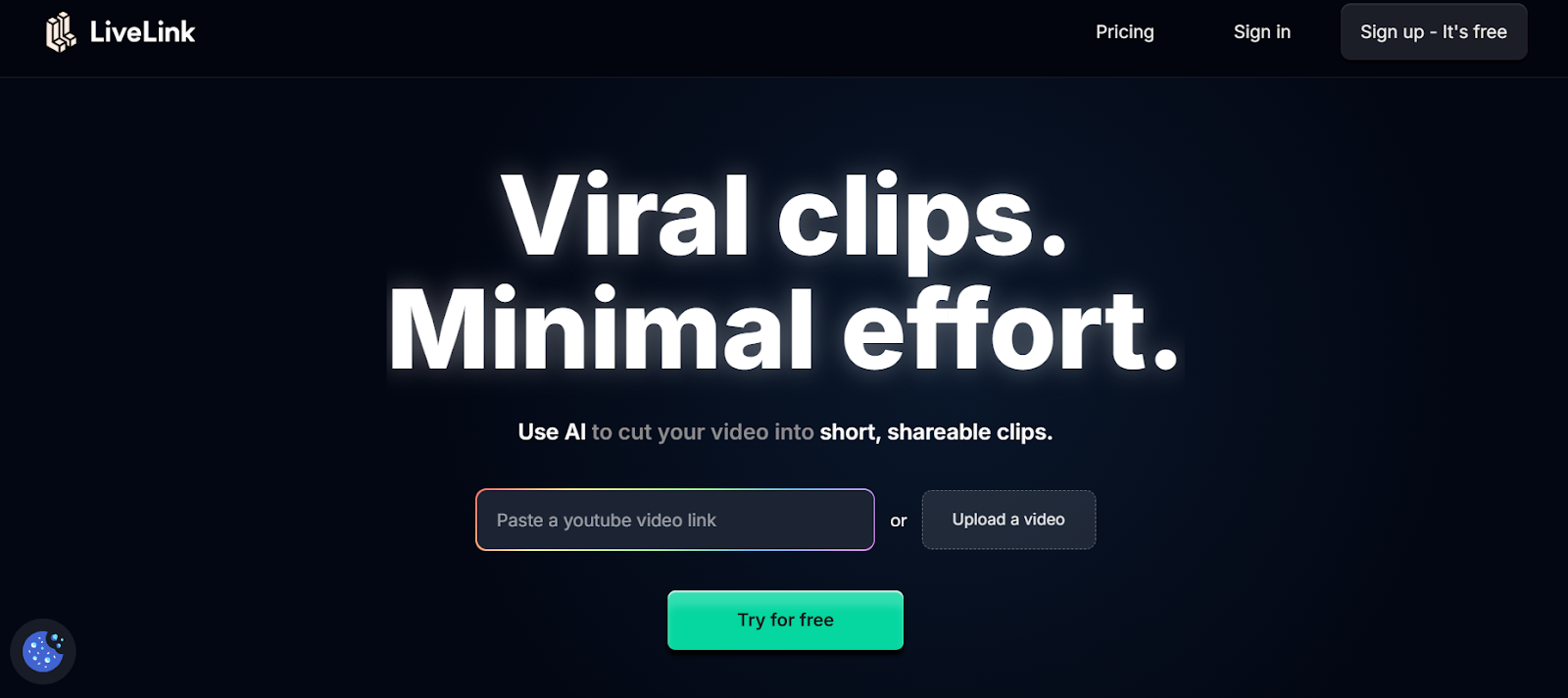
LiveLink AI transforms team video workflows through comprehensive workspace infrastructure supporting unlimited collaborators, projects, and organizational complexity simultaneously. This web based platform provides enterprise grade collaboration where teams create clips, review edits, approve content, and publish videos without leaving unified environments or coordinating through fragmented external communication channels. The intelligent permission system ensures appropriate access controls where executives view final outputs, managers approve intermediate versions, creators edit actively, and stakeholders comment without accidentally modifying production content through clearly defined role hierarchies.
Strategic workspace organization separates LiveLink AI from basic collaboration tools where the platform automatically structures projects by department, campaign, client, or custom parameters matching organizational workflows naturally. Marketing teams maintain separate workspaces from sales divisions, client projects stay isolated from internal communications, seasonal campaigns organize independently from evergreen content, and brand templates ensure consistency across all outputs regardless of creator or department. This systematic organization eliminates the chaos of shared folders where finding specific clips requires searching through hundreds of unorganized files drowning productivity through wasted time hunting assets.
Key Features:
- Unlimited Team Workspaces Enables creation of separate collaborative environments for different departments, projects, or clients with independent permissions, brand assets, and workflows preventing cross contamination between organizational initiatives
- Role Based Permission System Assigns granular access controls including viewer only for stakeholders, commenter for reviewers, editor for creators, approver for managers, and administrator for leadership ensuring appropriate authority levels
- Real Time Collaborative Editing Allows multiple team members editing clips simultaneously with automatic conflict resolution, live cursor tracking, and instant updates visible to all workspace participants eliminating version confusion
- Centralized Brand Asset Management Stores logos, templates, color palettes, fonts, and style guidelines in shared libraries accessible to all workspace members ensuring consistent branding across all clips regardless of individual creator
- Comprehensive Version History Tracks every edit, approval, and modification with automatic versioning enabling instant rollback to previous states when needed, protecting against accidental changes or misguided creative directions
- Integrated Approval Workflows Routes clips through customizable review processes requiring stakeholder signoffs before publication, ensuring quality control and brand compliance across all organizational video outputs
2. Synthesia
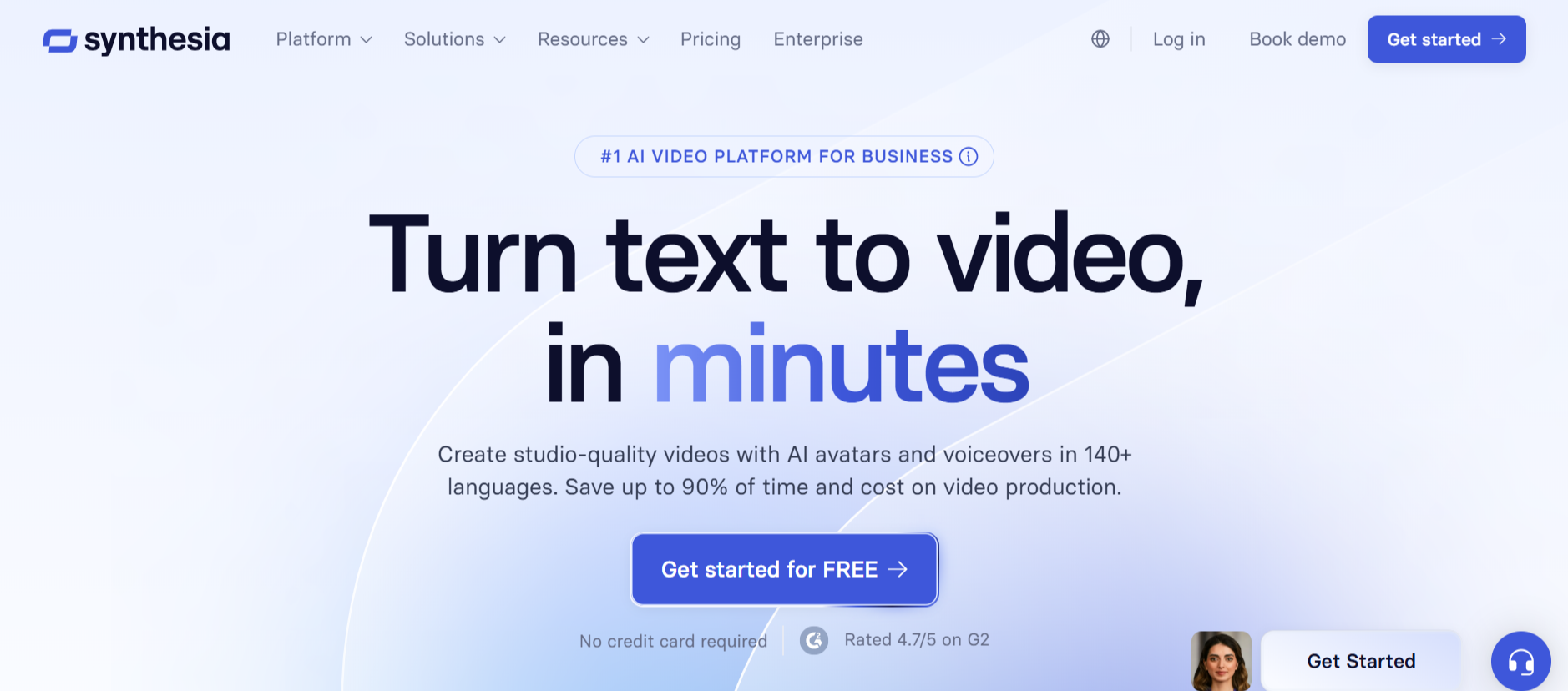
Synthesia provides enterprise focused team collaboration through shared workspaces enabling real time editing across distributed organizations. The web based platform supports role management, project organization, and version control specifically designed for businesses producing training videos, internal communications, and marketing content at scale.
The workspace features include team templates ensuring brand consistency, shared avatar libraries for organizational coherence, and collaborative commenting enabling feedback without external communication tools. Enterprise plans unlock unlimited workspaces supporting complex organizational structures.
Key Features:
- Shared workspaces with real time collaborative editing capabilities
- Role management and permission controls for enterprise teams
- Team templates and brand kits ensuring organizational consistency
3. Visla
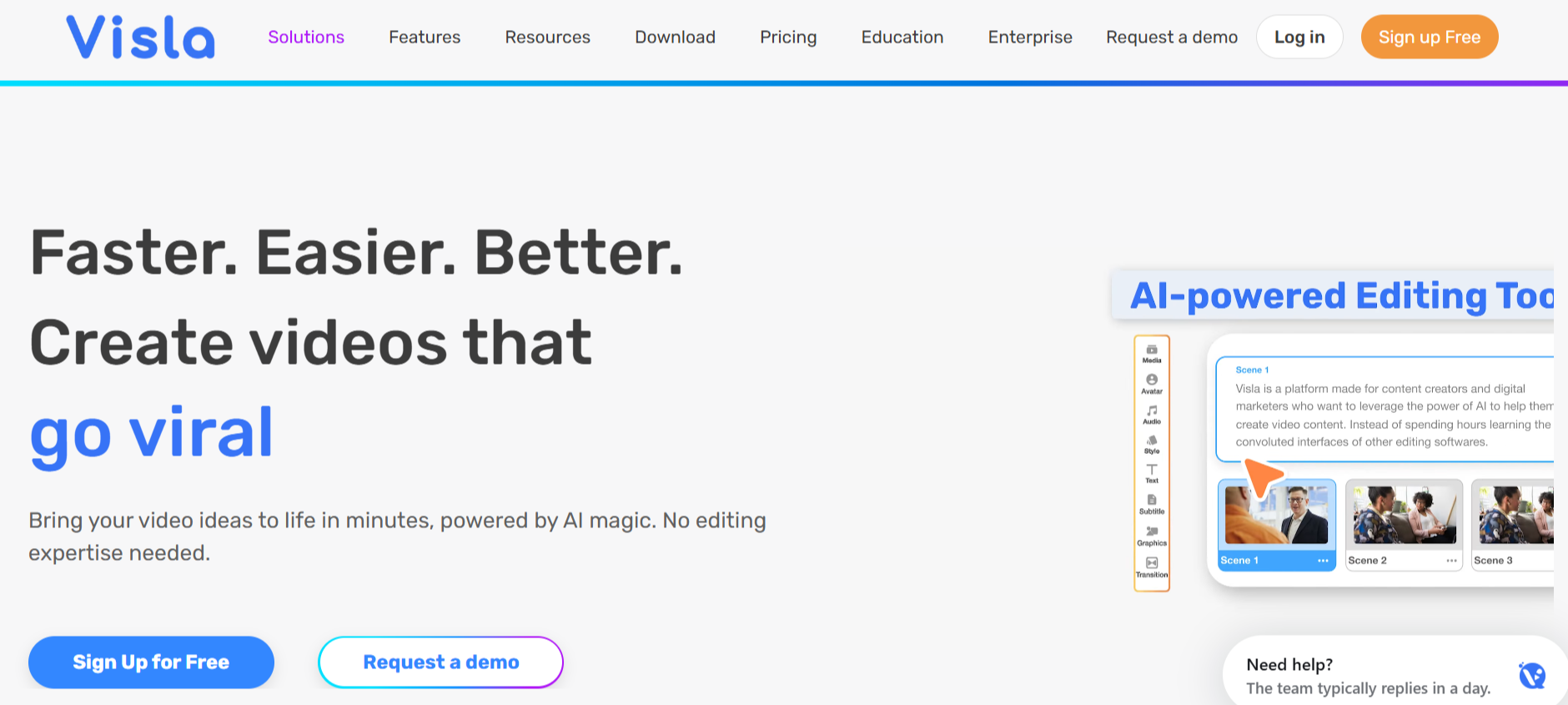
Visla focuses on comprehensive team video workflows through Teamspaces acting as digital hubs for collaborative projects. The web based platform enables multiple team members creating, editing, reviewing, and approving content within unified environments designed specifically for business video production.
Advanced collaboration features include commenting, version comparison, and approval workflows streamlining feedback processes. Integration with enterprise tools including Slack, Teams, and project management platforms extends workspace functionality throughout organizational ecosystems.
Key Features:
- Teamspaces provide centralized hubs for collaborative video projects
- Advanced approval workflows with commenting and version comparison
- Enterprise integrations with Slack, Teams, and project management tools
4. Frame io
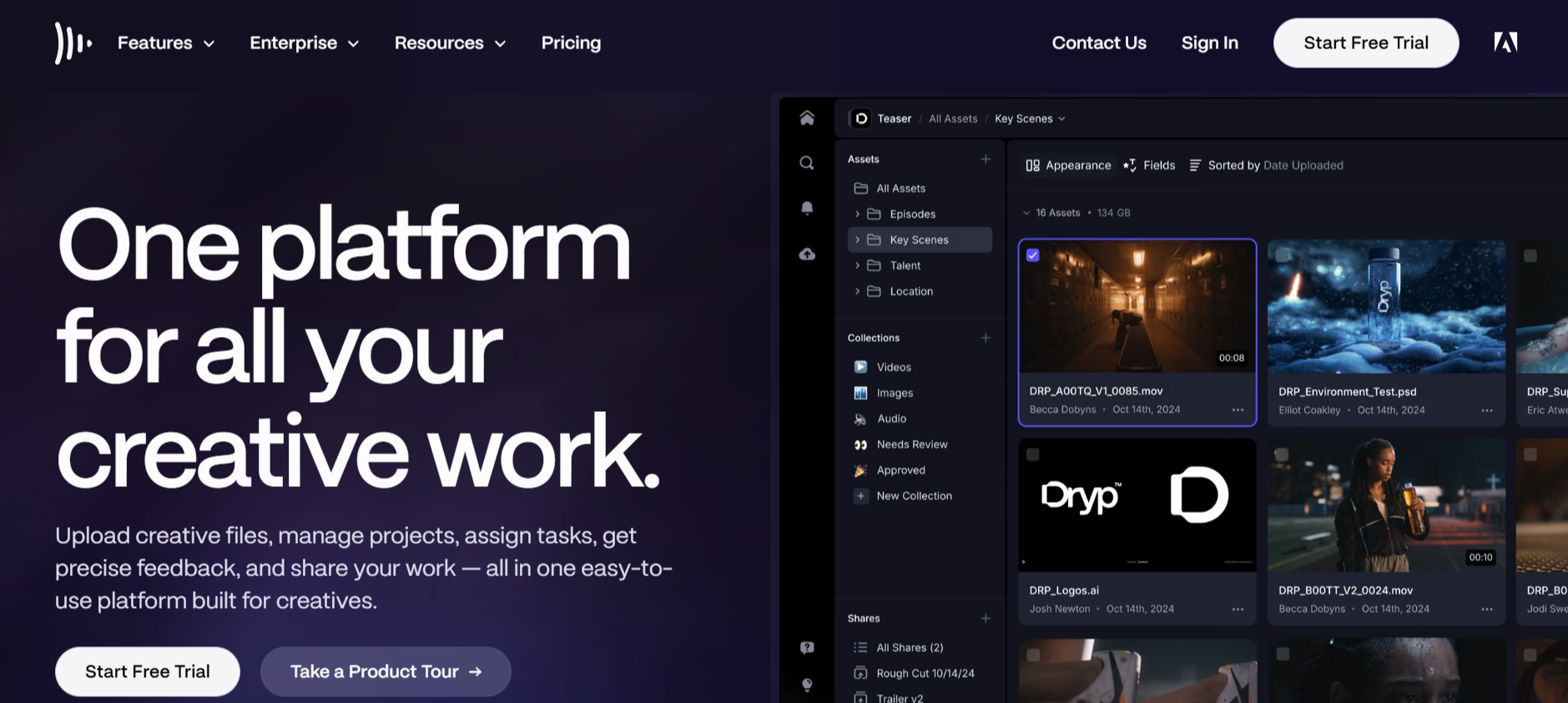
Frame io specializes in professional video review and collaboration through cloud based workspaces trusted by major studios and creative agencies. The web based platform provides time stamped commenting, annotation tools, and version control supporting complex production workflows requiring precise feedback.
Integration with professional editing software including Adobe Premiere Pro, Final Cut Pro, and DaVinci Resolve enables seamless workflows. The workspace structure supports unlimited reviewers with customizable permissions controlling access across projects.
Key Features:
- Professional review workflows with time stamped comments and annotations
- Integration with Adobe Premiere Pro, Final Cut Pro, DaVinci Resolve
- Unlimited reviewers with customizable permission controls
5. Vimeo

Vimeo offers enterprise video collaboration through workspaces supporting separate team focus areas with unique permission levels. The web based platform enables creating, editing, sharing, and collaborating on video content within unified environments designed for business communication.
The workspace features include video messaging, webcam recordings, and analytics providing insights into team creative performance. Various hosting possibilities including webinars and live streaming extend collaboration beyond clip creation into comprehensive video communication.
Key Features:
- Separate workspaces with unique permission levels for team organization
- Video messaging and webcam recordings for asynchronous communication
- Analytics providing insights into team creative performance
6. VEED
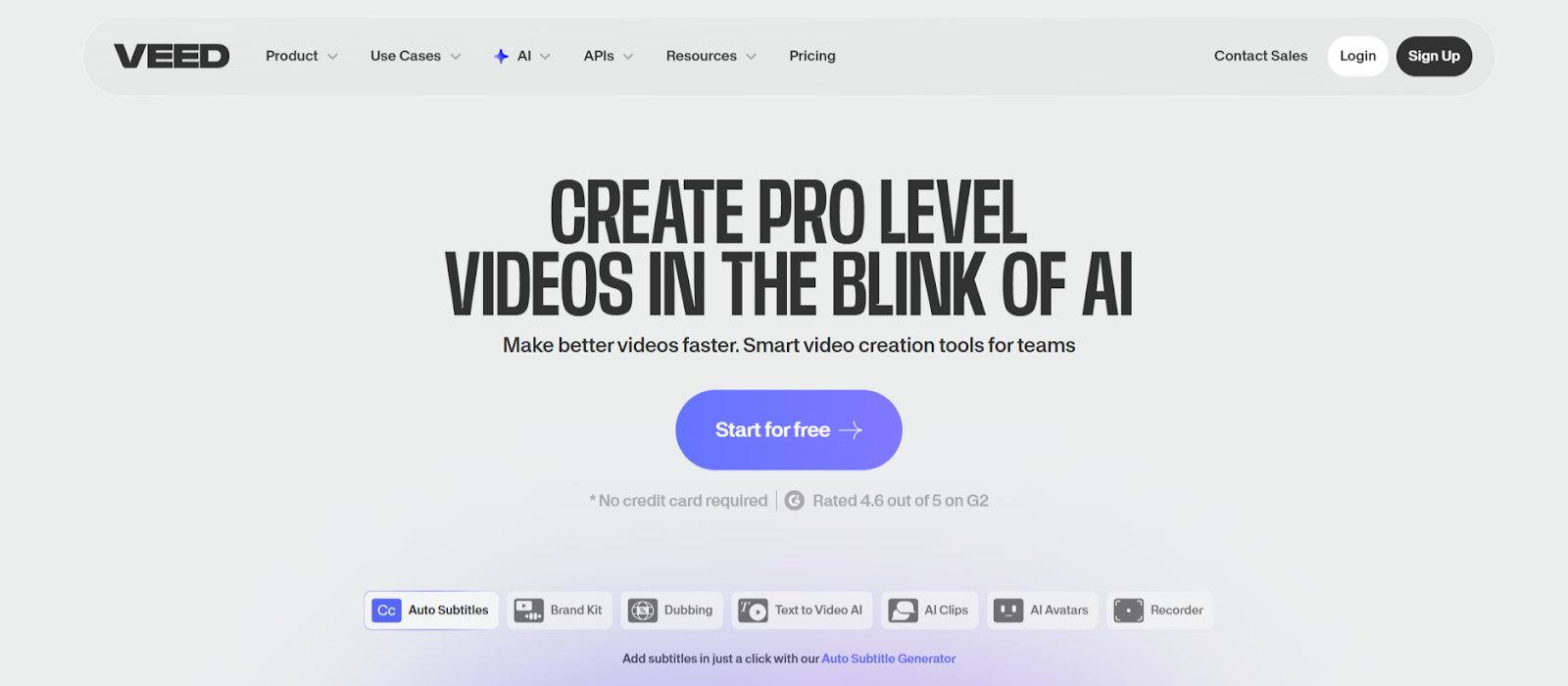
VEED combines comprehensive web based editing with team collaboration features supporting shared workspaces. The browser platform enables multiple users reviewing and refining clips simultaneously without software installation requirements that create barriers across distributed teams.
The collaborative workspace includes commenting, annotation tools, and approval workflows streamlining feedback processes. Cloud storage integration connects workspace activities with existing file management systems organizations already use.
Key Features:
- Shared workspaces with simultaneous multi user editing capabilities
- Collaborative commenting and annotation tools for feedback
- Cloud storage integration with existing organizational systems
7. Descript
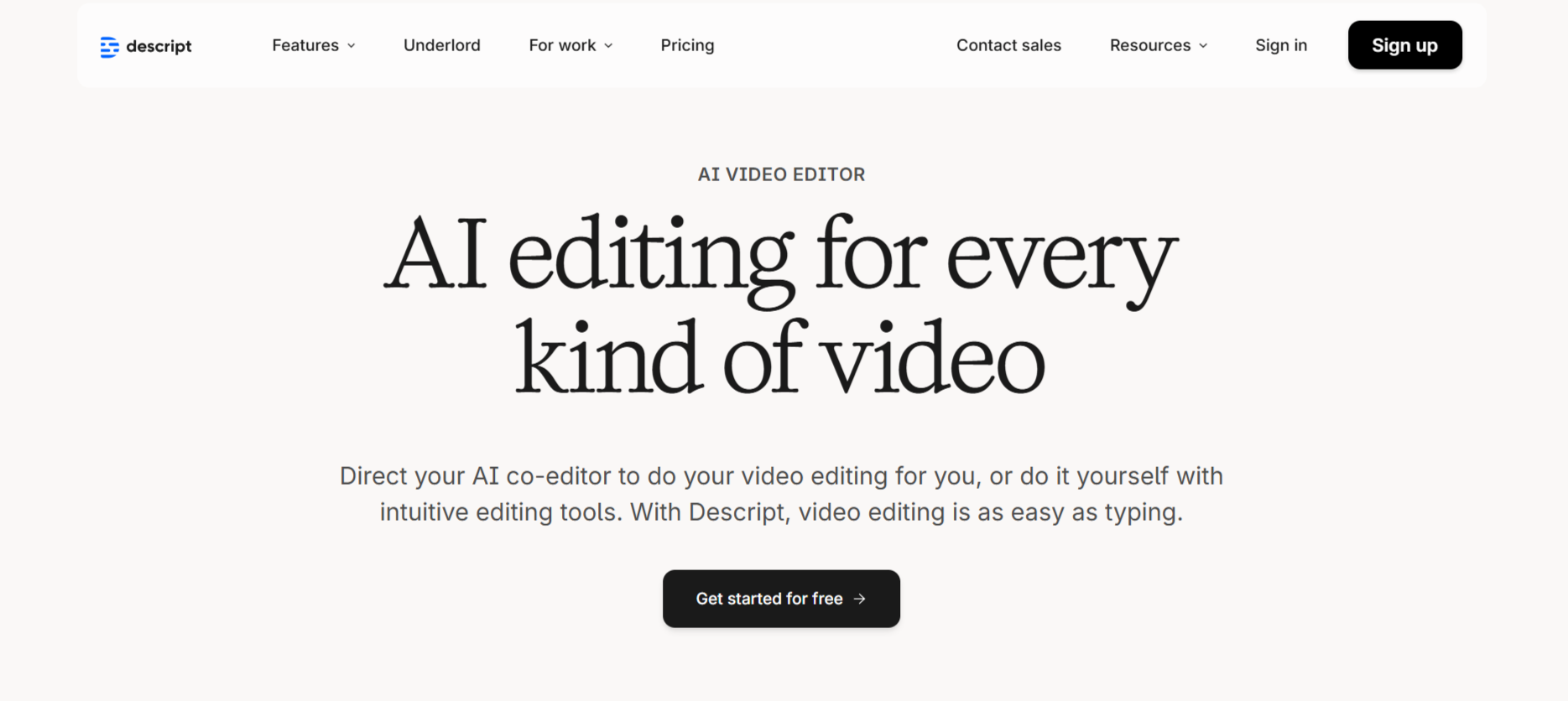
Descript provides collaborative workspace features through cloud based editing enabling distributed teams working together seamlessly. The web based platform supports multiple users editing projects simultaneously with automatic conflict resolution and version control.
The workspace includes commenting threads attached to specific transcript sections enabling precise feedback. Team libraries store shared audio, video, and template assets accessible to all workspace members ensuring consistency.
Key Features:
- Cloud based workspaces with simultaneous editing and version control
- Commenting threads attached to specific transcript sections
- Team libraries for shared assets accessible to all members
8. Reap
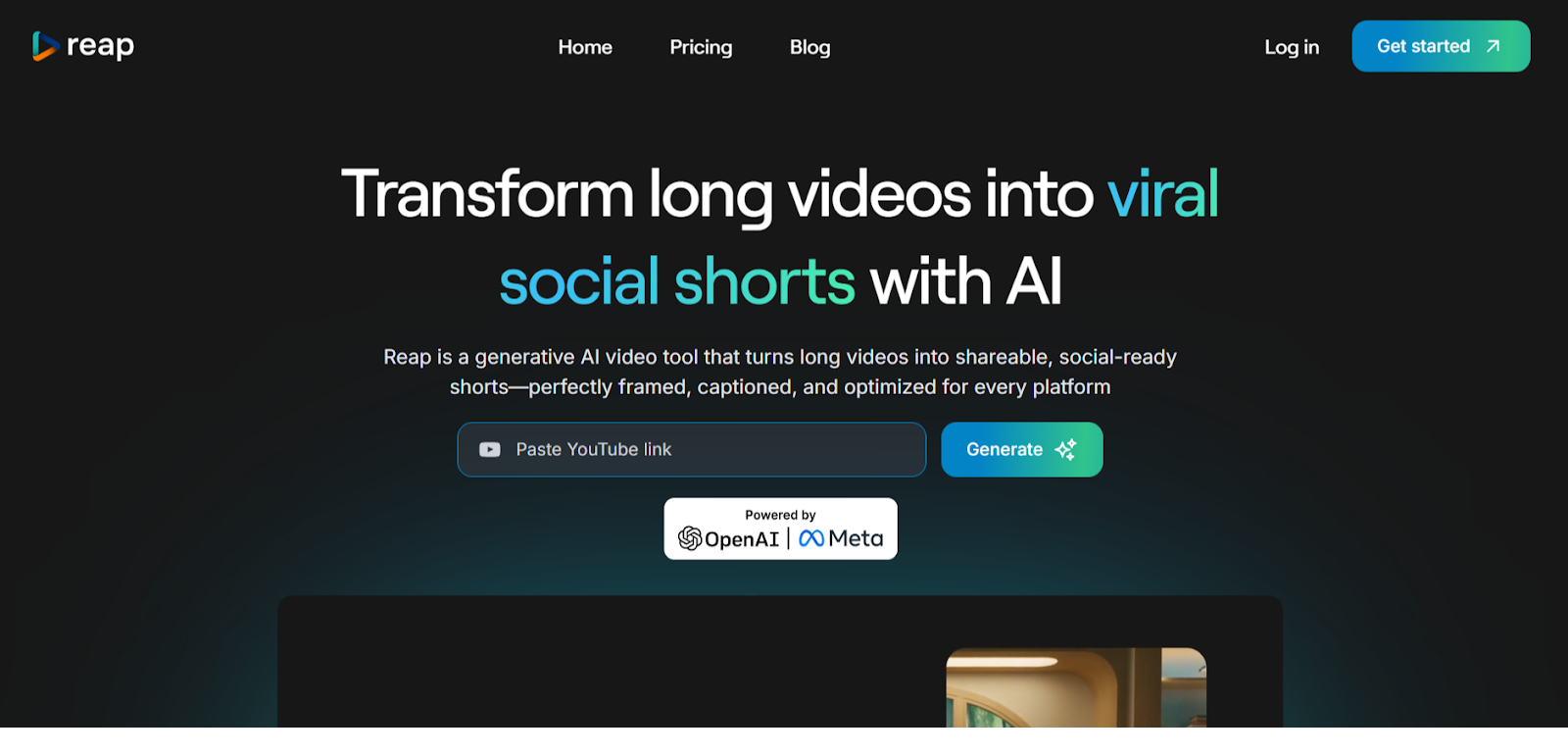
Reap targets teams and agencies through Studio plans featuring collaborative workspaces, shared templates, and priority support. The web based platform enables orchestrating content creation across multiple contributors through organized workspace structures.
The automation API extends workspace functionality enabling developers integrating Reap features into existing organizational workflows. Role based permissions ensure appropriate access levels across team structures.
Key Features:
- Collaborative workspaces designed for teams and agencies
- Shared templates ensuring consistency across contributors
- Automation API for workflow integration
9. Loom

Loom specializes in asynchronous video communication through workspaces enabling teams sharing, organizing, and collaborating on video messages. The web based platform provides unlimited workspace storage organizing clips by projects, teams, or clients.
The collaborative features include commenting, emoji reactions, and task generation from video content. Integration with Slack, Teams, and project management tools embeds video collaboration throughout organizational communication channels.
Key Features:
- Asynchronous video messaging with workspace organization
- Commenting, reactions, and task generation from videos
- Integration with Slack, Teams, and project management platforms
10. Kapwing
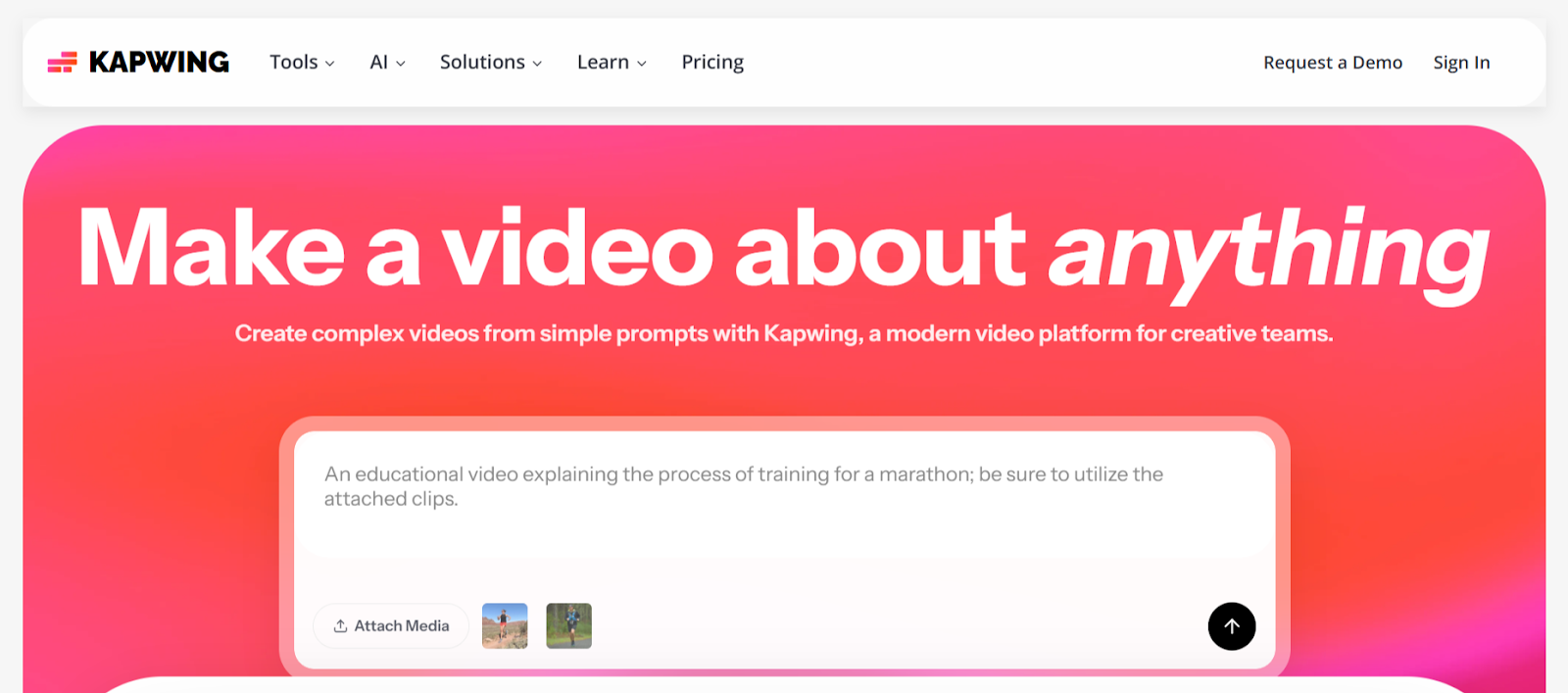
Kapwing offers accessible team collaboration through shared workspaces enabling multiple users editing clips simultaneously. The web based platform provides real time updates visible to all workspace participants without complicated file synchronization.
The collaborative features include timestamped comments, version history, and approval workflows. Browser based access ensures team members participate from any device without software installation barriers.
Key Features:
- Shared workspaces with real time collaborative editing
- Timestamped comments and version history tracking
- Browser based access without installation requirements
Conclusion
Internal team workspaces determine whether organizations coordinate video production efficiently or waste resources through fragmented workflows. These web based platforms prove that unified collaboration environments handle video creation more effectively than scattered tools. LiveLink AI leads with comprehensive workspace infrastructure and enterprise grade organization, though each tool addresses specific team collaboration scenarios effectively.
Your organization deserves video workflows matching operational sophistication. Scattered tools create coordination overhead consuming hours weekly on version control, approval tracking, and asset location rather than actual creative work. Unified workspaces eliminate those inefficiencies entirely while improving output quality through systematic collaboration.
Start by consolidating your most active video team into your chosen workspace platform. Measure coordination time before and after implementation, tracking how quickly projects move from concept to approved publication. The productivity gains prove immediately measurable through reduced meeting time, fewer email chains, and faster content delivery matching organizational velocity requirements.
FAQs
What workspace features matter most for team video collaboration?
Essential features include real time editing enabling simultaneous work, role based permissions preventing unauthorized changes, version history protecting against mistakes, centralized asset libraries ensuring brand consistency, approval workflows maintaining quality control, and commenting tools providing feedback without external communication. Platforms like LiveLink AI and Synthesia provide comprehensive feature sets supporting enterprise collaboration requirements.
How many team members can collaborate in video workspaces?
Capacity varies dramatically by platform and pricing tier. Free plans typically support 2 to 5 collaborators, professional plans handle 10 to 50 team members, and enterprise solutions like LiveLink AI enable unlimited users across multiple workspaces. Consider current team size plus growth projections when evaluating workspace capacity requirements.
Can workspace tools integrate with existing business systems?
Quality platforms including Visla, Frame.io, and LiveLink AI integrate with Slack, Microsoft Teams, Google Workspace, project management tools, and creative software. These integrations embed video collaboration throughout existing workflows rather than requiring teams switching between isolated applications. Verify specific integration requirements before committing to platforms.
Do team workspaces maintain security and privacy?
Enterprise focused platforms provide robust security including encrypted storage, access controls, activity logging, compliance certifications, and data residency options meeting regulatory requirements. Features like role based permissions and approval workflows prevent unauthorized access while audit trails track all workspace activities for accountability and compliance purposes.
How do workspaces handle conflicting edits from multiple users?
Advanced platforms like LiveLink AI and Descript use conflict resolution systems where simultaneous edits automatically merge when possible or flag conflicts requiring manual resolution when contradictory. Real time cursor tracking shows active editors preventing overlapping work, while version history enables reverting problematic changes maintaining project integrity throughout collaborative processes.


