

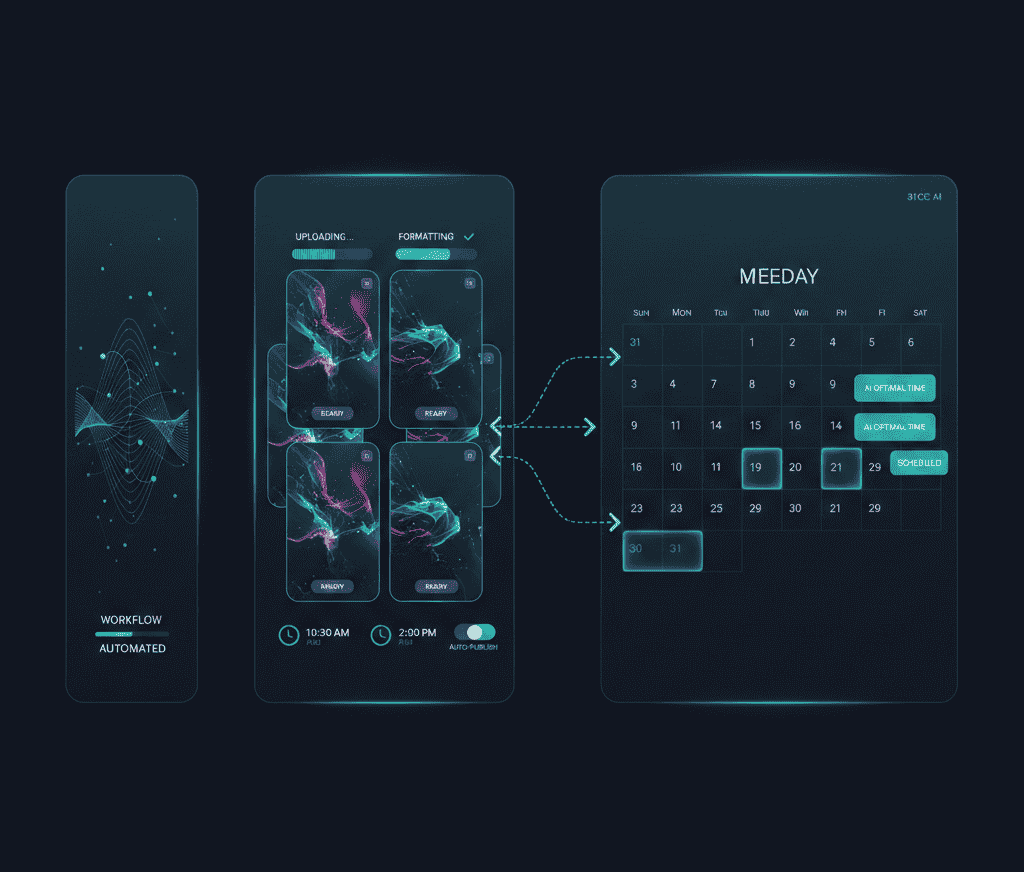

Creating YouTube Shorts is exciting, but it can also be overwhelming. You have a brilliant idea, edit a clip to perfection, and then realize the tedious process of uploading, timing, and publishing manually consumes hours. Without a strategy, this routine can quickly turn into frustration, reducing the time available for actual content creation. Scheduling and auto-posting your Shorts is the solution to staying consistent, reaching the right audience, and building momentum over time.
This guide will explore the full spectrum of scheduling and auto-posting YouTube Shorts. You will learn not only how to use tools to automate posting but also how to optimize your schedule, understand audience behavior, measure performance, and refine your strategy based on analytics. By integrating these methods, you can free up your workflow while still keeping your content timely, engaging, and effective.
Why scheduling YouTube Shorts is crucial
YouTube Shorts function differently from long-form videos. They appear in a vertically scrolling feed, capturing viewers' attention for quick bursts. Unlike traditional uploads, timing and consistency are paramount. Regular posting signals activity to both your audience and YouTube’s algorithm, increasing the likelihood of your content being suggested and recommended.
Key statistics:
- YouTube Shorts receive over 15 billion daily views globally (Flowpost ai)
- There are over 2 billion logged-in monthly users engaging with Shorts (Flowpost ai)
- Shorts contribute to approximately 25% of YouTube’s total watch time (Flowpost ai)
- Channels that post consistently see three times faster subscriber growth than irregular uploaders (Tubefilter)
- Early engagement in the first 24 hours boosts visibility in the Shorts feed by up to 60% (VidIQ)
These numbers underline that strategic posting is not optional. Without a clear schedule, even quality content may fail to gain traction.
Scheduling vs manual posting
Most creators default to uploading and publishing immediately. This can work if you only post sporadically, but for sustained growth, scheduling is far more effective.
Benefits of scheduling
- Consistency: Your audience knows when to expect content.
- Time management: Batch creation frees time for other tasks.
- Global reach: Publish at optimal times across time zones without being online.
- Algorithm alignment: Maintains a predictable posting pattern that algorithms favor.
Drawbacks of manual posting
- Requires constant attention and presence online
- Difficult to maintain consistent posting rhythm
- Limited ability to plan ahead for multiple videos
How to schedule YouTube Shorts effectively
You can schedule Shorts using either YouTube Studio’s built-in features or third-party tools. Each has its advantages and limitations.
YouTube Studio scheduler
YouTube Studio allows scheduling directly:
- Access YouTube Studio and click on Create Video.
- Upload your vertical Short video under 60 seconds.
- Add metadata: title, description, tags.
- Choose Schedule instead of Publish Now.
- Select the date and time for release.
Pros:
- Native platform integration
- No additional tools required
Cons:
- One video at a time, cumbersome for bulk uploads
- No advanced analytics or optimization suggestions
Third-party scheduling tools
Platforms like LiveLink.ai simplify scheduling and auto-posting:
- Connect your YouTube channel.
- Upload multiple Shorts in one batch.
- Input titles, descriptions, and hashtags.
- Set dates and times for each video.
- Auto-posting ensures content goes live without manual input.
Benefits:
- Batch uploads and queue management
- Automated optimal posting times
- Performance tracking and analytics
- Integration with multi-platform posting for Reels, TikTok, etc.
Step-by-step scheduling strategy
Scheduling is more than picking a date and time. Here’s a complete framework.
Step 1: Batch content creation
Producing multiple Shorts in one session saves time:
- Categorize videos: tutorial, highlight, teaser.
- Label each file with posting order.
- Ensure quality and consistency across the batch.
Step 2: Determine audience peak times
Analyze your audience analytics to find when viewers are most active:
- Morning: early engagement and catch-up browsing.
- Lunch: mobile viewers on breaks.
- Evening: high mobile usage and scrolling.
Many scheduling tools analyze historical data to suggest optimal time slots, but personal testing remains key.
Step 3: Define a posting cadence
The volume matters less than the rhythm:
- 1 Short/day for gradual growth
- 2 Shorts/day for moderate expansion
- 3+ Shorts/day only if content quality is sustainable
Step 4: Track and refine
Monitor the following metrics to adjust your schedule:
- Views in the first 24 hours
- Average watch time
- Engagement rate (likes, comments, shares)
- Subscriber growth linked to Shorts
Refine the timing, content type, and metadata based on observed performance trends.
Auto-posting benefits
Scheduling is only half the picture. Auto-posting ensures content is published on time, even if you’re offline or busy:
- Keeps consistency without manual intervention
- Avoids missing key engagement windows
- Supports multi-channel content management
Metadata and optimization
High-quality metadata ensures Shorts reach the intended audience:
- Title: concise, descriptive, keyword-rich
- Description: context, key points, links
- Tags: relevant to niche and trends
Including captions and hashtags enhances engagement and discoverability. LiveLink.ai helps automate caption generation and hashtag suggestions, saving time.
Avoiding common mistakes
- Blind scheduling: Always track historical engagement to pick optimal times.
- Weak metadata: Inaccurate or incomplete titles, descriptions, or tags reduce reach.
- Audience inactivity: Posting during off-hours limits exposure.
- Inconsistent cadence: Gaps disrupt algorithmic favor and audience expectation.
Advanced scheduling techniques
Repurposing long-form videos
Use AI tools to cut highlights from long-form content and create multiple Shorts. This method not only saves production time but ensures you always have content to fill your schedule. LiveLink.ai can extract clips, create multiple Shorts, and schedule them automatically.
Content calendar management
Visual calendars help track upcoming and posted content:
- Green: published
- Orange: scheduled
- Red: gaps or missing content
This ensures steady delivery and identifies opportunities for new content creation.
Testing different formats
Experiment with different video lengths, captions, hooks, and CTAs to see what resonates with your audience. The scheduling framework allows you to publish tests systematically.
Case examples
Example 1: Education channel A tutorial channel batch-created 10 Shorts per week, scheduled for 6 PM daily. Within a month, average views per Short increased by 40%, and subscriber growth doubled.
Example 2: Entertainment clips A comedy Shorts creator used LiveLink.ai to auto-post snippets from longer videos. Engagement rate rose by 30% because consistent posting kept the channel active and relevant.
FAQs
Can I schedule Shorts without third-party tools?
Yes, YouTube Studio allows scheduling directly.
Does scheduling impact algorithmic promotion?
Generally, consistent metadata and timing matter more than manual vs scheduled posting.
How far ahead can I schedule Shorts?
YouTube permits scheduling weeks in advance, providing ample planning flexibility.
Will scheduled Shorts have different analytics?
No, analytics are identical regardless of posting method.
Can auto-posting work while I’m offline?
Yes, once scheduled, Shorts will publish automatically without requiring your presence.
Key takeaways
Scheduling and auto-posting YouTube Shorts is a strategic approach to maintain consistency, reach your audience efficiently, and focus your energy on content creation rather than repetitive publishing tasks. Tools like LiveLink.ai simplify this workflow by offering batch uploads, automated posting, captions, and hashtag suggestions. By integrating scheduling into your content process, you not only save time but also create a predictable rhythm that both your audience and YouTube’s algorithm can rely on. Planning, testing, and refining your schedule is an ongoing process, but mastering it can lead to sustainable growth, stronger engagement, and a more manageable workflow for creators at any level.


