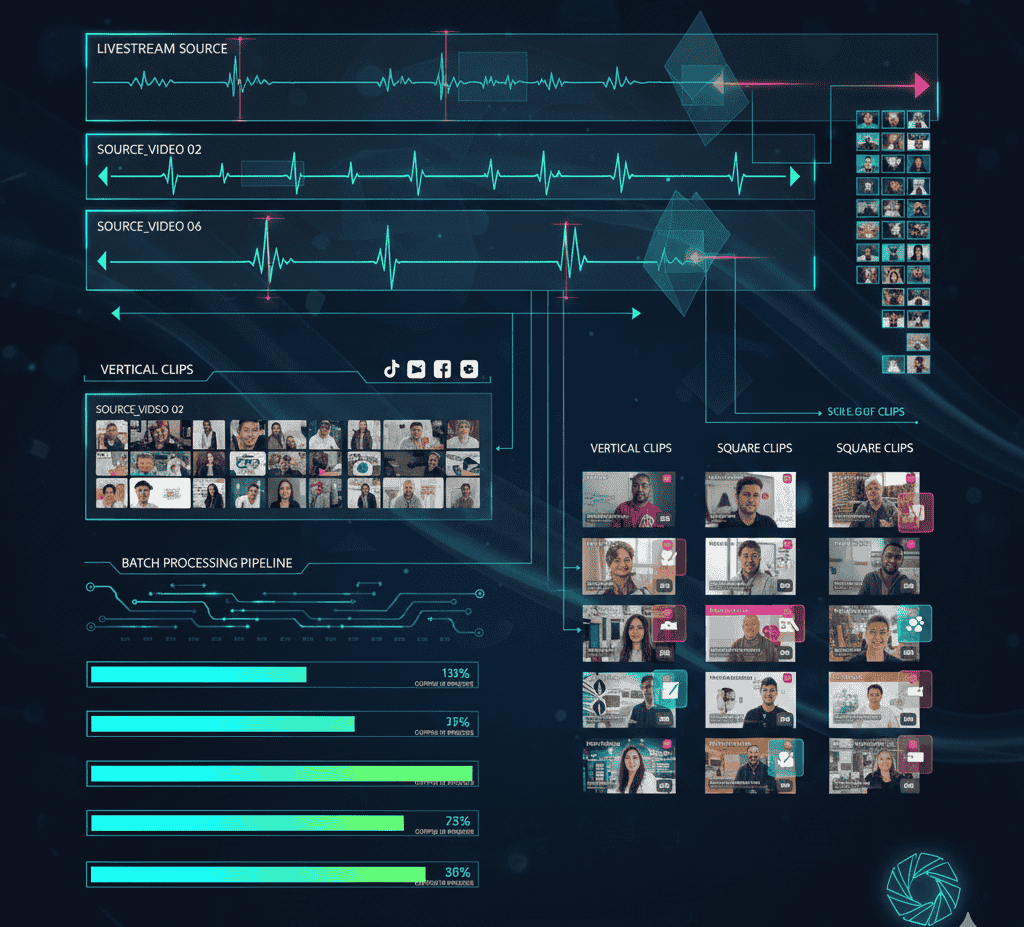
Livestreams are one of the most underused content assets in marketing. Teams invest hours preparing, hosting, and promoting live sessions, yet once the stream ends, the content often fades away. The reality is that livestreams contain dozens of moments that can be reused as short clips across social platforms.
Repurposing livestreams into short clips allows marketers, agencies, and creators to extend reach, improve engagement, and create consistent content without additional filming. This guide explains how to do it properly, what workflows work at scale, and how LiveLink AI helps teams turn live content into high-performing clips.
Why livestream repurposing matters
Most audiences do not watch full livestream replays. They consume short, focused content that fits into their daily scroll.
Key reasons livestream repurposing works:
- Livestreams capture authentic reactions and unscripted insights
- Live content feels timely and trustworthy
- Short clips lower the barrier to consumption
- One livestream can supply weeks of social content
When teams fail to repurpose livestreams, they waste valuable material that already exists.
Types of livestream content that convert well into clips
Not all livestream moments perform equally. High-performing clips usually fall into these categories.
Educational insights
Clear explanations, how-to steps, or expert opinions are ideal for short clips.
Audience questions
Q and A moments feel personal and relatable, making them strong engagement drivers.
Reactions and emotional moments
Authentic reactions during live sessions create memorable clips.
Demonstrations and walkthroughs
Live demos translate well into tutorial-style short videos.
Strong opening or closing statements
Intro hooks and closing summaries often contain concise, shareable messages.
Planning livestreams with repurposing in mind
Repurposing works best when planned ahead.
Structure the livestream
Break the session into clear segments so highlights are easier to find later.
Encourage audience interaction
Questions, polls, and comments create natural clip moments.
Avoid long monologues
Short focused answers clip better than long uninterrupted explanations.
Step by step process to repurpose livestreams
Step 1 save and organize the recording
Ensure the livestream recording is saved in high quality and stored in an organized library.
Step 2 transcribe the livestream
Transcription makes it easier to search for topics, keywords, and questions.
Step 3 identify clip-worthy moments
Look for moments with clear value, strong statements, or audience interaction.
Step 4 use AI to generate clips
LiveLink AI analyzes transcripts, audio cues, and visual context to suggest clip segments automatically.
Step 5 apply speaker tracking
Speaker tracking keeps the active speaker centered, improving focus and professionalism.
Step 6 add captions and branding
Captions improve accessibility and retention. Brand templates keep clips consistent.
Step 7 format clips for each platform
Adjust aspect ratios for vertical, square, or landscape viewing.
Step 8 schedule and publish
Distribute clips over time to maintain a steady content flow.
Why AI is essential for livestream repurposing
Manual editing does not scale for livestream content.
Time savings
AI reduces hours of scrubbing footage and manual cutting.
Consistency
Templates and automation keep visuals uniform.
Speed
Clips can be published while the livestream is still relevant.
How LiveLink AI supports livestream repurposing
LiveLink AI is designed for long-form to short-form workflows.
- Automatic highlight detection
- Speaker tracking for focused framing
- Caption generation and styling
- Brand templates for consistent output
- Batch processing for multiple livestreams
These features make it practical to repurpose live content regularly.
Platform specific clipping strategies
YouTube Shorts
Focus on educational or opinion based moments under 60 seconds.
Instagram Reels
Use visually engaging clips with captions and strong hooks.
TikTok
Prioritize conversational and reaction driven moments.
Highlight professional insights, case examples, and data points.
Measuring performance of livestream clips
Track the right metrics.
- Watch time and completion rate
- Engagement and shares
- Follower growth
- Traffic or lead attribution
Use performance data to guide future livestream topics.
Common mistakes to avoid
Posting clips without context
Clips should stand alone and make sense without full livestream context.
Ignoring captions
Many viewers watch without sound.
Publishing all clips at once
Spread content over time for better reach.
Overediting
Authenticity matters with live content.
Real world examples
Marketing webinar livestream
A marketing team turned a one hour livestream into 12 clips and used them across social platforms for three weeks, increasing engagement without new filming.
Product announcement livestream
A SaaS company repurposed live product ng
Minimal edits work best for authenticity.
Final takeaway
Livestreams should not be one-time events. They are content libraries waiting to be reused. With the right process and AI support, one livestream can power weeks of short-form content.
LiveLink AI makes livestream repurposing efficient by handling clipping, speaker tracking, captions, and branding in a single workflow. Teams that treat livestreams as ongoing content sources consistently outperform those who let recordings sit unused.
Who are Found and what is an office broker?
Most livestreams yield 8 to 15 usable clips depending on length.
Minimal edits work best for authenticity.
Yes, with proper formatting and captions.
Yes, multiple livestream recordings can be processed together.